If you are searching for couple games on PC, the real question is usually simple: what can the two of you start on Steam tonight that you will both enjoy, even if one of you barely plays games? Short answer: start with Stardew Valley or PICO PARK when your partner is new, pick It Takes Two when you want a story you finish side by side, and reach for Overcooked! 2 when you want short, noisy rounds that end in laughter. Below, ten PC games to play with your girlfriend or boyfriend, nine on Steam plus Minecraft, are compared by the thing that actually decides your evening: how you connect. Some are online co-op on two PCs, some work on one screen with both of you on the same couch, and a few let you get away with buying a single copy through Friend's Pass or Remote Play Together. Every mode listed comes from the features on the game's Steam store page or from the publisher's own FAQ. After the table you will find a checklist to run before you buy, five steps for your first session, and a way to keep the moments you will want to watch again.
Our picks: Stardew Valley to start, It Takes Two for a story, Overcooked! 2 for laughs
Three questions settle it. First, how will you connect? If you each have a PC, look for online co-op. If you share one PC or a laptop, look for games that list one screen (Shared/Split Screen) co-op on Steam. Second, who buys? According to EA's FAQ, It Takes Two is co-op only for two players, and if one of you owns it, the other can play the whole game online with the free Friend's Pass. If neither of you owns it yet, Friend's Pass still lets you try the first chapter together. Games marked Remote Play Together on Steam let the owner host and invite a Steam friend into the session. Third, how far apart are your skill levels? A partner who is new to games usually settles in faster with something unhurried like Stardew Valley, while couples who enjoy survival can sink many evenings into Don't Starve Together, which lists Adjustable Difficulty on its store page. If you would rather build and decorate with no fixed goal, Minecraft fits well. And if you both already play competitive games, you may not need a new game at all: duo queue in League of Legends or VALORANT is a couple game in its own right. Before you start climbing together, see the LoL duo guide and the VALORANT duo guide, and to turn one match into a single video with both of your views, read duo highlights from both POVs.
10 couple games on PC compared
| Game | How you play together | Best for couples who |
|---|---|---|
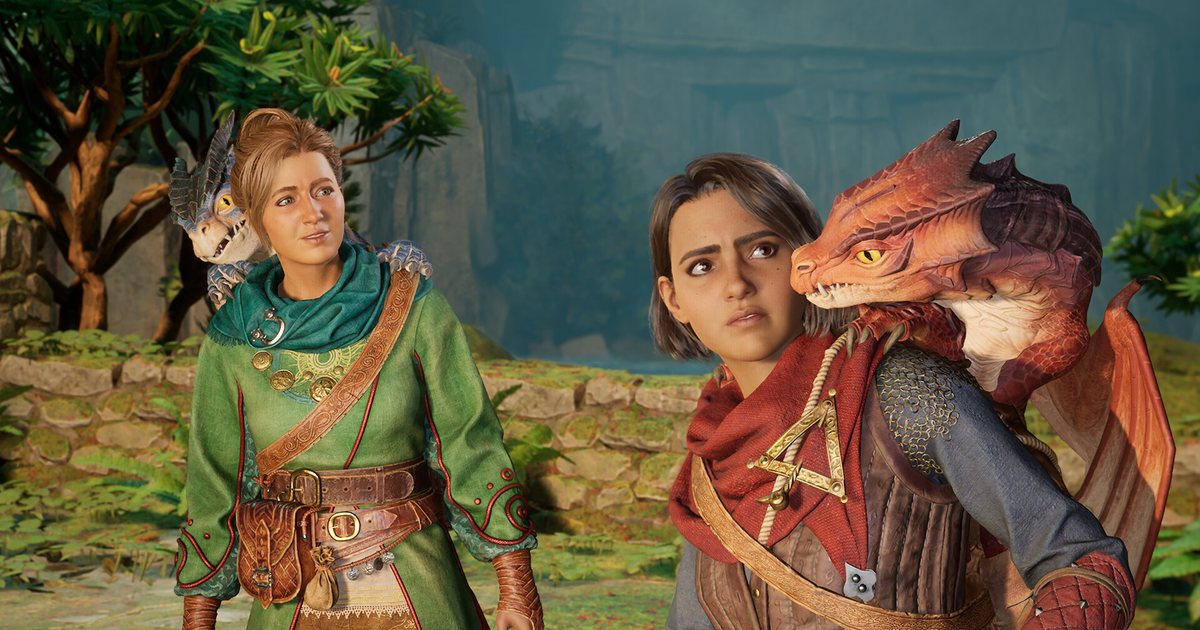
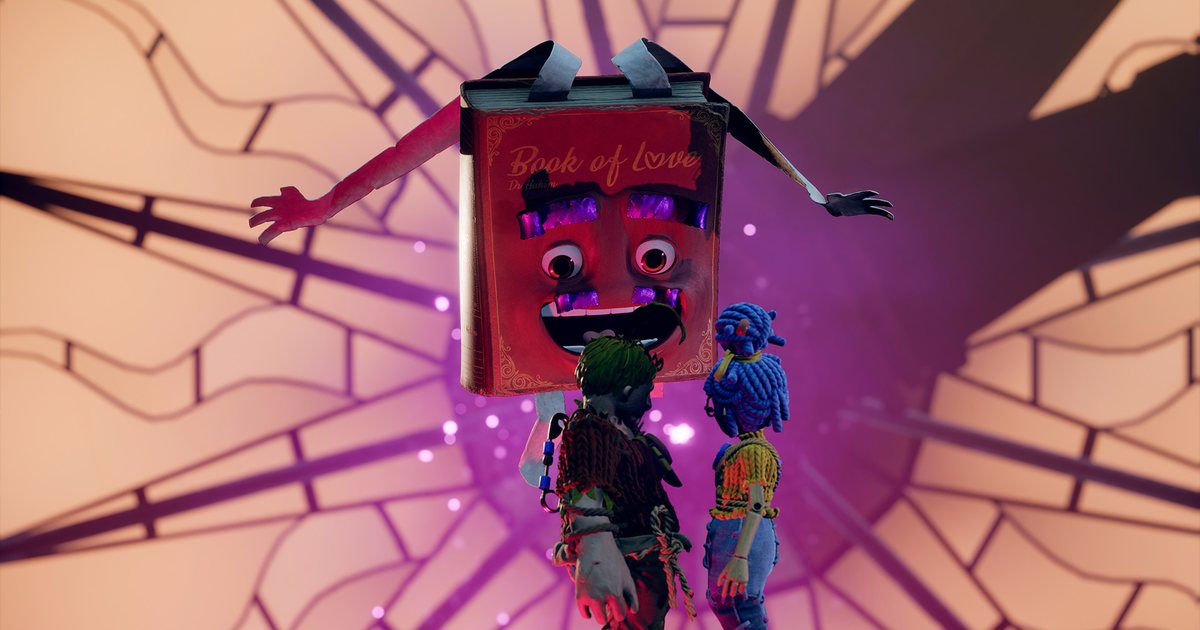
| It Takes Two | Two player co-op only: online, split screen on one PC, Friend's Pass (one owner, partner plays free), Remote Play Together | want one story to finish together, or want only one of you to buy |
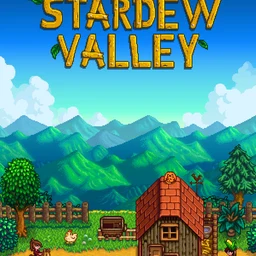
| Stardew Valley | Online co-op (invite 1 to 7 players, per the store page), LAN, one screen split, Remote Play Together | want a slow daily routine on a shared farm with a partner who is new to games |
| Overcooked! 2 | Online co-op, one screen co-op, online and couch versus, Remote Play Together | like short rounds, quick teamwork and a lot of laughing |
| Unravel Two | One screen co-op; play apart through Remote Play Together | enjoy a calm mood and taking puzzles at their own pace |
| PICO PARK | Online co-op, one screen co-op, 2 to 8 players per the store page | want simple controls to find their rhythm, and may invite friends later |
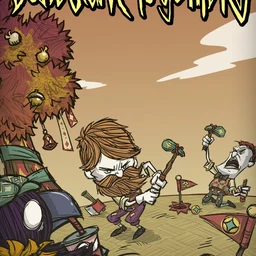
| Don't Starve Together | Online co-op, LAN co-op; each of you needs a PC and a copy; Adjustable Difficulty listed | like planning, surviving together and keeping one world going over many sessions |
| Minecraft | Not on Steam: runs from the official launcher; join on the same edition, Java or Bedrock | like building and decorating with no fixed goal |
| Human Fall Flat | Online multiplayer for up to 8 players (store page), one screen co-op, Remote Play Together | laugh at wobbly physics while solving puzzles |
| Golf With Your Friends | Online versus, one screen versus, Remote Play Together, up to 12 players per the store page | like light competition and want mini golf rules nobody has to explain |
| Keep Talking and Nobody Explodes | One screen co-op, Remote Play Together, VR supported | want a talking puzzle where one explains and one listens, to test how in sync they are |
Checklist before you buy a couple game
- Both PCs meet the minimum requirements on the Steam store page if you play online; for one screen play, only the PC you share has to.
- Language: check the supported languages list on each store page so both of you can read the menus and dialogue.
- Online or one screen: match the second column of the table to your setup, and remember that a one screen game with Remote Play Together also works when you are apart.
- Who needs a copy: Friend's Pass covers It Takes Two, Remote Play Together needs only the host's copy, and other online games need one copy each. You can send your partner theirs with gift a game on Steam.
- Difficulty for a beginner partner: start with Stardew Valley or PICO PARK, step up to Don't Starve Together later, and if you both already play ranked, a LoL or VALORANT duo works from day one.
- Voice: settle on Discord or Steam voice chat, wear headphones to cut echo, and if you want your conversation in the video too, see record gameplay with mic audio.
How to start playing together on PC in five steps
- 1Add each other on SteamCreate Steam accounts if you need to, then add each other from the friends list with a friend code or profile name. Game invites, Remote Play Together and gifts all start from that list, so do this first.
- 2Decide how each of you gets the gameBuy one copy each, gift a game on Steam to your partner, use Friend's Pass for It Takes Two, or let the host own a Remote Play Together game. To lend games you already own, read the Steam Family Sharing guide, but keep in mind that a shared copy runs for one person at a time, so playing at the same moment still needs a copy each.
- 3Set up voiceChoose Discord or Steam voice chat and mute the in game voice chat if it doubles up. Spend the first minute checking that you can hear each other clearly over the game sound.
- 4Keep the first session short and easyPick a game you can stop within an hour: the opening stages of Overcooked! 2 or PICO PARK, or the first few days in Stardew Valley. The host invites the other from the friends list. If it clicks, move on to longer games like It Takes Two or Don't Starve Together.
- 5Keep your first clipsThe first level you clear together only happens once. With DOR running, Stardew Valley, Don't Starve Together and Minecraft are recorded from the moment they launch, and other games can be captured with screen recording. Drop the clips into a DOR guild for just the two of you and rewatch them together later.
Keep your couple moments: DOR recording and a private guild
DOR is a free Windows app. For the games it supports, such as Stardew Valley, Don't Starve Together and Minecraft, you just launch the game and DOR records the whole session automatically; afterwards you cut the moments you want into clips in the browser editor. For Minecraft, the full walkthrough is in how to record Minecraft gameplay. The other games in the table, from It Takes Two to Overcooked! 2 and PICO PARK, you capture with DOR's screen recording, starting and stopping it yourself. If your date night is a LoL or VALORANT duo, DOR also makes automatic kill and highlight clips, and party clip combines both of your POVs from the same match into one highlight video. Put everything in a DOR guild just for the two of you: a private space for people who know each other, where you upload clips, chat and schedule the next session. When you want something for an anniversary post or a story, open DOR Studio at dor.gg/studio, merge a few clips, switch to 9:16, add text, background music and an effect template, then export an mp4 or share it as a dor.gg link.