
Looking for 2 player games on PC you can start tonight? Before scrolling through another list, settle three questions. Are you in the same room or in separate homes? Does the game need to run on one screen or on two PCs? And is each of you buying a copy? Those answers rule out most games straight away. This guide compares ten Steam games built around two players working together: Portal 2, Split Fiction, A Way Out, We Were Here Together, We Were Here Forever, Biped, Operation: Tango, Cuphead, Chained Together and Unrailed!. It works the same whether player two is a friend, a sibling, a roommate or a partner, because the focus is how the co-op is set up: couch co-op on one screen, online co-op on two PCs, or a mix of both. Every co-op type in the table comes from the game's Steam store categories (Online Co-op, Shared/Split Screen Co-op, Remote Play Together, Cross-Platform Multiplayer) or from the publisher's Friend's Pass notes, and all ten are paid games. Because the real question is usually who buys what, keep how to gift a game on Steam open in another tab.
Quick answer: one screen in the same room, a Friend's Pass or Remote Play Together when only one of you owns it
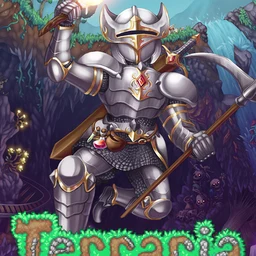
Start with where you are. Same room, one monitor: pick from the shared or split screen games, which are Portal 2, Split Fiction, A Way Out, Biped, Cuphead, Chained Together and Unrailed!, and plug in a second controller. Separate homes with only one copy between you: Split Fiction and Operation: Tango let the owner invite a friend who plays on a free pass, and any game with Remote Play Together lets the host stream a local co-op session to the other player over Steam. Separate homes and both happy to buy: the two We Were Here games are online co-op with cross platform play, and they reward the constant talking that makes two player puzzles fun. If one of you is paying for both copies, gift the second copy on Steam. Siblings in the same Steam family should know that Family Sharing still needs two copies in the family library for two people to play the same game at once, which the Steam Family Sharing guide explains. And if you want a world to sink weeks into rather than one campaign, Terraria has online co-op on Steam, while Minecraft runs on its own official launcher outside Steam.
10 Steam coop games for two, compared by co-op type
| Game | Co-op type (Steam store / publisher) | Why it works for two |
|---|---|---|
| Portal 2 | Online co-op · one screen · Remote Play Together | The two player co-op mode has its own campaign, separate from single player. The puzzles need both of you, so planning out loud is half the fun. |
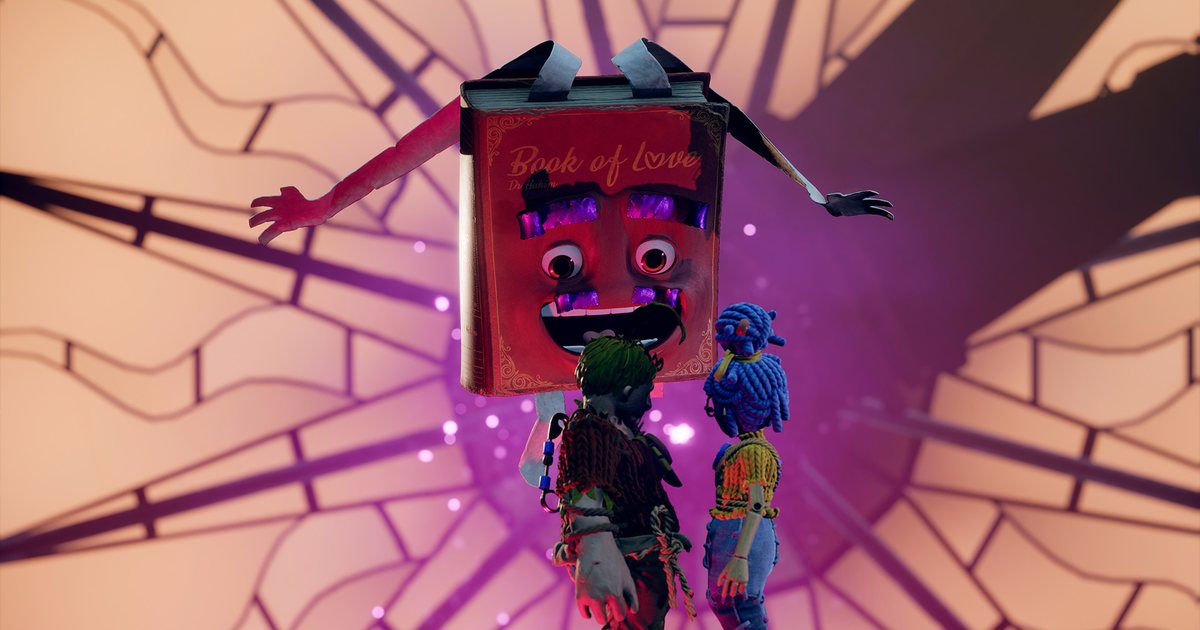
| Split Fiction | Online co-op · one screen · Remote Play Together · Friend's Pass · crossplay | If one of you owns it, the other plays the full campaign free with Friend's Pass (EA account needed). Crossplay covers PC, PS5 and Xbox Series X/S. |
| A Way Out | Online co-op · one screen · Remote Play Together · co-op only | The store says it must be played with two players: an exclusively co-op adventure you follow together from start to finish, which makes it an easy first pick. |
| We Were Here Together | Online co-op · co-op only · crossplay | Marked co-op only on Steam. A puzzle adventure where describing what you see is how you get anywhere, so voice chat is the game. |
| We Were Here Forever | Online co-op · crossplay | A 2022 entry in the same series and a natural next step after Together. Steam lists no shared screen co-op, so each of you needs your own PC and copy. |
| Biped | Online co-op · one screen · Remote Play Together · crossplay | Playable solo or as two player co-op with a friend or family member, and it has a mouse only option, which helps when player two rarely games. |
| Operation: Tango | Online co-op only · Friend Pass · crossplay | The owner invites and the friend plays free with Friend Pass. The store notes it is online co-op only and requires a microphone, so it suits two people who like to talk it through. |
| Cuphead | One screen · Remote Play Together | Steam lists shared/split screen co-op rather than online co-op, so in separate homes the host shares the screen with Remote Play Together. |
| Chained Together | Online co-op · one screen · Remote Play Together | As the name says, you move tied together, so one slip drags you both down. Great for laughing through retry after retry. |
| Unrailed! | Online co-op · one screen · Remote Play Together · crossplay | Lay track ahead of a moving train and split jobs on the fly. Modes are Endless, Quick, Sandbox (up to 4 players) and Versus (2 vs 2), and the store recommends a gamepad. |
Checklist before your 2 player session
- The co-op type fits your setup: one screen for the same room, online co-op or Remote Play Together for separate homes
- You agreed who owns the game: Friend's Pass, Remote Play Together host, or two copies
- You are friends on Steam, and for Split Fiction's Friend's Pass the EA account is ready
- Mics work and you picked one voice channel (Operation: Tango requires a microphone)
- A second controller is connected for one screen games
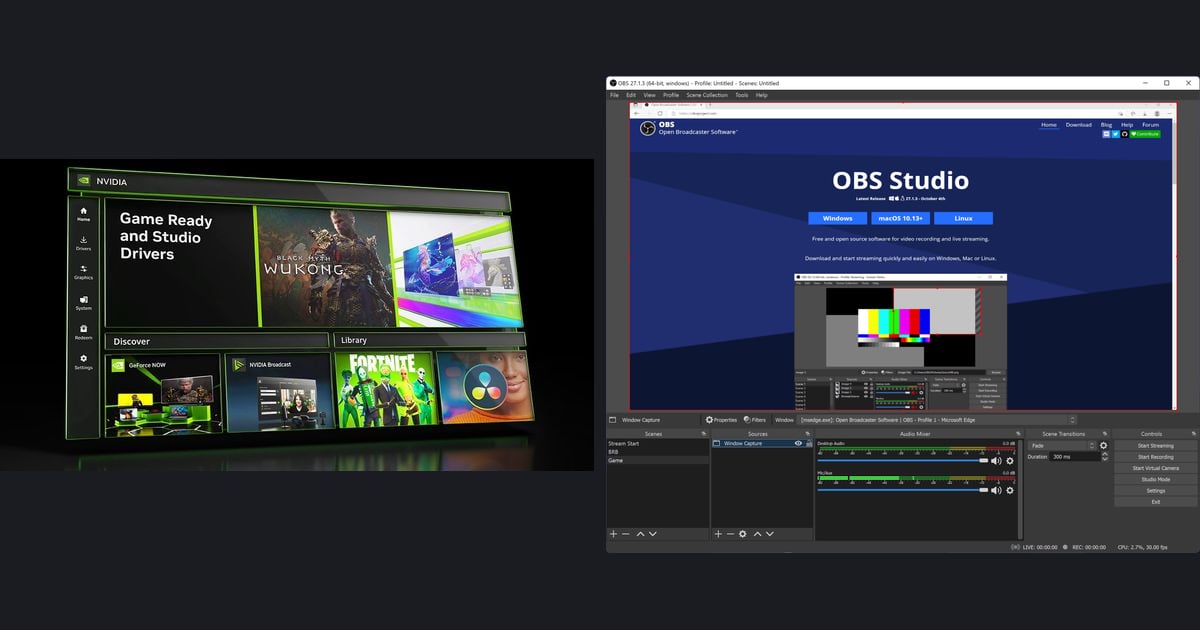
- Both of you are recording with game audio and mic; see how to record gameplay with mic audio
How to set up a 2 player session
- 1Check the co-op type on the store pageLook at the feature list on the game's Steam page for Online Co-op, Shared/Split Screen Co-op and Remote Play Together. Same room needs shared or split screen; separate homes need online co-op or Remote Play Together. If you see Cross-Platform Multiplayer, check that both of your platforms are covered before buying.
- 2Decide who needs to own itSplit Fiction and Operation: Tango need only one buyer, and the friend joins with a free pass. A local co-op game like Cuphead needs only the host's copy when you use Remote Play Together. Online only games such as the We Were Here series need a copy each, and one of you can gift the second.
- 3Invite each other and test the connectionAdd each other on Steam, then invite from inside the game or send a Remote Play Together invite from the friends list in the Steam overlay. Remote Play Together streams the host's game, so the host's connection matters most. Walk around for a minute to check for lag before a hard section.
- 4Pick your voice channelCo-op puzzles run on talking. Choose Discord or Steam voice chat before you start, and test mics first for Operation: Tango, which requires one. To keep the call in your video, see how to record Discord call audio.
- 5Record on both PCs and keep both POVsThe same moment looks different on each screen. If both of you start recording before the session, you can join the two views later, as shown in duo highlight with both POVs.
Turn two screens into one video with DOR
DOR is a free Windows app for recording PC games. For the ten games in this guide, use DOR's screen recording: each of you starts it on your own PC before the session, so the puzzle you cracked together is saved from both sides. Bring the recordings into DOR Studio at dor.gg/studio to trim the dead time, merge your two clips into one video, choose 16:9, 9:16 or 1:1, and add text, background music and effect templates. Export an mp4 or share the finished video as a single dor.gg link your player two can open right away. For ways to order the two POVs, read duo highlight with both POVs. Games DOR supports, such as Terraria and Minecraft, are recorded automatically for the whole session as soon as you launch them, and LoL and VALORANT also get automatic kill clips. Keep it all in a private DOR guild for just the two of you, where you can chat and schedule the next session.