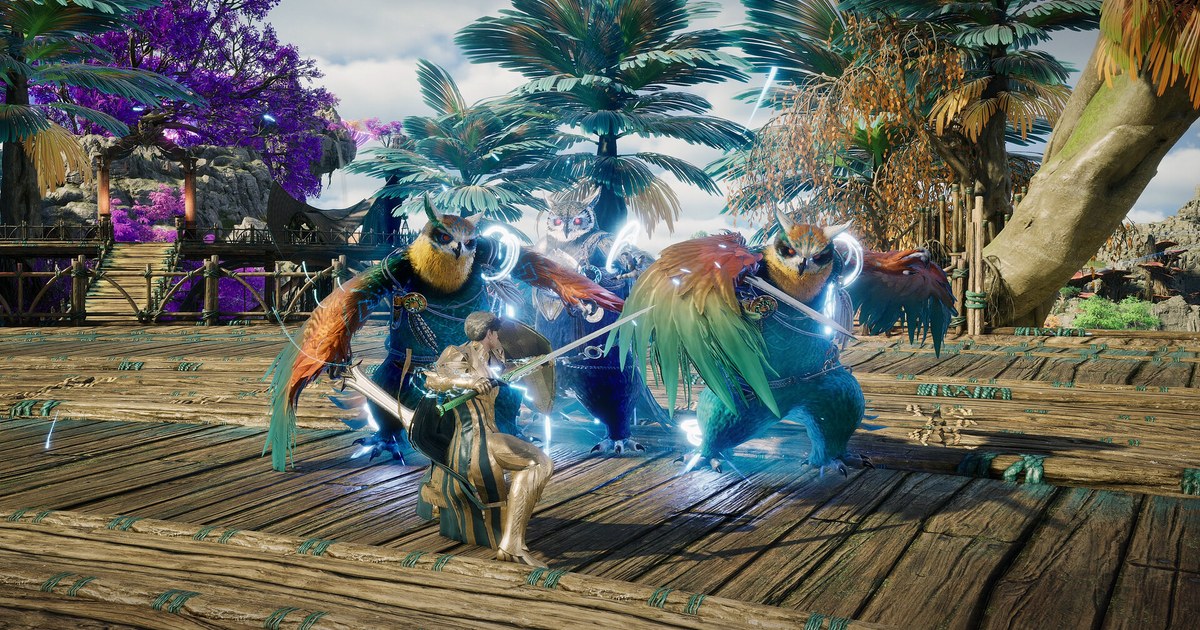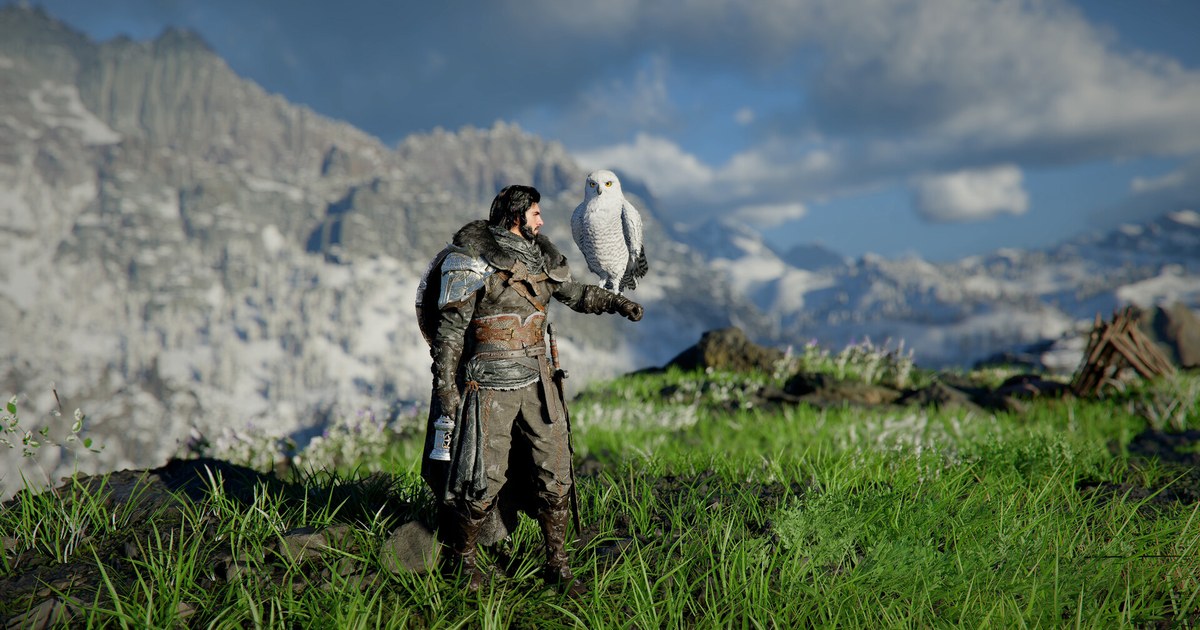

The short answer for Crimson Desert best PC settings is three moves. Turn on upscaling at DLSS or FSR Quality mode, set ray tracing and lighting quality to a tier your GPU can hold, and use Frame Generation only when your base frame rate is already healthy.
The graphics menu looks long, but several guides agree that only a handful of options move frame rate much. This guide is current as of November 24, 2026. It compares the official Steam specs with several English and Korean optimization guides and keeps only the advice they broadly agree on.
Where guides split, it says so and shows how to check for yourself. On Steam, the minimum is a GTX 1060 class card and the recommended spec is an RTX 2080 or RX 6700 XT class card, both with 16 GB of RAM.
Full specs and storage are covered in Crimson Desert system requirements, so this article only covers tuning settings once the game already runs. To see your frame rate on screen, turn on a counter first with how to show FPS in games.
The answer: Quality mode upscaling, then lower heavy options one step at a time
Here is where to start for each tier. On a recent high-end card, use Quality mode or DLAA for upscaling, keep ray tracing on and start lighting near Ultra. One guide says holding 60 fps at 1440p on the High preset takes roughly an RTX 4070 or RX 7700 XT.
On anything weaker, drop to 1080p, use DLSS or FSR at Quality mode, switch ray tracing off, and lower foliage density and lighting one step each. Setting Blur Intensity to 0 is something most guides agree on. Ray Reconstruction and Ray Regeneration are where guides split.
Some tell you to turn them on, while others say frame rate falls sharply and to leave them off. That is why starting with them off and measuring the difference yourself is the safer route.
Frame Generation is meant for when your base frame rate is already around 40 fps or better, and one guide warns that latency can jump when it is combined with VSync. Camera angle is a separate setting from performance, so for video friendly values see Crimson Desert camera settings.
How to tune Crimson Desert step by step
- 1Turn on an FPS counter and pick two test scenesYou need a starting average to know how much a change helped. Pick a busy town and an open field, and measure from the same spot every time.
- 2Turn on upscaling at Quality modeSwitch DLSS or FSR to Quality for your graphics card. This one change often adds the most frame rate and usually costs the least image quality.
- 3Adjust ray tracing and lightingIf you are under your target, turn ray tracing off or drop lighting quality one step. Many guides call top tier lighting expensive, so suspect it first.
- 4Lower options that draw wide scenesFoliage density and fog quality shake frame rate in big open views. Lower one at a time, measure again in your test scenes, and keep only the changes that help.
- 5Decide on Frame Generation lastTurn it on only once your base frame rate is solid. Even if it looks smoother, input latency can rise, so test it in combat and switch it off if it feels off.
Crimson Desert PC settings by GPU tier (as of November 24, 2026)
| Option | Budget or mid range GPU | High end GPU |
|---|---|---|
| Upscaling Mode | DLSS or FSR Quality, start at 1080p | Quality or DLAA |
| Ray Tracing | Start with it off | On, then check frame rate |
| Ray Reconstruction and Regeneration | Start off, guides disagree | Try on and compare with off |
| Lighting Quality | One step below the top tier | Between Ultra and Cinematic |
| Foliage Density | Low to Medium | High or above |
| Blur Intensity | 0 | 0, or to taste |
| Frame Generation | Only above about 40 fps base | Same rule, keep VSync off |
Before you finish tuning
- You noted your average frame rate in both test scenes before changing anything
- Upscaling is on at Quality mode
- For the options guides disagree on, you measured both on and off
- Blur Intensity is set to 0
- If stutter continues, you checked the shader cache and free drive space
Record before and after to compare settings on video
DOR is a free Windows game recording app. When you launch a supported game, it detects the game automatically and records the whole match, and recordings collect in My Clips. You can check what DOR supports on the Crimson Desert hub.
Run through the same scene after each settings change and you build up before and after videos, so you can compare frame rate and image quality side by side later. Free recording offers 720p and 1080p at 30 or 60 fps, with 1080p at 30 fps as the default.
On supported NVIDIA graphics cards such as RTX series, DOR records with NVENC hardware encoding. You can record, edit and share without a watermark, which also makes it easy to show friends or a community what your tuning achieved.
If frame rate is tight while recording, keep recording at 1080p and 30 fps and lower the in game options first.