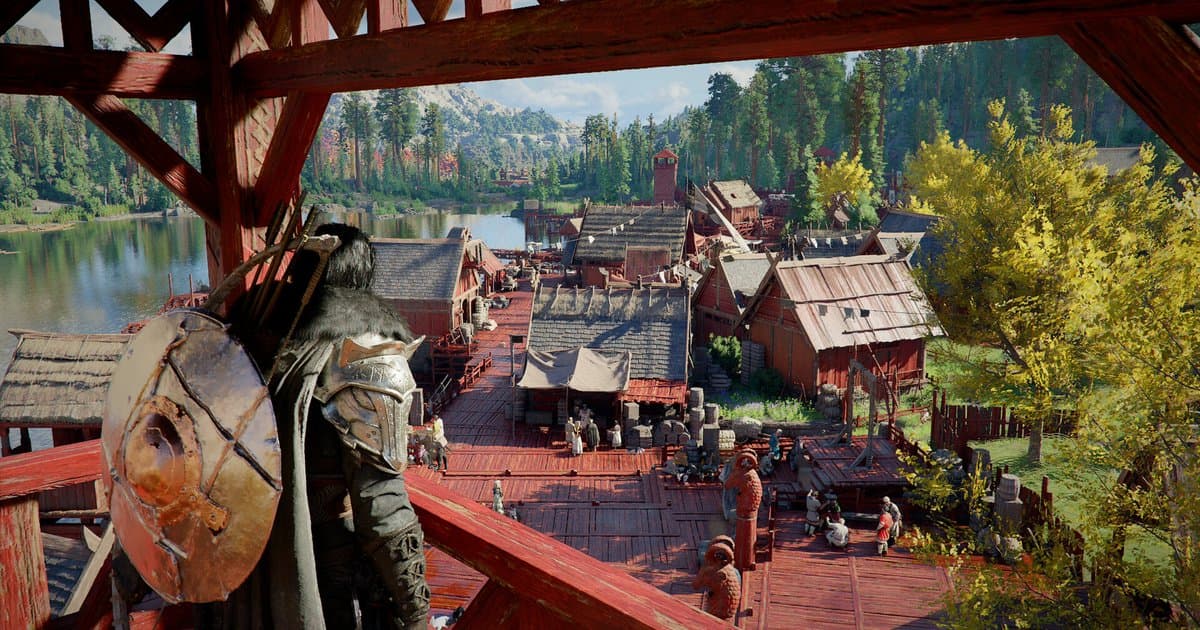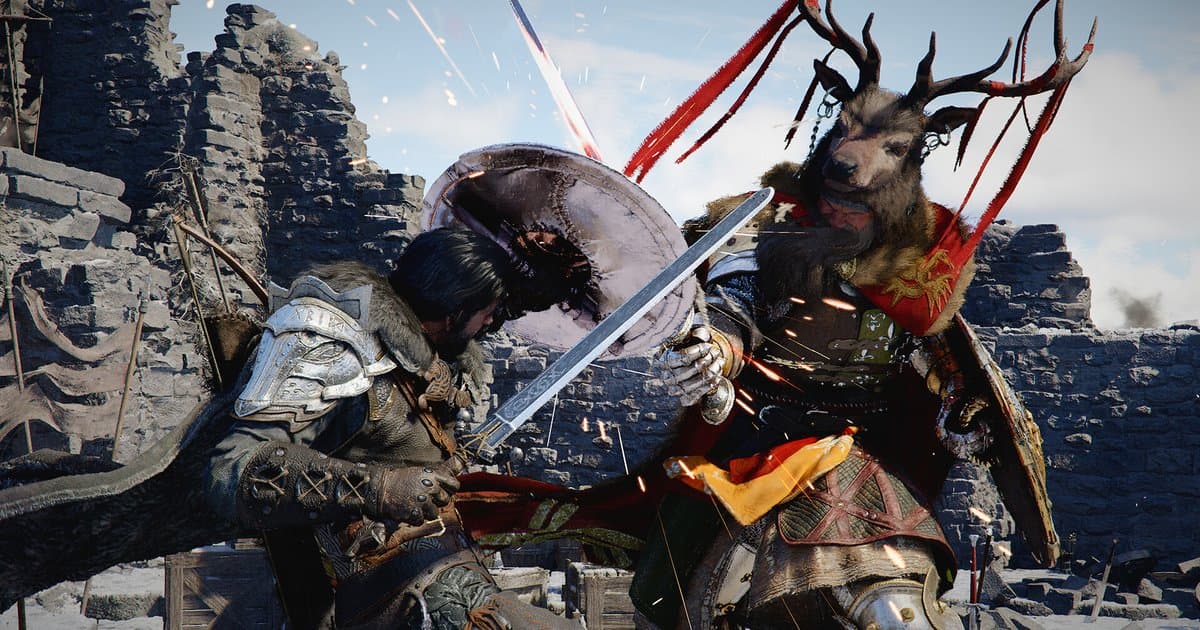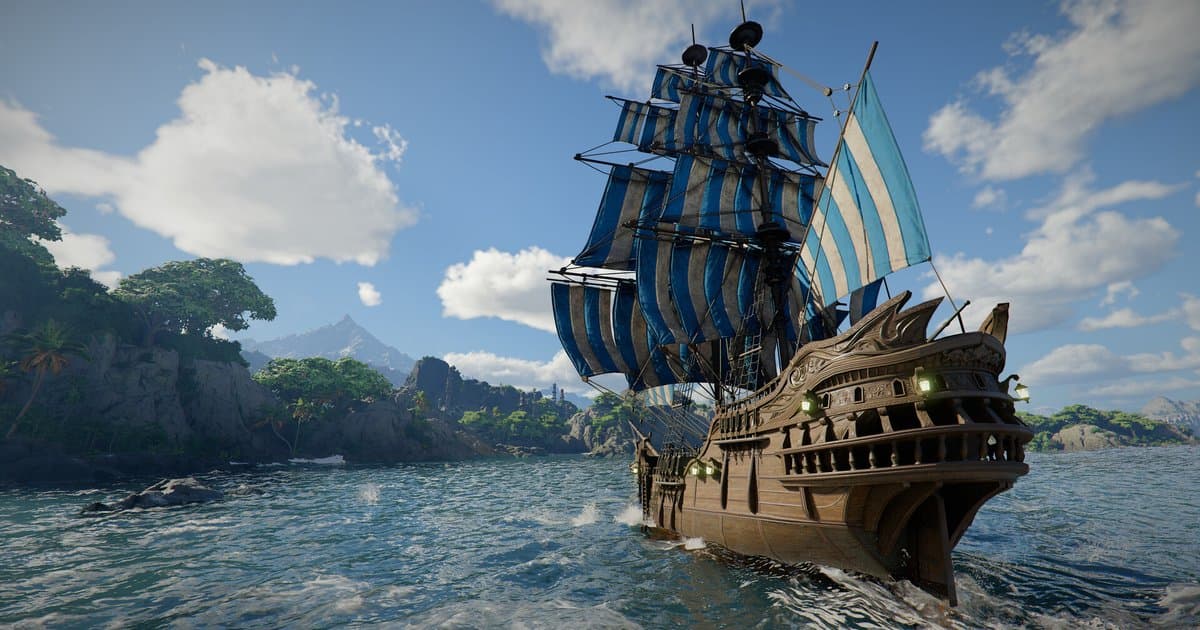
Charting the Unknown, the new DLC for Crimson Desert, arrives on Thursday, October 29, 2026. Pearl Abyss lists the launch at 3:00 p.m. PT (6:00 p.m. ET) in North America and 22:00 UTC (23:00 CET) in Europe. The original date was October 15. A notice on September 30 pushed the release back two weeks, so if a search result still says October 15, it was written before the delay. Every region unlocks at the same moment. In Korea and Japan that moment falls at 7:00 a.m. on Friday, October 30, which is why coverage from Asia gives a different day. According to the Steam store description, the expansion moves the adventure out onto Pywel's seas. At its core, you sail your own ship to new islands off the coast and dive to search sunken ruins for treasure. Around that, it adds facilities you can rent and run for profit, improved housing, more conversations with Pywel's residents, new story threads involving the desert, a political conflict and an ancient secret under the sea, and tough new enemies on land and at sea. This guide follows the questions people search for most, such as the Crimson Desert DLC release date, the Charting the Unknown price and the pre-order bonus. It covers regional launch times, store prices, what is and is not confirmed about start requirements, and what to set up before launch day. Dates and prices were checked against Pearl Abyss's official notices and the Steam store on October 16, 2026.
Bottom line: settle the purchase, drive space and recording setup before October 29
Decide on the pre-order based on the bonus. Pearl Abyss's notice says the two diving sets are exclusive to pre-orders and mentions no other perk. Some coverage reports a discount for base game owners, but the official notice does not mention one, so check the price on the DLC page while signed in to the store you will buy from. Prices differ by store and region. If you pre-purchase on Steam and change your mind, know the refund rules first. Steam's refund policy says a pre-purchase that cannot be played before launch can be refunded at any time before release, that the 14-day refund window does not start until the release date, and that the two-hour playtime limit still applies. DLC has its own condition of less than two hours of base game playtime since the DLC was bought, so read how Steam refunds work before relying on one. The pre-order notice was also revised on October 12. Following a review of content and age rating requirements, the DLC will not be sold or playable in certain regions, and pre-orders there have closed. The notice does not name the affected regions, so a missing buy button may mean the restriction applies to you. If you already pre-ordered in one of those regions, the notice points you to your platform's refund process. It is also not available on the Mac App Store at launch. Next comes drive space. Steam lists 150 GB of storage for the base game with an SSD required, and the download size of the DLC and its launch patch had not been published as of October 16. Finish base game updates the day before and leave generous free space on the drive. Back up your saves before a big update; where Crimson Desert keeps its save files shows where to look. If you plan to record your first voyage, the recordings need room of their own. If you use Steam's built-in Game Recording, our Steam Game Recording low disk space fix shows where to check its background recording limit and storage drive. Last, start requirements. As of October 16, neither the official notices nor the Steam page say how far into the main story you need to be for the DLC content to open. Some outlets describe it as a continuation after the main story, but Pearl Abyss has not confirmed any requirement, so read the launch-day patch notes and in-game guidance before you plan your first session.
How to get ready for the Crimson Desert DLC launch
- 1Convert the launch time to your time zonePearl Abyss lists 3:00 p.m. PT / 6:00 p.m. ET on October 29 for North America, 22:00 UTC / 23:00 CET on October 29 for Europe, and 7:00 a.m. KST/JST on October 30 for Asia. These are one simultaneous launch, so anywhere else you only need to convert 22:00 UTC on October 29. That is 22:00 in the UK and 6:00 a.m. on October 30 in UTC+8 regions such as Taiwan, Hong Kong and Singapore. Set a reminder in your own local time.
- 2Check the price and availability on your storePre-orders are open on PlayStation Store, Microsoft Store, Steam and Epic Games Store. On October 16, Steam listed the DLC at $24.99 in the US. Check other stores and any sale on their own pages. It is DLC, so you need the base game, Crimson Desert Enhanced, to play it.
- 3Lock in the pre-order bonusPre-ordering gets you the Charter's Diving Set for Kliff and Oongka and the Charter's Light Diving Set for Damiane. The notice does not say when or how the items are delivered, so look for in-game instructions after launch. If the bonus is why you are buying, complete the purchase before the launch time.
- 4Update the base game and free up spaceSteam lists 150 GB for the base game and requires an SSD. Because the DLC size is announced at launch, finish base game updates the night before and remove games or old videos you no longer need. If you will also record, keep well over 30 GB free, the level at which DOR starts warning you.
- 5Set recording options before you start the gameIf you record with DOR, resolution, frame rate and clip length cannot be changed while a recording is running, so set them in DOR's settings before launch day. Defaults are 1080p at 30 fps with 30-second clips (choose 15, 30, 45 or 60 seconds); 1440p and above and 120 fps and above require Pro. Also check that full gameplay recording is turned on for Crimson Desert in the Game section of the settings.
- 6Read the launch-day patch notesAfter the unlock, check the notices on the official Crimson Desert site and Steam news for patch notes, how to start the DLC content and known issues. If the game crashes or a quest stalls, keep that session's recording instead of deleting it. When you write a bug report, you can replay it and describe exactly what happened and in what order.
Crimson Desert Charting the Unknown launch times, price and bonus (checked October 16, 2026)
| Item | Details | What to check |
|---|---|---|
| North America | Thursday, October 29, 2026, 3:00 p.m. PT / 6:00 p.m. ET | From the official notice. Two weeks later than the original October 15 date. |
| Europe and UK | Thursday, October 29, 2026, 22:00 UTC (22:00 in the UK) / 23:00 CET | Same moment as North America. Steam shows the release date as October 29. |
| Korea and Japan | Friday, October 30, 2026, 7:00 a.m. KST/JST | Same moment again, which is why coverage from Asia says October 30. |
| UTC+8 (Taiwan, Hong Kong, Singapore, Philippines) | Friday, October 30, 2026, 6:00 a.m. | Our conversion of the official 22:00 UTC time. |
| Steam price | $24.99 in the US | Other regions use local pricing, and prices change during sales. Check right before you buy. |
| Pre-order bonus | Charter's Diving Set (Kliff and Oongka), Charter's Light Diving Set (Damiane) | Pre-order only. Look for delivery instructions in game after launch. |
| Stores | PlayStation Store, Microsoft Store, Steam, Epic Games Store | Not on the Mac App Store at launch. Sales and play are restricted in some regions after a content and age rating review. |
Checklist before October 29
- I converted the launch time (October 29, 22:00 UTC) to my time zone and set a reminder.
- I decided whether the pre-order bonus matters and rechecked the price on the store I will buy from.
- The base game is fully updated.
- The drive with Crimson Desert has room for the DLC, the launch patch and any recordings.
- I backed up my saves and let Steam Cloud finish syncing before the big update.
- If I am recording, I set DOR's resolution, frame rate and clip length before starting the game and tested the F8 clip key in the base game.
Recording your first voyage and new boss fights with DOR
DOR is a free Windows PC app. In DOR, Crimson Desert is a full gameplay recording game: when you launch the PC version, DOR detects it and records everything from launch to exit as one video. It is on by default on personal PCs. On launch day, simply starting the game captures your first departure, your first dive and the first time you reach a new island without pressing anything. There are no automatic highlights or boss-kill detection for this game, so when something worth keeping has just happened, press F8 and the last 30 seconds (15, 30, 45 or 60 in settings) are saved as a separate clip. If you want to warm up before launch, our Crimson Desert boss rematch guide covers how to refight bosses you have already beaten and how to save a clean kill. Recording defaults to 1080p at 30 fps, and resolution, frame rate and clip length cannot be changed mid-recording, so pick them before you start the game. Check drive space too. DOR warns when free space drops below 30 GB and, below 20 GB, will not start a recording or stops the one in progress. Downloading the DLC on launch day can push a nearly full drive under that line, so clear space early. With Automatic File Management on (30 GB by default), full gameplay videos are cleared oldest session first within their default 5 GB share, so like (bookmark) the first-play videos and clips you want to keep. In My Clips, Trim Section lets you cut any part into a 16:9, 9:16 or 1:1 clip. If the game crashes right after launch, the recording ends with the game, so F8 cannot catch the moment of the crash. Instead, trim the end of that session's video and like it before you restart. Our Crimson Desert crash fix guide covers what to check next. If automatic recording does not start, you can record manually with the F7 screen recording key (press F7 again to stop).