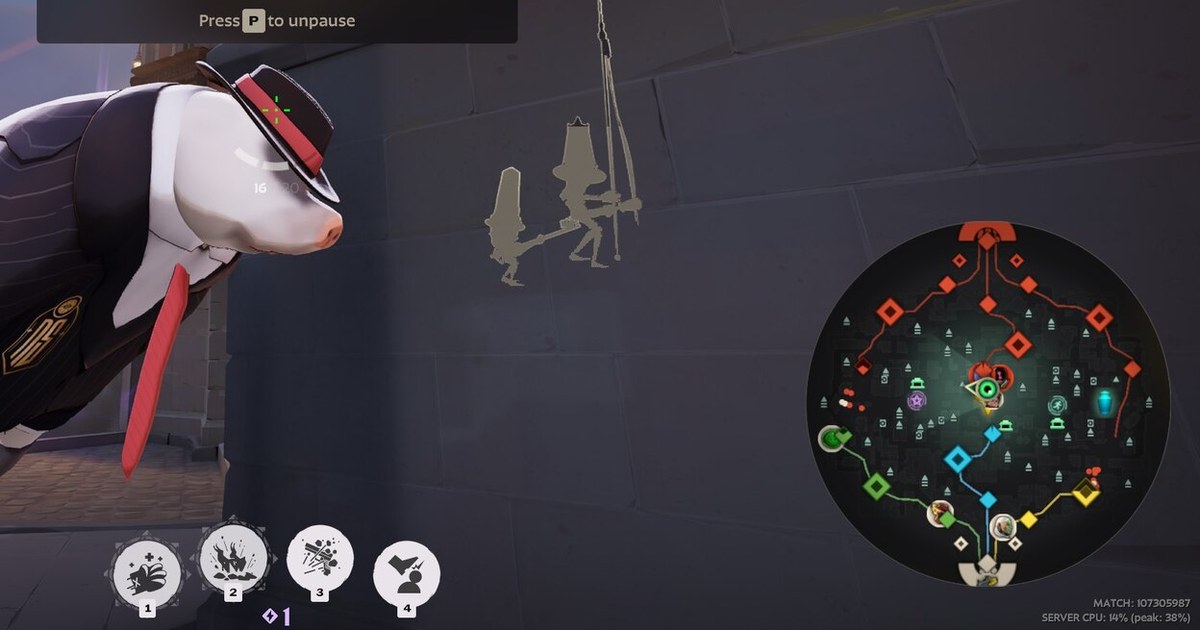

The short answer: the Deadlock message Error replay not yet ready for download almost never means your game or PC is broken.
It means the replay for that match is not marked as available yet, so reopen the match from Match History, reload the hideout or restart Deadlock, wait a few minutes, and try the download again.
Right after a match ends the server needs time to prepare the replay, and a report on the official Deadlock forums describes the game holding on to a stale unavailable state until the hideout reloads or the game restarts.
If one specific match keeps failing, no setting will fix it and waiting is the only option. This guide covers the steps in order as of November 2026, and ends with a way to keep your matches as video without replays.
What is likely happening and what to try first
| Situation | Likely cause | Try this first |
|---|---|---|
| Match just ended | The server has not prepared the replay yet | Wait a few minutes, then reopen the match and download |
| Just finished but shown as unavailable | The game remembers an old state | Reload the hideout or restart the game |
| Only one match fails | A problem with that match on the server | Test another recent match and retry later |
| Old match | The server copy may have been removed | Waiting will not change it, so look for your own recording |
| Every replay fails | Game files or connection problem | Restart, then run Verify integrity of game files in Steam |
| A different error message | For example a decompression failure | Search that exact message for its own fix |
Bottom line: retry in order, then blame the server
Start by closing and reopening that match in Match History and pressing download again. If that fails, reload the hideout or restart Deadlock, wait a few minutes, and retry. Then open another recent match to see whether its replay downloads.
If other matches work and only one fails, the problem is almost certainly that match on the server side, so reinstalling the game or deleting folders will not help. A replay is not a video file.
It is data the game downloads from the server and plays back inside the game, so when the server copy is missing, there is nothing to download. No official retention period or processing time has been published that we could confirm, so treat old matches as possibly gone. For footage you want to keep, record it in advance, as in how to record Steam games.
What to do when the replay will not download
- 1Reopen the match from Match HistoryClose the match details, open them again and press download. This alone fixes the most cases.
- 2Reload the hideout or restart the gameIf the replay shows as unavailable right after the match, the game may not have refreshed its status. Leave the hideout area and come back, or restart Deadlock, then check again.
- 3Wait a few minutes and retryA match that just ended needs time on the server. Stay on the score screen for a few minutes before downloading again.
- 4Test a different matchIf another recent replay downloads, the problem is limited to that match. Stop changing settings and try again later.
- 5Verify game files only if everything failsIf every replay fails and other errors appear, run Verify integrity of game files in Steam properties. It cannot restore a replay that is missing on the server.
Before you retry
- I checked whether other recent replays download
- A few minutes have passed since the match ended
- I fully restarted the game once
- The match is not an old one
- Reinstalling and deleting folders are my last resort
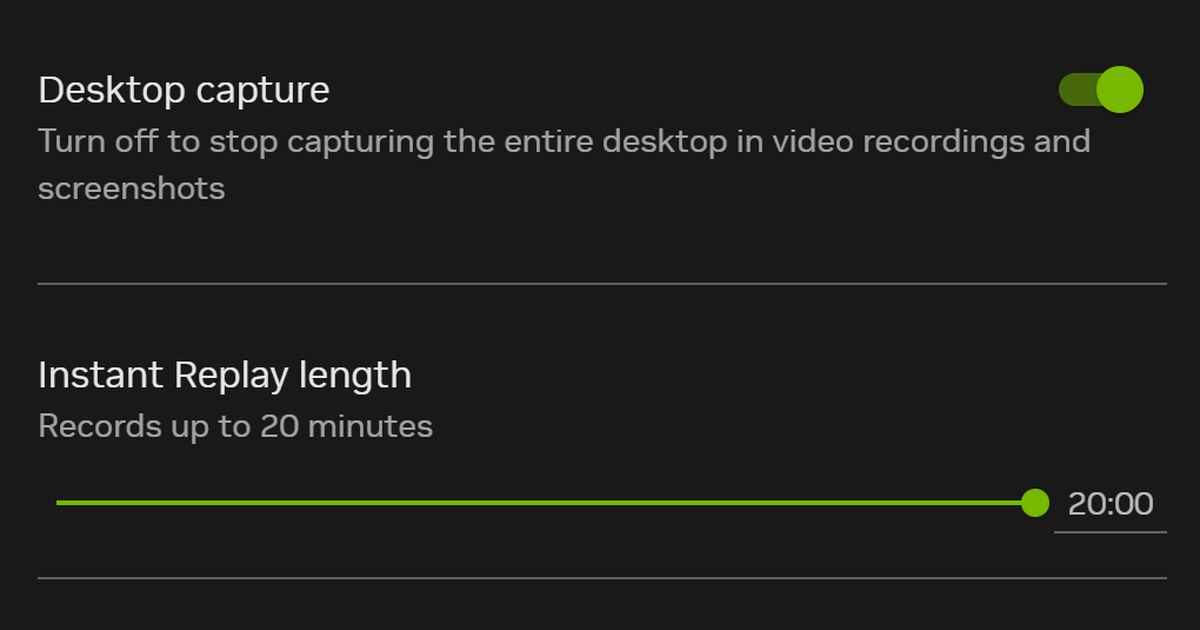
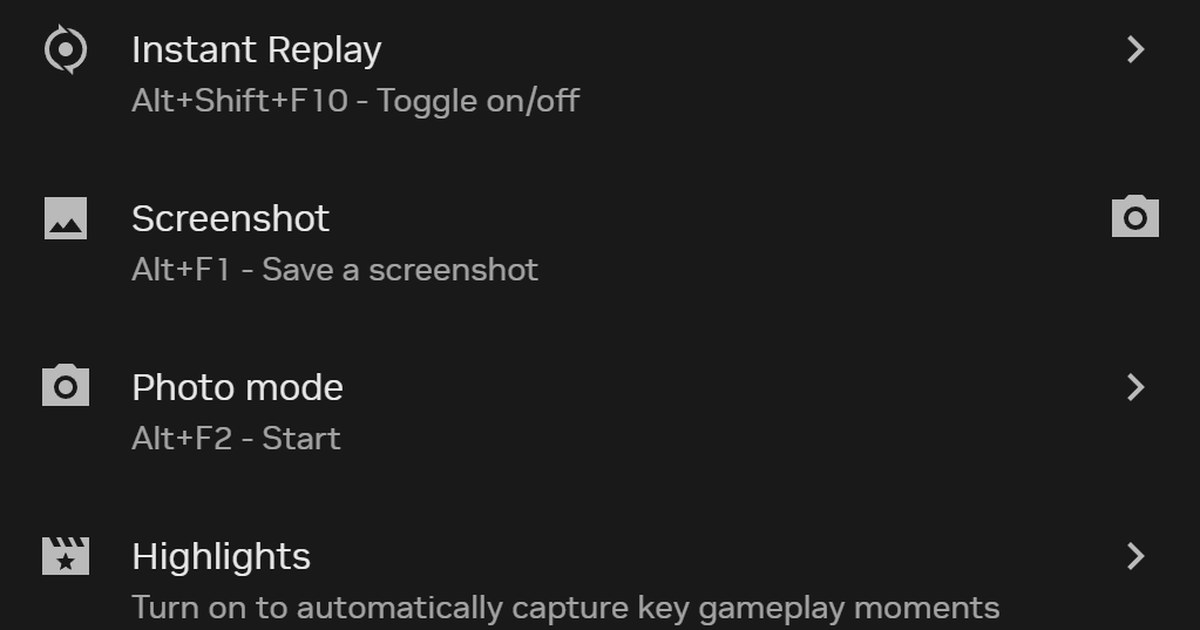
Leave DOR on and Deadlock records itself
DOR is a free Windows game recording app. When you launch a supported game such as Deadlock, it detects the game automatically and records the whole match, and recordings collect in My Clips. That means you can rewatch a team fight whatever the replay screen says.
Trim the part you want in the app (16:9, 9:16 or 1:1), then use DOR Studio (dor.gg/studio) to join clips, add text, BGM and effect templates, and export an mp4 or share a dor.gg link. DOR output has no watermark.