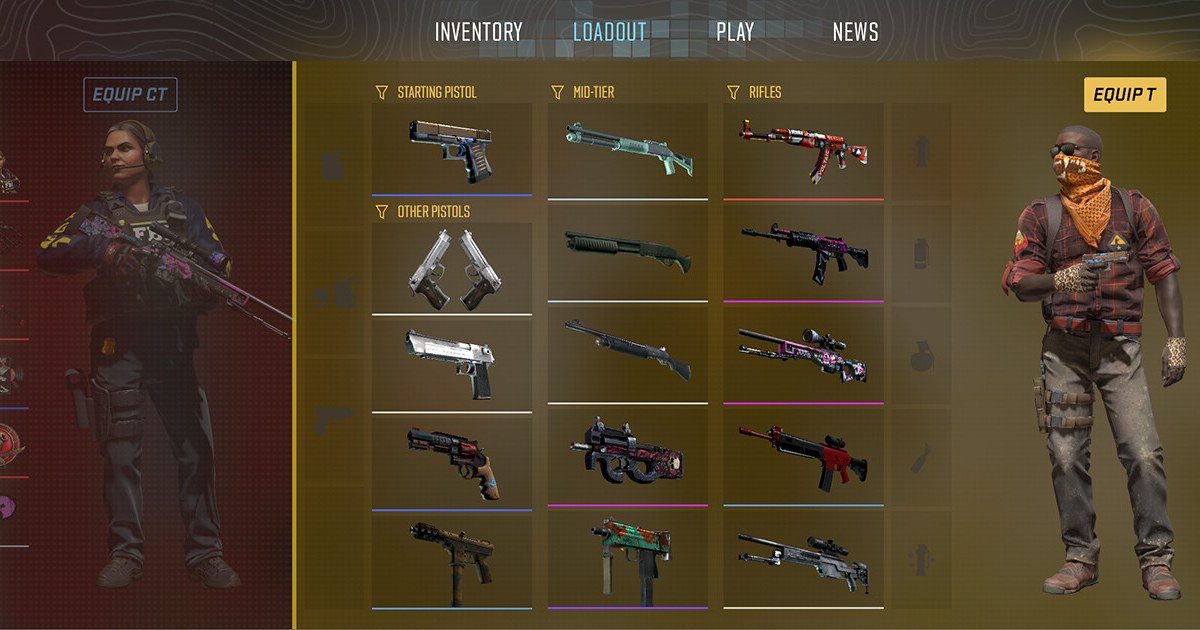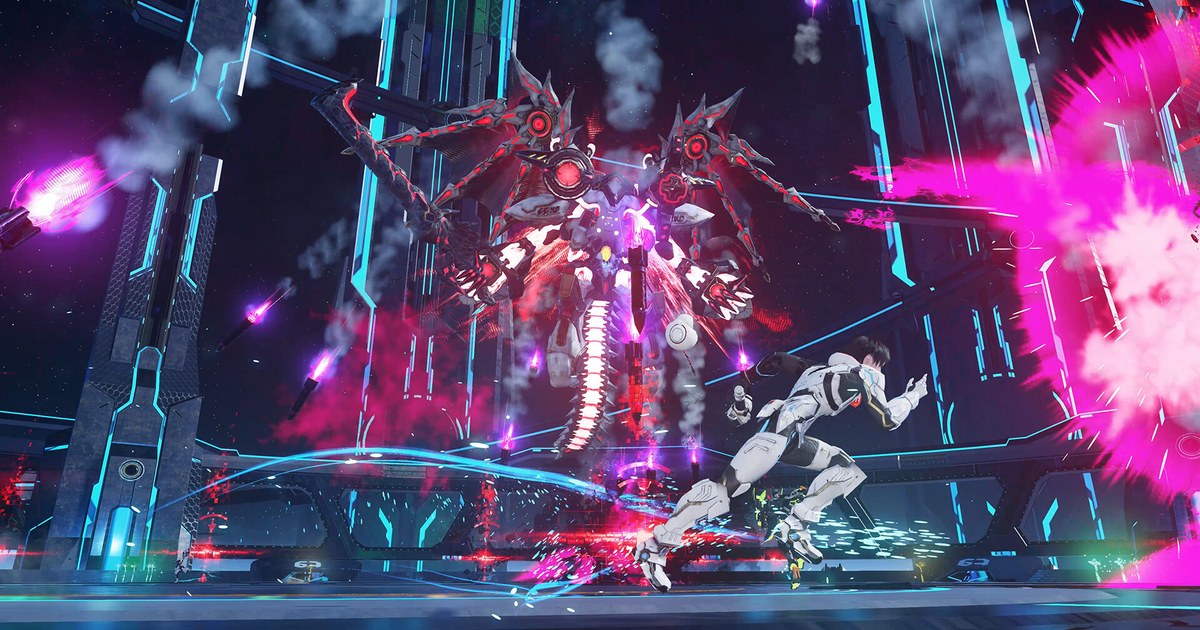
If you are looking for a Dxtory alternative, the short answer is to install the free Windows app DOR first. DOR automatically detects a supported game when you launch it, records the whole match, and collects the footage in My Clips in the app.
There is no license to buy and no record hotkey to press every match. Dxtory is paid game recording software made by ExKode in Japan, and its strength is a lossless codec that stores the original pixel data as it is.
However, as of November 29, 2026, the last version in the official changelog is 2.0.142 (April 9, 2017), and the supported OS list on the official specification page only goes up to Windows 10.
Below we cover what Dxtory does well and what to check, then compare OBS Studio, NVIDIA App, AMD Software, Xbox Game Bar and DOR on cost, file size, and whether they keep the whole match without setup.
Keep using Dxtory or switch to an alternative?
If your workflow of editing commentary videos from lossless footage already runs smoothly, you can keep using Dxtory; if you are building a new recording setup or moving to a Windows 11 PC, it is safer to try an alternative first. Dxtory's strengths are clearly stated on its official site.
It reads data directly from surface memory so it runs with a small load, its codec records the original pixel data as it is, and it saves game sound and microphone input as independent streams inside the AVI file so you can edit them separately later.
It supports DirectX 7 through 12, OpenGL and Vulkan (Vulkan was added in 2.0.136 in 2016), with no limit on capture resolution. The same official pages also show what to check.
The official site names storage write speed as the biggest bottleneck of high bitrate capture and offers a separate distributed writing feature that splits data across several drives.
Lossless footage is large for exactly that reason, so if you want to keep long matches every time, check your free drive space and write speed first.
In trial mode a logo goes into the recorded file and a license purchase site opens when you quit, and the official site says licenses can only be bought with PayPal and refund requests are not accepted. One license covers one user, can be installed on several computers, and has no expiration date.
Windows 11 is not in the supported OS table, so if you plan to use it on Windows 11, run a short test with the trial on your own games first. We also cover alternatives to other long-standing recorders in Fraps alternatives and Bandicam alternative.
Dxtory alternatives at a glance (as of November 29, 2026)
| Tool | Best when | What to check |
|---|---|---|
| Dxtory | You want to record lossless footage and protect quality all the way through editing | Paid license (trial adds a logo to recordings), large files need storage space and write speed, official supported OS list ends at Windows 10 |
| DOR | You want every match kept automatically, free and with no setup | Free; records the whole match when a supported game starts; 7 games also save moments like kills as automatic clips |
| OBS Studio | You want fine control over scenes, sources and audio tracks, or you also stream | Free and open source; you build scenes and sources yourself at first and pick the recording format and encoder in settings |
| NVIDIA App | You use an NVIDIA graphics card and want Instant Replay to save just the last moment | Requires an NVIDIA graphics card, and you press the save shortcut yourself to keep a moment |
| AMD Software: Adrenalin Edition | You use AMD Radeon graphics and want the recording and Instant Replay built into the driver | Targets AMD Radeon graphics; the recording feature is available with a full driver install |
| Xbox Game Bar | You want the feature built into Windows for an occasional short capture | Records per app window such as a game; you start or save each moment yourself |
What to check before choosing an alternative
- Whether you truly need lossless footage or a video small enough to upload right away is fine
- Whether the drive you record to has enough free space for whole matches
- Whether game sound and mic in one file is fine or you need separate tracks
- Whether your current Windows version is on the recorder's official supported OS list
- Whether you will edit results in a separate editor or trim and share them inside the recording app
How to move from Dxtory to DOR
- 1Tidy up your Dxtory recordingsFrom the AVI files piled up in your Dxtory folder, pick only the ones you want to keep and move them to another drive or re-encode them with a compressed codec to free up space. Close Dxtory when you are not using it so the two programs do not capture the same game at once.
- 2Install DORDownload and install the free Windows app DOR. Free recording quality lets you choose 720p or 1080p at 30 or 60 fps, with 1080p at 30 fps as the default.
- 3Launch your games as usualWhen you start a supported game, DOR detects it and starts recording automatically. The whole match is kept without pressing a record hotkey each time.
- 4Trim moments in My ClipsWhen the match ends, the recording lands in My Clips. League of Legends, VALORANT, PUBG, FC Online, Fortnite, CS2 and Overwatch also save moments like kills as automatic clips; for other games, cut the part you want from the recording and save it in 16:9, 9:16 or 1:1.
- 5Edit and shareTo join several moments or add text, BGM or effect templates, edit in DOR Studio (dor.gg/studio) and export an mp4 or share a dor.gg link. Your results are saved without a watermark.
Record every match automatically with DOR, no license needed
DOR is a free Windows app, so there is no license to buy, and it detects a supported game when you launch it and records the whole match.
Free recording quality lets you pick 720p or 1080p at 30 or 60 fps (1080p at 30 fps by default), and if you need 1440p, 4K, 120 or 144 fps you can upgrade to DOR Pro.
Storage is cleaned up oldest first only when the full gameplay video share (5 GB by default) is exceeded, and recent recordings and videos you liked stay, so you do not have to manage your drive by hand.
On supported NVIDIA graphics cards such as the RTX series, DOR records with NVENC hardware encoding, and game sound and your microphone are captured together on one track. For anything that is not a game, use screen recording (default shortcut F7). Recordings and edited results carry no watermark. To compare further with OBS, see OBS alternative, and to compare with NVIDIA graphics card recording, see NVIDIA ShadowPlay alternative.