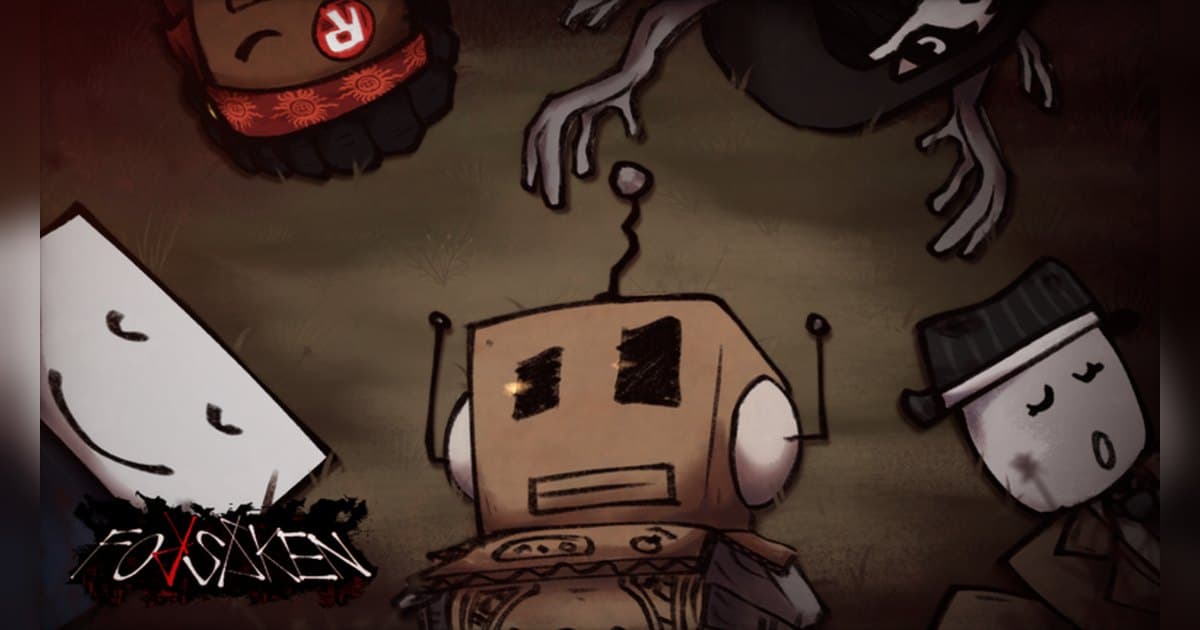
Forsaken opens its official description with a line that sets the tone: welcome to your eternal prison. It is published by the Forsaken Dev Team, a group with a verified badge, went up on 28 July 2024 and was last updated on 17 October 2026. Roblox files it under Survival, with 1 vs All as the sub-genre, and a single server holds up to 9 players. Checked on 19 October 2026, it had about 32,000 people playing at once, roughly 5.8 billion visits in total, around 3.26 million favourites and about 2.4 million likes. The page also carries a line about the RIA 2025 Best Survival Experience award and a note that the game is still in beta, so treat the character line-up and the finer rules as things that move between updates. Roblox marks the content maturity as Mild and lists Fear (occasional, mild) and Violence (repeated, mild) alongside it. This article covers the role split and the timer that the experience page itself states, then spends most of its time on the part that actually gets lost: a chase lasts a few seconds, it never announces itself, and it is gone as soon as it ends. If you want the general recording walkthrough first, read how to record Roblox gameplay. All experience figures here were checked on 19 October 2026.
The short answer: learn the two roles, then keep the whole round and pick scenes afterwards
Your first job in Forsaken is to take the official role description at face value. A survivor is given three things to do: protect teammates, complete the objectives, and survive until the timer hits 0. A killer is given one: kill them all and leave nobody standing, by any means. What an objective looks like once you are inside, how many there are, and how roles get handed out are all beyond what the experience page says, so this guide hands that part to the in-game prompts and spends its space on the first round instead. The scenes worth keeping in Forsaken almost never repeat. The footsteps that grow behind you and then fade as you slip out of sight, the last few seconds before the timer runs out, the moment you pick a downed teammate back up and both of you get away: each one is short and none of them gives you warning. That is why keeping the whole round and choosing afterwards loses less than trying to catch each moment live. If you want to practise the same reflexes in a different experience, the stamina-and-slide movement in the Evade nextbot survival guide and the role-picking in the Dandy's World survival guide both turn on chases, so the recording habit carries over directly.
How to get through your first round of Forsaken
- 1Set up sound and recording before you enterThe official description warns that the experience contains flashing lights and loud audio, so bring your headphone volume down to something reasonable first and decide how sound will be captured. Roblox has its own capture: open the in-experience menu, choose Capture, and a capture icon appears on the right of the screen. That records up to 30 seconds, and it saves a clean frame because the in-experience UI and the nicknames above avatars are removed from the video. Captures land in Roblox app storage, and the save icon exports them to the Videos folder on desktop or your camera roll. To hold a long chase with its audio, start a PC recorder before you join.
- 2Check that the Forsaken Dev Team made it, then joinSearch Roblox for Forsaken and check that the creator is the Forsaken Dev Team, the group with the verified badge, before you click play. Several experiences use similar names, so the creator line is the safest check. If your Roblox language is set to Korean, Traditional Chinese or Simplified Chinese, the title may appear translated rather than as Forsaken. If you plan to record with DOR, launch the PC version of Roblox you downloaded from roblox.com.
- 3Learn the role split exactly as the page states itThe official description splits players into two sides. Survivors protect their teammates, complete the objectives, and survive until the timer hits 0. Killers kill everyone and leave no one standing, by whatever it takes. With a server cap of 9 players, a round is small enough that one person's decision swings the result. How roles are assigned, and which characters you can pick, move between updates, so use the in-game prompts and the on-screen labels as your reference.
- 4If you spawn as a survivor, watch the objectives and the timer togetherThe survivor condition is staying alive until the timer reaches 0, so spend your first round noting where the remaining time appears on screen. The same description also tells survivors to complete the objectives. What form those objectives take, and how many of them a round needs, is not written on the experience page, so read the prompts and icons inside instead. Because protecting teammates is the first line of the role, staying close enough that other survivors can see where you are fits the description better than wandering off alone.
- 5If you spawn as a killer, break the chases up one at a timeThe killer condition is that nobody is left standing. With at most 9 players, you can watch the remaining count fall, and spending too long on one survivor hands the round to the timer. Which killers you can use depends on the store list in the experience, which changes, so check it inside. At the time of writing, the sale list included V.I.P plus skin and emote packs, and the experience also has passes registered that open up a specific killer.
- 6Look at the other places registered under the same experienceForsaken has more than one place registered under it. At the time of writing the list included [N] Forsaken, [VC] Forsaken and [Randomizer] Forsaken alongside the main place. Only the names are public; the rules for each one are left to the experience itself, so go in and see what changes. Once a standard round feels familiar, touring the other places shows you how the same chase structure shifts, and that comparison is good video material in its own right.
- 7When the round ends, cut the chases outIf you kept the whole round, pick your scenes afterwards. Find the moment you were spotted, the seconds where you broke line of sight, the end of the timer and the revive, then trim with a few seconds of air on either side. Export 9:16 for Shorts or Reels and 16:9 for a wide upload. Chases collected from several rounds stitch together into one video, and anything with a friend's voice in it should go up only after you have asked them.
Moments worth keeping in Forsaken, and how to keep them
| Moment | Why it is worth keeping | How to keep it |
|---|---|---|
| The killer spots you and the chase begins | Footsteps and music change in an instant, so the scene only lands with its audio, and nothing warns you that it is coming. | Have recording running from the moment you enter, then press the clip hotkey once you are clear to save the last 30 seconds separately. |
| The few seconds where you break line of sight | Success and failure are decided inside a couple of seconds, and a teammate reacting next to you makes the clip twice as good. | Record with your microphone included, and raise the clip length to 45 seconds so the start of the chase is inside the saved file. |
| The timer dropping into single digits | The official survival condition is the timer reaching 0, which makes the last few seconds the conclusion of that round. | You can see this one coming, so set the clip length to 60 seconds, or trim it generously from the full-round recording. |
| Reviving a downed teammate and escaping together | Protecting teammates is the first line of the survivor role, and this is where that shows up on screen. | Record so your friends' voices are in the file, and get their agreement before you post anything with them in it. |
| Playing killer and catching the last survivor | The killer is told to leave nobody standing, so the final catch is the ending of that role's round. | Killer rounds run long, so it is simpler to cut just the final chase out of the full-round recording. |
| Your very first round and the Eternally Forsaken badge | The only badge registered to this experience is the one for playing it the first time, so that round stands as a one-time record. | A first entry can start recording slightly late, so launch Roblox, wait a moment, and then join the experience. |
Check this before you record Forsaken
- Forsaken is open in the PC version of Roblox downloaded from roblox.com.
- Volume is set to a sensible level, because the description warns about flashing lights and loud audio.
- Your microphone is on, and you have done a short test that friends' voices come through.
- The clip hotkey is set to a key you keep free inside the experience.
- There is comfortable free disk space so a long session records all the way through.
- Everyone playing with you knows their voice is being recorded and may end up in a video.
Keeping a whole Forsaken round, audio included, with DOR
DOR is a free Windows PC app, and it detects the PC version of Roblox you installed from roblox.com. When you enter an experience it starts recording on its own, and it finishes when you leave for the home screen or close Roblox. That behaviour is on by default and sits behind the Full Game Recording setting. Each experience becomes one mp4 in your library, so a run of Forsaken rounds ends up filed round by round. If you launch Roblox and jump straight in, recording can begin about 15 to 20 seconds in, so wait a moment after launch when you want the entry itself on tape. Game audio and your microphone are recorded together by default with noise suppression applied, which means footsteps, music and whatever your friends shouted all land in one mixed track. Press F8 right after you escape and the previous 30 seconds are saved as a separate clip, with 15, 30, 45 and 60 seconds available as lengths. The key can be reassigned, and it works while a recording is running inside an experience. Video defaults to 1080p at 30fps and 60fps is available; 1440p and above and 120fps and above are Pro options. Set resolution, frame rate and clip length before you start so the whole round is captured the same way. Leave at least 20GB free, and ideally 30GB or more, and a long session records straight through. Afterwards the library's trim tool exports 16:9, 9:16 and 1:1 (text goes on in 1:1) and shares through a dor.gg link, while DOR Studio in the browser joins several chases together and adds text, background music and effect templates before you download the mp4. If you want the same treatment for experiences built on hiding and running, record the DOORS entities guide and the Squid Game X round survival guide the same way and the footage lines up for comparison.
 #Roblox