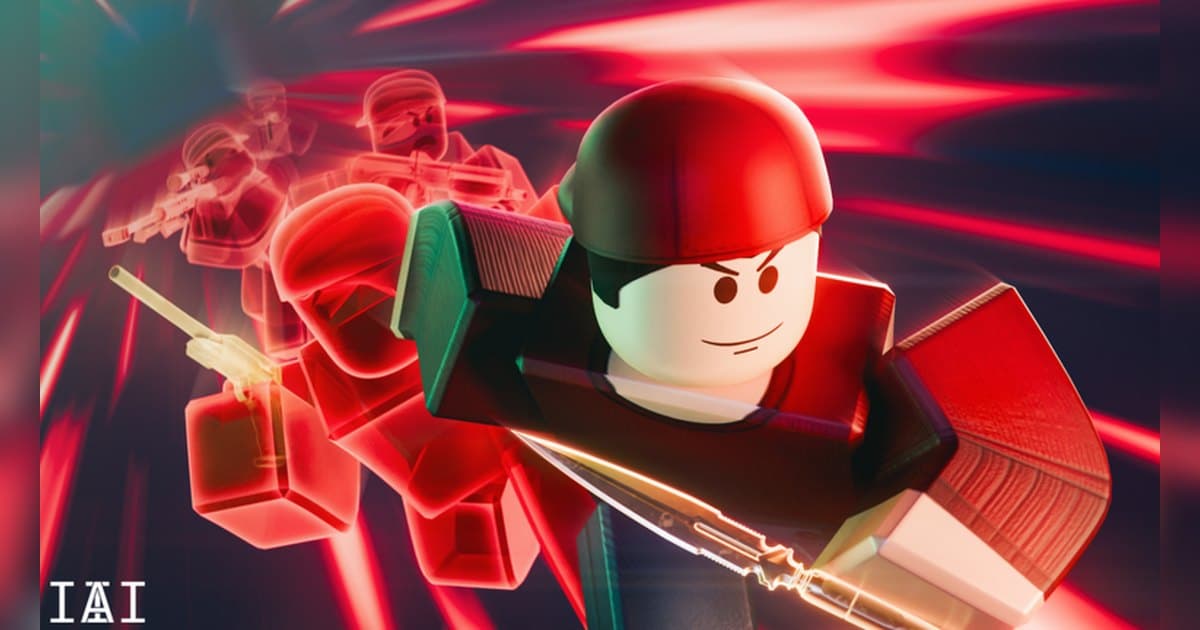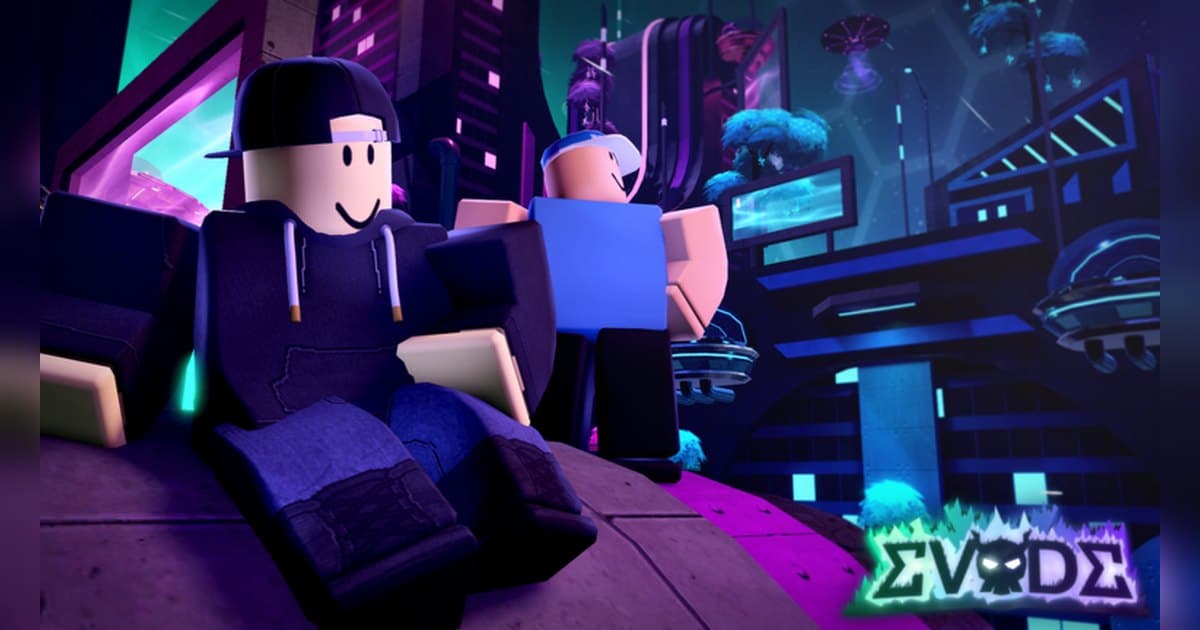
Evade drops you into a map with Nextbots chasing you, and the official experience page calls it an action parkour game where movement is the key to success in surviving them. It was made by Hexagon Development Community in June 2022 and has about 9.3 billion visits and around 8.49 million favourites. On 19 October 2026 roughly 60,000 people were playing at once, and a single server holds up to 15 players. On that date the experience name carried a Halloween tag, and because the name changes with each event, searching by the creator name is the reliable way to find it. The official description also warns that there are flashing lights and loud sounds in-game, and that using exploits, fastflags or any other cheats leads to a ban. Instead of unverified numbers about Nextbot speeds or types, this guide covers the order you actually play in, the map goals that the official badge list points to, and then the part most guides skip: how to keep the escape you just pulled off, with sound, as a clip you can post. If recording Roblox on PC is new to you, read how to record Roblox gameplay first and the recording sections here will go faster. All experience details were checked on 19 October 2026, and with the last update on 18 October 2026 the events and shop contents change often.
The short answer: learn the rhythm of surviving a round, then pick your clips out of a full recording
The official badge list is the clearest statement of what Evade wants you to do. Flawless Survival asks you to get through a game without being downed, and the level badges run from 25 all the way to 1000 for people who stay with the game. Several badges are tied to specific maps: one is earned by running over a Nextbot with the bus in Desert Bus, another by finding the keys and unlocking the secret entrance in Arid Ruins, and another by falling into the holes in the Backrooms location. The official description adds weekly missions that grant items and currencies, a Voucher currency used for quick revives and respawns, deployable and utility upgrades improved with tokens and XP, and collectables that unlock hidden lore. Prices, cooldowns and revive conditions are something the experience itself shows, so read the current numbers in the in-game shop. With up to 15 players per server this is a team experience, and having people to run with changes it completely; how to find Roblox groups covers finding a creator group or a squad, and if you like being chased, the Forsaken character and round guide reads the same way. For capture, the answer depends on your platform. Roblox has a built-in capture in the in-experience menu; video there runs up to 30 seconds, and clips are stored in the Roblox app storage until you export them to your PC Videos folder or your phone camera roll. Evade lives on its audio, the chase music and the shouting, so on PC it is easier to record the whole round with sound and choose the moment afterwards than to try to predict it.
How to start playing Evade
- 1Decide how you will record before you joinRounds in Evade start immediately and a close escape usually passes in one go, so settle the recording question before you enter. The Roblox built-in capture lives in the in-experience menu under Capture; video runs up to 30 seconds. Captures sit in the Roblox app storage until you export them to your PC Videos folder, and developers can turn capture off inside an experience. If you want the chase audio and a longer take, start a recording app on your PC first and then launch Roblox from the version you installed from roblox.com.
- 2Find the experience, join and press PlaySearch for Evade on Roblox, confirm the creator is Hexagon Development Community, and join. On the date this guide was checked the name carried a Halloween tag, and since the name changes with each event the creator name is the safer check. As the official description explains, you join Evade and press the Play button to get into a round, and you leave with the M key or the in-game Menu button. If you want your first entry on tape, have the recording app running, launch Roblox, take a moment in the menu, then go in.
- 3Learn the official control list firstThe official description lists E to interact, G to emote, 1, 3 and F to equip an item, 2 for the usables menu, C or Ctrl to crouch, T to whistle, M for the menu and N for the VIP menu. The same description says movement is the key to surviving, so spend your first games getting used to mixing sprinting and crouching around the terrain rather than looking for a trick. Finer settings live in the revamped in-experience Settings menu. Keep your recording app's clip key off this list so you never fight your own hotkeys.
- 4Use your first round to read the map, not to winEarly on, keep distance from the Nextbots and learn where the routes and dead ends are. The official description warns about flashing lights and loud sounds, so turn your headphone volume down before you start. The goal is simple enough to hold in your head: the Flawless Survival badge asks for a game without being downed, so use that as your target for the first few rounds. Some maps make the floor itself the hazard, which is why the Backrooms location has a badge for falling into its holes.
- 5Stay with your team and sort out revivesA server holds up to 15 players, so this is a team experience. The official description says the Voucher currency is used for quick revives and respawns, and that weekly missions grant items and currencies. Voucher prices and revive conditions are something the experience itself shows, so check the current terms in the in-game shop. The control list also includes T for whistle, and the quickest way to learn what it does for your squad is to press it during a round. If you plan to talk to your team, tell them your recording captures voices as well.
- 6Pick up the goals each map has of its ownEvade publishes map goals through its badges. Desert Bus has the bus you can run a Nextbot over with, and Arid Ruins has keys that unlock a secret entrance. There have also been limited goals such as catching a turkey during a round and an April Fools event badge, and an old collaboration badge description refers to surviving a special round. On the date this guide was checked a Halloween event was running, and the official description asked players to collect Wisps and Spellbooks to buy themed items. The description also says collectables unlock hidden lore, which gives long sessions something to chase.
- 7Cut the moments out once the round endsIf you recorded the whole round, choose the moments afterwards. Recordings stack in the library in the order they were made, so the round you just finished is at the top. Look for the escape you barely survived, the stretch where you were the last survivor, and the map goal you completed, then cut with a few seconds of air on each side so the build-up and the relief are both in it. Export 9:16 for Shorts and Reels, or 16:9 for a horizontal YouTube upload. To put several rounds together, merge them in DOR Studio in your browser and add text and background music there.
Moments worth keeping in Evade and how to keep them
| Moment | Why it is worth keeping | How to keep it |
|---|---|---|
| An escape where the Nextbot was almost on you | It happens once, without warning, and it only lands if the chase audio and your teammates' reactions are in it. | Play with a full-round recording running, then press F8 right after you break away to save the previous 30 seconds as a clip. |
| A round finished without being downed | This is exactly the condition of the official Flawless Survival badge, so it is worth having on record. | The whole round is the evidence, so trim it in the library from the round start to the results screen. |
| Being the last survivor and holding on | Every teammate is watching at that point, and the moment needs the results screen after it to read as a story. | Set the clip length to 60 seconds before you enter and press F8, or cut it out of the full recording including the results screen. |
| Getting a downed teammate back up | It shows the team side of the experience, and it needs their voices to work. | Record with your mic on so game audio and voices land on one track, and ask your teammates before you post it. |
| Running over a Nextbot with the bus in Desert Bus | It is the condition of the official Hit and Run badge, so it is a goal you can set up for when that map comes round. | You can see it coming, so choose a 45 or 60 second clip length before you enter and press F8 right after it lands. |
| Unlocking the secret entrance in Arid Ruins | The official Procedure badge points at this map goal, and the search for the keys is part of the story. | The search takes a while, so cut it out of the full recording from the moment you set off to the door opening. |
Check this before you record Evade
- Roblox is running from the PC version installed from roblox.com.
- The recording app was started before you joined, and you confirmed the recording is running.
- Your clip hotkey is set to a key apart from the in-experience keys E, G, 1, 3, F, 2, C, Ctrl, T, M and N.
- Clip length and video quality were chosen before you entered the experience.
- Headphone volume is down, because the experience officially warns about flashing lights and loud sounds.
- There is room on the drive; the app warns you in advance once free space drops below 30GB.
Keeping a whole Evade round, audio included, with DOR
DOR is a free Windows PC app that detects the PC version of Roblox you installed from roblox.com. Recording starts by itself when you enter an experience and ends when you leave for the home screen or close Roblox. That behaviour is on by default and you can control it with the Full Game Recording setting. It records any experience regardless of genre or creator, so one Evade session becomes one mp4 in your library. Game audio and your microphone are captured together, the mic is on by default with noise suppression, and everything is mixed down to a single track, which means the chase audio and what you shouted at your team stay in sync. When you shake a Nextbot, press F8 and the previous 30 seconds are saved as a separate clip; you can choose 15, 30, 45 or 60 seconds, the key can be remapped, and it works while a recording is running inside an experience. Video is 1080p at 30fps by default and can be raised to 60fps, and resolution, frame rate and clip length apply as set when you choose them before entering. Start DOR first, launch Roblox, take a moment in the menu and then join, and the recording covers the round from the moment you arrive. Afterwards the library's trim tool lets you set a start and end point and export 16:9, 9:16 or 1:1, add text in 1:1, and share a dor.gg link. In DOR Studio, which runs in your browser, you can merge several rounds and add text, background music and effect templates before downloading the mp4. The app tells you in advance when free space drops below 30GB, so clear some room before a long session. Two more experiences that reward the same approach are the Dandy's World survival guide and the DOORS entity guide.
 #Roblox