
Bottom line: watch three Task Manager lines for one match before you buy RAM
Here is the short answer. If you mostly play League of Legends, VALORANT or Counter-Strike 2, 16GB in two sticks (2x8GB) is enough.
If you play AAA games whose minimum spec already starts at 16GB, such as Battlefield 6 or Monster Hunter Wilds, keep Discord, Chrome and a recorder running, and use a graphics card with 8GB of VRAM, go to 32GB (2x16GB). And if your PC has a single stick right now, fix that before adding capacity.
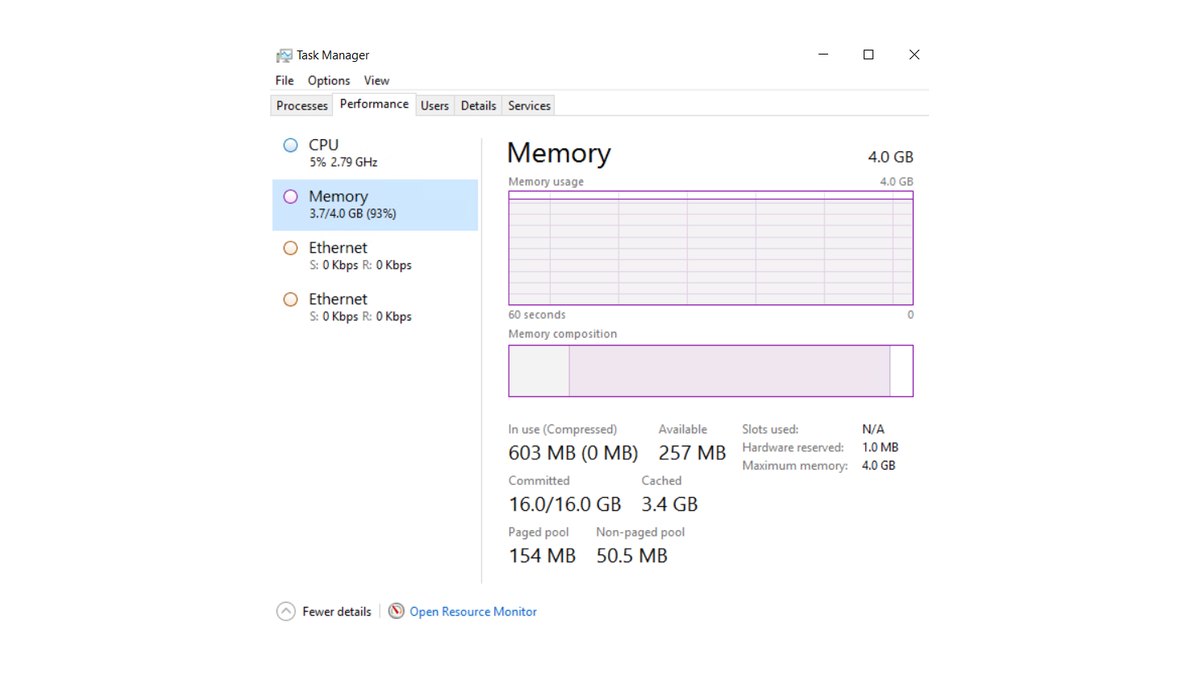
None of this should be a guess: play one match exactly the way you normally do, then read In use (Compressed), Committed and Slots used on the Memory page of Task Manager.
- In use stays under 80% during the game, Committed has plenty of room below its limit, and Alt+Tab is smooth: you have enough. Skip the upgrade and look at your GPU or CPU for frame rate problems.
- Committed sits at its limit, hard faults keep showing in Resource Monitor during the game, and Alt+Tab freezes for a few seconds: you are short on memory. Close background apps first, then move to 32GB (2x16GB) if nothing changes.
- Slots used reads 1 of 2 or 1 of 4: you are running single channel. Buy a matched two stick kit before you buy more gigabytes.
- You do not need 64GB for games. In measured reviews, 48GB and 64GB were barely different from 32GB.
High memory usage does not mean you need more RAM
A lot of people open Task Manager, see the memory bar mostly full and assume they need an upgrade. Microsoft addressed this directly in a November 2026 Windows blog post: even on an 8GB PC, Task Manager can show most memory as in use, and that by itself does not mean the system is under pressure.
Windows keeps spare memory busy by preparing apps and data in advance, then gives it back when another program needs it. Microsoft's point is that the real test is whether the PC stays responsive, not how much memory is left over.
A measured review saw the same thing from another angle: two games took less memory on a 16GB system than on a 64GB system, which the reviewers put down to Windows memory compression and virtual memory stepping in.
So the In use percentage moves with installed capacity and with what Windows is doing, and it is a poor reason to buy RAM on its own.
Committed is the better signal. It shows two numbers: the first is how much memory programs have been promised right now, the second is the commit limit.
According to Microsoft documentation, the commit limit equals physical RAM plus the page file, and when commit reaches that limit programs may fail to get memory and can freeze or crash.
That is why this guide looks at four things together: In use, the two Committed numbers, hard faults and actual freezes. The rule that RAM upgrades will not raise frame rates if In use stays under 80% while gaming comes from a motherboard maker's buying guide.
Treat it as one baseline for ruling out upgrades that will not help, not as proof of a shortage above 80%.
| What you see in Task Manager | What it means | What to do | Type of evidence |
|---|---|---|---|
| In use under 80% during the game | Enough headroom | Hold off on RAM, check GPU and CPU first | Maker guide baseline |
| In use is high but no stutter or freezes | Likely normal caching and compression | Check Committed and hard faults too | Microsoft explanation |
| First Committed number meets the second | Near the commit limit, freeze or crash risk | Close background apps, then 32GB if needed | Microsoft documentation |
| Hard faults stay high and Alt+Tab freezes | Storage is standing in for RAM | Consider 32GB (2x16GB) | Windows counter description |
| Slots used 1 of 2 or 1 of 4 | Single channel | Matched two stick kit in the manual's slots (usually A2 and B2) | Motherboard manual and measured review |
| Slots used 2 of 4 but sizes differ | Not a matched kit | Replace with two identical sticks | Motherboard manual |
| Shared GPU memory climbs sharply | VRAM overflowing into system RAM | Lower texture settings first; 8GB cards lean to 32GB | Windows description and measured review |
How to check RAM usage while gaming
- 1Open the Memory page in Task ManagerPress Ctrl+Shift+Esc, open the Performance tab and select Memory. The number at the top right is installed capacity. Under the graph you will see In use (Compressed), Available, Committed, Cached, Speed, Slots used and Hardware reserved. Hardware reserved is set aside for the BIOS and some device drivers, which is why usable memory looks slightly smaller than what you installed.
- 2Run everything you normally runOpen Discord, your browser tabs, game launchers and your recording app exactly as you would on a normal night. Official game requirements assume only the game is running, so the number that matters is the one from your real setup.
- 3Play a full match and record the peakFinish one League game or one PUBG round, then Alt+Tab straight away and write down In use and the first Committed number. The Task Manager graph only covers the last 60 seconds, so check it right after the match. Also note whether the screen hung for a few seconds when you tabbed out mid game.
- 4Check hard faults in Resource MonitorClick Open Resource Monitor at the bottom of Task Manager and go to the Memory tab. The hard faults per second column is the average number of hard page faults per second over the last minute. If your game process keeps showing high values here, Windows is using your drive to cover for missing RAM.
- 5Look at Slots used2 of 4 means two sticks, 1 of 4 means one. If it says 2 of 4 but one stick is 8GB and the other 16GB, they are not a matched kit. With two sticks, also confirm they sit in the slots your motherboard manual recommends, usually A2 and B2.
- 6Compare with the decision tableMatch your numbers against the table above and pick one: add capacity, move to two sticks, or leave it alone. If Speed reads lower than the rating on your RAM, that is a settings issue rather than a capacity one, so read our XMP and EXPO setup guide. Depending on your Windows version, speed shows as MHz or MT/s.
Check dual channel first: Slots used matters more than capacity
When stutter gets blamed on RAM, our rule is to check the number of sticks before the number of gigabytes. If Slots used shows 1 of 4, you have one stick and the CPU is running memory in single channel.
Motherboard manuals for four slot boards recommend slots A2 and B2 for two sticks, say dual channel needs two modules of the same brand, speed, capacity and chips, and state that one or three sticks will not enable dual channel.
If you are not sure which motherboard or memory you have, use our guide on how to check PC specs in Windows 11 and then look up that board's manual.
Measured reviews show why two sticks matter. One 16GB stick averaged 4 to 8% lower frame rates than two 16GB sticks at 1080p, and Overwatch and Cyberpunk 2077 fell behind by more than 20% depending on resolution and CPU.
Even on a Ryzen 7 9800X3D, single channel was 4% lower on average and 8% lower on 1% lows at 1080p, so the gap shrank but did not disappear.
That test also doubled total capacity, but the 16GB vs 32GB comparison covered below found little capacity difference on a clean system, so we read most of the gap as a channel effect. In bandwidth terms, one DDR5-4800 stick delivers 38.4GB/s and two in dual channel deliver 76.8GB/s.
A memory maker's own testing reached the same conclusion: installing sticks correctly in multiple channels made a bigger difference than adding capacity. The safest move is to buy a two stick kit from the start.
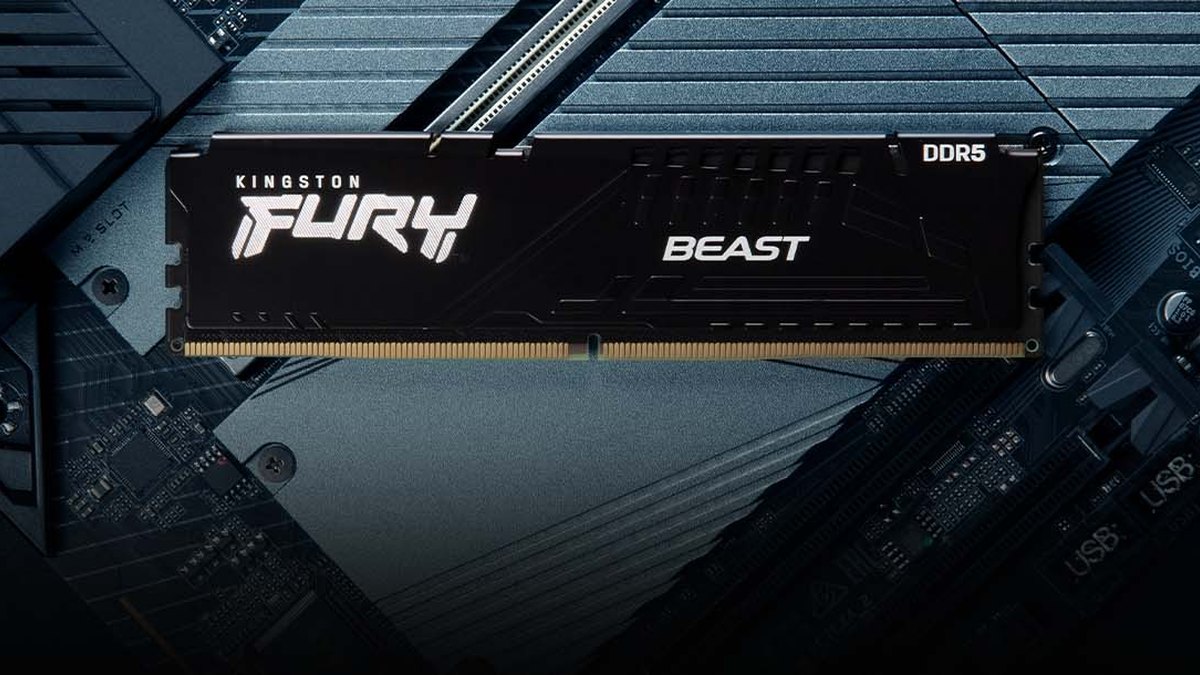
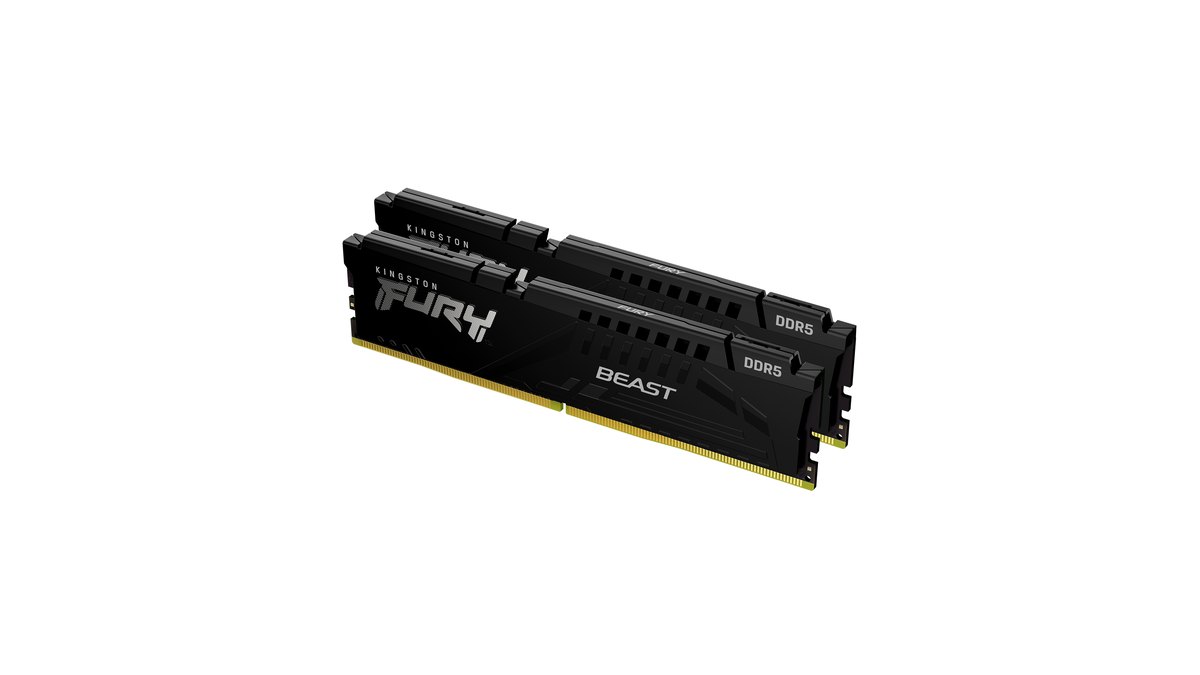
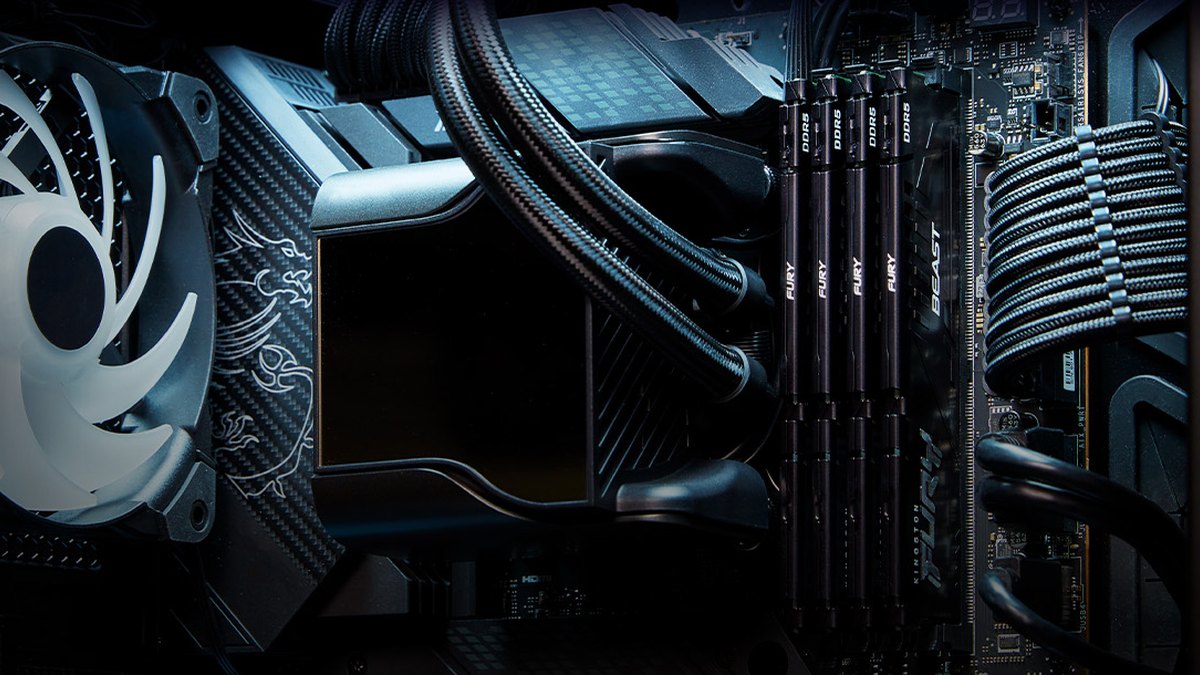
Kingston FURY Beast DDR5, for example, comes as single modules (8, 16, 32 and 64GB) and as two stick kits (16, 32, 64 and 128GB), spans 5200 to 6800MT/s, is certified for Intel XMP 3.0 and AMD EXPO, has on die ECC and carries a lifetime warranty.
Adding a second stick of the exact same part number later usually works, though the maker notes that production differences can occasionally cause instability.
Official RAM requirements by game and when 16GB or 32GB fits
The numbers in this table are taken only from official game requirements. Those specs assume the game is the only thing running, so if you keep Discord, a browser and a recorder open you may need more.
If you came here asking how much RAM League of Legends uses, Riot lists 2GB minimum and 4GB recommended, so our baseline is that 16GB in two sticks leaves comfortable room even with recording and streaming tools open.
For League's GPU and Windows requirements see our League of Legends system requirements guide, and for an example of a big release that starts at 16GB see Monster Hunter Wilds system requirements.
| Game | Official RAM (min / rec) | 16GB (2x8GB) is enough when | Signs you need 32GB (2x16GB) |
|---|---|---|---|
| League of Legends | 2GB / 4GB | Almost always, even with recording or streaming | Many browser tabs or stream tools push Committed to its limit |
| VALORANT | 4GB / 4GB | Almost always | Same as above |
| Counter-Strike 2 | 8GB / not listed | Almost always | Same as above |
| Overwatch | 6GB / 8GB | Capacity is usually fine | Fix single channel first; one stick measured over 20% slower |
| PUBG: BATTLEGROUNDS | 8GB / 16GB | Few background apps | Discord, browser and recorder open with high Committed |
| Battlefield 6 | 16GB / 16GB | Game only | You keep background apps running |
| Call of Duty: Black Ops 7 | 8GB / 12GB | Game only | You keep background apps running |
| Monster Hunter Wilds | 16GB / 16GB | Game only | Lots of background apps on an 8GB VRAM card |
| Cyberpunk 2077 | 12GB / 16GB | Game only | Single stick or heavy background load |
16GB vs 32GB: what measured reviews found
Measured comparisons of 16GB and 32GB tell a fairly clear story. On a clean system with background apps kept to a minimum, there was little overall difference on either an RTX 5090 or an RTX 5060; only PUBG on the RTX 5090 was about 3% slower with 16GB.
On a busy system with ten Chrome tabs, four videos playing, Discord, a messenger and several launchers open, total memory use while gaming climbed to 17 to 23GB.
Even then the RTX 5090 showed no overall gap, but on the 8GB RTX 5060 the gap between 16GB and 32GB became obvious, largest in Monster Hunter Wilds and Stellar Blade. When VRAM runs short, system RAM capacity matters more. Moving past 32GB to 48GB or 64GB made almost no difference.
The review disclosed sponsored memory, and some readers felt it did not fully capture situations where the drive stands in for RAM, so it is not a reason to call 16GB obsolete.
So: esports titles run well on 16GB (2x8GB), while AAA games with a 16GB minimum, a busy background and an 8GB graphics card justify 32GB (2x16GB). The October 2026 Steam Hardware Survey also had 16GB and 32GB in first and second place.
RAM prices have climbed sharply since the second half of 2025 and were still high in November 2026, so confirming a real shortage with the steps above beats upgrading on a hunch. If you are planning a new build, this matches the 16GB vs 32GB table in our gaming PC buying guide.
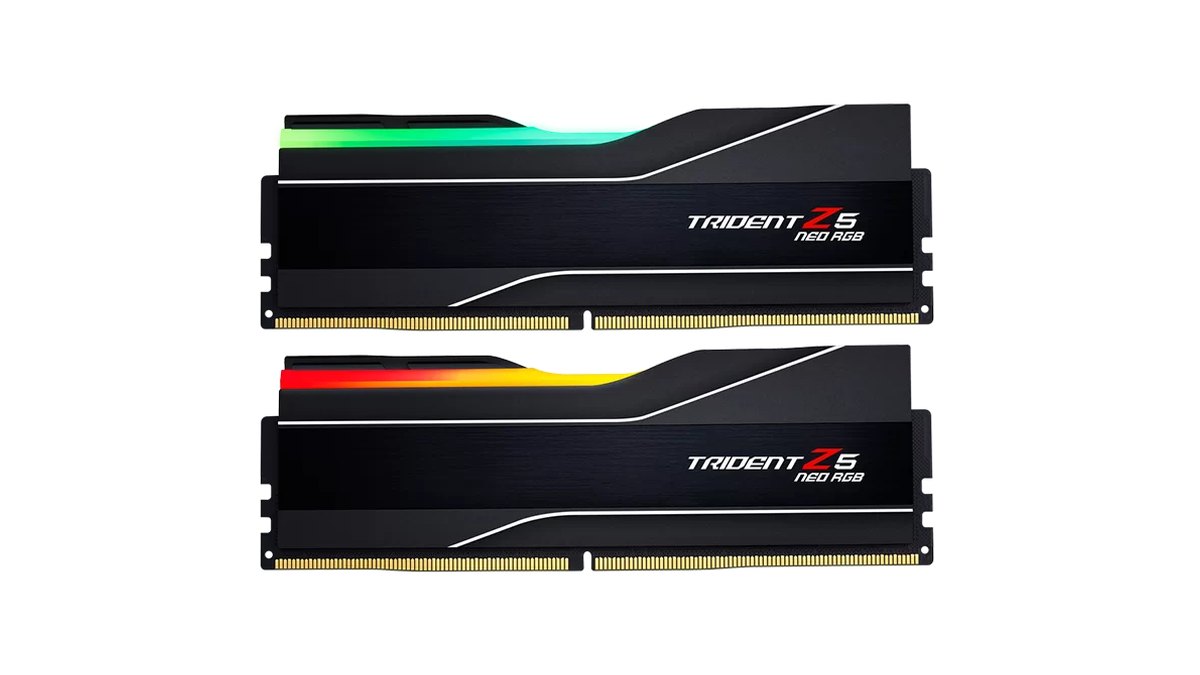
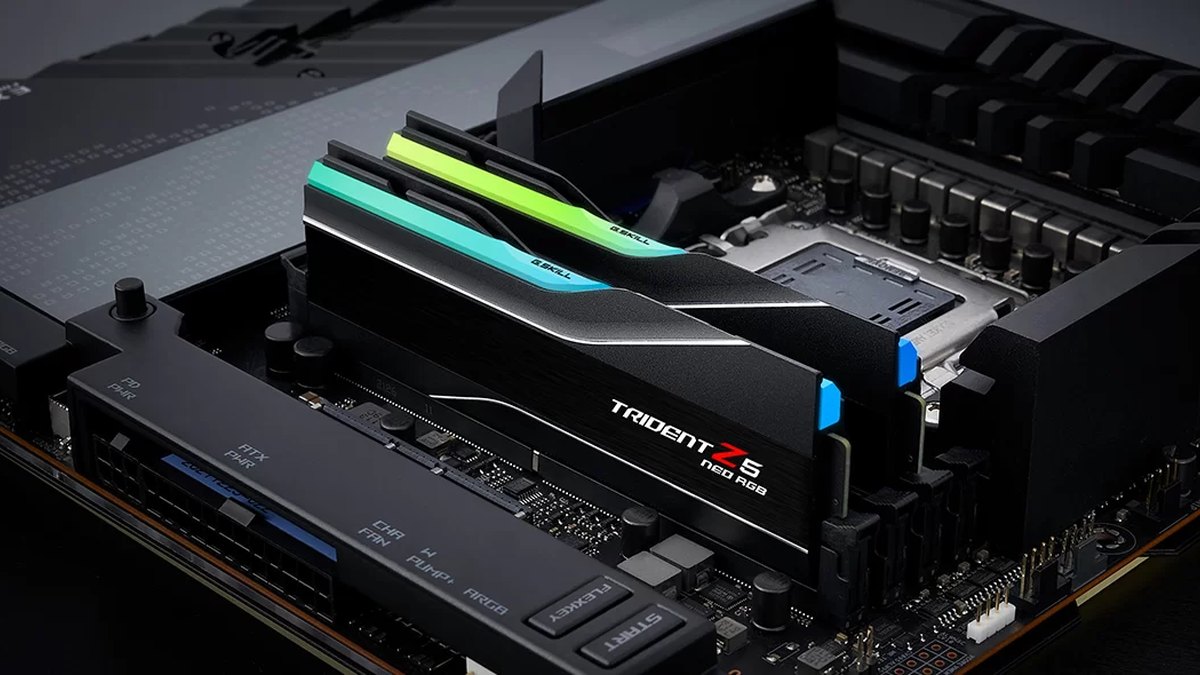
The G.SKILL Trident Z5 Neo RGB kit pictured above is a 64GB (2x32GB) set rated DDR5-6000 CL30-40-40-96 at 1.40V with Intel XMP 3.0 and AMD EXPO support; it boots at standard speed until you enable the profile in BIOS, and it carries a limited lifetime warranty.
Prices (as of November 10, 2026)
| Product | Launch price (MSRP) | Street price range |
|---|---|---|
| Kingston FURY Beast DDR5-6000 CL30 32GB (16GB×2) | Check the retailer | About $790 (one major US retailer) |
| G.SKILL Trident Z5 Neo RGB DDR5-6000 CL30 64GB (32GB×2) | Check the retailer | Check the retailer |
RAM prices have risen sharply since the second half of 2025, so the same kit can cost very different amounts depending on the store and the week. The figure above is a regular listed price as of November 10, 2026, with coupon and ad prices left out.
For the launch price and any cell marked check the retailer, confirm the exact part number and today's price at the store before you buy. With a 32GB kit costing this much, confirming a real shortage first matters more than ever.
Seven common mistakes
- Buying RAM because In use reads 90%, without checking Committed, hard faults or actual freezes.
- Measuring with only the game open, when in real life Discord, a browser and a recorder are running too.
- Adding a different brand stick to an existing 16GB stick, which may not meet the same brand, speed, capacity and chip conditions in the manual.
- Adding one 16GB stick to a 2x8GB pair to reach 32GB instead of buying a matched 2x16GB kit.
- Putting two sticks in slots on the same channel instead of the manual's recommended pair, usually A2 and B2.
- Buying 64GB for gaming, which measured almost the same as 32GB.
- Turning off the page file, which lowers the commit limit and raises the risk of freezes and crashes. Leave it system managed.
What gamers are saying: prices, 16GB and single sticks
Four themes come up again and again in hardware forums.
First, players across Korea, Japan, Taiwan, Vietnam and English speaking communities are delaying upgrades because of RAM prices, and in English language forums one typical answer is that 32GB is plenty for games and 64GB can wait while prices are high.
Second, on whether 16GB is still enough, one side says it is fine if you close background apps and the other says Chrome, Discord and launchers make it tight; another answer that shows up in several places is that if you are not running out, more capacity will not change anything.
Third, people repeatedly warn against single stick setups, with AMD users in particular told to run two. Fourth, mixing sizes such as 8+16+8 is discouraged in favor of a matched pair, and four sticks or mixed kits are said to make XMP harder to get stable.
A forum case of 99% usage and stutter in Overwatch on one 16GB stick drew answers ranging from virtual memory and first launch shader caching to single channel. Because the cause can vary, measuring on your own PC is the faster route.
How to confirm the upgrade worked
After swapping RAM, check three things on the Task Manager Memory page first: installed capacity, Slots used showing 2 of 4, and Speed.
Then repeat the six steps above with the same game, the same scene and the same background apps, and compare the peak Committed value and hard faults in Resource Monitor. If there is more room between the two Committed numbers and Alt+Tab freezes and hard faults are down, the upgrade did its job.
If the numbers look the same but frame rate problems remain, the bottleneck is your GPU, CPU or game settings rather than memory.
Compare the same scene before and after with DOR
If you always game with a recorder running, measure with it running too. DOR is a free Windows app that detects supported games when you launch them and records the whole match automatically, so following the steps above with DOR open shows your real memory use including recording.
Before and after moving from one stick to two, or from 16GB to 32GB, record the same scene with the same recording settings and play the clips side by side in My Clips to compare stutter and freezes with your own eyes.
In League of Legends, replay and spectator recording is on by default, so playing the same .rofl replay records it again and lets you repeat the exact same teamfight. For other games, cut the part you want from the automatic recording and save it.
On supported NVIDIA graphics cards such as the RTX series, DOR records with NVENC hardware encoding. For the full picture on recording PC hardware, see our recommended specs for game recording.