

The short answer: keep your AM4 board and DDR4, swap only the CPU
If you run a B450, B550, X470 or X570 board with at least two 16GB DDR4 sticks, and your CPU is a Ryzen 1000, 2000 or 3000 series chip or a Ryzen 5 5600 class part, the Ryzen 7 5800X3D 10th Anniversary Edition is the least expensive way to get a big jump in gaming performance right now.
The moment you have to buy new RAM or a new motherboard, or you are building a fresh PC, the math flips to AM5. On a budget that means the Ryzen 5 7500F. For high refresh competitive gaming over the next several years, it means the Ryzen 7 7800X3D or 9800X3D. The benchmark reviews that retested this chip in 2026 reached the same advice.
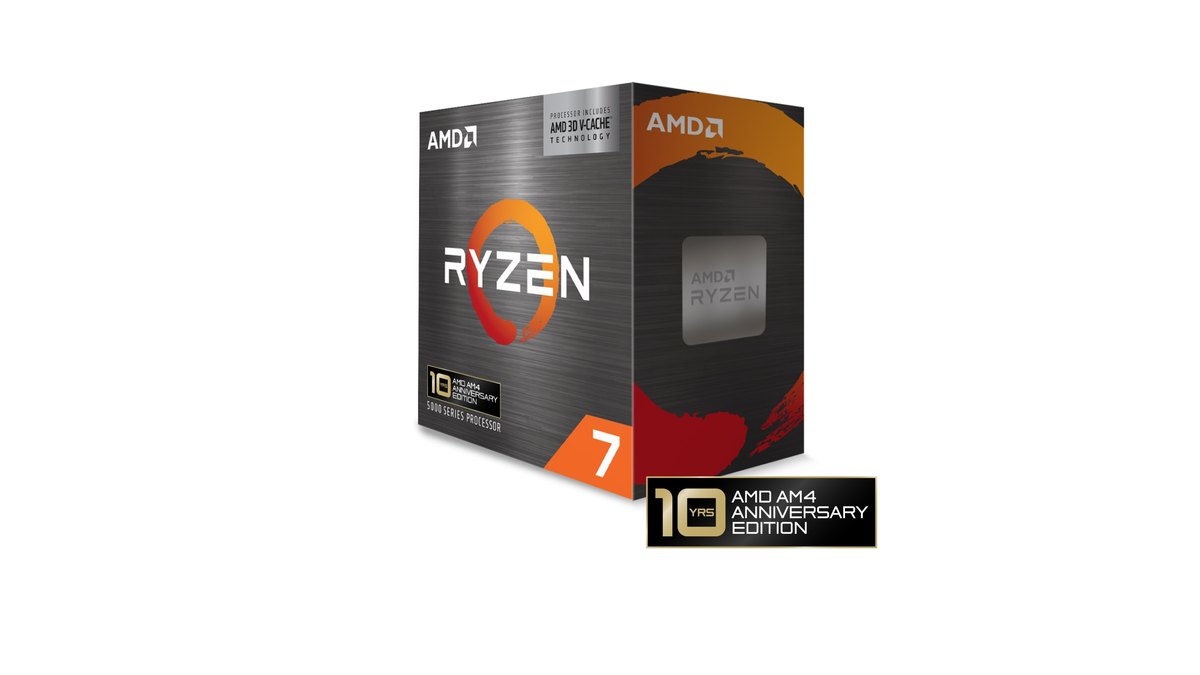
- Big win: coming from a Ryzen 2000 or 3000 chip. In benchmark reviews it averaged 52 to 61 percent more frames than a Ryzen 7 3800X at 1080p.
- Worth doing: Ryzen 5 5600 or 5600X owners. Against a 5600X in the same testing, averages and 1% lows both rose by about a third.
- Skip it: you already have a 5700X3D or 5800X3D, or you game mostly at 4K on a 5900X or 5950X.
- Go AM5 instead: you only have 2x8GB DDR4 and would need new RAM anyway, or you are building a new PC.
- Fix this first: you run an APU like the 5600G with no graphics card. The 5800X3D has no integrated graphics, so you need a GPU before anything else.
What is new in the 5800X3D 10th Anniversary Edition
AMD announced the relaunch at Computex 2026 at the end of May to mark ten years of the AM4 socket, and US retail sales started on June 25. Launch day stock disappeared quickly, scalper listings showed up, and major retailers restocked the next day.
AMD reportedly said this is not a limited run and that production will continue. The reason it exists at all is the memory price spike. Moving to a new platform means buying a motherboard and DDR5 together, and that bill grew so much that AMD reopened the cheapest path for people who already own DDR4.
The official specifications match the original 5800X3D from April 2022, and a review that tested both chips side by side found clock, power and temperature differences within normal sample variation.
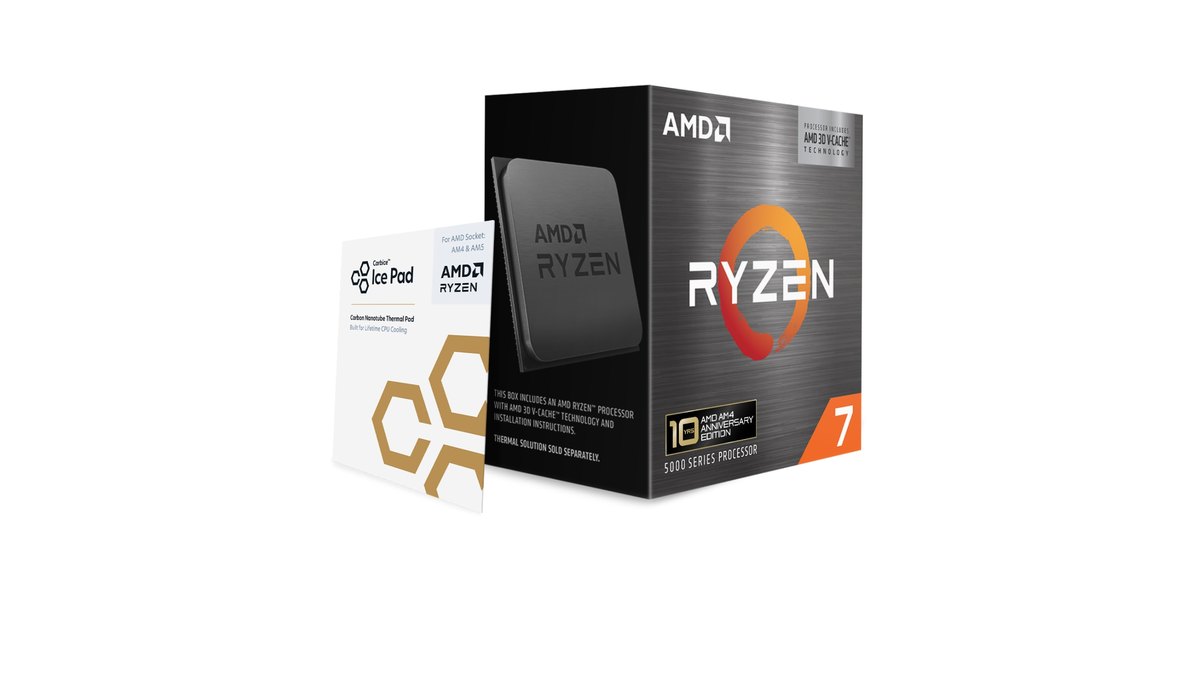
What you can actually see is the 10th anniversary logo on the box and a Carbice Ice Pad thermal pad in the package. Reports also say the 3D V-Cache bonding process was requalified with a newer method because the original one is no longer in use.

| Spec | Ryzen 7 5800X3D 10th Anniversary Edition | What to check |
|---|---|---|
| Cores and threads | 8 cores, 16 threads, Zen 3 | Same core count as the 7800X3D and 9800X3D |
| Clocks | 3.4GHz base, up to 4.5GHz boost | Higher boost than the 5700X3D (4.1GHz) |
| L3 cache | 96MB with 3D V-Cache | The main reason it games so well |
| TDP | 105W | Multiplier locked, no official PBO support |
| Memory | DDR4 dual channel, up to 128GB | DDR4-3200 with two sticks, lower official speed with four |
| Supported chipsets | X570, X470, B550, B450, A520 | 300 series boards depend on the board maker list |
| Integrated graphics | None | A discrete graphics card is required |
| In the box | No cooler, Carbice Ice Pad included | AMD recommends liquid cooling, max temp 90°C |
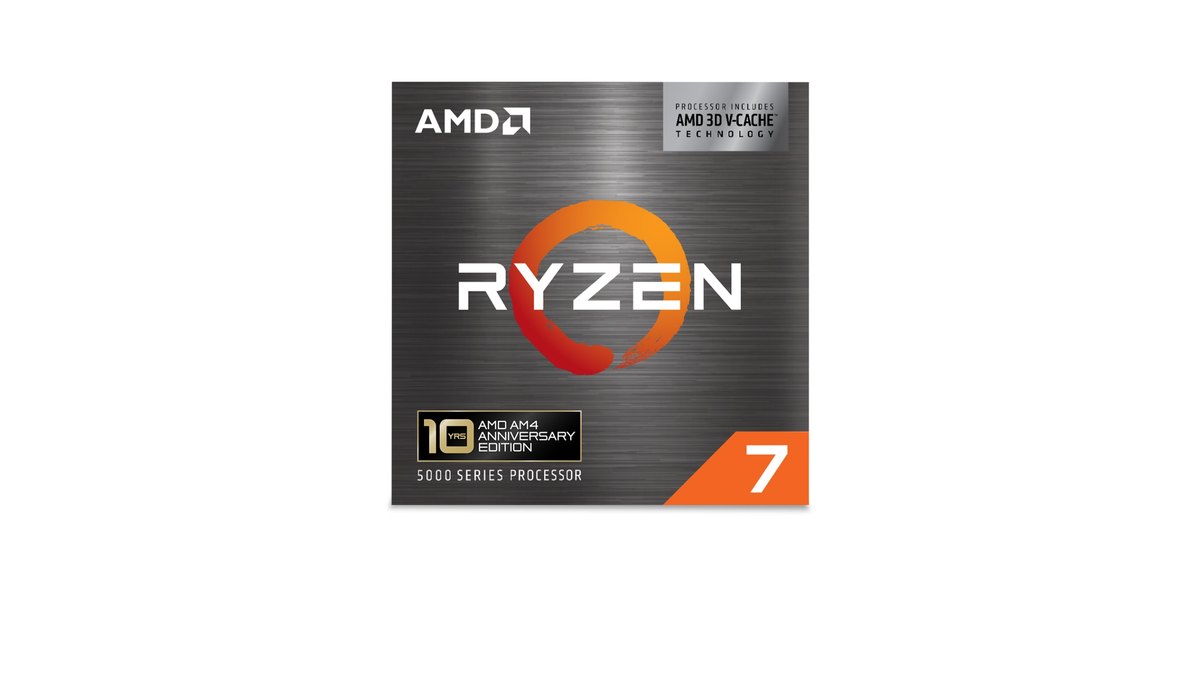
Decision table: what to do in your situation
| Your setup | Verdict | Why |
|---|---|---|
| B450 or B550 class board + 2x16GB DDR4 + Ryzen 2000 or 3000 | Swap to the 5800X3D | 52 to 61 percent higher 1080p averages than a 3800X in benchmark reviews |
| Same board and RAM + Ryzen 5 5600 or 5600X | Worth upgrading | 31 to 34 percent higher averages, 33 to 34 percent higher 1% lows |
| Already on a 5700X3D or 5800X3D | Do not upgrade | The gap to the 5700X3D is about 9 percent |
| 5900X or 5950X, mostly 4K | Small gain | CPU differences mostly disappear at 4K |
| Only 2x8GB DDR4, new RAM needed | Price out AM5 again | Buying RAM erases most of the platform savings |
| A320, B350 or X370 board | Check board support first | Not on AMD official chipset list |
| APU only, no graphics card | Buy a GPU first | The 5800X3D has no integrated graphics |
| Building a new PC | AM5 (7500F, 7800X3D, 9800X3D) | AMD says AM5 is supported through 2029 |
How much faster is it, by game and resolution
According to benchmark reviews that paired the chip with an RTX 5090 to expose CPU differences across 13 games at 1080p, the 5800X3D averaged 31 to 34 percent more frames than a Ryzen 5 5600X and 52 to 61 percent more than a Ryzen 7 3800X.
It even beat the entry level AM5 Ryzen 5 7500F by 9 to 11 percent on average and 12 percent on 1% lows, and it matched the Ryzen 5 9600X almost exactly. Results vary by game, though.
In cache hungry titles like Baldur's Gate 3 it led the 7500F by 40 percent, while in a few games the reviewers attributed to DDR4 bandwidth limits the 7500F came out ahead.
| CPU | 1080p Medium avg / 1% low | 1080p Ultra avg / 1% low |
|---|---|---|
| Ryzen 7 7800X3D | 220 / 162 | 169 / 127 |
| Ryzen 7 5800X3D | 177 / 131 | 141 / 105 |
| Ryzen 5 9600X | 176 / 128 | 140 / 103 |
| Ryzen 5 7500F | 159 / 117 | 130 / 94 |
| Ryzen 5 5600X | 132 / 98 | 108 / 79 |
| Ryzen 7 3800X | 110 / 82 | 92 / 69 |
As resolution goes up, the graphics card does more of the work and the gaps narrow. At 4K most games land close together, and only a handful still show a CPU difference. At 1440p it depends on which GPU you own, so check your pairing first in our CPU and GPU bottleneck pairing guide.
High refresh shooters vary. In benchmark reviews, Rainbow Six Siege X ran 13 percent faster than on a 5600X, a smaller jump than the 13 game average and roughly level with the 7500F. In CS2 the 7800X3D pulled clearly ahead, while the 5800X3D only edged out Intel chips running DDR4.
For games where we could not find measured numbers, such as League of Legends or PUBG, we will not guess a figure. Recording the same scene before and after the swap on your own PC, as described below, tells you more than any chart.
5800X3D vs 5700X3D, 7800X3D and 9800X3D
The 5700X3D has the same 8 cores and 96MB of cache, but its lower 4.1GHz boost leaves it about 9 percent behind the 5800X3D in 1080p averages. Reports say production has ended and what is left is remaining stock and used units, so if you already own a 5700X3D there is little reason to switch.
Going the other way, the AM5 7800X3D was 20 to 24 percent faster than the 5800X3D in the same 1080p testing, and in a 720p CPU ranking the 9800X3D led by 42 percent on average. Even a 7700X3D running a single DDR5 stick finished 14 percent ahead. The performance ceiling clearly lives on AM5.
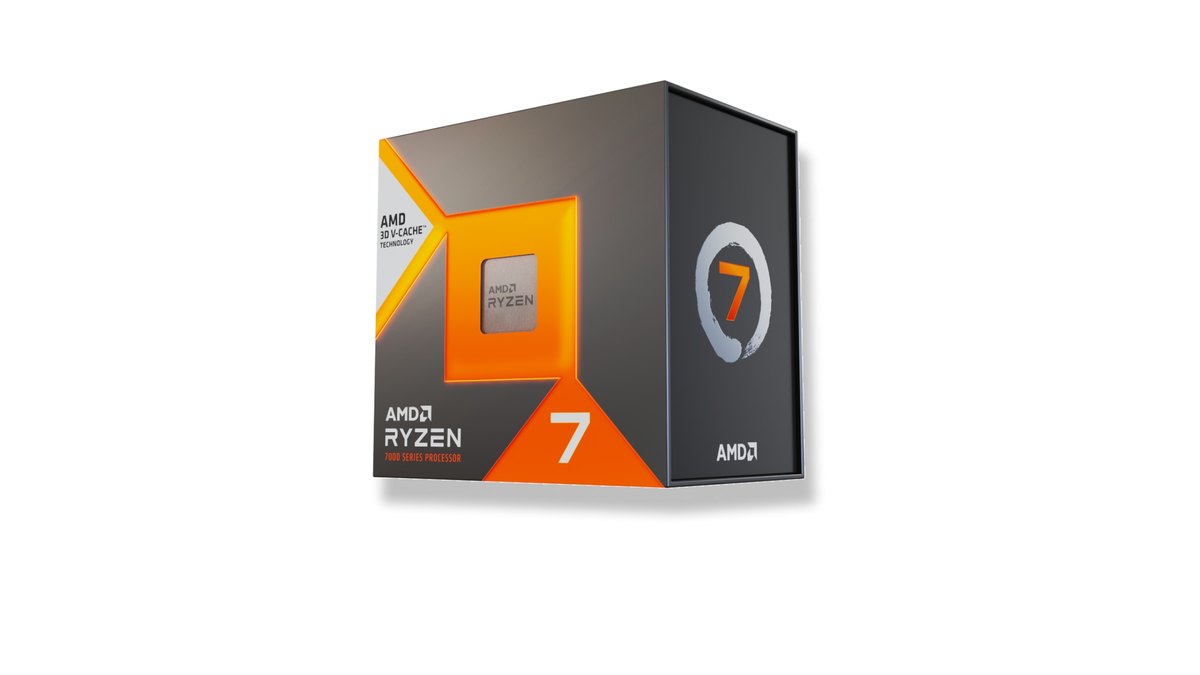
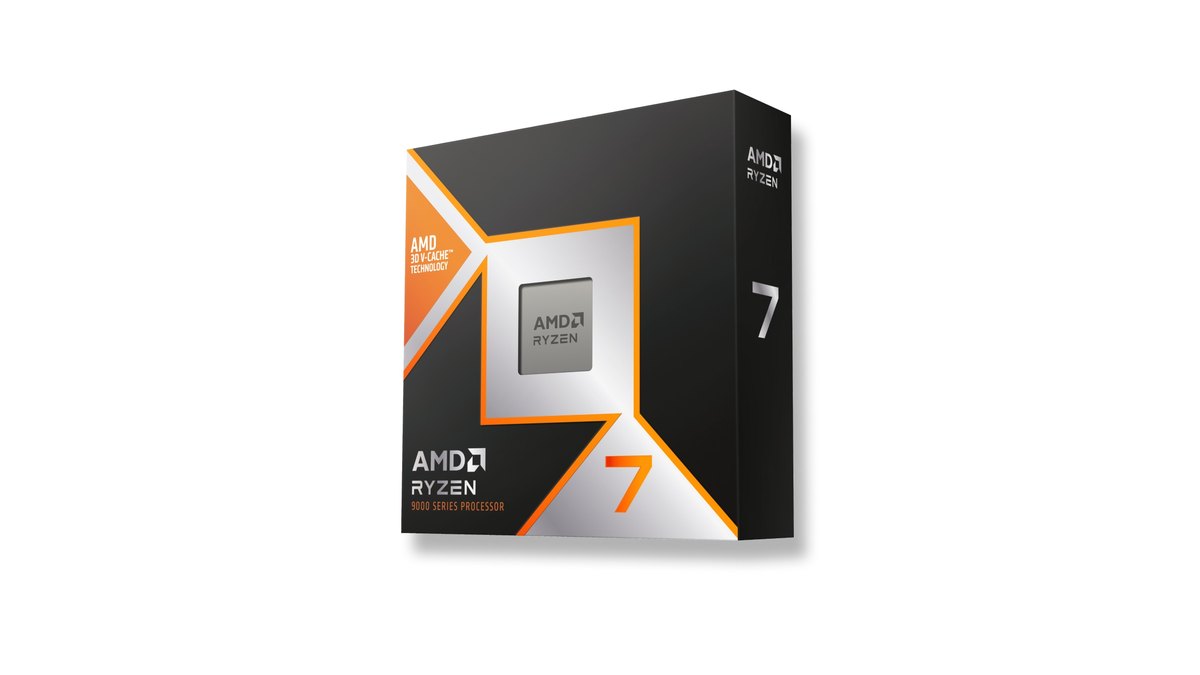
That is why a new build should be AM5. AMD has committed to supporting the AM5 socket through 2029, so you also get a longer upgrade path. For parts lists at different budgets see budget gaming PC builds, and for how to choose each component see our gaming PC buying guide. If you are torn between the two top AM5 X3D chips, read 9850X3D vs 9800X3D.
Prices as of November 10, 2026
| Product | Launch price (MSRP) | Street price range |
|---|---|---|
| Ryzen 7 5800X3D 10th Anniversary Edition | $349 | About $280 to $340 |
| Ryzen 5 7500F | $179 | Check retailer listings |
| Ryzen 7 7800X3D | $449 | About $335 to $420 |
| Ryzen 7 9800X3D | $479 | About $415 to $470 |
CPU prices move week to week, and the 5800X3D in particular has swung between deep discounts and short stock since its relaunch. Treat these ranges as a guide and confirm the final price at the retailer before you buy. The point of the table is that a 5800X3D costs less than a 7800X3D on paper, but the real savings only appear when you skip a new motherboard and DDR5 kit.
Before you swap: a step by step checklist
- 1Check what you haveNote your CPU, motherboard model, and how much RAM you have in how many sticks. Task Manager's Performance tab also shows memory speed and slots in use. Our guide on how to check PC specs in Windows 11 walks through it.
- 2Confirm BIOS support and updateFind the BIOS version that adds 5800X3D support on your board maker's CPU support list. If you need it, flash it with your current CPU still installed. BIOS settings may reset, so take photos of anything you changed.
- 3Sort out coolingThere is no cooler in the box and AMD recommends liquid cooling. The chip can run up to around 90°C under heavy load, so replace a stock class cooler with a large tower air cooler or an AIO. See Ryzen X3D temperatures for what is normal.
- 4Enable memory profile and ReBARIn the BIOS, turn on XMP (some boards call it D.O.C.P or similar) and enable Resizable BAR, which older BIOS versions often leave off. Follow our XMP and EXPO setup and Resizable BAR setup guides.
- 5Update chipset drivers and testOnce in Windows, installing the latest AMD chipset driver is a sensible habit. Then play a few rounds of your usual games and watch temperatures and stability.
- 6Record before and afterCapture the same game and the same scene before and after the swap with identical recording settings, then compare them side by side. Our before and after gear recording guide covers the method.
What owners say, and the counterarguments
- Several retailer reviews make the same point: it only makes sense if you already have an AM4 setup, and if you need a whole new kit, DDR5 is the better place to put the money. Benchmark reviewers reached the same conclusion.
- One owner who moved up from a Ryzen 3000 chip noted that productivity benchmarks rose only modestly, but said they were happy because gaming was the goal.
- One owner review describes it as running hot and advises planning for a large air cooler or an AIO, which lines up with measured temperatures.
- On the other side, reviewers called it overpriced for a four year old chip, and one commenter argued that a 5900X owner gaming at 4K on a high end GPU gains little.
The objection that DDR4 has also gotten expensive is valid. DDR4 prices climbed sharply over the past year, and one analysis found DDR4 rising faster than DDR5 recently. Even so, a benchmark outlet calculated that DDR5 still costs more for the same capacity.
The core of the deal is reusing the DDR4 you already own. If you have to buy DDR4 now, most of the advantage disappears. To see how much memory your games actually use, start with our game RAM usage check.
Prove the difference by recording it
Whether stutter actually went away after a CPU swap is easier to judge on your own screen than in a benchmark chart. DOR automatically detects supported games when you launch them and records the full match, and every recording lands in My Clips in the app.
Record one match before the swap and one after on the same map with a similar fight, using the same recording settings, then watch them side by side. In League of Legends, kills, multikills and objectives are cut into automatic highlights, which makes it easy to find comparable teamfights. Turn on the in game FPS counter and the number is captured on screen too. Our guide on how to show FPS in games explains how.