Verdict: Gen4 is enough for gaming, and most new buyers should pick the WD_BLACK SN8100
If all you care about is game load times, a PCIe 5.0 (Gen5) SSD and a PCIe 4.0 (Gen4) SSD perform almost the same. A measured review timed loading in 12 games on a Ryzen 7 9800X3D and RTX 5090 test bench.
Between NVMe drives, the gap across Gen3, Gen4 and Gen5 was usually nothing or about a second, and the largest gap in any game was 10 to 15 percent, roughly five seconds.
Gen5 nearly doubles the sequential read number on the box, but loading a game involves a lot more than raw reads, so that headline figure does not turn into half the wait. If your games already live on a Gen4 NVMe drive, there is no gaming reason to upgrade to Gen5.
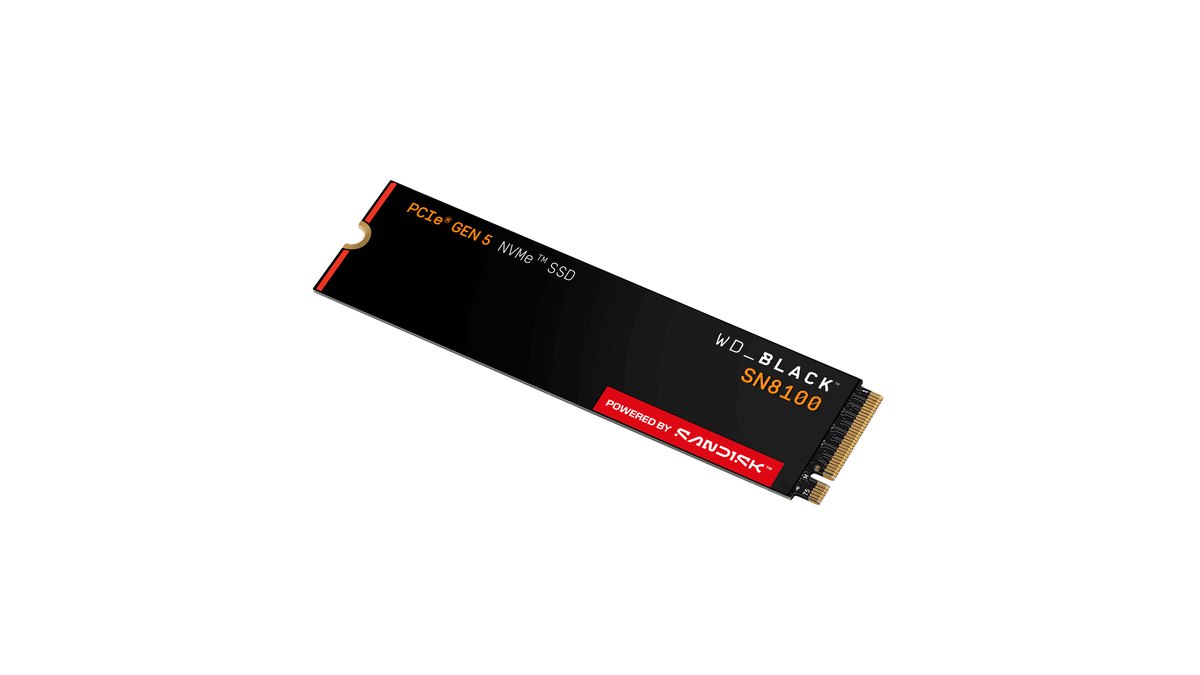
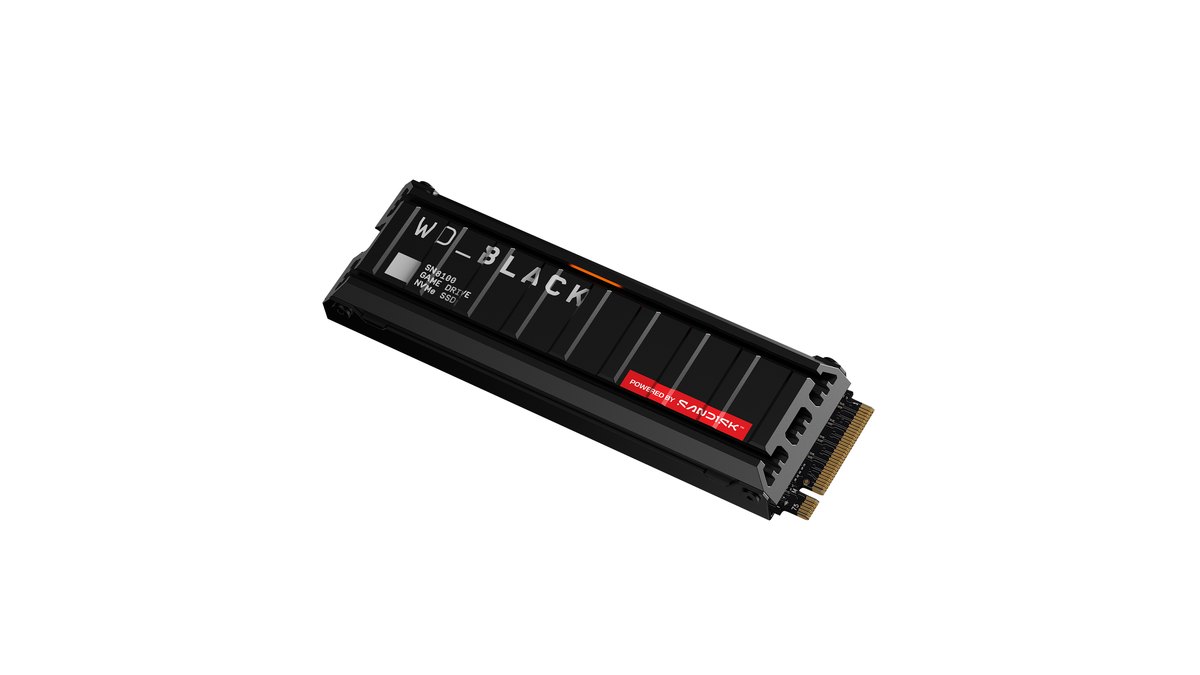
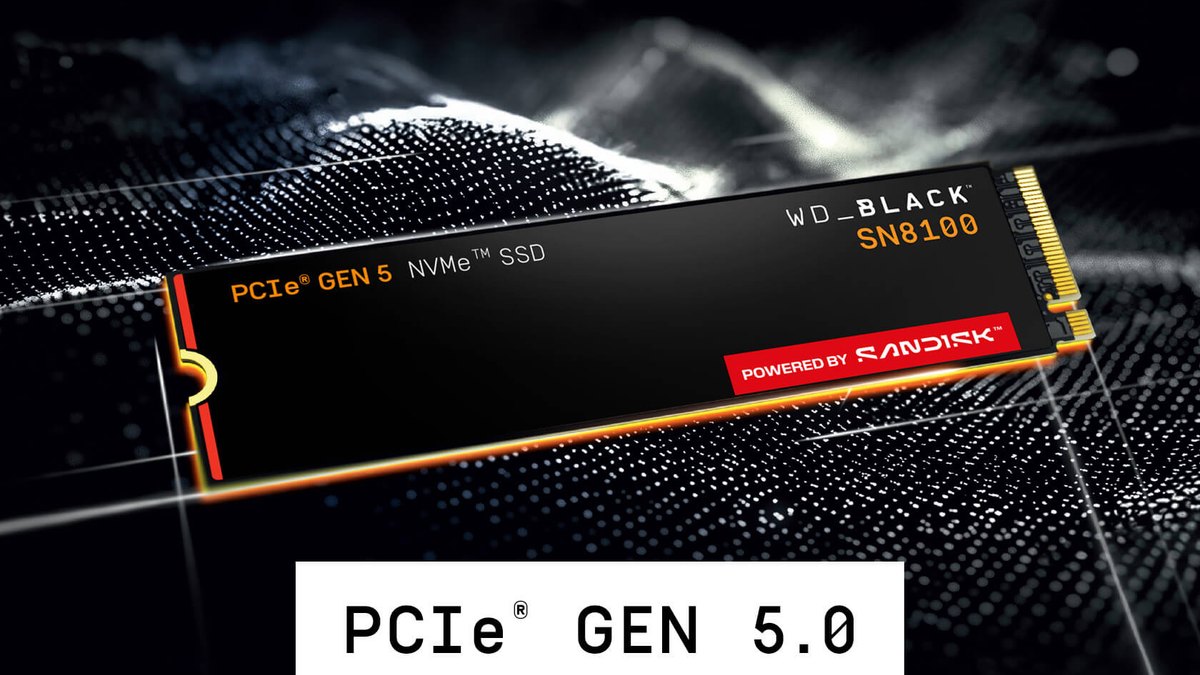
If you are buying a new drive anyway, most people should pick the WD_BLACK SN8100 (★★★★½ 4.5).
Not because Gen5 makes games load faster, but because in the markets we checked on November 10 the 2TB model sits at or near the price of the Gen4 benchmark Samsung 990 PRO, and in measured reviews it was one of the fastest consumer SSDs available with top efficiency, and it did not overheat even without a heatsink.
Sandisk now sells the same drive as the Sandisk Optimus GX PRO 8100, so search both names at your retailer.
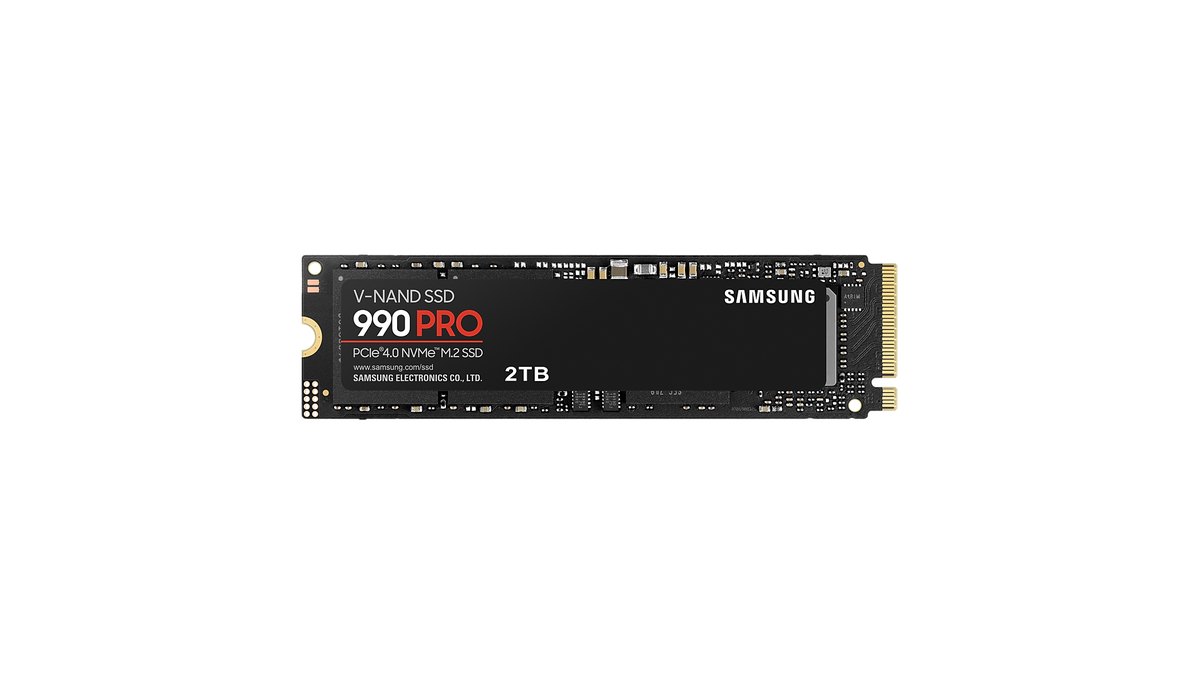
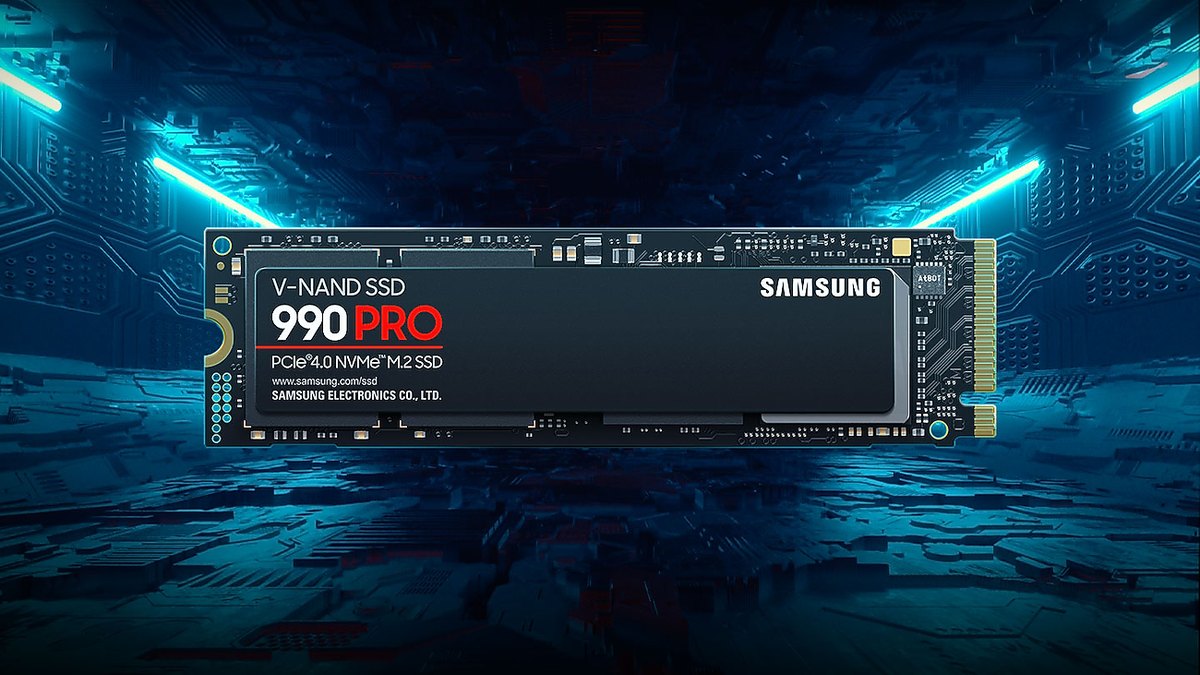
The Samsung 990 PRO (★★★★☆ 4.0) is the right call if your motherboard M.2 slots top out at Gen4, if the drive is going into a laptop or a PS5, or if you want the cheapest 1TB of the three.
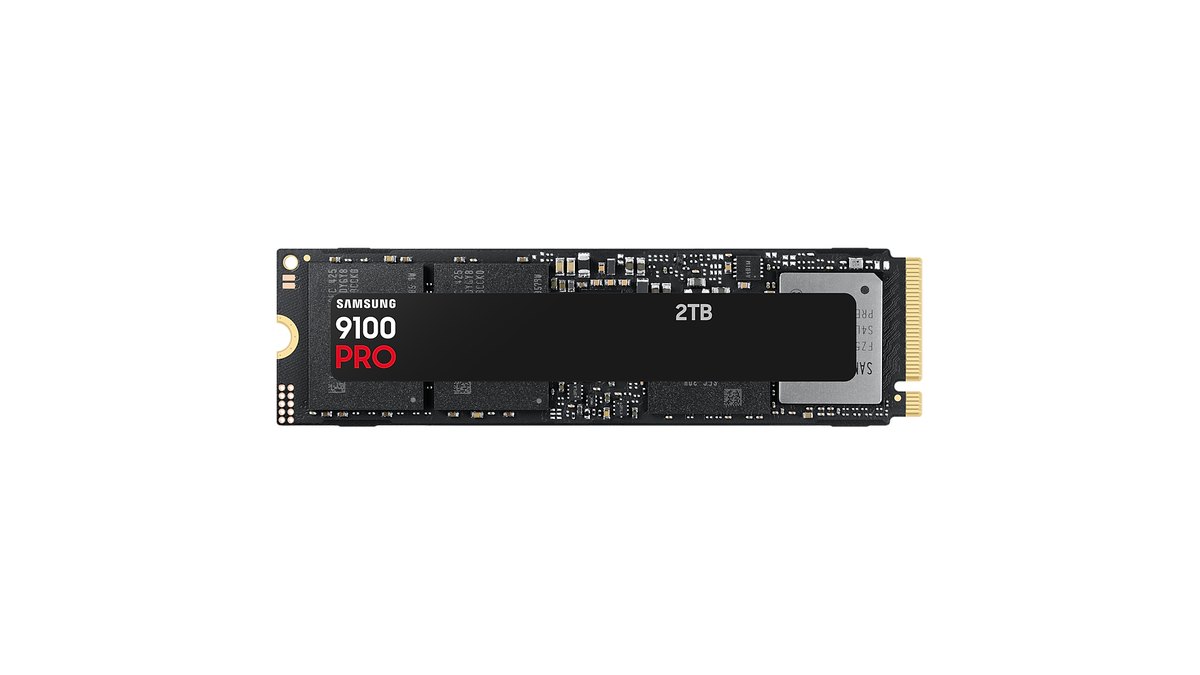
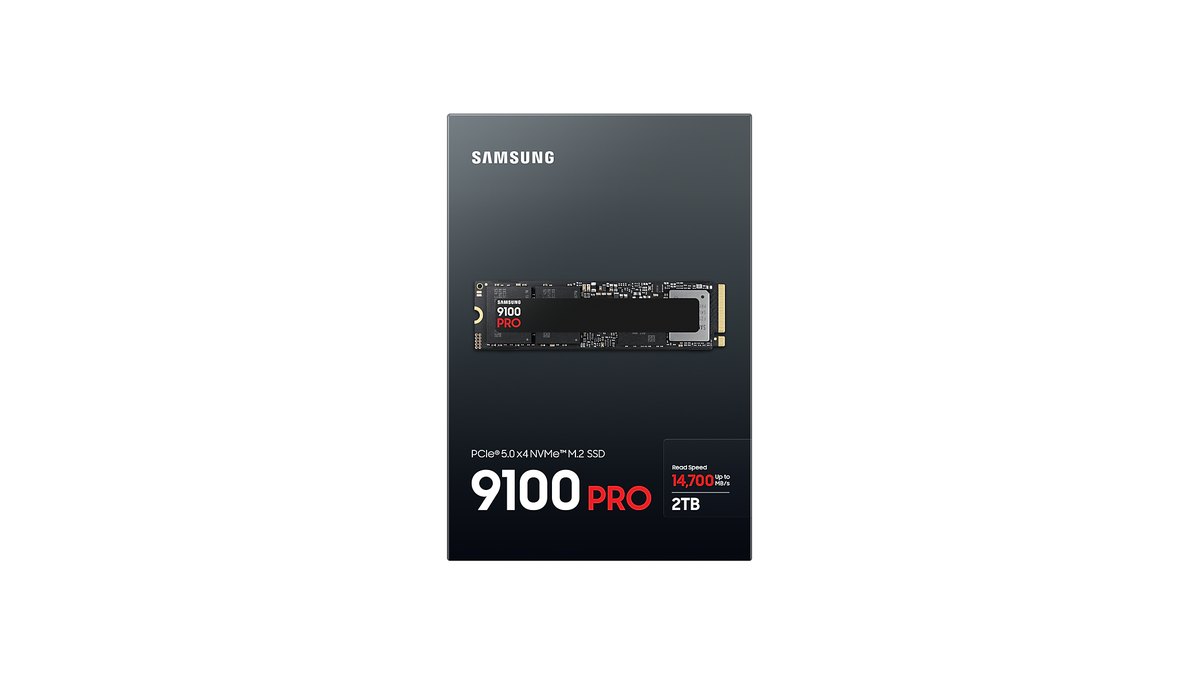
The Samsung 9100 PRO (★★★★☆ 4.0) is a well built Gen5 drive, but it was the priciest of the three wherever we compared, so we do not recommend it first for gaming. Pick it when you want 4TB or 8TB on one stick, or prefer Samsung Magician and Samsung support.
And if your games are still on a SATA SSD or a hard drive, the real upgrade is moving them to any NVMe drive, Gen4 or Gen5.
Star ratings: SN8100 4.5, 990 PRO 4.0, 9100 PRO 4.0
| Criterion | WD_BLACK SN8100 | Samsung 990 PRO | Samsung 9100 PRO |
|---|---|---|---|
| Overall | ★★★★½ 4.5 | ★★★★☆ 4.0 | ★★★★☆ 4.0 |
| Performance (35%) | 5.0 · top consumer drive in measured reviews, best efficiency | 4.0 · near the Gen4 ceiling, same tier as Gen5 for game loading | 4.5 · top tier Gen5 without a category win |
| Value (25%) | 4.0 · cheapest Gen5 here, 2TB close to the 990 PRO | 4.0 · cheapest 1TB and 2TB in several markets | 3.0 · priciest of the three |
| User reputation (20%) | 4.0 · strong ratings from a small sample | 4.5 · largest pool of buyer reviews, high scores | 4.5 · high retailer ratings |
| Popularity (10%) | 4.0 · highest of the three in Japanese rankings | 4.5 · top five in Korean SSD rankings | 4.0 · top ten in Korea, low in Japan |
| Durability and support (10%) | 5 year limited warranty | 5 year limited warranty, Samsung support | 5 year limited warranty, Samsung support |
The performance score rates the drive itself: sequential and random speed plus efficiency. It does not mean one drive loads games faster than another, because for game loading all three are in the same class.
All three carry a 5 year limited warranty and the same 1,200TB write endurance at 2TB, so we had no evidence to separate them on durability and recalculated the overall score from the other four criteria, rounded to the nearest half star.
The 990 PRO and 9100 PRO tie at 4.0, but the 990 PRO earns its score on value and compatibility while the 9100 PRO earns it on raw speed. The 990 PRO fits more buyers.
Specs: nearly double the sequential speed, the rest is similar
| Spec | WD_BLACK SN8100 | Samsung 990 PRO | Samsung 9100 PRO |
|---|---|---|---|
| Interface | PCIe 5.0 NVMe | PCIe 4.0 x4, NVMe 2.0 | PCIe 5.0 x4, NVMe 2.0 |
| Capacities | 1, 2, 4, 8TB | 1, 2, 4TB | 1, 2, 4, 8TB |
| Max sequential read/write | 14,900/14,000MB/s (2 to 4TB), 1TB write 11,000MB/s | 7,450/6,900MB/s | 14,800/13,400MB/s (4TB), 1TB 14,700/13,300MB/s |
| Max random read/write | about 2.3M IOPS (2 to 4TB), 1TB 1.6M/2.4M | 1,400K/1,550K IOPS | 2,200K/2,600K (2 to 4TB), 1TB 1,850K/2,600K |
| NAND and controller | BiCS8 TLC, Silicon Motion SM2508 | Samsung V-NAND TLC, Samsung controller | Samsung 8th gen V-NAND TLC, Samsung 5nm controller |
| DRAM cache | Yes | LPDDR4 (2GB on 2TB) | LPDDR4X (2GB on 2TB) |
| Warranty and endurance | 5 years, 600TBW on 1TB | 5 years or 1,200TBW (2TB) | 5 years or 1,200TBW (2TB) |
| Heatsink version | Yes (RGB) | Yes | Yes |
| Release | On sale June 2025 | Late 2022, 4TB in 2023 | March 2025, 8TB in late 2025 |
The generational gap sits almost entirely in sequential and random throughput. All three are premium drives with TLC NAND and a DRAM cache, and all three carry five years of coverage.
Samsung says the 9100 PRO is up to 49 percent more power efficient than the 990 PRO, and Sandisk says the SN8100 more than doubles the efficiency of the older SN850X. Both are the makers' own lab claims, so treat them as background rather than a gaming benefit.
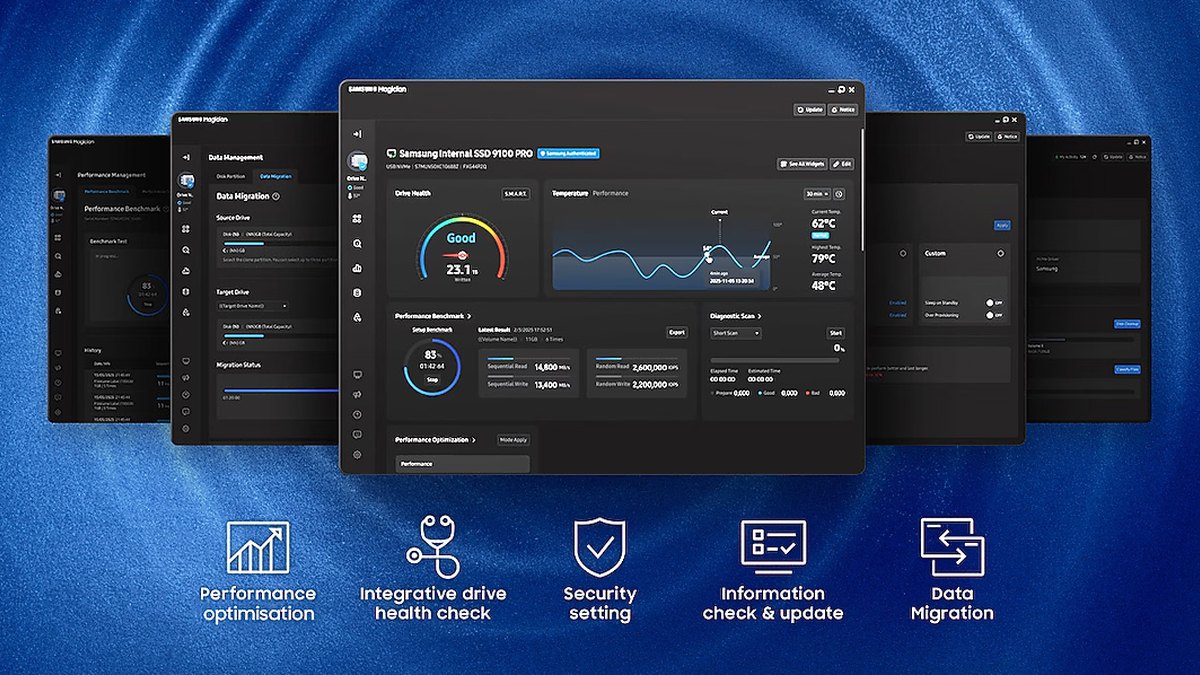
Samsung lists the 9100 PRO as PS5 compatible, and both Samsung drives work with Samsung Magician for firmware alerts and health checks. The SN8100 continues under the Sandisk Optimus GX PRO 8100 name with the same specs.
Game loading: NVMe drives are nearly identical, SATA and hard drives fall behind
Here is how the measured review was set up. On a Ryzen 7 9800X3D system with 32GB of DDR5 and an RTX 5090, Gen5, Gen4 and Gen3 NVMe drives, SATA SSDs and hard drives were swapped into the CPU attached PCIe 5.0 M.2 slot and timed loading the same games.
The drives tested were same generation models from another brand, not the three in this article, so read the table as a generational comparison rather than a result for any specific model.
| Game | Between NVMe drives (Gen3, Gen4, Gen5) | SATA SSD and hard drive |
|---|---|---|
| Kingdom Come: Deliverance II | Fastest Gen5 about 15 percent (about 5 seconds) quicker than slowest Gen3, the largest gap in the test | SATA QLC took 46 percent longer, hard drive over 4 minutes |
| Indiana Jones and the Great Circle | Fast travel under 5 seconds on every NVMe drive | SATA took 70 percent longer, textures popped in late on the hard drive |
| The Last of Us Part II | No meaningful difference | SATA took at least 60 percent longer |
| Marvel's Spider-Man 2 | Being on NVMe mattered more than which generation | SATA up to about 4 times slower |
| Ratchet & Clank: Rift Apart | 1.3 second load, portal sequence nearly identical on Gen5 and Gen3 | SATA about 5 times slower and could not keep up in the portal sequence |
| F1 25, Fallout 4, Red Dead Redemption 2 | Same time or no difference across NVMe drives | F1 25 about 8 percent slower on SATA, the others only slow on a hard drive |
In short, the line that changes how a game feels is NVMe versus SATA or a hard drive, not Gen4 versus Gen5. Some games, such as Assassin's Creed Shadows, list an SSD as a requirement, and in the measured tests some games showed late textures or hitches on a hard drive.
Where Gen5 did pull ahead was copying an entire game folder to another drive: the fastest Gen5 was 27 percent quicker than the slowest NVMe drive. So if you often reinstall games or move large folders, Gen5 speed is worth something. For how much of a full PC budget to put into storage, see our gaming PC buying guide.
DirectStorage: the gap is still small in games that use it today
DirectStorage is the Windows feature that lets the graphics card unpack game data read from the SSD and takes load off the CPU, which is why it shows up in so much Gen5 marketing.
In the measured review, Assassin's Creed Shadows, The Last of Us Part II and Marvel's Spider-Man 2 all use DirectStorage, and the gap between NVMe drives stayed small. Gen5 only occasionally beat Gen3 by single digit percentages.
Whether future games will widen that gap has not been shown by any testing yet, so it is a weak reason on its own to pay more for Gen5 today.
Heat and heatsinks: a current Gen5 drive just needs one heatsink
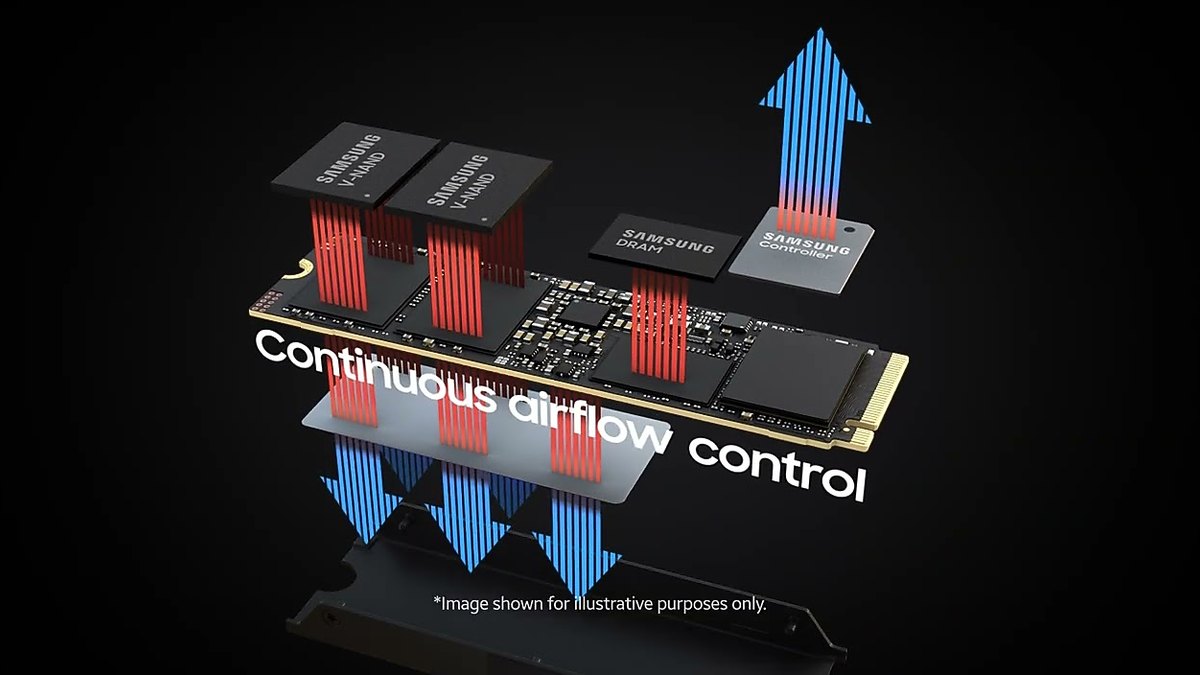
Gen5 SSDs still have a reputation for running hot, but for these three drives the fix is simply a motherboard M.2 heatsink or the drive's own heatsink version. In measured testing the bare 9100 PRO 2TB peaked at 67°C and the 4TB at 71°C, while the 4TB with Samsung's heatsink peaked at 47°C.
Reviewers saw none of the high idle power or heatsink free throttling that early Gen5 drives suffered from. The SN8100 was the most efficient drive the reviewer had tested and did not overheat without a heatsink, though the review still recommends one in a desktop. Samsung rates the 9100 PRO for 0 to 70°C operation.
Check your motherboard slot: a Gen5 SSD runs at Gen4 speed in a Gen4 slot
A Gen5 SSD works in a Gen4 slot, but it is capped at Gen4 bandwidth. Samsung itself notes that you need PCIe 5.0 support to get the 9100 PRO's full speed. One reviewer even expected the SN8100 to run more efficiently in a Gen4 slot, but if that is your setup, buying a Gen4 drive in the first place makes more sense for the money. Check these before you buy.
- 1Find the generation of each M.2 slotLook in the motherboard manual or spec page for which M.2 slots are PCIe 5.0 and which are 4.0, and whether each one connects to the CPU or the chipset. Slots on the same board often differ.
- 2Check lane sharing with the graphics cardOn some boards, using a PCIe 5.0 M.2 slot cuts lanes from the graphics card slot. Use the lane sharing table in the manual to pick a slot that keeps the graphics card at x16.
- 3Plan the heatsinkUse the motherboard M.2 heatsink if there is one, or buy the drive's heatsink version. If the slot sits under the graphics card with little airflow, do not skip the heatsink.
- 4Confirm the link after installingOpen the maker's software such as Samsung Magician, or a drive information tool, and confirm the PCIe generation and lane count are correct and the firmware is current.
Value: compare on the day, and the SN8100 is often close to the 990 PRO
Prices climbed a lot through 2026, so we rate value by where each drive sat against the others on November 10, using the price ranges in the table below.
The 2TB SN8100 was close to the 2TB 990 PRO in Korea and Taiwan and cheaper in Japan, while the 9100 PRO was the most expensive of the three at 2TB. The 990 PRO was the cheapest 1TB in Korea and Taiwan.
On the maker's own US store the 2TB 9100 PRO listed only about $40 above the 2TB 990 PRO, so check your retailer on the day: if the SN8100 is within a small step of the 990 PRO and you have a Gen5 slot, take the SN8100; if the gap is wide, the 990 PRO gives you the same game loading for less.
Search both the WD_BLACK SN8100 and Sandisk Optimus GX PRO 8100 names, and compare heatsink versions separately because their premium varies by model.
Prices (as of November 10, 2026)
| Product | Launch price (US MSRP) | Street price range |
|---|---|---|
| WD_BLACK SN8100 1TB | $179.99 | Check the retailer |
| WD_BLACK SN8100 2TB | $279.99 | Check the retailer |
| Samsung 990 PRO 1TB | $179 | $319.99 on the maker's US store (out of stock) |
| Samsung 990 PRO 2TB | $309 | $639.99 on the maker's US store |
| Samsung 9100 PRO 1TB | $199.99 | $339.99 on the maker's US store |
| Samsung 9100 PRO 2TB | $299.99 | $679.99 on the maker's US store |
Launch prices are the US MSRPs announced when each drive came out. The street column shows what the manufacturer's own US store listed for the bare drive on November 10, 2026.
SSD prices have climbed far above launch MSRPs through 2026 and retailers often sell below the maker's store, so compare the same capacity and heatsink version at your retailer on the day.
The SN8100 sells under both the WD_BLACK SN8100 and Sandisk Optimus GX PRO 8100 names, so check both listings for the lower price.
Who Gen5 actually helps: big file work, not game loading
Gen5 sequential speed does get used, just not while a game loads. If one of these fits you and the price gap is small, Gen5 is a reasonable pick.
- You move or reinstall game folders often: in measured testing the fastest Gen5 copied a game to another drive 27 percent faster than the slowest NVMe drive.
- You handle raw video or high bitrate recordings: moving files of tens of gigabytes or opening them in an editor benefits from sequential speed and a large SLC cache.
- You are building new with a PCIe 5.0 slot and the price gap is small: at the same price, take the faster and more efficient drive.
- You want 4TB or more on one stick: the SN8100 and 9100 PRO go up to 8TB, which helps on boards with few M.2 slots.
What users say: the common view is faster numbers, same feel
- No felt difference: Korean hardware forums, Japanese price comparison reviews and a Taiwanese PC board keep repeating that Gen5 wins benchmarks but feels the same as Gen4 in games and daily use. That matches the measurements.
- Where Gen5 helps: the same places also say Gen5 speed is worth it when you often move files over 1GB or raw video. Retailer ratings for both the 9100 PRO and SN8100 are high.
- Worried about heat: some comments still recommend Gen4 because Gen5 is only slightly faster while running hotter and costing more. One owner comparison found the SN8100 idling cooler than the 9100 PRO under the same aftermarket heatsink, but that is a single case and results depend on the cooler.
- Feeling the price: Korean and Taiwanese forums often mention that SSD and RAM prices rose sharply in 2026. For gaming, putting the money into capacity before a newer generation fits the conclusion of this article.
Who should buy which
| If you are | Pick | Why |
|---|---|---|
| Building new with a PCIe 5.0 M.2 slot (most people) | WD_BLACK SN8100 | 2TB often priced close to the 990 PRO, top efficiency |
| On a motherboard with Gen4 M.2 only | Samsung 990 PRO | A Gen5 drive would run at Gen4 speed anyway |
| Adding storage to a laptop or PS5 | Samsung 990 PRO | Gen4 is enough and it clears the PS5 speed requirement |
| After the cheapest 1TB | Samsung 990 PRO | Cheapest 1TB of the three in several markets |
| After 4TB or 8TB on one stick, prefer Samsung support | Samsung 9100 PRO | Up to 8TB, Samsung Magician and Samsung support |
| Already on a Gen4 NVMe drive | Keep it | Almost no game loading gain, spend on capacity or a graphics card |
| Gaming from a SATA SSD or hard drive | Any Gen4 or Gen5 NVMe | Some games load 2 to 5 times faster than on SATA (measured) |
How we chose and rated
We picked two popular premium Gen5 drives (Samsung 9100 PRO and WD_BLACK SN8100) and the benchmark Gen4 drive (Samsung 990 PRO). All three use TLC NAND and a DRAM cache, which keeps the comparison about the PCIe generation.
The Crucial T710 was a Gen5 candidate, but its maker is winding down its consumer business and retail stock is thinning, so we left it out; the company says warranty and support continue.
Cheaper Gen4 drives such as the WD SN7100, SN850X, Samsung 990 EVO Plus and SK hynix P41 also sell well, and the measured conclusion is that drives in that class are enough for gaming too.
Star ratings combine official specs, measured reviews, Korean and Japanese retail rankings, retailer ratings and community posts, weighted performance 35, value 25, user reputation 20, popularity 10 and durability and support 10 percent, rounded to the nearest half.
We could not find a test that timed game loading on all three drives in the same system, so game loading is discussed only as a generational difference.
Swapped your SSD? Record before and after to compare load times
The clearest way to judge an SSD upgrade is on video rather than from memory. DOR is a free Windows game recorder: launch a supported game and it detects it and records the whole match, and recordings collect in My Clips in the app.
For parts outside a match, such as launching the game until the first scene, use screen recording. Record the same scene before and after the swap and you can compare how many seconds you saved under the same conditions.
If you want the new SSD to hold your recordings, see how to change your recording save location, and for a full before and after routine see how to tell if new gaming gear actually helped. Storage cleanup only removes the oldest videos once the full session share (5GB by default) is exceeded, and recent and liked recordings stay.
- 1Record a baseline before the swapWith the game still on the old drive, turn on screen recording and capture launching the game until the first playable screen, or loading the same save or map, two or three times.
- 2Record the same scenes on the new SSDMove the game to the new SSD, keep graphics settings and the save the same, and record the same scenes the same number of times. A cold start right after boot behaves differently from a second launch, so keep the order consistent.
- 3Compare side by side in My ClipsOpen both recordings in My Clips and compare the time from the start of the loading screen to the first scene. Check the same stretch of play for late loading textures too.
For the overall hardware you need to record smoothly, see recommended PC specs for game recording, and if you are not sure whether your CPU or graphics card needs attention before storage, see our CPU and GPU bottleneck pairing guide.