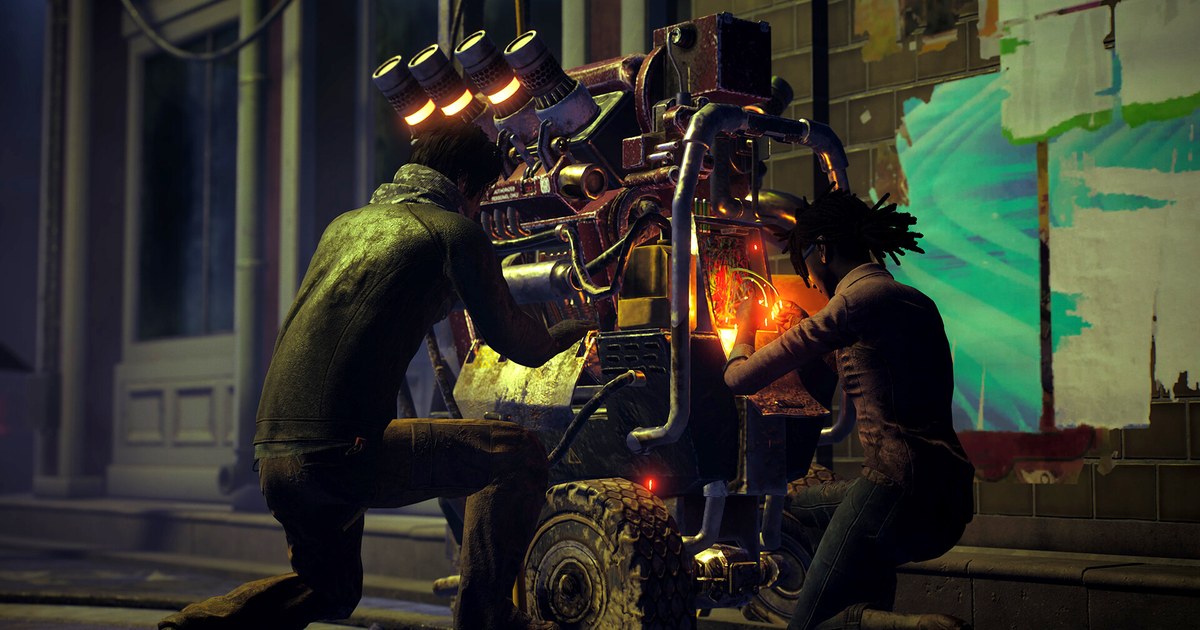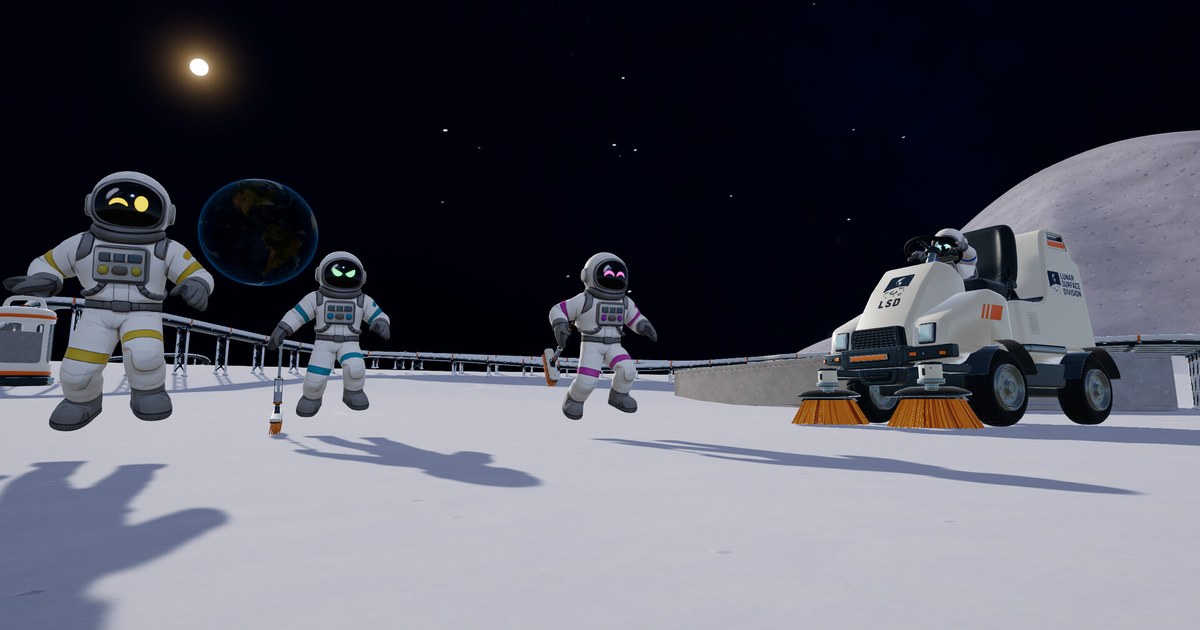
Moon Sweepers hands you an entire Moon to clean and a single toothbrush to start with, and that joke turned into one of the surprise co-op hits of the fall. The game from DragDrop Games launched on Steam on October 23, 2026.
In an October 30 announcement, the developer said it had passed 600,000 players and a peak of 70,000 concurrent players in its first week, and public player charts recorded a peak of 83,138 concurrent players just nine days after launch.
For the week of October 27 to November 3 it placed fourth on Steam's global top sellers chart, which leaves out free to play games. By the studio's own account, the team is just two people.
If your group chat is asking how many people can join, how invites work and whether everyone's PC can run it, this guide answers those questions using only the Steam store page and the official patch notes as of November 10, 2026.
Short answer: up to 16 players, all working in the host's world
The Steam store lists single player and online co-op, with lobbies of up to 16 players. You can spread out to cover more ground or work the same patch of dust together. The world belongs to the host: per the patch notes, a player the host bans can no longer join that save.
Progress is shared in a few important ways. Patch 1.0.3 on October 24 made the whole crew use the host's upgrade matrix, so any crewmate's purchase upgrades everyone, and older saves keep the highest level anyone had bought.
Patch 1.0.4, released right after, reworked ground sync so everyone sees the same cleaned surface, robot trails included, and let any crewmate add splitters and mergers to belts other players built.
Patch 1.0.5 on October 28 added a warning when you start a public game or switch your crew to public, explaining what other players can do to your Moon and how to remove them, plus a Chat voice slider under Settings > Audio for the text to speech chat.
Right now the game is on Steam for Windows only, and console versions and crossplay have not been officially announced.
The developer has said its first major content update, version 1.1, is planned for December 2026 with new production machines, materials, tools, automation and building options, and noted that everything is still in development and may change. An exact release date has not been announced.
How to start a Moon Sweepers co-op session with friends
- 1Update everyone to the same versionLet Steam finish updating the game on every PC before you start. The 1.0.3 notes said all crewmates had to be on that version to play together, and saves made in 1.0.4 cannot be opened in older versions. When a friend cannot get in, a mismatched version is the first thing to rule out.
- 2Pick a steady hostBecause the crew works in the host's world and uses the host's upgrade matrix, keeping the same host every session keeps progress in one save. Choose the player whose PC is closest to the recommended specs and who has a stable wired connection.
- 3Open the world and choose public or privateThe host loads their world and the crew joins it there. A public game lets strangers in too, and since 1.0.5 the game asks you to confirm before starting a public game or switching your crew to public, and explains what other players can do to your Moon. If the session is only for your group, keep it off public.
- 4Check your crew in the ESC menuOpen the ESC menu and look under YOUR CREW to see everyone in the session. The host can kick or ban a player there, banned players cannot rejoin that save, and the host can lift a ban from the same list.
- 5Split the work and record from the startSend some players to clear new ground while others haul dust to depots and launch shipments, or crowd one area for a big cleaning push. First vehicle runs and first launches are hard to recreate, so start recording when the session starts. To capture game sound and your voice together, see how to record game sound and mic together.
Moon Sweepers multiplayer and PC specs at a glance (as of November 10, 2026)
| Item | Details | What to check |
|---|---|---|
| Max players | Online co-op lobbies of up to 16 players, solo play supported | Everyone on the same game version |
| Release and price | October 23, 2026 on Steam for Windows, US$8.99 (as of November 10, 2026, no discount running) | One edition, no DLC; console versions not officially announced |
| Minimum specs | Windows 10 64-bit, Core i5-8400 or Ryzen 5 2600, 8 GB RAM, GTX 1650 or RX 570, DirectX 11 | 2 GB of free storage |
| Recommended specs | Windows 11, Core i5-10400 or Ryzen 5 3600, 16 GB RAM, GTX 1660 Super or RX 5600 XT, DirectX 12 | 4 GB of free storage |
| Shared progress | The crew uses the host's upgrade matrix and any member's purchase applies to all (since 1.0.3) | Keep the same host between sessions |
| Host controls | Kick, ban and unban from YOUR CREW in the ESC menu | Banned players cannot rejoin that save |
| Languages | 19 languages including English, German, Brazilian Portuguese, Japanese, Korean and both Chinese scripts, full audio in English | Store page says generative AI assisted the text translation |
| Steam Deck | Rated Playable by Steam's compatibility check | Some interface text may look small |
Before you invite your crew
- Every player owns Moon Sweepers on their own Steam account (US$8.99 as of November 10, 2026) and has the latest update installed.
- The host's PC meets at least the minimum specs, and is close to the recommended ones if you plan a big automated base.
- If an AMD graphics card crashes, remember that 1.0.4 made DirectX 11 the default and DirectX 12 can be turned on with the -force-d3d12 Steam launch option.
- Your group has agreed on public or private, and the host knows where YOUR CREW sits in the ESC menu.
- The host knows that since 1.0.4 each save slot keeps up to five automatic backups in the user folder under AppData > LocalLow > DragDropGames > MoonSweepers > Backups.
Keep your crew's best moments on video
DOR is a free Windows app that detects supported games when you launch them and records the whole match, or the full session from launch to exit, and your recordings collect in My Clips. For a brand new game like Moon Sweepers, use Screen Recording (F7 by default) to start and stop capture yourself.
Game sound and your mic are recorded together on one track, so your own reactions stay with the scene. In My Clips, trim the first vehicle run or a launch and save it in 16:9, 9:16 or 1:1.
If you played across several sittings, merge the videos in DOR Studio (dor.gg/studio), add an effect template such as Shake Zoom, text, BGM and volume tweaks, then export an MP4 or share a dor.gg link.
Older recordings are only cleaned up when the full gameplay storage share (5 GB by default) is exceeded, and your latest recordings and liked videos stay.
The free plan records at 720p or 1080p and 30 or 60 FPS, with 1080p at 30 FPS as the default, and on supported NVIDIA cards such as the RTX series DOR records with NVENC hardware encoding. For Steam's built in recording versus a dedicated app, see how to record Steam games. Merging steps are in how to merge multiple game clips, and posting to your server is covered in sharing clips on Discord.