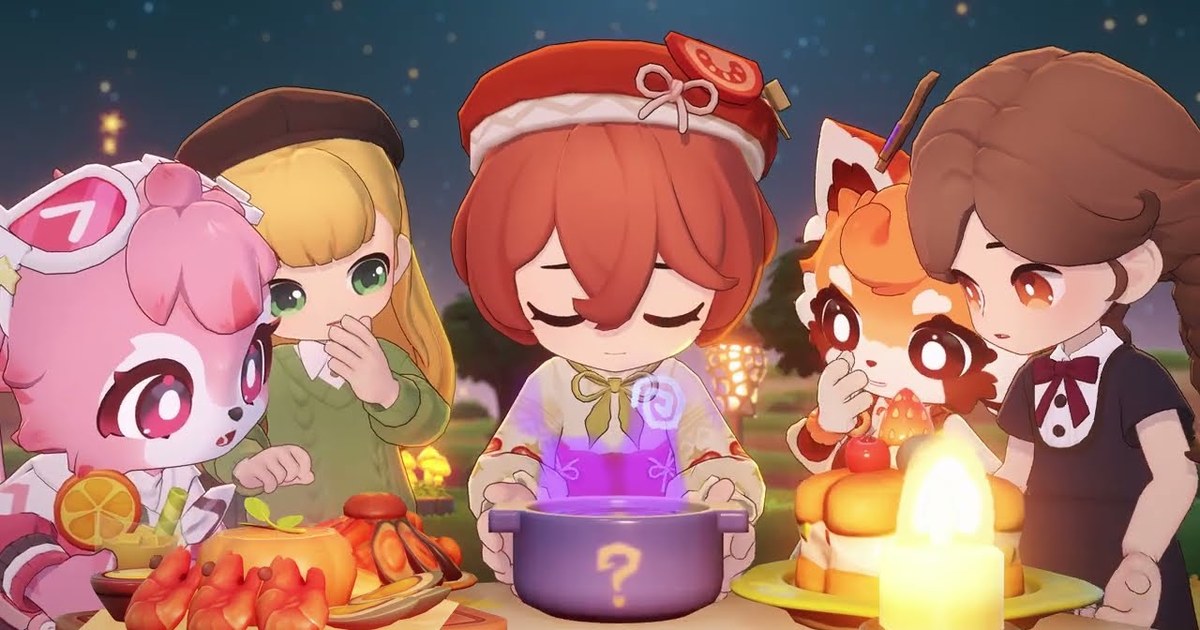
Petit Planet, the cozy galactic life sim from Genshin Impact and Honkai: Star Rail developer HoYoverse, now has a firm launch date: Friday, December 4, 2026. It arrives worldwide on PC, iOS and Android on the same day, and preloading opens three days earlier on Tuesday, December 1.
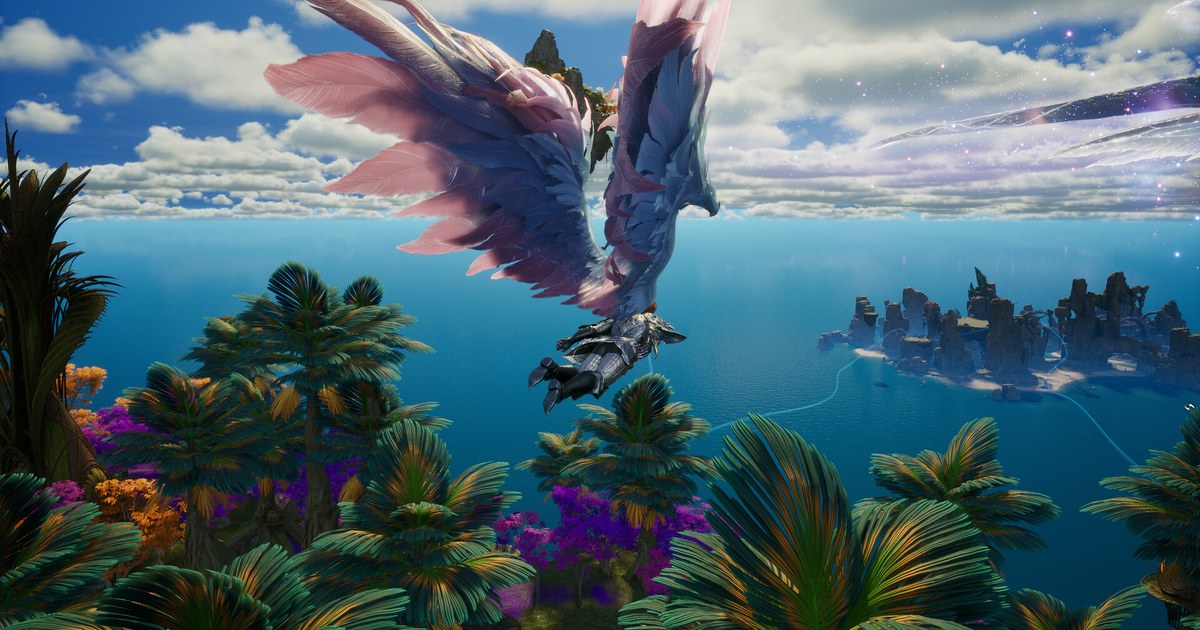
You play as a Planet Tender who plants a Luca Seed and grows a tiny world of your own through farming, fishing, cooking, bug catching and decorating, then sails the Starsea to explore islands and meet Neighbors.
This guide covers the confirmed dates, where the PC version lives, how cross progression works, and which details are still unannounced. If you already capture Genshin Impact on PC, the same habits from sharing Genshin Impact clips from PC carry straight over to Petit Planet. Everything here is current as of November 10, 2026.
Petit Planet launch facts at a glance (as of November 10, 2026)
| Item | Details | Status |
|---|---|---|
| Release date | Friday, December 4, 2026, worldwide | Officially announced |
| Preload | From Tuesday, December 1, three days before launch | Officially announced |
| Server open time | Waiting on a notice from official channels | Not yet announced as of November 10 |
| Platforms | PC (Windows), iOS and Android on the same day | Officially announced |
| Where to get it on PC | Official PC client from the website, Epic Games Store | Officially announced; Steam is not among the announced stores |
| Cross progression | PC and mobile progress linked through the same account | Officially announced |
| Nintendo Switch 2 | Planned for 2027, no exact date yet | Announced; date not yet set |
| Price | Free to download, with optional in-app purchases | Store listings, as of November 10 |
PC or mobile? What kind of game Petit Planet is
Petit Planet is not built around combat or collecting characters. It is a slow life sim about tending your own world. You start by planting a Luca Seed from Planet Coordinator Mobai, and as the Luca Arbor grows, your planet gains new terrain, seasons and wildlife.
Luca comes from everyday tasks: farming, cooking, foraging, beachcombing, fishing, bug catching and selling goods. You craft furniture from Idea Cards and materials, decorate indoors and out, and sail the Starsea to reach unknown islands with rare resources and new Neighbors.
Socially, you can visit friends' planets, trade local specialties, swap letters, and join minigames and auctions at the Galactic Bazaar. HoYoverse says more than 1,000 outfits and furniture pieces can be earned through check-ins and regular play.
On price, as of November 10 the game is free to download, with optional in-app purchases on top. Pick your platform by play style. Long decorating sessions and full planet makeovers are easier on a PC monitor with a mouse, while quick crop runs and fishing breaks suit a phone.
Because progress syncs between the two, you can build at your desk and water crops on the go. If you like watching a farm change through the year, the approach in sharing Stardew Valley farm videos works here too: record the same spot each season and you end up with a time lapse of your planet growing.
How to install Petit Planet on PC, from pre-registration to launch day
- 1Choose your PC storefrontThe PC version comes through two routes: the official client from the Petit Planet website and the Epic Games Store. If you already run the HoYoPlay launcher for Genshin Impact or Honkai: Star Rail, finding Petit Planet inside it is the simplest path. If your library lives on Epic, use the Epic Games Store. As of November 10, Steam is not one of the announced PC storefronts.
- 2Pre-register nowPre-registration is open on the official website, the App Store, Google Play and the Epic Games Store. On top of the pre-registration rewards, there is a team-up event where a group of three friends who all pre-register each get an in-game top, so sign up before launch.
- 3Preload on December 1Preloading opens on Tuesday, December 1. Download early through the launcher or Epic so launch day is just a quick patch check. Confirm the install size and recommended PC specs on the preload screen and in official notices, and clear plenty of space on the target drive. For reference, as of November 10 the iOS pre-order page lists a 3.7 GB size and requires iOS 15.0 or later, and the game supports 15 languages including English, Korean, Japanese, Simplified and Traditional Chinese, and Vietnamese.
- 4Watch for the server open timeThe exact hour servers open on December 4 had not been announced as of November 10. It will be posted on the official website and social channels, so plan your day once the notice is out rather than guessing.
- 5Link your phone with the same accountTo carry progress between PC and mobile, log in with the same account on both. Settle on the account before your first session, and the planet you decorate at your desk is the one you tend on your commute. To review PC recordings on your phone, see editing PC game clips on your phone.
Before launch day
- Release date: Friday, December 4, 2026. If you see another date quoted somewhere, the official announcement says December 4.
- Preload: opens Tuesday, December 1, so free up drive space before then.
- Time zones: once the server open time is announced, convert it to your local time, because one global launch moment falls on different clock times around the world.
- Launch event: the first Seasonal Creation Event starts on December 4, with in-game rewards and official merch for sharing creations such as your decorated planet.
- Switch 2: the Nintendo Switch 2 version is planned for 2027 with no exact date yet, so start on PC or mobile if you want to play this year.
Record and share Petit Planet PC moments with DOR
DOR is a free Windows app. With Petit Planet running on PC, start and stop DOR's screen recording (F7 by default) and every recording lands in My Clips in the app.
Game audio and your mic go into the same video, so a voice call while you visit a friend's planet and watch the fireworks stays in sync with the scene. From a long session, trim just the moment the Luca Arbor grows and the season turns, or your first rare catch, and save it in 16:9, 9:16 or 1:1.
In DOR Studio you can join clips into a before and after decorating reel, add text and background music, then download an mp4 or send a dor.gg link that plays right in a phone browser, which is handy for a Discord server or a group chat. For vertical uploads, follow how to make vertical game videos.