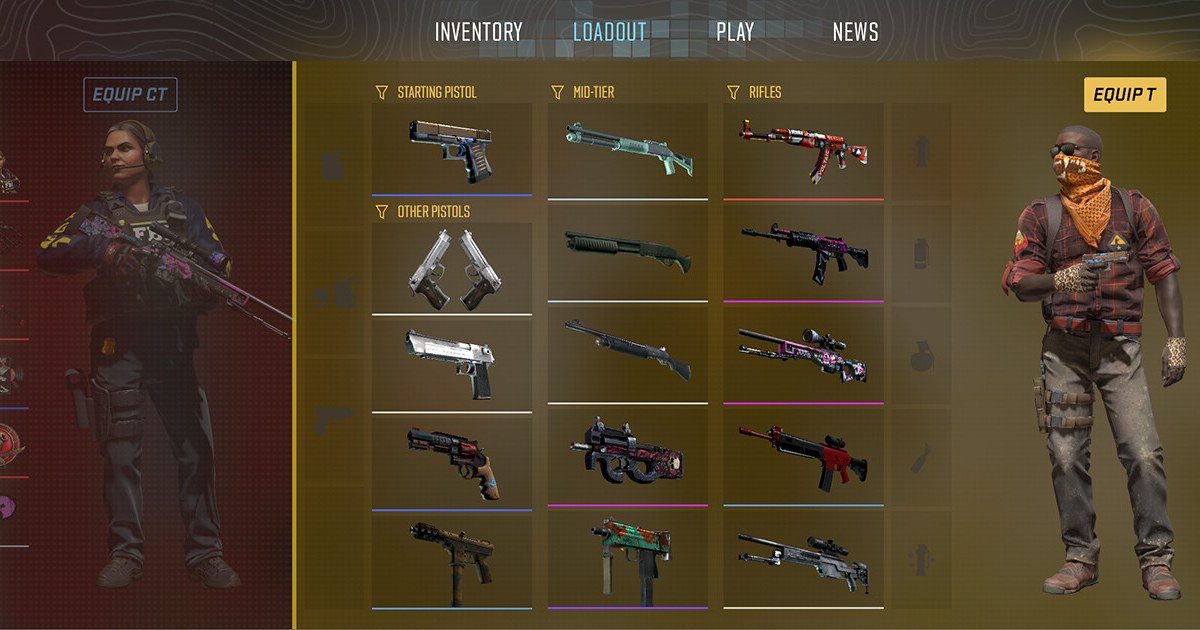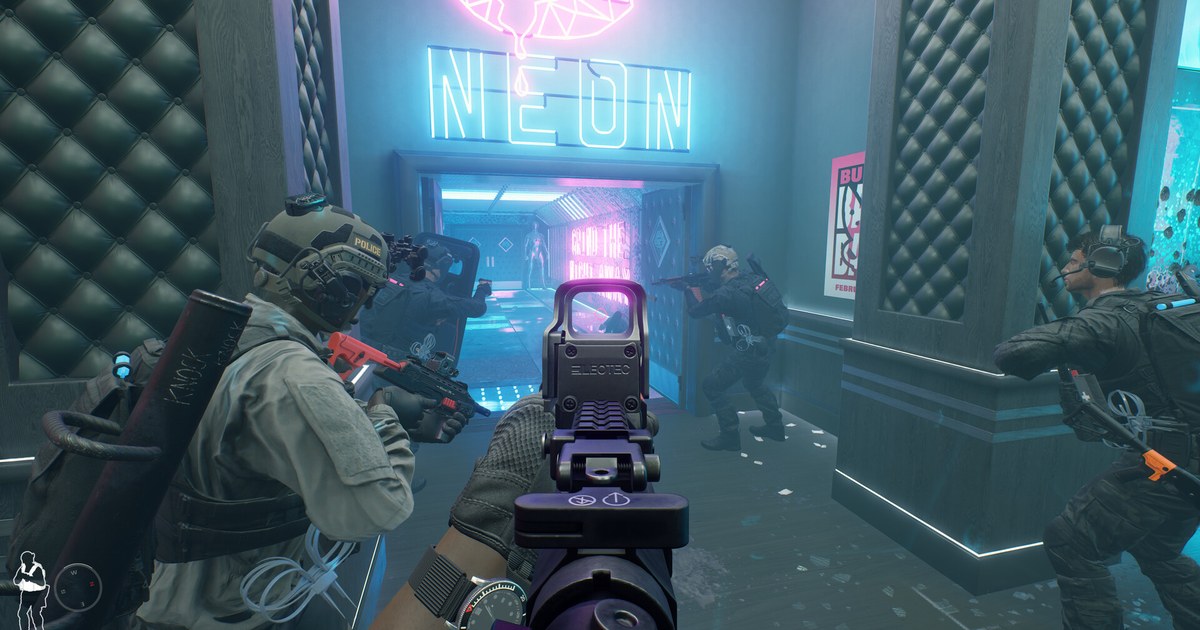

Short answer: the best Ready or Not clipping software is an app that records the whole operation once it is running.
Ready or Not is a tactical SWAT co-op shooter for up to five players, and whether an op goes clean or sideways, you only find out why by rewatching who opened which door and who held which corner, from the start.
Tools that save only the last few seconds (NVIDIA App Instant Replay, Xbox Game Bar, the Medal clip hotkey, the OBS replay buffer) tend to keep just the aftermath of a firefight, while the wait, the calls and the entry order before it get lost.
DOR is a free Windows app that detects Ready or Not when it launches and records from launch to exit, so after the op you simply pick the part you want to debrief in My Clips.
The table below compares how each tool saves footage and what to know for Ready or Not, followed by tips on dark map quality and sharing with your squad. Everything here is accurate as of November 2026.
Verdict: record the full session for debriefs, save the last seconds for a single highlight
The deciding question is what you will use the footage for. If your squad wants to sit down after an op and review the entry order and engagement calls, you need an unbroken video from the moment you stacked on the door to the moment the suspect surrendered.
For that, DOR, which records the whole session automatically, is the right fit. If you only want a short clip of one clean arrest to show off, a last seconds tool is enough.
That method needs you to press a hotkey right after the moment, though, and in Ready or Not your hands stay busy clearing the remaining rooms and restraining suspects after a firefight.
How last seconds saving works is explained in how to save just that moment as a clip, and the differences between Medal and the NVIDIA App are covered in Medal vs ShadowPlay.
Session recording uses more space, but DOR only clears the oldest videos when the full play recording allowance (5GB by default) is exceeded, and it keeps recent recordings and videos you liked. Like the ops you want to rewatch and they stay.
Ready or Not clipping tools compared (as of November 2026)
| Tool | How it saves the moment | What to know for Ready or Not |
|---|---|---|
| NVIDIA App Instant Replay | Keeps the most recent stretch in memory, saved only when you press a hotkey | An app for GeForce graphics cards; set a long replay length if you want the wait before the entry |
| Xbox Game Bar | With background recording on, saves the last 30 seconds by default with a hotkey | Built into Windows with nothing to install; change the length in Settings > Gaming > Captures |
| Steam Game Recording | Background recording keeps overwriting inside a disk limit you choose | Turn ops you want to keep into clips, and export when you need an mp4 |
| Medal | Saves a set length with the clip hotkey, and also has a full session recording mode | Can create share links; clip length is set in its settings |
| OBS Studio | Saves the last stretch with the replay buffer, or records the whole op when you hit record | Free and open source; you build scenes, sources and bitrate yourself |
| DOR | Detects Ready or Not and automatically records the whole session from launch to exit | A free app that records on its own once running; cut scenes in My Clips and save or share them without a watermark |
Check before you pick a Ready or Not clipping tool
- Decided whether footage is for single highlights or full op debriefs
- Thought about whether you have time to press a hotkey right after a firefight
- Checked on your first op that it records at 1080p so dark maps stay readable
- Estimated the space for several ops with game recording GB per hour
- Agreed on how to send footage to your squad (link or mp4)
How to turn a Ready or Not op into debrief clips
- 1Start DOR before you deployInstall DOR and keep it running, then launch Ready or Not and it detects the game and starts recording. From the loadout screen through the mission and any retries, recording keeps going until you close the game, so there is no record button to remember and you can focus on your squad.
- 2Pick a quality that suits dark mapsDark scenes, such as poorly lit interiors, break into blocky banding when the bitrate is low. DOR lets you choose 720p or 1080p at 30 or 60fps for free, and 1080p is the better pick for debriefs. Resolution and bitrate guidelines are laid out in a table in best game recording settings.
- 3Find the stretch to rewatch after the opRecordings collect in My Clips in the app. Jump to the moment you stacked on the door, the flashbang and entry, or the surrender or firefight, and leave a generous margin on either side. The few seconds of waiting right before the entry matter most for understanding the decision.
- 4Cut it at the right aspect ratioUse 16:9 for squad debriefs so the whole screen is visible, and 9:16 for scenes headed to Shorts or TikTok. Choose 16:9, 9:16 or 1:1 in the app, and feel free to cut both a review version and a show off version from the same op.
- 5Send a link and watch it togetherShare the cut as a dor.gg link and your squad can watch it right in a browser. To combine several entries, merge them in DOR Studio (dor.gg/studio), add text and export an mp4. Tips for posting in Discord are in how to share Ready or Not breach videos.
Keep DOR running and your Ready or Not ops record on their own
DOR is a free Windows game recording app. Launch Ready or Not and it detects the game automatically, records the whole session from launch to exit, and collects the footage in My Clips in the app.
You never have to press a hotkey, so even after a firefight, everything from the wait at the door to the arrest is already on video. Cut the scenes you want in the app at 16:9, 9:16 or 1:1, and in DOR Studio you can merge several scenes or add text, BGM and effect templates like Shake Zoom.
Recording quality is free at 720p or 1080p, 30 or 60fps, and on supported NVIDIA graphics cards such as the RTX series, DOR records with NVENC hardware encoding. Export the result as an mp4 or share it as a dor.gg link, and record, edit and share without a watermark.