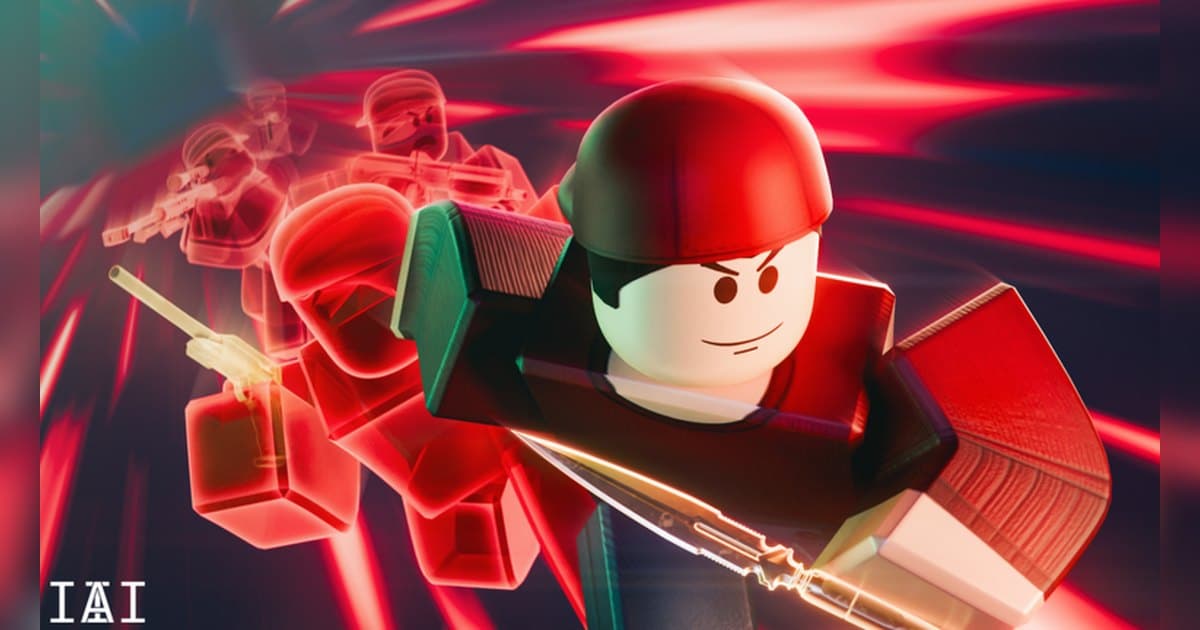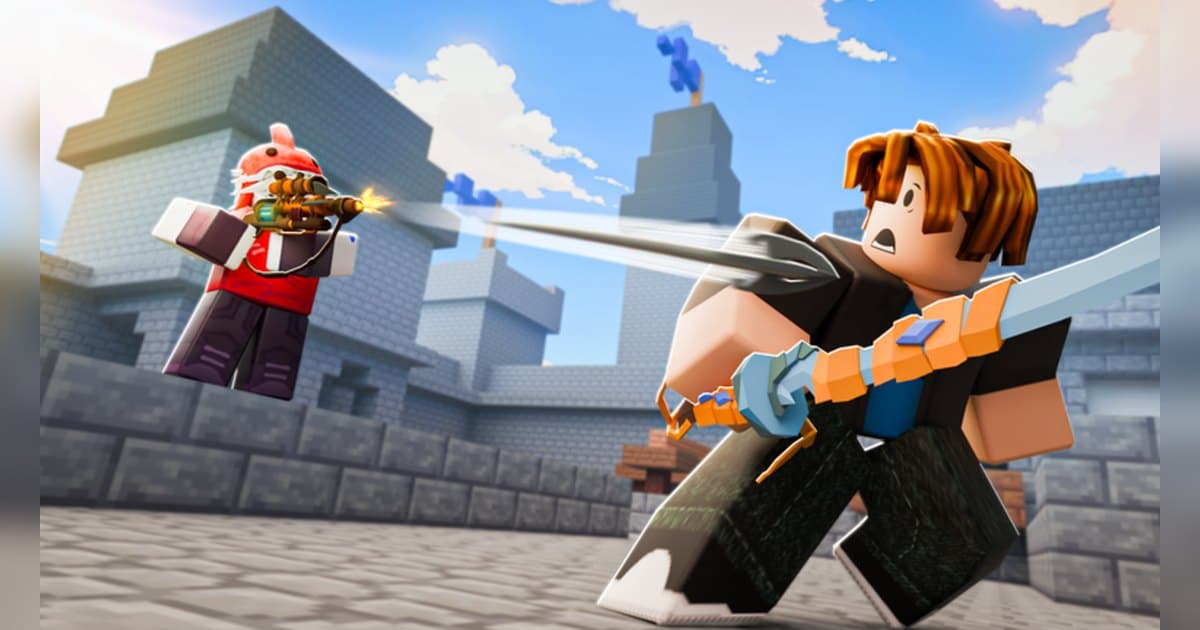
BedWars is a team game about defending the bed on your island while breaking everybody else's. Easy.gg published it on 27 May 2021 and it was last updated on 17 October 2026. Roblox files it under Action, with Battlegrounds & Fighting as the sub-genre, and one server holds up to 40 players. Checked on 19 October 2026 it had about 15,000 people playing at once, roughly 11.8 billion visits in total, around 4.64 million favourites and about 2.48 million likes. Roblox marks the content maturity as Minimal with a single descriptor, Violence (occasional, mild). The description states that updates land every Friday at 3:00pm PDT and 6:00pm EDT, and at the time of checking the experience title carried a Halloween tag. Changing your Roblox language keeps the page in English, so the experience shows as BedWars whichever locale you browse from. This article covers the play loop and the PC hotkeys the description itself spells out, then spends its time on the one scene that decides a round and never comes back: the bed break. If you want the general recording walkthrough first, read how to record Roblox gameplay. All experience figures were checked on 19 October 2026, and because this one ships weekly updates, the mode line-up and store list move.
The short answer: beds and respawns decide every call you make
When you are unsure what to do first in BedWars, one rule settles it. As the official description states, while your bed stands you come back after going down, and once the bed is broken a single knock takes you out of the round. That makes the time you leave your own bed unguarded the real currency of the match, whether you are mining resources or pushing out. The description also pairs items with team upgrades, which is a hint worth taking: spending everything on your own gear reads less like the intended loop than buying upgrades the whole team feels. The same rule sets your recording priority. A bed break is the hinge of the round and there are only a handful of them across both sides in a single game. A few seconds of swinging, the footsteps of someone running back to defend, the crack of the bed and the reaction from your team all sit inside that short window, so the clip only works with its audio. Keeping the whole round and finding the break afterwards is the surest way to get it. If you want to compare how other experiences handle shooting and melee, weapons advance in order in the Arsenal weapon order and golden knife guide, and a single timing flips attack and defence in the Blade Ball parry guide.
How to get through your first round of BedWars
- 1Set up recording and sound before you enterA BedWars round can run long and the decisive moments cluster in the middle, so decide how you are capturing before you join. Roblox has its own capture: open the in-experience menu, choose Capture, and a capture icon appears on the right of the screen. It records up to 30 seconds and saves a clean frame, because the in-experience UI and the nicknames above avatars are removed from the video. Captures sit in Roblox app storage and the save icon exports them to the Videos folder on desktop or your camera roll. To keep the sound of a bed breaking and your team talking over it, start a PC recorder before you go in.
- 2Check that Easy.gg made it, then joinSearch Roblox for BedWars and check that the creator is Easy.gg before you click play, because plenty of experiences use a similar name. At the time of checking the title carried a Halloween tag, and the page stays in English whatever language you set. If you plan to record with DOR, launch the PC version of Roblox you downloaded from roblox.com.
- 3Press Play in the Lobby to find a gameThe first line of the official play loop is pressing the Play button in the Lobby to find a game. The description also lists more than ten modes alongside Bed Wars, naming Lucky Block, SkyWars and Infected, plus a Creative mode where you can build your own games with optional scripting support. Start with standard Bed Wars for a round or two, then branch out. Other places are registered under the same experience with names like Game Mega and Game Micro, so go in and see what differs.
- 4Learn the PC hotkeys firstThe official description lists the PC controls. Shift sprints, E opens your inventory, H drops an item, G pings, TAB opens the scoreboard, Ctrl locks the camera and T brings up the emote wheel. It also states that hotkeys are customizable in settings, so remap them to suit your hands. The list includes F1 to toggle picture mode as well; press it once when you want a tidier frame and see inside the experience what it changes, then decide whether it belongs in your footage. Assign your recording hotkey to a key that stays clear of these.
- 5Protect your bed while you gather resourcesThe second and third lines of the official loop are protecting your bed and gathering resources. While the bed stands you respawn after going down, so the early game is where you can afford to be bold, and what you collect buys items and team upgrades. The pairing matters: upgrades the whole team feels tend to do more than pouring everything into your own loadout. When you head out to farm, use the ping key to tell your team how long the bed is uncovered.
- 6Break enemy beds, clear the players, take the winThe last line of the official loop is destroying enemy beds and eliminating players to win. Once a bed is down, one knock removes that player from the round, so the window right after a break is when a push pays off. Characters and kits show up as game passes registered to the experience: at the time of checking, the sale list held kit-style entries such as Void Knight Kit, Arachne Kit and Death Adder Kit alongside entries named after characters, and season battle passes up to Season 13 are registered, which tells you the experience runs on seasons. The line-up changes, so read the in-experience store for the current list.
- 7When the round ends, cut the bed breaks outIf you kept the whole round, pick your scenes afterwards. Find the bed break, the defence you held, the stretch either side of a team upgrade and the final fight, then trim with a few seconds of air at each end. Export 9:16 for Shorts or Reels and 16:9 for a wide upload. Bed breaks gathered from several rounds stitch into one video, and anything with a teammate's voice should go up only after you have asked them.
Moments worth keeping in BedWars, and how to keep them
| Moment | Why it is worth keeping | How to keep it |
|---|---|---|
| Breaking an enemy bed | By the official rule, that team's respawns end here, which makes it the hinge of the round, and it happens only a handful of times per game. | Press the clip hotkey right after the break to save the previous 30 seconds. Raise the length to 45 seconds if you want the bridge across in the file too. |
| Holding your own bed against a push | It is a scene of one or two people absorbing a whole attack, and team voice chat on top of it makes it land. | Record with your microphone included, then cut from the full round starting where the attackers began bridging. |
| Buying the team upgrade that changes the fight | The description pairs items with team upgrades, and the way your side moves shifts once one lands. | You can see this one coming, so cut before and after the upgrade from the full round and use it as a comparison clip. |
| The final fight once every bed is gone | Both sides are one knock from leaving, so the tension peaks here and it runs straight into the win screen. | It can run long, so set the clip length to 60 seconds, or trim through to the win screen from the full round. |
| Clearing a limited time mode | The badges registered to this experience point at two limited time modes that run during the Halloween event, so a round filmed while the mode is live stays a record of that window. | While a limited mode is live, keep full-round recording on every time you join, and save the rounds you clear. |
| Your first round after a Friday update | The description states updates land every Friday at 3:00pm PDT, so a first reaction to something new exists only in that window. | Join right after the update with full-round recording on, and hit the hotkey whenever you run into something you have not seen. |
Check this before you record BedWars
- BedWars is open in the PC version of Roblox downloaded from roblox.com.
- Your recording hotkey sits on a key clear of Shift, E, H, G, TAB, Ctrl, T and F1.
- Your microphone is on, and you have done a short test that teammates' voices come through.
- There is comfortable free disk space, because a round can run long.
- You have checked inside the experience whether a limited time mode is live.
- Everyone on your team knows their voice is being recorded and may end up in a video.
Keeping a whole BedWars round, audio included, with DOR
DOR is a free Windows PC app, and it detects the PC version of Roblox you installed from roblox.com. When you enter an experience it starts recording on its own, and it finishes when you leave for the home screen or close Roblox. That behaviour is on by default and sits behind the Full Game Recording setting. Each experience becomes one mp4 in your library, so a run of BedWars games ends up filed round by round. If you launch Roblox and jump straight in, recording can begin about 15 to 20 seconds later, so wait a moment after launch when you want the lobby on tape too. Game audio and your microphone are recorded together by default with noise suppression applied, so the crack of a bed and your team reacting to it land in one mixed track. Press F8 right after you break a bed and the previous 30 seconds are saved as a separate clip, with 15, 30, 45 and 60 seconds available as lengths. The key can be reassigned, and because it works while a recording is running inside an experience, it is worth putting it clear of the BedWars hotkeys. Video defaults to 1080p at 30fps and 60fps is available; 1440p and above and 120fps and above are Pro options. Set resolution, frame rate and clip length before you start so the whole round is captured the same way. Leave at least 20GB free, and ideally 30GB or more, and a long round records straight through. Afterwards the library's trim tool exports 16:9, 9:16 and 1:1 (text goes on in 1:1) and shares through a dor.gg link, while DOR Studio in the browser joins bed breaks from several rounds together and adds text, background music and effect templates before you download the mp4. For experiences built on a team holding a line together, record the Tower Defense Simulator strategy guide and The Strongest Battlegrounds combo guide the same way and the footage lines up for comparison.
 #Roblox