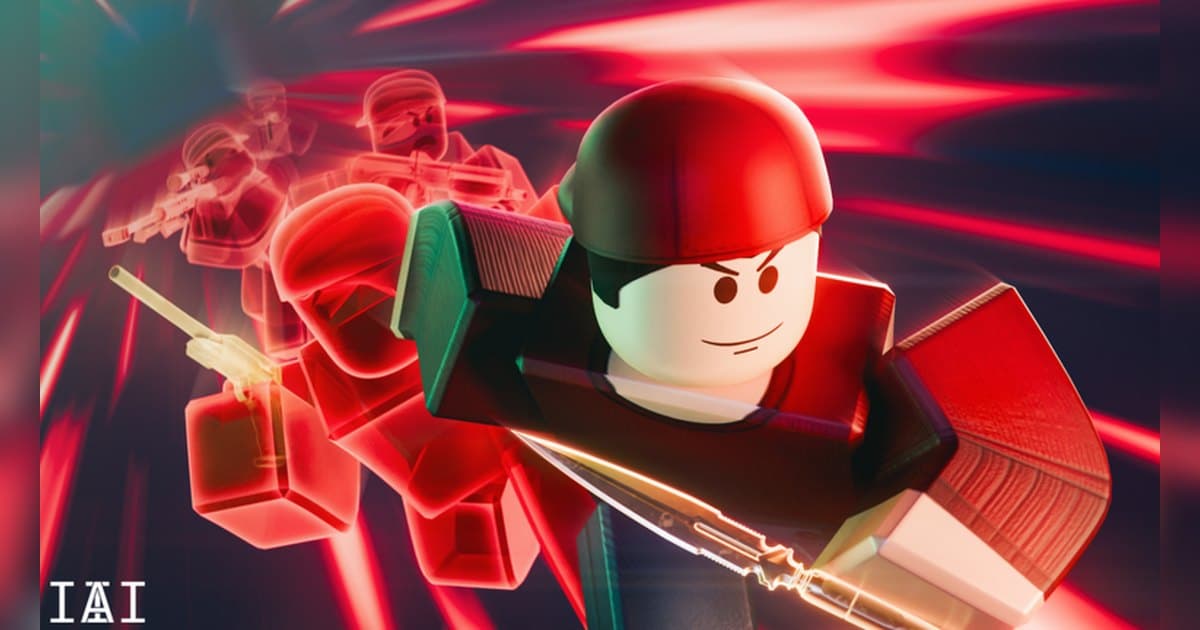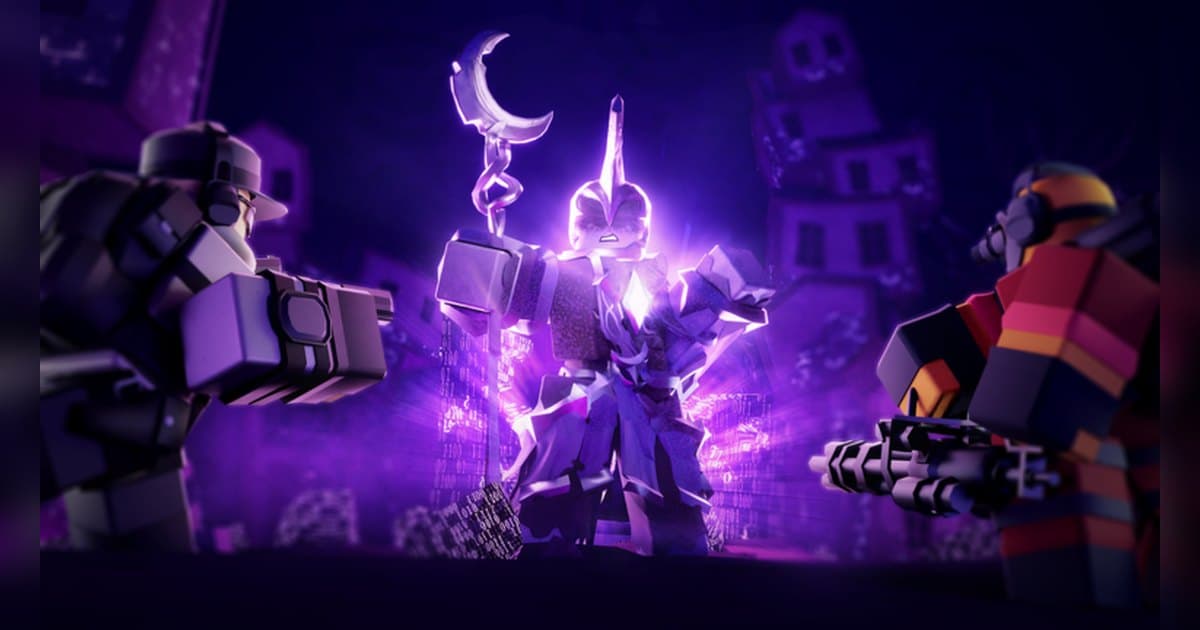
Tower Defense Simulator does exactly what its official description says: you place units to defend against hordes of zombies, team up with friends, face even stronger bosses and unlock new units as you go. Everyone calls it TDS, and it comes from Paradoxum Games. It launched in June 2019 and was still being updated on October 16, 2026; the page lists version 2.15.0 and carries an event marker in front of the title, which on October 19, 2026 read [NIGHT 2]. That marker changes when the event rotates. The listed classification is strategy, specifically tower defense, and the registered server cap is 50 players. As checked on October 19, 2026, the experience showed roughly 5 billion visits, about 3.5 million favorites and around 10,000 players in at that moment. A TDS run stacks wave on wave, so it runs long, and the parts worth showing cluster at the back: the boss walking onto the path and the moment the last enemy falls and the triumph screen appears. So instead of a tower tier list, this guide walks the run phase by phase, says what you do and what is worth keeping in each phase, and covers how to hold a run of tens of minutes in one piece and cut the ending out of it. For the general question of recording Roblox on a computer, see how to record Roblox gameplay on PC.
The short answer: climb in badge order, and let the whole run record so you can choose the ending
On a first evening with TDS, climbing in the order the badges suggest beats throwing yourself at the hardest mode. The badge list starts with finishing the tutorial, then defeating the Brute in Easy, the Grave Digger in Casual and Patient Zero in Intermediate. Above those sit the Molten Warlord, the Fallen King described as the leader of the army, the Frost Spirit in Frost mode and the Nuclear Monster. Triumphing the Badlands unlocks the Cowboy tower, and beating Wox The Fox in Pizza Party lets you buy the Warden in the shop. The top shelf is Hardcore and Voidcore, along with boss fights against the Void Brute, Void Keeper, Vindicator, Soul Stealer and Void Swordmaster. Right now the event mode Solar Requiem is open as Night I and Night II, each with its own Easy and Hard badge. Towers also arrive with levels: by the badge descriptions, the level 30 badge grants the Crook Boss, level 50 grants the Turret and level 75 grants the Mortar, with further badges at level 100 and 150. Starting cash has an official route too. Joining the Paradoxum Games group adds +$100 starting cash, and as the page read on October 19, 2026 the code 2MILLION gives a free Mercenary Pursuit skin for two million likes. If joining a group is new to you, start with how to find a Roblox group. Tower prices, upgrade costs and ranges are values you read in the in-experience shop. Recording is worth matching to the shape of the run. Roblox's built-in Capture, from the in-experience menu, holds a video of up to 30 seconds, keeps it in the Roblox app's storage and exports to the Videos folder on a desktop. In TDS, grinding a boss down takes longer than that by itself, so on PC it is easier to leave the whole run recording and choose at the end. If you want another team experience with the same push and pull, Roblox BedWars fundamentals covers one.
A TDS run from joining to a finished clip
- 1Set up for a long run before you joinTDS stacks waves, so a run stretches out and the usable moments sit near the end. That makes it worth fixing resolution, frame rate and clip length before you load in. Roblox's built-in Capture, reached from the in-experience menu, holds a video of up to 30 seconds; the file lands in the Roblox app's storage and exports to the Videos folder on a desktop. Developers can switch capture off inside an experience, so check the button is there. To hold the boss entrance through to the triumph with sound attached, start a PC recorder before you enter.
- 2Find the experience and read the versionSearch Roblox for Tower Defense Simulator and check that the creator reads Paradoxum Games. An event marker sits in front of the title, which on October 19, 2026 read [NIGHT 2] and changes when the event rotates. The page lists version 2.15.0 with Solar Requiem Night II as the newest release and 2.14.0 before it carrying Night I, the Sun and Moon Crate and the Battlepass. The most recent update is dated October 16, 2026, so the unit lineup may differ from an older video.
- 3Collect the group cash and the code rewardThe official description says joining the Paradoxum Games group gives +$100 starting cash. It also lists the code 2MILLION for a free Mercenary Pursuit skin, celebrating two million likes, as the page read on October 19, 2026. Codes change with each milestone, so use whatever the description currently lists, and find the entry field from the menu inside the experience. A little more starting cash means one extra tower on the first wave, which smooths out the opening.
- 4Pick difficulty and mode in badge orderThe badge list doubles as a progress chart. It opens with the tutorial badge, then the Brute in Easy, the Grave Digger in Casual and Patient Zero in Intermediate, followed by the Molten Warlord, the Fallen King, the Frost Spirit in Frost mode and the Nuclear Monster. Triumphing the Badlands unlocks the Cowboy tower, and beating Wox The Fox in Pizza Party opens the Warden for purchase in the shop. Hardcore and Voidcore sit at the top, while the Solar Requiem event splits into Night I and Night II on Easy and Hard. Early on, Easy and Casual are where you learn what each enemy type does.
- 5Read the path, then decide the placement orderPlacement starts with the longest visible stretch of path. Cover it with cheap towers first, and once income is flowing, funnel upgrades into one or two positions rather than lifting several halfway. The official description points at teaming up with friends, so when you play together, split the work so each of you owns a different job: one person on income and the back line, the other on front-line damage. Tower prices, upgrade costs and ranges are values you read off the in-experience shop screen.
- 6Level up for the reward towersRounds push your level, and by the badge descriptions the level 30 badge grants the Crook Boss, level 50 grants the Turret and level 75 grants the Mortar. Badges continue at level 100 and 150, the latter described as arriving after you have taken apart every mode and boss. Take a newly earned tower into a familiar Easy or Casual run first, learn what it is for, and then carry it into the harder modes. That first placement run is worth recording while you are at it.
- 7Cut the boss entrance and the triumph afterwardsWhen the run ends, pick the moments out of the recording. The boss walking in, the stretch where the line barely holds and the twenty seconds around the triumph screen are the standard set. A few seconds from the early waves pasted at the front is enough to make the rest readable. Export 9:16 for Shorts or Reels and 16:9 for a landscape upload, and ask your friends before posting anything that includes their calls.
What each phase of a TDS run is for, and what to keep from it
| Phase | What you do there | What to keep from it |
|---|---|---|
| Joining and the lobby | Pick the map and difficulty and sort out the team. Collect the group's +$100 starting cash and whatever the description's current code gives before you start. | The screen showing the difficulty and the team makes a clean opening shot. It is already at the head of a full-run recording. |
| Early waves | Cover the longest stretch of path with cheap towers first and build income so the next upgrade is ready on time. | There is little to clip here, so let it run and pull a few seconds later as background for the montage. |
| Mid waves and splitting roles | Divide the job with a friend: one on income and the back line, one on front-line damage, with upgrades funnelled rather than spread. | The calls flying back and forth are the fun part. Keep the mic on and pull the moment the line barely holds with the clip hotkey. |
| First run with a level-reward tower | Place a tower you earned by level, such as the Crook Boss at 30, the Turret at 50 or the Mortar at 75, and learn where it belongs. | A new tower firing for the first time is the easiest shot in the run to narrate. Start the cut a little before you place it. |
| Boss waves | Handle the boss the mode throws at you, from the Grave Digger and Patient Zero to the Molten Warlord, the Fallen King and the Frost Spirit. | Keep the entrance and the stretch where the health bar drains. Raising clip length to 60 seconds brings the entrance along. |
| Final wave and the triumph | Hold the last enemy and take the victory screen. Hardcore and Voidcore record this exact moment as a badge. | The last twenty seconds, with your base health and the triumph screen in the same shot, is the core cut from the full run. |
| The Solar Requiem event | Run Night I and Night II on Easy or Hard and chase the event rewards while they are up. | Event content rotates out, so keep the first clear whole rather than trimming it down on the spot. |
Line this up before you record TDS
- Roblox is running from the PC version downloaded at roblox.com.
- You have left 30GB or more free so a run that goes to the last wave fits.
- Resolution and frame rate are set before you join (1080p 30fps by default, 60fps available).
- Clip length is raised to 60 seconds so a boss entrance arrives inside the clip.
- Your mic is on and you have confirmed the calls you trade while splitting roles are audible.
- The clip hotkey sits on a key well clear of the ones you use to place and upgrade towers.
Keeping a TDS run from the boss entrance to the triumph with DOR
DOR is a free Windows PC app that detects the PC version of Roblox downloaded from roblox.com. Recording starts automatically when you enter an experience and ends when you leave for the home screen or close Roblox. It is on by default and adjusted with the full-game recording option in settings. One experience becomes one mp4 in the library, so even a run that reaches the last wave stays in a single file and the boss entrance and triumph screen can be chosen out of the end of it. Launch Roblox, wait about twenty seconds, then join, and the lobby where you choose a difficulty is in the file as well. Game audio and your mic record together by default with noise suppression and mix into one track, so the calls you trade sit on top of the boss entrance audio. The default is 1080p at 30fps with 60fps available, while 1440p and above or 120fps and above are Pro options. Set resolution, frame rate and clip length before you join. Right after a line barely holds, press F8 (remappable) and the previous 30 seconds becomes its own clip, with 15, 30, 45 and 60 seconds available; 60 is the useful one when you want the boss entrance inside it. The hotkey works while a recording is running inside an experience. Leave 30GB or more free and a run of tens of minutes stays complete. Afterwards, the trim tool in the app library sets the in and out points around the triumph and exports 16:9, 9:16 or 1:1, with text available on 1:1, and a dor.gg link plays straight in a phone browser. DOR Studio in the browser joins the opening placement, the boss entrance and the victory screen in order, then adds text, background music and effect templates such as shake zoom or glitch transitions before you download the mp4. For another long co-op run handled the same way, see the Dead Rails run to the final station.
 #Roblox