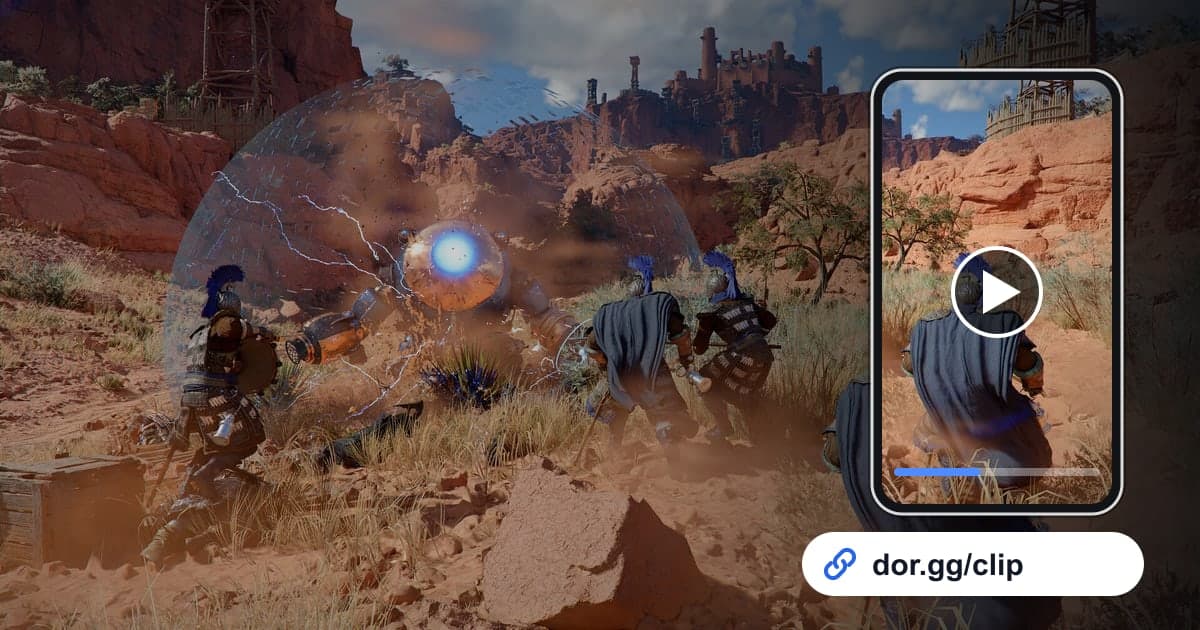
Crimson Desert is an open-world action-adventure you play alone, so there is no way to watch the same screen with a friend who plays it too. If you beat a boss your friend is stuck on, sending the fight as a video is far more precise than describing the patterns. This guide covers one method only: recording Crimson Desert with the free Windows app DOR, trimming the moment, and sending it as a link. You can also check how DOR records it on the Crimson Desert game page.
First, how the recording is kept
DOR records Crimson Desert with whole-session recording. From starting the game until you close it is one video, and there are no highlights or automatic clips split by boss fight or quest. The longer you explore, the bigger the file, and recording stops automatically when free disk space falls below 20GB. The game itself also takes a lot of storage, so if you worry about recordings not being kept, look first at the disk space checks in fixing recordings that will not save.
Sending a boss strategy video to a friend
- 1Install DOR and launch Crimson DesertDOR is a free Windows desktop app. After installing it, launch Crimson Desert and DOR detects the game and starts recording automatically, so there is no need to turn recording on right before a boss fight.
- 2Quit the game as soon as the boss is downA recording ends the moment you close the game. If you quit right after defeating the boss, the kill lands at the very end of the recording, so even after hours of exploring you can find it quickly by starting from the end.
- 3Work backward from the end in the libraryOpen the newly saved mp4 in the DOR app library and move the playback position near the end. Step backward from there to the point where you first met the boss, and you have the full range of the fight.
- 4Cut separate strategy and show-off clipsSet a start and end in the trim tool. Keep the clip your friend will study long, from the start of the fight to the kill, and keep scenes that are just for showing, like combos or views, to a few seconds. Choose 16:9, 9:16 or 1:1.
- 5Join a failure and the win, then add notesShowing a failed attempt next to the successful one makes the difference obvious. Merge the two in DOR Studio in your browser and put text over the scene, such as 'dodge this one to the side'.
- 6Send the link with a spoiler noteOnce trimming is done you get a dor.gg link. When you send it, add one line about which region and how far into the story the scene is, so a friend who has not reached it yet can decide whether to watch. They play it right in a browser with no app.
Crimson Desert moments worth sending and how much to cut
| Moment to show | Why it helps a friend playing the same game | What to cut |
|---|---|---|
| A boss fight from start to kill | They can follow the whole strategy in order | From the moment you meet the boss to just after it falls, without breaks |
| Dodging a boss's dangerous attack | They see exactly when to dodge | From a few seconds before the wind-up to just after the dodge |
| Attempts that failed | They can compare whether they die at the same spot | From just before the fatal mistake to the moment you go down |
| A combo mixing melee and ranged attacks | They can watch the order and try it themselves | Only a few seconds, from the start of the combo to the end |
| Scenery found while exploring | They get a feel for an area they have not reached yet | Just the stretch where you slowly turn the camera |
| The route to a hard-to-find place | They can follow the same path | From where the starting terrain is visible to the arrival |
Crimson Desert checks before recording and sharing
- I checked free space on both the drive the game is installed on and my recording drive.
- My recording drive has comfortably more than 20GB free.
- After beating the boss, I closed the game once before moving on to more exploring.
- The strategy clip starts at the moment I meet the boss.
- I chose 16:9 for scenery so the view fills the frame.
- When sending the link, I noted how far into the game the scene is.
Sending Crimson Desert moments with DOR, in short
DOR is a free Windows app. When you launch Crimson Desert it detects the game and records until you close it, keeping one mp4 in the app library. There are no automatic clips that pick out boss kills or combos for you, so you find the moment in the recording and keep it with the trim tool. Recordings are large and fill a disk fast, and recording stops automatically when free space drops under 20GB. With an NVIDIA graphics card, NVENC hardware encoding is the default, and game sound and your mic are recorded together, so you can explain the strategy out loud while you fight. How to join failed and successful attempts is covered in merging multiple game clips, and adding text and background music continues in the DOR browser editor. The finished video goes to your friend as a dor.gg link rather than a file, and there is nothing for them to install.