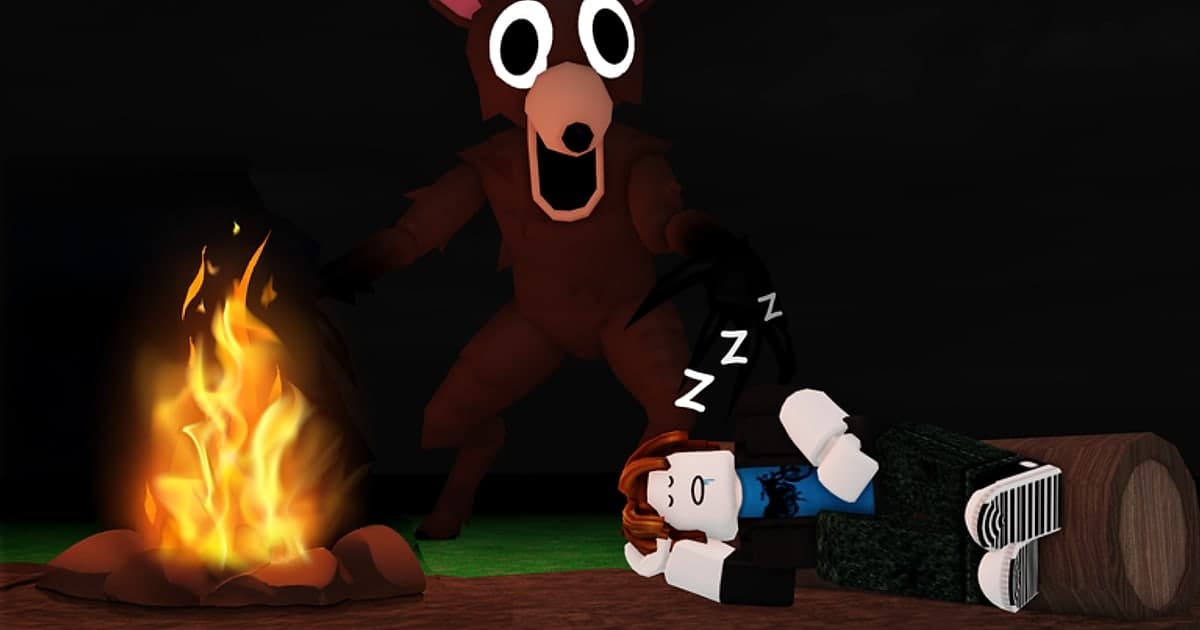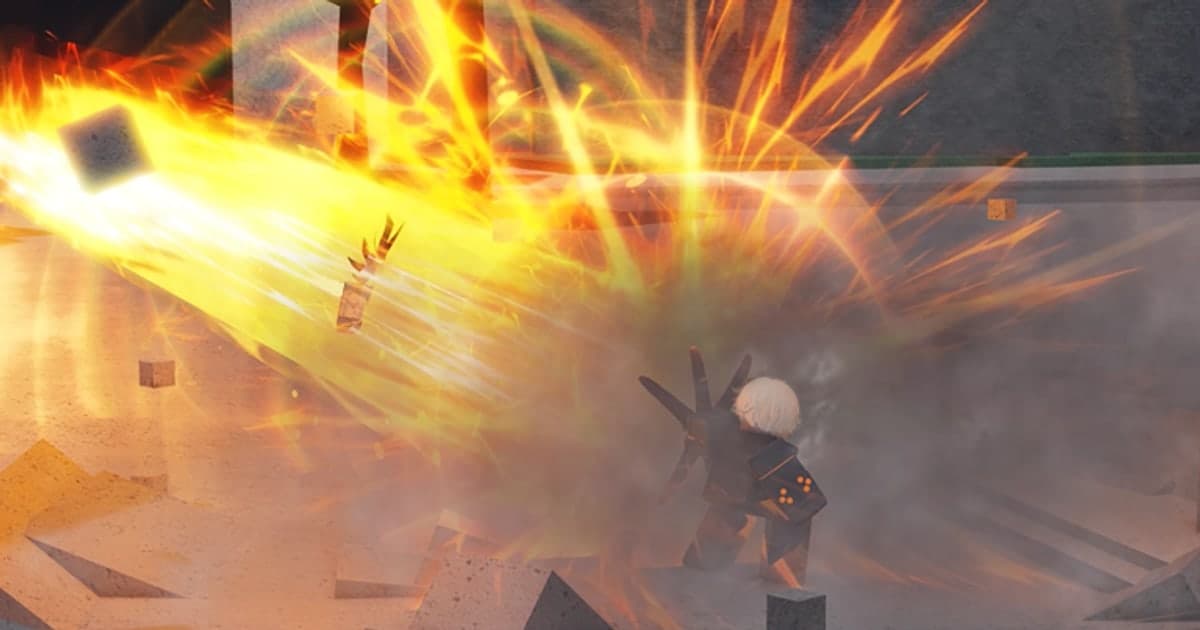
If you want to keep your Blox Fruits PvP on video, the approach that works is to leave a recorder running on PC while you farm, then press a hotkey right after you take down a bounty target to save what just happened, rather than reaching for Roblox's built-in capture button. Fights start without warning, and a full combo is often over in a few seconds. Blox Fruits is made by Gamer Robot Inc, is listed as an action RPG, and was created in January 2019. In a snapshot taken on October 14, 2026 (a weekday), it had about 120,000 people playing at once and about 65 billion total visits, so it is a long-running hit on Roblox. According to the experience description, you train as a swordsman or a fruit user, defeat enemies and bosses to get stronger, and sail across the ocean to find hidden secrets. Each server holds up to 12 players. This guide skips fruit tier lists and code lists. It covers only how to keep moments that will not come back, such as bounty hunting PvP, boss fights and finding a fruit, with sound, and how to cut them into a combo montage. A comparison of tools for going past the 30-second built-in limit is in How to record Roblox for longer than 30 seconds. Experience details were checked on October 14, 2026. Blox Fruits updates often (the latest update was on October 11, 2026), so PvP rules and other details can change.
The short answer: record the whole farming session, and lengthen your clips before you go bounty hunting
What you end up with depends heavily on how you record. With Roblox's built-in Captures, you open the in-experience menu at the top left, select Captures and tap the capture icon on the right side of the screen. Recording starts at that tap, stops when you tap again, and lasts up to 30 seconds. Based on the official Help Center checked on October 14, 2026, voice chat and in-experience sound are not recorded, and the UI and the names above avatars are removed. For a bounty hunt, that means the skill sound effects are gone, and on-screen UI such as health bars and bounty displays, along with your opponent's name, may not make it into the video either. And if you press it after the fight, the combo is already gone. Developers can also turn off capture in their experience, so check first whether the Captures menu appears inside Blox Fruits. It also helps to know the PvP rules. Gamer Robot has not published official documentation for PvP or bounty rules. According to the fan wiki, Pirates gain or lose Bounty and Marines gain or lose Honor based on PvP results, and players cannot attack each other in safe zones. The numbers and the way PvP is switched on can change with updates, so go by what the experience shows you. That is why, on PC, recording from the moment you start farming and saving the last stretch with a hotkey right after a takedown or comeback is the combination that misses the fewest moments. Before you head out on a bounty hunt, where chases run long, raise the clip length to 45 or 60 seconds so the pursuit fits in one clip. How to save the last 30 seconds with a single hotkey, compared tool by tool, is in How to clip Roblox. If you want to film one-on-one duels with friends, a private server with fewer people is easier, and how to make one and how the monthly auto-renewal works are covered in how to make a Roblox private server. If you play on a phone or tablet, use Captures or your device's screen recorder and check the sound and length limits first. To keep long sessions with sound, consider playing on PC.
How to record Blox Fruits PvP and boss fights, step by step
- 1Decide: PvP montage or progress logA Blox Fruits session easily runs for hours, mixing level grinding, boss hunting, fruit searching and bounty hunting. Deciding what you want to keep makes both recording and editing simpler. If a PvP montage is the goal, your core material is taking down a high-bounty player, a fight finished with one combo, and a comeback from almost no health. If you want a progress log, grab the moment a boss drops a reward, the moment you find a fruit on the map, and your first arrival in the Second and Third Sea. The table below explains why each moment matters and how to keep it.
- 2Start recording, then join the real Blox Fruits by Gamer Robot IncPvP starts without warning, so recording has to be on before you enter the experience. Search for Blox Fruits on Roblox and check that the creator is Gamer Robot Inc before you join. There are many experiences with similar names, so checking the creator is the safe way to confirm. The Blox Fruits place list includes the first sea (the starting place), Second Sea, Third Sea, Dungeons and others, so moving between seas switches places inside the same experience. If you plan to record with DOR, launch the PC version downloaded from roblox.com.
- 3Decide how much audio to keep: skill effects, your mic, DiscordMuch of the fun in a PvP montage comes from skill sound effects and your voice yelling when you land the kill. Make a short test recording to confirm that game audio and your mic are both captured. If you bounty hunt while on a Discord call with friends, decide in advance whether to include their voices or only Roblox audio. Getting friends' consent before posting a video with their voices is a good idea. Also remember that Roblox voice chat is available only to users who are 13 or older and have completed age verification, and that Captures does not record voice.
- 4Check your team and PvP statusBefore you film a bounty hunt, check whether you can fight other players right now. According to the fan wiki, Pirates gain or lose Bounty and Marines gain or lose Honor through PvP, attacks are blocked in safe zones such as towns, and the way PvP is switched on and off can change with updates. There is no official documentation from the creator, so follow the PvP indicator on screen and the guidance inside the experience. The experience description says exploits such as hacks and scripts are caught by automatic detection and that bans are not appealed, so do not use tools like PvP scripts, whether you are recording or not.
- 5Save the last stretch right after a takedownPress the clip hotkey right after the takedown, when the defeat message or the bounty change appears on screen. This kind of clip feature saves the stretch before the moment you press the key, so even if you press it a few seconds after the last combo lands, the fight is still inside the clip. Bounty hunts with long chases and boss fights tend to get their opening cut off at 30 seconds, so extend the clip length to 45 or 60 seconds. Set the clip hotkey to a key that does not overlap your skill keys so you do not fire the wrong skill in the middle of a fight.
- 6Cut boss fights and missed fights from the full recordingWhen you are focused on a fight, you will sometimes forget to press the hotkey. If you recorded the whole session, you can find that part afterward and cut it out. To make moments easy to find in a recording several hours long, jot down the rough time whenever a big fight ends. Leave generous room on both sides, from a few seconds before the fight starts until after the result appears on screen, so the context comes through. Long boss fights are also easier to cut from the full recording than to squeeze into a clip; center the cut on the final blow and the reward screen.
- 7Build a combo montage and export in the right ratioA montage comes alive when you order clips by intensity rather than by time. Start with lighter fights and put the high-bounty takedown or the comeback at the end. Use a zoom effect at the moment a combo lands to add impact, and add transitions between clips to keep things flowing. Export in 16:9 for a horizontal YouTube video, and in vertical 9:16 for Shorts, Reels or TikTok. When switching to vertical, pick stretches where your character and the opponent stay near the center of the frame. If you add background music, use tracks whose copyright status is clear.
Blox Fruits moments by type: bounty kills, boss drops and fruit finds
| Moment | Why it is worth keeping | How to keep it |
|---|---|---|
| Taking down a high-bounty player | This is the centerpiece of a bounty hunting montage. It only lands when the opponent's name, their bounty and the skill sound effects are all there. | Captures strips the UI, names and sound, so keep a PC recorder running that captures the screen as it is with sound, and press the clip hotkey right after the takedown to save the last stretch. |
| A fight finished with one combo | It is over in seconds, which makes it great Shorts material, and the skill chain is fully visible. | A 30-second clip is enough. When editing, add a zoom effect at the moment the combo lands to emphasize it. |
| A comeback from almost no health | The fun is in the process rather than the result, so it only works if the rough start is included. | If the fight was long, extend the clip length to 45 or 60 seconds beforehand, or cut it from the full recording starting from the beginning of the fight. |
| Defeating a boss and getting a reward | According to the experience description, bosses can drop accessories or swords, so your reaction when a reward appears makes a big moment. | Boss fights tend to run long, so cut the final blow and the reward screen from the full recording. |
| Finding a fruit on the map | According to the experience description, fruits spawn on the map every hour and despawn after 20 minutes, so you never know when you will run into one. | You cannot predict it, so record the whole session and press the clip hotkey right after you spot it. |
| Arriving in the Second or Third Sea for the first time | It is a progress milestone with its own badge, and it shows what a long grind paid off for. | Because you travel between seas, check the before and after in the full recording and cut a short arrival scene. |
Check before you record Blox Fruits
- On PC, I launched Roblox from the PC version downloaded from roblox.com.
- I have enough free storage to hold a session several hours long.
- I made a short test to confirm game audio, my mic and friends' voices on Discord are recorded.
- My clip hotkey does not overlap my skill keys or other controls in the experience.
- I decided whether to extend the clip length to 45 or 60 seconds for chases and boss fights.
- Before posting, I will check that no personal information shows in opponents' names or chat, and that my friends agreed.
Record a whole Blox Fruits session with DOR and pull out only the PvP
In an experience like Blox Fruits, where one session can mean hours of farming, the biggest difference is that you never have to press record. DOR is a free Windows PC app that detects Roblox when you run the PC version downloaded from roblox.com. It starts recording when you join Blox Fruits and stops when you leave the experience for the home screen or close Roblox. Auto recording is on by default and can be turned off with the Full Game Recording toggle in settings. Without the 30-second cap of Captures, a whole session, from farming to bounty hunting, is kept as one full mp4 in your library, and moving between places inside the same experience, such as sailing from the first sea to the Second Sea, usually continues in the same recording. DOR does not record the Roblox home screen, and if you join right after launching Roblox, recording can start 15 to 20 seconds late. Game audio and your mic (with noise suppression) go into the same file by default. With the desktop audio setting on, which is the default, your Discord call is included too; turn it off and only Roblox audio is recorded. When you take down a bounty target, press F8 (you can change the key) to save the last 30 seconds as a separate clip. Clip length can be set to 15, 30, 45 or 60 seconds, so on days with long chases, raise it to 45 or 60. The hotkey works only while you are inside an experience and recording. DOR does not detect kills or bounty changes in Roblox and does not create clips on its own, so any fight you missed with F8 has to be trimmed from the full recording yourself. The library lists each session as a Roblox recording with its recording time rather than the experience name, so the times you noted down in the earlier step are how you find the fights. Trim a section in the library and export it in 16:9, 9:16 or 1:1 to share as a dor.gg link. Build the combo montage in DOR Studio in your browser: merge several clips, drop effect templates such as Punch Zoom and Shake Zoom on the moment a combo lands, add text and background music, and download it as an mp4. For putting clips together into one video, see how to merge multiple game clips, and for turning it into vertical Shorts, see How to make Roblox Shorts. Quality defaults to 1080p at 60 fps and can go up to 2160p. DOR is Windows PC only and does not record Blox Fruits played on phones, tablets or consoles, so treat it as the option for when you play on PC.
 #Roblox