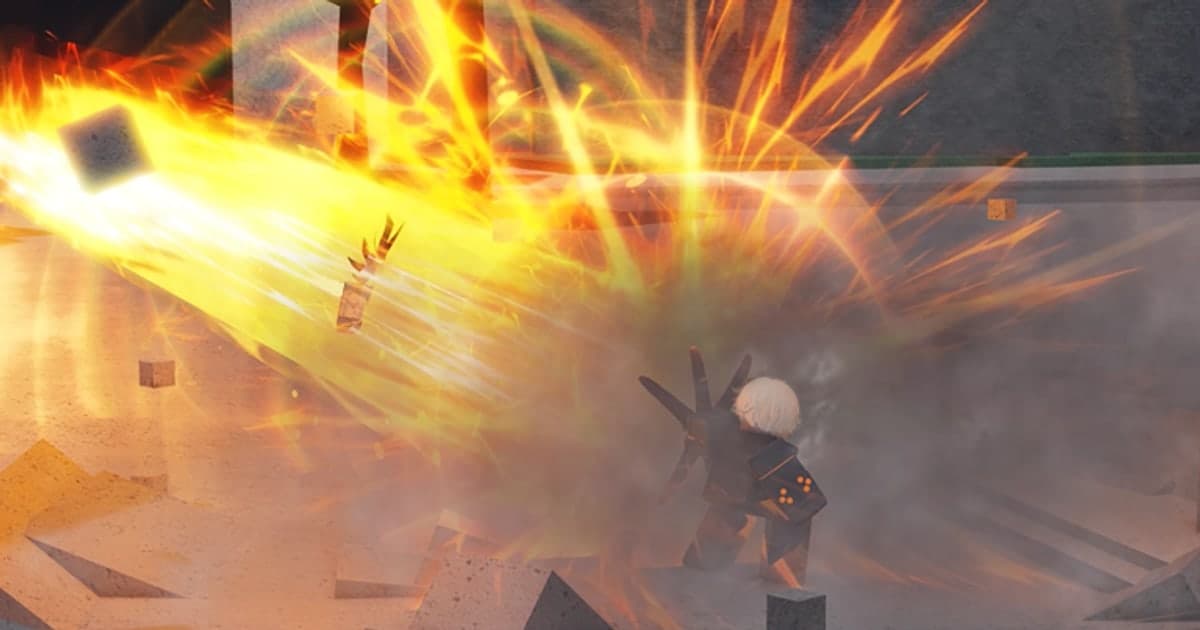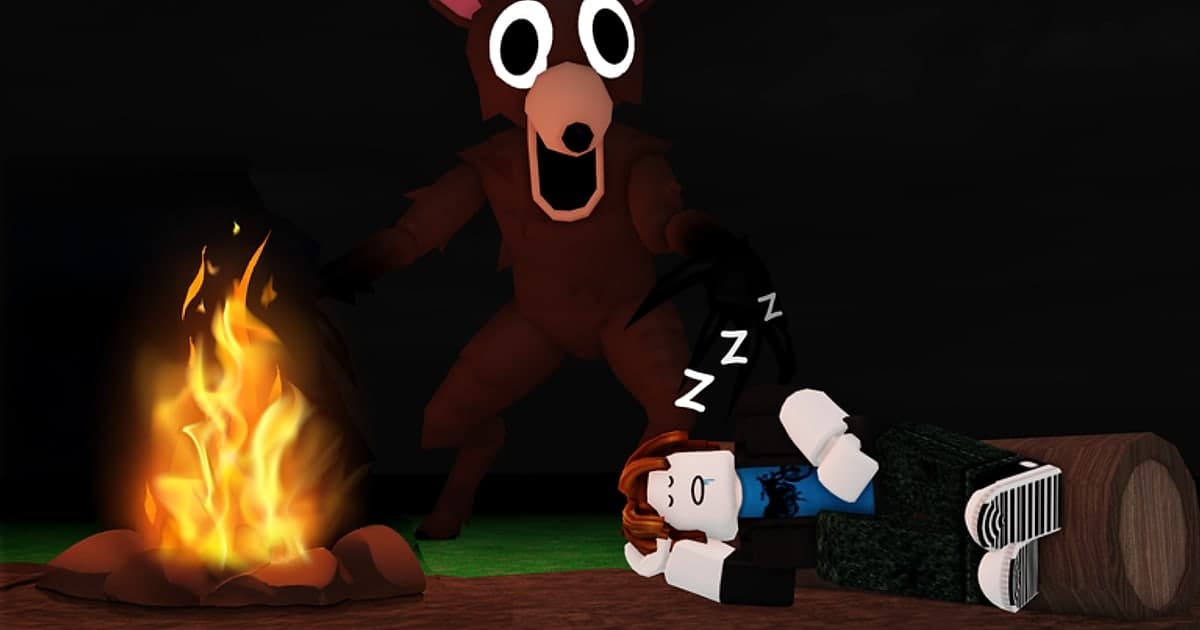
99 Nights in the Forest does exactly what its Roblox description says: 'Build a camp with friends. Something is watching you.' You and your friends set up camp in a forest and try to survive one night after another until day 99. It is made by Grandma's Favourite Games, listed in the Survival genre, and was created in March 2025. It has passed roughly 30 billion visits, had around 110,000 concurrent players in a snapshot taken at 04:21 UTC on October 14, 2026, and that same day it reached number one on the Top Trending chart in Korea, Japan and Taiwan at one point (the rankings change by the hour). In one line, here is how to play: gather wood and materials in the daytime to grow the campfire and crafting bench, stay close to the fire at night, and find and rescue the four missing children hidden somewhere in the forest. Players usually tie the 'something' in the description to the creature they call the Deer, and it is why this experience produces so many screams and reaction moments. This guide skips code lists and tier lists. It covers only how to get started and the basics of surviving the night, then which moments are worth keeping and how to record a long run in full and cut out just the scenes you want. If your main question is how to get past the 30-second limit of Roblox's built-in recorder, How to Record Roblox for Longer Than 30 Seconds compares the options. Everything about the experience here was checked on October 14, 2026. 99 Nights updates often (the most recent update was on October 7, 2026), so details can change.
Bottom line: start with the campfire and crafting bench, and record the whole run so you can pick scenes later
If you are new to 99 Nights, learn the rhythm before you memorize any numbers: gather materials and grow the campfire by day, and don't leave the fire at night. The experience's own badge list tells you what to aim for. There are badges for reaching every ten days up to day 100, for upgrading the campfire to levels 3, 4 and 5 and for fully upgrading it to reveal the entire map, for upgrading the crafting bench to level 4, for finding and saving the four missing children, for defending the campfire from Cultists, and for reviving a fallen teammate with a Bandage or Medkit. There are also classes. 'Ranger Class' and 'Medic Class' are registered as game passes for the experience, but neither was on sale when checked on October 14, 2026, and the class lineup and how you get each one change with updates, so check the in-experience shop. How you record depends on your platform. Roblox's built-in Captures works on desktop and mobile, but videos max out at 30 seconds and leave out voice chat and in-experience sound, so the noise and the scream when the Deer appears are lost. One of the badges asks you to survive 99 days in under 90 minutes, which tells you a normal run is long, so on PC you miss fewer moments if you record the whole run and pick scenes afterwards. For saving just the moment that happened a second ago with a hotkey, see How to Clip Roblox, and for what you need to talk with friends by voice, see the Roblox Voice Chat Guide. If you play on a phone or tablet, use Captures or your device's screen recorder, and consider playing on PC when you want to keep a long run with sound.
How to start 99 Nights in the Forest
- 1Decide how you will record before you joinIn 99 Nights, moments that never come back, like your first encounter with the Deer, can happen early in a run, so decide how you will record before you join. Roblox's built-in Captures works like this: open the in-experience menu, select Captures, then press the capture icon on the right side of the screen to record up to 30 seconds. Videos are saved in the Roblox app's storage, and when you export them they go to the Videos folder on desktop or the camera roll on mobile. Voice chat and in-experience sound are not recorded. Developers can turn off capture in their experience, so if the button is missing, that may be the experience's setting. To keep a long recording with sound, start a recorder on PC before you join.
- 2Find the experience and joinSearch Roblox for 99 Nights in the Forest and check that the creator is Grandma's Favourite Games before you join. There are experiences with similar names, so checking the creator is the safe way to make sure you have the right one. If your Roblox language is not English, the experience name may appear machine-translated. If you plan to record with DOR, launch Roblox from the PC version downloaded from roblox.com.
- 3Group up in the lobby and head into the forestWhen you first join, you land in the lobby (the start place), not the forest. The experience is split into the lobby and a separate place called Survive 99 Nights where the actual survival happens, so you gather the friends you want to go with in the lobby and then move into the forest. You can start solo, but there is a badge for surviving 99 days as a team of five, which shows the experience is built around teamwork; for your first runs, going with friends and splitting up jobs makes things easier. If you can pick a class, check it before you head out, and go by the in-experience description for what each class does.
- 4On day one, gather wood and grow the campfire and crafting benchThe campfire is the heart of your camp. In the daytime, chop trees and gather materials such as Scrap to grow the campfire and the Crafting Bench. Going by the badges, the campfire has levels and fully upgrading it reveals the entire map, and there is a badge for upgrading the bench to level 4. On the first day, collect fuel and materials near camp instead of wandering far, and get into the habit of returning before sunset. There is plenty to do later, such as the Pelt Trader's quests and taming animals, so you don't need to do everything at once.
- 5At night, hold out by the campfire and watch for the DeerWhen night falls, go back to camp and hold out by the campfire. The official description only says that something is watching you, and neither the experience page nor Roblox's official pages explain how the creature players call the Deer behaves. Guide sites commonly advise staying near the light at night and carrying a flashlight, but the details have changed with updates, so treat the in-experience guidance and recent announcements as the reference. Your first encounter with the Deer is usually a reaction you only get once, so make sure your recording is running beforehand.
- 6Rescue the four missing children and revive teammatesOnce your camp is established, finding and rescuing the four missing children scattered around the forest becomes a main goal. There is even a badge for reaching day 99 without rescuing any of them, so it is not required, but it makes a good goal for your first runs. Cultists may come for your campfire, and there is also a badge for clearing the Cultist Stronghold. When a teammate goes down, you can revive them with a Bandage or Medkit, so share healing items across the team. Reaching day 99 means you have hit the big goal, but there is also a badge for reaching day 100, so a run can keep going after that.
- 7When the run ends, cut out the scenesIf you recorded the whole run, pick your scenes afterwards. Find moments like the ones in the table below, such as the Deer's first appearance, the map being revealed by a fully upgraded campfire, a rescue, or reviving a friend, and cut them with a few seconds of lead-in and follow-through so the context survives. Export in vertical 9:16 for Shorts or Reels, or in 16:9 for a regular YouTube video. Before posting scenes that include your friends' voices, ask them first.
Moments worth keeping in 99 Nights and how to capture them
| Moment | Why it is worth keeping | How to keep it |
|---|---|---|
| Your first run-in with the Deer | You never know when it will happen and you only react like that once. The scream and the sound effects carry the scene, so without audio most of the fun is gone. | Captures does not record in-experience sound or voice, so keep a PC recorder running that captures audio, and hit your clip hotkey right after the scare to save what just happened. |
| Making it through the first night | For a new player, surviving the first night is a story in itself. It only lands if you show the flow from sunset to morning. | That stretch lasts minutes, which a 30-second capture can't hold. Cut the sunset-to-morning section from your full-run recording. |
| Fully upgrading the campfire and revealing the map | It is a big progress moment that even has its own badge, and since the whole team gathered the materials, the reaction is big. | You can see it coming, so set your clip length to 45 or 60 seconds ahead of time, or cut it from the full recording with plenty of lead-in. |
| Rescuing a missing child | Saving the four missing children is a main goal, and the trip out and back becomes part of the story. | These trips are long. Cut the section from setting out to the rescue from your full recording and edit it down. |
| Reviving a friend with a Bandage or Medkit | It shows teamwork, and it only comes alive with your friends' voices in it. | Record with settings that capture your mic and your friends' voices, and ask your friends before you post it. |
| Reaching day 99 | It is the end of a long run, so it only means something with the journey that led up to it. | You need the full-run recording to build a highlight montage. Check that you have enough disk space for a long recording first. |
Check before you record 99 Nights
- On PC, you launched Roblox from the PC version downloaded from roblox.com.
- Your recorder is running and you have enough disk space for a long run.
- Your mic is on, and you ran a short test to confirm that friends' voices from Discord or voice chat are recorded.
- Your clip hotkey does not clash with any keys you use in the experience.
- You told the friends you play with that their voices may be recorded and posted in a video.
- If you plan to use Captures, you know about the 30-second limit and that it records no sound.
Keep a whole 99 Nights run, sound included, with DOR
DOR is a free Windows PC app that automatically detects Roblox when you run the PC version downloaded from roblox.com. Recording starts automatically when you enter an experience and stops automatically when you leave it to go back to the home screen or close Roblox. This is on by default, and you can turn it off with the Full Game Recording toggle in settings. Each experience you join becomes one full mp4 recording in your library, and moving between places inside the same experience, such as going from the lobby into the forest in 99 Nights, usually continues in the same recording. DOR does not record the Roblox home screen, and if you jump into an experience right after launching Roblox, recording can start 15 to 20 seconds late. Because 99 Nights starts in a lobby, that delay usually passes while you are still there, but if you want to keep what happens the moment you reach the forest, wait in the lobby for a little while before you head out. Unlike Captures, there is no length limit, so even a long run all the way to day 99 is kept in full, with game audio and your mic (with noise suppression) recorded together by default. With the desktop audio setting on, friends' voices coming through Discord are kept too, and you can switch it so only Roblox audio is recorded. When the Deer makes you jump, press F8 (you can change the key) and the last 30 seconds are saved as a separate clip; you can choose 15, 30, 45 or 60 seconds. This hotkey works only while you are inside an experience and recording. DOR does not automatically pick out kills or big moments in Roblox as highlight clips, so you save scenes yourself with F8 or trim them yourself in the library. Recordings show up in the library as Roblox recordings rather than by experience name, so tell runs apart by their recording time. Trim in the library and export in 16:9, 9:16 or 1:1 to share as a dor.gg link, or open DOR Studio in your browser to merge several scenes, add text, background music and effect templates, and download an mp4. For turning a run into vertical Shorts, see How to Make Roblox Shorts. Quality defaults to 1080p at 60 fps and goes up to 2160p. DOR is PC only and does not record Roblox on phones, tablets or consoles, so think of it as the option for when you play on PC. If you play on a phone, see How to Record Roblox on Your Phone.
 #Roblox