
Verdict: most gamers should buy the 9800X3D, creators who game should buy the 270K Plus
If games are the main reason your PC is switched on, buy the Ryzen 7 9800X3D.
Across several independent reviews that paired both chips with a top tier graphics card and dropped the resolution so the CPU became the bottleneck, the 9800X3D delivered roughly 15 to 24 percent higher average frame rates than the Core Ultra 7 270K Plus, and it also held better 1% lows, the dips you feel as stutter.
Reviews also measured lower power draw while gaming. Flip the use case and the answer changes. If you also cut gameplay videos, run x265 or AV1 encodes before uploading, render in Blender, compile large projects or keep several emulators open, the 270K Plus is the smarter buy.
In testing, its 24 cores made it about 58 to 77 percent faster than the 9800X3D in multithreaded workloads, and it usually sells for noticeably less. Still weighing AMD's newer X3D chip instead? Read our 9850X3D vs 9800X3D comparison first.
- Best overall for gaming: AMD Ryzen 7 9800X3D ★★★★½ 4.5
- Best for gaming plus creative work: Intel Core Ultra 7 270K Plus ★★★★½ 4.5
- Best value: Intel Core Ultra 5 250K Plus ★★★★ 4.0
- Skip the 9800X3D if: video editing and encoding take up a big share of your week, or you would rather spend the CPU savings on a faster GPU
- Skip the 270K Plus if: you chase every last frame in competitive shooters at high refresh rates, or you plan a CPU only upgrade later
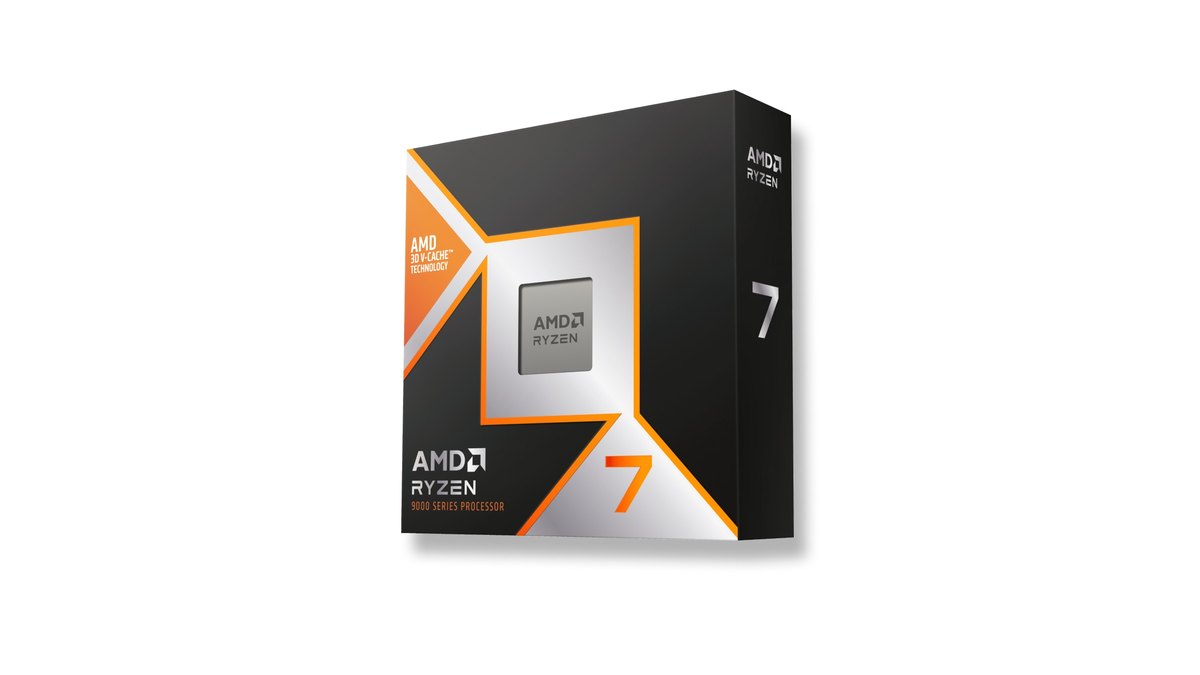
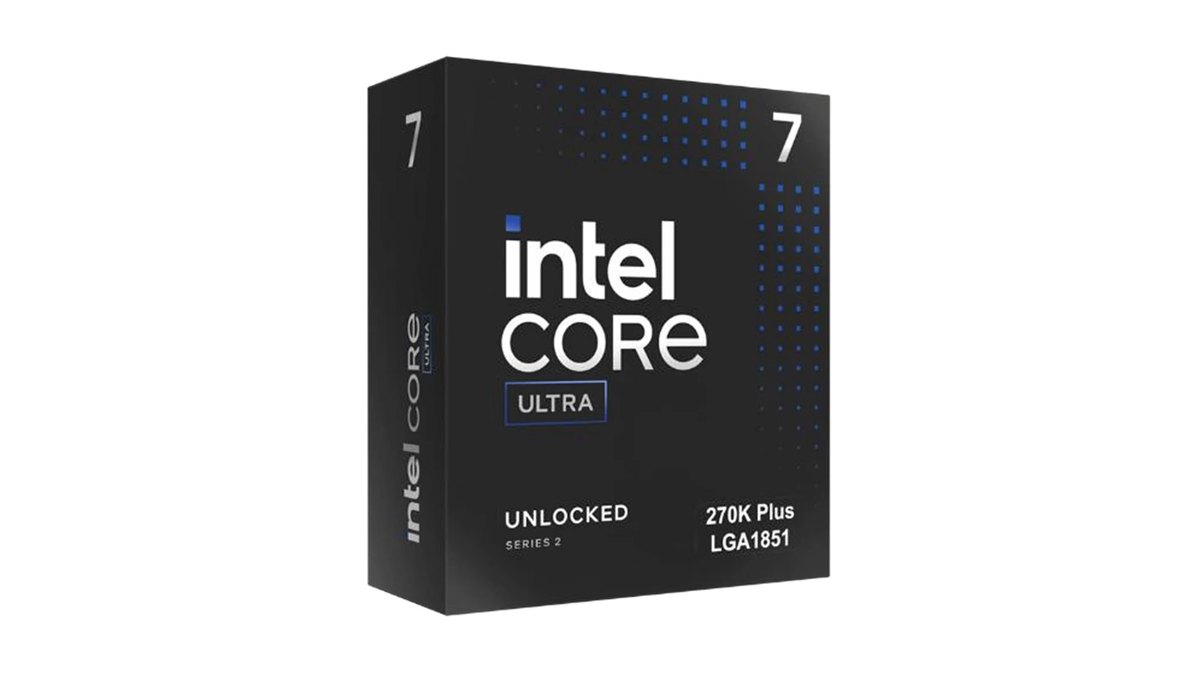
Star ratings: both land at 4.5, the 9800X3D edges ahead on weighted score
| Criterion (weight) | Ryzen 7 9800X3D | Core Ultra 7 270K Plus | Why |
|---|---|---|---|
| Performance (35%) | ★★★★★ 5.0 | ★★★★ 4.0 | 9800X3D leads CPU bound gaming averages by 15 to 24 percent; 270K Plus adjusted up for multithreaded work |
| Value (25%) | ★★★ 3.0 | ★★★★½ 4.5 | 270K Plus sells a tier lower and adds far more productivity performance |
| User reputation (20%) | ★★★★½ 4.5 | ★★★★½ 4.5 | Both score highly in Korean and Japanese retail reviews, with clear advice by use case |
| Popularity (10%) | ★★★★★ 5.0 | ★★★★½ 4.5 | 9800X3D tops Korean and Japanese CPU rankings; 270K Plus sits in the top three (Nov 10) |
| Durability and support (10%) | Not scored | Not scored | Boxed warranties are in the same family and no evidence separates them |
| Overall | ★★★★½ 4.5 | ★★★★½ 4.5 | Weighted 4.33 vs 4.31, recalculated without the unscored axis |
The headline stars match, but the weighted score puts the 9800X3D slightly higher because this is a gaming blog and the performance axis is anchored on game averages.
The 270K Plus wins clearly on value, and once you count non gaming work it can come out ahead, which is why we call it out separately as the best pick for gaming plus creative work. On the same scale, the Core Ultra 5 250K Plus earns ★★★★ 4.0 and the Ryzen 5 9600X earns ★★★½ 3.5.
Specs: the 270K Plus wins on cores, the 9800X3D wins on cache
These two chips are built for opposite strengths. The 270K Plus is a 24 core, 24 thread part with 8 performance cores and 16 efficiency cores. The 9800X3D has 8 cores and 16 threads, but AMD stacks 3D V-Cache on top to reach 96MB of L3 cache.
Games love a huge cache because the CPU waits less for data, while encoding and rendering scale with core count. Intel announced the 270K Plus on March 11, 2026 and it went on sale March 26 as part of the Arrow Lake refresh, branded Core Ultra 200S Plus.
Intel raised the die to die clock by up to 900MHz over the 265K, which targets the memory latency that held back the original Arrow Lake chips. Not sure what CPU and motherboard you have now? Check with our guide on how to check PC specs in Windows 11.
| Spec | Core Ultra 7 270K Plus | Ryzen 7 9800X3D |
|---|---|---|
| Release | On sale March 26, 2026 | November 7, 2024 |
| Cores / threads | 24 cores (8P + 16E) / 24 threads | 8 cores / 16 threads |
| Max boost | Up to 5.5GHz (P core max turbo 5.4GHz) | Up to 5.2GHz |
| Base clock | P 3.7GHz / E 3.2GHz | 4.7GHz |
| Cache | 36MB L3, 40MB L2 | 96MB L3 (with 3D V-Cache), 8MB L2 |
| Power | 125W base, 250W max turbo | 120W TDP |
| Socket | LGA 1851 (800 series boards, BIOS update) | AM5 |
| Official memory | DDR5-7200 (1DPC CUDIMM), up to 256GB | DDR5-5600 (2x1R) |
| Integrated graphics | Intel Graphics | Radeon Graphics, 2 CUs |
| Cooler | Buy separately (retail listings show no cooler) | Not included; AMD recommends liquid cooling |
| Boxed warranty | Intel boxed CPUs typically 3 year limited (some 1 year) | AMD boxed CPUs 3 year limited |

Gaming: the 9800X3D leads by 15 to 24 percent when the CPU is the limit
In pure gaming, the 9800X3D is the stronger chip. Reviewers paired both CPUs with an RTX 5090 and tested at 1080p or 720p so the processor, not the graphics card, set the frame rate, and the 9800X3D came out ahead in all three data sets we looked at.
Raise the resolution and settings, though, and the gap shrinks fast; in some titles both chips post the same numbers because the GPU is already maxed out. If you mostly play at 1440p or 4K with high settings, your graphics card matters more than this CPU choice. To see which part limits your own build, use our CPU and GPU bottleneck guide.
| Test (RTX 5090) | Ryzen 7 9800X3D | Core Ultra 7 270K Plus | Gap |
|---|---|---|---|
| 1080p medium, 14 game average | 256 fps (1% low 190) | 206 fps (1% low 157) | 9800X3D about 24% faster |
| 1080p highest, 14 game average | 195 fps (1% low 144) | 169 fps (1% low 130) | 9800X3D about 15% faster |
| 720p, 9 game average | 182 fps | 149 fps | 9800X3D about 22% faster |
| 1080p, 17 game average | Baseline | About 20% slower | 9800X3D ahead |
| Largest gaps | About 29 to 37% ahead in Baldur's Gate 3 and the F1 series | Trails in the same tests | Cache heavy games widen the lead |
| Smallest gaps | Tied in Marvel Rivals at ultra | Tied | GPU becomes the limit |
Competitive shooters tell a slightly different story. In Counter-Strike 2, one review had the 270K Plus about 8 percent faster than the Ryzen 7 9700X and close to the 7800X3D, while another measured it about 9 percent ahead of the older 265K.
Still, most CPUs hit a similar ceiling in that game and only the 8 core X3D parts pushed past it. There is no public per game data for VALORANT or League of Legends, so nobody can honestly say which chip is faster there by a set percentage.
Intel's new Binary Optimization Tool (iBOT) has to be switched on manually in Intel's app and only works in a list of supported games, so it is not a reason to buy the 270K Plus for esports titles.
Productivity: the 270K Plus dominates encoding, rendering and compiling
Once a workload can use every core, the 270K Plus is one of the strongest chips anywhere near its price. According to benchmark reviews, it was about 77 percent faster than the 9800X3D in Cinebench multithreaded and about 58 percent ahead on a combined multicore index.
Several reviews found it trading blows with 16 core flagships, and it also edged out the 9800X3D in single threaded tests. The X3D chip's extra cache did little for these creative benchmarks. That does not mean Intel wins every creative task, though, as the list below shows.
- Video encoding: the 270K Plus posted faster x265 10 bit and AV1 encodes than even the previous 265K.
- Video editing: it landed at or near the top of Premiere Pro and DaVinci Resolve charts.
- Code compiling: a large browser build finished within a couple of minutes of a 16 core CPU.
- The exception: lightly threaded apps such as Photoshop favored Zen 5 in at least one review, so it is not simply Intel for every editor.
- The 9800X3D: productivity performance is roughly that of a regular 8 core chip, so frequent renders and encodes will add up in waiting time.
Power and heat: the 9800X3D is more efficient, give the 270K Plus cooling headroom
Factor in power, noise and heat, and the 9800X3D is the easier chip to live with. In benchmark testing it posted the best gaming efficiency (frames per watt) of any CPU tested, averaging around 81W across 16 games.
The 270K Plus drew more power than comparable AMD chips even while gaming and had the highest idle power draw in its test group. Temperatures stayed manageable with good cooling: a peak of 86°C under an all core load on a 360mm liquid cooler, and mid 70s or lower on a 240mm AIO at stock settings.
Remove the power limits, however, and one review saw it pass 90°C and throttle. Curious about 9800X3D temperatures instead? See our Ryzen X3D temperature guide.
Memory and platform: LGA 1851 is seen as winding down, AM5 has room to grow
If you keep a PC for years, platform life matters. The 270K Plus drops into existing 800 series motherboards after a BIOS update, and reviewers found its higher internal clocks apply by default even on B860 boards, not only Z890.
Reviewers broadly describe it as the last generation for the LGA 1851 socket, though. AM5, which the 9800X3D uses, is widely expected to support at least one more CPU generation, so a drop in upgrade later is more realistic on AMD.
On memory, Intel lists DDR5-7200 as the official maximum, yet testing showed only a 1 to 5 percent gaming loss when dropping to DDR5-6000, so pricey CUDIMM kits are optional. For setup help, see our XMP and EXPO guide, and if you are still on AM4 with DDR4, read upgrading to the 5800X3D on AM4 before replacing everything.

Price and popularity: the 270K Plus costs a tier less and ranks near the top
As of November 10, 2026, the 270K Plus sells a full tier below the 9800X3D in every market we checked, and Intel's launch pricing placed it well under AMD's original 9800X3D price. The price table below lists launch MSRPs and current US street prices. Both chips are popular.
In an August 2026 report on a major US retailer's CPU best seller list, the 9800X3D held first place and the 270K Plus made the top ten. On November 10, Korean and Japanese price comparison rankings also put the 9800X3D first, with the 270K Plus in the top three. Rankings reflect popularity, not exact sales volume.
Budget pair: the 250K Plus beats the 9600X, but AM5 keeps the upgrade path
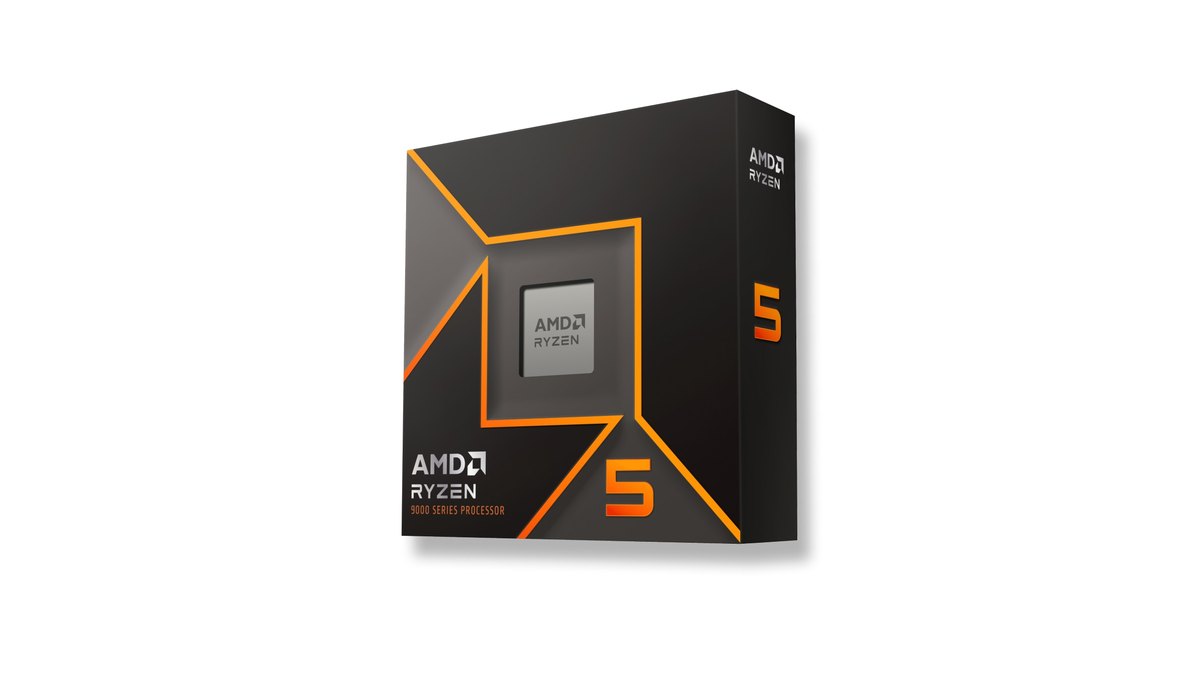
Building a new PC on a tighter budget? The Core Ultra 5 250K Plus is our value pick, and it answers the common 250K Plus vs 9600X question clearly. With 18 cores (6P + 12E), it delivers about 95 percent of the 270K Plus in games.
Against the similarly priced Ryzen 5 9600X, 1080p averages were close and 1% lows were about 10 percent higher, while multithreaded work ran about 85 percent faster. The 9600X does keep the AM5 upgrade path open, so you could drop in an X3D chip later. For full parts lists at different budgets, see our gaming PC budget builds.
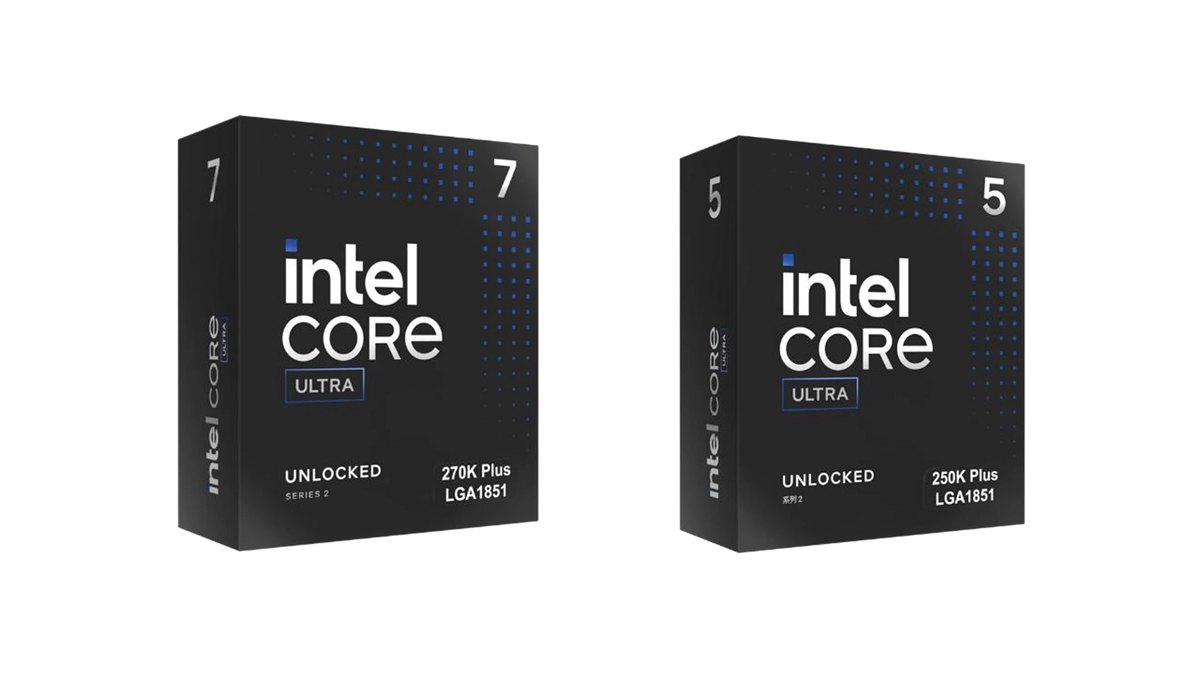
| Item | Core Ultra 5 250K Plus | Ryzen 5 9600X |
|---|---|---|
| Rating | ★★★★ 4.0 | ★★★½ 3.5 |
| Cores / threads | 18 cores / 18 threads | 6 cores / 12 threads |
| Gaming (1080p medium, 14 games) | 193 fps (1% low 148) | 189 fps (1% low 135) |
| Multithreaded work | About 85% faster | Baseline |
| Power and upgrades | 125W base, seen as the last LGA 1851 generation | 65W TDP, AM5 upgrade path |
Prices as of November 10, 2026
| Product | Launch MSRP | US street price range |
|---|---|---|
| Ryzen 7 9800X3D | $479 | about $449 to $462 |
| Core Ultra 7 270K Plus | $299 | about $330 to $350 |
| Core Ultra 5 250K Plus | $199 | about $219 to $220 |
| Ryzen 5 9600X | $279 | about $171 to $180 |
Street prices are boxed retail listings at major US stores on November 10, 2026, without coupons or bundles; tray versions can be cheaper but come with seller warranty. Prices change often, so confirm the current price with the seller before you buy.
Who should buy which
| Situation | Pick | Why |
|---|---|---|
| Gaming only, 1080p or 1440p high refresh | Ryzen 7 9800X3D | 15 to 24% faster when CPU bound, better 1% lows and efficiency |
| Gaming plus editing, encoding or compiling | Core Ultra 7 270K Plus | 58 to 77% faster multithreaded, games on par with or above the 9700X and 14700K |
| 4K or high settings on a fixed budget | Core Ultra 7 270K Plus | The CPU gap narrows at high resolution, so put the savings into the GPU |
| Planning a CPU only upgrade later | Ryzen 7 9800X3D | AM5 has room for another generation; LGA 1851 is seen as finished |
| New budget build | Core Ultra 5 250K Plus | Matches the 9600X in games, far ahead in work |
| Lower power and heat build | Ryzen 7 9800X3D | Measured lower gaming power; the 270K Plus showed high idle draw |
What users say: X3D for games, 270K Plus for work keeps coming up
- Consensus: in user discussions from Korea, Taiwan and Japan, the most common answer is X3D if you only game and the 270K Plus if editing or heavy multitasking is a big part of your use.
- 270K Plus side: owners repeatedly praise the multicore performance for the money and call it good value.
- 9800X3D side: retail review scores in Korea and Japan are high, and picking X3D for frame rates is a repeated answer across all three markets.
- Split opinions: some say the 270K Plus needs a big cooler while others report air cooling is enough. On the end of LGA 1851, Taiwanese users split between keeping a PC five years, where it matters little, and upgrading every year or two, where AM5 makes more sense.
How we rated and selected
- Performance (35%): official specs plus multiple reviewers' game averages with a flagship GPU in CPU bound settings, adjusted for multithreaded results.
- Value (25%): position against same class gaming desktop CPUs using November 10, 2026 retail pricing in Korea, Japan and Taiwan plus Intel's launch pricing.
- User reputation (20%): Korean and Japanese retail review scores plus user discussions in Korea, Taiwan and Japan; single anecdotes were excluded.
- Popularity (10%): Korean and Japanese CPU rankings on November 10, Taiwanese retailer best seller tags and a US retailer ranking reported in August.
- Durability and support (10%): left out because both boxed warranties are in the same family, with weights recalculated across the rest.
Record the same scenes before and after you swap CPUs
- 1Record your current gameplayInstall DOR and launch a supported game. It records the whole match automatically and saves it to My Clips. Keep a few matches on the maps you play most.
- 2Lock your settingsWrite down resolution, graphics preset, frame cap and driver version, and use the same values after the upgrade.
- 3Record again after the swapCapture a similar situation: same map, same kind of fight, similar time in the match.
- 4Compare side by sideTrim the moments you want to compare in the app and check whether stutters and hitches actually dropped.
Your own game, same scene, is a more honest test than a benchmark average. If recording looks heavy on your CPU, read how to fix high CPU usage while recording. On RTX series and other supported NVIDIA graphics cards, DOR records with NVENC hardware encoding; see our NVIDIA recording settings guide. For a full before and after workflow, see recording gameplay before and after a gear upgrade.