

The verdict: the 9800X3D for most people, the 9850X3D only for new builds at a near equal price
Is the Ryzen 7 9850X3D worth it over the 9800X3D? For most people, no: buy the Ryzen 7 9800X3D. The two chips have the same core count, the same cache and the same TDP, and the only thing that changes is a 400MHz higher maximum boost clock.
In published reviews the gaming gap was a few percent on average even when reviewers deliberately made the CPU the bottleneck with an RTX 5090 at 1080p or 720p, and at 4K the two were practically tied.
In exchange, the 9800X3D draws roughly 20 to 30 percent less power while gaming and runs cooler on the same cooler, which makes it easier to build around with an air cooler. It was also the number one CPU on popularity charts in Korea and Japan on November 10, 2026, so it is easy to find.
The 9850X3D makes sense if you are building a new PC today, your retailer sells the two at nearly the same price, you mostly play CPU limited games at high refresh rates at 1080p or 1440p, and you run a dual tower air cooler or an AIO. If you already own a 9800X3D, there is no reason to switch.
If your budget is tight or you play mostly at 4K, the previous generation 7800X3D saves money you can put toward a better graphics card.
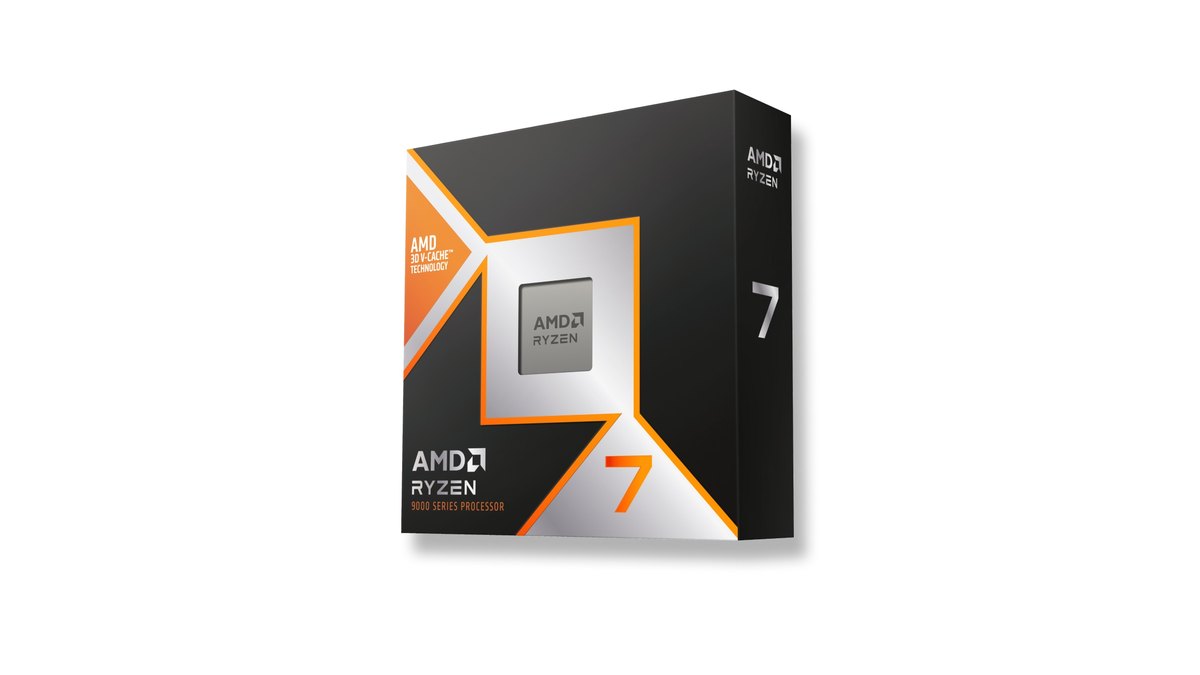
Star ratings: 9800X3D 4.5, 9850X3D 4.0
| Category | Ryzen 7 9800X3D | Ryzen 7 9850X3D | Ryzen 7 7800X3D (reference) |
|---|---|---|---|
| Overall | ★★★★½ 4.5 | ★★★★☆ 4.0 | ★★★★½ 4.5 |
| Performance (35%) | 5.0 · best measured gaming efficiency | 5.0 · highest measured gaming average | 4.5 · one generation behind |
| Value (25%) | 3.0 · mid priced in its class | 2.5 · most expensive in its class | 4.5 · cheapest in its class |
| Owner reputation (20%) | 4.5 · many reviews, high ratings | 4.0 · happy buyers, small sample | 4.5 · long proven |
| Popularity (10%) | 5.0 · No. 1 in Korea and Japan | 4.0 · No. 6 in Japan | 4.5 · No. 2 in Korea |
| Durability and support (10%) | Not scored | Not scored | Not scored |
The rating gap between the two comes from value and popularity, not raw performance. Both score 5.0 for performance.
The 9850X3D posted the highest gaming average in published testing and the 9800X3D came right behind it, but a gap of a few percent under CPU bound conditions is too small to split by half a star.
Instead we listed the 9800X3D gaming efficiency lead (it posted the best frames per watt of any CPU tested) and the extra power and heat of the 9850X3D as pros and cons.
Value is judged by where each chip sits within the same class of 8 core 3D V-Cache gaming CPUs, using the prices in the price table below.
At launch the US price gap between the two was small, and frames per dollar were nearly identical at review time, which is why the 9850X3D is closer in value in the US than in Asian markets.
Owner reputation favors the 9800X3D, which holds high average ratings across hundreds of retailer reviews, while 9850X3D buyers are happy but still few. Durability and support are not scored because all three carry the same AMD three year limited warranty on boxed processors.
The 7800X3D ties the 9800X3D at 4.5 because it is the cheapest of the three, but for buyers who want top gaming performance as well, the 9800X3D stays our first pick.
Specs: the only difference is a 400MHz higher boost clock
| Spec | Ryzen 7 9850X3D | Ryzen 7 9800X3D | Ryzen 7 7800X3D |
|---|---|---|---|
| Launch date | January 29, 2026 | November 7, 2024 | April 6, 2023 |
| Architecture | Zen 5 | Zen 5 | Zen 4 |
| Cores / threads | 8 / 16 | 8 / 16 | 8 / 16 |
| Base / max boost clock | 4.7GHz / up to 5.6GHz | 4.7GHz / up to 5.2GHz | 4.2GHz / up to 5.0GHz |
| L3 cache | 96MB | 96MB | 96MB |
| Default TDP | 120W | 120W | 120W |
| Official memory support | DDR5-5600, up to 256GB | DDR5-5600, up to 256GB | DDR5-5200, up to 128GB |
| Max operating temp (Tjmax) | 95°C | 95°C | 89°C |
| Socket and cooler | AM5, no cooler included | AM5, no cooler included | AM5, no cooler included |
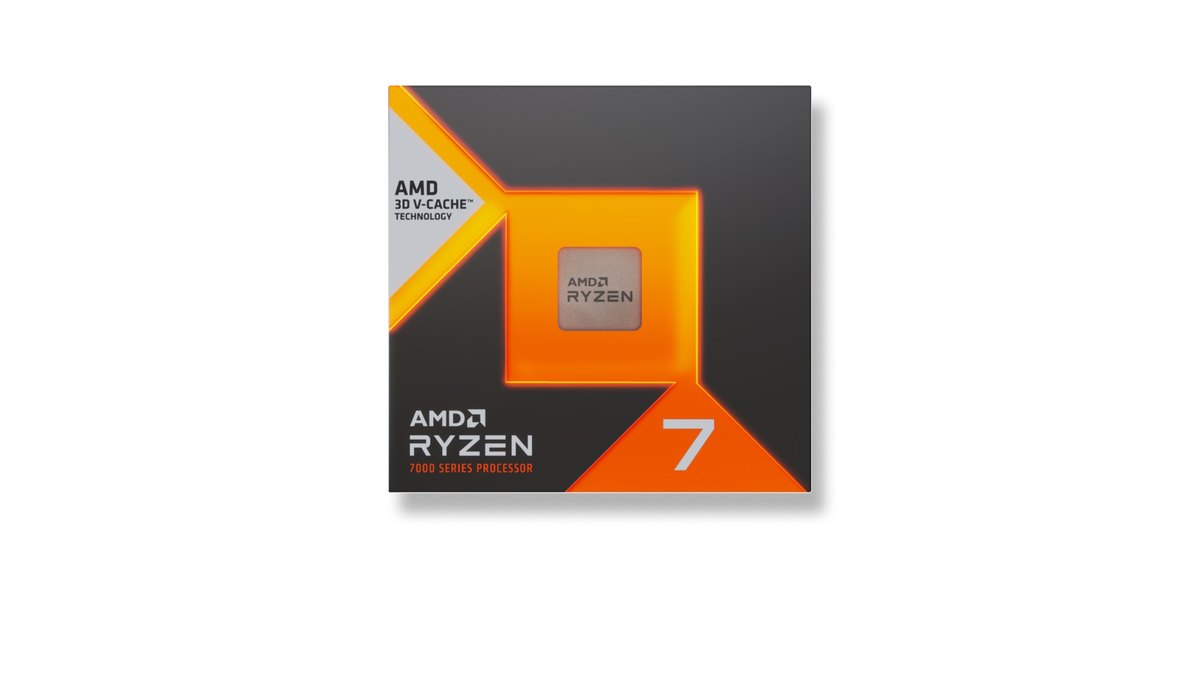
On paper the 9850X3D and 9800X3D are the same chip: eight Zen 5 cores, 96MB of L3 cache, a 120W TDP, the AM5 socket and the same official memory support. The one line that differs is the maximum boost clock, 5.6GHz versus 5.2GHz.
AMD markets the 9850X3D as a faster version of its gaming flagship with a 400MHz higher boost, and reviewers generally treat it as a 9800X3D that runs at higher clocks. So the real question is how much those 400MHz deliver in games, and how much extra power and heat they cost.
Both chips use the second generation 3D V-Cache layout, which places the extra cache beneath the cores so the cores sit directly under the cooler; the cooler the chip runs, the longer it holds high clocks.
The 7800X3D is the previous Zen 4 generation with lower base and boost clocks and a lower 89°C maximum operating temperature. All three drop into the same AM5 motherboards, and none of them ships with a cooler.
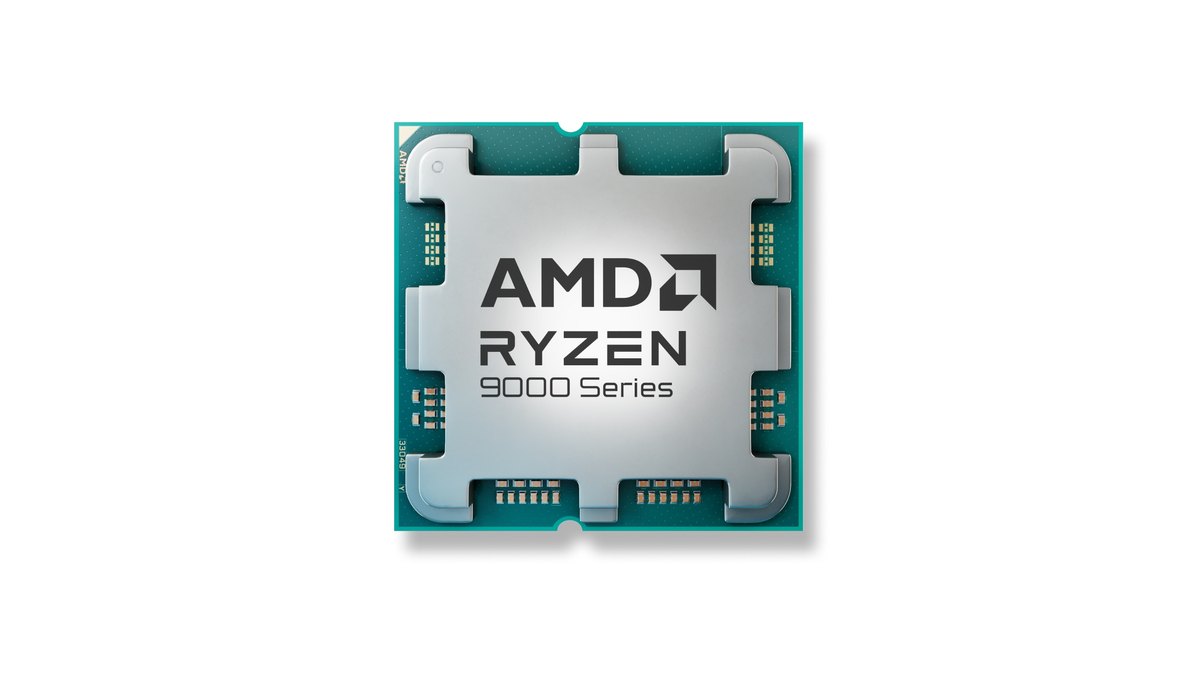
Gaming performance: the 9850X3D leads by a few percent when CPU bound and ties at 4K
The 9850X3D is a little faster in games, but you only see it under extreme conditions. Reviewers paired both chips with an RTX 5090 and ran 1080p or 720p so that the CPU, not the graphics card, set the frame rate.
Under those conditions a 16 game average showed about a 3 percent lead, a 9 game 720p average showed about 5 percent, and 1% lows moved by a similar or slightly larger margin.
Across reviews the conclusions landed in the same place: an average gain of zero to four percent that is measurable but hard to notice. At 4K the gap collapses to around half a percent.
Testing cited in one review also found that with a more typical high end card such as the RX 9070 XT at 1080p, the two CPUs traded wins game by game with no real difference.
| Test condition | 9850X3D vs 9800X3D | What it means |
|---|---|---|
| 1080p, RTX 5090, 16 game average FPS | About 3% faster | Deliberately CPU bound |
| Same setup, 1% lows | About 3.5% higher | Stutter metric moves the same way |
| 720p, RTX 5090, 9 game average | About 5% faster (1% lows about 7%) | Worst case gap |
| 4K, RTX 5090 | About 0.5% | Effectively tied |
| 1080p, RX 9070 XT class card | Trade wins game by game | The GPU limits first |
Game by game, clock sensitive titles showed the largest gaps. Baldur's Gate 3, F1 2024 and Microsoft Flight Simulator 2024 ran about 5 to 6 percent faster at 1080p, Counter-Strike 2 was about 1.5 percent faster, and Cyberpunk 2077 actually favored the 9800X3D by a single frame.
VALORANT and League of Legends were not among the measured games, so we cannot give a percentage for them.
What holds in general is that the lower your graphics settings and the higher your refresh rate, say 240Hz and up in a competitive shooter, the more the CPU rather than the GPU sets your frame cap, and that is where the large X3D cache and higher clocks matter. To see whether your CPU or your graphics card is the limit at your resolution, use our CPU and GPU bottleneck pairing guide.
Power and heat: the 9800X3D is clearly more efficient
Power and heat are where the 9800X3D wins outright. Reviews measured gaming CPU power in the 80W range for the 9800X3D versus the 100W range for the 9850X3D, roughly 20 to 30 percent more for the newer chip.
On the same cooler the 9850X3D ran about 3°C warmer on average in games and 7 to 9°C warmer in all core workloads on a 360mm AIO. As a result, the 9800X3D posted the best gaming efficiency in frames per watt of every CPU tested.
Idle power was about the same or slightly higher on the 9850X3D, so everyday desktop use barely changes. For heavy all core work such as rendering, reviews disagreed: some found peak package power nearly identical, others measured around 20 percent more.
Neither chip includes a cooler, and AMD lists a liquid cooler as recommended for both.
In testing, a decent air cooler kept the 9850X3D below its 95°C maximum operating temperature, but reviewers also advised that if your cooler was borderline on a 9800X3D, you should step up one tier for the 9850X3D.
Owner feedback lines up: if you plan to air cool with a single tower, pick the 9800X3D; with a dual tower cooler or better, the 9850X3D is fine. A 9850X3D reading a few degrees higher than a 9800X3D under the same conditions is not a fault; it is the cost of the higher clock.
For what counts as a normal gaming temperature and what to check first when you see brief spikes into the 90s, read our Ryzen X3D temperature guide.
Versus the 7800X3D: the generational gap is bigger than 9850X3D vs 9800X3D
The step from the 7800X3D to the 9800X3D is clearly larger than the step from the 9800X3D to the 9850X3D. In a 720p, RTX 5090 CPU ranking, the 9800X3D averaged about 14 percent ahead of the 7800X3D and the 9850X3D about 19 percent ahead, with individual games ranging from 15 to 29 percent.
That comes from the move from Zen 4 to Zen 5, which improved both the core design and clocks. On the other hand, in testing the 7800X3D drew the least gaming power of the three, roughly half of the 9850X3D, and it costs the least.
Reviewers still describe it as faster in games than any non X3D processor, and note that at 4K the spread between the tested CPUs narrows sharply.
So if you mostly play at 4K or high settings at 1440p, or your budget is tight, the 7800X3D remains a sound choice and the savings belong in your graphics card. If you already run a 7800X3D, moving to a 9800X3D class chip only pays off if you play a lot of CPU limited games. For full builds that balance CPU and GPU spending, see our budget gaming PC builds.
Memory and platform: same AM5 boards, and tolerant of slower RAM
All three chips use AM5, so the motherboard and cooler mounting stay the same. If you put a 9000 series chip into an older AM5 board, check your board maker's CPU support list for the right BIOS first. Thanks to the large 3D V-Cache, memory speed matters less than usual.
In testing, dropping from DDR5-6000 to DDR5-4800 cost anywhere from almost nothing to a few percent depending on the game, and in several titles a 9850X3D on DDR5-4800 matched a 9800X3D on DDR5-6000.
Reviewers generally recommend DDR5-6000 with the memory controller running 1:1 and see no need to pay extra for high speed kits. Not needing an expensive high speed kit is a real advantage shared by both X3D chips. If you install new RAM, enable EXPO so it runs at its rated speed; our XMP and EXPO RAM setup guide walks you through it.
Price and availability: the gap at your retailer decides it
Because the performance gap is so small, the decision comes down to the price difference where you shop. In the US the launch price gap between the two was small, and some reviewers concluded that for a fresh gaming build the 9850X3D can be the one to get when it costs only a little more.
That makes the US the market where the 9850X3D is easiest to justify. Even so, the extra power, extra heat and lack of any 4K gain keep the 9800X3D as our default.
Prices move often, and owners have reported retailers where the two cost almost the same or where the 9850X3D was cheaper, so check both chips at the same store on the same day before you decide.
AMD boxed processors carry a three year limited warranty; if the box was not sealed when you bought it, the seller handles warranty claims instead. Tray or OEM chips sold without the retail box follow the seller's warranty terms, so confirm them before you buy. Damage caused by overclocking is not covered by AMD's warranty.
Prices as of November 10, 2026
| Product | Launch price (MSRP) | Current street price |
|---|---|---|
| Ryzen 7 9850X3D | $499 | Check current retailer price |
| Ryzen 7 9800X3D | $479 | Check current retailer price |
| Ryzen 7 7800X3D | $449 | Check current retailer price |
These are AMD US launch prices. Street prices for all three have often sat below MSRP during 2026 and change week to week, so check the current price at your retailer. Compare both chips at the same retailer on the same day, and leave promo code or bundle prices out of the comparison.
Who should buy which
| Situation | Pick | Why |
|---|---|---|
| New build, most people | 9800X3D | Tiny gaming gap, less power and heat, usually cheaper, easy to find |
| New build, small price gap, 1080p or 1440p high refresh | 9850X3D | A few percent more in CPU bound games, 5 to 8 percent faster single core |
| Already own a 9800X3D | Keep it | Reviews and owners agree an upgrade is not worth it |
| Mostly 4K or high graphics settings | 7800X3D or 9800X3D | CPU differences nearly vanish at 4K; spend the rest on the GPU |
| Single tower air cooler or a poorly ventilated case | 9800X3D | The 9850X3D draws more power and runs hotter |
| Budget first | 7800X3D | Cheapest of the three and the lowest gaming power |
- The 9800X3D fits: most gamers building a new PC, anyone who wants a quiet air cooled system, and anyone who would rather spend more on the graphics card
- The 9850X3D fits: new builds at a store where it costs about the same, players of CPU limited games such as competitive shooters, simulators or large scale battles at high refresh rates, and systems with a dual tower cooler or an AIO
- The 9850X3D does not fit: current 9800X3D owners, 4K players, single tower air coolers or cramped cases, and markets where it costs clearly more
- Neither fits: if heavy multi threaded work such as long video renders or encodes is your main job, reviewers point to CPUs with more cores instead
Upgrade check: do not swap a 9800X3D for a 9850X3D
- 1Confirm your current CPU and GPUStart by checking exactly which CPU, graphics card and memory you have. Our guide on how to check PC specs in Windows 11 shows where to find them in Task Manager and System Information.
- 2Find out whether your games are CPU boundLaunch the games you play most at your usual resolution and settings, and watch frame rate alongside GPU usage. If GPU usage stays well below full while frames fall short of your monitor refresh rate, the CPU is likely the limit. Our guide on how to show FPS in games covers the overlays.
- 3Check your cooler and case headroomIf you are considering the 9850X3D, ask whether your cooler already ran warm with a 9800X3D class chip. If it did, add the cost of a better cooler to the comparison.
- 4Compare both prices at the same storeFinally, check the 9800X3D and 9850X3D at the same retailer on the same day. Choose the 9850X3D only if the gap is small and the earlier steps showed a real CPU limit.
In short, upgrading from a 9800X3D to a 9850X3D is not recommended by either the reviews or owner feedback in the markets we checked. Moving up from a 7800X3D only makes sense if you play many CPU limited games.
If you are still on AM4 with DDR4, read our AM4 5800X3D upgrade guide before replacing the whole platform, and if Intel is on your shortlist too, see Core Ultra 270K Plus vs 9800X3D.
What owners say: keep your 9800X3D, and only weigh the 9850X3D for new builds
- Common ground: owners in Korea and Taiwan repeatedly say a 9800X3D owner has no reason to switch, and that at 4K or high settings at 1440p the difference between the two is hard to feel.
- The case for the 9800X3D: a recurring view is that power and heat rose along with the clock while the extra frames are small, so air cooled builds are better off with the 9800X3D. One buyer in Japan said a store clerk steered them to the 9800X3D for the same reason.
- The case for the 9850X3D: some say it is a reasonable pick for a new build when the price gap is small, and buyers who chose it mostly sound satisfied, and some owners in Korea mention simply enjoying the top model.
- From 7800X3D owners: most replies say the jump to a 9850X3D feels small at 4K and outside CPU limited games, though one owner who upgraded said the improvement was obvious.
How we rated and selected
Each product gets a score from 0 to 5 in half point steps on five criteria, combined as a weighted average: performance 35 percent, value 25 percent, owner reputation 20 percent, popularity 10 percent, durability and support 10 percent.
Performance uses AMD official specs and gaming averages from multiple published reviews run with a flagship GPU under CPU bound conditions; gaps of a few percent were not split into half stars.
Value is judged by each chip's position within its class, based on retailer prices in Korea, Japan, Taiwan and Vietnam on November 10, 2026 and US launch prices. Owner reputation uses retailer review ratings and owner discussions in Korea, Taiwan and Japan; single comments do not move a score.
Popularity uses retail popularity charts and how often a model comes up in community discussion. Durability and support were left unscored because all three share the same warranty terms, and the remaining weights were rescaled.
The comparison covers the two 8 core 3D V-Cache flagships, with the 7800X3D included as a value reference. These are the same criteria as the CPU ratings in our gaming PC buying guide, so the 9800X3D and 7800X3D scores match across both articles.
After a CPU upgrade, record before and after gameplay to compare
After a CPU swap, do not rely on an FPS counter alone. The most convincing check is to record gameplay before and after under the same conditions and watch the clips side by side.
In VALORANT, play a Deathmatch or two on the same settings before and after the swap, then check whether stutters during busy fights have gone down.
DOR is a free Windows app that detects supported games when you launch them and records the full match automatically, collecting every recording in My Clips. In VALORANT, kills are saved as highlight clips automatically and tagged for aces and clutches, so finding comparable moments is quick.
On supported NVIDIA graphics cards such as the RTX series, DOR records with NVENC hardware encoding. Our before and after gear upgrade recording guide explains how to set up the comparison, and if CPU usage looks high while recording, see how to fix high CPU usage while recording.