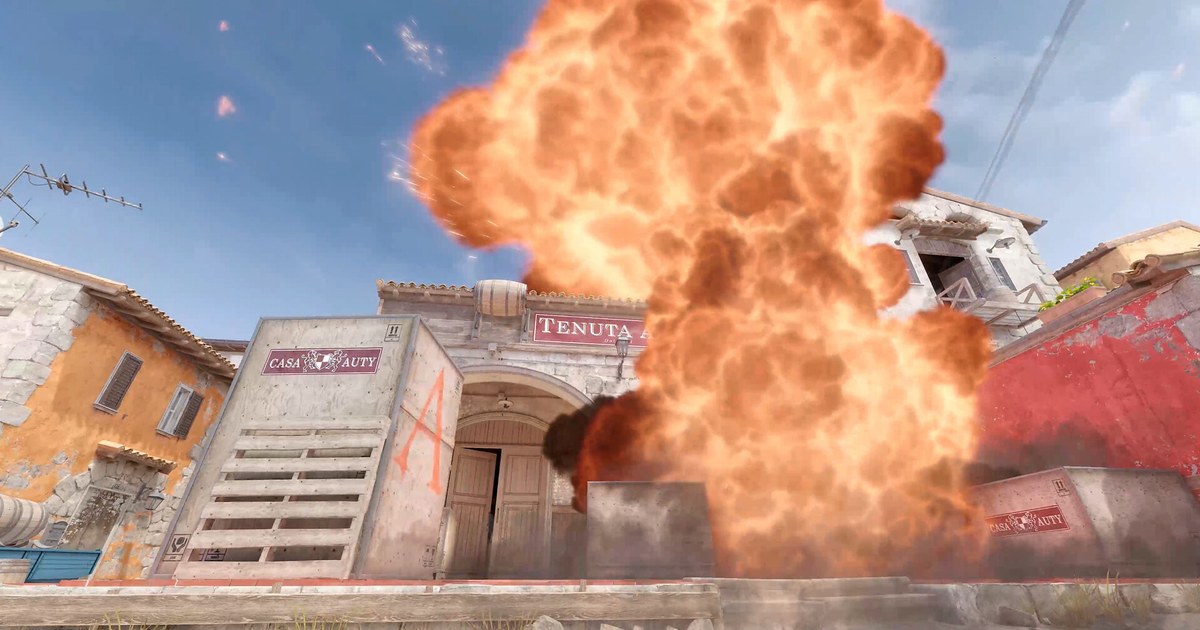
Learning smokes, flashes and molotovs in Counter-Strike 2 comes down to repetition: stand on the same spot, aim at the same pixel, throw, and watch where it lands, dozens of times in a row. A normal match gets in the way. The round ends, the buy timer runs out and your money is gone.
That is why almost every CS2 nade practice routine starts with a few console commands for infinite ammo, long rounds and buying anywhere.
The good news is that CS2 now builds part of this into the Practice tab, so you no longer need to paste a twenty line list from the CS:GO days just to see where a smoke lands.
This guide separates what the menu already handles from what still needs the console, gives you a practice config you can drop into one file, explains why it stops working after a map change, and shows how to record the lineups you nail so your team can learn them too.
Command names and limits were checked against the convar list from the late October 2026 build and are current as of November 10, 2026. Everything here is for an offline server you host yourself. None of it can be turned on in official matchmaking.
When the Practice tab is enough, and when you need a practice config
The Practice tab has four options. Grenade Camera shows a small picture in picture view of where the nade in your hand will land, then leaves a glowing trail after you throw. Infinite Ammo means weapons never use ammo and never need a reload.
Infinite Warmup keeps the server in warmup forever and stops bots from joining. Enable Map Guides loads the map guide you pick and forces the other three on. Official guides ship for every Active Duty map, and you can subscribe to community guides on the Steam Workshop.
If you are learning your first few smokes on a map, the menu is all you need. The config takes over after that.
Stretching rounds to 60 minutes, starting with 60,000 dollars, buying anywhere on the map, throwing the exact same nade again with sv_rethrow_last_grenade, and saving a lineup spot with getpos and setpos are not in the menu, so they still need the console.
If you plan to record your practice, the config route is the better fit too, because it ends warmup and leaves a live round running. Keep aim training separate from utility practice. If your sensitivity feels off, the CS2 sensitivity test checks it in a one minute browser range before you load a map.
How to start a practice server and load every command with one exec
- 1Turn on the developer consoleThe console is off on a fresh install. Open Settings, go to the Game tab and set Enable Developer Console to Yes. After that, the key to the left of 1 (the ` or ~ key) opens and closes it. If that key is awkward on your keyboard, rebind Toggle Console in the keyboard and mouse settings. Type one command per line and press Enter to apply it.
- 2Open a practice server with no botsFrom the main menu, go to Play, choose the Practice tab and pick your map. Set bots to No Bots so you have the map to yourself. If all you want is a landing preview and unlimited nades, switch on Grenade Camera and Infinite Ammo under Options and you are ready. If you are going to use the config below, you can leave the options off.
- 3Create practice.cfgIn your Steam library, right click Counter-Strike 2 and choose Manage, then Browse local files. That opens the Counter-Strike Global Offensive install folder. Inside game\csgo\cfg, create a file called practice.cfg in Notepad and put one command per line: sv_cheats 1, bot_kick, mp_limitteams 0, mp_autoteambalance 0, mp_roundtime_defuse 60, mp_freezetime 0, mp_buy_anywhere 1, mp_buytime 9999, mp_startmoney 60000, mp_maxmoney 60000, ammo_grenade_limit_total 5, sv_infinite_ammo 1, sv_grenade_trajectory_prac_pipreview 1, sv_grenade_trajectory_prac_trailtime 8, sv_showimpacts 1, mp_warmup_end, mp_restartgame 1. When you save, set Save as type to All files so Windows does not turn it into practice.cfg.txt.
- 4Run exec practice, and run it again after every map changeLoad into your practice server, open the console and type exec practice. The commands apply from top to bottom, and mp_restartgame 1 restarts the round a second later with your new money and timers. Changing maps or starting a new practice server reloads the game mode defaults for round time, freeze time and buy time, so type exec practice again each time. Bind the commands you use most, for example bind "c" "sv_rethrow_last_grenade", and you can repeat the same throw with a single key.
- 5Save the lineup spot and record itOnce you are standing on a throw spot, type getpos. The console prints a line that starts with setpos and setang. Paste that line into a notes file, and pasting it back into the console later puts you on the same spot with the same view angle. Use noclip to fly over and check where the nade landed, then cut the throws that worked from your recording and send them to your team. The guide to sharing CS2 clips walks through that part.
CS2 practice commands cheat sheet (as of November 10, 2026)
| Command | Value | What it does |
|---|---|---|
| sv_cheats | 1 | Unlocks cheat flagged commands such as infinite ammo, rethrow, noclip and setpos. Only works on a server you host. |
| sv_infinite_ammo | 1 (or 2) | 1 means ammo and nades are never used up and you never reload. 2 gives unlimited reserve ammo but keeps the reload. Needs sv_cheats. |
| sv_grenade_trajectory_prac_pipreview | 1 | While you hold a nade, a small window shows where it will land. Same feature as the Grenade Camera option. |
| sv_grenade_trajectory_prac_trailtime | 8 | Leaves a glowing trail along the throw. 8 seconds is the maximum as of November 2026. |
| sv_rethrow_last_grenade | Bind to a key | Throws your last nade again from the same spot along the same path, so you can watch the landing over and over. Needs sv_cheats. |
| mp_buy_anywhere / mp_buytime | 1 / 9999 | Buy weapons and utility anywhere on the map at any point in the round. |
| mp_roundtime_defuse / mp_freezetime / mp_warmup_end | 60 / 0 / no value | 60 minute rounds (the maximum), no freeze time, and warmup ends right away. |
| noclip / getpos / setpos | Toggle / no value / paste the getpos output | Fly through walls to check where a nade landed, save a lineup spot and jump straight back to it. Needs sv_cheats. |
If your practice config is not working, check these
- The console will not open: confirm Enable Developer Console is set to Yes in the Game tab of Settings.
- exec practice does nothing: make sure the file sits in game\csgo\cfg and was not saved as practice.cfg.txt.
- Infinite ammo or rethrow does nothing: check that sv_cheats 1 is the first line and that you ran exec again after changing maps.
- The trajectory trail disappears quickly: check sv_grenade_trajectory_prac_trailtime. The current maximum is 8 seconds.
- An old lineup on a slope now misses: the April 2026 Animgraph 2 update changed how player height is calculated on slopes, and Valve noted that lineups on sloped surfaces may have changed. A May update also made jump throws more consistent and the jump throw preview more accurate, so throw your old lineups again before a match.
Record the lineups you learn with DOR and send them to your team
DOR is a free Windows game recorder. In CS2 it detects the match on its own once a round goes live and records the whole thing, and kills, deaths and assists are saved as automatic clips in My Clips in the app.
With mp_warmup_end in your practice config, the practice server runs like a normal match, so your entire session of lineup throws ends up as one recording. Leave the server when you are done and the recording shows up in My Clips, where you can trim just the throws that worked into 16:9, 9:16 or 1:1.
Merge several lineups into one video in DOR Studio (dor.gg/studio), add text for the standing spot, aim point and throw type, then export an mp4 or paste a dor.gg link into your team chat.
For vertical clips, see how to make CS2 Shorts, and if you are still looking for a five stack to run these lineups with, try the CS2 Premier team finder.