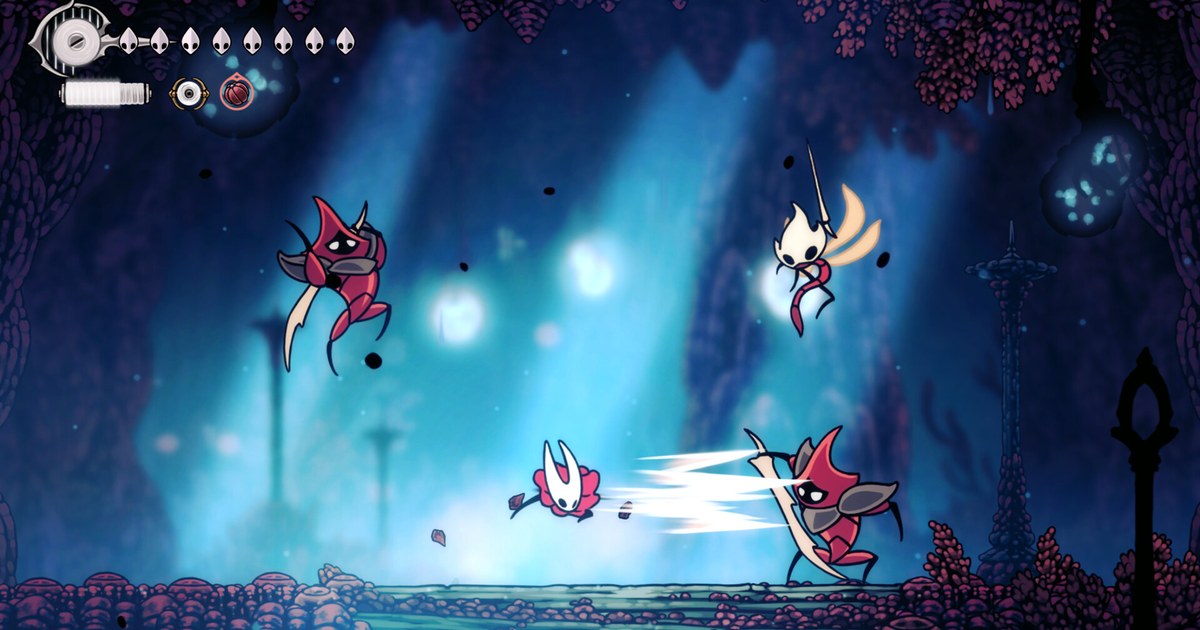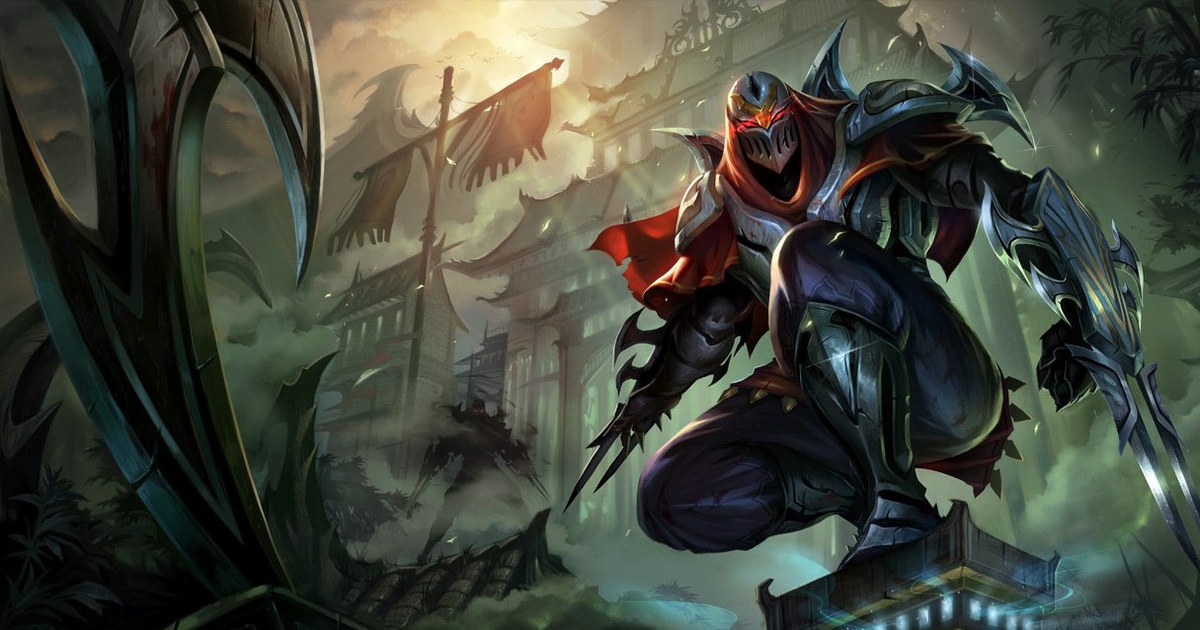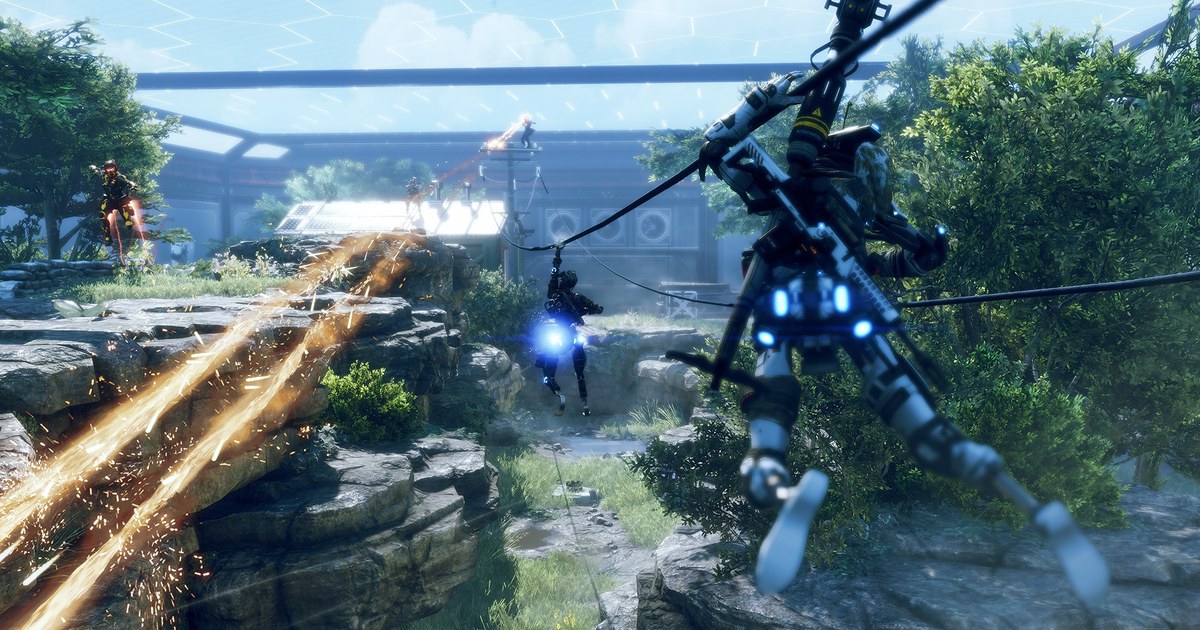
Here is the short answer: syncing kill clips to music is a matter of arithmetic. Work out the length of one beat from the song's BPM (60 divided by the BPM, in seconds), cut every clip to a multiple of that, such as 2, 4, or 8 beats, and every cut lands exactly on a beat when you join them.
Then put your strongest kill on the drop or the first beat of the chorus and you are done. Calculating first is faster than nudging cuts by eye one at a time, because once you pick a clip length you can repeat it without the rhythm drifting.
For the whole process of choosing kills and adding effects, see how to make a kill montage; this guide goes deep only on the step where music and beats line up. All you need is one song, five to ten clips, and a calculator.
The answer: calculate one beat, cut on the beat, put the best kill on the drop
Beat syncing comes down to three rules. First, one beat lasts 60 divided by the BPM in seconds, so 120 BPM is 0.5 seconds and 140 BPM is about 0.43 seconds. Second, set each clip to a multiple of beats.
For fast songs, 4 beats works well as one scene; for slower songs, 2 or 8 beats. Third, put your strongest kill at the moment the song changes the most, and let the weaker kills fill the section before it to build tension.
A song is easiest to work with when its beat is clear and its tempo does not change midway. For picking a track and the basics of adding sound to a video, read how to add music to a game video first.
How to sync kill clips to a beat
- 1Find the song's BPM firstEverything starts from the BPM. If the song's description or track info lists it, use that; if not, count the beats you hear over 15 seconds and multiply by 4 for a rough BPM. If the tempo changes partway through, base your math on the longest steady section only.
- 2Turn one beat into clip lengthsDivide 60 by the BPM to get one beat, then pick 4 or 8 beats from the chart above as the standard length of one scene. Trim each kill in the app to that length; the steps are in how to trim game clips. Leave about half a beat after the kill so the moment is not cut off at the very end of the clip.
- 3Strong kill on the drop, weak kills before itListen to the song once and note the time where the sound changes the most, such as the drop or the start of the chorus. Order your clips so the strongest kill lands there and place the rest before it from weakest to strongest. Use clips with more beats in quiet sections and clips with fewer beats where the song builds, and the montage will feel faster.
- 4Join the clips in the studio and add BGMIn DOR Studio (dor.gg/studio), join the clips in order, add BGM, and play from the start to check that the first cut lands on the first beat. If a cut drifts, re-trim only the clip before it in the app. The basics of joining are in how to merge game clips.
- 5Add effects only on the beatDo not put effect templates such as zoom or shake on every cut; use them only on the kill moment and the drop. The rhythm reads most clearly when one or two effects hit on the beat. For effect types and when to use them, see how to add effects to game videos.
Beat and bar length chart by BPM
| Song BPM | One beat | 4 beats (one bar) and 8 beats (two bars) |
|---|---|---|
| 90 | about 0.67 s | 4 beats about 2.67 s, 8 beats about 5.33 s |
| 100 | 0.6 s | 4 beats 2.4 s, 8 beats 4.8 s |
| 120 | 0.5 s | 4 beats 2.0 s, 8 beats 4.0 s |
| 128 | about 0.47 s | 4 beats about 1.88 s, 8 beats 3.75 s |
| 140 | about 0.43 s | 4 beats about 1.71 s, 8 beats about 3.43 s |
| 150 | 0.4 s | 4 beats 1.6 s, 8 beats 3.2 s |
Check before you export
- You calculated and wrote down the BPM and the length of one beat
- Every clip length is a multiple of beats, such as 2, 4, or 8
- Your strongest kill sits on the drop or the first beat of the chorus
- The first cut matches the first beat and the last cut does not drift from the song's end
- Effects appear only on kill moments and the drop
From trimming to BGM with DOR
DOR is a free Windows game recording app. When you launch a supported game, it detects it automatically and records the whole match, and recordings collect in My Clips.
In League of Legends, VALORANT, PUBG, FC Online, Fortnite, CS2, and Overwatch, moments such as kills are saved as automatic highlight clips; in any other game, you trim the scenes you want from the automatically recorded match.
To cut scenes to beat length, use the in app trim, and choose 16:9, 9:16, or 1:1 for the ratio. Then in DOR Studio (dor.gg/studio), join several clips, add BGM and adjust volume, add text and effect templates such as shake zoom and punch zoom, and export an mp4 or share a dor.gg link. There is no watermark on the result.