
DOR (dor.gg) is a free Windows game recorder: when you launch a supported game it detects it and records the whole match, and the footage lands in My Clips inside the app.
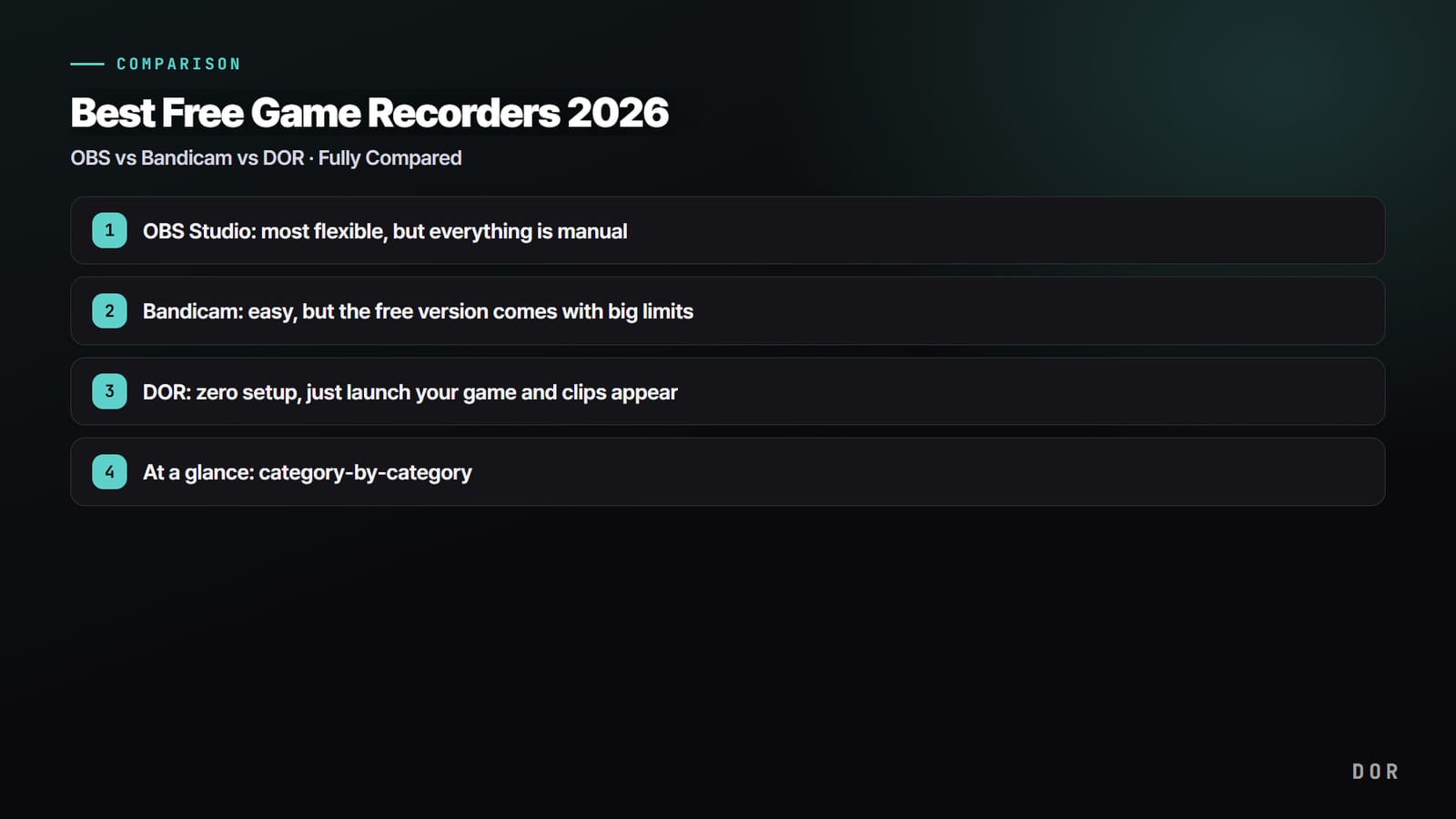
If you searched for dor.gg alternatives or apps like dor.gg, you are probably weighing it against four well known names: Outplayed, Medal, OBS Studio and the NVIDIA app. All five capture PC gameplay, but they start from different ideas.
Some keep a rolling buffer and save the last moments when you press a hotkey, some record sessions automatically, and one is a full production studio for streamers.
This guide lines the five up using each product's own official pages as of November 12, 2026, keeps the comparison factual, and ends with a plain answer to who should pick what.
The short answer: pick by how you like to capture
Start with one question: do you want to press a key right after a good play, or do you want the whole match on disk without thinking about it? Medal and the NVIDIA app are built around the first habit.
Both keep recent gameplay in memory and save it on a hotkey, and both can also capture key moments automatically in supported games.
Outplayed, which runs on the Overwolf platform, leans on automation: its official page highlights auto record and auto highlight capture, and it calls the app 100% free. OBS Studio is a different kind of tool.
It is free, open source software for recording and live streaming on Windows, macOS and Linux, and it gives you scenes and sources to build exactly the layout you want.
DOR sits firmly on the automatic side: launch a supported game and the full match is recorded, with automatic highlight clips in seven games and a browser studio for Shorts. If you already use one of these apps and want a deeper one to one look, read our Outplayed alternatives guide and our Medal.tv alternative comparison.
DOR, Outplayed, Medal, OBS and NVIDIA app at a glance
| App | How it records and edits | Who it fits |
|---|---|---|
| DOR (dor.gg) | Detects supported games and records the full match automatically. Automatic highlight clips in 7 games: League of Legends, VALORANT, PUBG, FC Online, Fortnite, CS2 and Overwatch. Trim in the app in 16:9, 9:16 or 1:1, then merge clips and add text, BGM and effect templates in DOR Studio. | Players who want every match saved without setup and a quick route to Shorts |
| Outplayed | Built on Overwolf, so installing it adds the Overwolf client. Offers auto record, auto highlight capture in supported games and manual recording, with a light editor and direct sharing. | Players who already use Overwolf apps and like highlights grouped by match |
| Medal | Windows 10/11 desktop app plus mobile apps. Records in the background and saves the last 15 seconds to 10 minutes on a hotkey, auto clips kills and wins in supported games, and has a built in editor and instant share links. | Players who clip on a hotkey and share into a large clip community |
| OBS Studio | Free, open source software for recording and live streaming on Windows, macOS and Linux. Scenes combine sources such as game capture, webcam, images, text and browser windows. | Streamers and creators who want full control over layout and output |
| NVIDIA app | Needs an NVIDIA GeForce graphics card. Instant Replay saves the last 30 seconds, manual recording goes up to 4K HDR at 120 fps, and NVIDIA Highlights captures key moments in supported games. | GeForce owners who prefer the tool that comes with their driver software |
| Free tier notes (as of Nov 12, 2026) | Medal's Premium page lists removable watermarks, uploads past 1080p and 20 minutes, and unlimited cloud storage as Premium perks, with a 14 day trial. Outplayed's page calls it 100% free. OBS is free and open source. DOR records free at 720p or 1080p, 30 or 60 fps. | Anyone checking what the free version covers before installing |
Checklist before you install or switch
- Check your graphics card. The NVIDIA app needs a GeForce card, while Medal's own guide says it works on Windows 10/11 with NVIDIA, AMD or Intel GPUs. For a direct look at two of these, see OBS vs NVIDIA ShadowPlay.
- Decide between buffer clips and full matches. Hotkey tools save what just happened, while full match recording keeps the context around a play. Medal vs OBS explains the trade off.
- Look up your main game. Automatic highlight detection differs by app, so confirm your game is on the supported list of the tool you pick.
- Plan for storage. Full match recording uses more disk space; in DOR, older full play videos are cleaned up only once they pass the reserved space (5 GB by default), and recent and liked videos stay.
- Read the free tier on the official page on the day you install, because plans and limits change.
How to test DOR next to the app you use now
- 1Install DOR and sign inDownload DOR for Windows from clip.dor.gg and sign in. Keep your current recorder for now so you can compare the two over the same few nights.
- 2Play one normal matchLaunch a supported game such as League of Legends or VALORANT. DOR detects the game and records the whole match, so there is nothing to press mid fight.
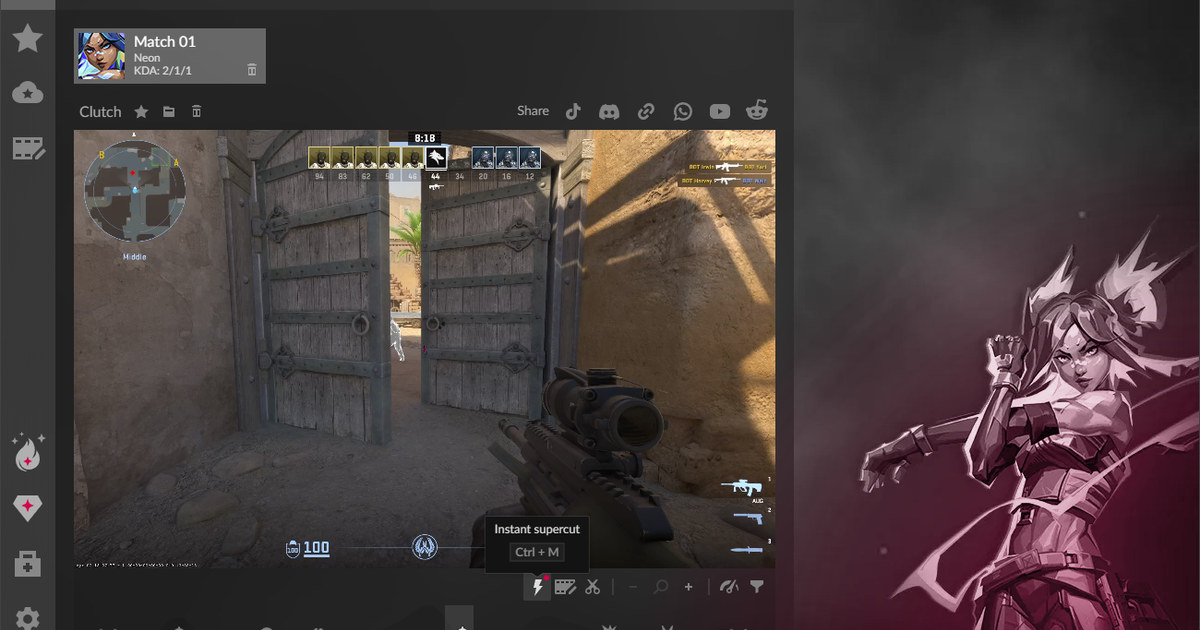
- 3Open My Clips after the matchYour full recording is waiting in My Clips. In the seven supported games, kills and other events are already cut into highlight clips; see how that works in DOR automatic highlight clips.
- 4Trim for the platformPick 16:9 for YouTube, 9:16 for Shorts and TikTok, or 1:1 for feeds, then trim down to just the play you want to post.
- 5Finish the edit in DOR StudioOpen dor.gg/studio to combine clips, add text, BGM and effect templates like shake zoom or glitch transitions, then export an mp4 or share a dor.gg link. Our guide to merging game clips walks through it.
Where DOR fits among dor.gg alternatives
DOR is the right pick when you want recording to simply happen. It detects supported games, records each match from start to finish, and collects everything in My Clips.
In seven games it also cuts highlights for you, from kills, multikills and objectives in League of Legends to kills with ace and clutch tags in VALORANT. Free recording covers 720p and 1080p at 30 or 60 fps, and on supported NVIDIA graphics cards such as the RTX series it records with NVENC hardware encoding.
Game sound and your mic are captured together on one track, recordings saved on your PC carry no watermark, and for anything outside a game there is a separate screen recording mode. 1440p, 4K and 120 or 144 fps come with DOR Pro.