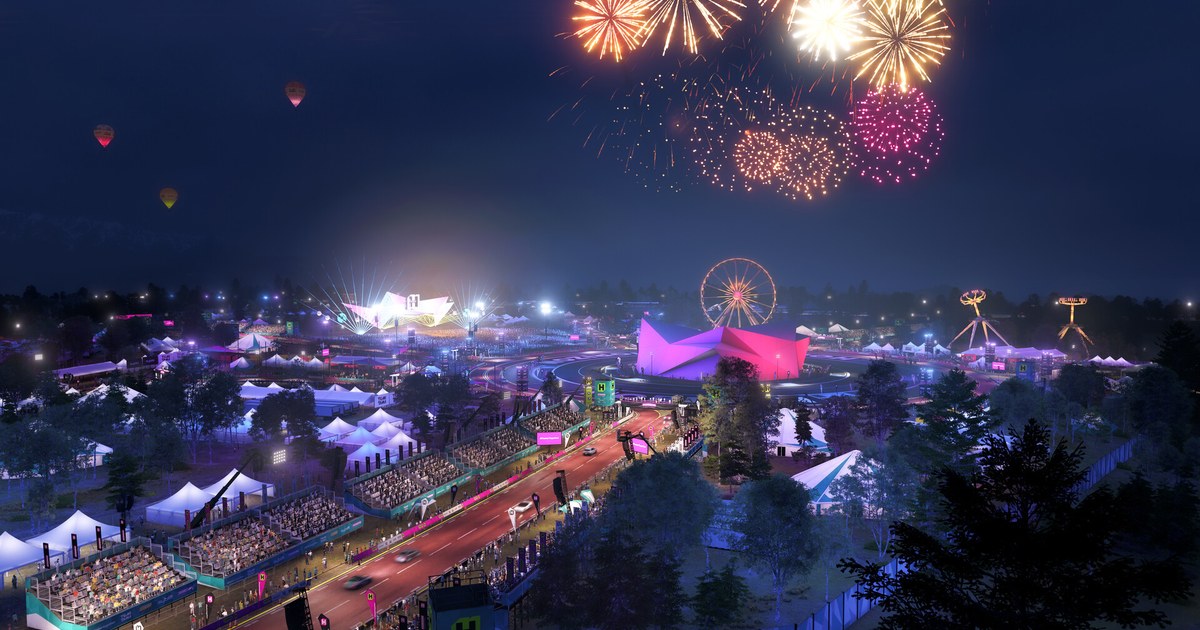

The short answer is that Forza Horizon 6 crashes and launch failures come down to five checks, in this order: whether your GPU is supported, your graphics driver, turning ray tracing off and matching Environment Texture Quality to your VRAM, the shader cache and AMD specific steps, and removing any mods or DLL swaps.
As of November 24, 2026, I could not find official patch notes that name any one of these as the single cause, so this guide only uses the Steam store requirements, Forza Support guidance as relayed by a PC performance analysis, and methods that several sources agree on.
None of it is a promise that one fix always works. To see whether your changes actually move the frame rate, turn on an FPS counter first with how to show FPS in games. A crash and a stutter have different causes, so decide early whether the game closes completely or only the picture stutters, and you will save time.
Forza Horizon 6 symptom checklist
| Symptom | Check this first | Why |
|---|---|---|
| Closes right after launch | GPU support, Windows 10 22H2 or newer, DirectX 12 | GTX 10 series and older, and AMD Polaris and Vega, are not guaranteed to work |
| Stuck at sign in or connecting | Microsoft (Xbox) account sign in and internet connection | The Steam page says an account is required and a constant connection is needed |
| Crash or no effect after changing settings | Fully close and reopen the game | Settings can change without a restart, but some may only apply after one |
| Crash or stutter when raising textures | Turn off ray tracing, match textures to VRAM | Ray tracing adds 2 GB or more of VRAM, and 4K adds another 2 GB or more |
| Stutter in the first 30 minutes | Keep playing so the shader cache builds | Likely shader compilation, and it improves as the cache fills |
| Stutter on an AMD card | Lower textures, disable Resizable BAR, try another driver | Mitigations reported for AMD, and results vary by card |
| Crash after adding mods or DLLs | Restore the original files | The game is online with anti cheat, so file swaps are discouraged |
Bottom line: confirm GPU support, reinstall the driver, match textures to VRAM
Start with the graphics card. According to a launch period PC performance analysis, Forza Support warned that GTX 10 series and older cards, and AMD Polaris and Vega GPUs, are not guaranteed to work properly, so lowering settings may not stop crashes on those cards.
The Steam store lists minimum requirements of 64 bit Windows 10 22H2 (19045) or newer, 16 GB of RAM, DirectX 12, an SSD, and a GTX 1650, RX 6500 XT, or Arc A380 class GPU.
If your hardware qualifies, do a clean reinstall of the graphics driver, turn ray tracing off, and match Environment Texture Quality to your VRAM. At 1440p, reports suggest Extreme needs 12 GB or more and Ultra needs 10 GB or more, and ray tracing adds at least 2 GB. If the crashes started right after a Windows update, check the problem update first with fixing game crashes after a Windows update.
Crash and launch troubleshooting order
- 1Write down when it crashesNote whether it happens right after launch, in a menu, while driving, or right after a settings change. A fixed point narrows the cause fast. If the crash is hard to reproduce, record the whole session and write down the time.
- 2Check specs and GPU supportCompare your PC with the Steam minimum: Windows 10 22H2 or newer, 16 GB of RAM, DirectX 12, an SSD, and a GTX 1650 class GPU or better. A GTX 10 series or older card, or AMD Polaris or Vega, is outside the supported range, so hardware may be the cause rather than settings.
- 3Reinstall the graphics driver cleanlyDownload the latest driver from the vendor and reinstall it with the clean install option. If crashes began after a driver update, roll back to the previous version and compare. No specific version has been confirmed as the cause, so testing two versions on the same route is the most reliable method.
- 4Turn off ray tracing and match textures to VRAMDisable ray traced reflections and global illumination, then lower Environment Texture Quality one step at a time while watching the live VRAM readout in the settings screen. Setting textures to High also forces Environment Geometry to High, so 8 GB cards should check geometry too. If system memory looks short, review virtual memory settings for games.
- 5Clear the shader cache, check AMD steps, remove modsIf stutter continues, reset the cache with how to clear the shader cache. On AMD, try disabling Resizable BAR or Smart Access Memory, while on NVIDIA RTX 30 series and newer, enabling it reportedly helps, so compare both. If you added mods or DLLs, restore the originals.
Check before you finish
- Your graphics card is inside the supported range
- The graphics driver was reinstalled with a clean install
- Ray tracing is off and textures fit your VRAM
- You fully restarted the game after changing settings
- Any mod or DLL swap was reverted
Record the whole session with DOR up to the moment of the crash
DOR is a free Windows game recording app. When you launch a supported game, it detects it automatically and records the whole session from launch to exit, and recordings collect in My Clips.
A crash is hard to reproduce, but a full session recording lets you see what was on screen just before it, and compare the same stretch after you change settings. If you suspect the recording itself is crashing the game, read when your game crashes while recording first.
Recording quality is free at 720p and 1080p, 30 and 60 fps, and on supported NVIDIA graphics cards such as the RTX series, DOR records with NVENC hardware encoding. Trim the scenes you want to share in the app, then export an mp4 in DOR Studio or send a dor.gg link. DOR output has no watermark. For sharing steps, see how to share Forza Horizon 6 videos.