To become a gaming YouTuber, do four things in this order. First, decide your main game, channel concept and video format. Second, set up the minimum, a Windows PC and a microphone, and make sure every match gets recorded. Third, post your first 10 videos on fixed days in the same format. Fourth, once those 10 are up, use how long people keep watching and how many turn into subscribers, not views, to choose your next step. Expensive gear, flashy editing and a big audience are not entry requirements, and the monetization thresholds can wait until after your tenth upload. This guide covers what to decide and in what order; the hands-on steps from recording to editing and uploading are in how to start a gaming YouTube and Shorts channel from zero.
Decide three things first: main game, concept and format
Decide in this order: game, concept, format. Pick one main game from the ones you already play several hours a week and plan to keep playing. Mixing several games from video one makes it hard for viewers, and for YouTube, to know what your channel is about. Write the concept as one sentence that says who it is for and what it shows, for example 'a Gold-to-Platinum League of Legends support shows one mistake they fixed in a single game' or 'only the funniest rounds from VALORANT games with friends'. For format, choose one main and one secondary from long-form (edited horizontal videos), Shorts (vertical videos of 3 minutes or less) and let's plays (longer recorded sessions with spoken commentary over the gameplay). Which of Shorts or long-form to grow first is compared stage by stage in Shorts vs long-form strategy for gaming videos, and whether to do let's plays as live streams or as recordings is weighed by barrier to entry and growth in streaming vs recording: where beginners should start. Monetization is covered here only as an overview of the official thresholds; revenue streams and the application process are in how to monetize a gaming YouTube channel.
From day one to your tenth video, in decision order
- 1Pick one main gameUse three tests. Do you already play it steadily enough that you will not run out of footage? Does it regularly produce moments that show your skill or personality? Can you make videos within the publisher's video policy? For example, Riot Games, which makes League of Legends and VALORANT, lets you earn passive revenue from appropriate ads on your videos under its public Legal Jibber Jabber policy, but it does not allow you to gate the content behind a paywall, such as Patreon or YouTube Premium, without a written license. If you plan to open channel memberships later, check that clause again before making members-only videos. For any other game, check the publisher's policy once before you upload.
- 2Write a one-sentence concept and choose a main formatThe concept sentence should name the audience (which viewers), the content (what you show) and the tone (serious analysis or funny moments). Once you have it, write 10 video titles that fit it. If all 10 come easily, the concept has enough material for your first 10 videos; if you stall around five, adjust the audience or the scope of the content. Match the format to your time and temperament: long-form if you can spend time editing, Shorts if you want to post short and often, let's plays if you are comfortable talking while you play. If you want to stream live, Twitch and YouTube Live are the usual starting points for English-speaking streamers. Even if you stream, making your first 10 videos as recordings makes them easier to rewatch and improve.
- 3Create a YouTube channel that matches the conceptPer YouTube Help: sign in to YouTube on a computer, click your profile picture, open Settings, and in the Account section select Add or manage channel(s). Click Create a channel, choose a profile picture, enter a name and handle, then click Create channel. Choose a name and handle that carry the key words of your concept sentence, and do not change them during your first 10 videos.
- 4Get the minimum gear and make recording a habitTo start, you need three things: a Windows PC that runs your game smoothly, a microphone for your voice, and recording software. A webcam, capture card or expensive mic can wait until you have seen how your first 10 videos do. The way you record matters more. If you only press record when you sense a good match coming, you will miss your best moments. With a tool you start yourself, such as OBS Studio, build the habit of starting a recording before every match; with an app that records supported games automatically, such as DOR, every match is saved without that step. Either way, you can then pick what to post from a list of recordings.
- 5Post your first 10 videos at two a week for five weeksFix two days, for example Wednesday and Saturday, and post in this order. Videos 1 to 3 repeat your main format unchanged to set a baseline. Videos 4 to 6 keep the format but change only the first 30 seconds, alternating between showing the result first and setting up the situation first. Videos 7 and 8 test your secondary format, cut from earlier material (Shorts, if you run a long-form channel). Videos 9 and 10 remake your main format using whichever setup from videos 1 to 6 had the longest average view duration. Do not compare the view duration of videos 7 and 8 directly with videos 1 to 6, since their length is different; judge the secondary format by how many subscribers each of those videos brought in. Change one thing at a time so you can tell why the numbers moved.
- 6Choose your next step from four numbers instead of viewsOpen Analytics in the left menu of YouTube Studio (for a single video, go to Content, point to the video and select Analytics). Look at average view duration, intro retention in the Key moments for audience retention report, impressions click-through rate and subscribers gained per video. YouTube Help says a typical intro is about 30 seconds, and videos where 50% or more of viewers are still watching after the 30-second mark are listed separately as beating typical intros. If many people leave during the intro, fix the first 30 seconds; if click-through rate is low, fix the title and thumbnail; if retention is good but subscribers do not grow, check whether your concept is consistent from video to video. An updated YouTube Studio has been rolling out since July 2026, so the menus may look different.
- 7Check the monetization thresholds as an overview onlyAs checked on October 13, 2026, ad revenue sharing in the YouTube Partner Program (YPP) requires 1,000 subscribers plus either 4,000 public long-form watch hours in the last 12 months or 10 million Shorts views in the last 90 days. In the US and some other countries, a lower tier opens at 500 subscribers and 3 public uploads in the last 90 days, plus either 3,000 watch hours in 12 months or 3 million Shorts views in 90 days; it unlocks fan funding such as channel memberships and Super Chat, but not ad revenue. You also need 2-Step Verification on your Google Account, no active Community Guidelines strikes and a linked AdSense account. Watch hours from private or unlisted videos do not count.
Each stage at a glance: tasks, tools and pitfalls
| Stage | Tasks and tools | Watch out for |
|---|---|---|
| Decide (week 1) | Write down one main game, a one-sentence concept, and a main and secondary format | Do not mix several games from the first video; check the publisher's video policy |
| Create the channel | YouTube Settings → Account → Add or manage channel(s) → Create a channel | Put your concept's key words in the name and handle and keep them for 10 videos |
| Gear | Windows PC, microphone, recording software that saves every match | Hold off on a webcam, capture card or pricey gear until after 10 videos |
| First 10 videos (weeks 2 to 6) | Two uploads a week on fixed days, same format | Change one thing at a time: first 30 seconds, format or thumbnail |
| Review (after 10 videos) | YouTube Studio Analytics: average view duration, intro retention, impressions click-through rate, subscribers per video | Do not drop your concept based on views alone |
| Monetization prep | YPP thresholds: 1,000 subscribers + 4,000 watch hours (12 months) or 10M Shorts views (90 days) | Watch hours from the Shorts feed do not count toward the 4,000 hours; recheck YouTube Help right before you apply |
Roadmap check to finish in week 1
- I have written down one main game and a one-sentence concept.
- I have chosen a main format (long-form, Shorts or let's play) and a secondary one.
- My channel name and handle include the key words of my concept.
- Every match gets recorded, and I checked that game sound and my microphone are both in the recording.
- I have put my two weekly upload days and the order of videos 1 to 10 on a calendar.
- I know the four numbers I will check after video 10 and what I will fix for each.
Building the recording habit and Shorts material with DOR
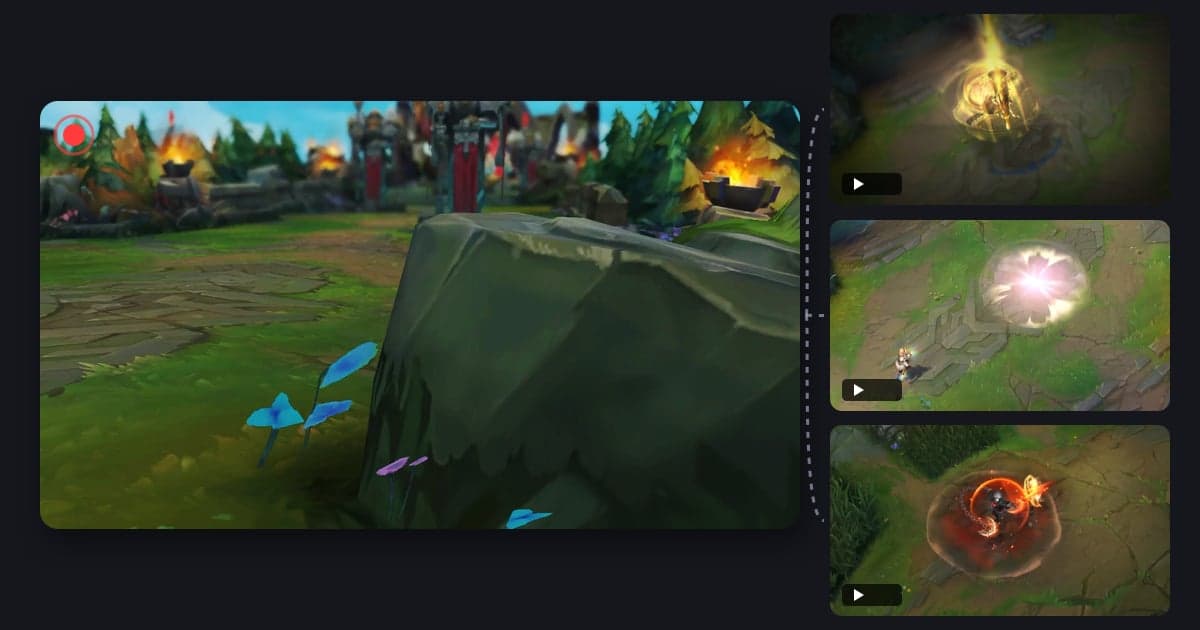
DOR is a free Windows desktop app. When you launch a supported game, it detects the game and records the full match as an mp4, with game sound and your microphone together, so every match becomes material even if you forget to hit record. With an NVIDIA GPU, NVENC hardware encoding is the default. In seven games, League of Legends, VALORANT, PUBG, Fortnite, Counter-Strike 2, Overwatch and FC Online, events such as kills, deaths or goals are also saved as automatic highlight clips, and in League of Legends and VALORANT one clip per match is picked as POTG, the standout moment of that game. Those clips become your shortlist for Shorts. Other supported games get full-match recording only, so you cut scenes yourself. In the app library, the trim tool lets you set a start and end and choose 9:16 for a vertical Short; for long-form, DOR Studio in the browser lets you merge several videos, add text, background music and effect templates, then download an mp4. Studio works with videos of at least 3 seconds and up to 500MB, so trim long full matches in the app first. In supported games you can also save a moment yourself with a hotkey. To fine-tune mic placement and your recording environment, see the recording setup guide for gaming YouTubers and streamers.
 #League of Legends