Searching "is Medal safe" or "is Medal TV a virus" usually means you are about to install it, or a friend sent you a Medal link and your antivirus complained.
Nobody can give you a one word answer that covers every download and every setting, so this guide does something more useful: it walks through the checks you can do yourself in about ten minutes.
You will confirm you have the real installer, see who operates the service, read what Medal's privacy policy actually says about your clips, find where to opt out, and learn how to tell an ordinary game recorder alert from a file you should delete.
Everything here was checked against Medal's own privacy policy, terms of service, security page and support articles on November 12, 2026. If you already know Medal is not quite what you want, our Medal alternatives roundup compares other clipping tools side by side.
What "safe" actually means for a clipping app
Safety for an app like Medal splits into three separate questions. First, is the file you downloaded the genuine installer from the company, or a repackaged copy from a third party site? Second, what happens to the clips you upload, and can you control it?
Third, why might security software react to it at all? The first is about where you download from and whether the file is signed. The second is about the privacy policy and your settings, because recording on your own PC and uploading to the cloud are different things.
The third is about how recorders capture games in the first place. Keeping these apart helps you avoid both extremes: trusting any file named MedalSetup.exe, or deleting a legitimate app because of a generic warning.
If you are mainly deciding between Medal and a manual recorder rather than worrying about safety, Medal vs OBS explains how the two approaches differ.
How to check Medal yourself before and after installing
- 1Download only from the official pageType medal.tv/download into your browser rather than clicking an ad, a video description or a file host. The official page links the Windows installer and the iOS and Android apps, and tells you to run the installer from your Downloads folder. A copy from a mirror site or a reupload cannot be traced back to the company the same way, so it is worth skipping.
- 2Confirm who operates the serviceMedal's privacy policy names the controller as Medal B.V., trading as Medal, registered in Naarden in the Netherlands. Knowing the company name helps in the next step and tells you which data protection rules apply: the policy lists access, correction, deletion and objection rights, and a complaint route to the Dutch Data Protection Authority.
- 3Check the installer's digital signatureRight click the downloaded installer, choose Properties and open the Digital Signatures tab. Select the signature, click Details and look for "This digital signature is OK." The signer should be the company behind Medal, not an unrelated name. If the tab is missing or Windows says the signature is invalid, delete the file and download it again from medal.tv/download.
- 4Set your privacy choices on first launchOpen the app settings and go to the privacy section. According to the October 1, 2026 policy, this is where you can refuse the use of your clips for research and AI features and their sharing with third parties. Cookie and ad tracking consent is managed separately in the cookie settings on the website.
- 5Decide how each clip is sharedMedal's Windows guide describes three ways to share from the Clip Library: Post to your profile, where public clips are visible to everyone; Create Link, where expiring links last 14 days; and Sync to Cloud, a Premium option that uploads to a Medal Cloud only you can access. Cloud Sync can also upload all your clips automatically, so check that setting if you want to pick each upload yourself.
Medal safety checks at a glance (as of November 12, 2026)
| What to check | Where to look | What you should find |
|---|---|---|
| Download source | medal.tv/download, typed into the address bar | Links for Windows, iOS and Android; the page says the app is free |
| Who runs it | Medal privacy policy | Medal B.V. (trading as Medal), Naarden, the Netherlands |
| Clip use for research and AI | Privacy policy, updated October 1, 2026 | Uploaded clips may be used for research and AI features and shared for model training |
| Opt out | Privacy section of the in app settings | Where to refuse research and AI use and third party sharing |
| Age requirement | Medal terms of service, July 2026 | Not for anyone under 13; under 18 needs a parent or guardian to agree |
| Reporting a security issue | medal.tv/security | Email disclosure with a human reply in 1 to 3 business days; no public bug bounty |
Quick checklist if your antivirus flags Medal
- Confirm the file came from medal.tv/download and not from a mirror, a Discord attachment or a video description.
- Check the Digital Signatures tab before allowing anything. A valid signature from the company is a good sign; no signature is a reason to stop.
- Read Medal's own explanation: its support article says detections can happen because Medal injects into games to show an overlay and capture gameplay, a method other recorders and mods also use.
- Use your antivirus vendor's official steps to allow the app only after the file checks out. Medal's support site has separate guides for Windows Defender, Avast, Bitdefender, Malwarebytes, Norton and others.
- If you would rather not deal with it, compare other free recorders in our free game recorder comparison before deciding.
If you want to compare another recorder
Medal is one of several ways to keep your best plays, and the right choice depends on which games you play and how you like to share. DOR is a free Windows game recording app you can put next to it.
When you launch a supported game, it detects the game and records the whole match, and the recordings collect in My Clips on your PC. In seven games it also cuts automatic highlight clips from game events: League of Legends, VALORANT, PUBG, FC Online, Fortnite, CS2 and Overwatch.
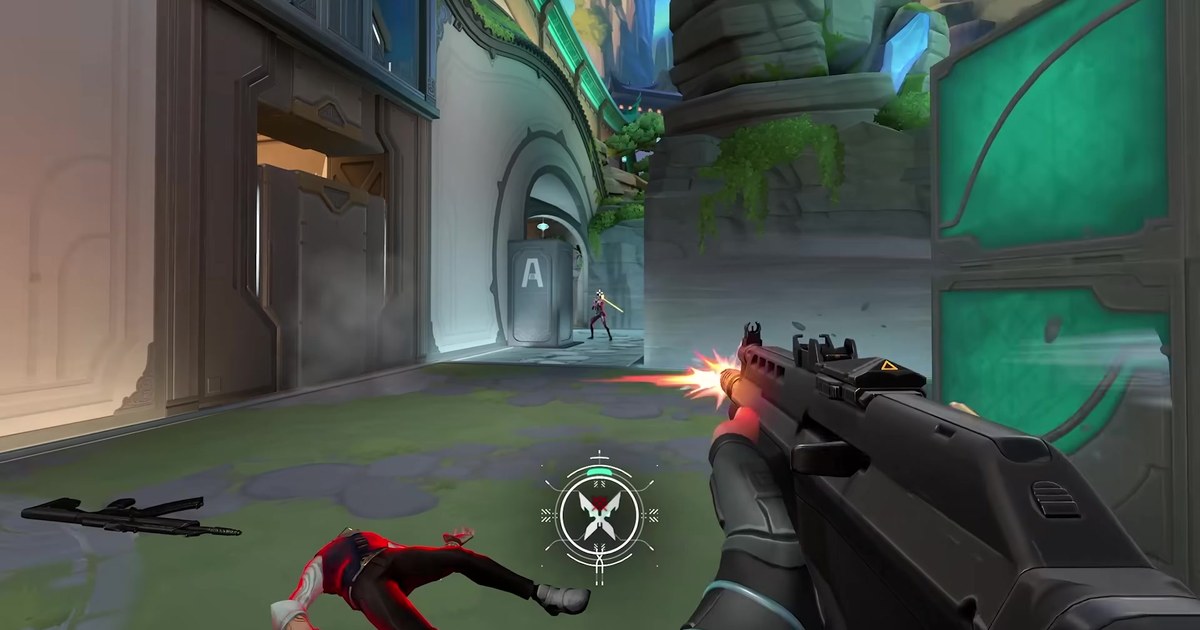
In VALORANT, for example, it clips your kills and tags aces and clutches; see the VALORANT page for details. How the event detection works is explained in DOR auto highlight clips. Sharing happens when you choose, by exporting an mp4 or sending a dor.gg link.