The verdict: most people should buy OLED, and the INZONE M10S II fits best
If you are buying a top tier esports monitor today, buy an OLED.
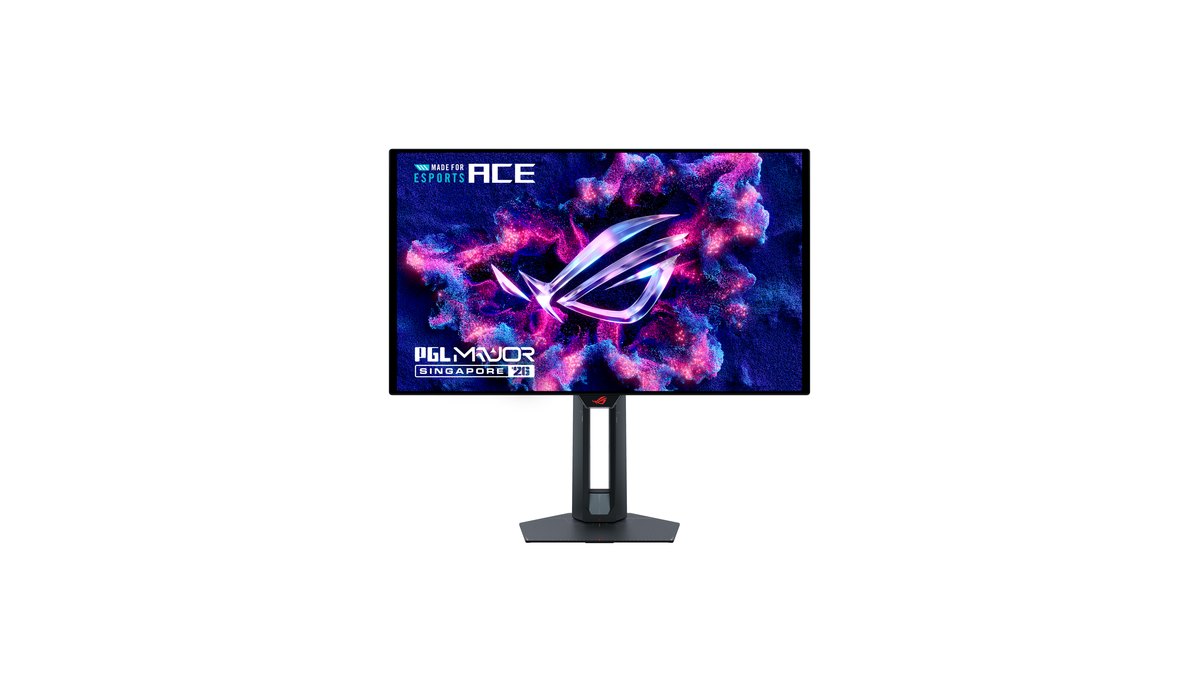
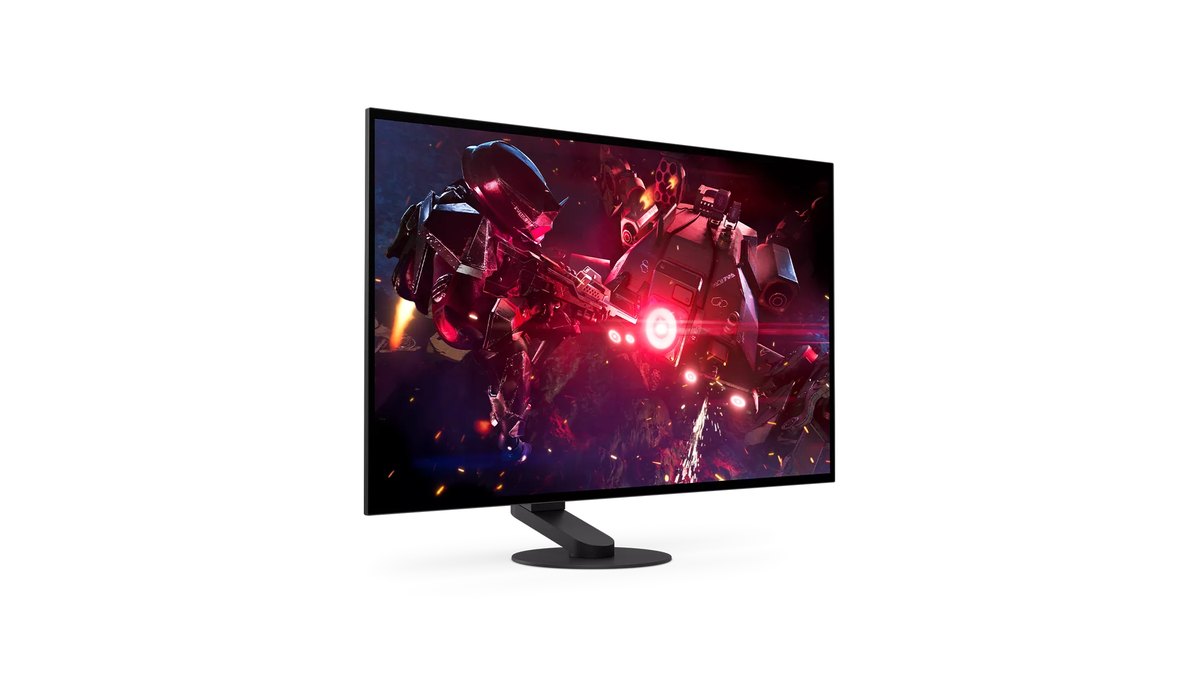
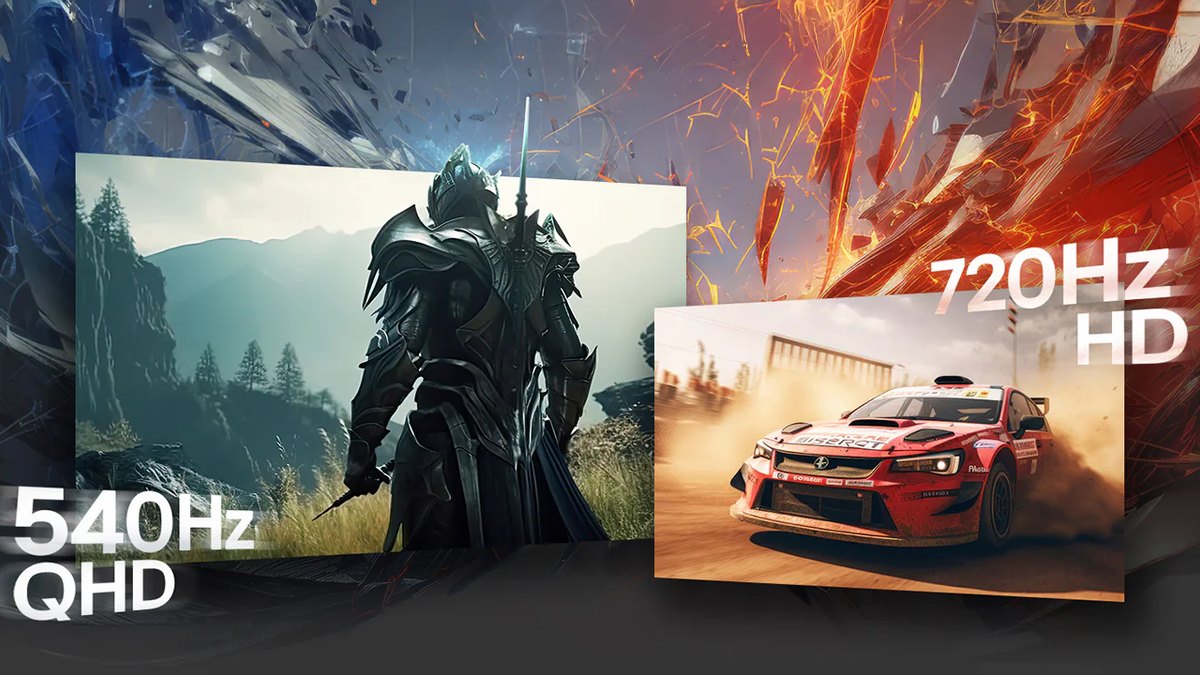
The Sony INZONE M10S II is the one to get for most competitive players: a measured review gave it 90 out of 100, it runs 2560x1440 at 540Hz with a 1280x720 720Hz dual mode, it adds a 24.5 inch mode for players used to smaller screens, and it includes an anti VRR flicker setting plus motion blur reduction.
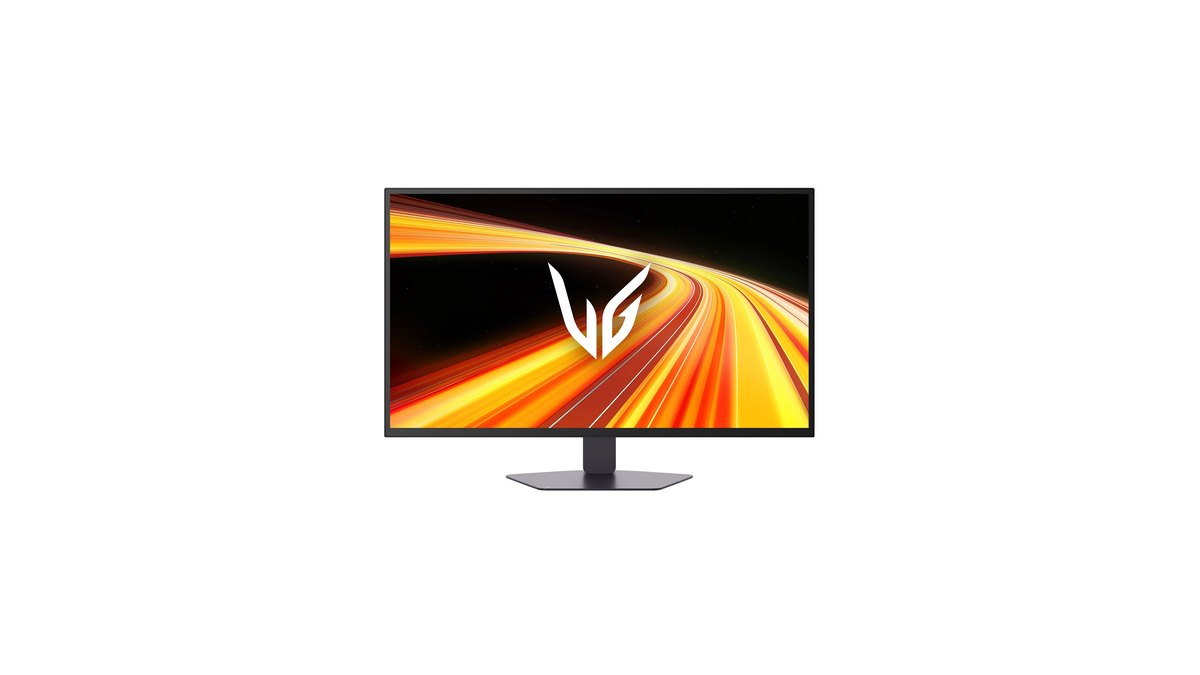
If you want the same class of panel for less money, the LG UltraGear 27GX790B scored 9.4 for PC gaming in another measured review and sits at the lowest price point of the four models we compared.
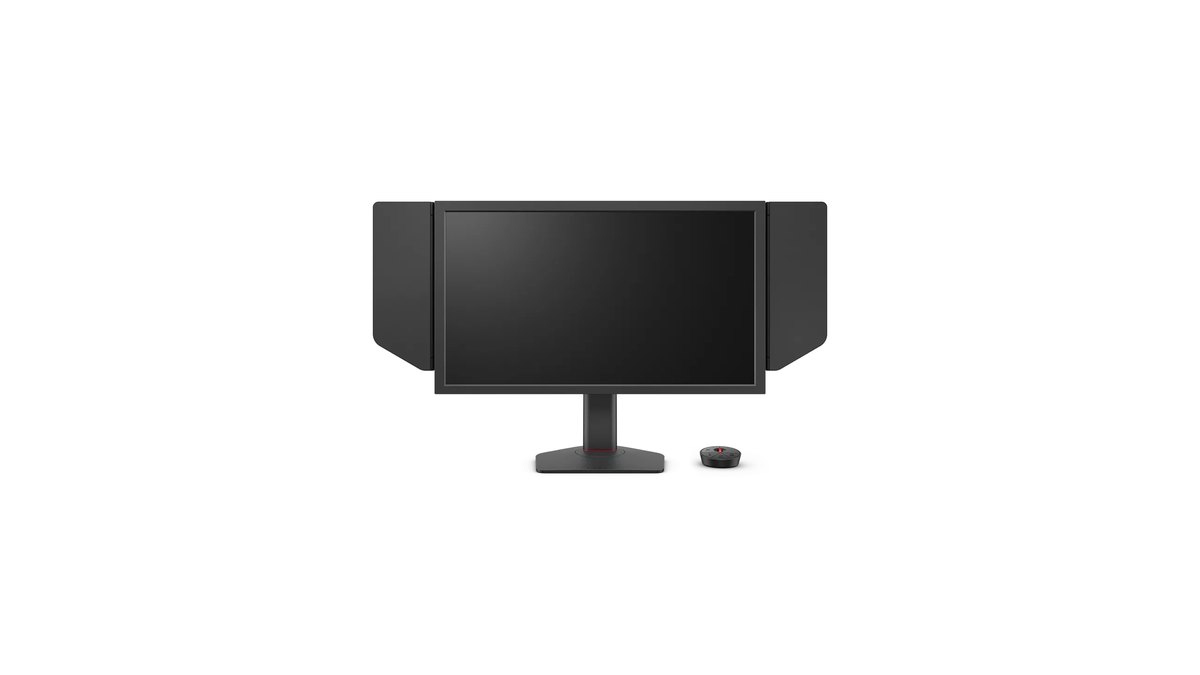
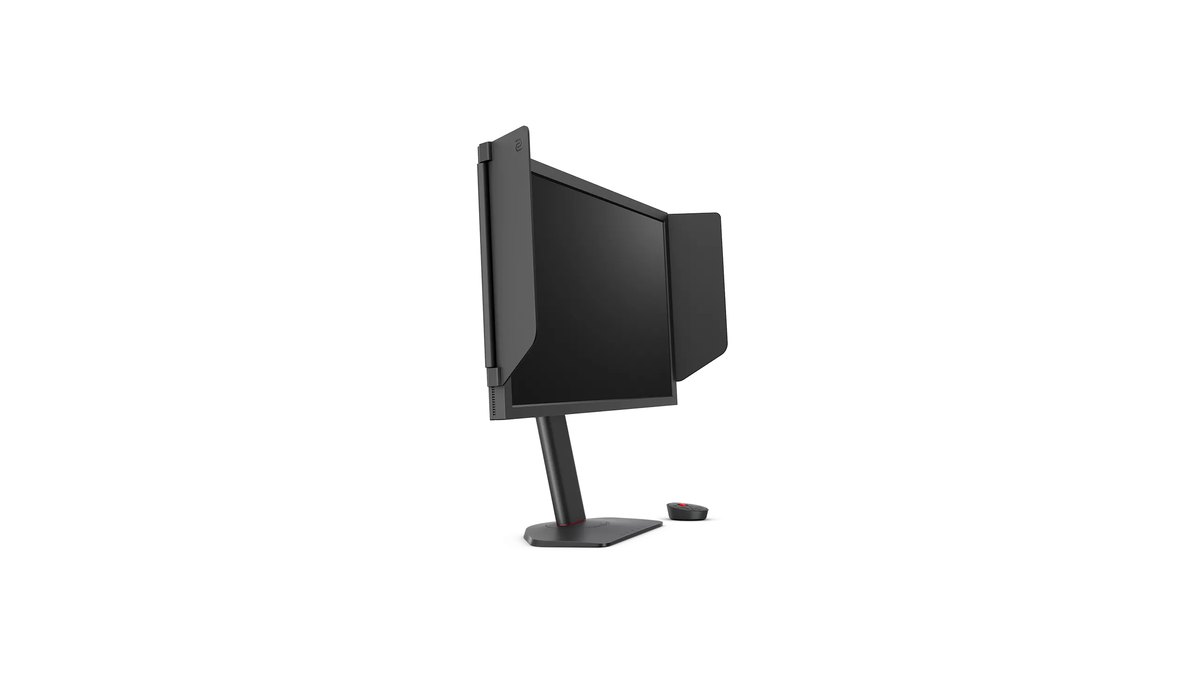
The ZOWIE XL2586X+ is the right call only if you play CS2 or VALORANT almost exclusively, your PC holds more than 400fps in real matches, and you want the 24 inch ZOWIE TN class that tops public pro usage tallies.
- Best overall: Sony INZONE M10S II ★★★★☆ 4.0. 540Hz QHD plus 720Hz HD, a 24.5 inch mode, anti VRR flicker, and a three year OLED warranty on its Taiwan and Japan official pages.
- Best value: LG UltraGear 27GX790B ★★★★☆ 4.0. Top measured performance at the lowest price point of the group, and official pages in every market we checked.
- Best TN: ZOWIE XL2586X+ ★★★½ 3.5. For CS2 and VALORANT only players who hold 400fps or more and want DyAc 2.
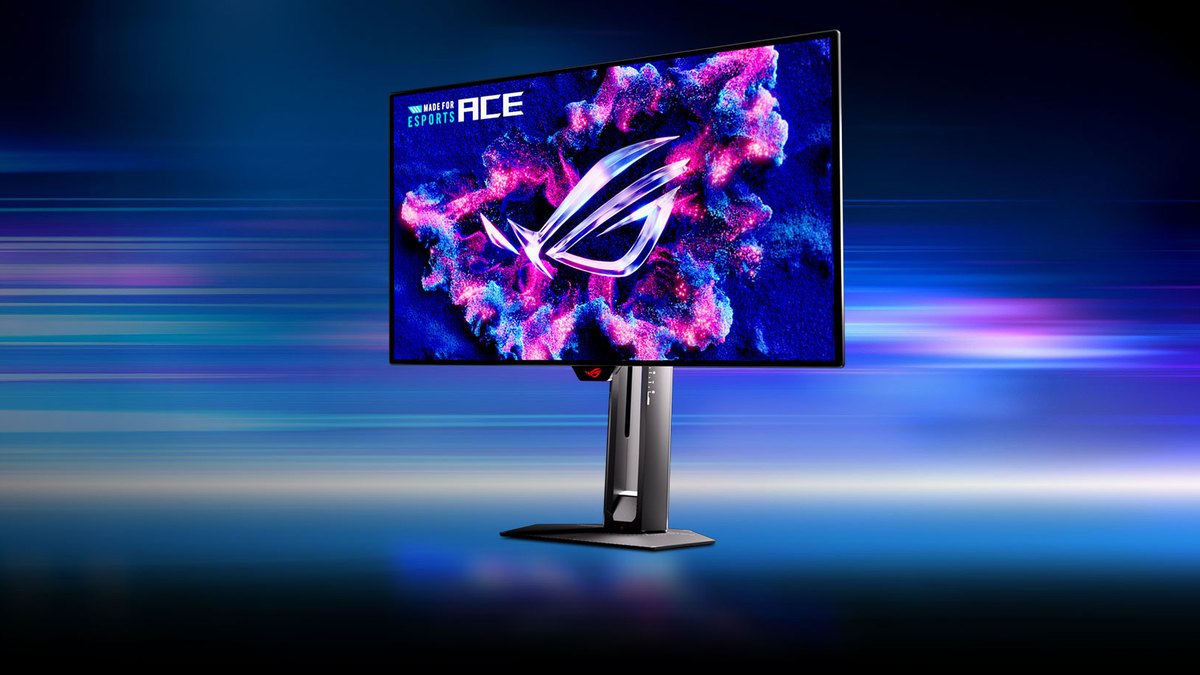
- Worth waiting for: ASUS ROG Swift OLED PG259QWS Ace ★★★½ 3.5. Native 1080p 720Hz at 24.5 inches, but buy after independent reviews land.
Star ratings: Sony and LG at 4.0, ASUS and ZOWIE at 3.5
| Criteria | Sony INZONE M10S II | LG 27GX790B | ASUS PG259QWS Ace | ZOWIE XL2586X+ |
|---|---|---|---|---|
| Overall | ★★★★☆ 4.0 | ★★★★☆ 4.0 | ★★★½ 3.5 | ★★★½ 3.5 |
| Performance (35%) | 5.0 · measured review 90/100 | 5.0 · measured PC gaming 9.4 | 4.0 · official specs only | 4.0 · FPS use, measured 77/100 |
| Value (25%) | 3.0 · pricier than its class | 4.0 · lowest price point here | 3.0 · in line with its class | 2.5 · 1080p TN at OLED level pricing |
| User reputation (20%) | Not enough data (excluded) | 3.5 · strong buyer ratings in Korea | Not enough data (excluded) | Not enough data (excluded) |
| Popularity (10%) | 4.5 · 7th in a Japanese OLED ranking | 4.0 · 34th in a Japanese OLED ranking | 3.5 · announced as CS2 Major monitor | 4.5 · 5th in pro usage |
| Durability and support (10%) | 4.0 · 3 years (Taiwan, Japan pages) | 3.0 · 1 year (Korea page) | 4.0 · 3 years incl. burn in (global) | Not enough data (excluded) |
The gap comes down to performance and value. Sony and LG both earned top tier verdicts in measured reviews, so both get 5.0 for performance, and Sony edges ahead on raw score because its three year warranty on Taiwan and Japan official pages lifts its durability score.
The measured review of the Sony did call it very expensive for a 1440p monitor, though, while the LG sits at the lowest price point of the dual mode models we looked at, which is why it takes the value spot.
The PG259QWS Ace has no independent measured review yet, so we scored it on official specs alone and capped performance at 4.0.
The XL2586X+ has elite latency, but a 1000:1 contrast ratio and no HDR hurt it outside of competitive shooters, and its measured review pointed out that it costs a lot more than ZOWIE's own 360Hz and 400Hz DyAc 2 models.
Specs: 720Hz means a different resolution and port on each model
| Spec | ASUS PG259QWS Ace | Sony INZONE M10S II | LG 27GX790B | ZOWIE XL2586X+ |
|---|---|---|---|---|
| Size and panel | 24.5 in tandem WOLED | 26.5 in tandem WOLED | 26.5 in 4th gen tandem OLED | 24.1 in Fast TN |
| Resolution and refresh | 1080p 720Hz | 1440p 540Hz, 720p 720Hz | 1440p 540Hz, 720p 720Hz | 1080p 600Hz |
| Port for max refresh | DP 2.1 UHBR20 (720Hz uncompressed) | DP 540Hz (720Hz in dual mode), HDMI up to 480Hz | 720Hz over DP 2.1, 540Hz over HDMI 2.1 and USB-C | 600Hz over HDMI 2.1 or DP 1.4 |
| Response time (official) | 0.02ms GtG | 0.02ms | 0.02ms GtG | Not listed |
| Contrast ratio | 1,500,000:1 | 1,500,000:1 | 1,500,000:1 | 1000:1 |
| Brightness (SDR / HDR peak) | 390 / 1,700 nits | 335 / 1,500 nits | 335 / 1,500 nits | 320 nits / no HDR |
| Screen coating | Glossy | Matte (Super Anti-Glare) | Matte (anti glare) | Not listed |
| Blur reduction and VRR | ELMB, G-SYNC Compatible | MBR, Anti VRR Flicker | G-SYNC Compatible, FreeSync Premium Pro | DyAc 2 (VRR only with DyAc 2 off) |
| Launch | Availability announced Oct 28, 2026 | Announced Apr 2026, Japan release May 22 | Korea release Feb 2026 | On sale since 2025 |
Motion and latency: the gap is around half a millisecond and hard to feel
On latency alone, OLED and TN are within about half a millisecond of each other, which is not a good reason to pick one over the other. One measured review averaged more than 100 runs of full system latency, from mouse click to muzzle flash on screen.
The XL2586X+ at 600Hz came in around 6.8ms, while the OLED it was compared against came in around 6.2ms. The TN was roughly 0.5 to 0.6ms slower, and the reviewer wrote that they could not actually tell the difference.
That comparison OLED is not one of the four models in this article, so do not read those numbers as a head to head between specific monitors here. Response times are also hard to compare directly: the three OLEDs list 0.02ms, but ZOWIE does not publish a response time figure at all.
| Refresh rate | Time each frame stays on screen | Difference vs 600Hz |
|---|---|---|
| 360Hz | About 2.78ms | About 1.11ms longer |
| 400Hz | About 2.50ms | About 0.83ms longer |
| 540Hz | About 1.85ms | About 0.18ms longer |
| 600Hz | About 1.67ms | Baseline |
| 720Hz | About 1.39ms | About 0.28ms shorter |
Going from 600Hz to 720Hz shortens each frame by only about 0.28ms. Measurements of a monitor using the same family of 4th gen tandem WOLED panel found that 720Hz did improve motion clarity, but the resolution drop is large, and the gain over 540Hz, while measurable, is very small for most people.
The measured review of the XL2586X+ noted that the reviewer could feel the difference between 600Hz and 360Hz, yet their results did not jump. In practice, whether your game actually holds the frame rate, and how clearly you can see the screen, matter more than the headline number.
The manufacturers also disagree. ZOWIE says its Fast TN plus DyAc combination is clearer than other panels and that native 1080p TN shows sharper enemy outlines at resolutions pros commonly use.
ASUS takes the position that a 720Hz OLED will surpass 600Hz plus TN panels that rely on backlight strobing. Both are marketing claims, not conclusions confirmed by independent testing.
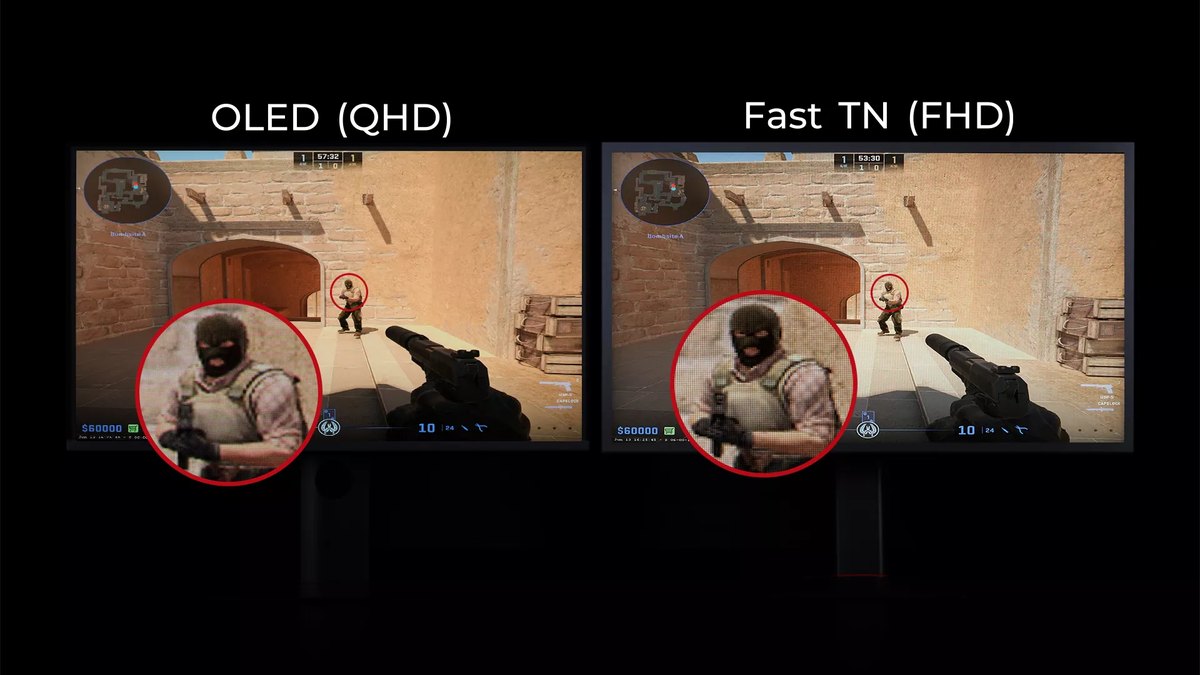
Image quality and bright rooms: OLED wins, and matte OLED handles glare
OLED clearly wins on image quality. The three OLEDs have a 1,500,000:1 contrast ratio and HDR peaks between 1,500 and 1,700 nits, while the XL2586X+ is rated at 1000:1 with no HDR support.
Its measured review said colors were not washed out for a TN, but lacked the detail of IPS and OLED, and recommended a different panel for anything beyond competitive shooters. If one monitor has to handle League of Legends, PUBG, single player games and video too, OLED is the answer.
In a bright room, check the coating. The PG259QWS Ace is glossy, so lamps and windows can reflect off it, while the Sony and LG use matte coatings that reduce glare. The measured review of the Sony listed its true matte coating as a drawback for people who prefer the punch of a glossy screen.
The LG was flagged for pushing HDR brightness too far in measured testing, so tune it manually if HDR accuracy matters to you.
The Sony also has an FPS Pro mode that Sony says is tuned to reproduce the look of the TN panels widely used at esports tournaments, which makes the switch easier for long time TN users.
The PC you need: 720Hz only matters if your game actually runs that fast
A 600Hz or 720Hz monitor only earns its keep when your game fps keeps up.
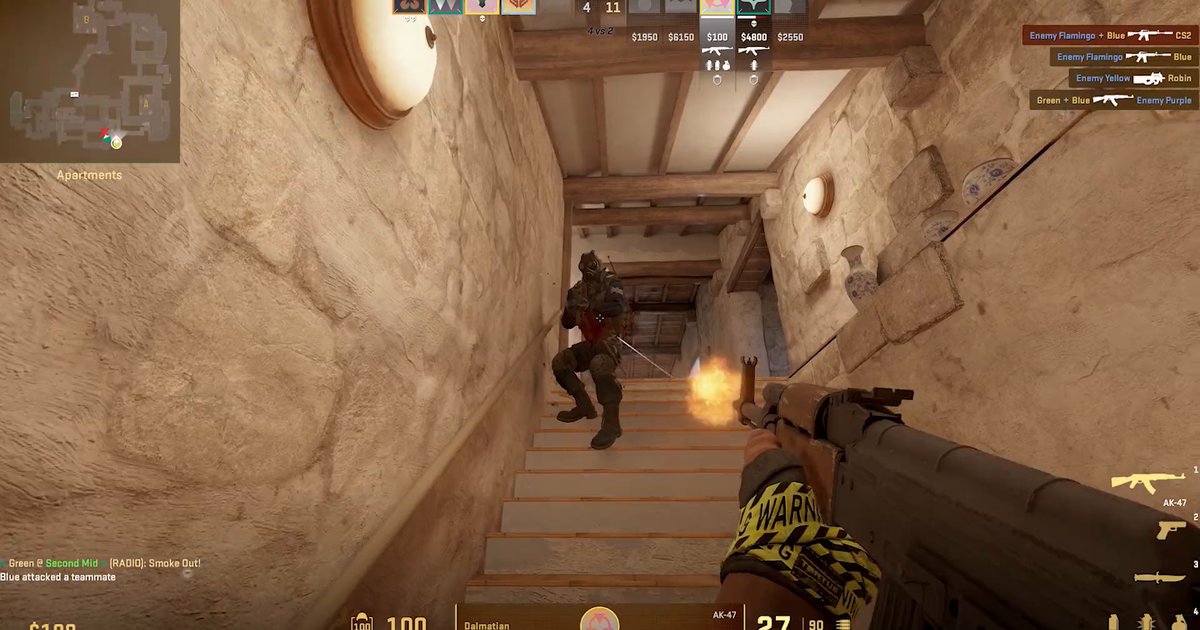
One measured review recorded an average of 450 to 600fps in a CPU bound CS2 test using a Radeon RX 9070 XT and a Ryzen 7 7800X3D, and concluded that if you cannot push past 400fps in game, a lower refresh monitor is the better buy, and below 360fps a 600Hz panel is almost pointless.
ZOWIE lists a GeForce RTX 40 or Radeon RX 7000 series card, an Intel 14th gen or Ryzen 7000 CPU or newer, and an up to date Windows 11 as the recommended setup for 600Hz on the XL2586X+. Windows builds older than November 1, 2023 top out at 500Hz.
As measured reviews of the same panel family explain, with variable refresh enabled a game running at 240fps makes even a 540Hz monitor behave like a 240Hz one. Ports matter too.
The PG259QWS Ace drives 720Hz uncompressed over DP 2.1 UHBR20, and the GeForce RTX 50 series lists DisplayPort 2.1b with UHBR20 in its official specs. The LG runs 720Hz over its DP 2.1 port, and the Sony runs 720Hz in dual mode over DisplayPort. Use these steps to check your own setup.
- 1Check your current fps firstBefore buying, look at the fps you get in the games you play most. Turn on the in game fps counter or your graphics driver overlay and play a few matches.
- 2Watch the lows, not the averageWhat matters is how far fps drops when the screen is busy with smokes, grenades and multi player fights. If that number does not stay above 400fps, the benefit of 600Hz or 720Hz shrinks.
- 3Match the right portThe PG259QWS Ace needs DP 2.1 UHBR20 for 720Hz, the LG needs DP 2.1, and the Sony uses DisplayPort. The XL2586X+ supports 600Hz over both HDMI 2.1 and DP 1.4.
- 4Raise the refresh rate in WindowsPick the highest Hz in advanced display settings, then confirm the actual refresh rate in the monitor menu. Our guide on how to change refresh rate in Windows 11 walks through it.
- 5Record before and afterRecord the same map and the same practice routine under the same conditions on your old and new monitor, so you can see for yourself whether your aim actually improved.
Burn in and warranty: check the OLED warranty wording in your country
When buying an OLED, the warranty wording tells you more than any burn in prevention feature. ASUS lists a three year warranty that includes panel burn in on the global spec sheet for the PG259QWS Ace, and ASUS has a US product page for it, but confirm the terms in your region.
Sony lists a three year OLED warranty on its Taiwan page and a three year burn in warranty on its Japan page. The LG 27GX790B carries a one year warranty in Korea with no mention of burn in, and LG terms differ by market, so read the warranty page where you buy.
ASUS and Sony list pixel shift, screensavers and panel refresh routines, LG lists its own OLED care features, and ASUS adds a proximity sensor that blanks the screen when you walk away. If you leave a taskbar or game HUD on screen all day, apply our OLED burn in prevention settings first.
OLED burn in care features do not apply to the LCD based XL2586X+, and its product page does not list a warranty period, so check with the seller.
Pros and tournaments: most pros still use ZOWIE TN, but OLED is entering the big stage
Among pros, TN still dominates. A public pro gear tally of 2,447 players as of November 10, 2026 shows the top five monitors are all ZOWIE TN models, with the XL2586X+ in fifth at 5.52%. A CS2 only tally of 1,011 players puts the XL2586X+ fourth at 9.0%, with no OLED near the top.
The most used OLED overall is the first generation INZONE M10S, in 11th place at 1.43%. There are signs of change, though. ASUS announced that the PG259QWS Ace is the official monitor of the PGL CS2 Major Singapore 2026 and described it as the first CS Major played on OLED.
You can follow the dates in our CS2 Major schedule. How pro usage will shift after the event is still unknown. For the sensitivity and resolution habits that keep many pros on TN, see our CS2 pro settings and gear breakdown.
Prices as of November 10, 2026
| Product | MSRP | Street price range |
|---|---|---|
| Sony INZONE M10S II | $1,099.99 | Check the seller |
| LG 27GX790B | $999.99 | About $680 to $800 at major retailers |
| ASUS PG259QWS Ace | $1,099 | Check the seller |
| ZOWIE XL2586X+ | $999.99 | Check the seller |
| ZOWIE XL2566X+ | Check the seller | Check the seller |
These are US prices we saw on November 10, 2026, excluding coupon and promoted prices. The LG has sold well below its launch price at major retailers, which is part of why it takes the value pick, while the ZOWIE XL2586X+ lists at about the same money as the OLED models. Prices change often, so check the seller before you buy.
Who should buy which
- LG 27GX790B fits players who want 1440p high refresh and OLED image quality at the lowest price point here and need USB-C. Skip it if burn in warranty coverage is your top priority, or if you run VRR in games with wildly swinging frame rates.
- Sony INZONE M10S II fits TN users who are used to a 24 inch screen and anyone who wants OLED without VRR flicker. Skip it if you need USB-C, or if you need HDMI at more than 480Hz.
- ZOWIE XL2586X+ fits players who live in CS2 or VALORANT, hold 400fps or more, and want a tournament style setup. Skip it if your fps stays below 400, or if you also play single player games and watch video.
- ASUS PG259QWS Ace fits players who want to move from a 24.5 inch 1080p TN to OLED at the same size and can wait for reviews. Skip it if you play in a brightly lit room. If you like TN but run 300 to 400fps, the 400Hz ZOWIE XL2566X+ is the realistic pick.
What players are saying: agree on fps, split on TN versus OLED
In the Korean monitor communities we read, a view that comes up often is that a 600Hz TN is hard to justify if your graphics card cannot get close to 600fps.
Questions keep coming up about whether 600Hz is still worth it when fps drops below that, and a recurring answer is to go OLED if your GPU can drive 1440p at high refresh and ZOWIE if it cannot. Opinions split on TN versus OLED. One side says that for shooters alone, a TN with DyAc is still better.
The other side says TN lacks versatility and that OLED will get faster and cheaper within a few years. Several threads also advise waiting for a 24 to 25 inch high refresh OLED if you are not in a hurry.
Within one of those communities, views on the jump from 240Hz to 360Hz are divided between people who found it big and people who found it undramatic, and some say response time, blur and input lag are easier to feel than refresh rate.
Across these threads, the common point is to decide based on your own fps and how you use the monitor. This summary draws on Korean community threads only.
Buying in the US: availability and warranty terms
In the US, each model has either an official US page or US launch coverage, so check how each one is sold. ASUS has a US product page for the PG259QWS Ace after its October 28 availability announcement.
Sony opened preorders for the INZONE M10S II in the US and UK in April 2026, according to launch coverage. LG and ZOWIE both list their models on US official pages.
Because burn in coverage is the key protection on an OLED, buy from an authorized seller in your country so the manufacturer warranty applies, and read the exact burn in language before checkout.
If you are importing a model from another region, assume the warranty may only apply in the country of purchase.
How we rated and picked
Star ratings are a weighted average of performance 35%, value 25%, user reputation 20%, popularity 10% and durability and support 10%, rounded to the nearest half star. Performance comes from measured review scores.
The PG259QWS Ace has no measured review yet, so we scored it on official specs and capped it at 4.0. We judged the TN on motion and latency for FPS use, not on image quality. Value is based on the price ranges in the table above together with position within the 500Hz plus esports flagship class.
Popularity uses public pro gear tallies, a Japanese retail ranking and tournament adoption, and any axis without evidence was excluded and the weights rescaled. Because this article only compares 500Hz plus flagships, its scores differ from our best gaming monitor picks, which cover the whole market. If you are still choosing size, panel and refresh rate from scratch, start with our gaming monitor buying guide.
Prove the upgrade by recording before and after
Whichever monitor you buy, the only way to know it helped is to record the same kind of play before and after and compare. DOR is a free Windows app that automatically detects supported games and records the full match.
For CS2 it saves kills, deaths and assists as highlight clips automatically, and for VALORANT it saves kills with ace and clutch tags, which makes it easy to line up fights from before and after the swap.
Monitor refresh rate and recording frame rate are set separately: the game can run at 600Hz or 720Hz while the free version records at 1080p and 30 or 60fps, with 120 and 144fps recording available in DOR Pro. See how to record at 144Hz settings for setup, and our before and after gear recording guide for picking the right moments to compare.