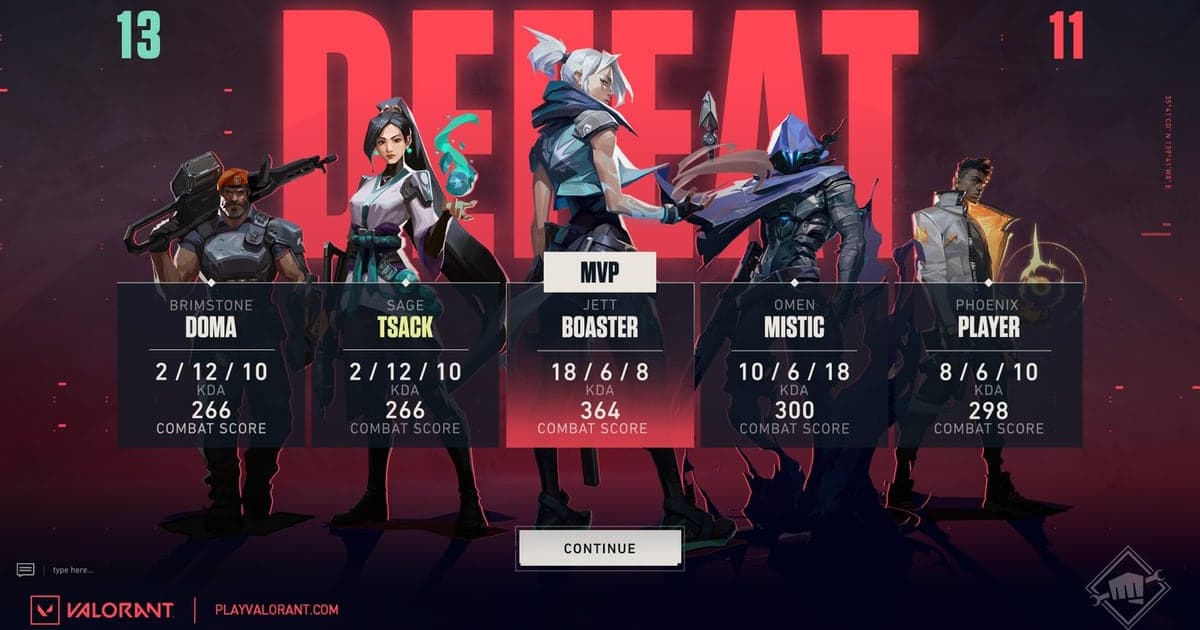
If your best VALORANT games keep ending with no footage to show for them, the problem isn't discipline — it's the workflow. Any recorder that relies on you pressing a button before the round of your life will eventually miss it. This guide compares the ways to record VALORANT gameplay and walks through a setup where every match records itself in full, with kill highlights clipped automatically along the way. The goal: recording stops being a task and becomes a default state.
Why the in-game replay system isn't a recorder
The replay system Riot shipped in 2025 is a great review tool, but it works after the fact: per Riot's official FAQ, you download a replay from the post-game screen or match history, and it plays only inside the VALORANT client. There is no MP4 export, and replays expire once the patch cycle ends — or after 21 days, whichever comes first. That rules it out for the two things most players actually want: an instant clip of the kill that just happened, and a permanent copy of a great match. Use the replay system for review — the controls are covered in the VALORANT replay guide — and let a real-time recorder handle the footage.
Set up automatic full-match recording
- 1Install the free recorder — DOR is a free Windows desktop app. Download one installer, run it, and setup is done.
- 2Launch VALORANT and let it detect — DOR detects the game automatically. There's no record button to press and no capture source to configure.
- 3Play a match like you normally would — The entire match is recorded in full while kills and other highlight moments are saved as separate clips.
- 4Check your library after the game — The full-match recording and the kill clips are both there. Trim anything worth sharing in the browser editor.
- 5Share with a dor.gg link — Finished clips are shared through a dor.gg link — no separate upload step, no file juggling.
Ways to record VALORANT compared
| Method | Where it shines | Where it falls short |
|---|---|---|
| In-game replay | Reviews any player's POV, built into the client | Post-match download only, client-only playback, expires with the patch or after 21 days, no video export |
| Manual recorder (OBS) | Fine control over scenes and audio | You start and stop every match yourself, then cut kills out by hand |
| Hotkey clip tools | Saves the last few minutes instantly | Miss the hotkey and the moment is gone; no full match is kept |
| DOR auto recording | Full-match recording plus automatic kill clips with zero input | Windows desktop only |
Before and after your first recording
- Confirm you're on Windows — the DOR desktop app is Windows-only.
- Leave enough disk space for full-match recordings to accumulate.
- After your first match, open the library and confirm the full recording and kill clips actually saved.
- Worried about frames? Play one unrated match first and compare how it feels.
- Got an older match to keep? Download its replay before it expires and record the playback.
What DOR handles for you
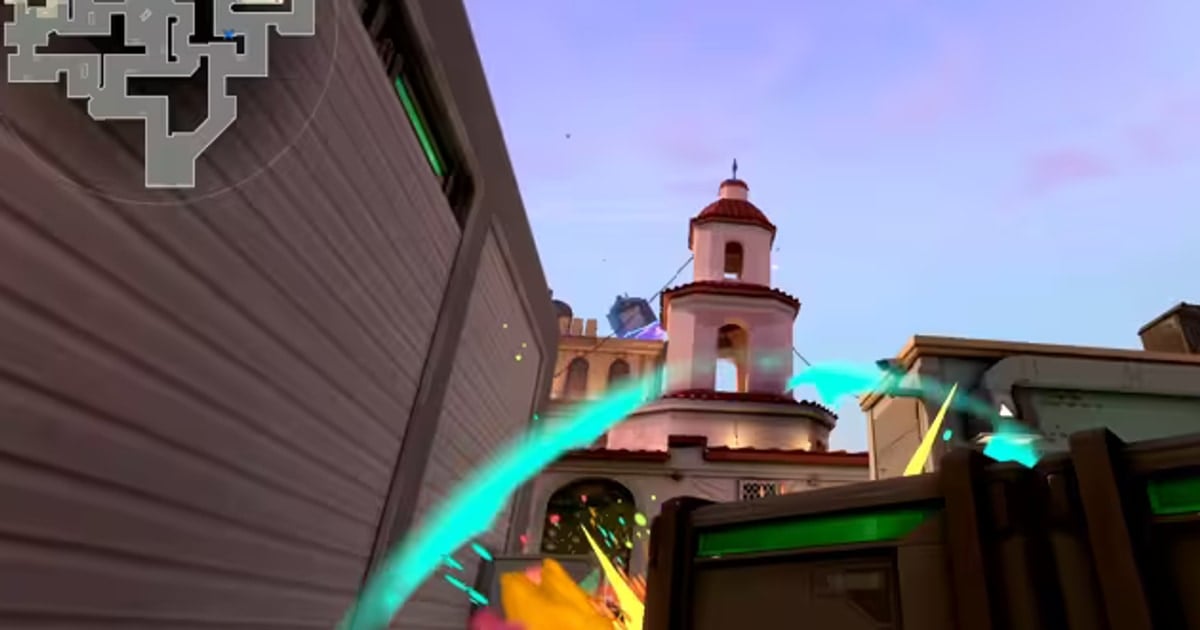
DOR is free and works as both a full-match recorder and a VALORANT clip recorder: it detects the game automatically, records every match in full, and saves kills and other highlight moments as individual clips. NVENC hardware encoding is the default, so the load on your game stays low, and full-match recordings are kept in your library for whenever you need them. For the finer points of pulling individual clips, see how to clip VALORANT; if recording ever makes your frame rate stutter, work through the recording FPS drop fix.
Check the official documentation
The official specs for replay downloads and retention come from Riot's VALORANT Replays FAQ. Per that document, replays are downloaded after the match, play only inside the client, and expire at the end of the patch cycle or after 21 days. For footage you want to keep long-term, a separate video recording is the only reliable path.