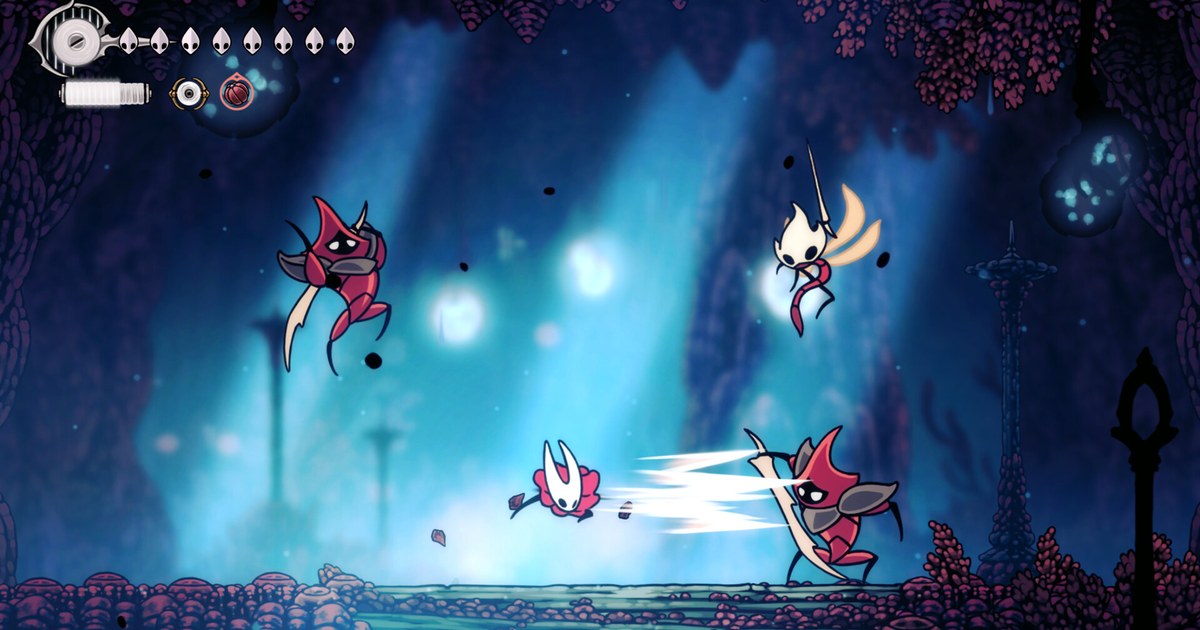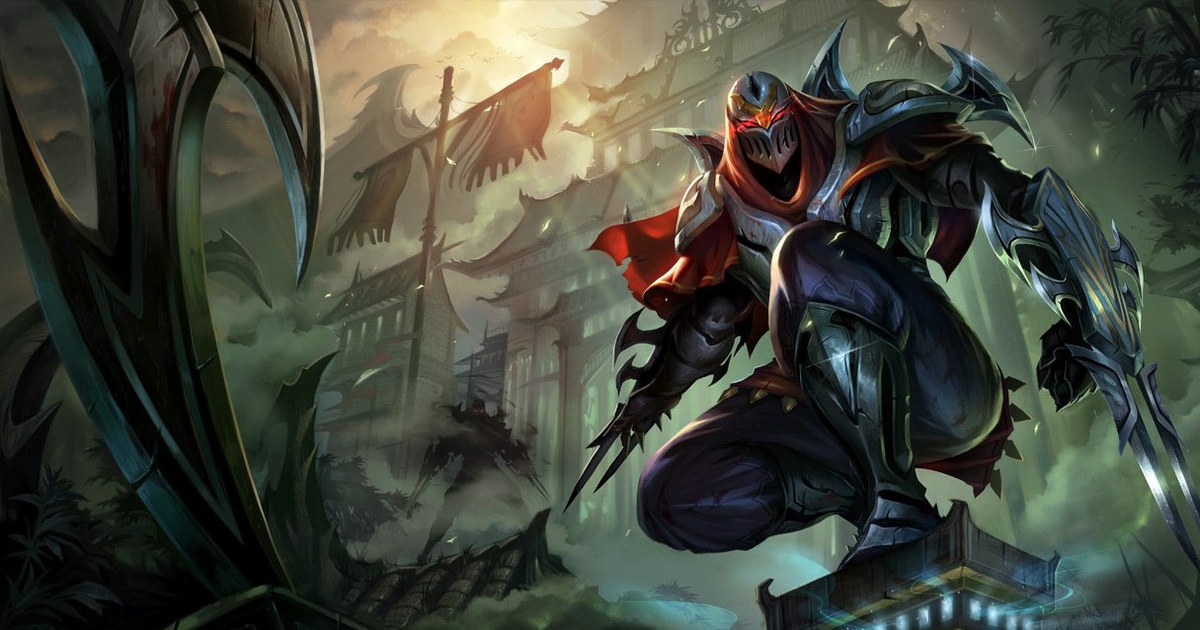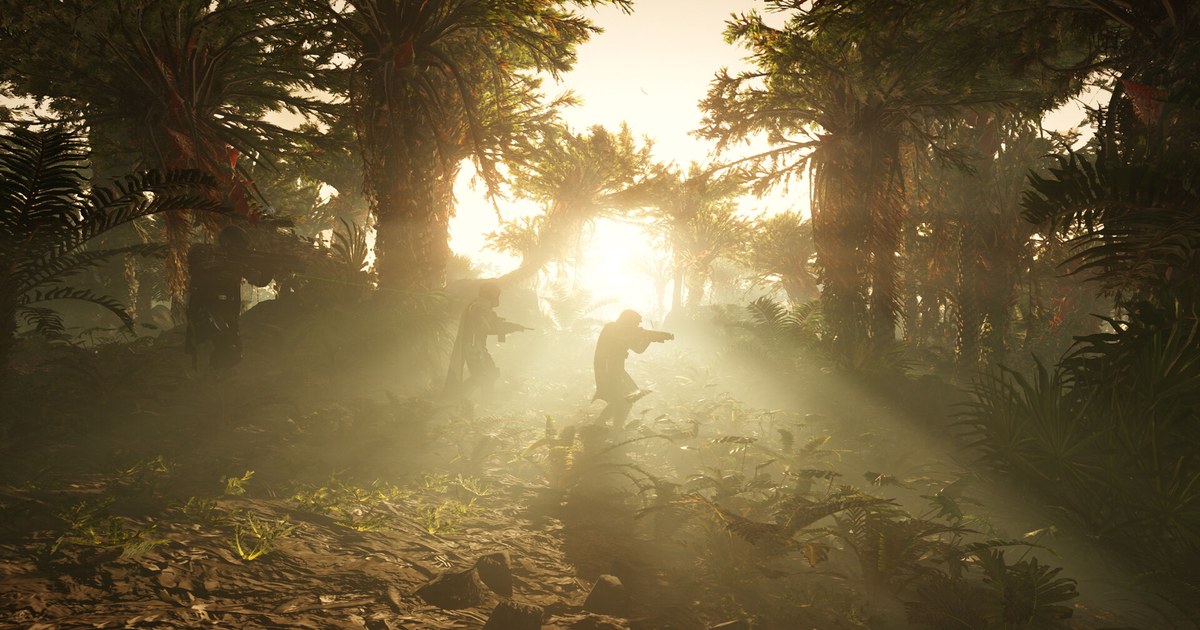
Here is the short answer: the safest order for a gaming montage is to open with your second best moment, raise the intensity one step at a time through the middle, and put the best moment at the very end.
If your best clip comes first, the video peaks in the first few seconds and everything after it feels like a step down. If you open with a weak clip, viewers leave before they ever reach the best one.
The second best moment fits the opening slot because it grabs attention right away while leaving you a final punch to save. This order works no matter how many clips you collected, so even a first montage can use it today.
For the full production flow, start with how to make a gaming montage; this guide focuses only on the order of the clips. Once the order is set, how to merge multiple game clips covers joining them into one video.
The answer: open second best, build up, finish on the best
Split the order into three zones and it becomes easy to decide. The first zone is the opening, where one second best moment grabs attention. The middle zone is the build, which starts with short, light moments and moves toward flashier ones.
The last zone is the climax, where the best moment stands alone. The most common mistake is placing the same kind of scene back to back.
If three similar fights run in a row, each one may be great, but viewers feel it as the same scene repeated, so alternate scene types such as fights, dodges, and team plays.
You will often want to add zooms or screen effects to the climax, but effects stand out only when you keep them to the last scene and a few transitions. Which effect suits which kind of moment is covered in gaming montage effects.
How to decide the clip order
- 1Collect every clip and score itGather all usable clips in one place and give each a score from 1 to 5. Three criteria are enough: how intense the moment is, how rare it is, and whether someone seeing it for the first time understands it. Drop low scoring clips at this stage so you have less to worry about when ordering.
- 2Lock the first and last slots firstPlace your highest scoring moment at the very end and your second highest at the very start. Once both ends are fixed, the remaining clips only have to fill the space between them.
- 3Raise intensity in the middle and mix typesArrange the remaining clips from lower scores to higher scores, and whenever the same type appears twice in a row, slip a different type between them. For a deeper look at kill focused videos, see how to make a kill montage.
- 4Trim the length and drop repeatsCut each clip so only about one or two seconds of lead in and lead out remain around the moment. If two clips score about the same, using just one makes the whole video tighter. Trimming steps are in how to trim game clips.
- 5Reorder the merge and watch from the startAfter merging the clips into one video, try different orders and play the whole thing from the start each time. If a spot gets boring, remove that clip or move it later. It is easier to match music after the order is settled, and how to add music and sound effects to game videos covers choosing it.
Clip placement by slot in a montage
| Slot | Clip to place | Why |
|---|---|---|
| First few seconds | Second best moment | It grabs attention at once and lets you save the best moment for later |
| Early section | Two or three short, light moments | Cutting them quickly sets the rhythm of the video |
| Early middle | Mix of different scene types | Alternate fights, dodges, and team plays so nothing looks repeated |
| Late middle | Increasingly strong moments | Raise the intensity one step per clip to carry viewers to the climax |
| Just before the end | A short breather | One quiet or slow shot makes the final moment feel bigger |
| The very end | The single best moment | The last impression viewers remember most should be your best clip |
Check before you lock the order
- The first clip is your second best moment, not the best one
- The best moment sits alone at the very end
- No scene type appears twice in a row more than once
- You played the whole video from the start after removing low scoring clips
- Effects and zooms are limited to the last scene and a few transitions
Collect clips and reorder the merge with DOR
DOR is a free Windows game recording app. When you launch a supported game, it detects it automatically and records the whole match, and recordings collect in My Clips.
The games where DOR gathers kills, goals, and similar moments as automatic clips are League of Legends, VALORANT, PUBG, FC Online, Fortnite, Counter-Strike 2, and Overwatch; for other games, you cut the moments you want from the automatically recorded match and save them.
In the app you can trim a section into 16:9, 9:16, or 1:1, and in DOR Studio (dor.gg/studio) you can merge several videos and try different orders. Effect templates such as Shake Zoom, Punch Zoom, Handheld, and Glitch transition, along with text, BGM, and volume controls, are available in Studio too.
You can export the finished video as an mp4 without a watermark or share it with a dor.gg link, so you can try a few orders and post only the version that flows best.