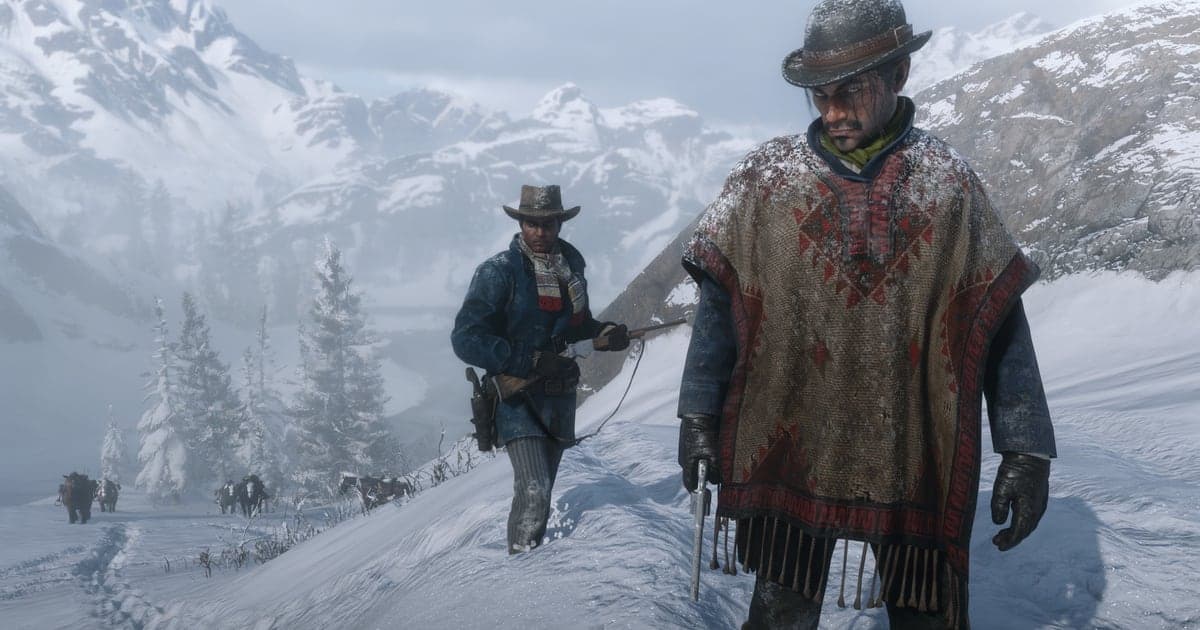
If you searched how to record RDR2 on PC, you were probably looking for the same thing GTA V players use: a key that starts recording and an editor that turns clips into a movie. Red Dead Redemption 2 does not have that on PC. There is no Rockstar Editor in the PC version and no built in video recorder, so the clip workflow from the GTA 5 Rockstar Editor simply does not exist here, and pressing keys around the pause menu will not reveal a hidden one. That is why the searches split into three directions: people asking for an rdr2 recording mod, people asking how to screen record rdr2 on pc, and people who opened Photo Mode and wondered whether it can record video (it cannot, it takes still photos). This guide answers all three in order. First, what the game itself offers and what the community mod actually is. Second, the four recorders that reliably capture RDR2 on Windows, with their default shortcuts. Third, the problems that come up most, mainly the OBS black screen and frame drops in a game that already pushes your GPU hard, plus the settings that keep a long ride through the Grizzlies looking clean at 1080p60. At the end there is also a way to skip the start button entirely: DOR records the whole session the moment you launch the game.
Short answer: RDR2 has no recorder of its own, so use Game Bar, the NVIDIA app, AMD software or OBS
Community guides are consistent on this: the PC version of Red Dead Redemption 2 ships without the Rockstar Editor and without any in game video capture. What it does have is Photo Mode in Story Mode, which players report opens with F6 by default on PC. Inside it, H is reported to hide the HUD and a left click takes the picture. Those photos go to your Rockstar Games Social Club gallery, not to an mp4 on your drive, so Photo Mode is for screenshots and thumbnails, not footage. Red Dead Online does not offer Photo Mode the same way, so treat it as a Story Mode tool. If you want an editor with cameras and scenes, the community points to Director's Creator Suite, a fan mod on Nexus Mods. It is not made by Rockstar, it can break after game updates, you install it at your own risk, and you should never run mods in Red Dead Online. For ordinary gameplay video, any of the usual Windows recorders works. Windows Game Bar starts and stops with Win+Alt+R and needs nothing installed; see the Xbox Game Bar recording guide if it refuses to start. The NVIDIA app records with Alt+F9 on GeForce cards, and AMD Software: Adrenalin Edition records on Radeon cards (check its hotkey in the Hotkeys settings). OBS gives you the most control but is the one most likely to show a black screen. Players report Game Capture going black under one graphics API and working after switching to the other, in both directions (Vulkan to DirectX 12 and back), so if you hit it, change the API in the graphics settings, restart the game, or follow the OBS black screen fix.
Set up RDR2 recording on PC in this order
- 1Pick one recorder and stick with itChoose a single tool: Game Bar if you want nothing to install, the NVIDIA app or AMD Software if you want the lightest hit to frame rate, OBS if you want scenes, overlays and full control. Running two recorders at once is a common cause of stutter and black captures, so turn off background recording in the ones you are not using.
- 2Switch the game to borderless windowedIn the RDR2 graphics settings, set the screen type to borderless windowed instead of exclusive fullscreen. Capture hooks attach more reliably, alt tabbing to check your recorder does not minimize the game, and overlays from the NVIDIA app or Game Bar show up properly.
- 3Use a hardware encoder at 1080p60RDR2 already uses most of your GPU, so do not add a heavy software encode on top. In OBS pick NVENC on NVIDIA or AMF on AMD; in the NVIDIA app and AMD Software the hardware encoder is the default. For clips you plan to share, 1080p at 60 fps is the sweet spot between quality and file size, even if you play at 1440p or 4K.
- 4In OBS, start with Game Capture and know your fallbackAdd a Game Capture source set to capture the RDR2 window. If the preview stays black, switch the game between Vulkan and DirectX 12 in the graphics settings and restart it, then test again. If it is still black, use Window Capture on the game window. The differences are explained in Game Capture vs Window Capture.
- 5Record a one minute test rideBefore a long session, ride out of camp for a minute, fire a few shots and stop. Play the file back and check three things: the picture is not black, game sound and your mic are both there, and the motion looks smooth. Fixing a setting now beats discovering a silent recording after a two hour mission.
- 6Use Photo Mode for stills and thumbnailsFor a cover image or a postcard shot, pause the action in Story Mode and open Photo Mode, which players report is F6 by default. Hide the HUD (reported as H), frame the scene and left click to take it. The photo is saved to your Social Club gallery, so check there rather than in your video folder.
Recording options for Red Dead Redemption 2 on PC
| Option | How it starts | What to know |
|---|---|---|
| Rockstar Editor | Not available on PC | Unlike GTA V, RDR2 has no editor and no clip recording of its own. |
| Photo Mode (Story Mode) | Reported as F6 by default | Stills only. H reportedly hides the HUD, left click takes the photo, photos land in your Social Club gallery. |
| Windows Game Bar | Win+Alt+R | Built into Windows, no install. Fine for quick clips, fewer quality controls. |
| NVIDIA app | Alt+F9 | Uses NVENC on GeForce cards, low performance cost. |
| AMD Software: Adrenalin Edition | Check the hotkey in its Hotkeys settings | Uses AMF on Radeon cards, low performance cost. |
| OBS Studio | Your own hotkey | Most control. If Game Capture is black, switch between Vulkan and DirectX 12 or use Window Capture. |
| Director's Creator Suite (mod) | Installed from Nexus Mods | Fan made editor style tool. Story Mode only, at your own risk, never in Red Dead Online. |
RDR2 recording checklist before you ride out
- Only one recorder has background recording turned on
- The game runs in borderless windowed mode
- Encoder is NVENC or AMF, not x264, at 1080p60
- OBS preview shows the game, not a black box
- If it is black, the other graphics API (Vulkan or DirectX 12) or Window Capture has been tried
- Game audio and mic both appear in the test clip
- Frame rate holds while recording; if not, follow the recording FPS drop fix
- No mods are installed when you play Red Dead Online
Record RDR2 without starting anything: DOR records it for you
Every tool above works, but they all ask you to remember a shortcut or start a recording before the moment happens, and in RDR2 the best moments are rarely planned. If you would rather not think about it, use DOR: just launch the game and DOR's AI records it automatically. DOR is a free Windows app that detects Red Dead Redemption 2 when it starts and records the whole play session in the background as mp4 until you quit, with game audio and your mic captured together. A perfect Dead Eye shootout, a train robbery that went sideways or your horse doing something ridiculous is already saved when you go looking for it. Trim the part you want in the DOR library and export it in 16:9, 9:16 or 1:1. If you narrate while you ride or play with friends, AI Voice Notes turns what was said into text on the recording timeline so you can jump straight to that moment. Check the clips you saved and press AI Highlight to join them into one montage, or open DOR Studio in your browser with nothing to install to add cinematic text, background music and effect templates such as punch zoom, then download an mp4. Share it with one dor.gg link that opens in any browser. The full sharing flow is in how to share Red Dead Redemption 2 gameplay video, and the editing screen is covered in the DOR browser editor guide.