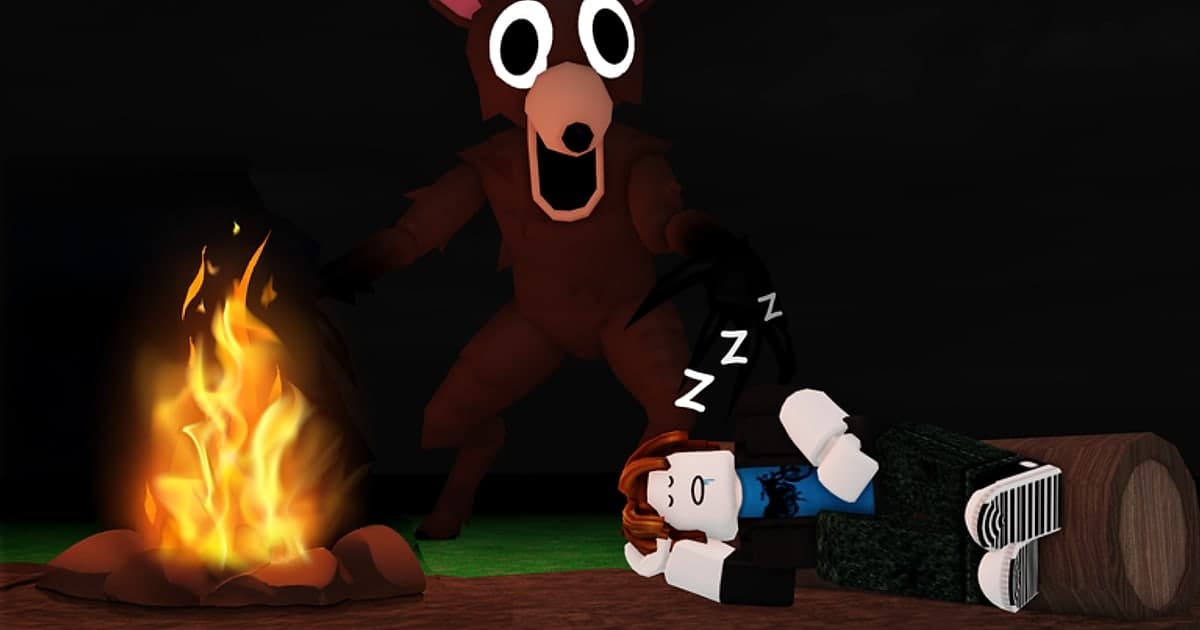
Steal An Egg is a Roblox experience where you steal eggs, hatch them at your base, and use what your pets earn to get faster until you can raid other players' bases too. In short, the loop is steal, hatch, earn, upgrade, and chase rarer eggs. The experience was created on July 25, 2026, and when we checked on October 14, 2026 it was the most-played experience on Roblox with roughly one million concurrent players and more than 8 billion visits. This guide sticks to what the creator's official description and the experience page confirm: the core loop, the rare tiers you can verify, and how to play your first sessions. Then it moves to the part most strategy pages skip: how to actually keep a Divine hatch, a last-second steal or a base comeback on video instead of describing it afterwards. Steal An Egg updates often, so we leave out drop rates, prices and codes that change quickly or cannot be confirmed officially. If you also play the other big stealing game on Roblox, see how to record Steal a Brainrot highlights.
Bottom line: learn the steal, hatch and Speed loop, and have recording running before you chase rare eggs
New players need to know three things. First, an egg only becomes yours once you carry it back to your base, and it only earns money after it hatches into a pet. Second, Speed, which you train on the treadmill, drives most of your progress. Third, if you can steal eggs from other players, they can steal from your base too. Servers hold up to seven players (per the experience page), so the same few people end up trading steals all session. The moments worth keeping, a rare hatch or the few seconds of a getaway, arrive without warning. Roblox's built-in capture (in-experience menu at the top left, then Captures, then the capture icon on the right side of the screen) works on desktop and mobile, but videos are capped at 30 seconds, voice chat and in-experience sound are not recorded, and the in-experience UI is removed. You also have to tap the icon before the moment happens, and developers can turn capture off in their experience (Roblox Help Center, checked October 14, 2026). So if you want a rare hatch with sound and the build-up before it, use a method that is already recording when the moment arrives. The built-in limits and longer options are covered in how to record Roblox for longer than 30 seconds, and if you play on a phone or tablet, see how to record Roblox on your phone.
From your first egg to recording a rare hatch
- 1Find the official experience and joinSearch for Steal An Egg on Roblox and you will also see experiences with very similar names, such as Break and Steal an Egg. Check that the creator is 'and Collect Rare Pets' with a verified badge before you join. According to the creator's description, it supports desktop, console, mobile and tablet players. As of October 14, 2026 the experience does not offer private servers, so to play with friends you join the server a friend is already in.
- 2Steal eggs from pets and carry them homeThe first step in the official description is stealing eggs from pets. You take an egg from a pet on the map and carry it back to your base, and only then is it yours. Start with eggs close to your base so you learn the route between the map and your base before you go after eggs that are far away or worth more.
- 3Hatch eggs and earn money from petsEggs you bring home hatch into pets at your base. Hatching takes time: one of the experience's game passes is described as making eggs grow twice as fast. Hatched pets earn money, and that money pays for your next upgrades. The official description also says there are rarer eggs and pets to discover, along with different sizes and mutations, so two pets of the same kind can still look different.
- 4Upgrade the treadmill and base to raise SpeedSpend your money upgrading the treadmill and your base, and train on the treadmill to gain Speed. The faster you are, the easier it is to grab an egg and get back to your base before anyone catches you. Training is the slow, repetitive part of a session; if you record whole sessions, this is the stretch you will trim out later.
- 5Steal from other players and protect your baseOnce you have some Speed, you can steal eggs from other players' bases. The flip side is that players on your server can go after the eggs in your base, so do not leave a rare egg unattended for long. The exact ways to protect a base can change with updates, so follow the in-game prompts. Last-second steals and comebacks are the moments people most want to rewatch.
- 6Start recording before you chase a rare eggRare hatches and steals do not come with a warning. If you use the built-in capture, turn on the capture icon from the in-experience menu so it stays on screen, and remember that you have to tap it before the moment and that it stops at 30 seconds. On PC, joining with a recorder that keeps the whole session means you can miss the moment live and still find it and cut it later. Saved videos usually do not carry the experience name, so label clips like 'Divine hatch' right after you save them.
Steal An Egg moments worth keeping and how to record them
| Moment | Why keep it | How to record it |
|---|---|---|
| Your first steal and first hatch | It makes a beginner video that shows friends how the loop works. | Have recording on from the moment you join so the whole first session is kept, then cut it down to the key parts. |
| Hatching a Secret, Eternal or Divine egg | Each has its own official badge ('Hatched Secret!' and so on), so the experience itself treats it as a milestone. | You never know when one will appear, so recording must already be running. Saving the last stretch with a clip hotkey right after the hatch makes it easy to find later. |
| Pets with unusual sizes or mutations | Size and mutation differences make good comparison or collection videos. | The built-in capture removes the in-experience UI, so anything shown in the UI will not appear. Record the full screen if you want that information visible. |
| Stealing from another base and escaping | The chase is over in seconds, which is the right length for a Short. | Your hands are busy while you run, so it is easier to save the last 30 seconds once you reach your base. |
| Defending your eggs, or losing them at the last second | Comebacks are more fun to watch with your live reaction. | Your voice is not in built-in captures, so use a recorder that records your mic along with the game. |
| Treadmill training and base upgrades over time | Progress clips can become a 'from zero to Divine' style video. | Long idle stretches make big files, so check your free space and keep only the before and after of each upgrade. |
Check before you chase a rare egg
- You joined the official experience by 'and Collect Rare Pets' (verified badge).
- If you use the built-in capture, the capture icon is switched on in the in-experience menu and capture has not been turned off in this experience.
- On PC, a whole-session recorder is running and its clip hotkey does not clash with other apps.
- Mic and game volume are balanced so your reaction is not buried under the game sound.
- You are fine with a Discord call or music ending up in the recording, or you have set the recorder to Roblox sound only.
- The drive that holds your recordings has enough free space for a long session.
Record Steal An Egg automatically with DOR and save the last 30 seconds with F8
DOR is a free Windows PC app. It detects the PC version of Roblox you installed from roblox.com, starts recording when you join an experience such as Steal An Egg, and stops when you leave the experience, either by going back to the Roblox home screen or by closing Roblox. Recording is on by default, so there is no record button to remember, and each experience you join becomes one full-length mp4 in your DOR library. Unlike the built-in capture, the whole session is kept with no length limit, and your mic (with noise suppression) is recorded together with game sound, so your reaction to a Divine hatch stays in the video. Mic and game sound are mixed into one track, so set their volumes before you play. In settings you can also record only Roblox's sound instead of all desktop audio. Right after a rare hatch, or right after you get home with a stolen egg, press F8 (you can change the key) while DOR is recording inside the experience to save the last 30 seconds as a separate clip; you can pick 15, 30, 45 or 60 seconds. The details are in how to clip Roblox. DOR does not pick moments for you: you save clips yourself or cut them from the full recording, and the experience name and thumbnail are not added automatically, so title your clips yourself. When you first join an experience, recording can start about 15 to 20 seconds late. From the library you can trim a recording to 9:16 for Shorts or share it as a dor.gg link, and in DOR Studio, which runs in your browser, you can merge clips, add text, background music and effect templates, and download an mp4. For the editing flow, see how to make Roblox Shorts. Quality defaults to 1080p at 60fps and goes up to 2160p. If you play on a phone, tablet or console, DOR cannot record it, so think of it as an option for the sessions you play on a Windows PC.
 #Roblox