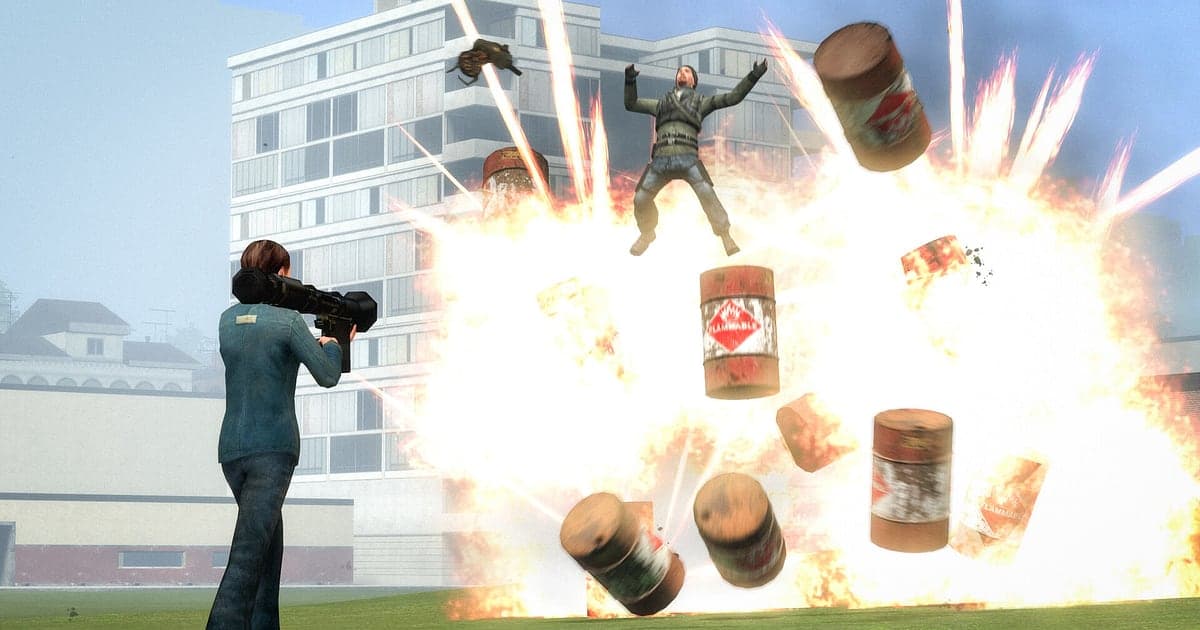
Garry's Mod records automatically: install DOR, launch the game, and AI handles it, with no OBS scenes or sources to set up. You never know when GMod will go off. A physgun contraption launches itself across the map, and in TTT the person standing next to you turns out to be the traitor. DOR detects the game as it starts and keeps recording through Sandbox, DarkRP or any workshop map until you quit, capturing server voice and your mic as well. GMod has no built in replay, so your recording fills that role. This guide covers setup, saving moments, finding voice lines, building a funny moments video, sharing, and fixing recording problems.
- Keep whole rounds on video, like the TTT traitor who stayed hidden or the chair that won Prop Hunt.
- Clip a physgun contraption meltdown or a ragdoll launch accident right after it happens.
- Use AI Voice Notes to find out who called KOS on the wrong person first.
- Drop the clip in Discord as a dor.gg link when a TTT round turns into a trial.
Before you record Garry's Mod: install and recording mode
All you need is DOR, a free Windows app that adds no watermark. This guide covers Garry's Mod for PC, launched from Steam. Recording is per session: switching servers or game modes keeps everything in one video until you quit, and there is no recording time limit even if you stay on a server all night. GMod is light, so the default 1080p at 30fps records smoothly even at minimum spec. The basics of recording PC games are in how to record PC games.
| Item | For Garry's Mod | Notes |
|---|---|---|
| Install DOR | Free Windows app, no OBS style scenes or sources | No watermark on videos |
| Game version | Garry's Mod for PC, launched from Steam | Detected automatically when the game opens |
| Recording mode | Session recording: one video from launch to exit | Keeps going across servers and game modes |
| Sound | Server voice through game audio plus your mic | The TTT yelling makes it into the video |
| Resolution and frame rate | 1080p at 30fps by default, 60fps available | Light enough to record smoothly at minimum spec |
Record Garry's Mod with DOR: step by step
- 1Install DOR and leave it runningInstall DOR and open it once; it then waits in the background for GMod. If you plan to talk on server voice chat, check that DOR picked the right microphone.
- 2Launch GMod and join a serverStart the game and DOR notices and starts recording. Capture begins while you browse servers in the main menu, so the first chaotic round on a TTT server is included.
- 3Check that it is recordingWhile messing around alone in Sandbox, open the DOR app once to confirm it is recording. Once you have checked, a DarkRP police chase that starts out of nowhere is nothing to worry about.
- 4Clip when the round endsRight after a TTT traitor reveals themselves and the round ends, or right after you make it through Prop Hunt unseen, press the clip save shortcut. The last 30 seconds become a clip and the session recording keeps going.
- 5Quit and watch in My ClipsWhen you close GMod, the recording and your saved clips appear in My Clips. Rewatch what happened on the server tonight straight away.
Find your recordings
Recordings collect in My Clips, the library in the DOR app. Each launch and quit makes one recording, and clips saved with the shortcut are listed separately. GMod has no replay, but your recording holds the whole time you were connected, so you can scrub back to any moment. In TTT, use the screen change between rounds as a marker; in Prop Hunt, use the moment the seekers are released. When you find the scene, set a start and an end, trim, and export in 16:9, 9:16 or 1:1. Like the legendary rounds you will want to rewatch. When space fills up, older videos you have not liked are cleared first, so those rounds stay. Trimming tips are in how to trim game clips.
Save the moments you want to keep
The clip save shortcut saves the play just before you press it. The default is 30 seconds, with 15, 30, 45 or 60 seconds available. A ragdoll launch that is over in an instant fits in 15 seconds. A TTT round where suspicion builds and then flips needs 60 seconds to cover everything from 'he's acting weird' to the reveal. In Prop Hunt, press right after a seeker walks past you, and the moment you held your breath is kept. If you miss it, trim it from the session recording. What each length suits is in save the last few seconds instantly.
Find what was said with AI Voice Notes
AI Voice Notes turns the chaos of server voice chat into text along your recording timeline. Lines like 'He's a traitor, I saw him do it', 'That mug wasn't there a second ago' or 'Stop noclipping, you're out of the map' appear as sentences at the moment they were said, and selecting one jumps to that scene. You will know exactly who called KOS on the wrong person in TTT, which settles arguments after the round. Server voice coming through game audio and your mic are recorded together. If sound is missing, see game recording has no sound.
Build a montage with AI Highlight
AI Highlight joins the clips you check into one montage. Check 'TTT traitor reveal', 'Survived Prop Hunt to the end', 'Physgun contraption meltdown' and 'DarkRP police chase', press AI Highlight, and a night on the server becomes one funny moments reel. End it with a 'Ragdoll launch accident' for a clean finish. To set the order yourself, use merge game clips.
Edit in DOR Studio
DOR Studio opens in your browser with nothing to install. Merge and trim clips, add text, background music and effect templates, and export in 16:9, 9:16 or 1:1 as an mp4 or a share link. Trim a TTT clip from the first accusation and hit a punch zoom when the traitor shows their hand. Use a shake zoom on explosions and a glitch transition between scenes, add your own text callouts and music, and you have a classic GMod funny moments clip. See everything in the DOR browser clip editor.
Share with a dor.gg link
Send the edit as one dor.gg link, and whoever opens it watches in a browser on PC or phone with no app. When a TTT round turns into a trial, drop the link in the server's Discord as evidence. Tips for posting there are in share clips on Discord. TikTok and YouTube uploads carry no watermark either. Picking out Prop Hunt scenes to send is covered in how to share Garry's Mod gameplay videos.
Garry's Mod recommended settings and troubleshooting
GMod records in fullscreen, windowed and borderless. Recording starts at 1080p and 30fps; choose 60fps if you want flying ragdolls to look smooth. If a crowded server makes the game itself heavy, lower the game's graphics options first, and on an older PC switch DOR to 720p/30fps mode. Settings for modest hardware are in record games on a low end PC.
| Symptom | What to check | Fix |
|---|---|---|
| Server voice is not recorded | The Windows output device and DOR microphone setting | Set both to your headset, record a short test and play it back |
| The recording is a black screen | Display mode and other overlay software | Close other recorders and relaunch the game. DOR switches to monitor capture if game capture is blocked |
| Recording does not start when the game opens | Whether DOR was running first | Open DOR first, then relaunch GMod |
| Stutter on crowded servers | Game graphics options and recording resolution | Lower game options; if it still struggles, use 720p/30fps mode |