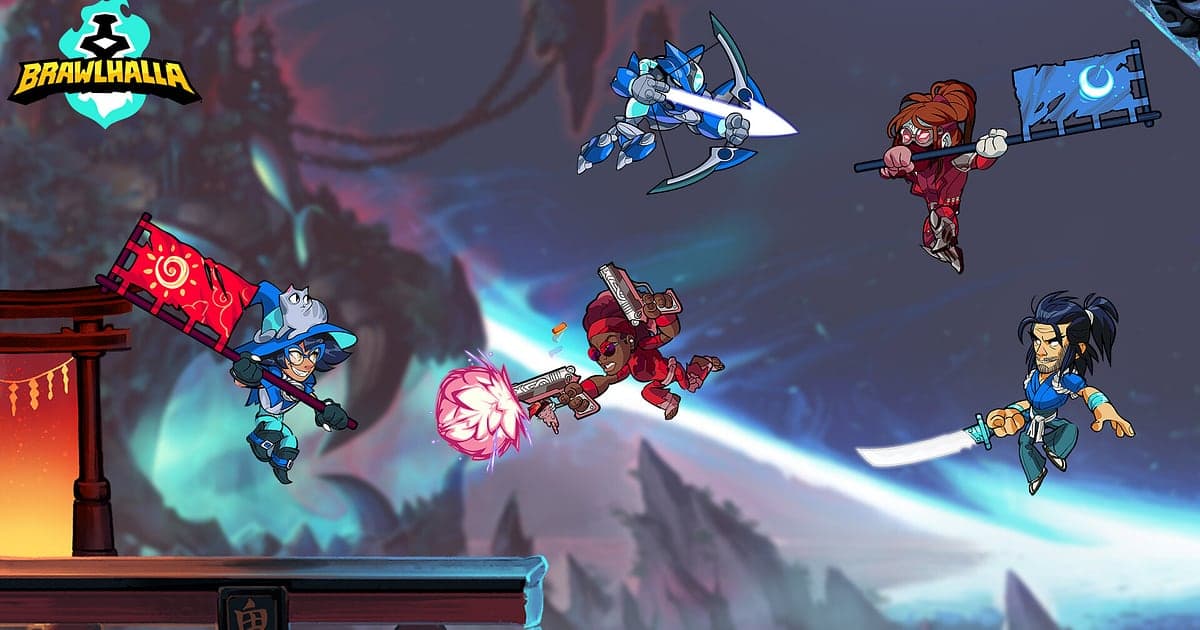
Brawlhalla records automatically once DOR is installed: launch the game and the AI takes care of the recording. There is no record button and no replay to convert, because it is saved as an mp4 video from the start. Start Brawlhalla through Steam and DOR detects it, then keeps recording until you quit, whether you are in ranked 1v1, a private room with friends or a four player free for all. Matches are short and dozens can pass in one evening, but the recording does not break between them. The file keeps playing after game updates, so a great set from last season is always there to rewatch. This guide is for anyone recording Brawlhalla for the first time. It covers getting ready, confirming the recording, saving combos, finding matches by their borders, building a combo montage, sharing, and settings for high refresh play.
- Keep a whole evening of ranked 1v1, 2v2 and free for all in one video.
- Clip a combo where you swap from scythe to gauntlets, or a signature that sends your opponent off screen.
- Use AI Voice Notes to find the moment your 2v2 partner said 'they burned their dodge, go in now'.
- Join weapon swap combos, last stock comebacks and a last one standing FFA into a combo montage.
- Send the finishing blow to the friend you just beat, along with a rematch invite, on Discord.
Before you record Brawlhalla: install and recording mode
All you need to record Brawlhalla is DOR. It is a free Windows app and never adds a watermark to your videos. Brawlhalla uses full session recording, so the lobby, Legend select, the fight and the results screen flow into one video until you close the game, without splitting per match. Fighting game highlights rarely run past 10 to 20 seconds, so the skill that matters is pulling just the run up to the finishing blow out of a long recording. The basics of recording PC games are in how to record PC games. The table below lists what is worth knowing for Brawlhalla.
| Item | For Brawlhalla | Notes |
|---|---|---|
| Install | DOR, free Windows app | No watermark on your recordings |
| Game version | Windows PC version on Steam | DOR detects and records Brawlhalla running on your PC |
| Recording mode | Full session recording | Matches are not split into separate files; they run on in one video |
| Display mode | Fullscreen, windowed and borderless all record | Keep the mode you already use in the game's settings |
| Resolution and frame rate | 1080p at 30fps by default | 60fps suits fast combos, and a lighter 720p/30fps mode is available |
| High refresh monitors | Playing at 144Hz or 240Hz | A recommended spec GPU is advised to hold your in game frame rate while recording |
Record Brawlhalla with DOR: step by step
- 1Install DOR and choose 60fpsDownload DOR, install it and leave it running. Attacks and dodges trade in an instant in Brawlhalla, so if you want combos to look smooth, pick 60fps in DOR settings before you launch the game.
- 2Launch BrawlhallaStart Brawlhalla from Steam and DOR detects the game and starts recording right away. The main menu and Legend select are captured too, so whether you queue ranked or join a friend's room, there is nothing else to do.
- 3Check the recording before your first matchBefore you pick a Legend for the first match, open the DOR app once and confirm it is recording. If the game is not detected, follow what to do when the recorder does not detect your game. After that, there is nothing to press during matches.
- 4Save a clip right after the finishing blowWhen you grab a weapon, chain straight into a combo and send your opponent's last stock off screen, press the clip save shortcut the moment they disappear. The last stretch is saved as its own clip, so you never have to scroll through a twenty match recording from the start.
- 5Quit and open My ClipsFinish your last match and close the game. The session video and every clip you saved appear together in My Clips in the DOR app. Matches you forgot to clip are all in the session video too.
Find your recordings
Check your recordings in My Clips in the DOR app, also called the library. Each time you open and close Brawlhalla is grouped into one session, and anything you saved with the clip save shortcut is listed separately as a clip. Matches are short and plentiful, so count the results screen that appears at the end of every match and the Legend select screen before each new one to jump to the match you want. Remembering which number match it was is enough. In that match, set the end point at the moment your opponent flies off screen and the match ends, and the start point 5 to 10 seconds before the combo begins. Including the walk to pick up a weapon shows how the combo came together. The full walkthrough is in how to trim game clips. Like any comeback you want to keep. When space fills up, older videos you have not liked are cleared first.
Save the moments you want to keep
Even with every match recorded, finishing blows are much easier to find if you clip them on the spot. Press the clip save shortcut and the last stretch is saved as a clip. The default length is 30 seconds, and you can choose 15, 30, 45 or 60 seconds in settings. Most Brawlhalla highlights are short, so 15 seconds fits a combo from start to ring out neatly, while a match that came down to both players trading on their last stock suits 30 seconds. Good moments to press it are right after a weapon swap combo lands in full, right after you read a chase dodge and punish it, right after you and your partner gang up for a 2v2 finish, and right after you outlast everyone in a free for all. How to set the length and change the shortcut is covered in saving the last few seconds instantly.
Find what was said with AI Voice Notes
In 2v2, what you say to your partner decides rounds. Lines like 'grab that weapon first', 'their scythe combos are insane' and 'last stock, don't overextend' fly back and forth every round. DOR records game audio and your microphone together, and AI Voice Notes writes that conversation onto the recording timeline as text. Find the round where someone said to save your dodge in the timeline text and select it to jump straight to the scene, then review your combo timing against the footage. When you look back at a loss, you can see how far apart the 'they burned their dodge, go in now' call and your actual approach were. If you play on a Discord call, see recording Discord call audio to capture your partner's voice too.
Build a montage with AI Highlight
After a ranked session, turn your saved clips into a combo montage. In the library, check your clips of a weapon swap true combo, a signature ring out, a last stock comeback, a read on a chase dodge, a 2v2 combined finish and the last one standing in a free for all, then select AI Highlight. DOR joins them into one video. Collect clips of a single Legend and you have a main showcase that fits right into community skill threads. If you want to set the order yourself, see how to merge game clips.
Edit in DOR Studio
DOR Studio opens in your browser with nothing to install. Trim from the start of the combo to the frame where your opponent flies off screen, then add a shake zoom on the ring out. A punch zoom suits the frame where a signature connects, and a glitch transition works between matches. Add the Legend name and combo route as text for a tutorial clip, or lay down background music for a montage. Ring outs need the stage edge visible, so 16:9 or 1:1 is safest; combos that finish mid stage can go out as 9:16 Shorts. Framing tips are in recording games for vertical Shorts. Download the result as an mp4 or share it as a link.
Share with a dor.gg link
Send trimmed moments as dor.gg links. Whoever opens one plays it right in their browser with nothing to install. Send the player you just beat a rematch invite with the clip, or paste it into your clan's Discord channel for your 2v2 partner to study the follow up. For group chats viewed on phones, a ring out cut to 1:1 works well. Which moments to send for each mode and which ratio fits are covered in sharing Brawlhalla ring out videos, and posting to Discord is covered in sharing clips on Discord. Clips go up on TikTok, YouTube and Instagram with no watermark.
Brawlhalla recommended settings and troubleshooting
Brawlhalla is not demanding on graphics, but input response matters, so if you play on a 144Hz or 240Hz monitor, a recommended spec GPU is advised to hold your in game frame rate while recording. Recording at 60fps keeps weapon swaps and dodges from smearing between frames. On a laptop or an older PC, use the 720p/30fps mode to keep the load down. DOR uses GPU hardware encoding, so its impact on in game frame rate is small. Fullscreen, windowed and borderless windows all record, so you do not need to change any game settings. If your frame rate wobbles while recording, work through fixing FPS drops while recording. DOR has no cheat features and never touches your game files or play data.
| Symptom | What to check | Fix |
|---|---|---|
| The recording is a black screen | The display mode in the game's settings | DOR records fullscreen, windowed and borderless alike. If it is still black, follow [fixing fullscreen recording](fullscreen-recording-not-working) to switch to monitor capture. |
| Hit sounds or your partner's voice are missing | Your Windows output device and DOR audio settings | Confirm which device the game plays through, then work through [fixing game recordings with no sound](game-recording-no-sound-fix). |
| Input feels heavier at high refresh | Recording resolution and frame rate | GPU hardware encoding keeps the impact small, but if it still bothers you, drop to 720p/30fps mode. |
| Files get large after many matches | Recording resolution and free drive space | Clip only the finishing blows and see [reducing game recording file size](reduce-game-recording-file-size). |
| Worried a recorder could affect your account | How DOR works | DOR only captures the screen, has no cheat features and does not modify game files or play data. |