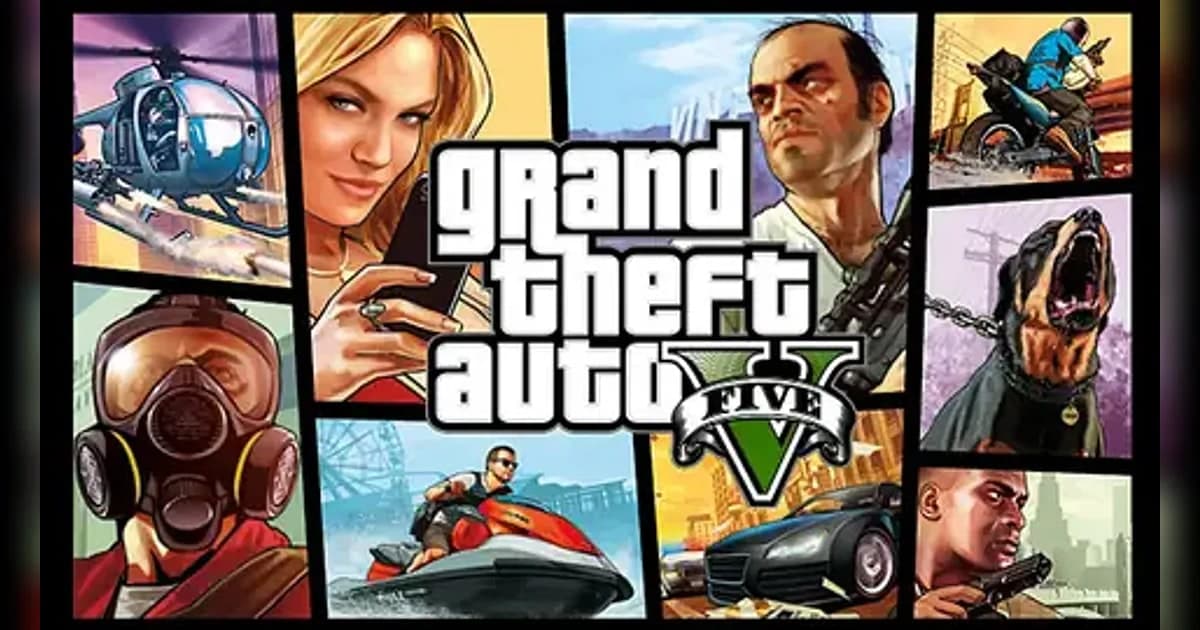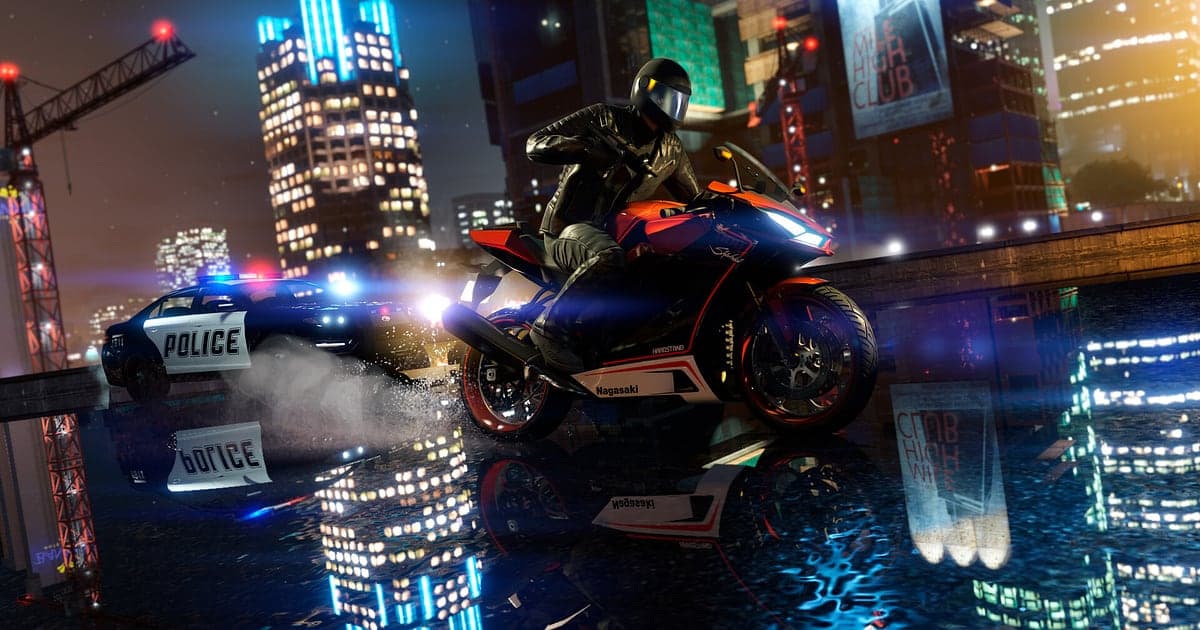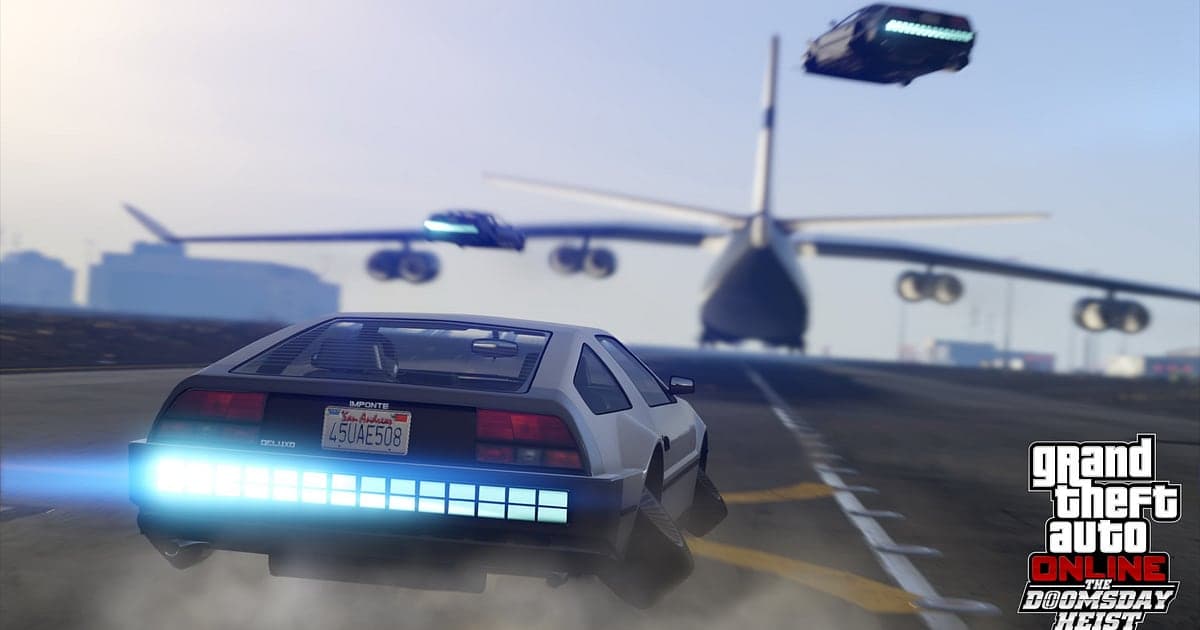
GTA V records automatically with AI as soon as you install DOR and launch the game. Whether you play Story Mode, GTA Online or a FiveM roleplay server, everything from the moment the game starts until you quit is kept as one video, so you never have to remember a record button before a chase. This guide shows you how to record GTA V with DOR, a free Windows app, then save, trim and share moments like shaking a five star wanted level or the Cayo Perico getaway. The red recording dot some players see in the corner of the screen comes from the game's built-in Rockstar Editor, which is separate from DOR. If it keeps turning on by itself, read our Rockstar Editor guide.
- Record whole sessions: Story Mode, GTA Online and FiveM servers are captured start to finish as one video, with no record button.
- Keep a moment after it happens: press the clip save shortcut after a freeway pileup or a Mount Chiliad bike jump.
- Search by what was said: jump to the second your crew called for the heli, even in a three hour heist session.
- Turn clips into a post: build a montage with AI Highlight, cut a 9:16 Short and drop the link in your crew's Discord.
Before you record GTA V: install and recording mode
DOR records GTA V as a session. Instead of splitting files at the end of each match, it keeps one continuous video from the first loading screen to the moment you close the game, including the free roam time between missions. There is very little to set up, but check which PC edition you run and how much disk space you have before a long night in Los Santos. To see how detection and recording work in general, read how DOR records games automatically.
| Item | For GTA V | Notes |
|---|---|---|
| Install DOR | Free Windows app, no watermark | Once it is installed, there is no record button to press |
| PC edition and launcher | Steam, Rockstar Games Launcher or Epic Games Launcher | Steam lists Enhanced and Legacy as separate products, so note which edition you launch |
| Recording mode | Session recording: launch to exit in one video | Story Mode, GTA Online and FiveM servers all record the same way |
| Display mode | Fullscreen, windowed and borderless all record | Where game capture is blocked, DOR switches to monitor capture |
| Resolution and frame rate | 1080p at 30fps by default, 60fps available | GTA V is GPU heavy, so drop to the light 720p/30fps mode if it struggles |
| Audio | Game sound and microphone recorded together | Sirens, radio chatter and your crew's Discord voice land in the same video |
| Disk space | Longer sessions make larger files | Enhanced alone needs 105GB on an SSD, so leave extra room for recordings |
Record GTA V with DOR: step by step
- 1Install DORDownload and install DOR. It is free, adds no watermark and waits quietly in the background for a game to start. If your crew is meeting up for a heist tonight, install it before you log in.
- 2Launch GTA V as usualStart the game from Steam, the Rockstar Games Launcher or the Epic Games Launcher, whichever you normally use. DOR detects the game as it starts and begins recording, so seeing the opening loading screen at the start of the video is normal.
- 3Check that recording is runningLoad into Story Mode, join a GTA Online session or connect to a FiveM server, then glance at DOR to confirm it shows it is recording. From here on, switching missions or sessions does not start a new file, and the video keeps going until you quit.
- 4Press the clip save shortcut after a big momentRight after you lose the cops or cause a freeway pileup, press the clip save shortcut. The previous 30 seconds are saved as a separate clip, so pressing it once the crash is over is exactly the right timing.
- 5Quit and open My ClipsClose GTA V and the full session appears in My Clips as one video, next to any clips you saved along the way. For long scenes like the Cayo Perico getaway, open the session video and set a start and end point to cut it out.
Find your recordings
Everything DOR records lands in My Clips, the library inside the app. Because GTA V records by session, one evening of play shows up as one long video plus the clips you saved during it. Open the session video, scrub to the heist finale or the race finish, set a start and end point, and export just that part as 16:9, 9:16 or 1:1. The guide to trimming game clips covers the details. Like the videos you want to keep. When storage fills up, DOR clears the oldest videos you have not liked first, so a like keeps your first successful heist safe from cleanup.
Save the moments you want to keep
The best GTA moments rarely come with a warning. A car flies in from nowhere while you wait at a red light, or a bike launched off the top of Mount Chiliad goes much farther than planned. Press the clip save shortcut as soon as the moment ends. By default it keeps the last 30 seconds, and you can pick 15, 30, 45 or 60 seconds in settings. Fifteen seconds suits a quick stunt jump, while a five star chase or a rooftop heli landing reads better at 45 or 60 seconds because viewers need to see how it started. Saved clips sit apart from the session video, so you can open them in My Clips without scrubbing through hours of footage. See how instant clips of the last few seconds work for more.
Find what was said with AI Voice Notes
In GTA Online heists and FiveM roleplay, the conversation is half the scene. AI Voice Notes writes what you and your friends said onto the recording timeline as text. Lines like 'get the heli on the roof', 'four stars, cut through the tunnel' or 'I'll take the vault, you watch the door' appear in order, and selecting one plays the video from the moment it was said. Even in a three hour RP session, searching a word like 'checkpoint' or 'getaway' takes you straight to the scene. If your crew talks over Discord, also read how to record Discord call audio.
Build a montage with AI Highlight
AI Highlight joins the clips you pick into one montage. In My Clips, check the clips you saved, for example shaking a five star wanted level, a Mount Chiliad bike jump, the Cayo Perico getaway and a freeway pileup, then press AI Highlight. The evening's best GTA moments come back as a single video you can watch as is or polish further in Studio. If you want to set the order yourself or add other footage in between, see how to merge game clips.
Edit in DOR Studio
DOR Studio opens in your browser with nothing to install. Put a shake zoom on the moment a car rolls over, a punch zoom on a Deluxo lifting off, and a glitch transition between clips to keep the pace up. The handheld template suits shootouts on foot. Merge several clips, trim the ends, add text such as 'third try, finally out' and background music, then export at 9:16 for YouTube Shorts or TikTok, 16:9 for a full video, or 1:1. Download the result as an mp4 or share it as a link. The DOR browser clip editor guide walks through the editor, and making vertical Shorts from gameplay covers framing for phones.
Share with a dor.gg link
Send any trimmed clip or Studio edit as a single dor.gg link. Whoever opens it watches right in the browser without installing anything, so you can paste it straight into your crew's Discord channel or a group chat. For sending heist wins to your crew, see how to share GTA 5 gameplay videos. For roleplay servers, sharing FiveM roleplay videos explains how to pull the funny bits out of a long RP night.
GTA V recommended settings and troubleshooting
GTA V puts a heavy load on the GPU. Start with the default 1080p at 30fps and only raise recording to 60fps if your graphics card has headroom. If the game feels heavy while recording, switch to the 720p/30fps mode to lighten the load. Fullscreen, windowed and borderless all record, so keep the display mode you already use. On the game side, the Enhanced edition's minimum spec calls for 8GB of RAM and an SSD, and Rockstar still offers Legacy for older hardware, so pick the edition that fits your PC. For in-game performance, follow our GTA 5 FPS checks. If frames only drop when recording is on, read fixing FPS drops while recording. A black video in fullscreen is covered in fullscreen recording not working, and missing audio in game recording has no sound.
| Symptom | What to check | Fix |
|---|---|---|
| FPS drops when recording | Whether recording is set to 60fps and whether graphics settings are high for your PC | Set recording back to 30fps or use 720p/30fps mode. For the game itself, update the patch and drivers and verify game files first |
| Recording is a black screen | Which display mode the game is using | DOR records all three modes and switches to monitor capture when game capture is blocked. If it is still black, switch to borderless and test again |
| No game sound or no voice | Whether the Windows output and microphone devices are the ones you actually use | Pick the devices again in DOR settings and record a short test |
| A red recording dot appears in game | Whether the Rockstar Editor's recording or Action Replay is on | This is separate from DOR. Check the Rockstar Editor entries under Key Bindings in the game settings |
| The game is open but nothing records | Whether only the launcher is open and the game screen has not loaded yet | Check DOR once the game screen appears, and restart DOR if recording still has not started |