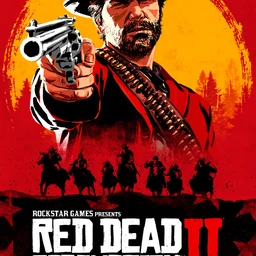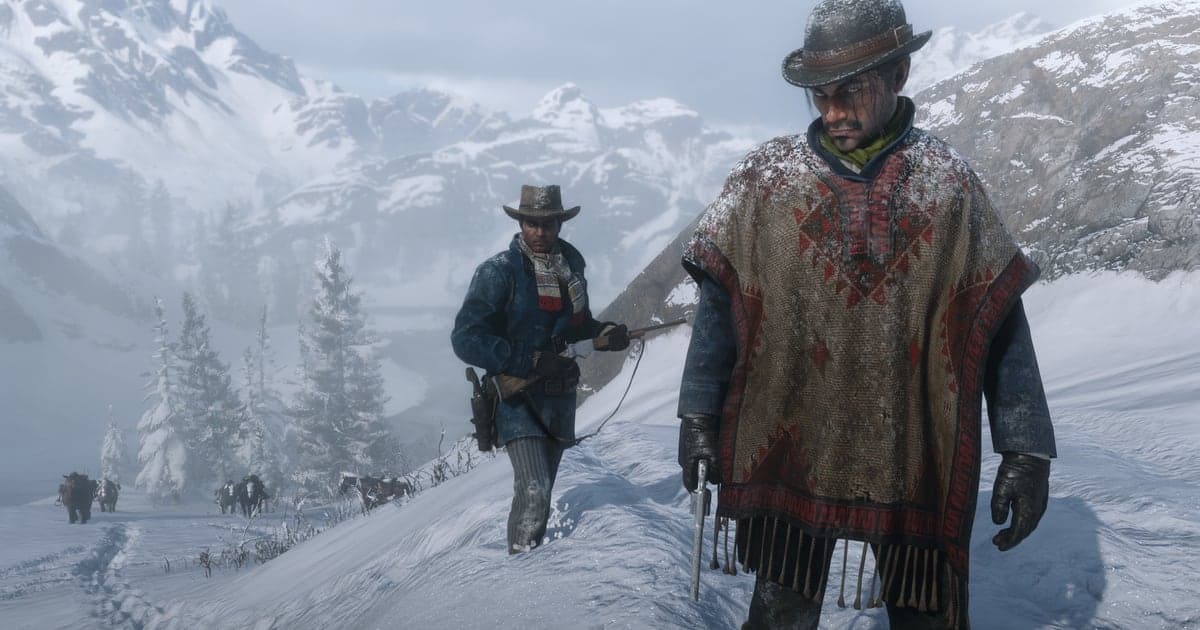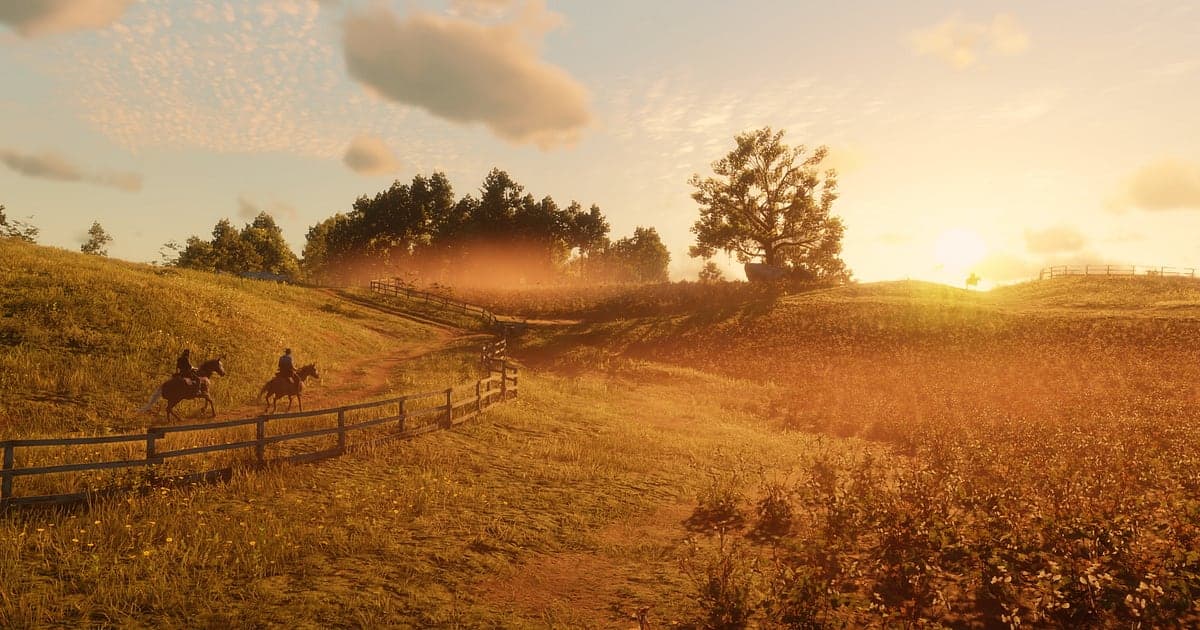
Red Dead Redemption 2 records automatically once DOR is installed: launch the game and the AI handles capture. Waking up at the gang camp, riding to the next mission, hunting, stopping in town and pulling off a robbery at night, everything from the moment you load your save until you quit flows into one video. Unlike GTA V, the PC version has no Rockstar Editor and no built in video capture, so most players start by wondering which recorder to set up. With DOR running, you can skip that question and just play. How DOR compares with other options is covered in how to record RDR2 on PC. This guide shows you how to record RDR2 with DOR, a free Windows app, then save, trim and share Dead Eye shootouts and sunset rides.
- Keep a whole RDR2 day in one video, from coffee at camp to a midnight robbery, without a record button.
- Save moments that are over in a flash, like a five shot Dead Eye or a legendary bear hunt, as clips right away.
- Use AI Voice Notes to turn your playthrough commentary into timeline text, then find 'Dutch has a plan again' after the credits.
- Combine Dead Eye shots, a Heartlands sunset ride and a train robbery into a recap that plays like one western.
- Send a sunset ride to a friend who has never played with a single dor.gg link.
Before you record Red Dead Redemption 2: install and recording mode
Red Dead Redemption 2 is GPU heavy, and travel takes a long time, so a single sitting can easily run for hours. DOR is a free Windows app and never adds a watermark. RDR2 uses full session recording, which means the video does not split after every gunfight or hunt: even an all day session stays in one video until you close the game. Tips for recording long story sessions without stutter are in recording long gameplay without stutter. The table below lists what is worth knowing before you record RDR2.
| Item | For Red Dead Redemption 2 | Notes |
|---|---|---|
| Install | DOR, free Windows app, no watermark | After install, just load your save and recording starts |
| Game version | Windows PC version on Steam | The PC version has no Rockstar Editor or built in video capture, so you need an outside recorder |
| Recording mode | Full session recording, one video from launch to exit | Long Story Mode rides and missions run together without breaks |
| Display mode | Fullscreen, windowed and borderless all record | DOR switches to monitor capture where game capture is blocked |
| Resolution and frame rate | 1080p at 30fps by default, 60fps available | GPU heavy game, so use the lighter 720p/30fps mode if it struggles |
| Storage | Longer sessions mean bigger files | Rides are long in this game, so keep plenty of space on your recording drive |
Record Red Dead Redemption 2 with DOR: step by step
- 1Install DORDownload DOR and install it. It takes about a minute and there is nothing to pay. Once installed, leave DOR running. If you want to add your own narration over scenic moments, just check that your mic is connected.
- 2Launch RDR2 and load your saveStart Red Dead Redemption 2 from Steam and load your Story Mode save. Recording begins as soon as DOR detects the game, so even the morning scene with coffee at camp is captured.
- 3Confirm the recording is runningWhen the camp appears, glance at the DOR app to confirm recording is in progress. If the game is not picked up, follow what to do when the recorder does not detect your game. From there, play as usual, whether you are riding to the next mission or heading out to hunt.
- 4Save a clip right after a big momentWhen you drop five outlaws in one Dead Eye, or take down a legendary animal with a single arrow, press the clip save shortcut before you skin it. The moment is saved as its own clip, so you do not have to dig for it in hours of footage.
- 5Close the game and open My ClipsWhen you are done for the day, close the game. That session's full video and every clip you saved show up together in My Clips in the DOR app. If you moved into a new chapter, check that scene first.
Find your recordings
Your recordings live in My Clips in the DOR app, also called the library. Each launch and exit of RDR2 becomes one session, and anything you saved with the clip save shortcut appears as its own clip. To find a gunfight you did not clip, look for the stretch where Dead Eye kicks in, the screen color shifts and motion slows down. It stands out even when you scrub quickly. For scenic rides, the loading screens you see during fast travel or when loading a save are good landmarks, along with the moment you mount up and break into a gallop. Keep shootouts short, 5 to 15 seconds from just before the enemies appear until the last one drops, but give rides 30 seconds to a minute, until you crest a hill and the view opens up, so the mood lands. Wide scenery suits 16:9, a quick Dead Eye works in 9:16, and 1:1 is there too. The full walkthrough is in how to trim game clips. Like the videos you want to keep for good, such as the ending. When space fills up, older videos you have not liked are cleared first, so your liked scenes stay put.
Save the moments you want to keep
Even though the whole session is recorded, saving gunfights and hunts that are over in a flash as clips on the spot is easier. Press the clip save shortcut and the last stretch of gameplay is saved as a clip. The default length is 30 seconds, and you can choose 15, 30, 45 or 60 seconds in settings. In RDR2, good times to press it are right after every enemy you marked with Dead Eye goes down, right after you bring down the legendary bear, right after the Valentine saloon brawl ends, and right after you lose the bounty hunters on your tail. Mood driven scenes like riding into the sunset are better at 60 seconds so the changing sky is captured, while a single Dead Eye fits in 15. Runs where you replay a mission to chase a gold medal can be saved the same way. Lengths and shortcut settings are covered in saving the last few seconds instantly.
Find what was said with AI Voice Notes
RDR2 is a single player story game, but lines like 'I can't believe how attached I am to this horse', 'Look at that sunset, stop for a second' and 'There's a bounty on us, ride' come out on their own while you play. DOR records game audio and your mic together, and AI Voice Notes writes what you say onto the recording timeline as text. After the credits, if you want to find the scene where you grumbled 'Dutch has a plan again', search that line in the timeline text and select it to jump straight there. The reactions you left across dozens of hours of story turn into a memoir of your playthrough. If your voice sounds quiet, check your input device in recording games with mic audio.
Build a montage with AI Highlight
Collect the best scene from every chapter and Arthur's journey becomes one western. In the library, check the five shot Dead Eye, the Heartlands sunset ride, the legendary bear hunt, the train robbery, the Valentine saloon brawl and losing the bounty hunters, then select AI Highlight. DOR joins them into your own RDR2 recap, a good thing to put together before you reach the ending. To arrange the clips in chapter order yourself, see how to merge game clips.
Edit in DOR Studio
DOR Studio opens in your browser with nothing to install. Punch zoom each Dead Eye mark as it fires and lay a slow track under the ride. Photo Mode only takes stills, but a clip of you riding through the landscape with music added makes scenery that moves. Use the handheld effect between gunshots for a raw, on the ground feel, and add chapter names as text to give your recap a clear flow. Export the cinematic cut in 16:9 and a Shorts version in 9:16 from the same edit. Vertical framing tips are in recording games for vertical Shorts. Download the finished video as an mp4 or share it as a link straight away.
Share with a dor.gg link
Send trimmed scenes as dor.gg links. Whoever opens the link plays the video right in the browser without the app, which makes it easy to send a sunset ride to a friend on Discord who has never played RDR2. For scenic clips, add a line with the area and time of day so a friend who plays can ride out and find the spot. Story changing missions can spoil things for friends who have not finished, so name the mission and leave out what happens. Tips on the right length and ratio for each scene are in sending RDR2 gameplay videos.
Red Dead Redemption 2 recommended settings and troubleshooting
RDR2 is GPU heavy. Start with the default 1080p at 30fps and only move up to 60fps if your graphics card has room to spare. If the game struggles in big towns or dense forest, switch to the 720p/30fps mode to cut the load. DOR uses GPU hardware encoding, so its effect on your in game frame rate is small, and if frames only drop while recording, work through fixing FPS drops while recording. Fullscreen, windowed and borderless windows all record. If the picture still comes out black, try switching the game's graphics API between Vulkan and DirectX 12, and see fixing fullscreen recording for the full checklist. DOR has no cheat features and never touches your game files or save data.
| Symptom | What to check | Fix |
|---|---|---|
| The recording is a black screen | Display mode and the game's graphics API | DOR records all three display modes and switches to monitor capture when game capture is blocked. If it is still black, switch the graphics API between Vulkan and DirectX 12 and test again |
| Hoofbeats or your narration are missing | Your Windows output device and DOR audio settings | Make sure the device you actually use is selected, then work through [fixing game recordings with no sound](game-recording-no-sound-fix) |
| Frames drop in big towns | Whether recording is set to 60fps, and whether graphics settings are high for your PC | Set recording back to 30fps or switch to 720p/30fps mode |
| Your drive fills up after an all day session | Where recordings are saved and how much space is free | Move recordings to a roomier drive with [changing where recordings are saved](change-recording-save-location) and clear originals you have trimmed |
| You tried to record video with Photo Mode | What Photo Mode is for | Photo Mode only takes stills. DOR is recording the whole time, so trim the footage you want from the library |