Record, edit
& find your community
Practical guides from capturing and editing gameplay to finding friends, parties, and communities.
Page 3 of 12
 Guide
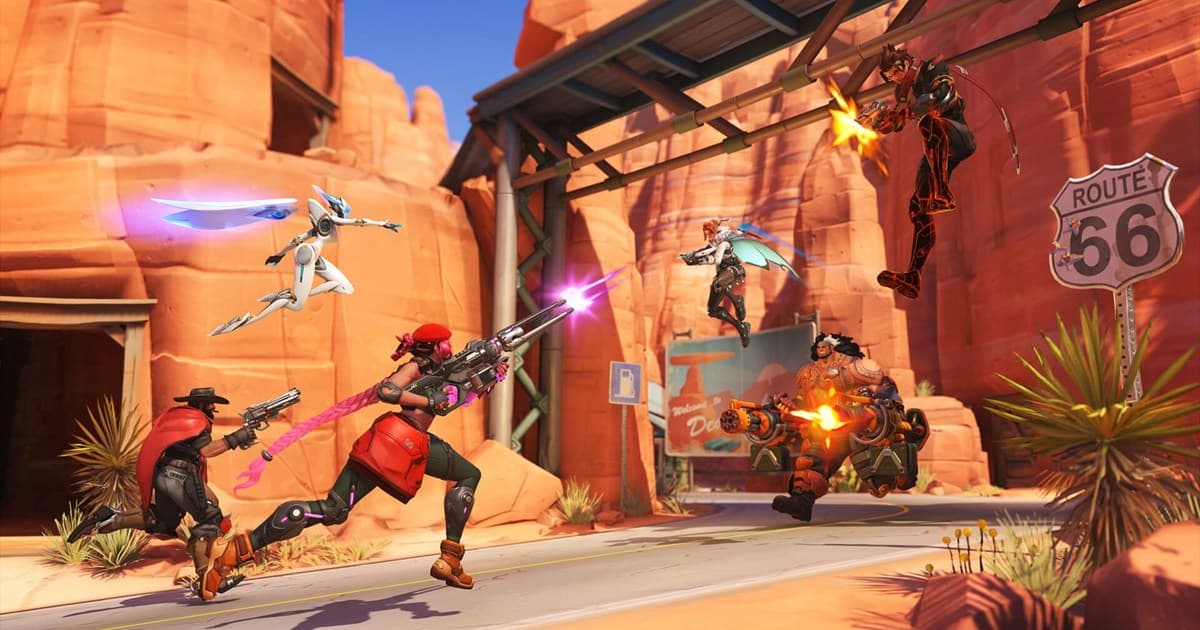
GuideOverwatch 2 Recommended Settings and a Complete Rundown of Crosshairs by Hero
From video settings that stabilize your frames to crosshair values for hitscan, projectile, and tank heroes, this is an Overwatch 2 settings guide you can enter exactly as written and be done.
 Comparison
Overwatch Rank Distribution, Tier Order and Competitive Requirements (Checked September 2026)
Blizzard's official tier percentages, the nine-tier order from Bronze to Champion, the 50-win unlock, 10 placement matches and group rank limits, all sourced from patch notes.
GuideHow to Watch Overwatch Replays: Replay Codes, Camera Switching, and Saving Highlights Forever (2026)
A complete rundown of how to load and play Overwatch replays from the main menu, share the same match with a replay code, and rewatch from every player's perspective with the free camera. We also walk you through, step by step, how to save replays as video so they last even when the patch changes.
 Guide
GuidePUBG Recording File Size: Save Space Without Ruining Video Quality
PUBG recordings can consume more storage than the game itself over time. Calculate file size from bitrate, choose practical quality settings, and organize OBS or DOR clips before the drive fills up.
 Recording Guide
Where PUBG Replay Files Are Stored: Demos Folder Path, Structure, and Keeping Them After Patches
PUBG replays live in %LOCALAPPDATA%\TslGame\Saved\Demos, one folder per match. Verified on a Steam install on September 14, 2026: the path, folder layout, sizes, how to match folders to the in-game list, why old replays stop working after updates, and how 2D Replay and camera controls differ.
 Recording Guide
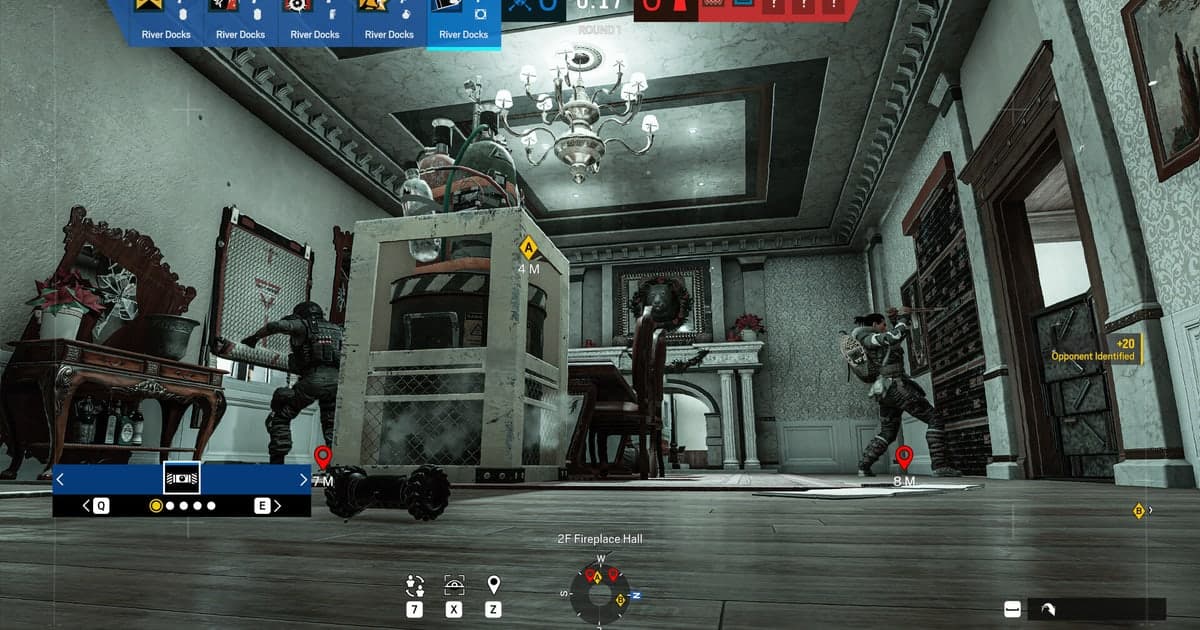
Where Rainbow Six Siege Match Replays Are Saved (MatchReplay Folder Path and Why They Expire Each Season)
Siege Match Replay files live in the MatchReplay folder inside the game's install directory, not in Documents. Here are the Steam and Ubisoft Connect paths, the PC storage cap, and why replays only play back within the same season, all from Ubisoft's official docs, plus how to keep a match past the season reset.
 Recording Guide
How to Record Apex Legends on PC: Auto-Record Every Match, Clip Fights Later
Apex has no replay mode, so recording is the only way to rewatch a match. Compare Game Bar, the NVIDIA app, Steam and DOR, then auto-record every full match and cut the fight afterwards.
 Guide
GuideHow to Record Discord Voice Along With Your Game: Capturing Call Audio via Desktop Audio and Splitting Tracks
The surest way to record Discord voice along with your gameplay in one go is to capture desktop audio. Splitting the tracks makes editing far easier, since you can lower or raise just the voice on its own.
 Recording Guide
TFT Replay: How to Rewatch a Teamfight Tactics Match When There Is No Official Replay (2026)
Teamfight Tactics has no downloadable .rofl replay like League (checked September 14, 2026). Here are the three ways to look back at a match: client match history, Riot API stat sites, and recording the full game with DOR.
 Guide
GuideThe Complete Valorant Crosshair Guide: How to Apply Pro Crosshairs with a Code (2026)
We break down the Valorant crosshair settings menu item by item, then cover recommended default settings, how to apply pro crosshair codes via import/export, and how to pick aim-friendly colors and a dot vs. crosshair, all in one place.
GuideHow to Lower Your Ping in Valorant: A Complete Rundown of Routing, Server, and Network Settings
Here is the surest order for pulling your Valorant ping down into the 30ms range. Just follow it step by step, from a wired connection to clearing the background, router QoS, and locking your regional server.
 Comparison
VALORANT Rank Distribution and Tier Order: What Riot Publishes vs. Tracker Estimates (2026)
Riot does not publish a regular tier-by-tier player breakdown for VALORANT. Checked 14 September 2026: the official tier ladder, RR promotion and demotion rules, the act placement structure, and the filters to apply before trusting any third-party estimate.
 Guide
GuideHow to Unlock Agents in Valorant: From Free-to-Play to New Agents, All in One Place (2026)
When you first launch Valorant, you only have a handful of agents to use, which can be confusing. This guide covers the three unlock methods (the Agent Recruitment Event, Kingdom Credits, and VP) plus a recommended free-to-play unlock order, all in one place.
 Recording Guide
Apex ADS Sensitivity: How to Set and Verify Your Aim Multiplier
There is no per-optic ADS sensitivity option in EA's documentation. Here is what the single ADS Mouse Sensitivity Multiplier changes, how to calculate your aim eDPI, and how to verify it in the Firing Range.
 Recording Guide
CS2 Premier Requirements: Prime Status, Profile Level 10 and CS Rating
Premier needs Prime Status and Profile Level 10 at the same time. Here is what Steam's official documentation says, checked on 8 September 2026.
 Team & Community
LoL Clash Schedule and Entry Requirements: Tickets, Lock-In, Rewards
Checked on 8 September 2026: the remaining Clash dates for the year, the three entry requirements, how tickets work, tier-based lock-in windows and where to check the reward tables, straight from Riot's official docs.
 Recording Guide
Where LoL Replay Files Are Saved (.rofl Path and How to Keep a Video)
On Windows, League of Legends stores .rofl replays in Documents\League of Legends\Replays. A .rofl is not a video file, so here is how to confirm the exact path, change the folder, and end up with something you can actually share.
 Comparison
OBS Adaptive Quantization: On or Off? Three Official Docs Compared
OBS's own official documents specify different values for Adaptive Quantization, formerly Psycho-Visual Tuning. Here is exactly what each one says, and a two-recording test that settles it on your GPU.
 Recording Guide
Overwatch 2 Advanced Reticle Options: What Each Setting Actually Changes
A plain dictionary of every reticle option confirmed in official Overwatch patch notes, what it changes on screen, and how to check your own build. Checked 8 September 2026.
 Recording Guide
PUBG Storage Space: 40 GB Minimum, 50 GB Recommended, and How to Free It Up
Steam lists 40 GB of available space at minimum spec and 50 GB at recommended for PUBG: BATTLEGROUNDS (checked 8 September 2026). Here is the full requirements table, the official way to move an install between drives, and the math for recording on top.
 Team & Community
Rainbow Six Siege Rank Distribution: What Ubisoft Actually Publishes
Ubisoft has never released a tier-by-tier player breakdown. Here is what the official Ranked 3.0 documentation does confirm, checked 8 September 2026, and exactly where to read your own rank.
 Troubleshooting
VALORANT Network Buffering: When to Raise It and When to Leave It Alone
Network Buffering does not lower your ping. Riot defines it as delay added before your input is processed, and that delay feeds straight into the peeker's advantage formula. Here is how to tell whether you actually have a reason to raise it, checked 8 September 2026.
 Team & Community
VALORANT Premier: Schedule, Requirements and Divisions Explained
The three entry requirements, the two-matches-per-week structure, playoff score cutoffs and promotion rules, all sourced from Riot's official documentation.
 Guide
GuideGame Highlight Recorder & Automatic Highlight Generator: Kills and Best Moments Clipped for You (2026)
Best moments erupt without warning and pass by before you can even turn on recording. An automatic game highlight generator detects events like kills, aces, and pentakills and turns only those sections into clips for you. We cover how automatic highlights work (event detection, replay buffer, manual) and how DOR catches best moments per game.