Record, edit
& find your community
Practical guides from capturing and editing gameplay to finding friends, parties, and communities.
Page 48 of 59
 Comparison
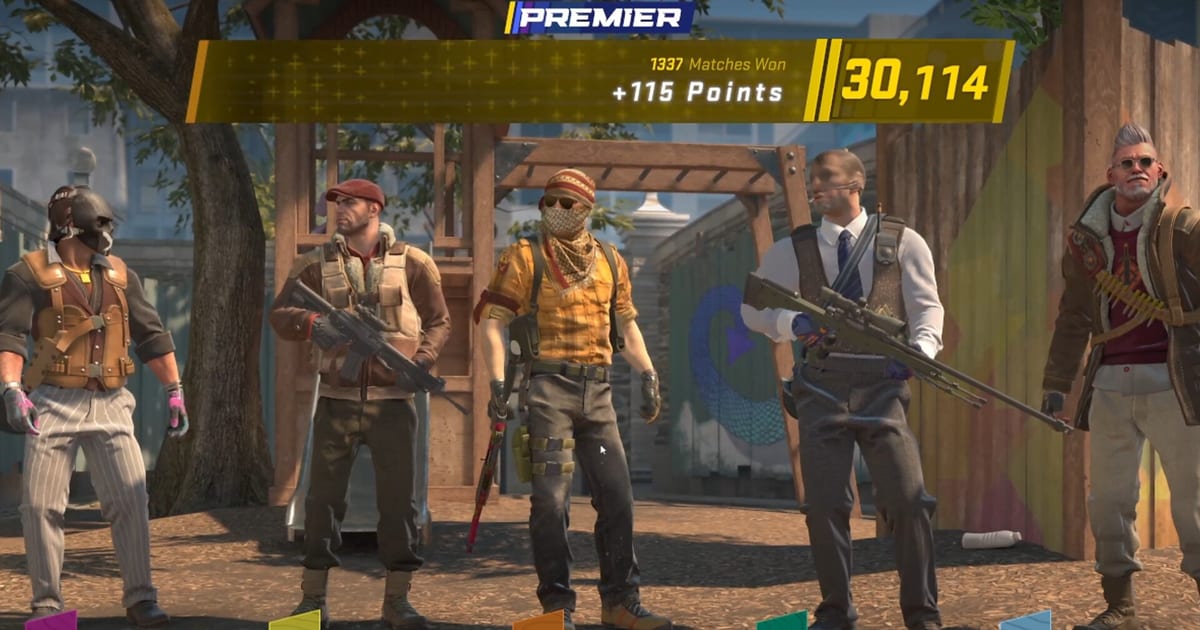
CS2 Rank Distribution (2026): Premier Rating, Competitive Ranks, and How to Read the Percentages
Valve has never published a percentage distribution for CS2 Premier CS Rating or Competitive ranks. Here is what the official sources confirm as of September 30, 2026, and how to read outside stats.
 Troubleshooting
CS2 System Requirements (2026): How Many GB and the Minimum PC Specs
What Steam officially lists for Counter-Strike 2 on Windows: the minimum specs, 85 GB of available space, and no recommended tier, checked September 30, 2026, plus how to compare your PC and free up room.
 Troubleshooting
Delta Force Lag and FPS Drops Fix (2026): Diagnose Network vs. PC
A step-by-step way to tell whether Delta Force lag comes from ping and packet loss or from low FPS on your PC, using the Steam performance monitor, ping and Microsoft's own guides, checked on September 30, 2026.
 Recording Guide
What Is DLSS Frame Generation? (2026) Supported GPUs, How to Enable It, and Trade-Offs
What DLSS Frame Generation is, which GeForce RTX series support it, how to turn it on in the game and NVIDIA App, and the conditions NVIDIA documents, checked September 30, 2026.
 Recording Guide
Fortnite Best Settings for FPS on PC (2026): Performance Mode, Power Mode, and V-Sync
A step-by-step order for raising Fortnite FPS on PC, based on Epic Games' official low frame rate guide: Performance mode, drivers, power mode, NVIDIA Control Panel, and V-Sync.
 Troubleshooting
Fortnite High Ping Fix (2026): Diagnose and Lower Latency on PC
How to fix high ping in Fortnite on PC: measure ping and packet loss first, then work through congestion, routing and matchmaking causes using Epic's official steps. Checked September 30, 2026.
 Troubleshooting
Fortnite System Requirements on PC (2026): Minimum, Recommended, and How Many GB
Fortnite PC minimum and recommended specs from Epic's official page, plus an honest answer on how many GB it needs and how to shrink the install.
 Comparison
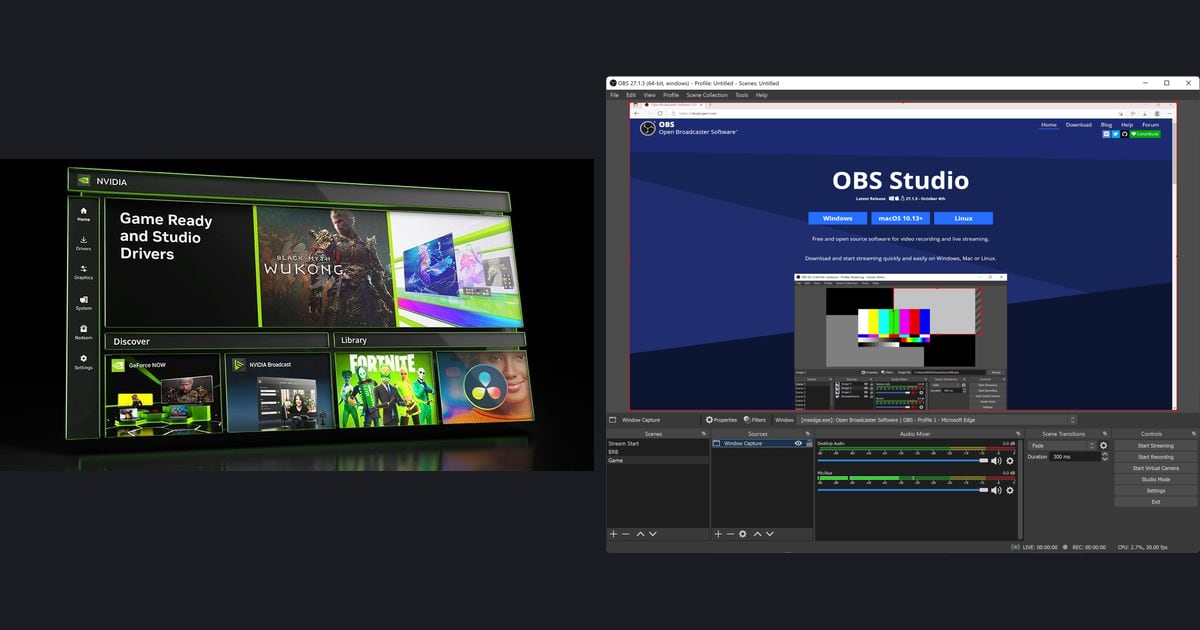
Fraps Alternatives for Windows 11 (2026): Game Recording and FPS Counter Options
What Fraps' official pages say, and how OBS, the NVIDIA app, Xbox Game Bar, AMD Software and DOR compare for game recording and an FPS counter, as checked on September 30, 2026.
 Recording Guide
Hardware-Accelerated GPU Scheduling on Windows 11 (2026): What It Is and How to Turn It On or Off
What hardware-accelerated GPU scheduling is, where to switch it on or off under Settings > System > Display > Graphics, and what to check when the toggle is missing, based on Microsoft, NVIDIA and Intel documentation.
 Recording Guide
How to Change Your Refresh Rate on Windows 11 (2026): Set 144 Hz and Fix Missing Options
Where to change the monitor refresh rate on Windows 11, and what to check in order when 144 Hz is missing from the list or the setting will not apply: cable, port, driver, and Dynamic refresh rate, based on Microsoft and NVIDIA documentation.
 Recording Guide
How to Check GPU Temperature on Windows 11 (2026): Task Manager and NVIDIA App
Open Task Manager with Ctrl+Shift+Esc and look at the GPU entry on the Performance tab first; if no temperature shows, use the NVIDIA app or AMD Software overlay. Checked against official docs on September 30, 2026.
 Recording Guide
How to Check Your PC Specs on Windows 11 (2026): CPU, RAM, GPU, and DirectX
Use Settings, Task Manager, and dxdiag to check your CPU, RAM, GPU entry, and DirectX version on Windows 11, with menu names confirmed against Microsoft's documentation on September 30, 2026.
 Recording Guide
How to Show FPS in Games on PC (2026): Steam, NVIDIA, and Xbox Game Bar Counters
The official ways to put an FPS counter on screen in PC games: the Steam performance monitor, the NVIDIA app overlay (Alt+R), and Xbox Game Bar (Win+G), with conditions checked on September 30, 2026.
 Recording Guide
How to Update Graphics Drivers on Windows 11 (2026): NVIDIA, AMD, and Intel
A Windows 11 walkthrough based on official Microsoft, NVIDIA, AMD, and Intel documentation: identify your GPU, use Windows Update optional updates or the vendor tool, and what to check when an install fails.
 Troubleshooting
League of Legends Client Black Screen Fix (2026): Loading Screen, Riot Client and In Game Steps
Fix a black League of Legends client, a black screen instead of the loading screen after champion select, or a screen that goes black mid game, in the order Riot's own support docs give. Checked November 12, 2026.
 Recording Guide
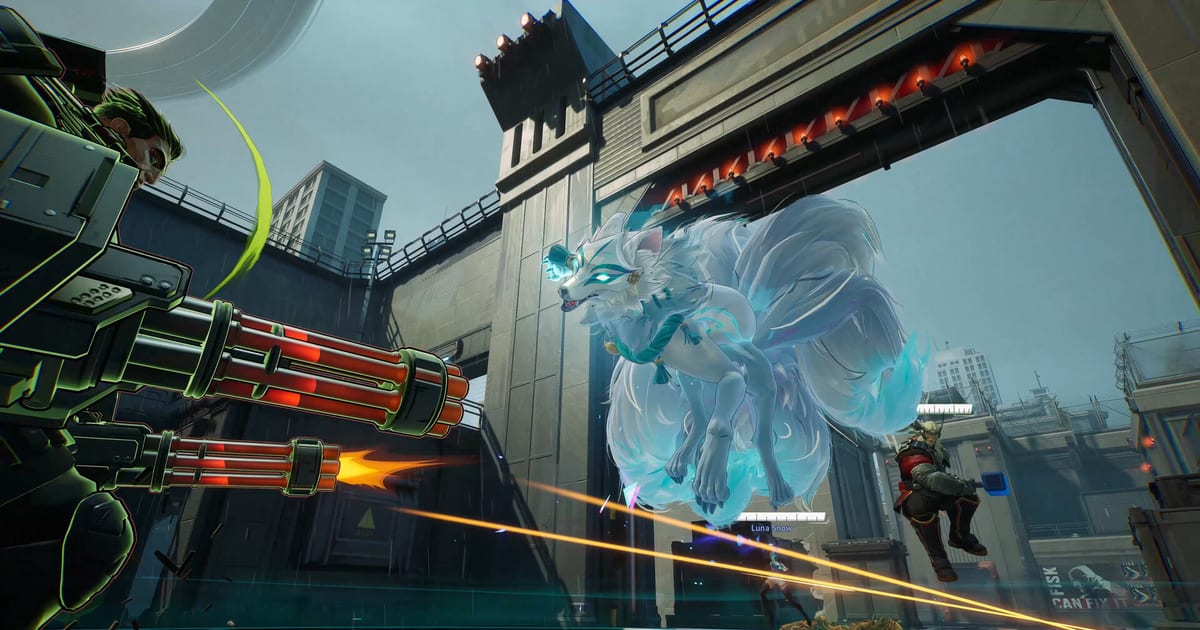
Marvel Rivals Best Settings for FPS (2026): Low-End PC Graphics Options
Which Marvel Rivals graphics and performance options have official backing for more FPS, and in what order to apply them. PC version, checked September 30, 2026.
 Troubleshooting
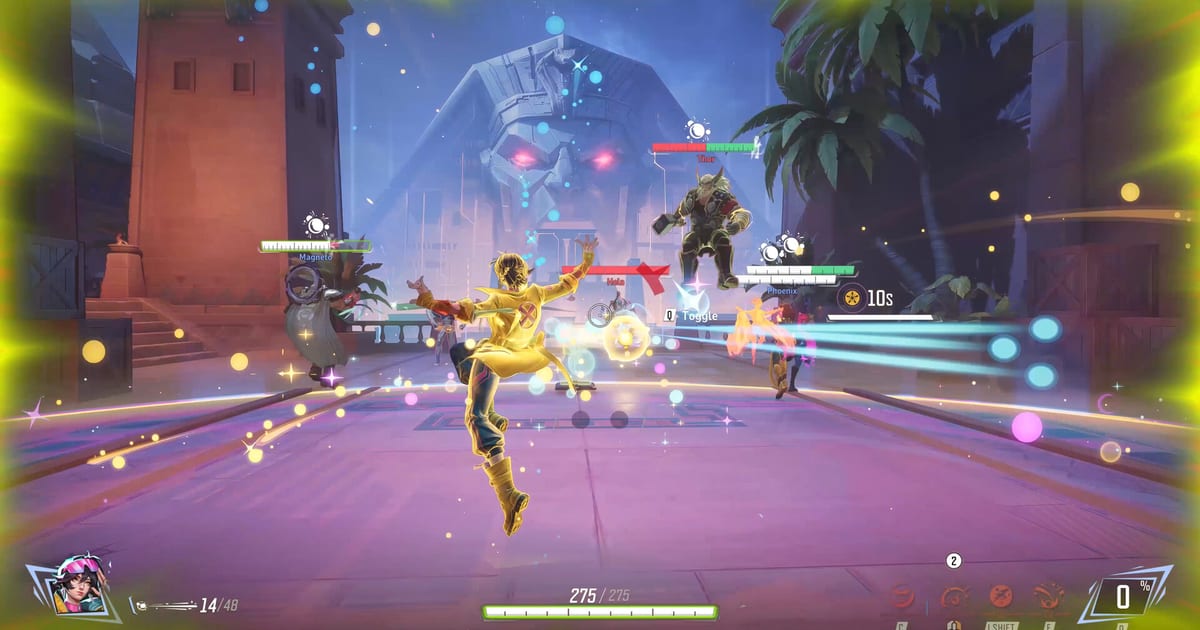
Marvel Rivals System Requirements (2026): Minimum, Recommended, VRAM and How Many GB
Marvel Rivals PC minimum and recommended specs, exactly as Steam lists them, plus what the 70 GB really means, a dxdiag check and what to plan for when you also record.
 Comparison
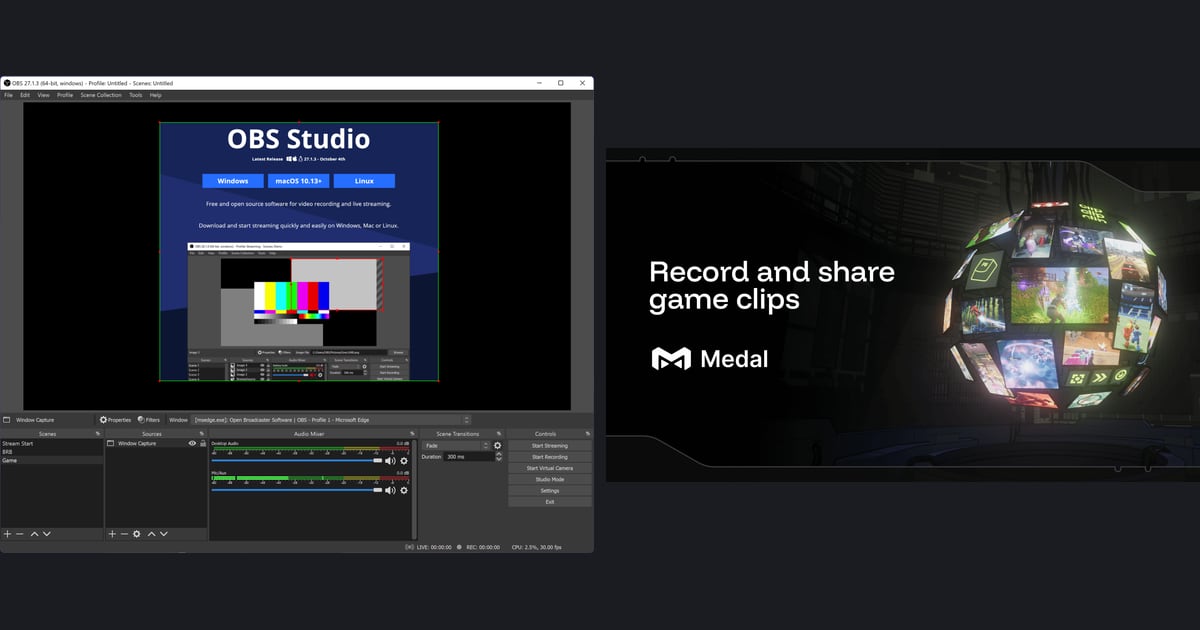
Medal vs OBS for Clipping and Recording (2026): Differences and Which to Use
Medal and OBS compared on free limits, watermark, how clips get saved, session recording and auto clipping, using their official pages as checked on November 12, 2026.
 Troubleshooting
Minecraft System Requirements on PC (2026): Java and Bedrock Minimum and Recommended Specs
The official Minecraft PC system requirements checked on September 30, 2026, split into Java Edition and Bedrock Edition for Windows, with storage figures and steps to check your own PC.
 Recording Guide
How to Move a Steam Game to Another Drive (2026): Library Folders and Move
Add a Steam Library folder on the target drive, then use Storage > Move. Steps checked against Steam Support on September 30, 2026, plus what to check when it fails.
 Recording Guide
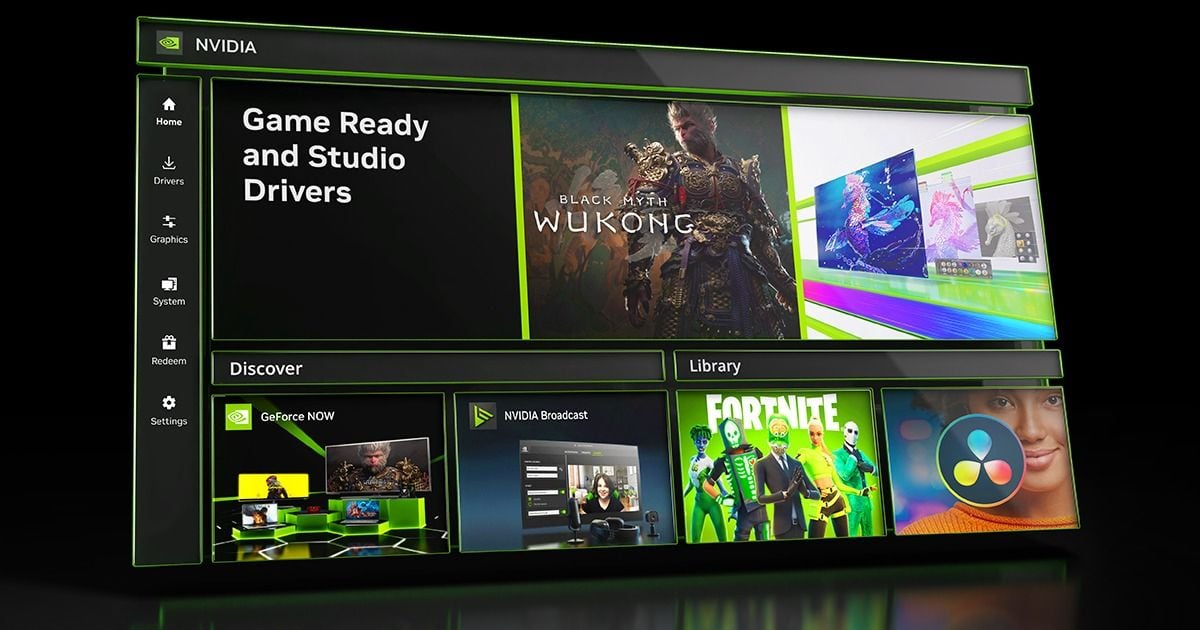
How to Record with the NVIDIA App (2026): Instant Replay, Recording, and Hotkeys
How to open the NVIDIA Overlay with Alt+Z, start and stop a recording with Alt+F9, and turn on Instant Replay, based on NVIDIA's own documentation as checked on September 30, 2026.
 Recording Guide
NVIDIA Control Panel Best Settings for Gaming (2026): What Each 3D Option Does
What Power management mode, Low Latency Mode, Max Frame Rate, Vertical sync and other Manage 3D settings options do, based on NVIDIA documentation checked on September 30, 2026.
 Recording Guide
OBS Settings for 1440p Recording (2026): Resolution, Bitrate, and Encoder
The three settings that matter for 1440p recording in OBS are Advanced output mode, 2560x1440 resolution, and a quality-based value of 16-23 on a hardware encoder. Based on official docs.
 Recording Guide
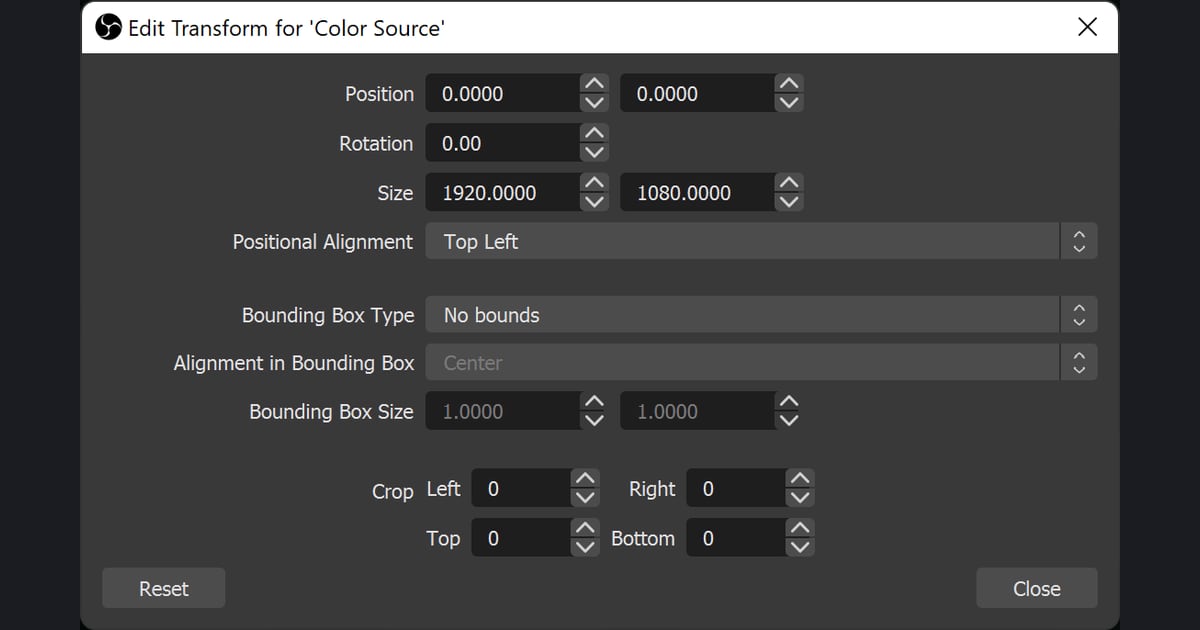
OBS Base (Canvas) Resolution vs Output (Scaled) Resolution (2026): Settings and Downscale Filter
What OBS's Base (Canvas) Resolution, Output (Scaled) Resolution and Downscale Filter each do, and when to keep them equal or different, based on OBS's own documentation.