Record, edit
& find your community
Practical guides from capturing and editing gameplay to finding friends, parties, and communities.
Page 47 of 59
 Troubleshooting
Valorant Crashing or Not Launching (2026): Riot's Official Fix Order
What Riot's own support docs tell you to check when VALORANT crashes or will not launch on PC, split by symptom. Checked October 6, 2026.
 Troubleshooting
VALORANT System Requirements (2026): Minimum, Recommended, and Vanguard TPM Rules
Riot's official VALORANT PC specs in one table (Min 30 FPS, Rec 60 FPS, High-end 144 FPS), plus the Windows 11 TPM 2.0 and Secure Boot rule and a step-by-step way to check your own PC. Checked October 6, 2026.
 Recording Guide
How to VOD Review Yourself in Apex Legends (2026): Record Whole Matches and Review Fights
A VOD review in Apex Legends starts with your match existing as video. Here is what the EA Help pages cover, plus a record, pick, watch and trim workflow.
 Recording Guide
Best Minecraft Recording Settings (2026): Resolution, FPS and Encoder
A practical order for choosing resolution, frame rate, encoder and recording format for Minecraft videos, built from official OBS and YouTube documentation checked on October 2, 2026.
 Recording Guide
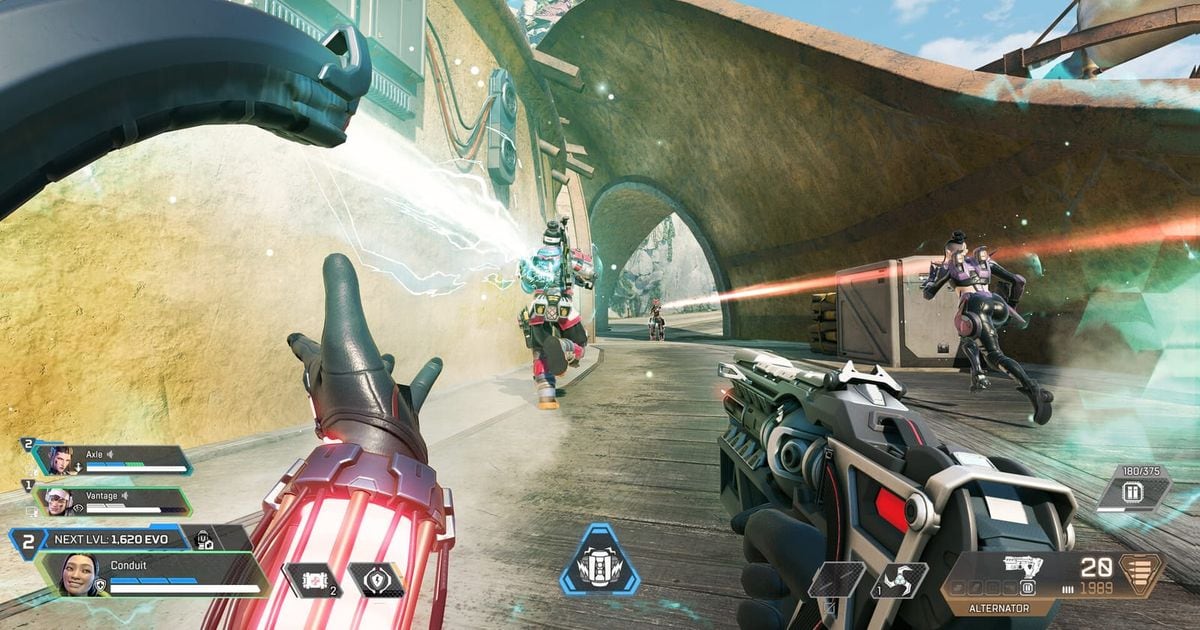
How to Get Better at Apex Legends (2026): Build a Feedback Loop From Your Own Matches
A PC-only guide to improving at Apex Legends using the practice and feedback tools EA documents, plus a record-and-review loop for your own matches. Includes honest limits of each tool.
 Recording Guide
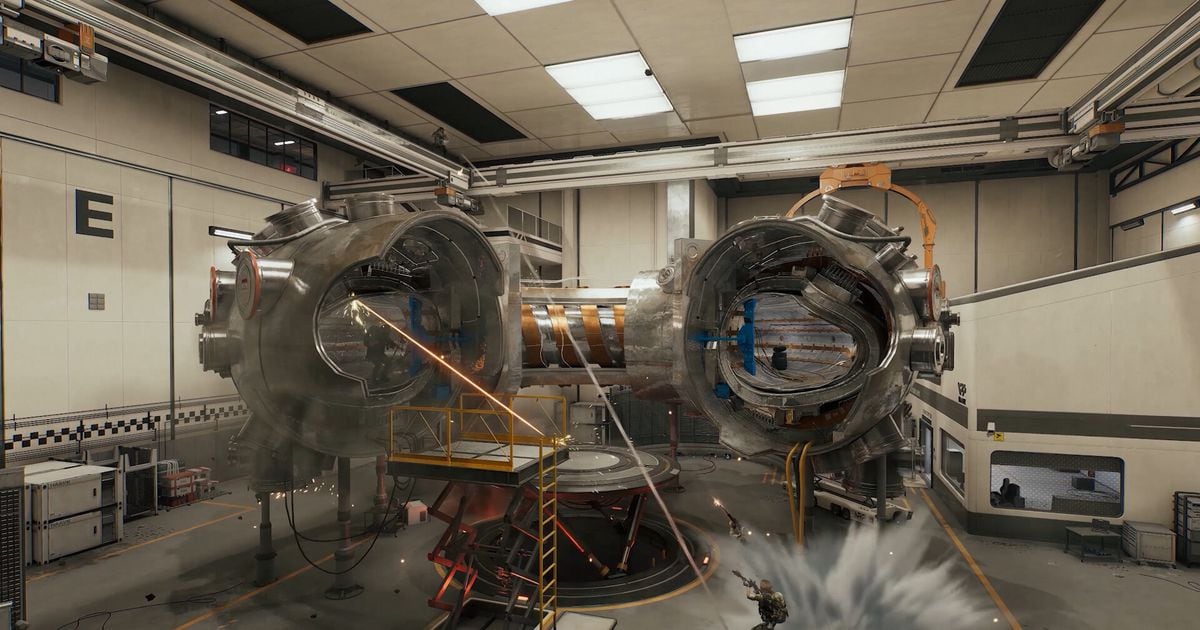
How to Get Better at Delta Force (2026): Build a Feedback Loop From Your Own Matches
Fix one thing at a time and review your own matches. Here is what the official sources confirm for Delta Force practice and feedback on PC, and how a recorded full match fills the gap.
 Recording Guide
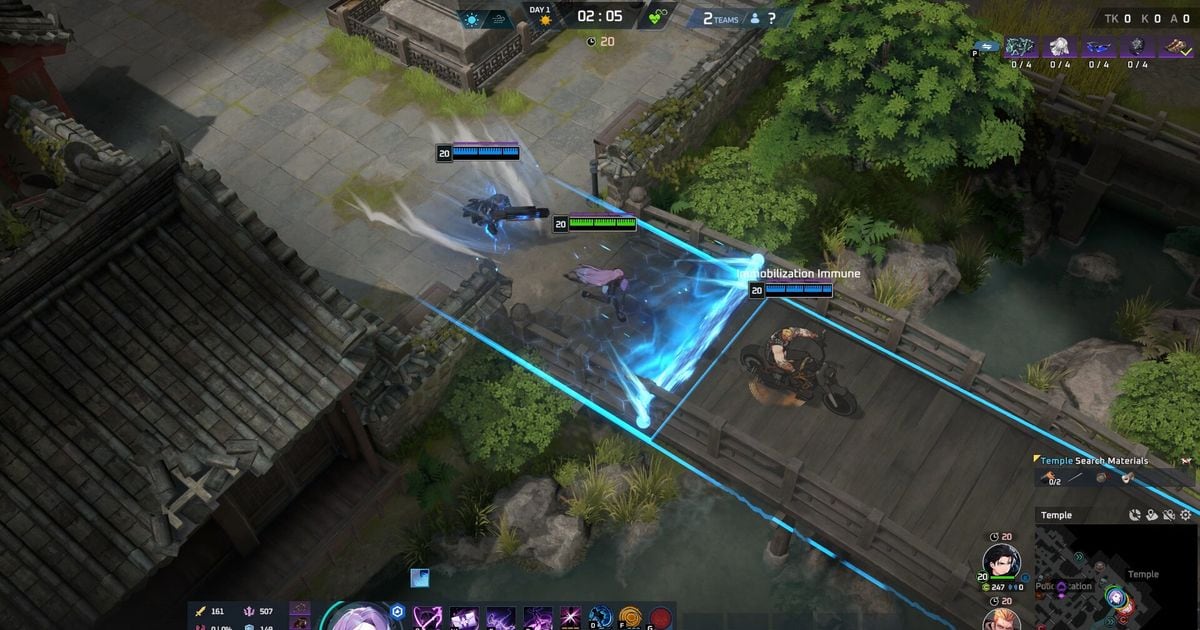
How to Get Better at Eternal Return (2026): Build a Feedback Loop From Your Own Matches
A practical way to improve at Eternal Return on PC: fix one thing per match, review your own match on video, and use the practice tools the official support center actually documents.
 Recording Guide
How to Get Better at Fortnite (2026): Build a Feedback Loop From Your Own Matches
What Fortnite's official replays, Career stats and Ranked scoring guide can and cannot tell you on PC, plus a one-fix-at-a-time review loop built on your own recorded matches.
 Recording Guide
How to Get Better at League of Legends (2026): Build a Feedback Loop From Your Own Games
A practical way to get better at League of Legends: fix one thing at a time and check your own games. This guide covers the official limits of the Practice Tool, Match History and Replays, plus a review routine for recorded games, checked October 2, 2026.
 Recording Guide
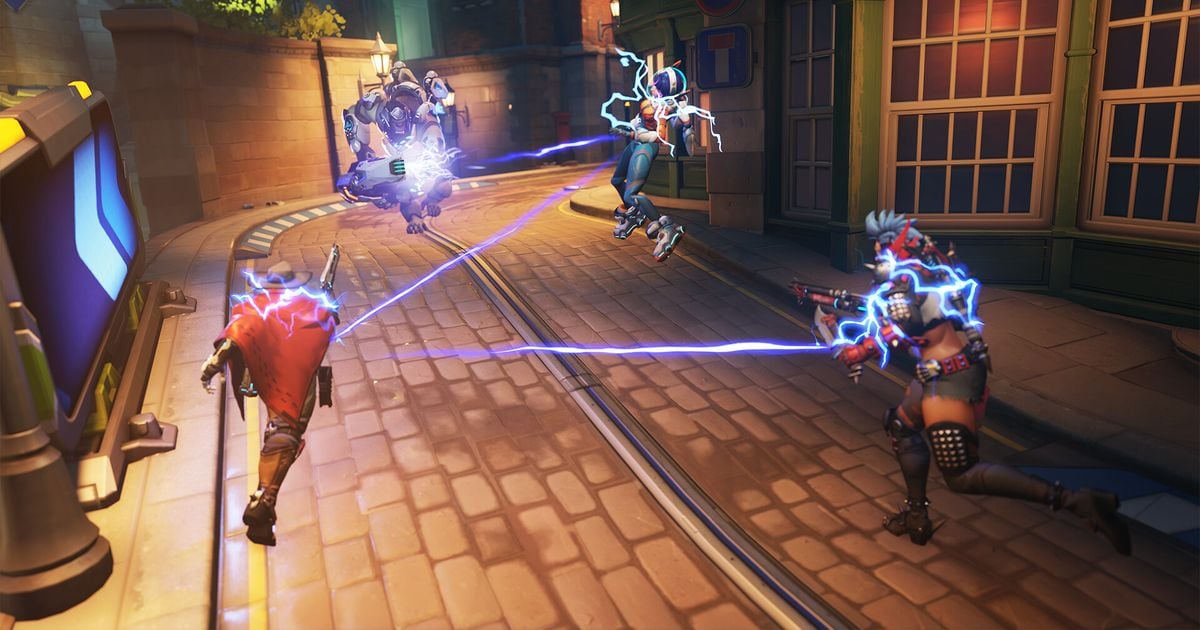
How to Get Better at Overwatch (2026): Build a Feedback Loop From Your Own Matches
Pair Overwatch's official practice and feedback tools (Replays, Highlights, Game Reports, the Practice Range and Hero Mastery) with recordings of your own matches, and review one fix at a time.
 Recording Guide
How to Get Better at PUBG (2026): Build a Feedback Loop From Your Own Matches
How to get better at PUBG with a simple loop: record a match, fix one habit, repeat it in Training Mode, then check the next match. Official replay and training tools and their limits, as of October 2, 2026.
 Recording Guide
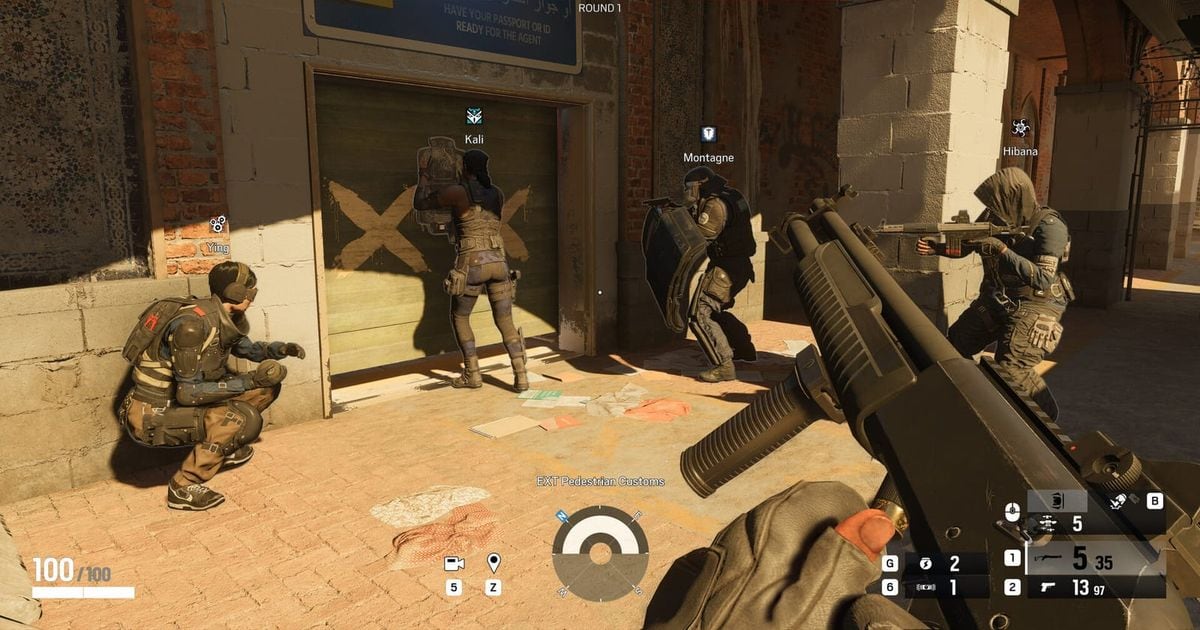
How to Get Better at Rainbow Six Siege (2026): Build a Feedback Loop From Your Own Matches
A practical way to get better at Rainbow Six Siege on PC: pick one thing to fix, review your own match, drill it in official practice modes, then check it in your next game. Verified October 2, 2026.
 Recording Guide
How to Get Better at TFT (2026): Build a Feedback Loop From Your Own Games
What Riot's official documents confirm about reviewing Teamfight Tactics games, where those tools stop, and a step-by-step loop for recording your own games and fixing one thing at a time.
 Recording Guide
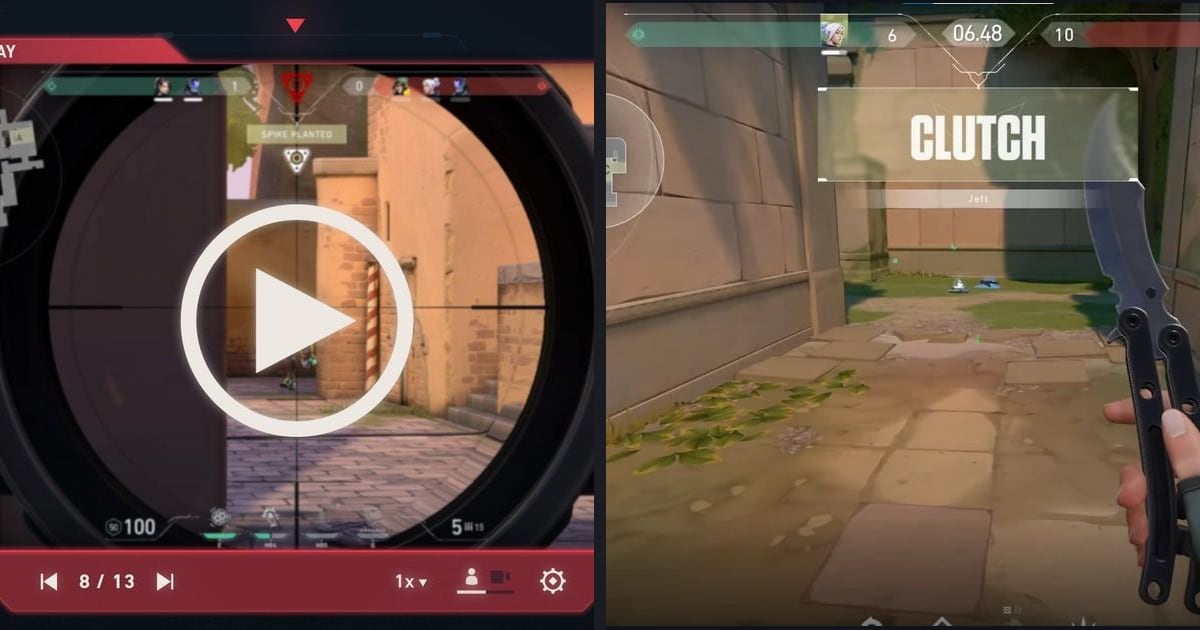
How to Get Better at Valorant (2026): Build a Feedback Loop From Your Own Matches
A PC-only guide to improving at VALORANT with Riot's official Replays, Performance Score, Career page and the Range, plus a one-fix-at-a-time review loop built on your own match recordings, checked October 2, 2026.
 Recording Guide
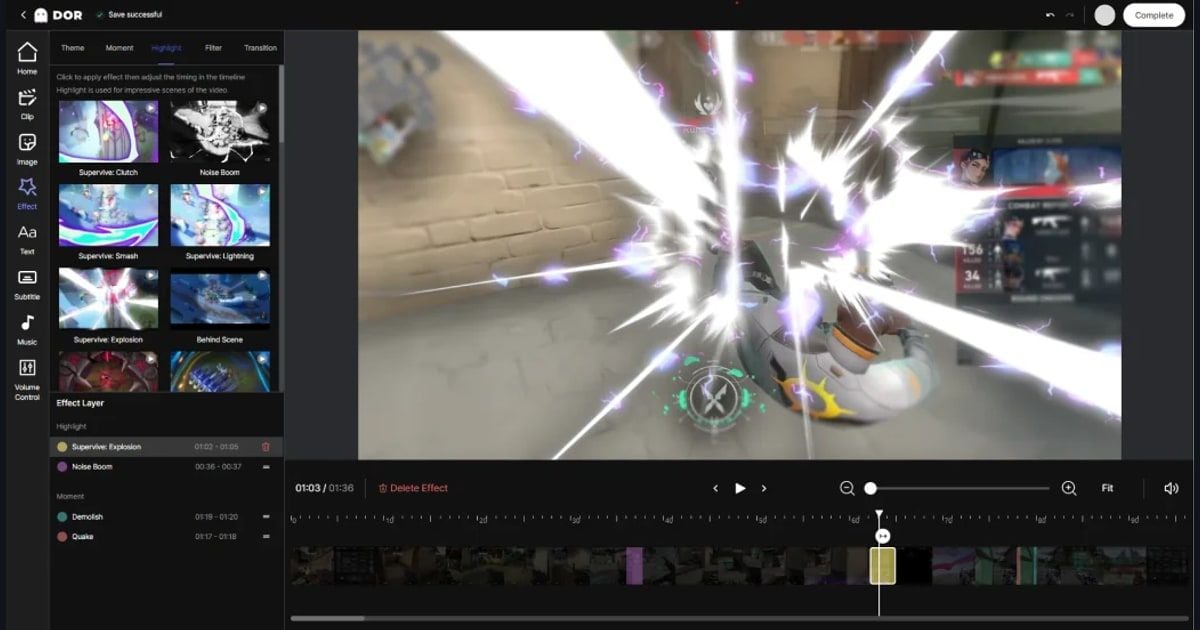
How to VOD Review Yourself (2026): A Game-Agnostic Workflow From Recording to Checklist
A VOD review starts with having your match saved as video. Here is a six-step PC workflow, a comparison of replay limits against your own recordings, and a checklist, all checked on October 2, 2026.
 Recording Guide
How to VOD Review Your League of Legends Games (2026): Replays vs Your Own Recordings
VOD review starts with having your game saved as video. See how long LoL replays last, how to pick games and ask the right questions, and how to save just the moments worth keeping.
 Recording Guide
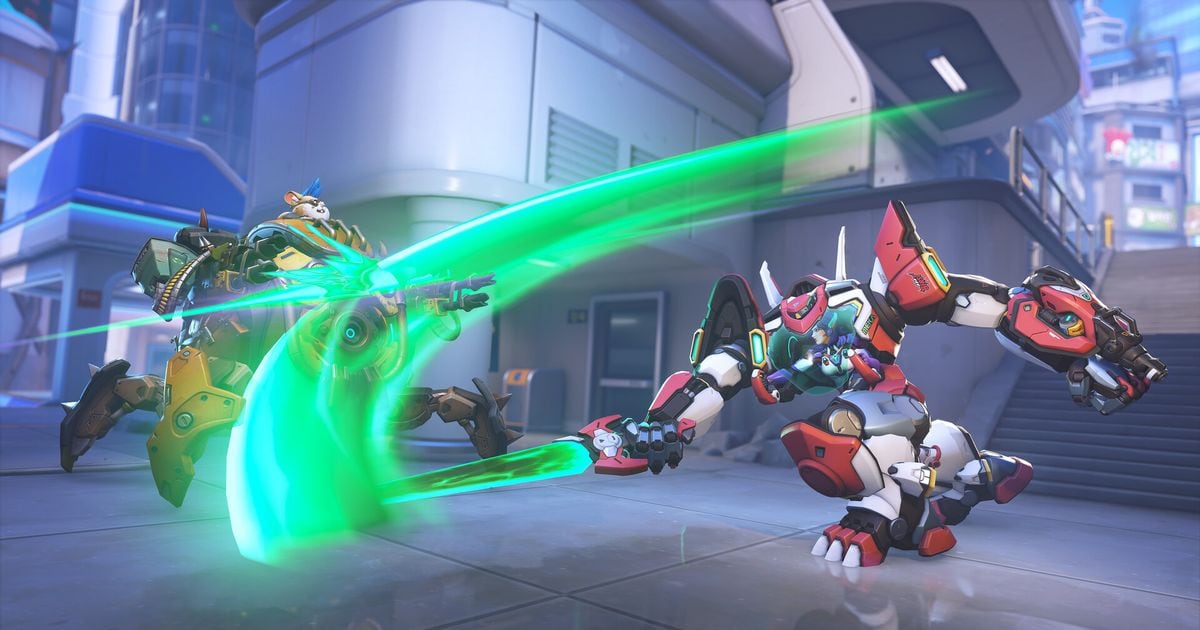
How to VOD Review Yourself in Overwatch (2026): Replay Limits and Recording Your Own Matches
Reviewing your own Overwatch matches only works if the match still exists as video. Here is what in-game Replays keep, and a step-by-step way to record, pick, watch and trim your own games.
 Recording Guide
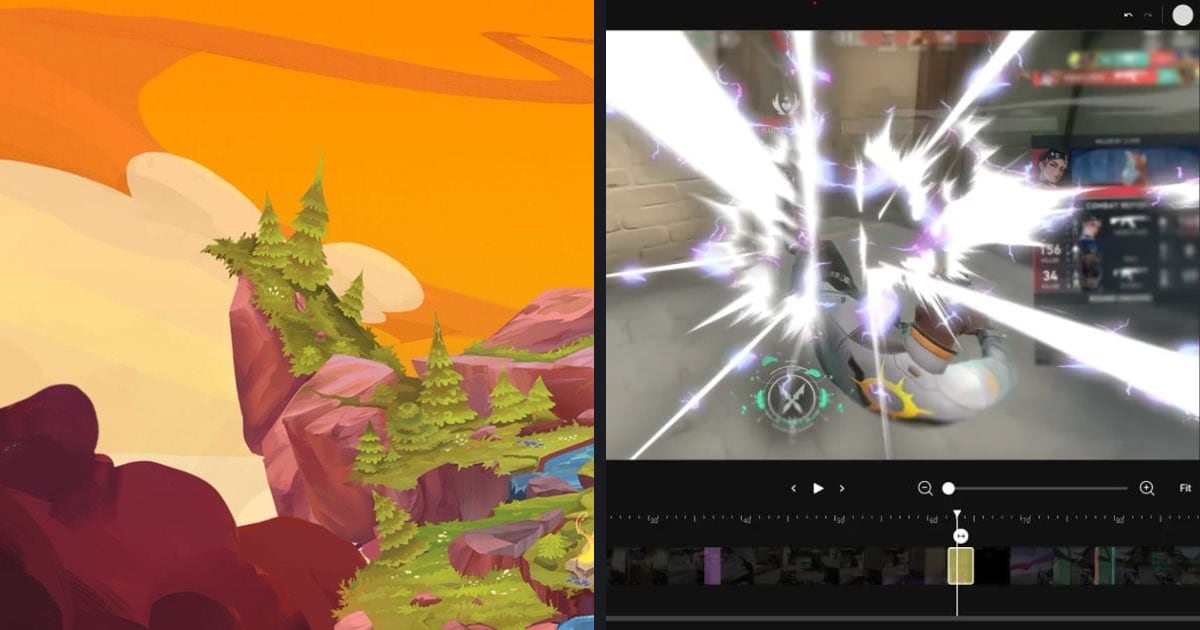
TFT VOD Review (2026): How to Review Your Teamfight Tactics Games Round by Round
A TFT VOD review starts with having your game saved as video. This guide covers picking a game, asking the right questions, and trimming the moments you want to keep.
 Troubleshooting
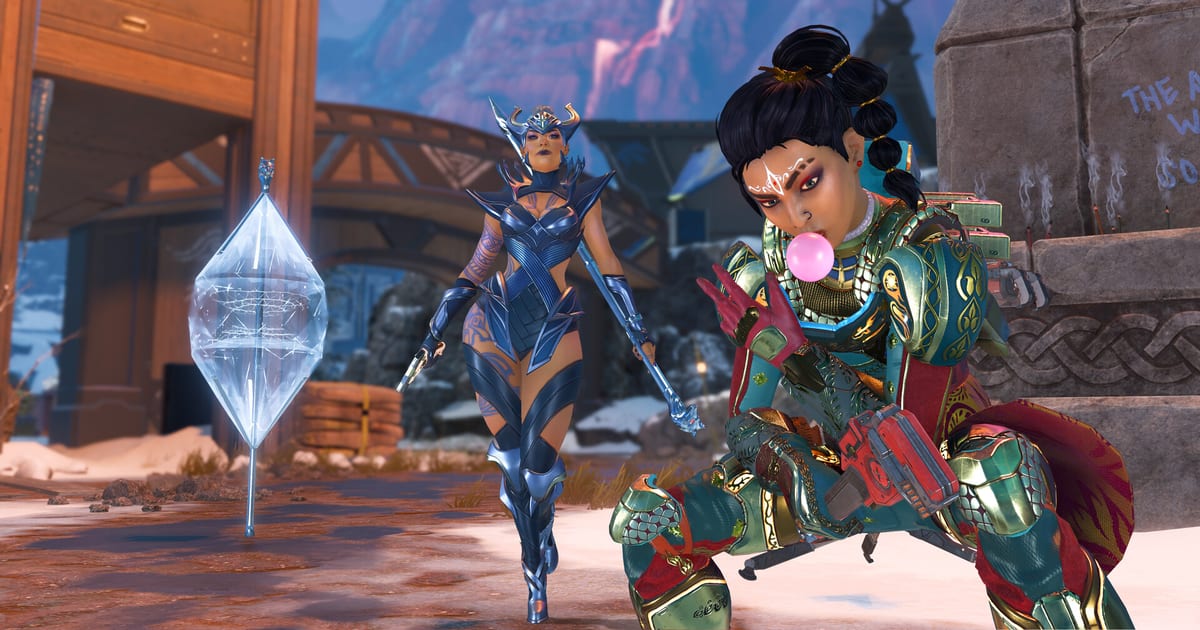
How to Get Lower Ping in Apex Legends (2026): Data Center Choice and Network Checks
High ping or lag in Apex Legends on PC: turn on Performance Display, switch to the closest Data Center, check server status, then check your own connection, following EA Help.
 Troubleshooting
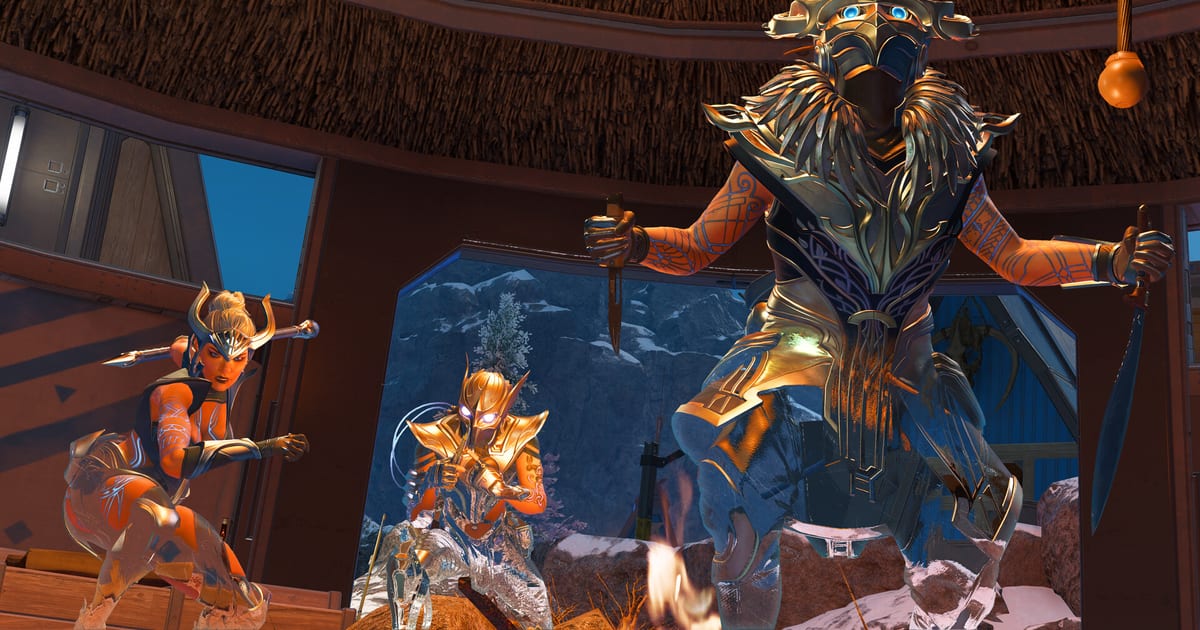
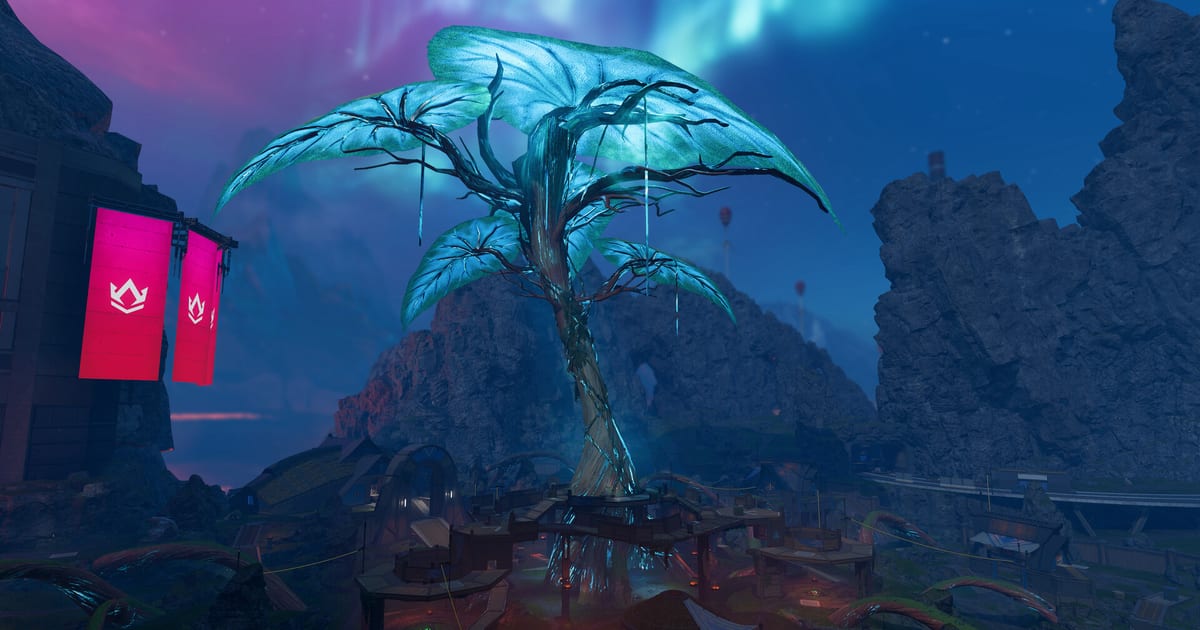
Apex Legends Won't Launch (2026): Steam, EA app and Javelin Anticheat Fixes
Checked November 12, 2026: a fix order for Apex Legends not launching or stuck on the title screen on PC, built from EA's help pages and the announcements around the switch to EA Javelin Anticheat.
 Troubleshooting
Apex Legends System Requirements (2026): How Many GB, Minimum and Recommended PC Specs
Apex Legends PC minimum and recommended specs, the 75 GB free space listed by EA and Steam, how to free up room and check your PC with dxdiag, as of September 30, 2026.
 Comparison
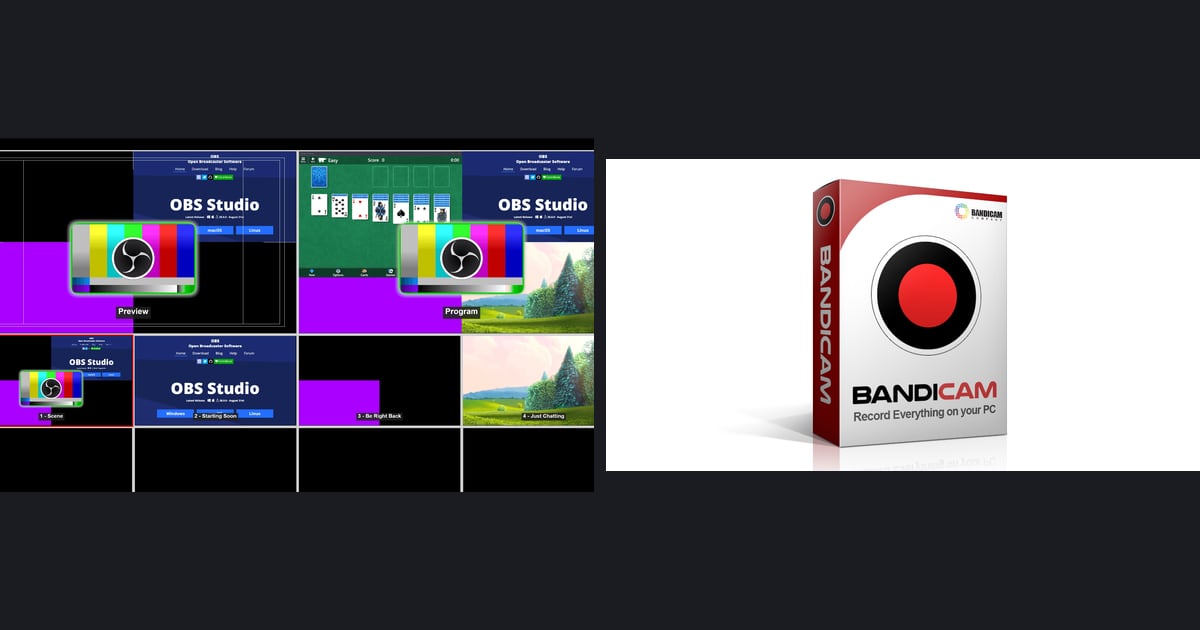
Bandicam vs OBS Studio (2026): Game Recording, Pricing, and Watermark Compared
A side-by-side of Bandicam and OBS Studio on price, watermark, recording limits, supported OS, and game capture, using only values checked on the official sites as of September 30, 2026.
 Recording Guide
How to Check Your DirectX Version (2026): dxdiag System Tab Steps for Windows 11
Check your DirectX version in dxdiag: open the System tab and read DirectX Version under System Information. Steps and limits based on Microsoft's official documentation as checked on September 30, 2026.
 Recording Guide
How to Choose Which GPU a Game Uses on Windows 11 (2026)
Pick the graphics card a game runs on with Windows 11 Graphics settings, learn why that choice overrides the NVIDIA Control Panel, and confirm the result in Task Manager. Based on Microsoft and NVIDIA documents rechecked on November 12, 2026.