Record, edit
& find your community
Practical guides from capturing and editing gameplay to finding friends, parties, and communities.
Page 49 of 59
 Troubleshooting
Best OBS Encoder for Recording (2026): H.264 vs HEVC vs AV1 by GPU
Which OBS recording encoder to pick (H.264, HEVC or AV1), which GPUs can use each one, and how container, editor and upload support change the answer. Checked September 30, 2026.
 Troubleshooting
OBS “Failed to Start Recording” Fix (2026): NVENC, AMF, and Output Errors
When OBS shows an error the moment you press Start Recording, this guide maps the official OBS 32.x error text to causes: the log, video drivers, NVENC conflicts, recording path permissions, security software, and format mismatches.
 Comparison
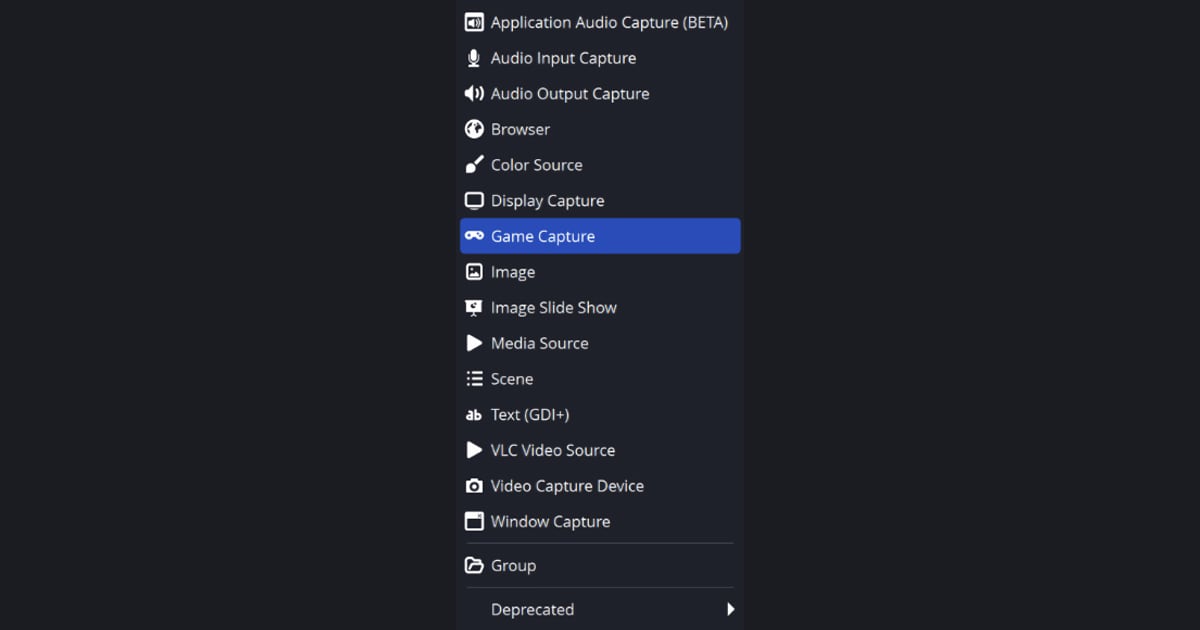
OBS Game Capture vs Window Capture vs Display Capture (2026): Which to Use
A source-picking guide based on OBS's own documentation: when Game Capture is the right choice for a Windows game, and when to fall back to Window Capture or Display Capture.
 Troubleshooting
OBS Recording Looks Washed Out (HDR/SDR Fix, 2026): Color Format, Color Space and Color Range
If an OBS recording looks faded, check that Windows HDR and the Color Format, Color Space and Color Range in OBS Advanced settings form a matching combination, following the official OBS guide.
 Troubleshooting
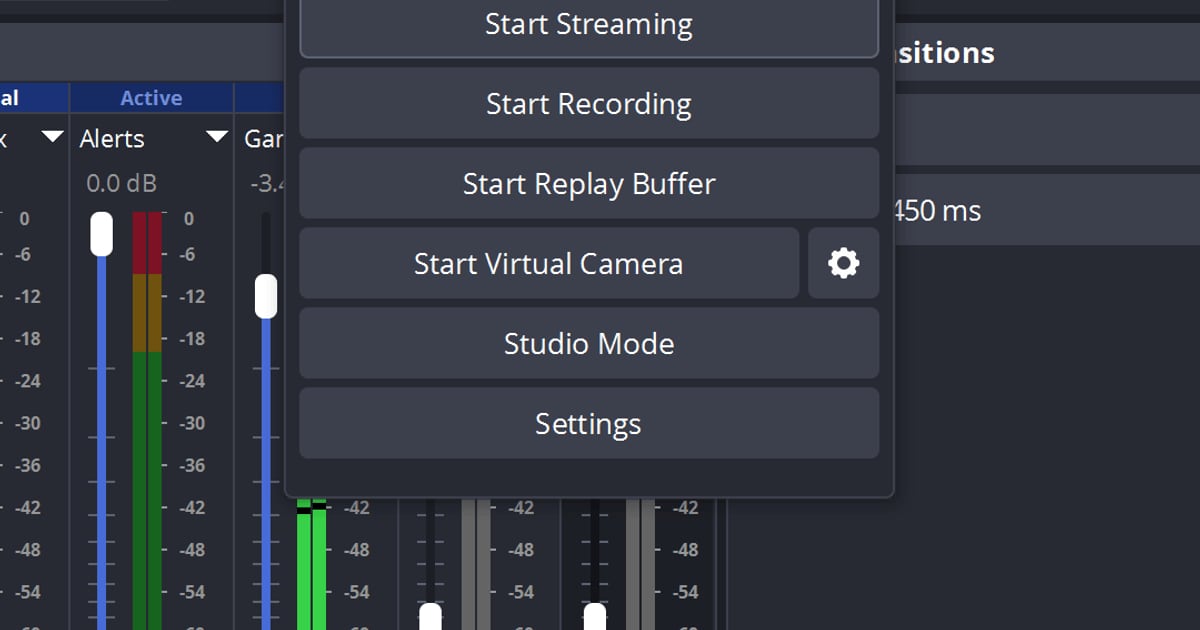
OBS 'Frames Missed Due to Rendering Lag' Fix (2026): Causes and Steps
When the OBS Stats dock shows 'Frames missed due to rendering lag', follow the official order: run as administrator, cap the game frame rate, then trim output and scene load.
 Troubleshooting
OBS Studio System Requirements (2026): Minimum Specs and What to Check Before Recording Games
The official OBS Studio requirements for Windows (Windows 10 or 11, a DirectX 10.1 compatible GPU) exactly as published, plus the general principles the official docs give for recording next to a game, as checked on September 30, 2026.
 Comparison
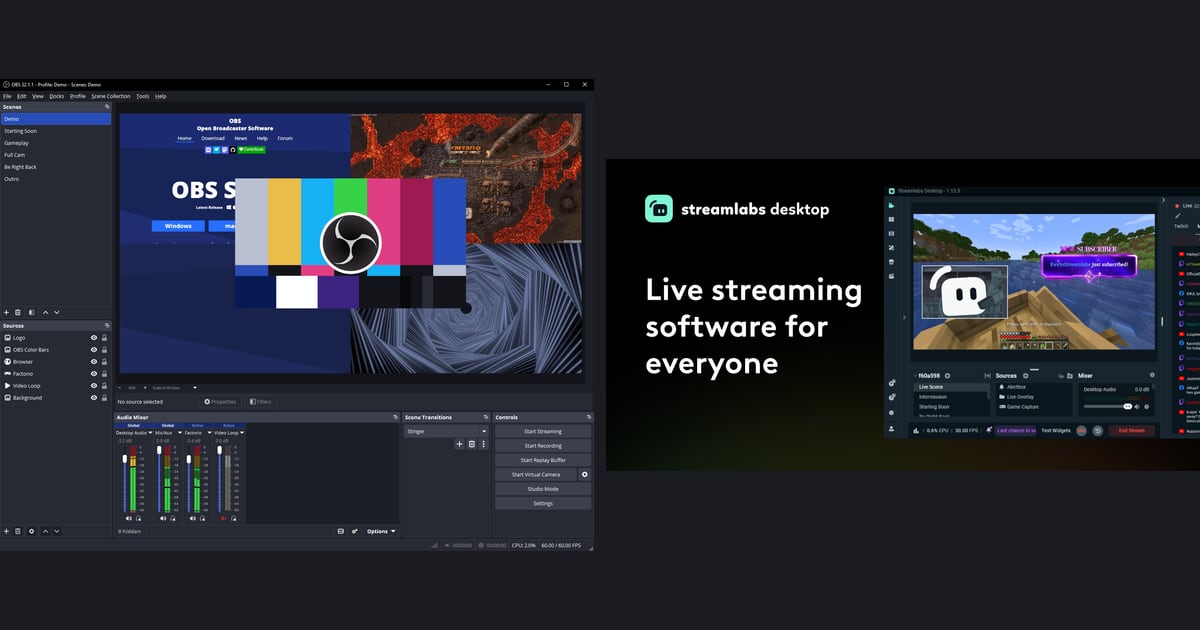
OBS vs Streamlabs Desktop for Recording (2026): Features, Pricing, and Which Fits You
OBS Studio and Streamlabs Desktop compared for local recording on Windows: price, watermark, OS support and paid features, using only values checked on official pages.
 Troubleshooting
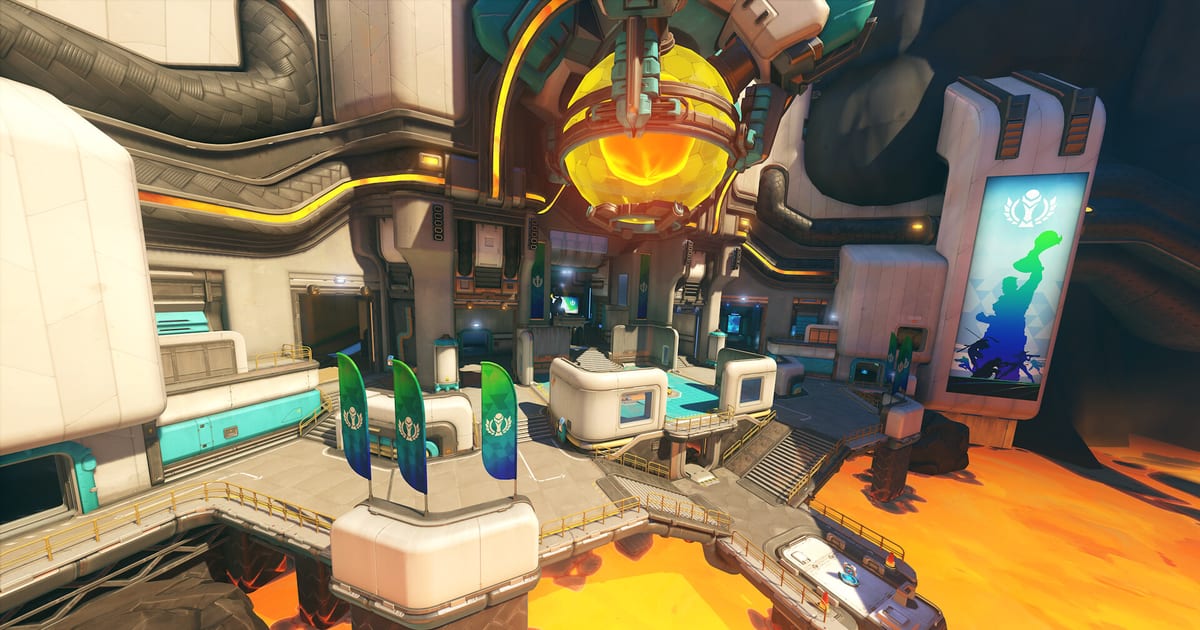
Overwatch 2 Won't Launch (2026): Fixes for Battle.net and Steam
What to do when Overwatch 2 (now officially just Overwatch) won't start: Blizzard's six-step order, a symptom table, and where Steam and Nexon players should go for help.
 Troubleshooting
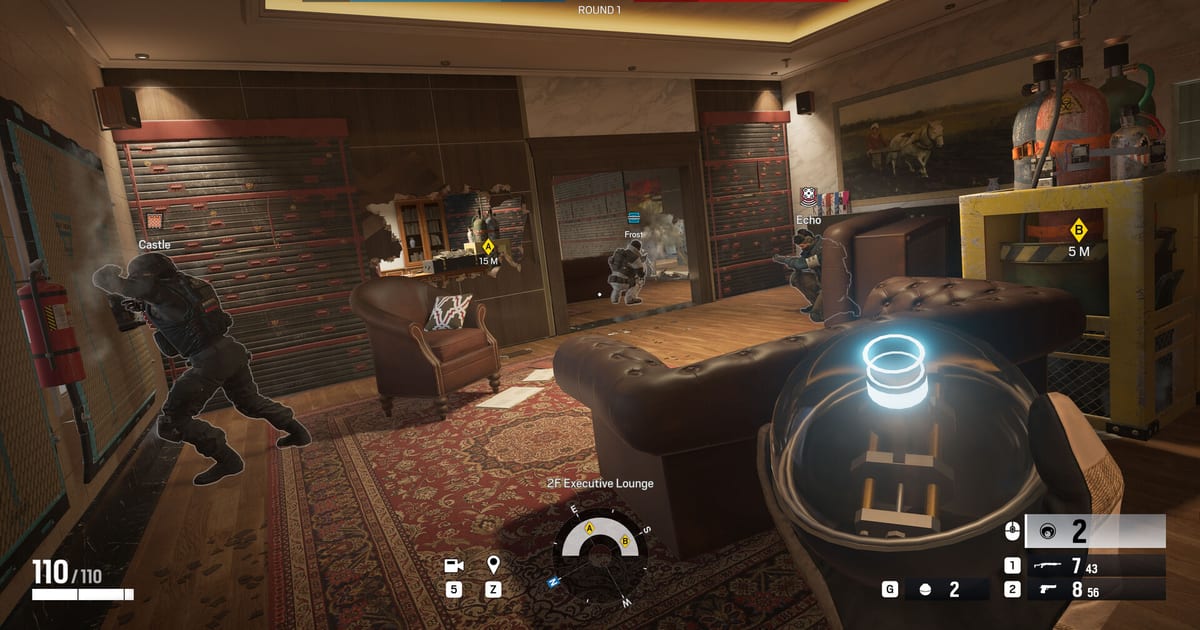
Overwatch 2 (Now Overwatch) System Requirements 2026: Minimum, Recommended, and How Many GB
The PC minimum and recommended specs for Overwatch (formerly Overwatch 2) as listed on Steam, the 50 GB available space requirement, and how to check your own PC.
 Recording Guide
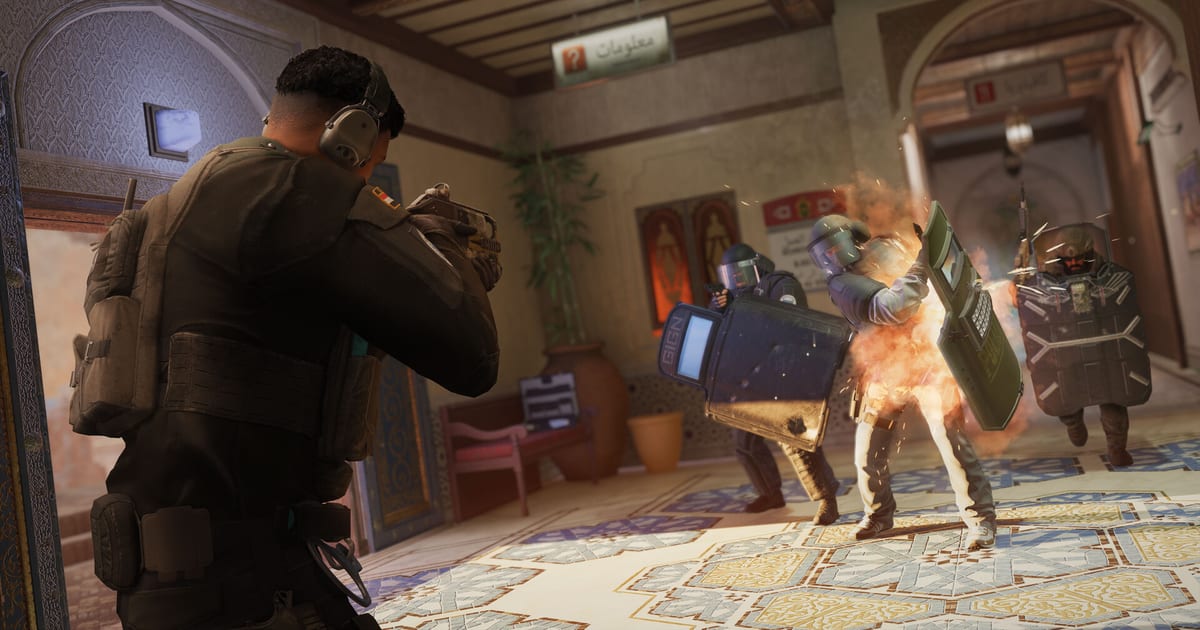
Rainbow Six Siege Best Settings (2026): Graphics for FPS
The three graphics options that matter most for FPS in Rainbow Six Siege on PC, the direction to move each one, and an order to apply them, based on Ubisoft support guidance.
 Troubleshooting
Rainbow Six Siege System Requirements (2026): Minimum, Recommended, and How Many GB
Official Rainbow Six Siege PC minimum and recommended specs, the 65 GB free-space requirement (SSD required), and how to check your PC, as of September 30, 2026.
 Recording Guide
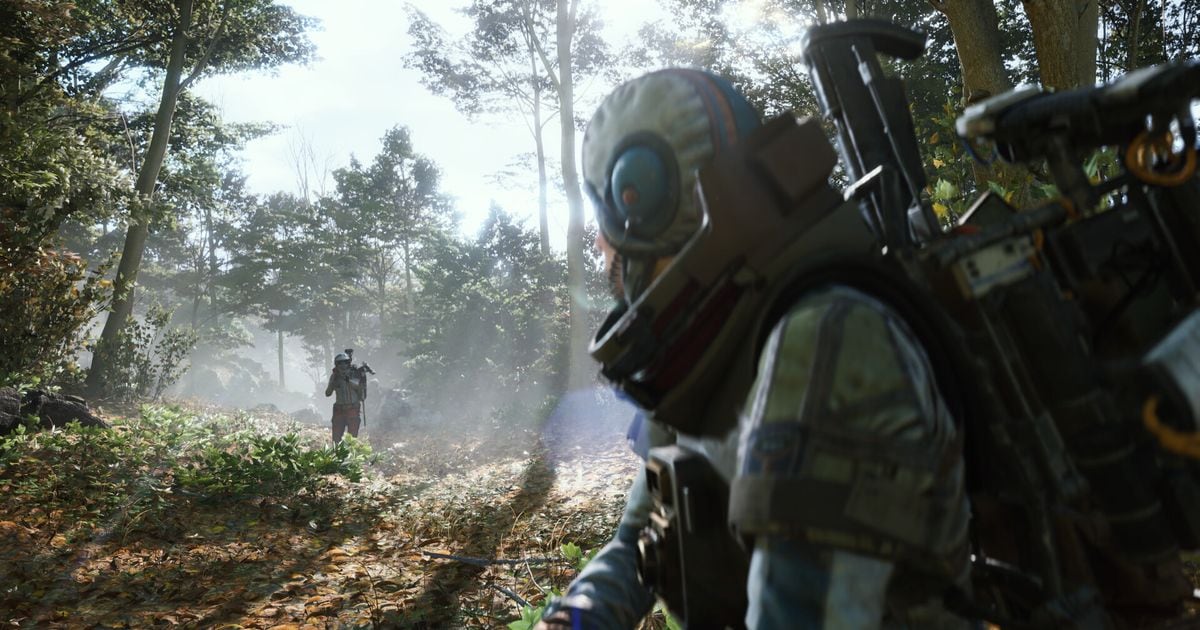
How to Record ARC Raiders Gameplay on PC (2026): Built-in Tools, OBS, and DOR
How to record ARC Raiders on a Windows PC with Xbox Game Bar, the NVIDIA app, OBS Studio, or DOR, with steps and cautions checked against official pages as of September 30, 2026.
 Recording Guide
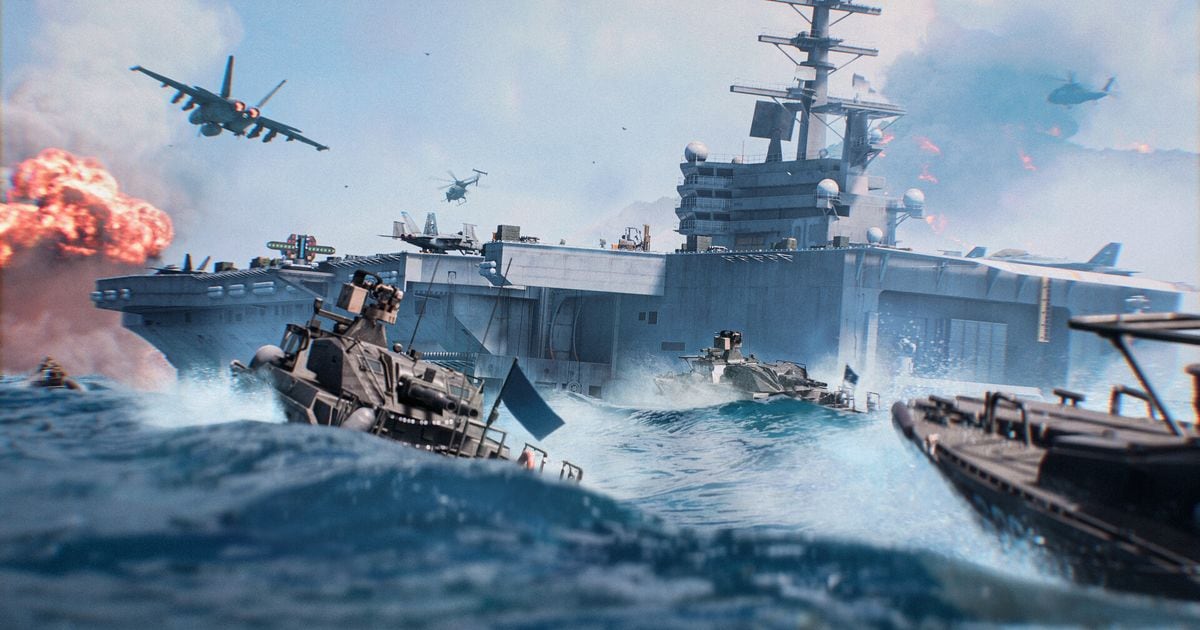
How to Record Battlefield 6 Gameplay on PC (2026): Game Bar, NVIDIA app, OBS, and DOR
Compare Xbox Game Bar, the NVIDIA app, OBS Game Capture, and DOR for recording Battlefield 6 on PC, plus the Secure Boot and TPM 2.0 checks EA Javelin anticheat makes you do first, based on official documents.
 Recording Guide
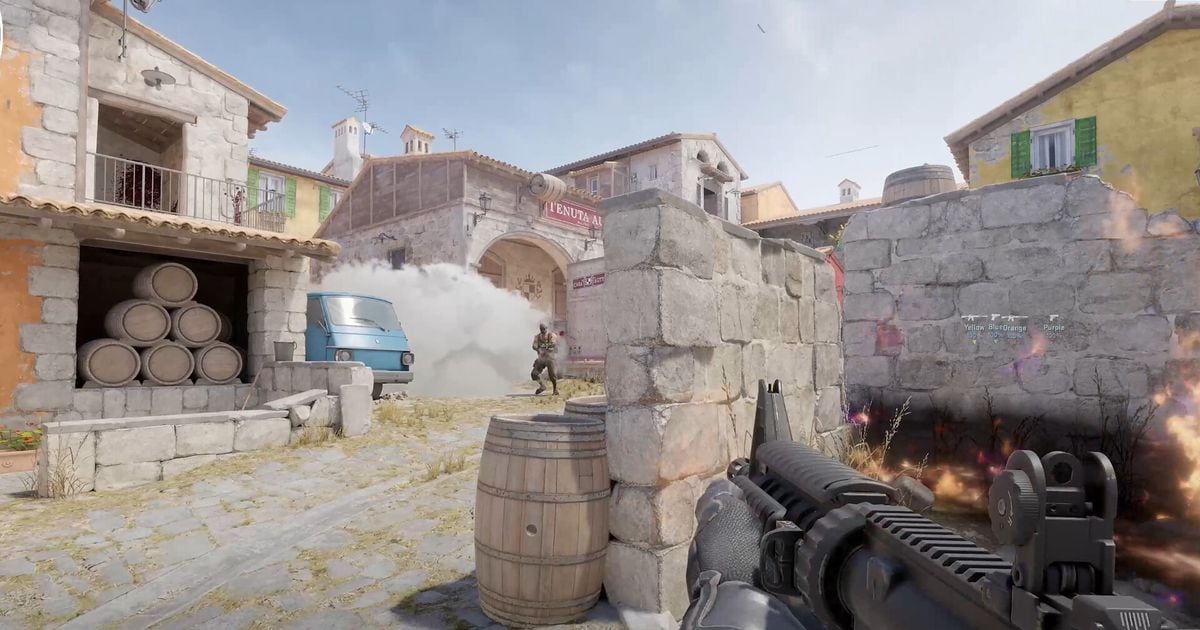
How to Record CS2 Gameplay (2026): Demos vs Video, Built-in Tools, OBS, and DOR
A CS2 recording guide that compares Steam Game Recording, Xbox Game Bar, the NVIDIA app, AMD Adrenalin, OBS, and DOR using official docs, with Valve's Trusted mode rules up front.
 Recording Guide
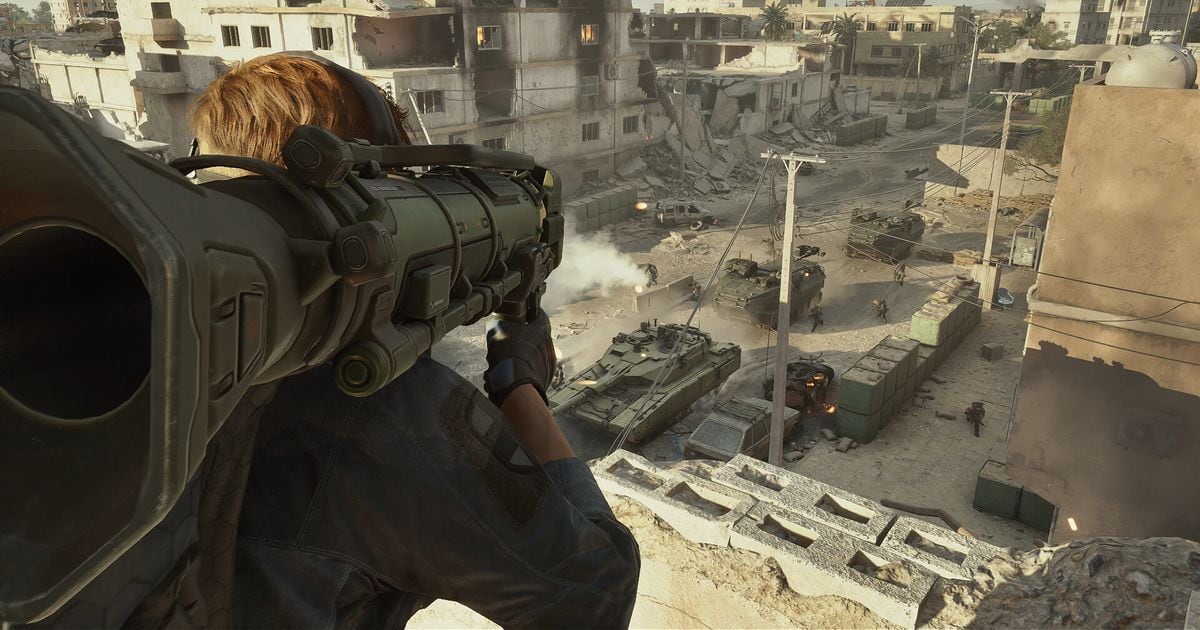
How to Record Delta Force Gameplay on PC (2026): Built-in Tools, OBS, and DOR
How to record the PC (Windows) version of Delta Force with Xbox Game Bar, NVIDIA app, AMD Software, OBS or DOR, plus what the official anti-cheat notices say, as checked on September 30, 2026.
 Recording Guide
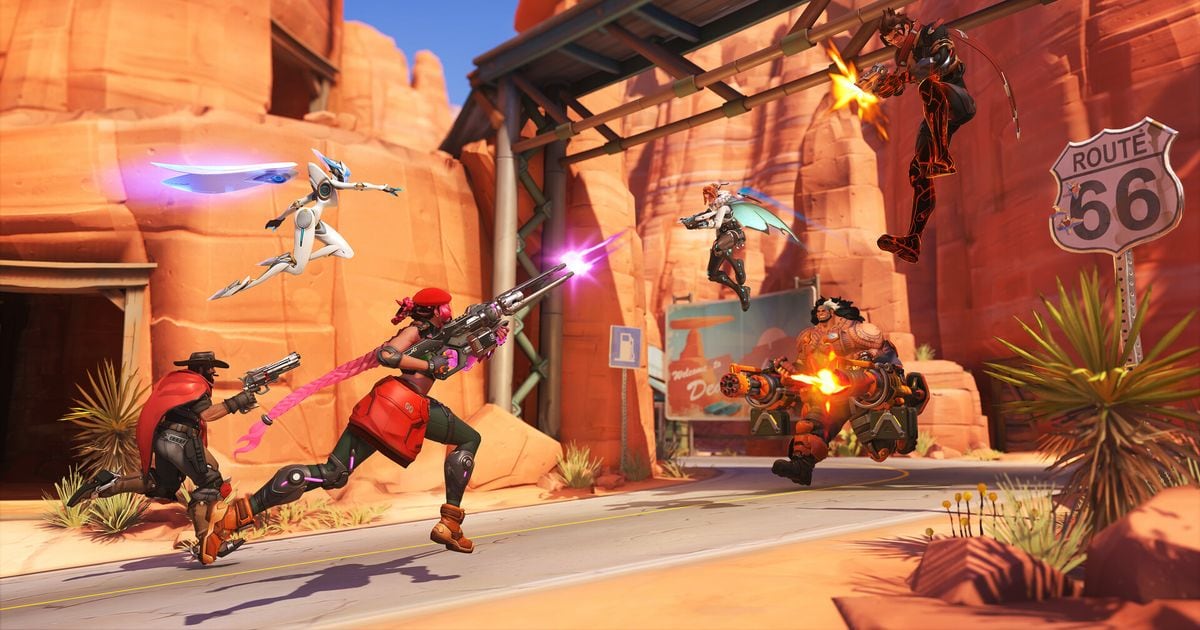
How to Record Overwatch (Overwatch 2) Gameplay on PC (2026): Built-in Tools, OBS, and DOR
Compare four ways to record Overwatch (formerly marketed as Overwatch 2) on PC: Xbox Game Bar, NVIDIA app or AMD Software, OBS, and DOR. Checked against official documents on September 30, 2026.
 Recording Guide
Steam Cloud Save Location (2026): Where Your Save Files Are and How to Check Sync
Where Steam Cloud saves live on Windows by default, how to tell whether a game uses Steam Cloud, how to turn sync on, and what to do about conflicts and sync failures, based on Steam Support pages.
 Recording Guide
Steam Download Slow Fix (2026): Speed Checks, Download Region, and Cache
How to fix a slow Steam download in the order Steam Support recommends: compare bits and bytes, change the Download region, review the speed limit, clear the cache, then test background programs and your network.
 Recording Guide
Steam Family Sharing Guide (2026): Setup, Rules, and Games That Can't Be Shared
How to set up Steam Family Sharing through Steam Families, the 6-member limit, when two people can play the same game, and which games can't be shared, based on Steam's own documents as of September 30, 2026.
 Recording Guide
How to Gift a Game on Steam (2026): Sending, Accepting, and Refund Rules
How to send a Steam game to someone on your Friends List, how the recipient accepts it, and when a gift can be refunded, based on Steam's official documentation.
 Recording Guide
Steam Screenshot Folder: Where It Is and How to Open It (2026)
Steam's official way to open a game's screenshot folder is Manage my screenshots > Show on Disk after you close the game. Windows Key + PrtScn captures go to a different folder, and changing the location is covered only as far as official docs allow.
 Recording Guide
How to Verify Integrity of Game Files on Steam (2026): For Missing Textures and Crashes
Right-click the game in your library, open Properties..., go to Installed Files, and click Verify integrity of game files. Steps and cautions from Steam's official support page, checked September 30, 2026.
 Troubleshooting
Valorant Vanguard Error Fix (2026): VAN 9003, Secure Boot, and Won't Launch
VAN 9003 means Secure Boot is off, according to Riot's support page. Here is every VAN code with its stated cause and first fix, plus an ordered repair path, checked September 30, 2026.
 Recording Guide
Windows 11 Game Mode: Should You Turn It On or Off? (2026)
Where to find Game Mode in Windows Settings, what Microsoft's documentation says it does, and why no official page promises a specific FPS gain. Checked September 30, 2026.