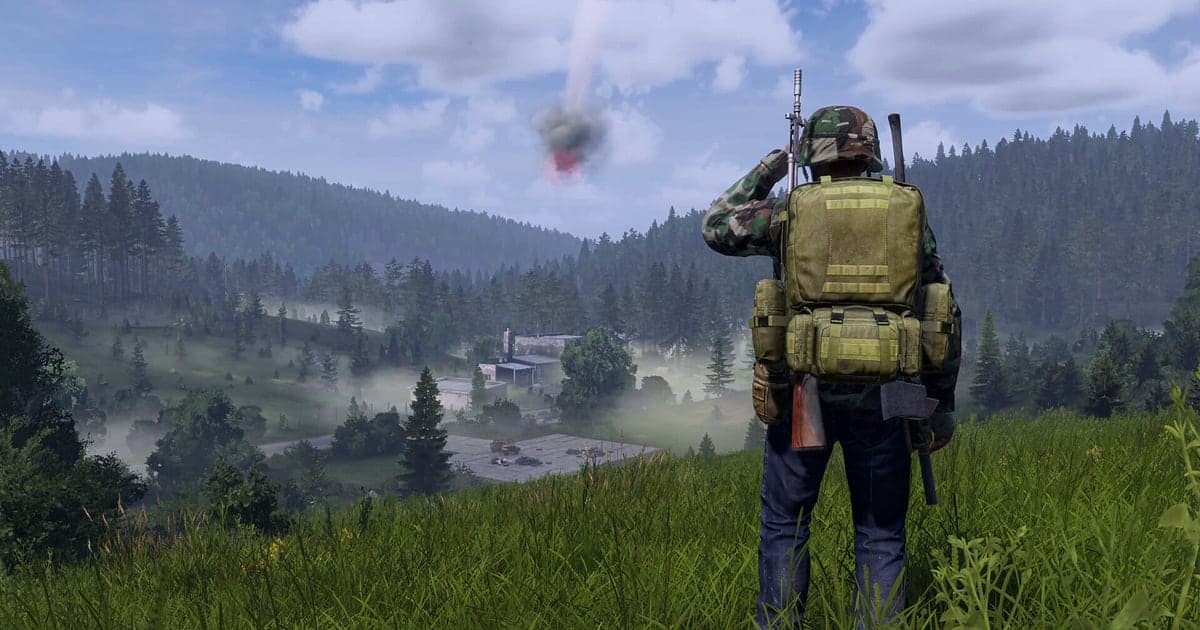
DayZ records automatically once DOR is installed: launch the game and the AI handles capture. From a fresh spawn on the Chernarus coast, fighting over a single can of beans, to the few tense seconds after another survivor spots you, and on until you log out, everything from launch to exit flows into one video. DayZ has no missions or quests, and most of your time goes into walking in search of food and gear, so the real stories hide in a few minutes inside hours of footage. This guide shows you how to record DayZ on PC with DOR, a free Windows app, then find those minutes, save them, trim them and send them to the people you survive with.
- Keep one character's DayZ life in one video, from the coast spawn to logout, without a record button.
- Save encounters worth remembering as clips, like a survivor who shouted friendly and then pulled a gun, whether you lived or not.
- Use AI Voice Notes to keep proximity chat negotiations and threats as timeline text and check exactly who told whom to put their hands up.
- Combine your first loot after the coast spawn, sneaking into a military base and the final firefight into one survival story.
- Post evidence of whether that guy was really friendly to your server Discord with a dor.gg link.
Before you record DayZ: install and recording mode
DayZ is a GPU heavy open world survival game, and a single session often runs for hours. DOR is a free Windows app and never adds a watermark. DayZ uses full session recording, which means you never have to restart recording when you switch servers, and everything until you close the game stays in one video. Walking takes up a lot of the game, so recordings get long; check recording long gameplay without stutter first for steady multi hour captures. The table below lists what is worth knowing before you record DayZ.
| Item | For DayZ | Notes |
|---|---|---|
| Install | DOR, free Windows app, no watermark | Nothing to set up each time you join a server |
| Game version | Windows PC version on Steam | DOR records DayZ running on your PC |
| Recording mode | Full session recording, one video from launch to exit | Recording carries on without breaks when you switch servers |
| Display mode | Fullscreen, windowed and borderless all record | If anti cheat blocks game capture, DOR records with monitor capture instead |
| Resolution and frame rate | 1080p at 30fps by default, 60fps available | GPU heavy game, so use the lighter 720p/30fps mode if it struggles |
| Audio | Game audio and your mic together | Proximity chat coming through game audio and your own voice land in one video |
Record DayZ with DOR: step by step
- 1Install DORDownload DOR and install it. It takes about a minute and there is nothing to pay. Once installed, leave DOR running. You will negotiate over proximity chat a lot in this game, so check that your usual headset mic is connected.
- 2Launch DayZ and join a serverStart DayZ from Steam and join your usual server. Recording begins as soon as DOR detects the game, so with a new character the very first shot of you waking up empty handed on the shore is captured.
- 3Confirm the recording is runningAfter you spawn, glance at the DOR app to confirm recording is in progress. If the game is not picked up, follow what to do when the recorder does not detect your game. From there, focus on staying alive, whether you are walking to find a well or heading for the airfield.
- 4Save a clip right after an encounterWhen a negotiation with a stranger wraps up, or you lose a horde of infected in a car you just repaired, press the clip save shortcut right away. The moment is saved as its own clip, so you do not have to dig for it in a recording that is mostly walking.
- 5Log out and open My ClipsLog out somewhere safe and close the game. That session's full video and the clips you saved appear together in My Clips in the DOR app. Even on days your character died and you restarted on the coast, one launch and exit stays together as one session.
Find your recordings
Your recordings live in My Clips in the DOR app, also called the library. Each launch and exit of DayZ becomes one session, and anything you saved with the clip save shortcut appears as its own clip. DayZ has no map markers or minimap on screen, so skimming a recording rarely tells you where you are. That is why a time note like 'encounter about 1h20m in' is the fastest guide. Without notes, follow the sound: stretches with your own voice calling out, gunshots or a car engine starting usually mark where something happened, while quiet walking can be skipped quickly. Trim an encounter as one segment from just before the stranger appears until you part ways or the fight ends, so viewers learn whether you became friends or enemies. Short scenes like an infected chase suit 9:16, scenic ones like a car escape suit 16:9, and 1:1 is there too. The full walkthrough is in how to trim game clips. Like the recordings of characters who survived a long time. When space fills up, older videos you have not liked are cleared first, so your liked survival stories stay safe.
Save the moments you want to keep
Even with the whole session recorded, saving events as clips on the spot is much faster than digging through hours of footage. Press the clip save shortcut and the last stretch of gameplay is saved as a clip. The default length is 30 seconds, and you can choose 15, 30, 45 or 60 seconds in settings. In DayZ, good times to press it are right after a negotiation with a stranger ends, right after the twist where you were cuffed and then let go, right after a rooftop sniper duel in town, and right after your repaired car starts and you leave the infected behind. Encounters that run from the first word to the outcome fit better at 60 seconds, while a pointless death is fine at 15. Saving right after a fight keeps the lead up from the encounter to the gunfire in the clip. Lengths and shortcut settings are covered in saving the last few seconds instantly.
Find what was said with AI Voice Notes
In DayZ, an encounter is about the words before it is about the picture. Lines like 'Friendly, friendly, don't shoot', 'Out of water, need a well' and 'Infected incoming, start the car' fly back and forth over proximity chat and party voice. DOR records game audio and your mic together, so proximity voice coming through the game and your own voice end up in one video. AI Voice Notes logs those negotiations and threats onto the recording timeline as text. If you later wonder who told whom to put their hands up, or when someone said to head for the airfield, find the line in the timeline text and select it to jump straight to that scene. A negotiation only feels tense if the voices come through, so check that your mic is recorded with recording games with mic audio beforehand.
Build a montage with AI Highlight
The time one character survives in DayZ is a story in itself. In the library, check the first loot after the coast spawn, the tense survivor negotiation, the car escape from infected, sneaking into a military base, the rooftop sniper duel in town and the time you were cuffed and then let go, then select AI Highlight. DOR joins them into one video of that character's whole life, a good record to keep before you start over on the coast. To join clips in order of days survived yourself, see how to merge game clips.
Edit in DOR Studio
DOR Studio opens in your browser with nothing to install. Cut out the long hikes, keep the encounters and fights, and you have a survival vlog. Put a shake zoom on the first gunshot and a punch zoom on the moment a stranger comes into view. Text like 'Day 3' or 'just went to get water' sets the scene instantly. The handheld effect adds urgency to an infected chase. Short scenes like a chase work well as 9:16 Shorts. Vertical framing tips are in recording games for vertical Shorts. Download the finished video as an mp4 or share it as a link straight away.
Share with a dor.gg link
Send trimmed scenes as dor.gg links. Whoever opens the link plays the video right in the browser without the app, which makes it perfect evidence in your server Discord when the question is whether that survivor was really friendly. Friends who have never played DayZ can watch it straight away too. If a stranger's player name is visible on screen, think twice about who you send it to. Tips on picking moments by survival stage are in sending DayZ survival clips, and posting to Discord is covered in sharing clips on Discord.
DayZ recommended settings and troubleshooting
DayZ is GPU heavy. Start with the default 1080p at 30fps and only move up to 60fps if your graphics card has room to spare. If the game struggles in big cities or military bases full of objects, switch to the 720p/30fps mode to cut the load. DOR uses GPU hardware encoding, so its effect on your in game frame rate is small, and if frames only drop while recording, work through fixing FPS drops while recording. Fullscreen, windowed and borderless windows all record, and where anti cheat blocks game capture, DOR switches to monitor capture. To change the drive your recordings pile up on, see changing where recordings are saved. DOR has no cheat features and never touches your game files or play data.
| Symptom | What to check | Fix |
|---|---|---|
| Fullscreen records as a black screen | Whether anti cheat blocks game capture, and your display mode | DOR switches to monitor capture when game capture is blocked. If it is still black, follow [fixing fullscreen recording](fullscreen-recording-not-working) |
| Proximity chat or your voice is missing | Your Windows output device and DOR mic setting | Make sure the headset you actually use is selected, then work through [fixing game recordings with no sound](game-recording-no-sound-fix) |
| Frames drop at military bases | Whether recording is set to 60fps, and graphics settings | Set recording back to 30fps or switch to 720p/30fps mode |
| Worried about recording when you switch servers | How DOR records | Recording continues across server changes as long as the game stays open, so there is nothing to restart |
| Worried a recorder could get your account banned | How DOR works | DOR only captures the screen, has no cheat features and does not modify game files or play data |