Record, edit
& find your community
Practical guides from capturing and editing gameplay to finding friends, parties, and communities.
Page 52 of 59
 Recording Guide
Where LoL Replay Files Are Saved (.rofl Path and How to Keep a Video)
On Windows, League of Legends stores .rofl replays in Documents\League of Legends\Replays. A .rofl is not a video file, so here is how to confirm the exact path, change the folder, and end up with something you can actually share.
 Comparison
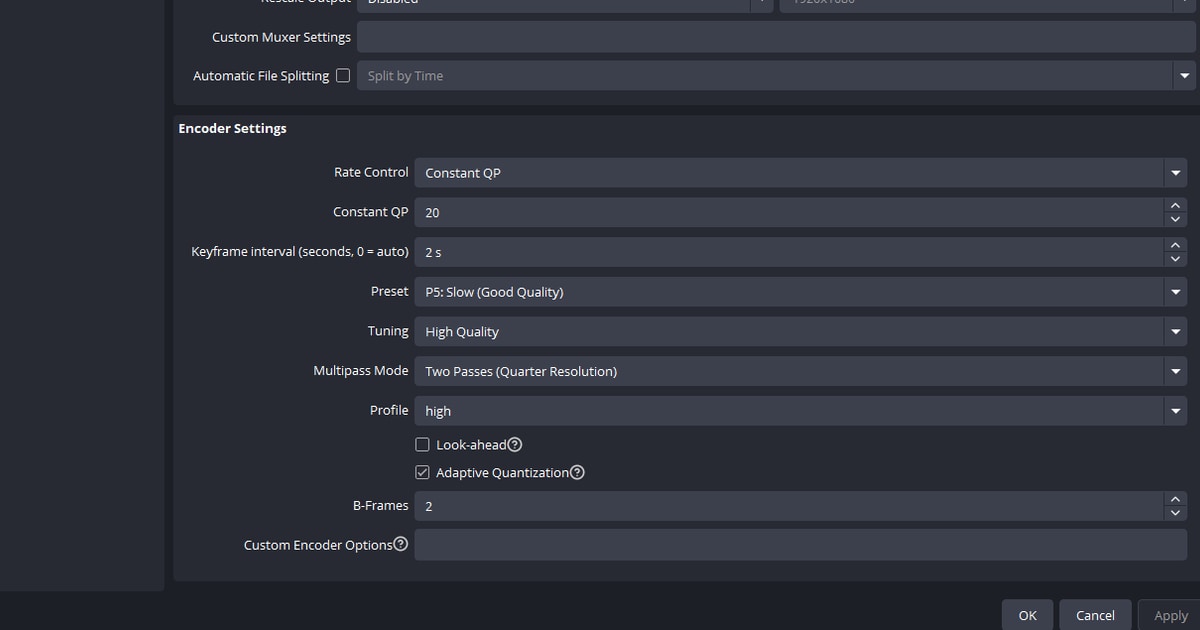
OBS Adaptive Quantization: On or Off? Three Official Docs Compared
OBS's own official documents specify different values for Adaptive Quantization, formerly Psycho-Visual Tuning. Here is exactly what each one says, and a two-recording test that settles it on your GPU.
 Recording Guide
Overwatch 2 Advanced Reticle Options: What Each Setting Actually Changes
A plain dictionary of every reticle option confirmed in official Overwatch patch notes, what it changes on screen, and how to check your own build. Checked 8 September 2026.
 Recording Guide
PUBG Storage Space: 40 GB Minimum, 50 GB Recommended, and How to Free It Up
Steam lists 40 GB of available space at minimum spec and 50 GB at recommended for PUBG: BATTLEGROUNDS (checked 8 September 2026). Here is the full requirements table, the official way to move an install between drives, and the math for recording on top.
 Team & Community
Rainbow Six Siege Rank Distribution: What Ubisoft Actually Publishes
Ubisoft has never released a tier-by-tier player breakdown. Here is what the official Ranked 3.0 documentation does confirm, checked 8 September 2026, and exactly where to read your own rank.
 Troubleshooting
VALORANT Network Buffering: When to Raise It and When to Leave It Alone
Network Buffering does not lower your ping. Riot defines it as delay added before your input is processed, and that delay feeds straight into the peeker's advantage formula. Here is how to tell whether you actually have a reason to raise it, checked 8 September 2026.
 Team & Community
VALORANT Premier: Schedule, Requirements and Divisions Explained
The three entry requirements, the two-matches-per-week structure, playoff score cutoffs and promotion rules, all sourced from Riot's official documentation.
 Guide
Game Highlight Recorder & Automatic Highlight Generator: Kills and Best Moments Clipped for You (2026)
Best moments erupt without warning and pass by before you can even turn on recording. An automatic game highlight generator detects events like kills, aces, and pentakills and turns only those sections into clips for you. We cover how automatic highlights work (event detection, replay buffer, manual) and how DOR catches best moments per game.
 Guide
How to Change Your Recording Save Location and Auto-Clean Storage: A Complete Guide
We walk you through moving your recording folder to an SSD with any recorder (OBS, the NVIDIA app, or Game Bar), how to automatically clean up old files when storage fills up, and DOR's library approach that makes managing save locations almost unnecessary.
 Recording Guide
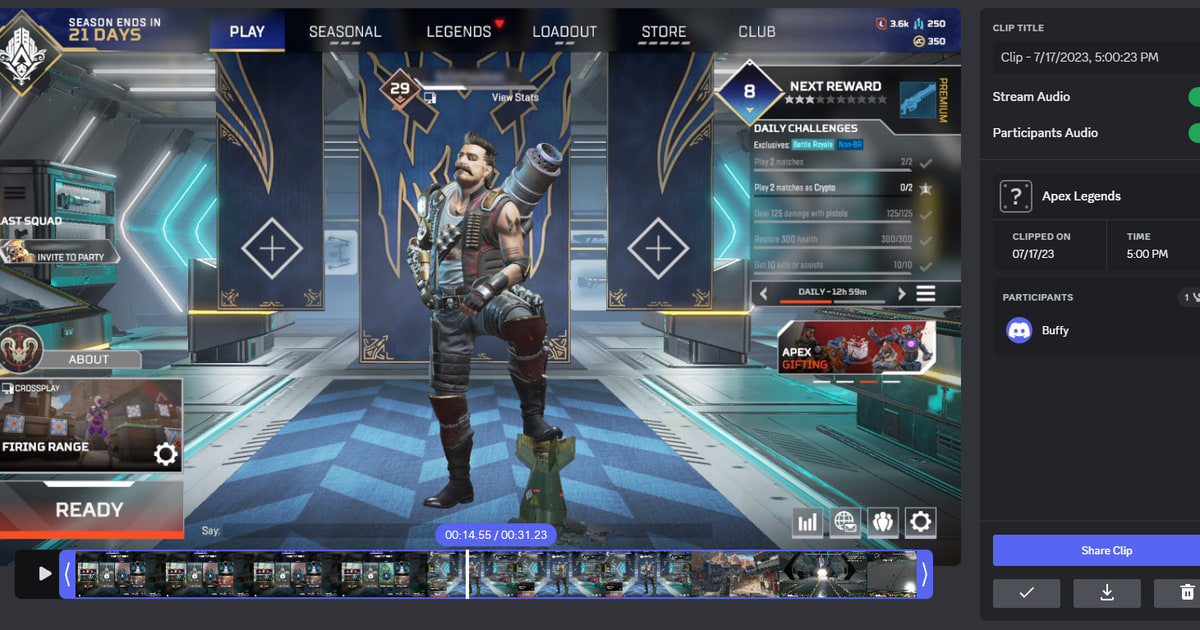
Discord Clips Guide: Record, Edit, and Share Game Moments
Separate Discord Clips from ordinary MP4 uploads, then verify audio, privacy, file size, and playback with one repeatable test.
 Troubleshooting
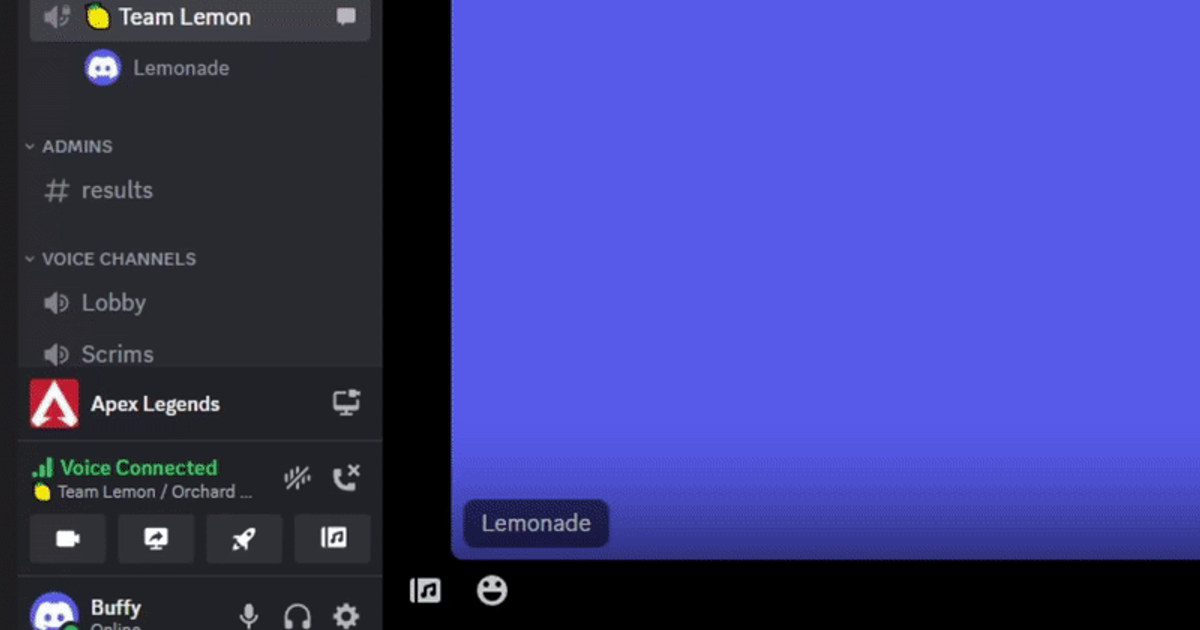
Fix clip capture failure in Discord Clips: a safe troubleshooting order
Diagnose clip capture failure in Discord Clips by separating detection, permissions, hotkeys, storage, capture, and audio playback.
 Recording guide
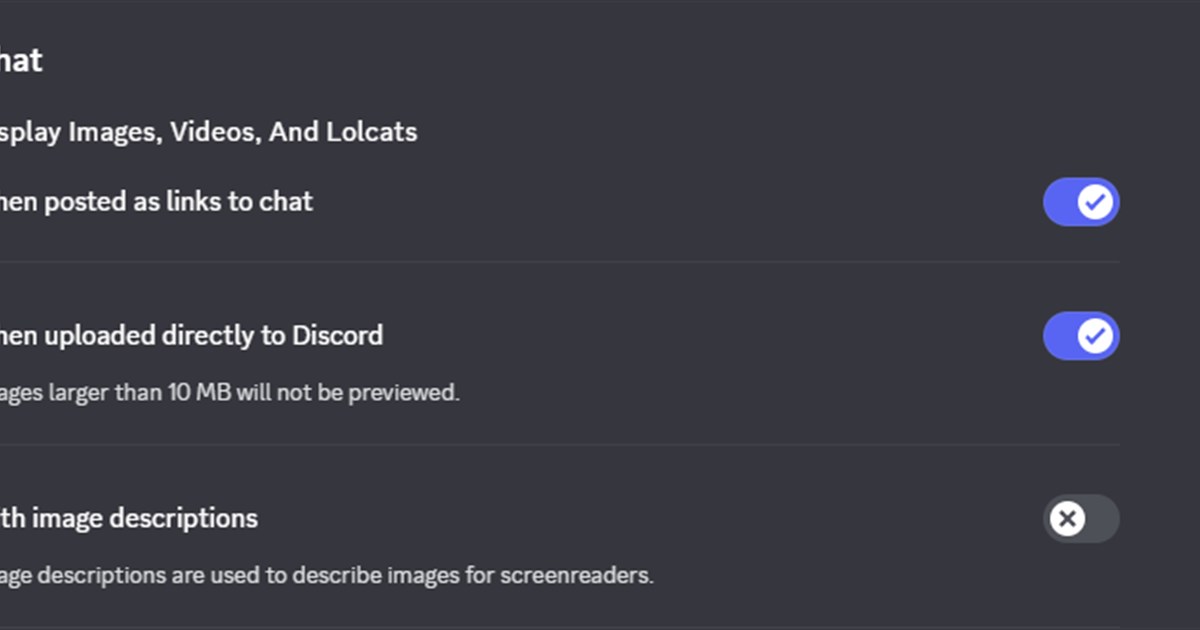
Discord Video File Too Large: Shrink Game Clips Without Ruining Them
Trim dead time first, then tune frame rate and bitrate so a gameplay clip fits its current Discord upload condition without destroying HUD detail.
 Guide
How to Make a Gaming Montage Video (2026): Effects You Should Use, Beat Sync, Captions and Export
Here is how to make a gaming montage video from scratch: the effects you should use, plus the full workflow from collecting clips to export. Just follow it in order: how to gather great clips, how to match your cuts to the music's beats (beat syncing), and how to finish with captions and effects. We also cover how DOR, which automatically collects your clips and even comes with a free editor, can drastically cut down the time you spend preparing your raw material.
 Guide
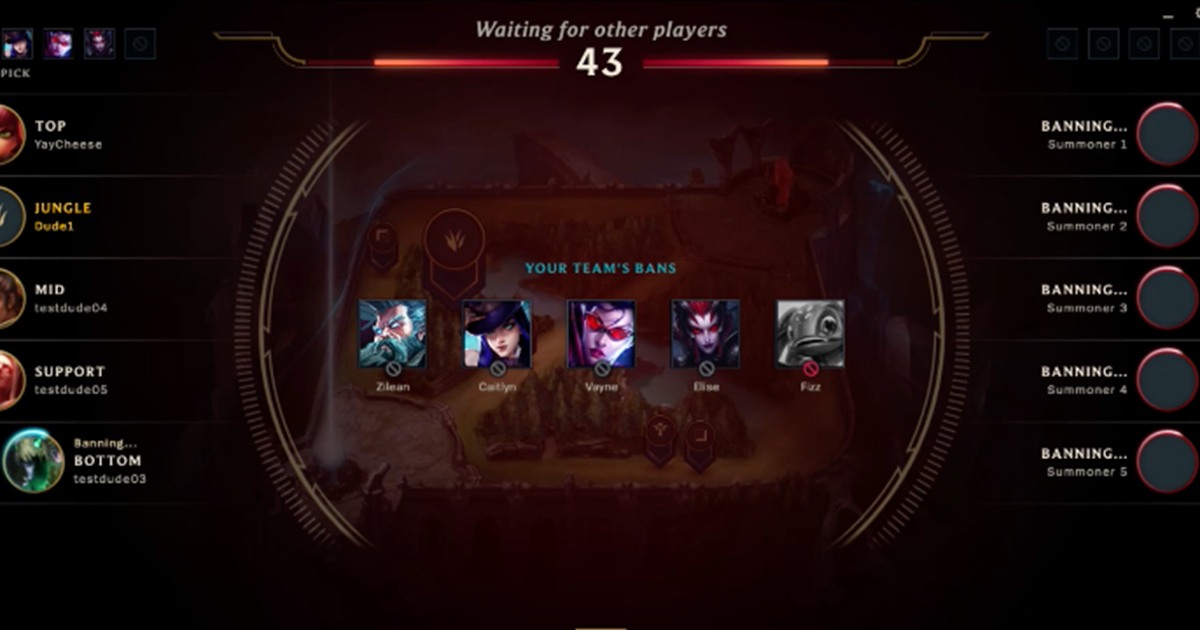
How to Play on the LoL PBE Server: Download, Patch Cycle, and Tips (2026)
A step-by-step guide to playing on the LoL PBE server, from what PBE is and the current sign-up requirements (none, per Riot's FAQ) to downloading the PBE game files inside the Riot Client, the patch cycle, and cautions like bugs and ping. We also cover how to auto-record your first plays on a new champ with DOR to claim content early.
 Recording File Management
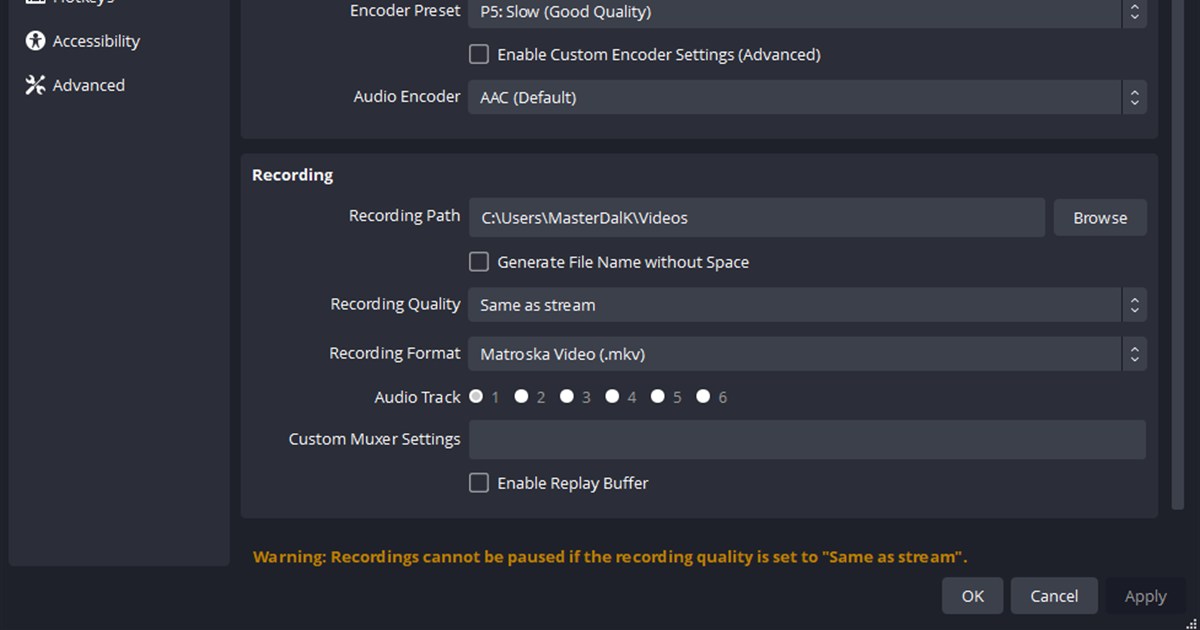
Where Does OBS Save Recordings? Default Location + How to Change It
By default OBS saves recordings to the Videos folder of your Windows account. Here is the default location by setup, the File > Show Recordings shortcut, how to change the folder, and the MKV to MP4 remux reminder.
 Comparison
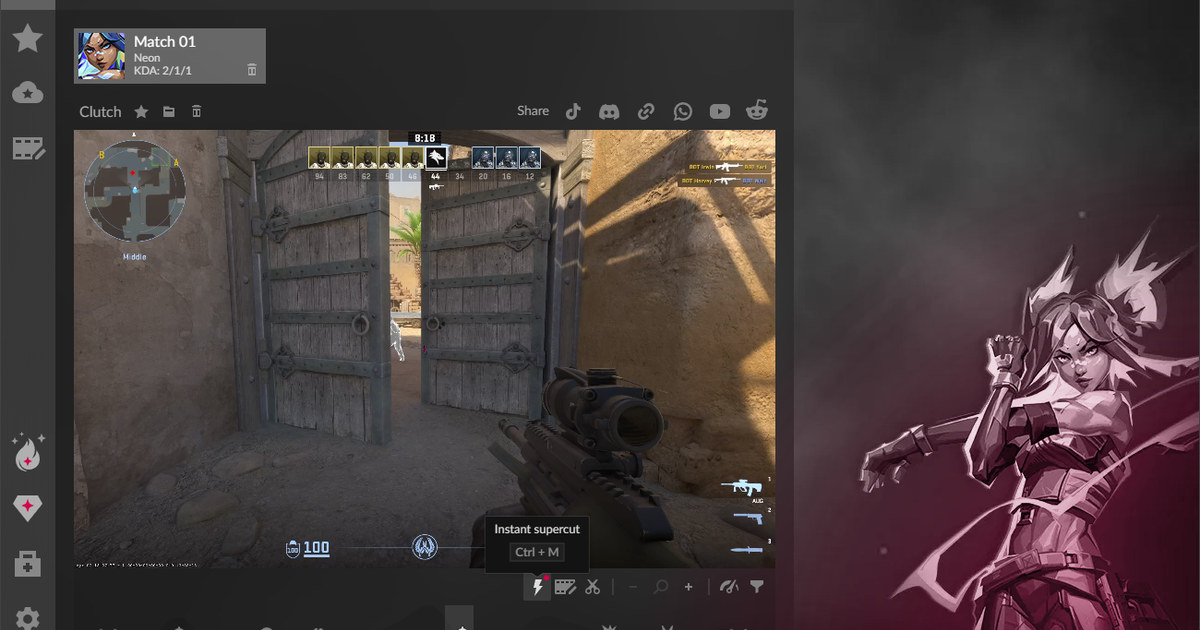
Outplayed Alternatives (2026): vs ShadowPlay, OBS & DOR, With or Without Overwolf
This comparison puts Outplayed next to NVIDIA ShadowPlay, OBS Studio, and DOR on automatic highlights, Overwolf dependency, GPU requirements, manual replay saving, audio control, and review time, and it separates the alternatives that run without Overwolf from the ones that do not.
 Guide
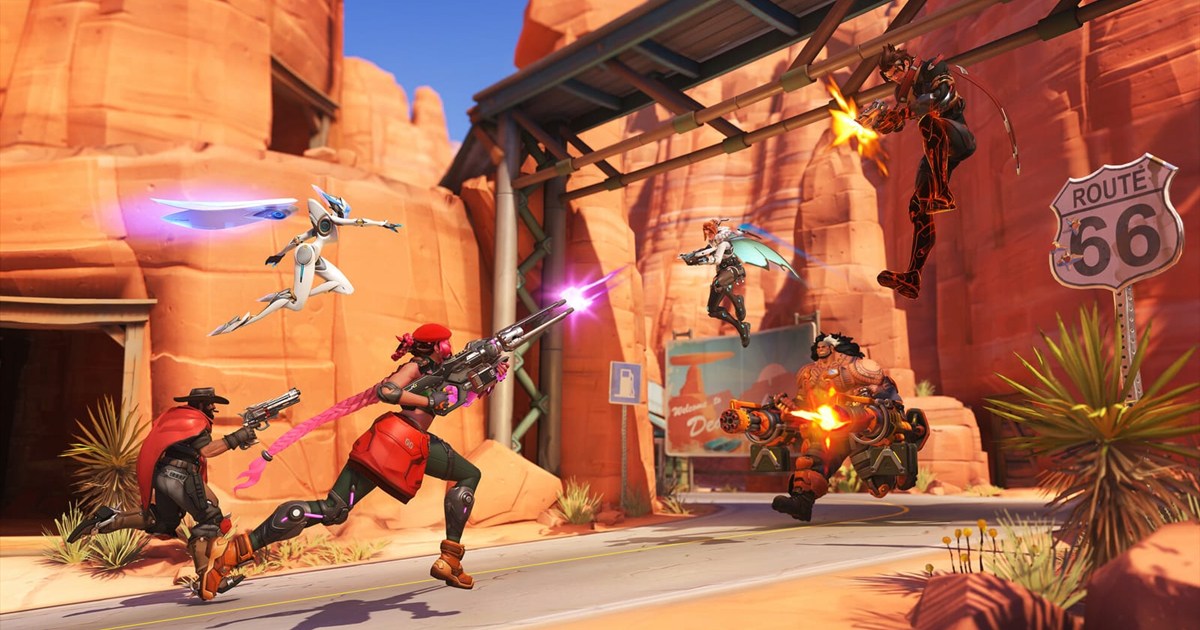
How to Save and Make Overwatch POTG (Play of the Game) (2026)
An Overwatch POTG is the best play of the match, picked automatically each time a game ends. But in-game it only shows for a few seconds and then disappears. Here is how POTG gets chosen, the limits of the in-game highlight save feature, and how to reliably keep POTG-level moments as a video file.
 Comparison
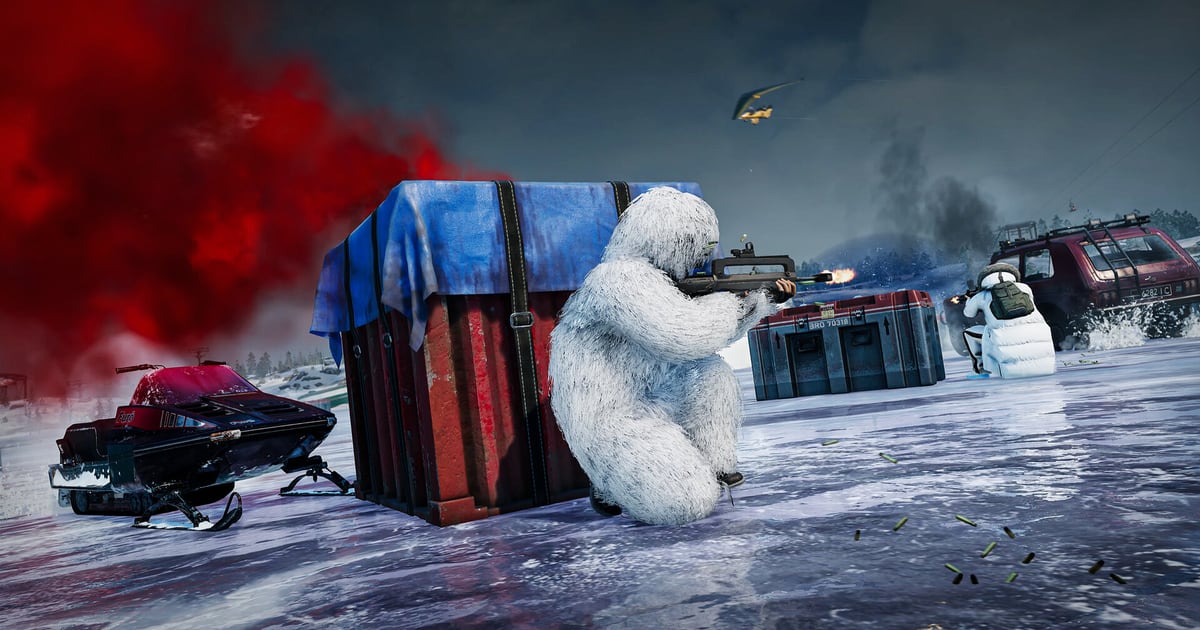
PUBG Pro Sensitivity Explained: The DPI Bands Pros Actually Use
You do not need a table of player names to use pro PUBG sensitivity. Here are the DPI bands and cm/360 range where pros actually sit, why they stay on low sensitivity, and how to move that band onto your own hands.
 Guide
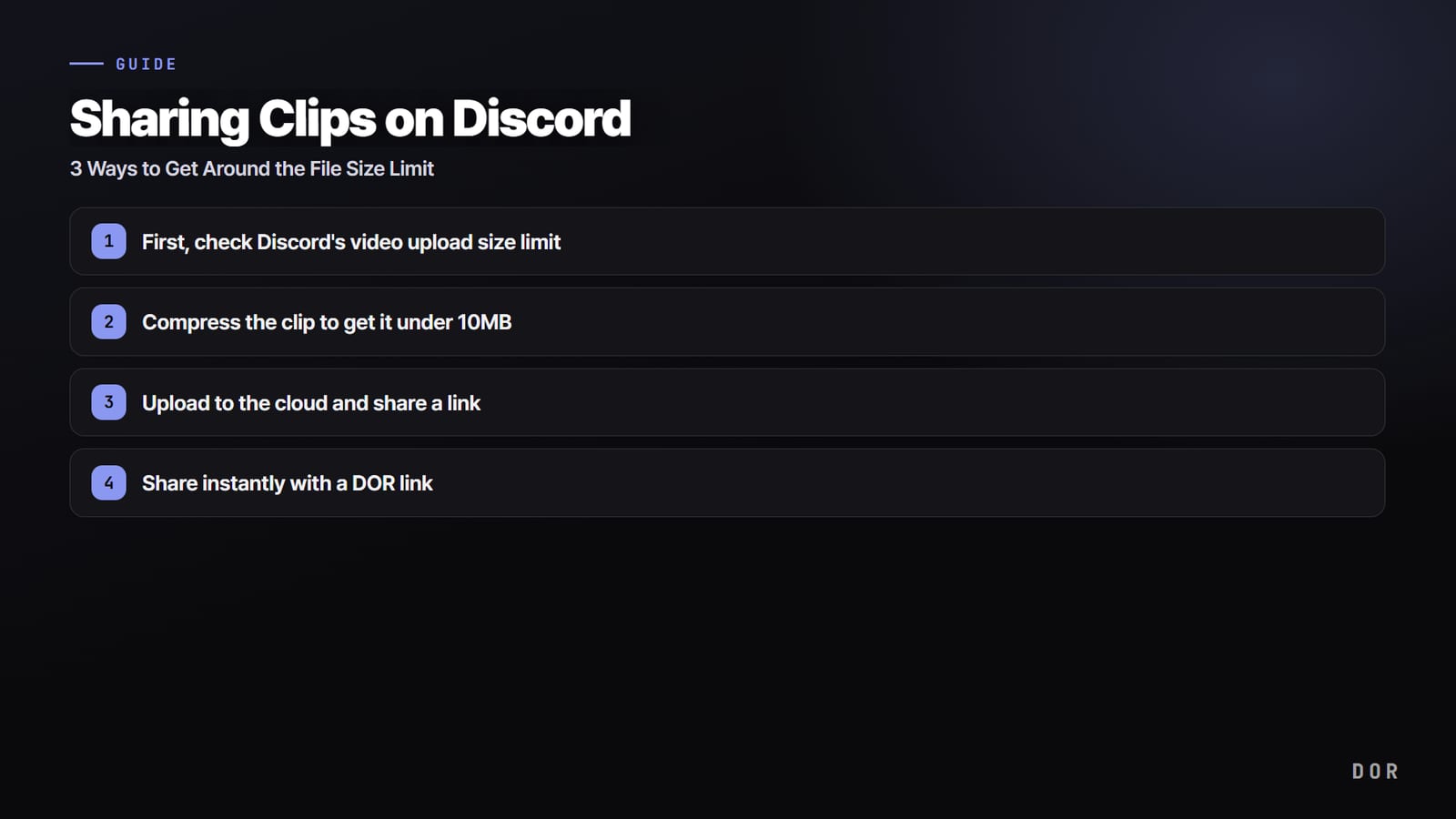
Sharing Clips on Discord: 3 Ways to Get Around the File Size Limit
A free Discord account only lets you upload up to 20MB per video. We break down, step by step, how to get past this limit with compression and link sharing, plus the fastest way to share using a DOR link.
 Troubleshooting
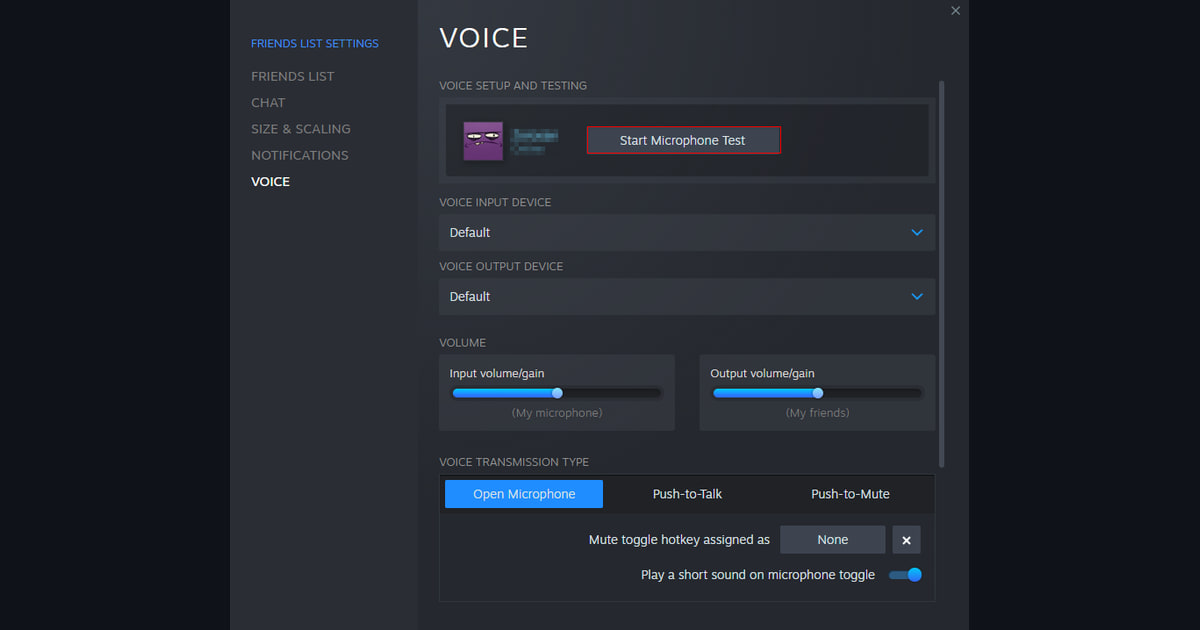
Fix a mic that is not picked up in Steam Game Recording: a safe troubleshooting order
Diagnose a mic that is not picked up in Steam Game Recording by separating detection, permissions, hotkeys, storage, capture, and audio playback.
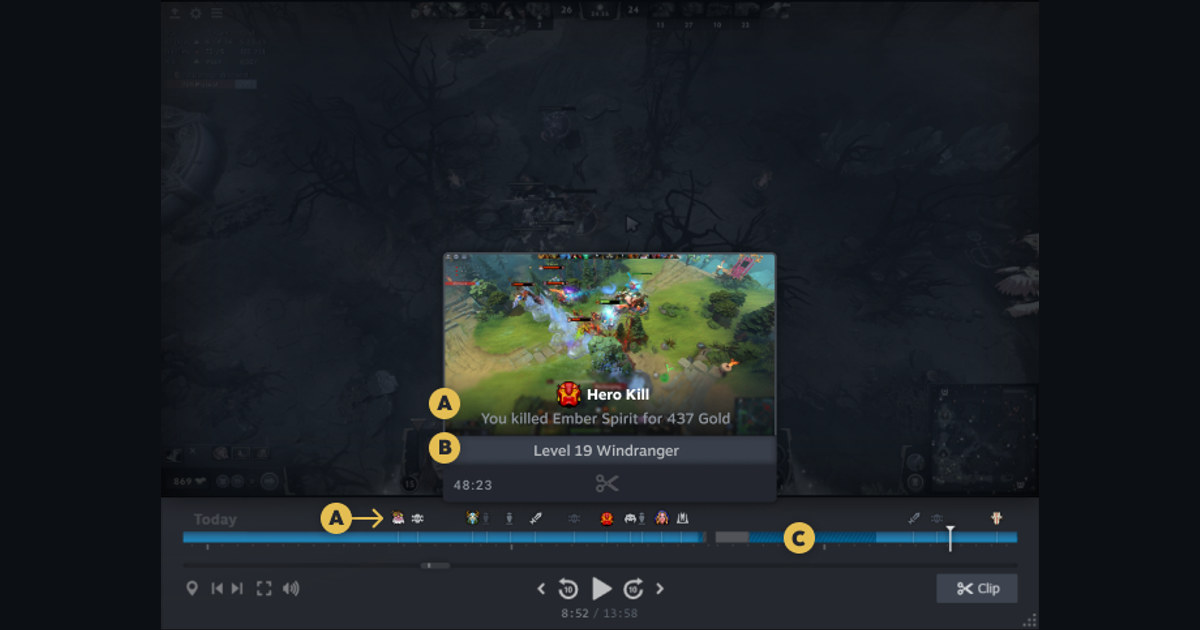 Troubleshooting
Fix missing game sound in Steam Game Recording: a safe troubleshooting order
Diagnose missing game sound in Steam Game Recording by separating detection, permissions, hotkeys, storage, capture, and audio playback.
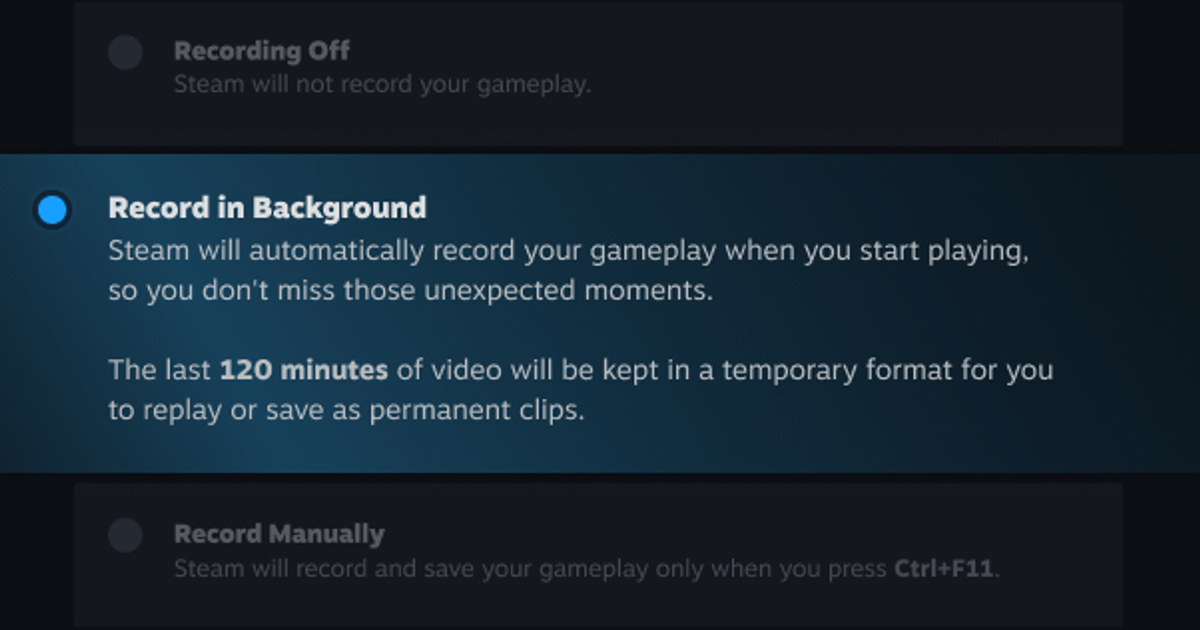 Troubleshooting
Fix No Recording Available errors in Steam Game Recording: a safe troubleshooting order
Diagnose No Recording Available errors in Steam Game Recording by separating detection, permissions, hotkeys, storage, capture, and audio playback.
 Guide
A Collection of Valorant Pro Crosshair Codes, and How to Copy and Apply Them Instantly
Copy the crosshair codes of pros like TenZ, Aspas, and Demon1 and paste them into your settings to get the exact same reticle instantly. Here are the steps to apply them, the codes, and how the code format works, all in one place.
 Guide
What Is a Clutch? How to Clip Your Clutch Moments (2026)
A clutch is a decisive play where you single-handedly overturn a 1-versus-many numbers disadvantage. We cover what a clutch is and where the term comes from, the signature clutch scenes in Valorant, CS2, and League of Legends, and how to catch those unpredictable moments and save them as clips.