Record, edit
& find your community
Practical guides from capturing and editing gameplay to finding friends, parties, and communities.
Page 51 of 59
 Guide
PUBG 800 DPI Sensitivity Guide: Why Pros Use 800 and How to Find Yours
Why 800 DPI became the de facto standard in PUBG, starting values for general, ADS and scope sensitivity at 800 DPI, and how to tune them to your own hand — with calculators.
 Recording Guide
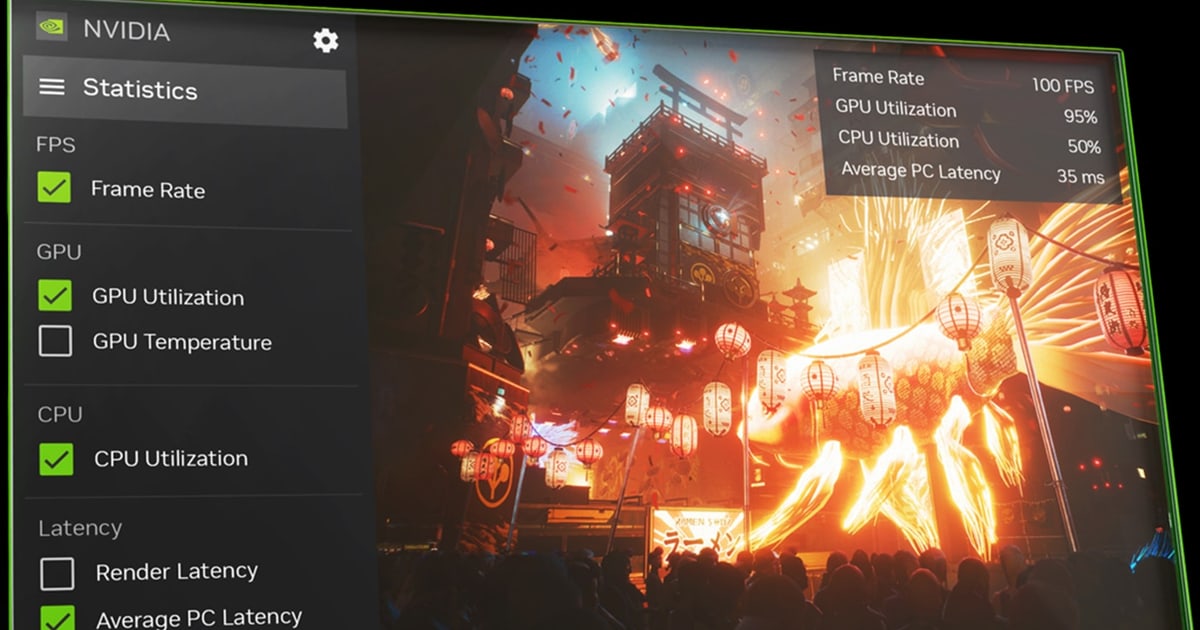
How to Record Gameplay Without OBS: 3 No-Setup Ways Compared (Game Bar, NVIDIA App, DOR) (2026)
Three ways to record gameplay on PC without touching OBS scenes, sources or bitrate. Xbox Game Bar, NVIDIA App and DOR compared on setup steps, auto start, auto clips and GPU requirements, with a start procedure for each.
 Troubleshooting
How to Fix Game Recording Lag and Black Screens: Record Without Frame Drops (2026)
We break down, step by step, the causes and fixes for the two big problems with game recording: frames dropping the moment you hit record (lag), and saved videos coming out as a black screen. We cover switching encoders (x264 to NVENC), proper resolution, fps, and bitrate values, going from fullscreen to borderless, and admin rights, drivers, and discrete GPU settings, all in one place.
 Guide
What's the Right Recording Bitrate? Comparing 8/16/25/50Mbps Quality and File Size, Plus Recommendations by Resolution (2026)
Get a straight answer, by resolution, on what bitrate to set for game recording so both quality and file size leave you satisfied. We compare the quality and per-minute file size of 8/16/25/50Mbps in a table, and walk through setting it up directly in OBS. If memorizing and tweaking it is a hassle, we also explain why DOR optimizes bitrate for quality and size by default.
 Guide
How to Watch League of Legends Replays: From Downloading Match History to Saving Videos Forever (2026)
How to download and watch LoL replays from the client and OP.GG, the view and playback-speed features, and how to keep them forever as videos that survive past patches, all laid out step by step.
 Troubleshooting
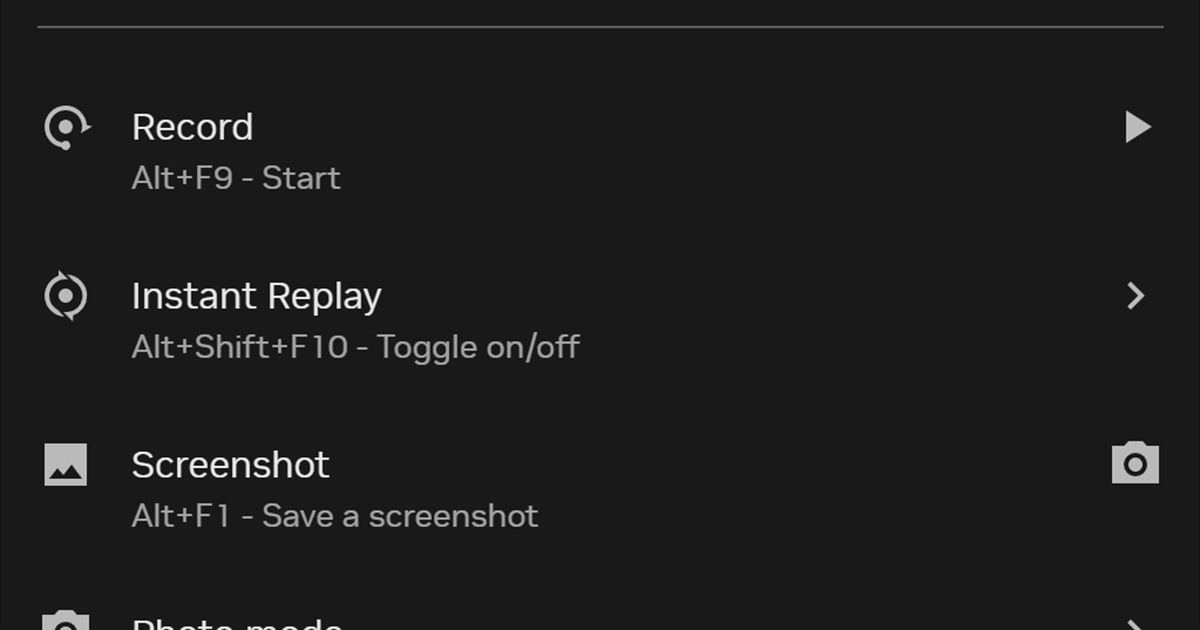
NVIDIA Instant Replay Not Working: Fix Saving and Hotkeys
Use a symptom-first checklist when Instant Replay turns itself off, Alt+F10 does nothing, or a saved clip cannot be found.
 Guide
The Complete Guide to OBS Game Recording Settings: Lag-Free, High Quality (2026)
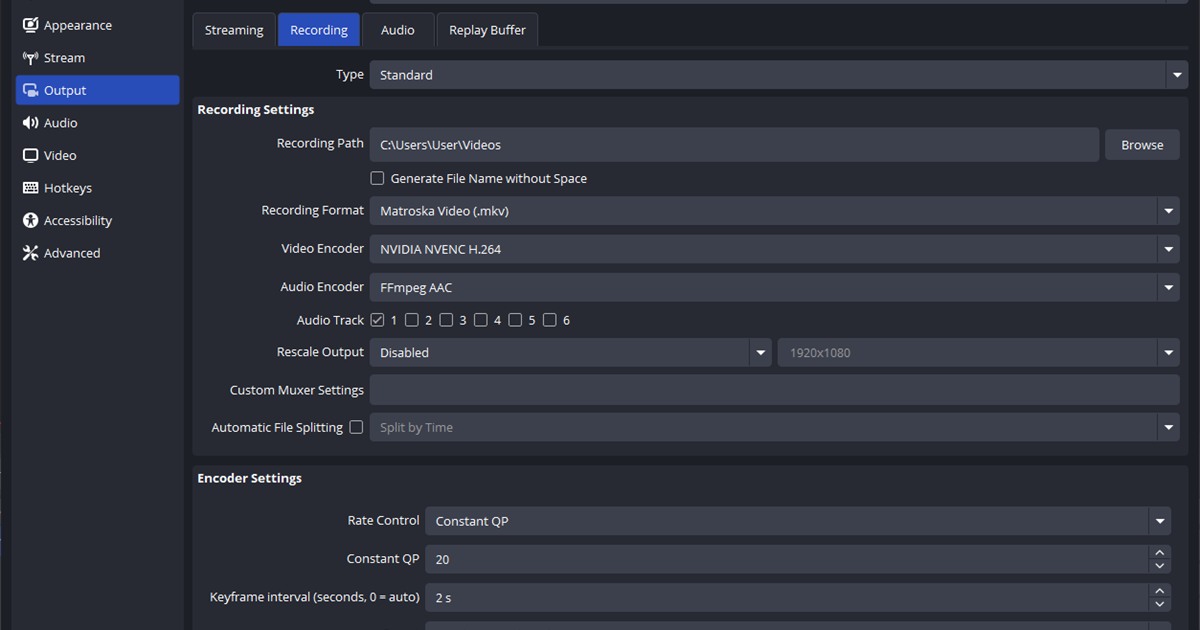
A full rundown of the encoder, CQP bitrate, resolution, keyframe, recording format, and audio track settings you need to record games in OBS at high quality with no lag, complete with menu paths and recommended values, plus an easier way to handle all of it automatically.
 Troubleshooting
OBS Recording Looks Blurry: Fix Resolution, Scaling, and Encoding
Find why an OBS recording looks soft or breaks up in motion by checking resolution, scaling, quality control, and encoder headroom in order.
 Troubleshooting
When the OBS Replay Buffer Doesn't Work: Fixes by Cause Plus an Automatic Alternative (2026)
When the OBS replay buffer isn't working or won't save, we lay out how to fix it by walking through the four common causes one by one: buffer disabled, hotkey conflict, save path, and memory capacity. At the end we even compare an automatic alternative that needs no buffer setup or hotkey at all.
 Comparison
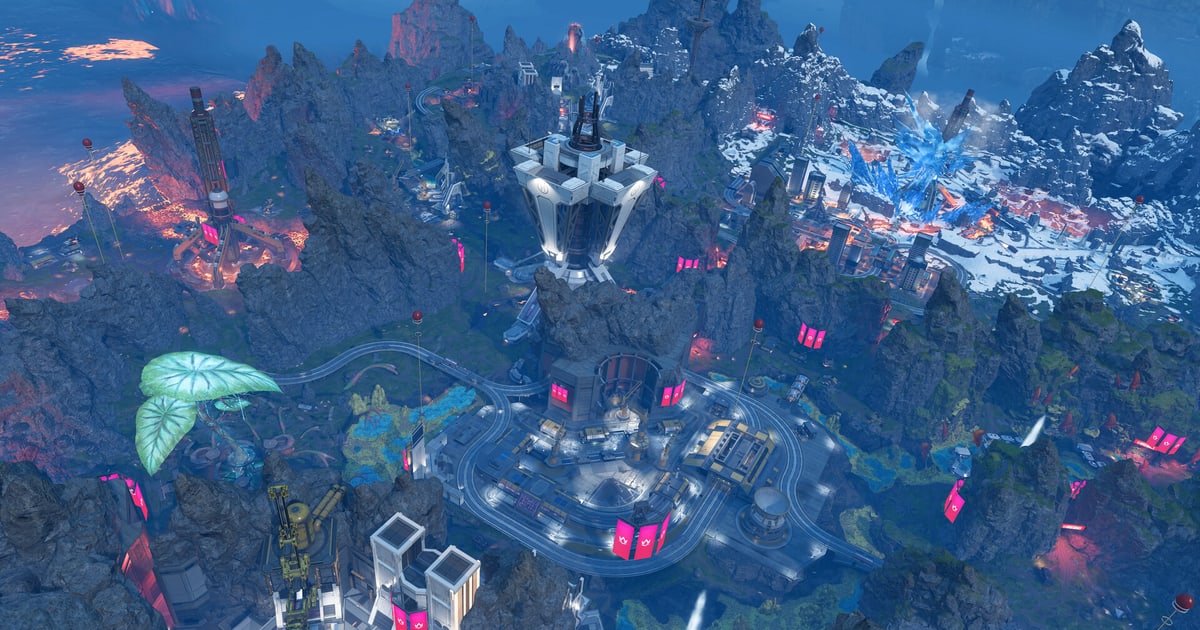
Apex Legends Rank Distribution: The Last Official Numbers and Season 30 Ranked Rules (2026)
There is no official tier distribution for Season 30 Marked. Here are the last figures Respawn published (October 2020 table, November 26, 2025 chart) plus the help.ea.com entry requirements, 2-rank premade limit, RP entry costs and Split 2 reset values, checked September 14, 2026.
 Guide
How to Clip Apex Legends: Auto-Record the Full Match, Then Cut the Kills
In Apex, fights end in an instant, so it's easy to miss great scenes. Here's a step-by-step guide to the limits of in-game features and how to auto-record the full match with DOR, then cut out the kills yourself.
 Guide
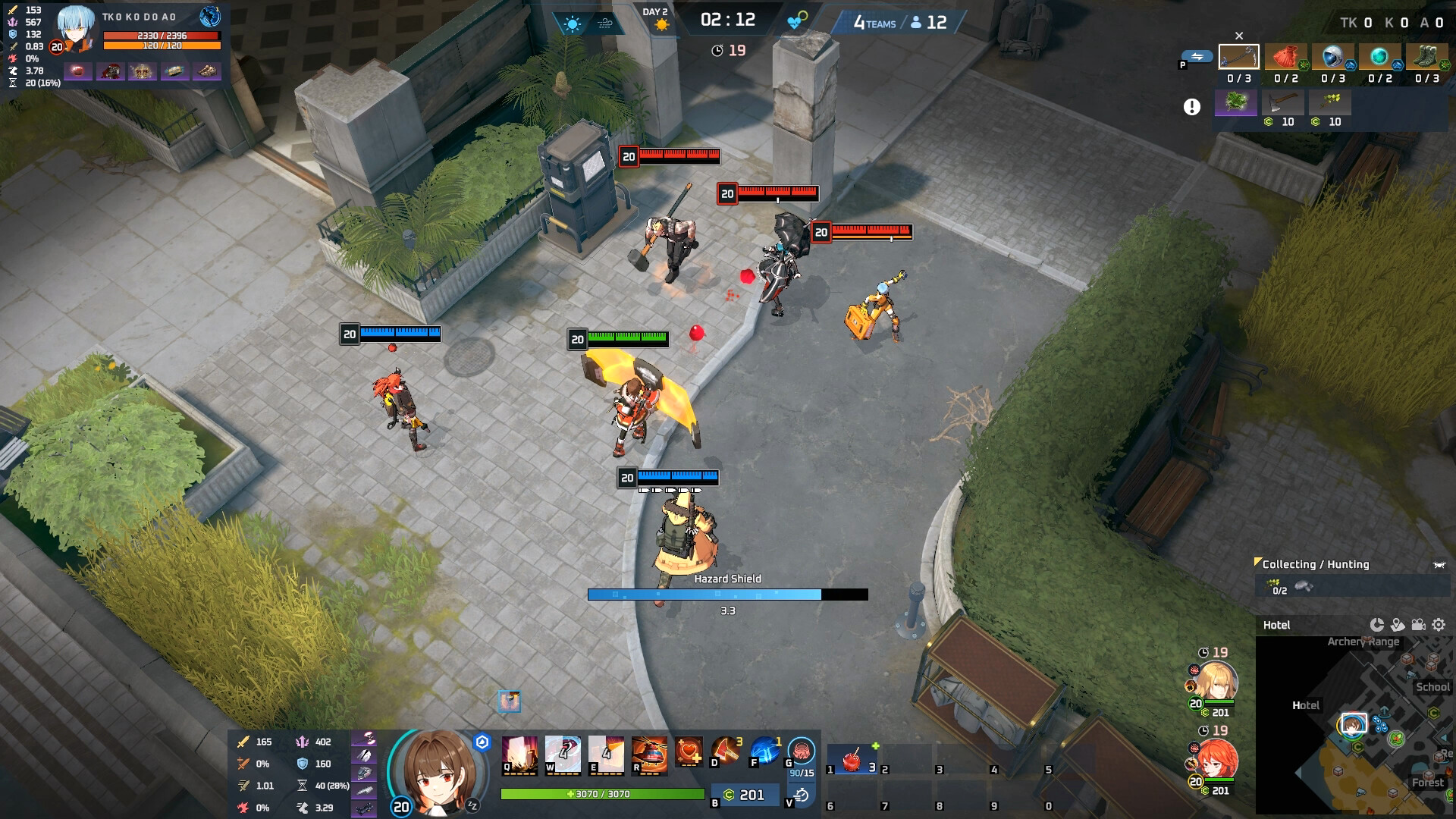
How to Record Eternal Return Replays and Save Match Highlights
Eternal Return replays and screen recordings serve different purposes. This guide shows when to use each, how to record smoothly, and how to turn a decisive fight into a shareable highlight.
 Recording Guide
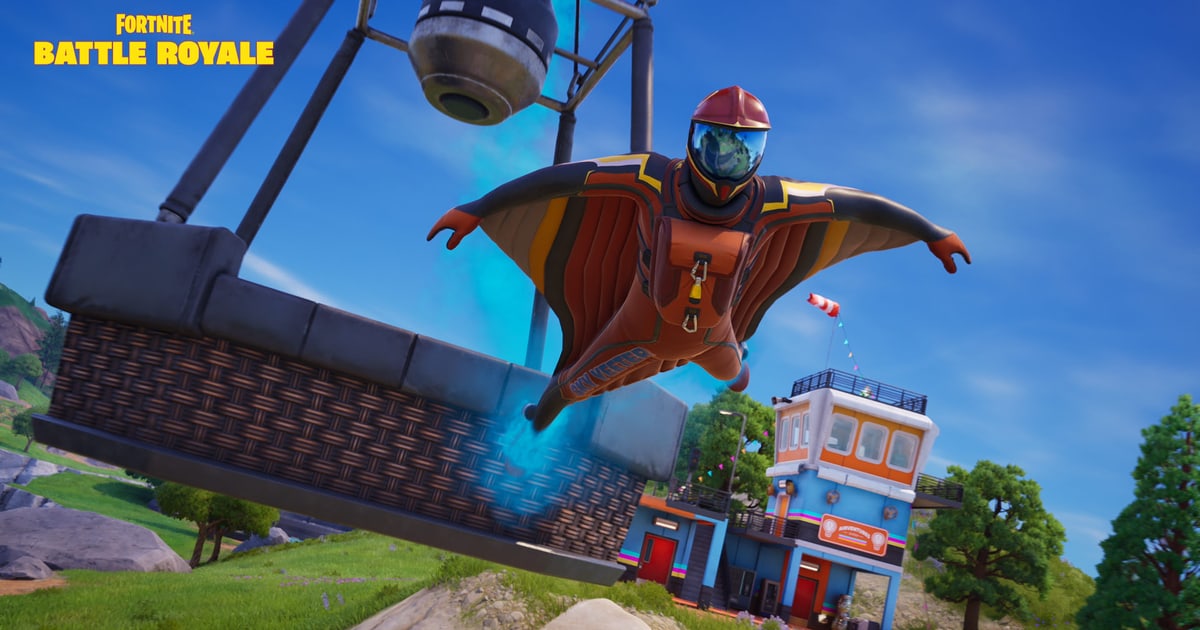
Fortnite Replay File Location and How to Open the Replay Viewer (2026)
Where Fortnite stores replay files on PC, how to open the replay viewer from the Career tab, the camera modes and playback controls, and why old replays stop working after an update, checked against Epic's official docs.
 Troubleshooting
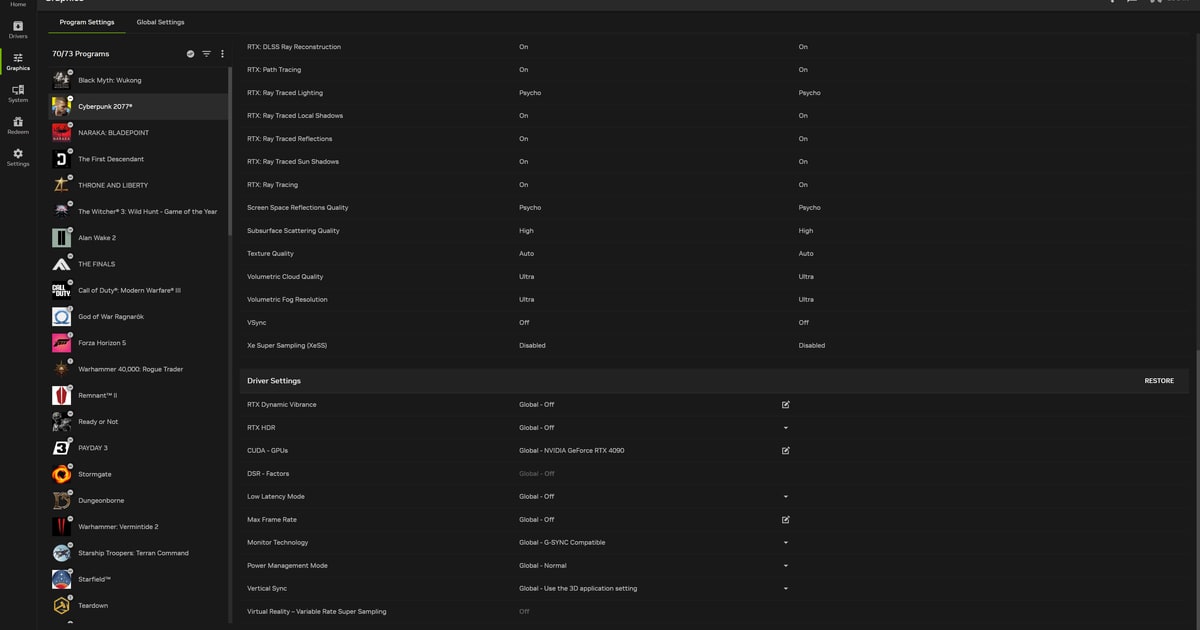
NVIDIA Low Latency Mode: Off, On or Ultra? A Situation-by-Situation Decision Table
Low Latency Mode only pays off when your GPU is the bottleneck, and in games with Reflex the driver value gets overridden. Recommended values per situation and the exact setting paths, based on NVIDIA's own wording as rechecked on November 12, 2026.
 Guide
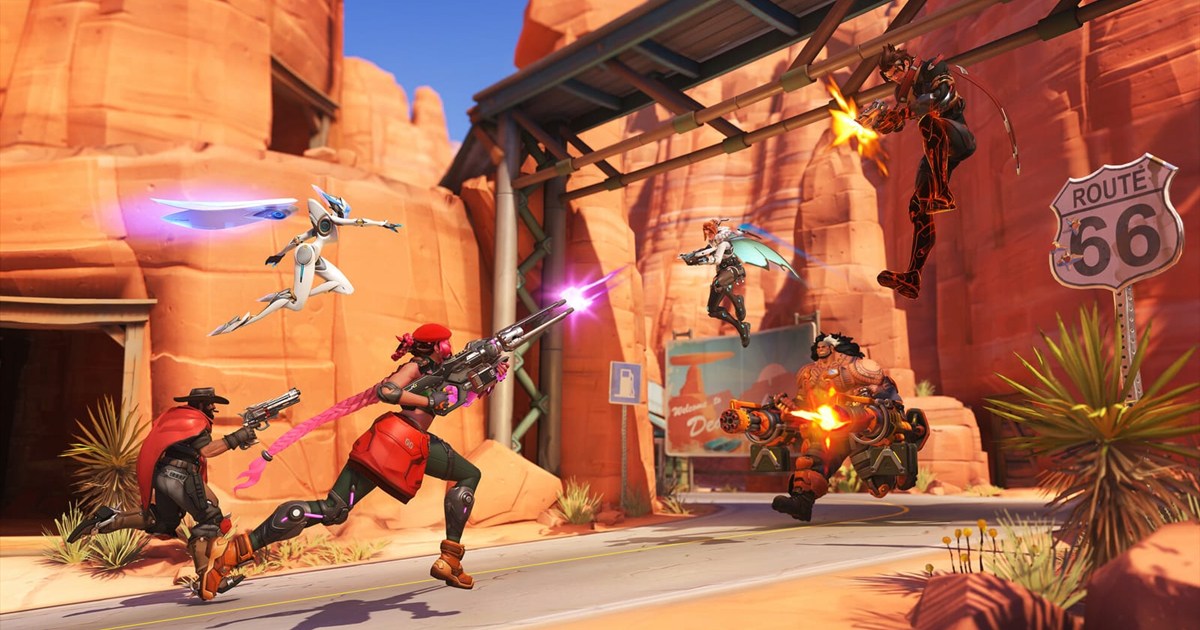
How to Watch Overwatch Replays: Replay Codes, Camera Switching, and Saving Highlights Forever (2026)
A complete rundown of how to load and play Overwatch replays from the main menu, share the same match with a replay code, and rewatch from every player's perspective with the free camera. We also walk you through, step by step, how to save replays as video so they last even when the patch changes.
 Recording Guide
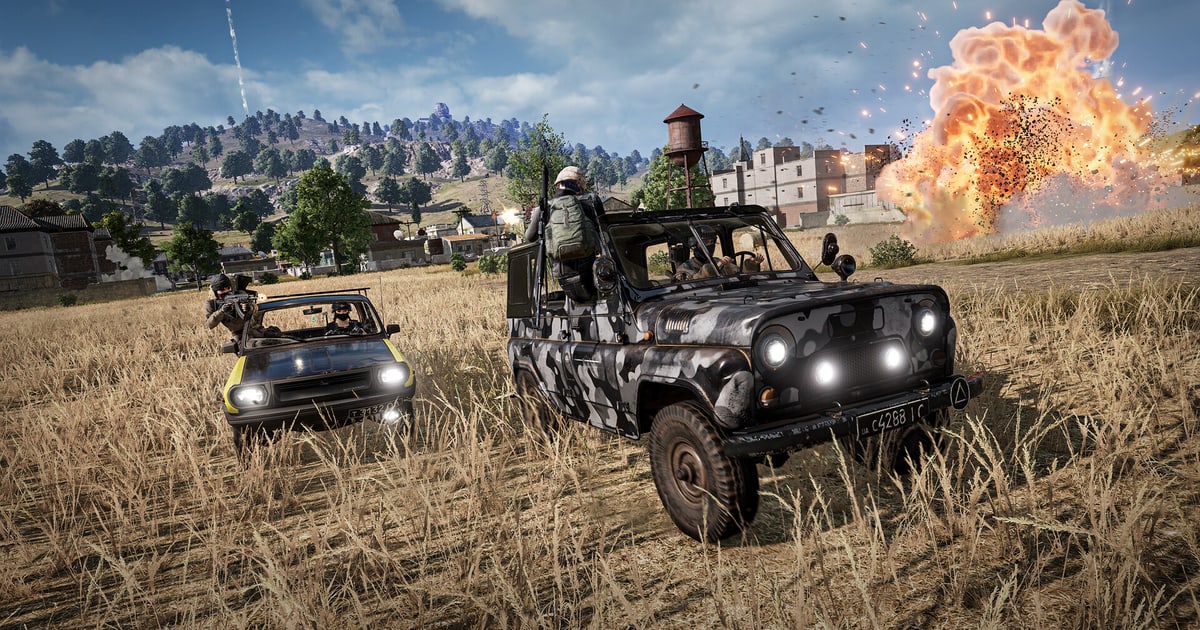
Where PUBG Replay Files Are Stored: Demos Folder Path, Structure, and Keeping Them After Patches
PUBG replays live in %LOCALAPPDATA%\TslGame\Saved\Demos, one folder per match. Verified on a Steam install on September 14, 2026: the path, folder layout, sizes, how to match folders to the in-game list, why old replays stop working after updates, and how 2D Replay and camera controls differ.
 Recording Guide
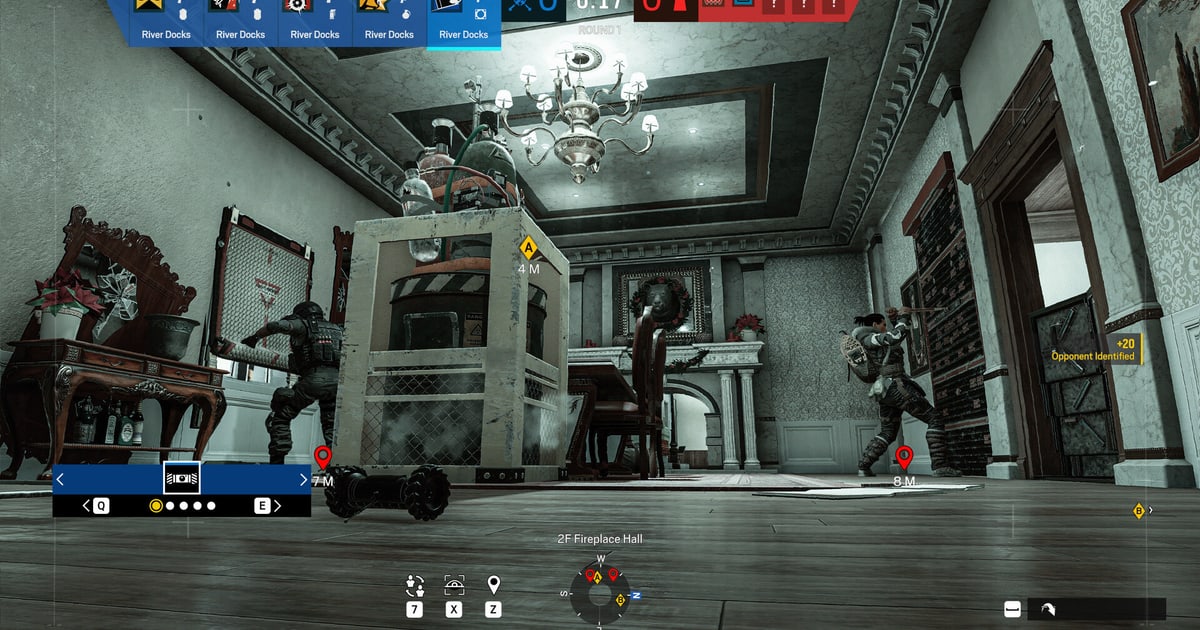
Where Rainbow Six Siege Match Replays Are Saved (MatchReplay Folder Path and Why They Expire Each Season)
Siege Match Replay files live in the MatchReplay folder inside the game's install directory, not in Documents. Here are the Steam and Ubisoft Connect paths, the PC storage cap, and why replays only play back within the same season, all from Ubisoft's official docs, plus how to keep a match past the season reset.
 Recording Guide
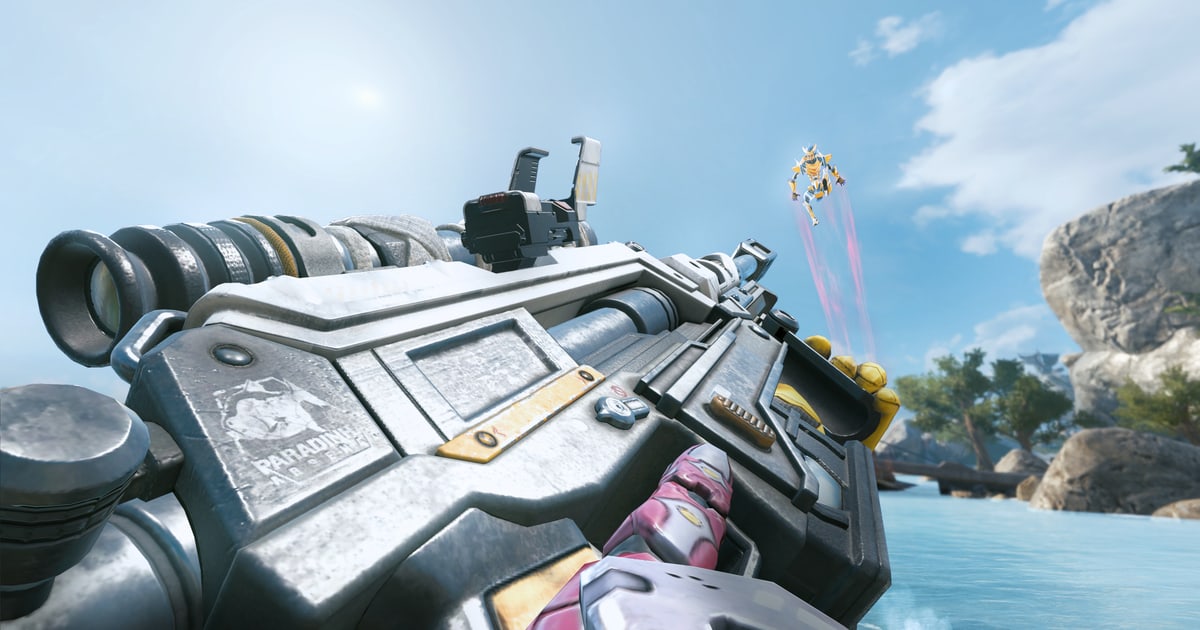
How to Record Apex Legends on PC: Auto-Record Every Match, Clip Fights Later
Apex has no replay mode, so recording is the only way to rewatch a match. Compare Game Bar, the NVIDIA app, Steam and DOR, then auto-record every full match and cut the fight afterwards.
 Recording Guide
TFT Replay: How to Rewatch a Teamfight Tactics Match When There Is No Official Replay (2026)
Teamfight Tactics has no downloadable .rofl replay like League (checked September 14, 2026). Here are the three ways to look back at a match: client match history, Riot API stat sites, and recording the full game with DOR.
 Comparison
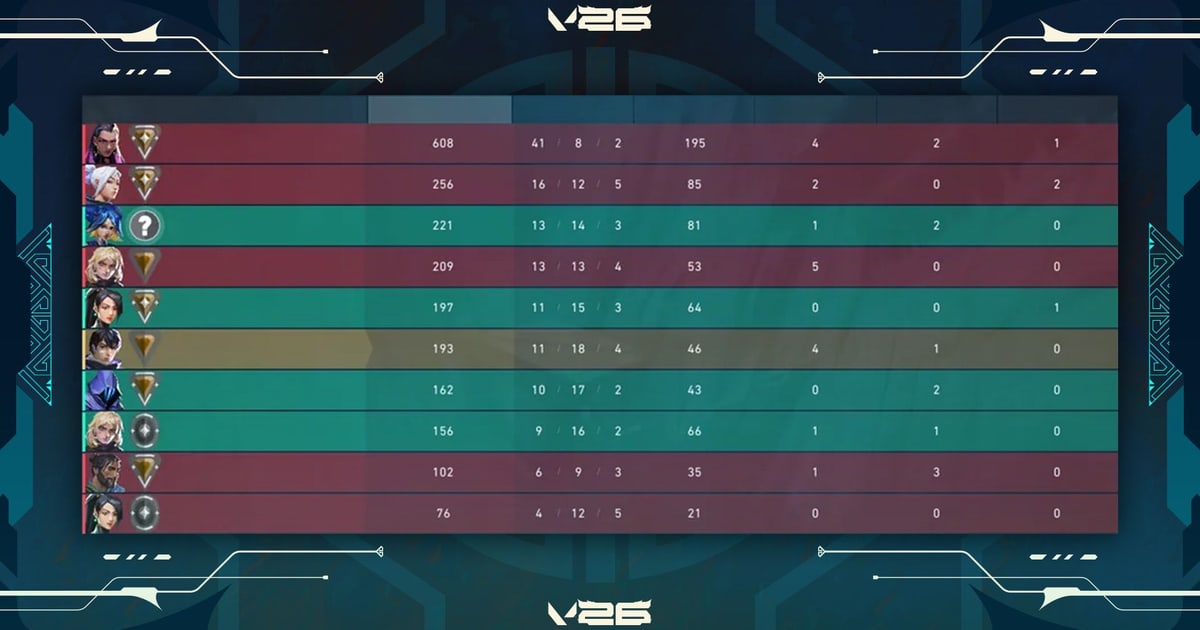
VALORANT Rank Distribution and Tier Order: What Riot Publishes vs. Tracker Estimates (2026)
Riot does not publish a regular tier-by-tier player breakdown for VALORANT. Checked 14 September 2026: the official tier ladder, RR promotion and demotion rules, the act placement structure, and the filters to apply before trusting any third-party estimate.
 Guide
How to Unlock Agents in Valorant: From Free-to-Play to New Agents, All in One Place (2026)
When you first launch Valorant, you only have a handful of agents to use, which can be confusing. This guide covers the three unlock methods (the Agent Recruitment Event, Kingdom Credits, and VP) plus a recommended free-to-play unlock order, all in one place.
 Recording Guide
Apex ADS Sensitivity: How to Set and Verify Your Aim Multiplier
There is no per-optic ADS sensitivity option in EA's documentation. Here is what the single ADS Mouse Sensitivity Multiplier changes, how to calculate your aim eDPI, and how to verify it in the Firing Range.
 Recording Guide
CS2 Premier Requirements: Prime Status, Profile Level 10 and CS Rating
Premier needs Prime Status and Profile Level 10 at the same time. Here is what Steam's official documentation says, checked on 8 September 2026.
 Team & Community
LoL Clash Schedule and Entry Requirements: Tickets, Lock-In, Rewards
The two Clash events left in 2026 (checked 19 October 2026), the three entry requirements, how tickets work, tier-based lock-in windows and where to check the reward tables, straight from Riot's official docs.