Record, edit
& find your community
Practical guides from capturing and editing gameplay to finding friends, parties, and communities.
Page 20 of 45
 Recording Guide
Natural Disaster Survival (Roblox) Guide 2026: The Disasters, the Maps and Recording the Round You Survive
How a round works in Natural Disaster Survival, which disasters and maps the badge list actually confirms, and how to keep the moment a tsunami or a tornado arrives on your PC with the sound that sells it.
 Recording Guide
Pet Simulator 99 Huge Pets (2026): Every Route the Official Update Lists, and How to Record the Hatch
Huge pets in Pet Simulator 99 arrive by more than one route. Here is the list from the developer's own 17 October 2026 update, from Diamond Mountain and the Yeti to the summit egg with up to 300x luck, plus how to keep the few seconds of a Huge hatch with its sound.
 Recording Guide
Roblox BedWars Guide (2026): Bed Defence, Resource Flow, and Recording the Bed Break
A beginner's run-through of Roblox BedWars using what the official experience page states: the four-step play loop, the PC hotkeys, how beds and respawns are linked, kits and seasons, and how to keep the bed break with its audio.
 Recording Guide
Sol's RNG Aura Guide (2026): The Rolling Loop and How to Capture a Rare Aura the Moment It Hits
How rolling works in Sol's RNG, which goals the official description and badge list actually confirm, and how to keep the one-off moment a rare aura appears, with game audio and your reaction, on PC.
 Recording Guide
Squid Game X (Roblox) Guide 2026: Every Mode, the Roles, and How to Record Your Final-Round Win
What the official mode list in Squid Game X actually covers, how an 80-player server thins out round by round, and how to keep your glass-bridge step and final-survivor moment on PC with the game audio and your voice in the same file.
 Recording Guide
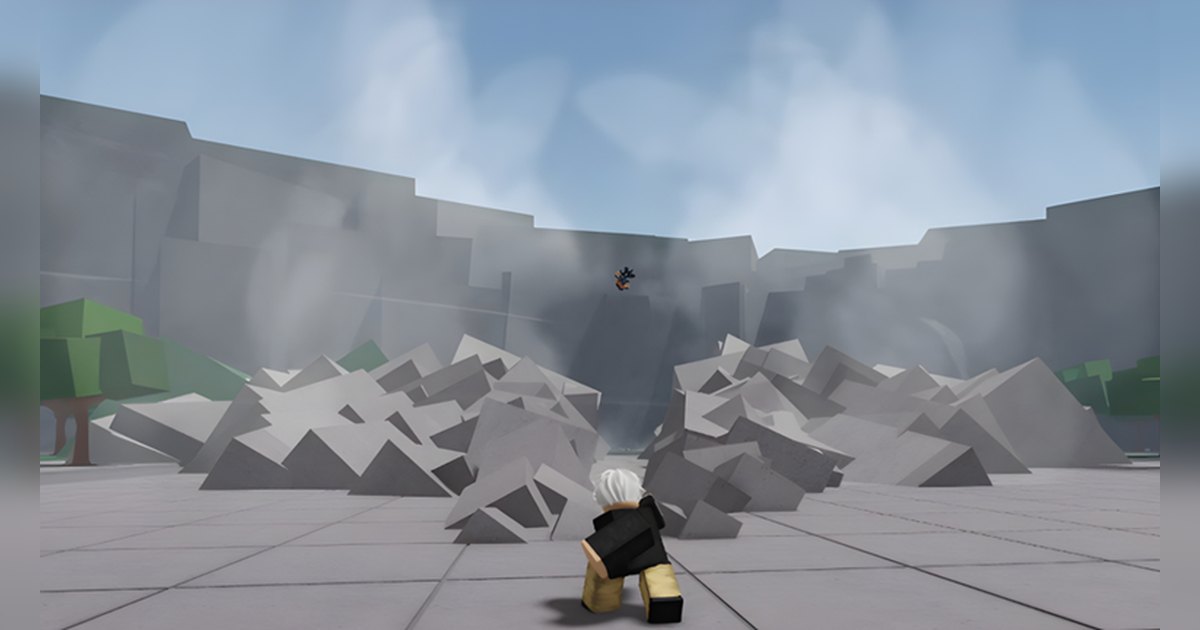
The Strongest Battlegrounds Combos (2026): The Seven Official Controls, Ragdoll Cancels, and the Kill Badge Ladder
A practice order for The Strongest Battlegrounds built on its seven official controls: punch strings, the F block, the Q ragdoll cancel and G ultimate mode, with the kill badge ladder as your goal and a way to keep the footage on PC with sound.
 Recording Guide
Tower of Hell Speedrun Guide (2026): How the Tower Works and How to Keep Your Personal Best
What the official description and badges actually tell you about how Tower of Hell builds a tower and runs a round, how to practise for a faster climb, and how to keep the run where you set a personal best, sound included, on PC.
 Recording Guide
Volleyball Legends Controls (2026): Bump, Set, Spike, Dive, Serving, and Clipping the Rally
The PC controls for Volleyball Legends as the official description lists them, how a serve actually works, how bump into set into spike divides the rally, and how to keep a spike with its sound on PC.
 Recording Guide
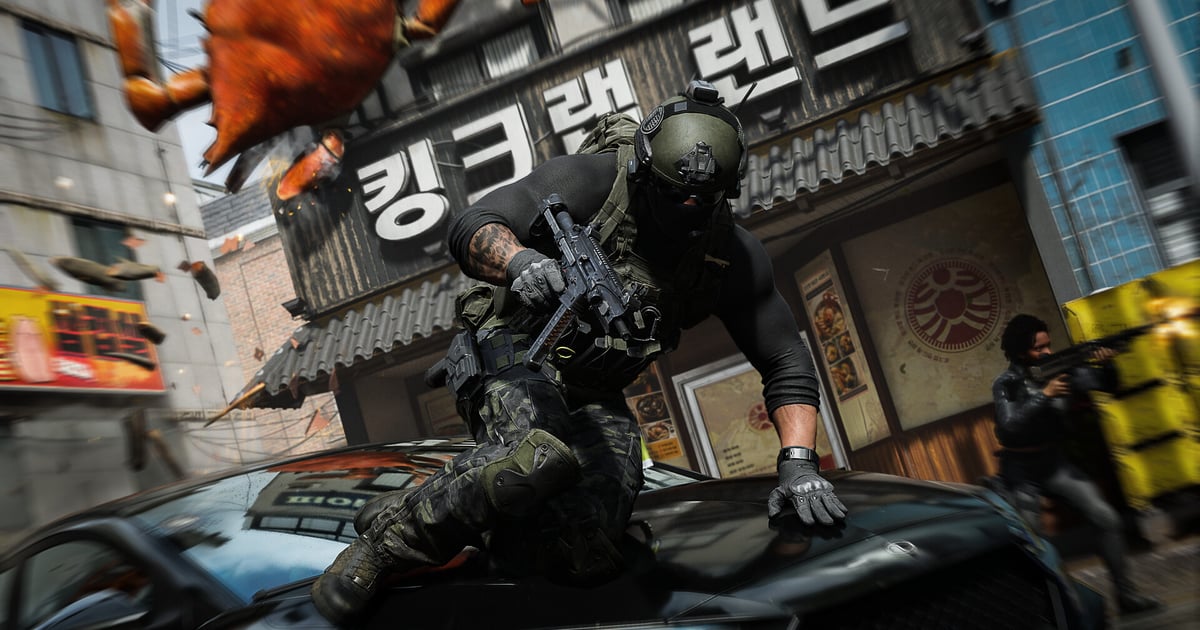
Modern Warfare 4 Clipping Software Compared (2026): Game Bar, NVIDIA app, OBS, and DOR
A side-by-side look at the four tools PC players actually use to keep Call of Duty: Modern Warfare 4 footage: Xbox Game Bar, the NVIDIA app, OBS Studio and DOR. Every number and menu name here was checked against the makers' own documentation on 17 October 2026.
 Recording Guide
How to Save Modern Warfare 4 (MW4) Clips on PC (2026): Keep the Moment Right After It Happens
A practical guide to saving MW4 gameplay clips on PC. No official page documents an in-game clip or replay feature, so this covers where to check for one, how to keep a whole session recording and grab the last 30 seconds with a hotkey, and how to turn a clip vertical.
 Recording Guide
Modern Warfare 4 DMZ (2026): Hajin, the FOB, Progression, and How to Keep a Whole Run
What DMZ actually is in Call of Duty: Modern Warfare 4, when Early Access opens, what the FOB does, what you keep and lose on a run into Hajin, and how to end up with video of the entire deployment. All figures checked against official sources on October 17, 2026.
 Recording Guide
Modern Warfare 4 Install Size on PC (2026): The Official 115 GB SSD Requirement and How to Check
Activision lists one storage number for Call of Duty: Modern Warfare 4 - an SSD with 115 GB available space at launch - and repeats it on all three PC tiers. Here is what that figure covers, what is not published, and how to check every number in your own client.
 Recording Guide
Modern Warfare 4 Recording Storage (2026): Sizing the Full-Session Allocation and Save Path
The official PC requirements for Call of Duty: Modern Warfare 4 list an SSD with 115 GB available space at launch in all three tiers, and recording files are not part of that figure. Here is how to size the full gameplay video allocation (5 GB by default), what happens at 30 GB and 20 GB of free disk space, how to move the save path to another drive, and how much an hour costs at 1080p 30 fps versus 60 fps, checked on October 17, 2026.
 Recording Guide
Call of Duty: Modern Warfare 4 PC System Requirements (2026): Minimum, Recommended, Ray Tracing, and the TPM 2.0 Gate
The full minimum, recommended and ray tracing specs for Call of Duty: Modern Warfare 4, taken from the Activision support document dated 10/01/26 and re-checked on 17 October 2026, plus the recommended driver versions and the TPM 2.0 and Secure Boot requirement that locks Modern Warfare 4 out of every online mode.
 Recording Guide
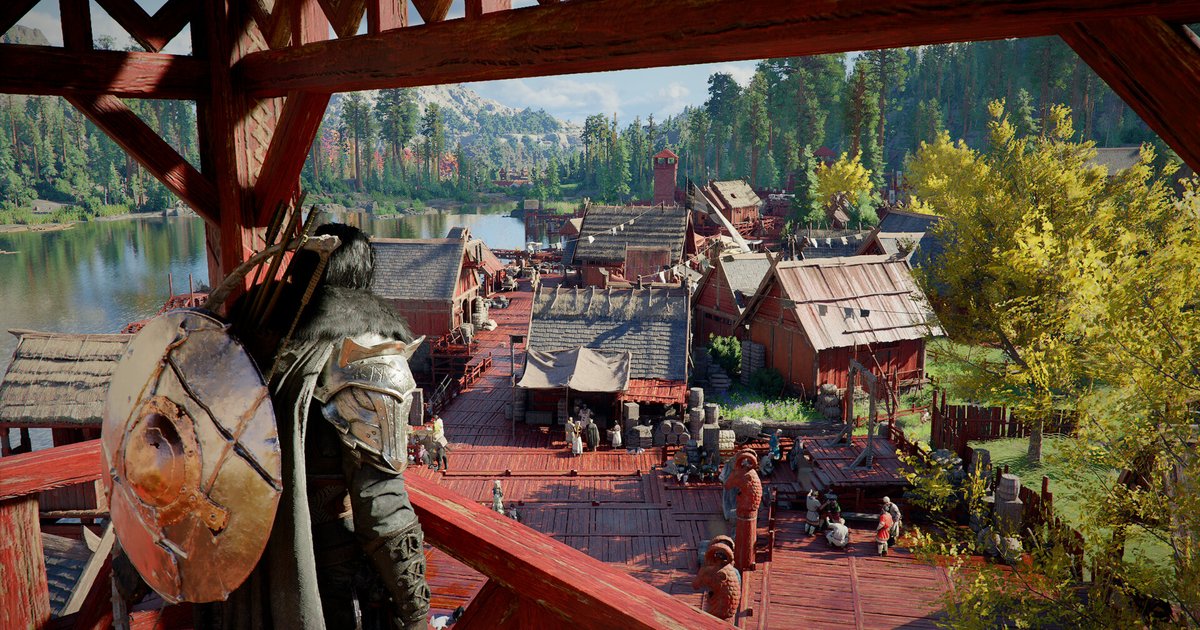
Crimson Desert Best PC Settings (2026): DLSS 4.5 vs 4.5 L, Frame Generation Greyed Out, Settings Not Saving and Recording While You Play
Crimson Desert PC settings checked against Pearl Abyss's official performance chart, patch notes and FAQ on October 16, 2026: which preset to start from for your GPU, how to choose DLSS 4, 4.5 or 4.5 L, FSR or XeSS, what to check when frame generation is greyed out or settings keep resetting, and what to set before launch if you record with DOR.
 Recording Guide
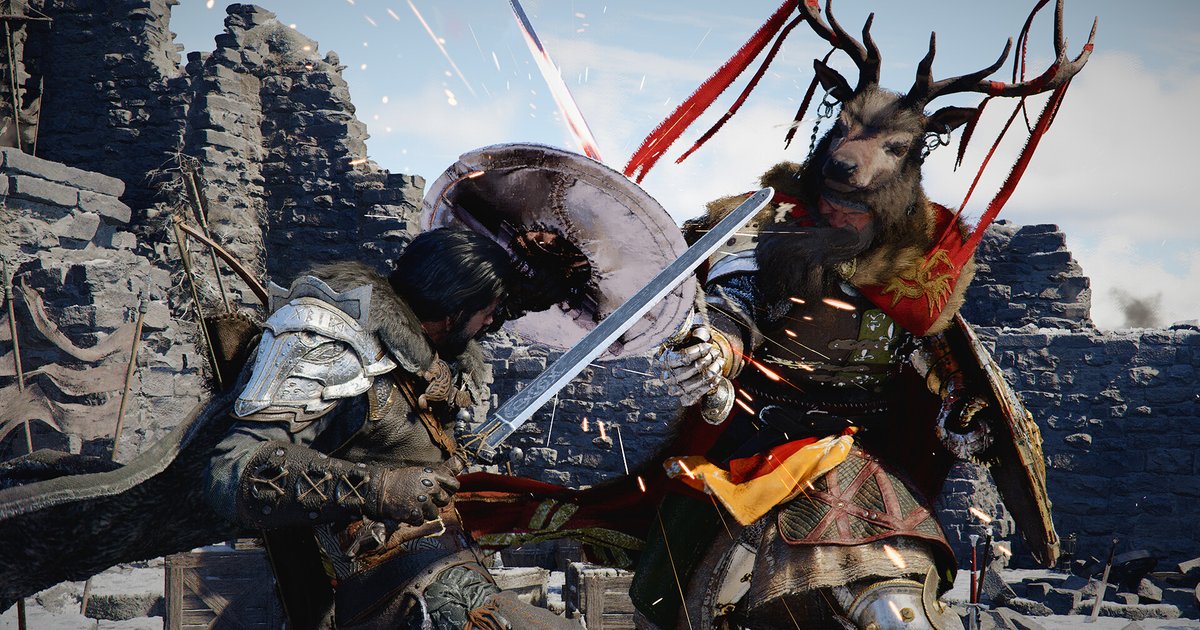
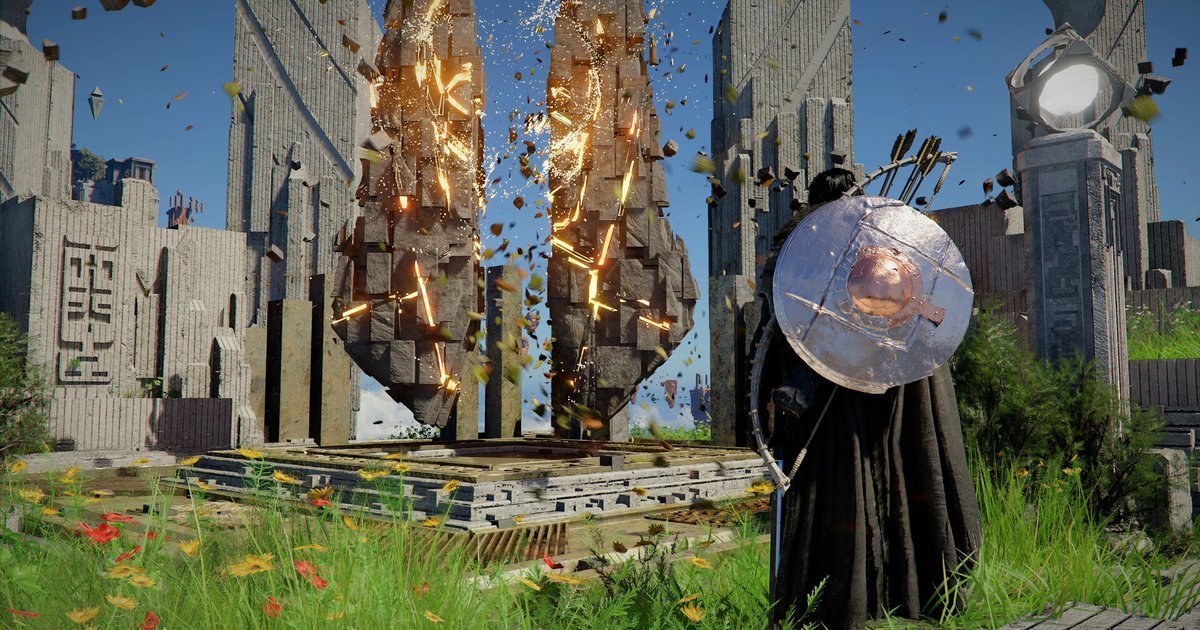
Crimson Desert Boss Rematch (2026): How to Refight Bosses, Reminisce vs Resonate, Rewards and Saving Your Best Kill
A boss rematch in Crimson Desert starts when you light your lantern where you fought a boss and read its Memory Fragment. Here is how to find those spots, how Reminisce and Resonate differ, whether you get any loot, and how to save a clean kill on video with DOR, all checked against the official patch notes.
 Recording Guide
How to Report a Bug in Crimson Desert (2026): Capture the Glitch or Crash on Video and Send It to Pearl Abyss
Crimson Desert bug reports go through Submit Feedback on Pearl Abyss Support. Here is how to check Known Issues first, pick the right category, find your game version, send files with PERS on PC, add your video as a URL, and keep the moments before a crash, as of October 16, 2026.
 Recording Guide
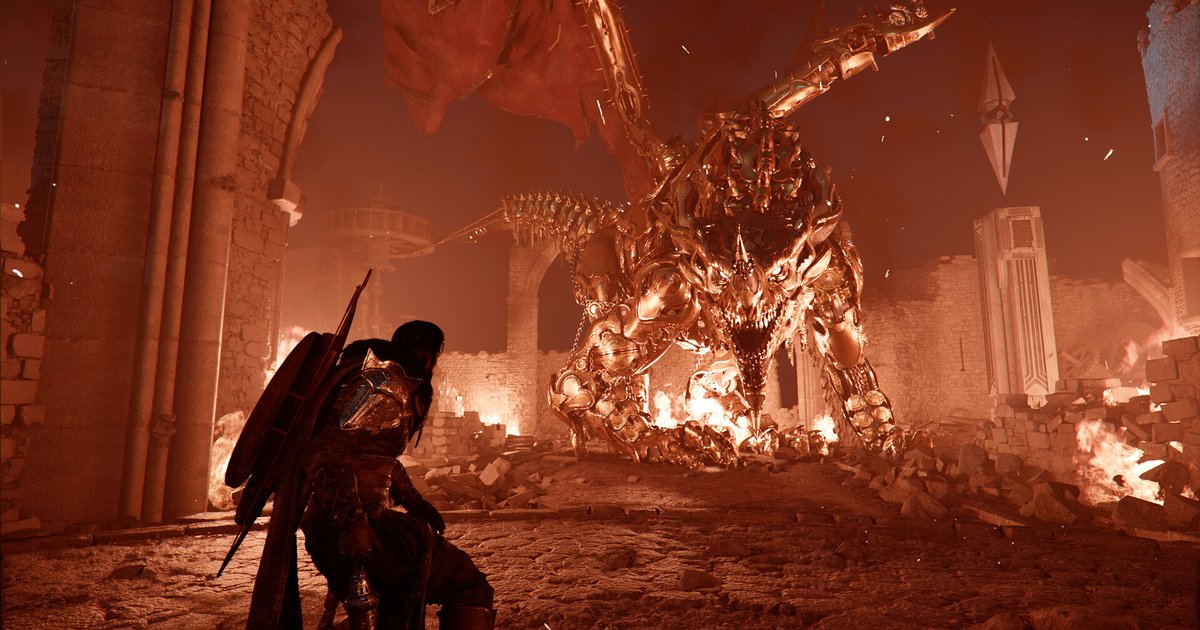
Crimson Desert DLC Release Date (2026): Charting the Unknown Launch Time, Price and Pre-Order Bonus
Crimson Desert's Charting the Unknown DLC launches October 29, 2026 at 3 p.m. PT / 22:00 UTC, two weeks later than first planned. Here are the regional launch times, the Steam price, the pre-order bonus, what is confirmed about start requirements and what to set up before launch, checked against Pearl Abyss's notices and Steam on October 16, 2026.
 Recording Guide
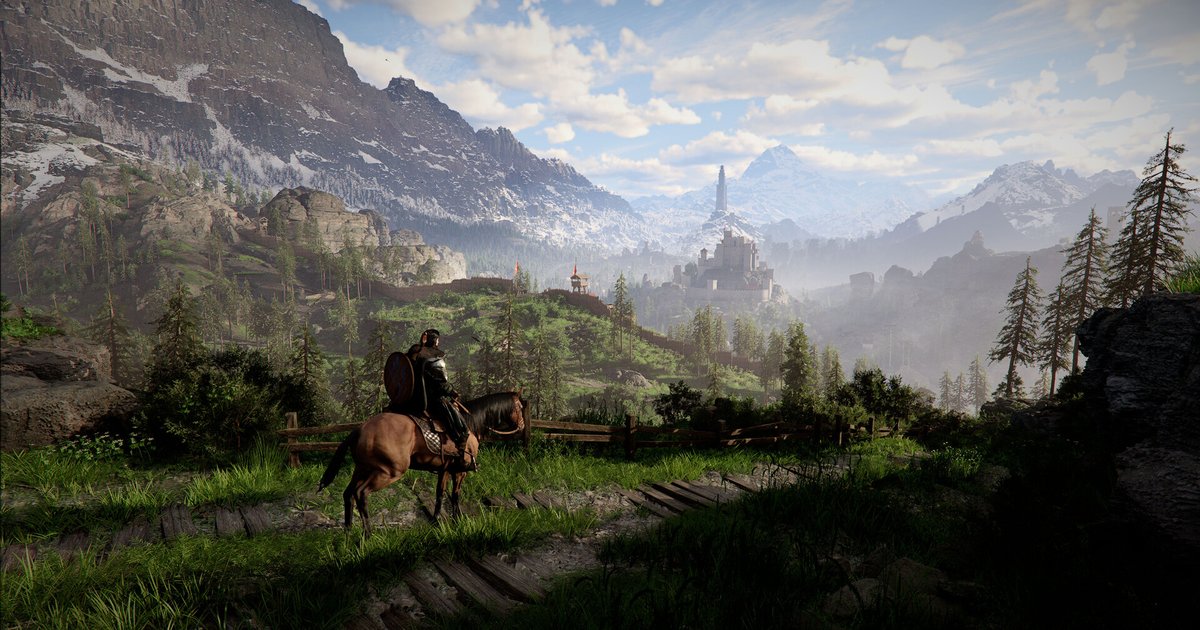
Crimson Desert Crashing on PC (2026): Fixes for Startup, Loading and After-Update Crashes
If Crimson Desert crashes on startup, during loading or after an update, this guide walks through the checks that Pearl Abyss's official support FAQ and patch notes point to, symptom by symptom, and shows how to keep a clip of the moments before the crash for your bug report. Checked October 16, 2026.
 Recording Guide
Crimson Desert Save File Location (2026): PC Save Path, Backup and Restore, Steam Cloud and Cross-Save
Where Crimson Desert keeps its save files on PC (C:\Users\[Username]\AppData\Local\Pearl Abyss\CD\save), how to open the folder, back up and restore the numbered save folder, and what to watch for with Steam Cloud and the cross-save slot, checked against Pearl Abyss's official guidance on October 16, 2026.
 Recording Guide
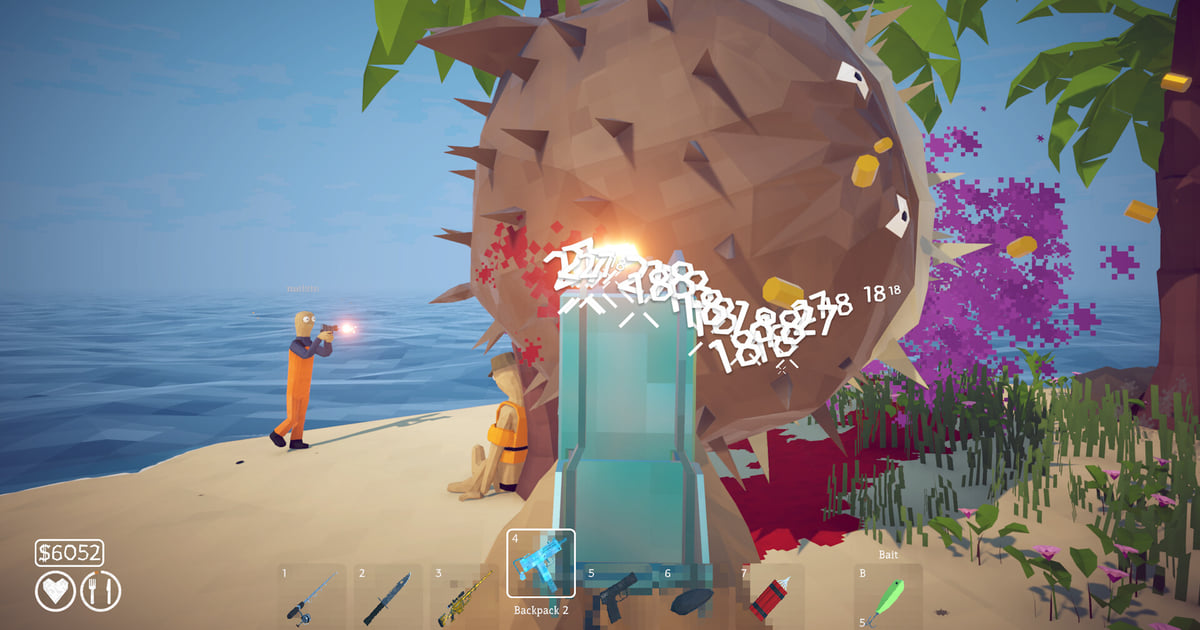
How to Fish Difficulty Settings (2026): Exactly What Easy and Hard Mode Change
The difficulty option in How to Fish came with patch 1.0.9 on 2026-08-24, and the developers published the numbers: easy gives every creature 25% less health and 50% less damage, hard gives 25% more health and 25% more damage, and the default keeps the balance the game shipped with. Here is what those values mean for a group with mixed skill levels, how the difficulty option differs from the creature balance patches, and what to set before you launch if you want the boss retry on video.
 Recording Guide
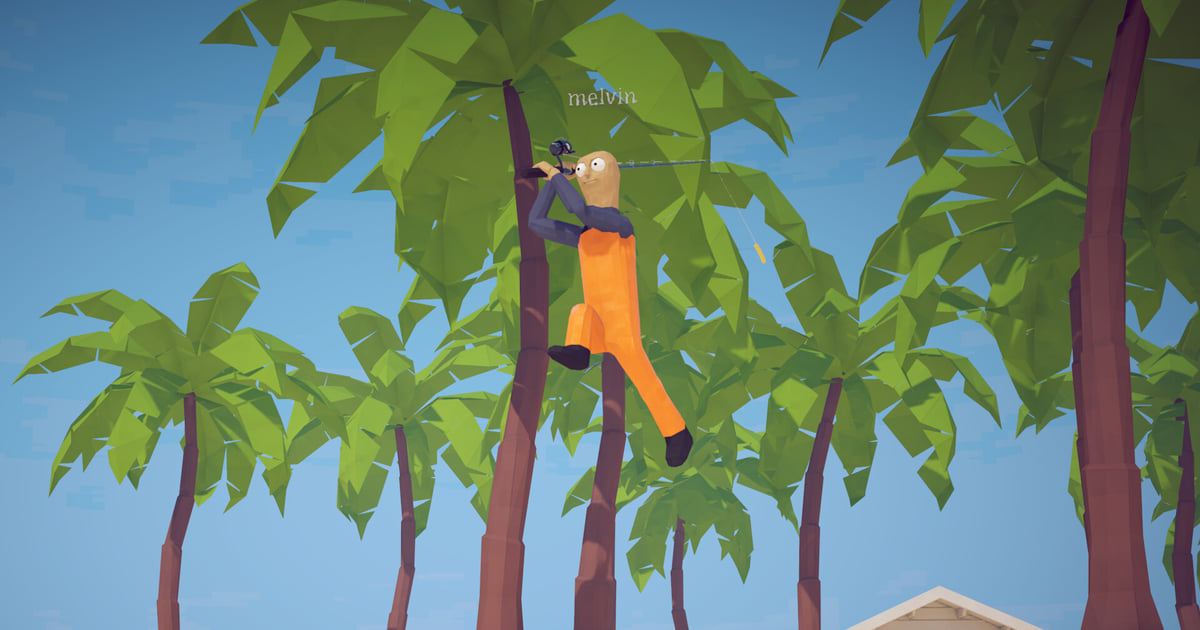
Missed That Funny How to Fish Moment? (2026) Find the Trick Shot in Your Session Recording Before It Is Deleted
You landed the trick shot, the pufferfish finally went down, or the whole crew got blown off the dock, and nobody pressed a save key. This guide shows how to find that stretch inside the session recording DOR already made, and how to keep it before the full-play quota clears the folder.
 Recording Guide
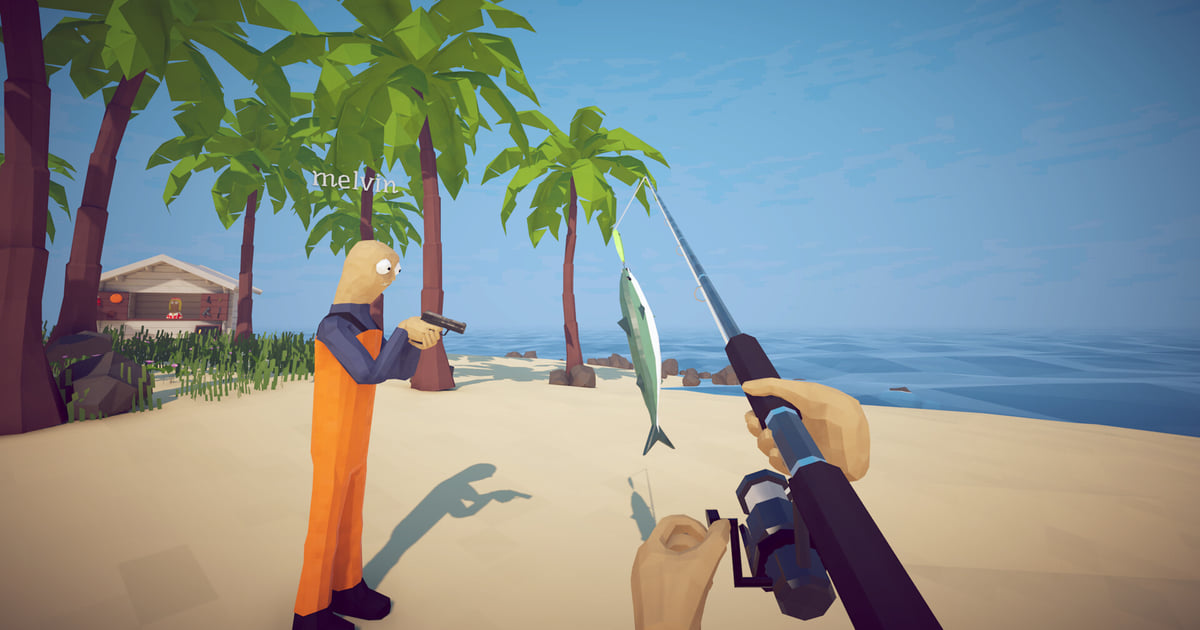
Is How to Fish on PS5, Xbox, Switch, Mac or Mobile? (2026) You Can Buy It on Windows, Nowhere Else
Checked on 16 October 2026: the one platform you can buy and install How to Fish on is Windows PC through Steam. There is no PS5, Xbox, Switch, Mac or mobile edition. Since the 1 September 2026 patch post the same Windows build runs on a Steam Deck (Verified) and streams through GeForce NOW, and the developers said on 12 October 2026 that they are porting to consoles, without naming a system or a date.
 Recording Guide
How to Fish Player Count (2026): Up to 8 Players in Co-op, and How to Invite Friends
How many players can play How to Fish? The Steam store page still describes a 1-4 player game, but the developers raised lobbies to 8 players in patch 1.0.4 on 21 August 2026, and patch 1.0.5 added invite-only private lobbies the next day. Here is the current player count with its source and date, how the host decides who gets in, and the settings worth finishing before an eight-person session starts.