Record, edit
& find your community
Practical guides from capturing and editing gameplay to finding friends, parties, and communities.
Page 50 of 59
 Comparison
XSplit vs OBS Studio (2026): Recording Features, Pricing, and Who Should Use Which
XSplit Broadcaster and OBS Studio compared on price, free-plan limits, supported OS, recording features, and what to carry over when switching, all checked against official pages on September 30, 2026.
 Troubleshooting
How Many GB Is ARC Raiders? System Requirements (2026) and How to Check Install Size
ARC Raiders' official Steam minimum and recommended specs exactly as listed, why there is no official storage figure, and how to read the real install size on your own PC.
 Troubleshooting
How Many GB Is Battlefield 6? System Requirements (2026): Minimum, Recommended, Storage
How much storage Battlefield 6 needs, plus the official Minimum, Recommended, Ultra and Ultra++ specs and the Secure Boot and TPM 2.0 rules, exactly as EA and Steam list them.
 Troubleshooting
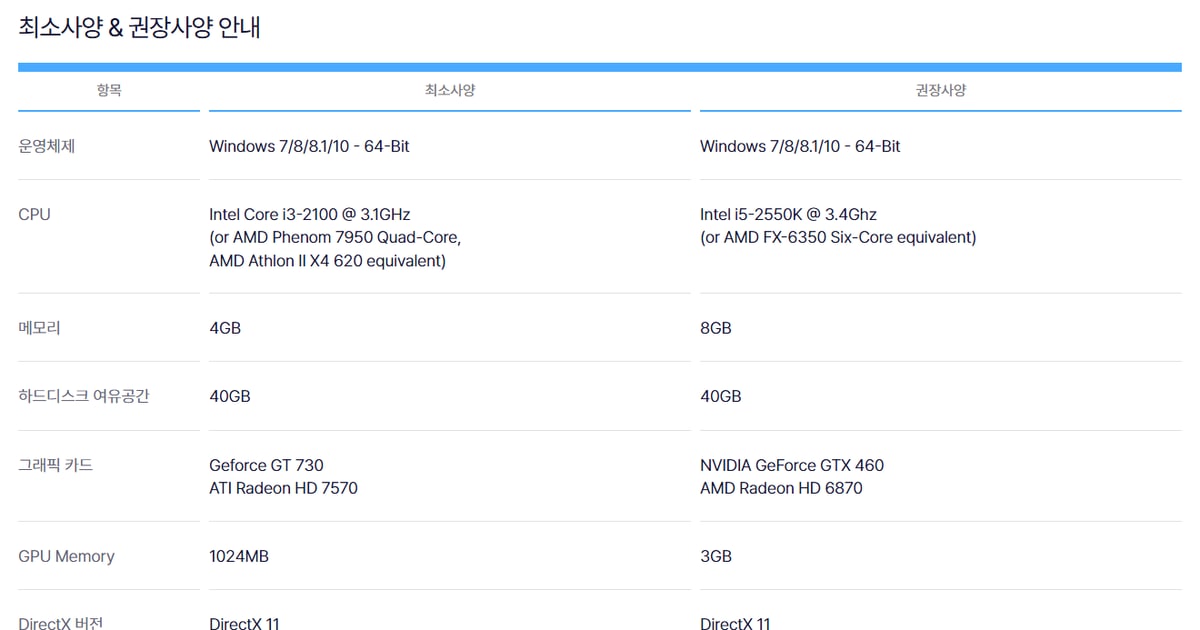
How Many GB Is FC Online? 40GB Free Space and PC System Requirements (2026)
FC Online needs at least 40GB of free disk space, per Nexon Korea's official download page. Here are the minimum and recommended specs, how to free up space, and how to check your PC with dxdiag.
 Comparison
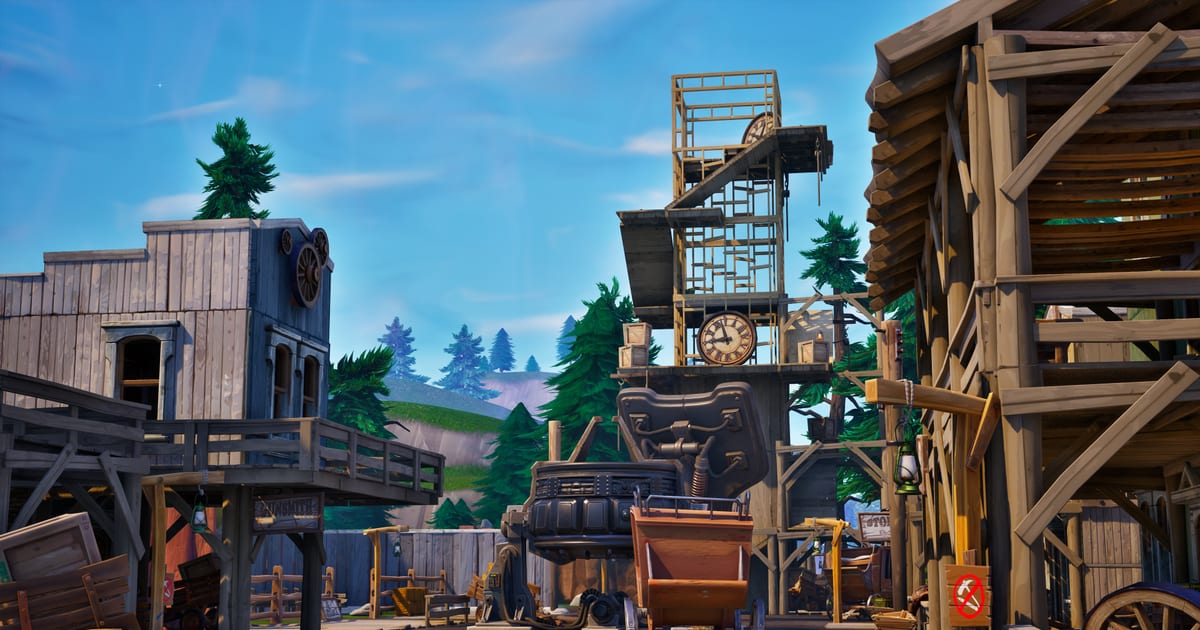
Fortnite Rank Distribution (2026): Ranked Tiers in Battle Royale & Zero Build and What the Percentages Mean
Epic has not published an official Fortnite rank distribution. Here is the official tier order, the Elite demotion floor, the Unreal Legends rules and a checklist for reading tracker percentages, checked as of September 28, 2026.
 Comparison
League of Legends Rank Distribution (2026): What Riot Publishes vs. Tracker Estimates
Riot does not publish a per-tier rank distribution for League of Legends. The only official figures are that Master is the top 0.2% of players worldwide and that fewer than 1% ever reach the apex tiers. Here is how to read rank stats as of September 28, 2026.
 Troubleshooting
How Many GB Is League of Legends? Install Size, Specs, and Cleaning Up (2026)
Riot's spec table lists 16GB of Free Storage Space for League of Legends, but Riot Support says a typical install is about 35 to 40GB. Here is how to read both official numbers, check your PC, and clean up an oversized install, as checked on September 28, 2026.
 Comparison
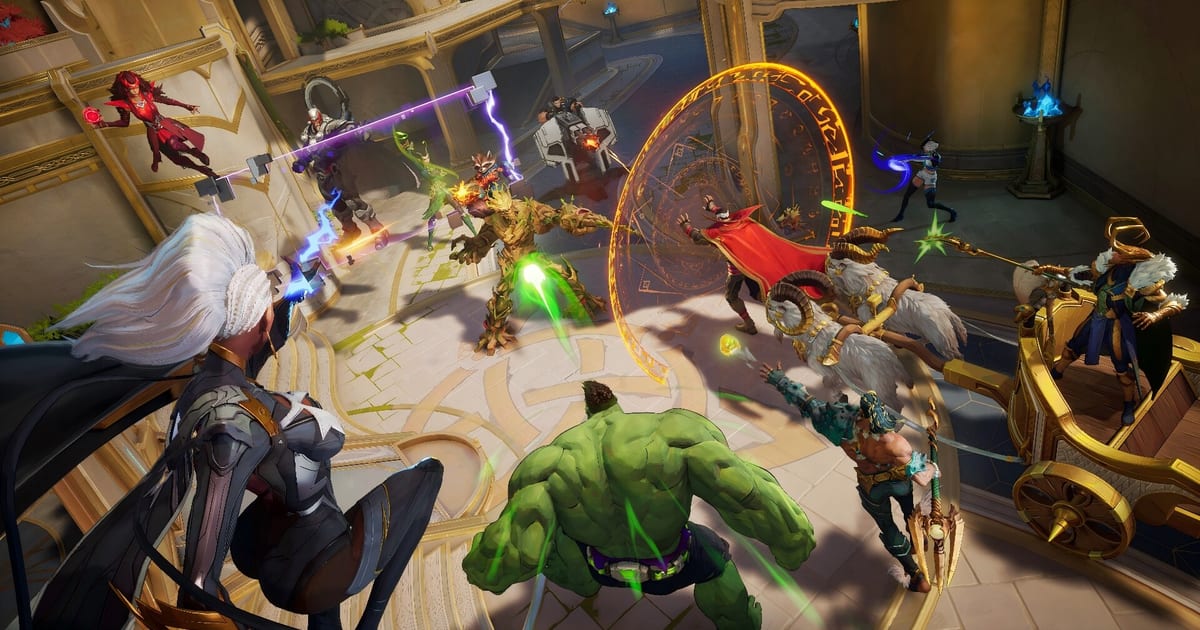
Marvel Rivals Rank Distribution (2026): Is There Official Data? Rank Order and Season 10 Placements
As of September 28, 2026, the developers have not published an official rank distribution for Season 10. Here is what the official notes do confirm, and what to check before you trust any tracker percentage.
 Comparison
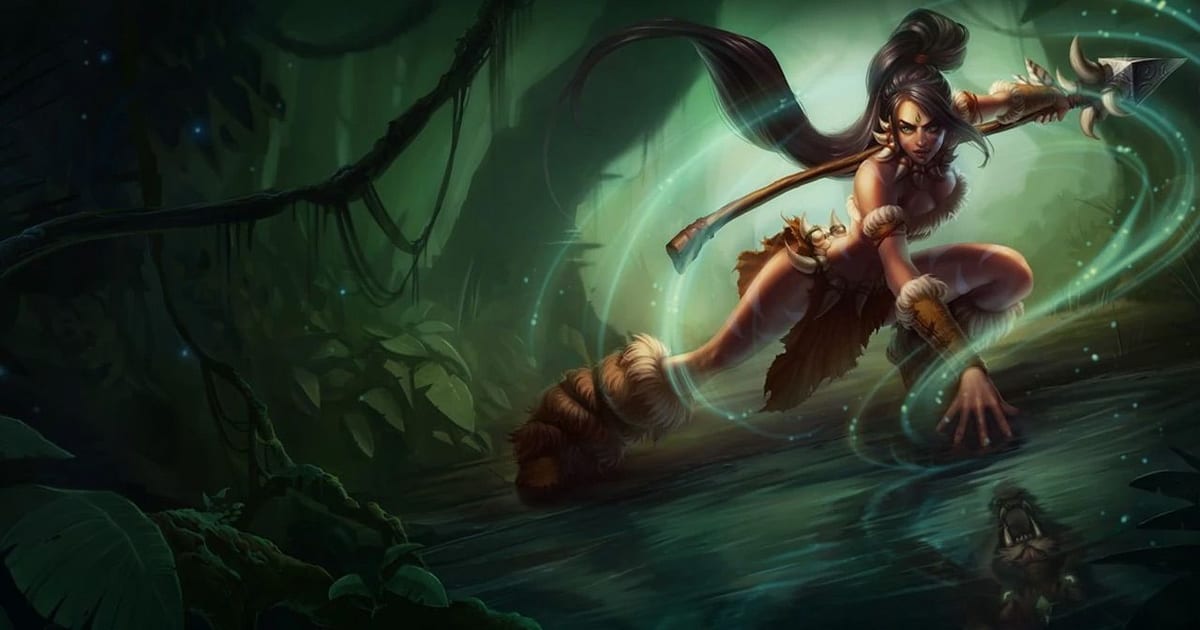
TFT Rank Distribution (2026): Is There an Official Tier %? Ranked Tiers, Double Up and Set 18 Rules
Riot has not published an official tier-by-tier TFT rank distribution (checked September 28, 2026). Here is the official tier order, the LP, demotion and decay rules, the Set 18 reset, and the filters to check before trusting a third-party chart.
 Troubleshooting
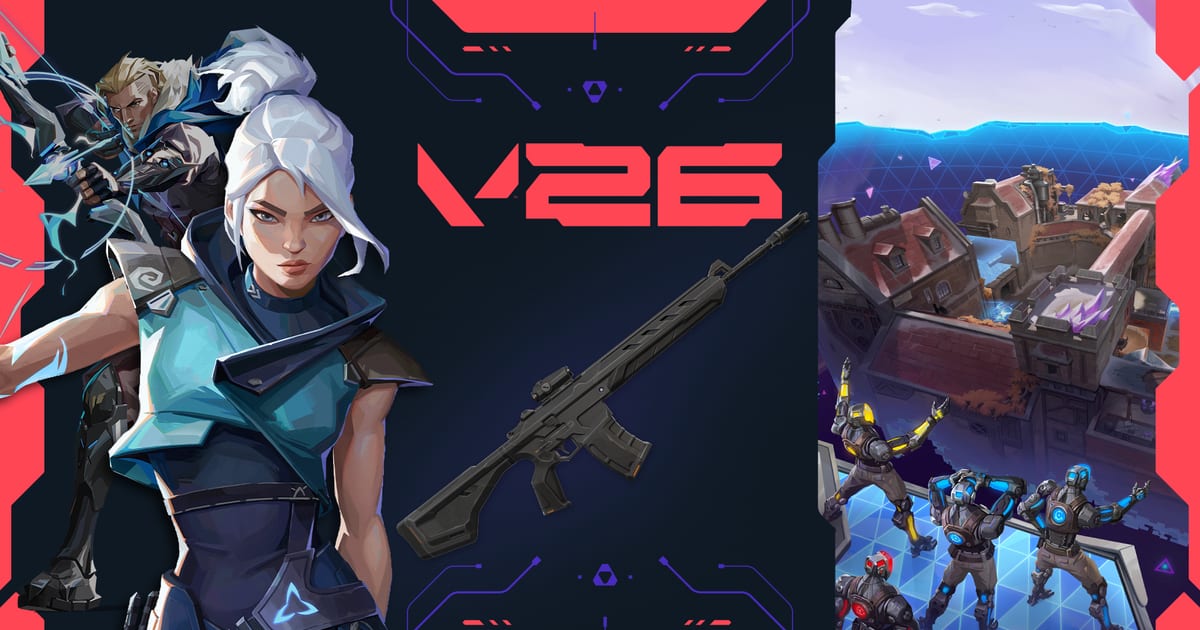
How Many GB Is Valorant? Install Size, Minimum Specs, and Freeing Space (2026)
Riot doesn't publish an official GB figure for VALORANT's install size. Here's how to see the real size on your PC, the official Minimum, Recommended and High-End specs, and Microsoft's own ways to free up space, checked September 28, 2026.
 Recording Guide
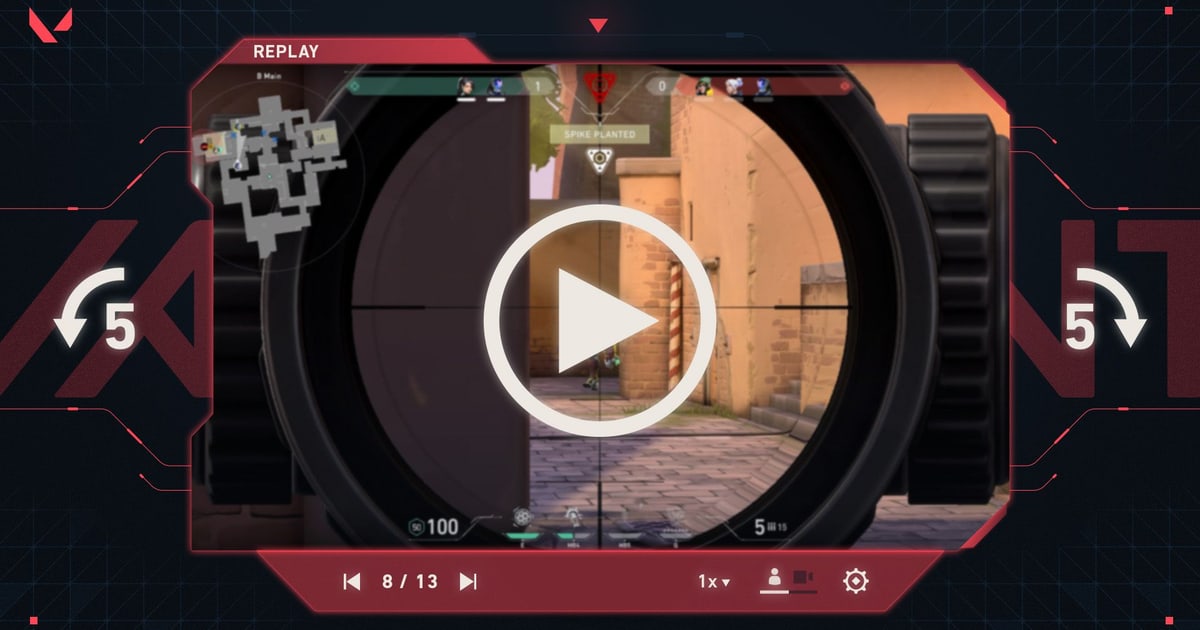
Auto-Edit Valorant Clips: Get Kill and Round Highlights Cut Automatically, No Editor Needed (2026)
Skip scrubbing a full match for kills. Here is how kill and round clips get saved automatically, trimmed and merged in a browser, and shared by link, plus a step-by-step comparison with Premiere Pro and CapCut.
 Recording Guide
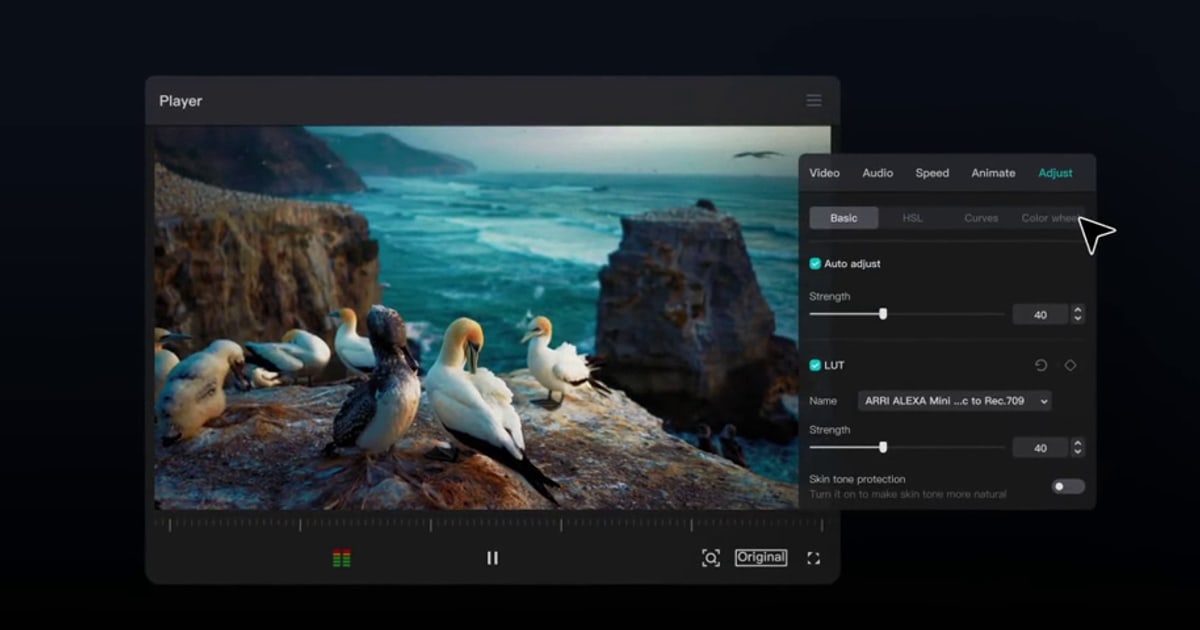
How to Make Vertical Gaming Clips in CapCut (PC): 9:16 Reframe, Auto Captions, Export (2026)
Turn a 16:9 gameplay clip into a 9:16 vertical Short or TikTok in CapCut desktop, add auto captions and export to spec. Every label quoted from CapCut's official help pages.
 Guide
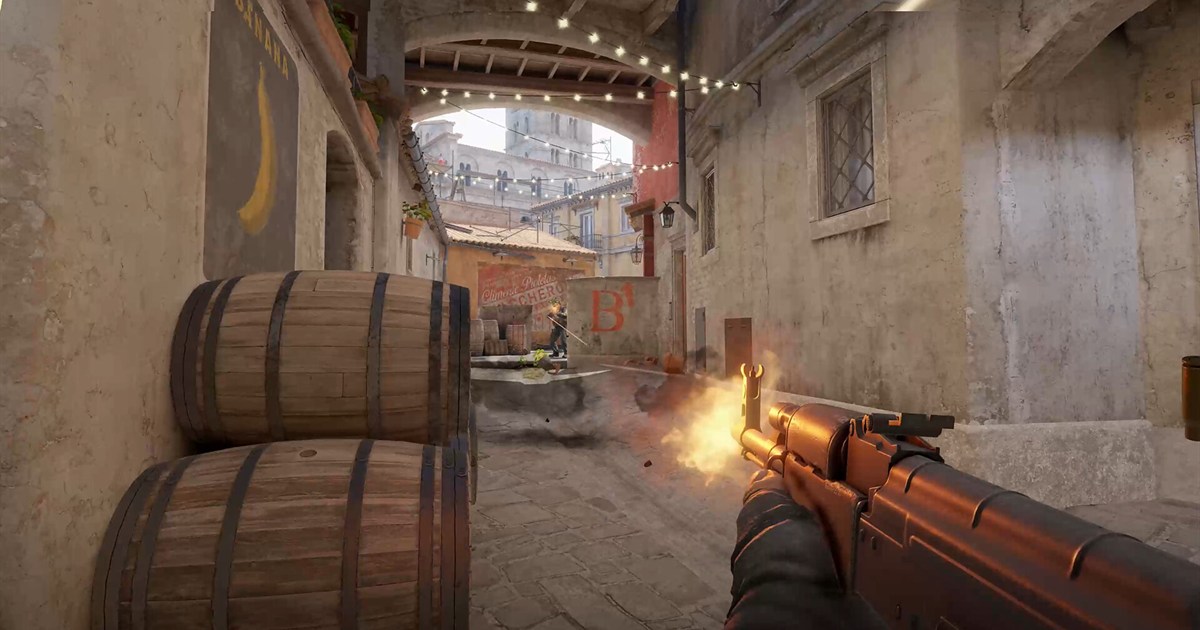
CS2 FPS-Boosting Settings: A Step-by-Step Rundown From Launch Options to Graphics
If you are stuttering from low fps in CS2 or your aim is wavering, just two things, launch options and video settings, make an immediate difference. The recommended values you can simply follow are all here in one place.
 Recording Guide
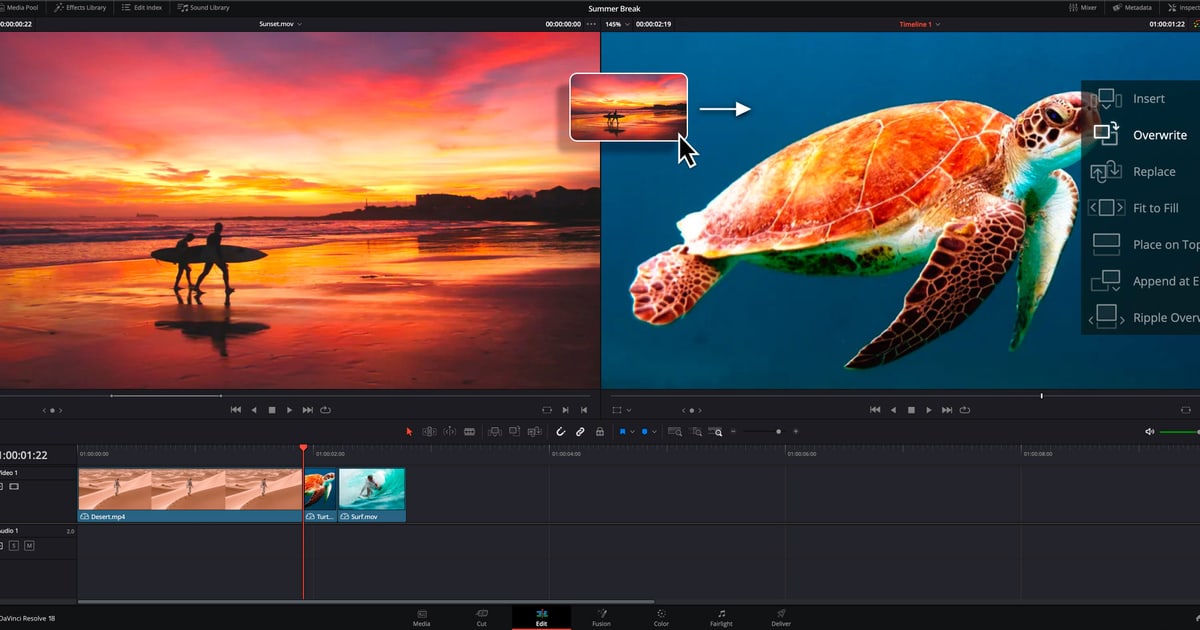
Editing Game Clips in DaVinci Resolve (Free): Project Settings, Cutting, and Export (2026)
How to edit 1080p60 game clips in the free version of DaVinci Resolve and export a YouTube-ready MP4: matching the timeline frame rate in Project Settings, pulling highlights with Source Tape on the Cut page, and rendering with the YouTube 1080p preset, all from the official manual.
 Guide
Delta Force Recommended Settings: A Graphics and Aim Guide to Nail Frame Rate and Aim at Once
We laid out Delta Force recommended settings you can just enter as-is, from display to graphics options to sensitivity and FOV, step by step. We focused on values that stabilize your frame rate and make enemies easier to see.
 Guide
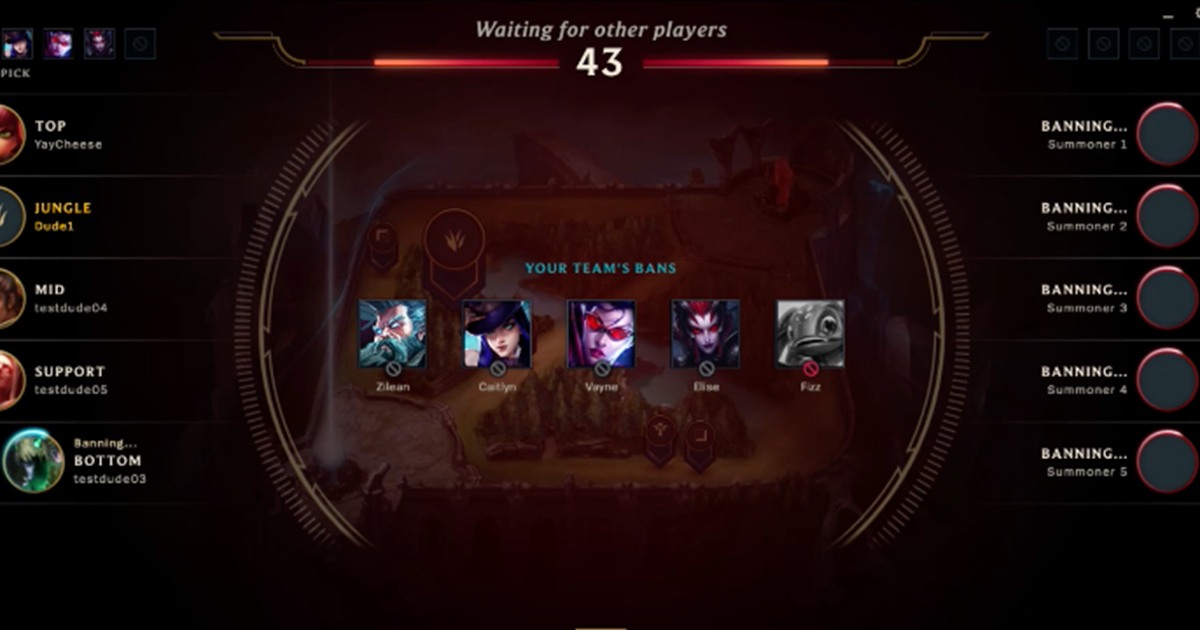
How to Change Server or Region in League of Legends: Account Transfer, New Account, and VPN (2026)
Your LoL account is tied to the region where you first created it, but there are three realistic ways to play on a different server. From a new account to a VPN workaround to Regionless, here are the methods that actually work in 2026, laid out in order.
 Recording File Management
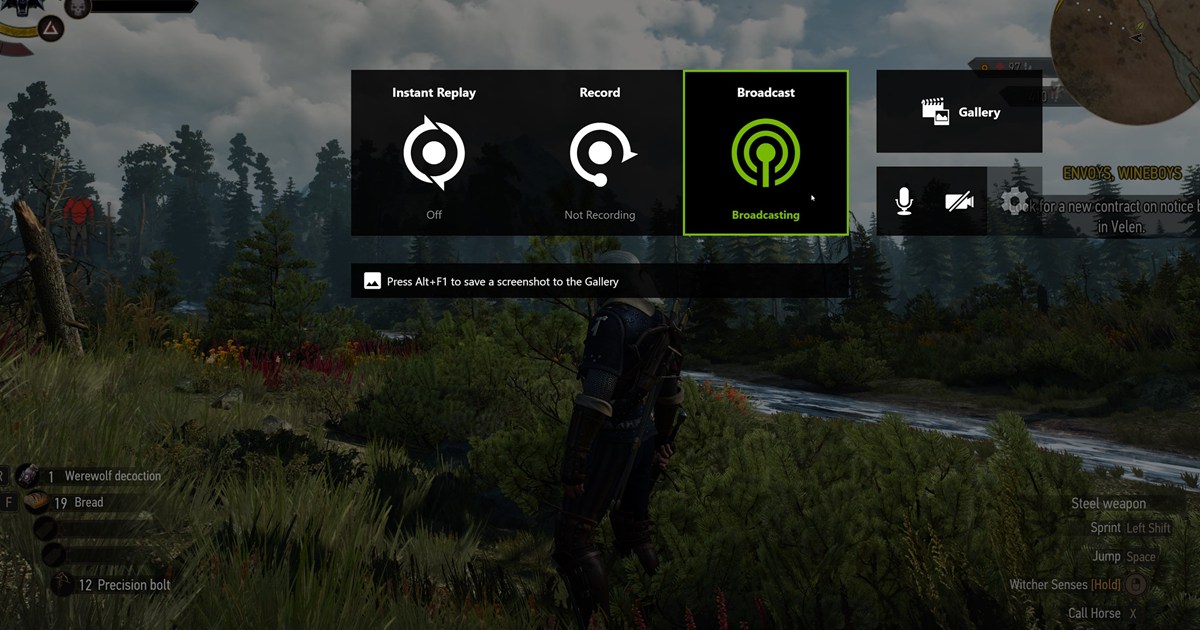
Where NVIDIA ShadowPlay recordings are saved, check the Alt+Z Gallery
Open the Alt+Z overlay Gallery, use Open File Location on a recent ShadowPlay clip, verify the real path, change storage, and test both capture modes.
 Recording Guide
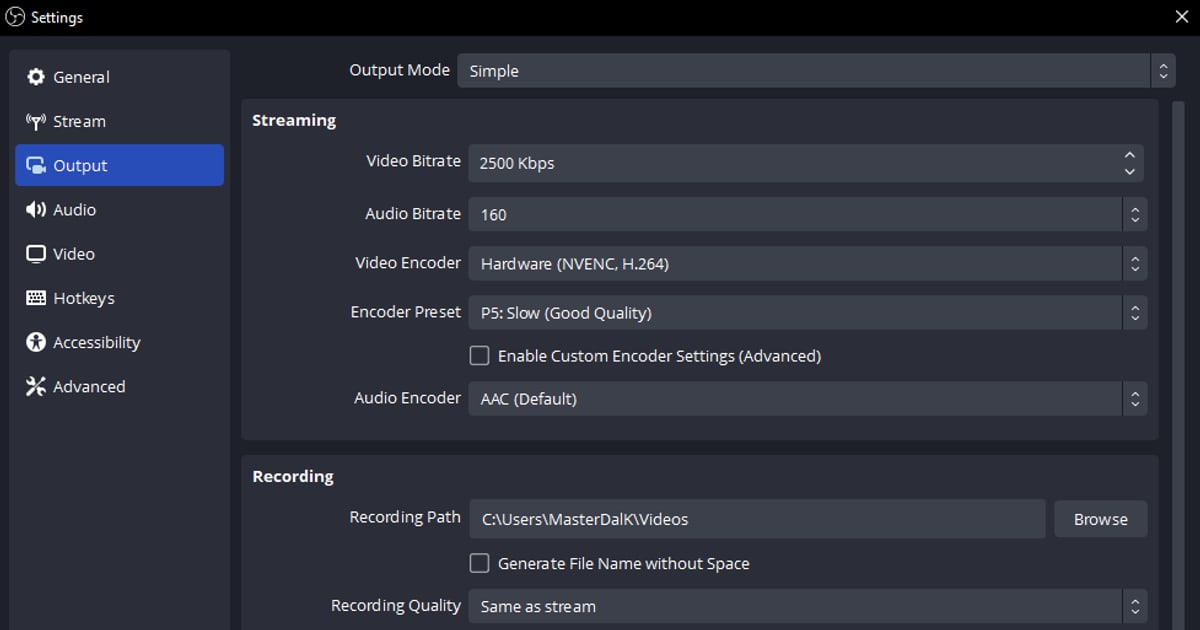
Best OBS Settings for Recording League of Legends: Capturing the Game Window, Resolution, Bitrate (2026)
League runs the lobby and the game as separate windows, so a black Game Capture in the lobby is normal. Two scenes, the Automatic Scene Switcher and OBS's official NVENC values are all you need.
 Recording Guide
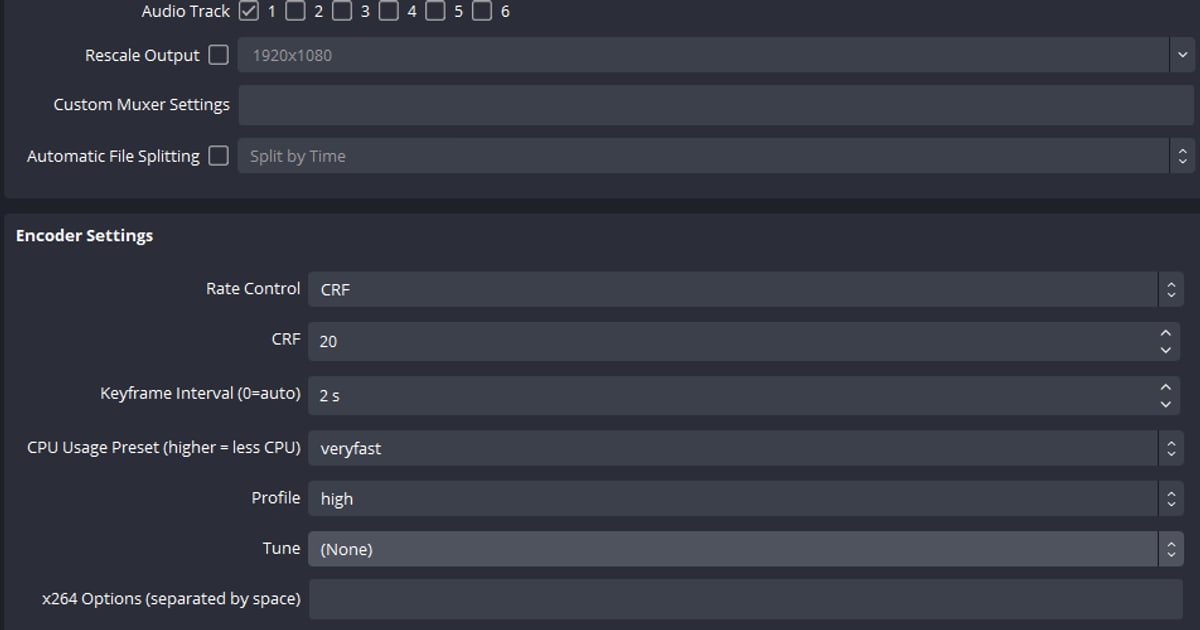
OBS Recording Settings for a Low-End PC: The Minimum Setup That Still Records Smoothly (2026)
A priority table for recording games with OBS on a weak PC: what to give up first (resolution, FPS, preset, sources) and what to keep (a hardware encoder, the default Hybrid MP4 format, a game frame cap).
 Recording Guide
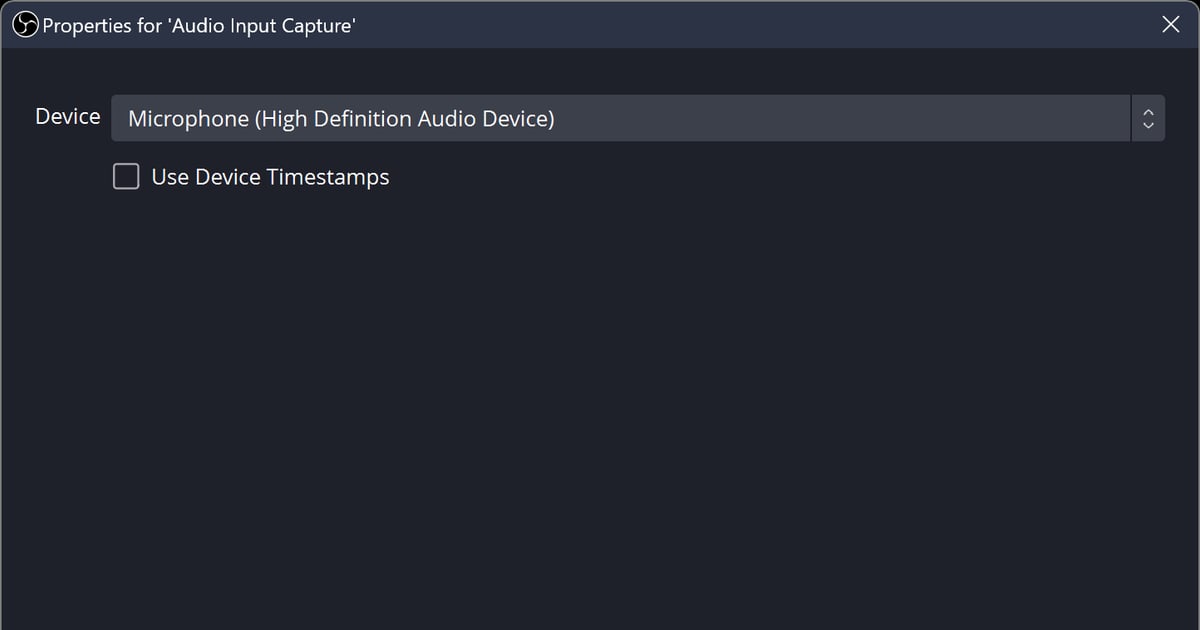
OBS Mic Settings for Recording: Filters, Levels, and Separate Audio Tracks (2026)
Using only OBS 32.2 labels and official default values, here is how to get clean voice into a game recording: device, level, filters, then a separate mic track.
 Recording Guide
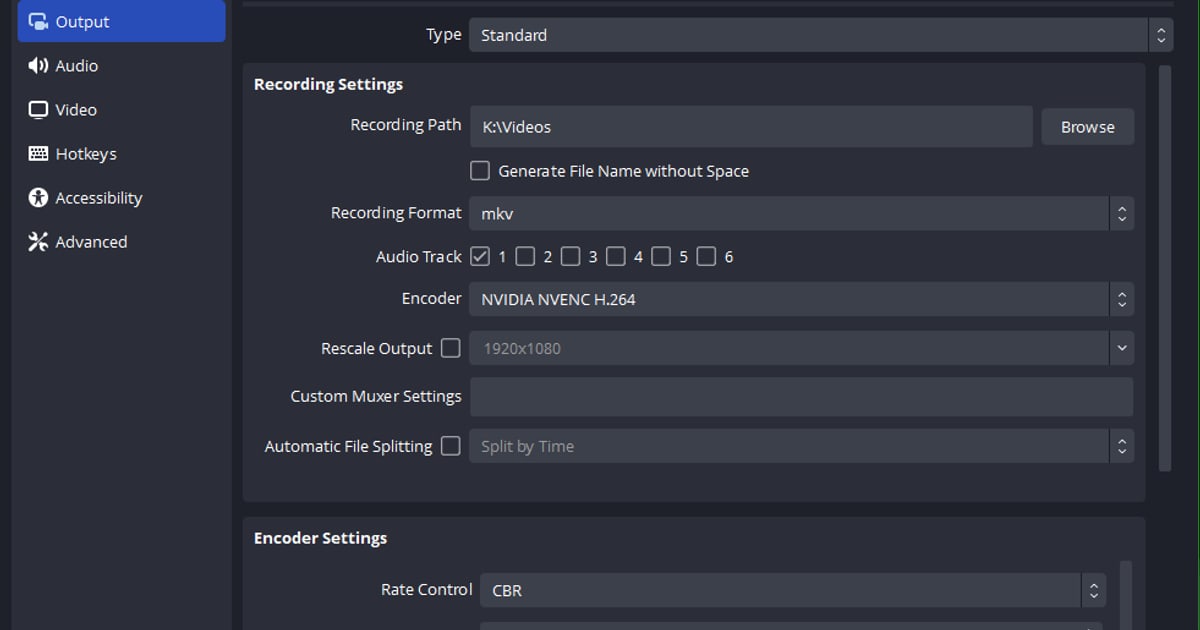
OBS MKV to MP4 Auto-Remux Not Working: Why 32.2.2 Still Writes MKV, When Auto-Remux Skips, and the No-Audio Fix (2026)
Why OBS 32.2.2 still saves .mkv (an old profile kept its MKV setting), the conditions under which 'Automatically remux to mp4' does nothing or produces a '.remuxed.mp4', and what to check when a remux fails or has no audio, using the real OBS labels. The basic remux walkthrough and the mp4 vs mkv comparison live in a sister guide.
 Recording Guide
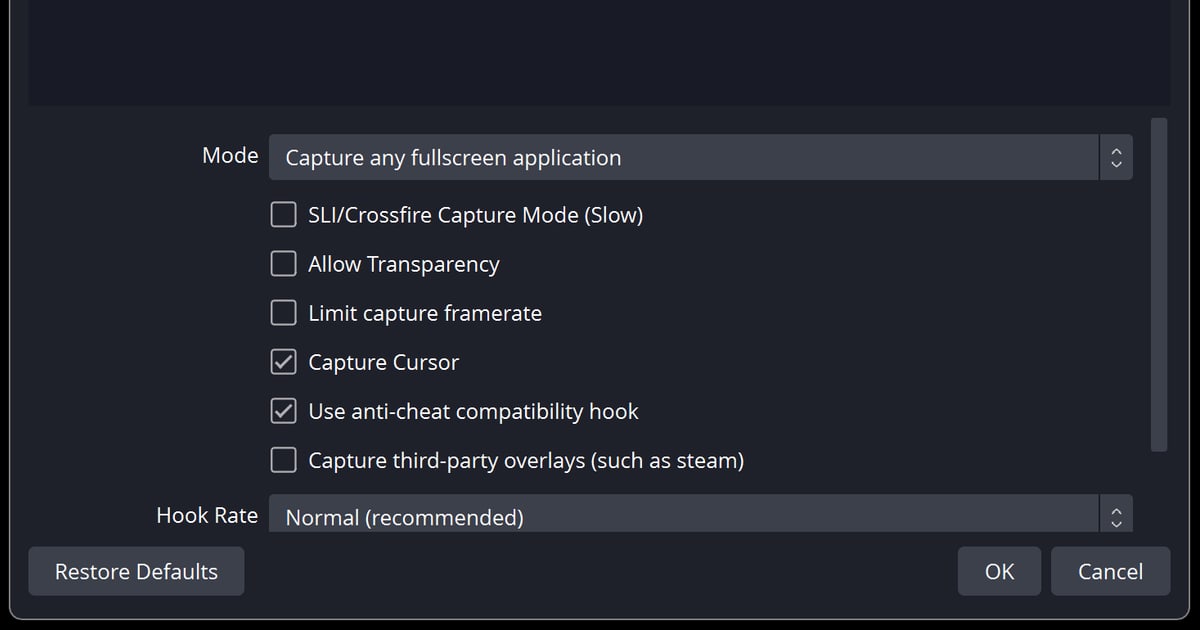
Best OBS Settings for Recording Valorant: Capture Mode, NVENC, Resolution, Audio (2026)
The minimum OBS setup for recording Valorant — run as administrator, Game Capture mode, display mode, Simple output with NVENC and Hybrid MP4, two audio devices — in order, using only OBS and Riot official documentation.
 Recording Guide
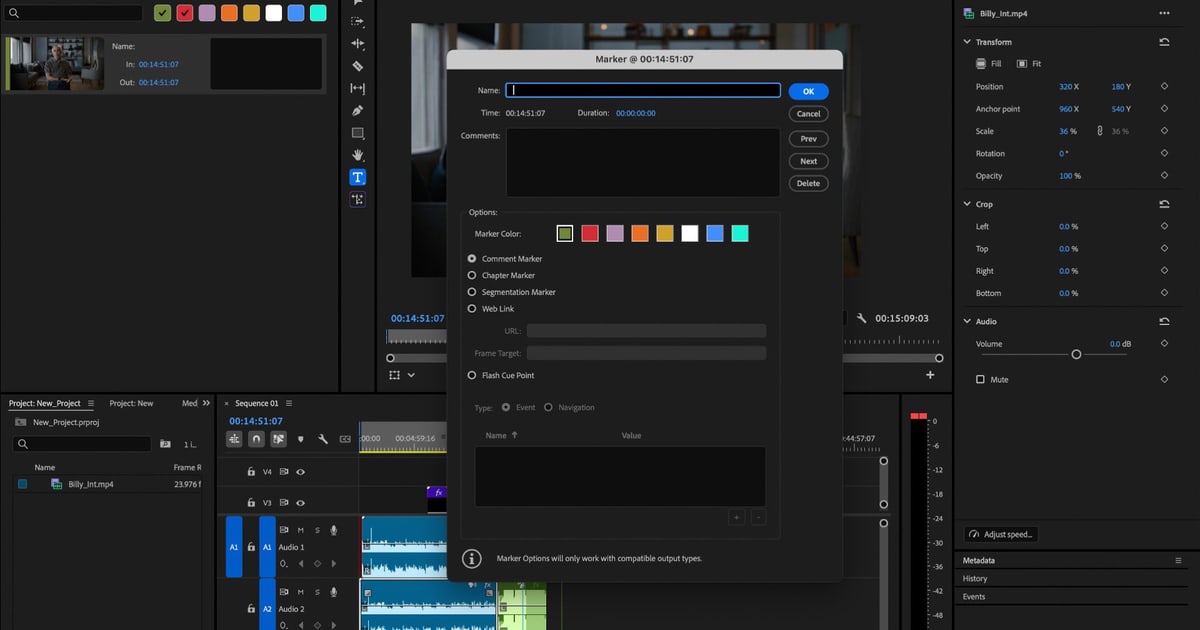
How to Cut Game Highlights in Premiere Pro: Shortcuts, Markers, and Ripple Delete Workflow (2026)
A Premiere Pro workflow for pulling only the kills out of a 30-40 minute match recording: Add Marker (M), Add Edit (Ctrl+K), Ripple Delete, and H.264 export, using only shortcuts confirmed in Adobe's official documentation.
 Recording Guide
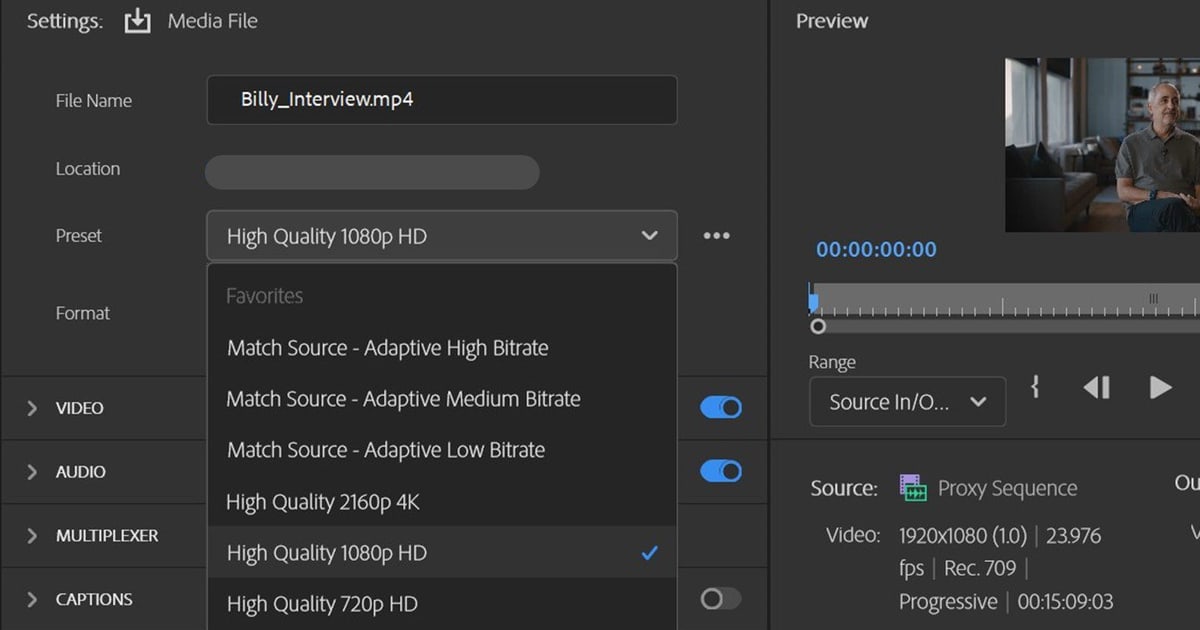
Premiere Pro Sequence and Export Settings for Gaming Videos: 1080p 60fps for YouTube (2026)
The sequence and export settings that get a 1080p 60fps game recording out of Premiere Pro (now Adobe Premiere) and onto YouTube without losing quality, using the exact labels from Adobe's help pages.