Record, edit
& find your community
Practical guides from capturing and editing gameplay to finding friends, parties, and communities.
Page 10 of 12
 Comparison
OBS Alternative: Automatic Recording With No Complicated Setup (2026)
OBS is powerful, but you have to configure scenes, sources, and encoders yourself, which is complicated for beginners. We honestly compare the reasons people look for an OBS alternative and explain who DOR is right for, since it just needs to be installed to auto-detect your game and even create clips.
 Guide
GuideWhen OBS Is Too Complicated, How to Switch to Automatic Recording (2026)
OBS is powerful, but you have to set up scenes, sources, and encoders all yourself, which makes the barrier high for beginners. For that moment when you just want recording to happen on its own, here is the decision to end your struggle with OBS and how to switch to DOR.
 Comparison
oCam and GomCam Alternative: Game-Focused Automatic Recording Software (2026)
oCam and GomCam are among the most popular general-purpose screen recorders in Korea, but if you mainly record games, they are weak on game-focused features like auto-clipping, game detection, and low-overhead encoding. We acknowledge oCam and GomCam's strengths while honestly comparing why DOR is the alternative when game recording is the goal.
 Guide
GuideHow to Record Gameplay for Free, With No Time Limit or Watermark (2026)
Not every "free" game recorder means the same thing by free. Many cut off recording after a few minutes or stamp a watermark right in the middle of your video. This article covers only how to record gameplay truly, completely free, with no time limit and no watermark.
 Comparison
NVIDIA ShadowPlay Alternative, Auto-Clip Supported Games on AMD (2026)
ShadowPlay (now the NVIDIA App) has great low-overhead recording and instant replay, but it is NVIDIA-GPU only. If you moved to AMD or Intel, or want automatic clips, editing, and sharing too, we honestly compare which alternative fits, with DOR.
 Guide
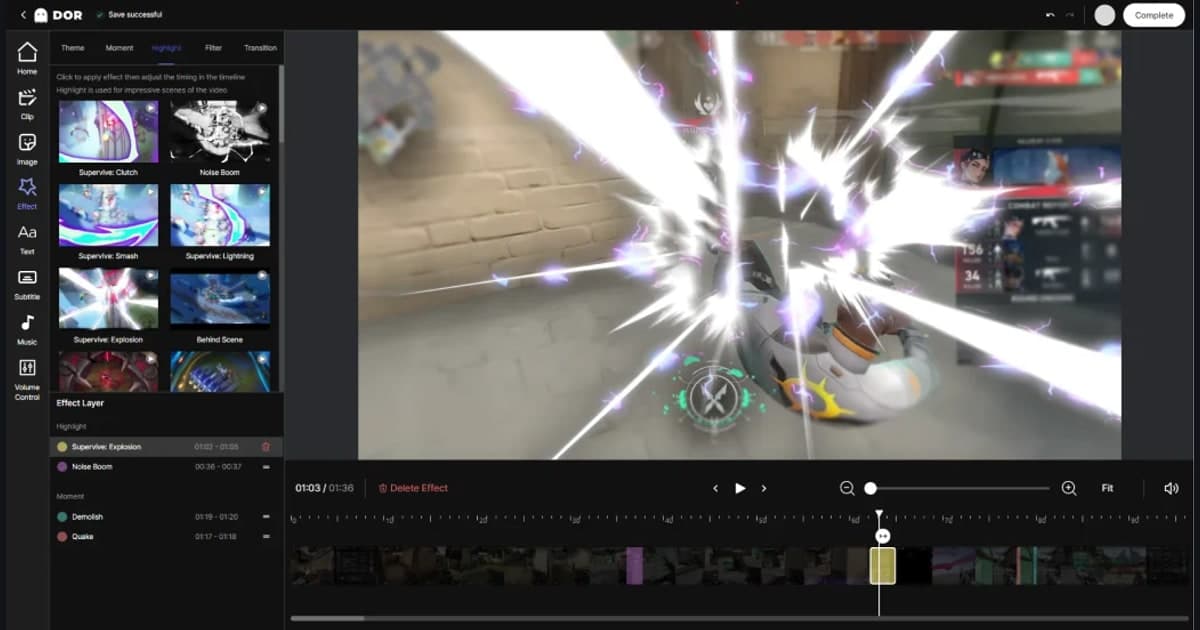
GuideHow to Add Music and Sound Effects to Game Videos: From Copyright-Safe Tracks to Beat Syncing and Volume Balance (2026)
Here's the full process for adding music and sound effects to game highlight videos, step by step. We cover where to find free, copyright-worry-free tracks, how to insert audio into your video and sync cuts to the beat, how to balance game audio against the music, and how to lay music onto clips and export right in the DOR editor.
GuideHow to Add Slow Motion to Game Videos: Emphasize the Kill Moment with Speed Ramping
Stretching just the kill moment into slow motion while speeding through the parts before and after makes the same scene far more intense. Here is a step-by-step breakdown, from selecting the clip range to adjusting speed and dialing in the recording settings for smooth slow motion.
 Guide
GuideRadeon AMD Game Recording Settings: How to Record Low-Load With the AMF Encoder (2026)
To record games stutter-free on a Radeon graphics card, you need to use AMD's hardware encoder, AMF, properly. We cover the steps to set up the AMF encoder in Adrenalin and OBS, codec and bitrate choices, the points where AMD cards often get stuck, and how to record more simply with DOR.
 Guide
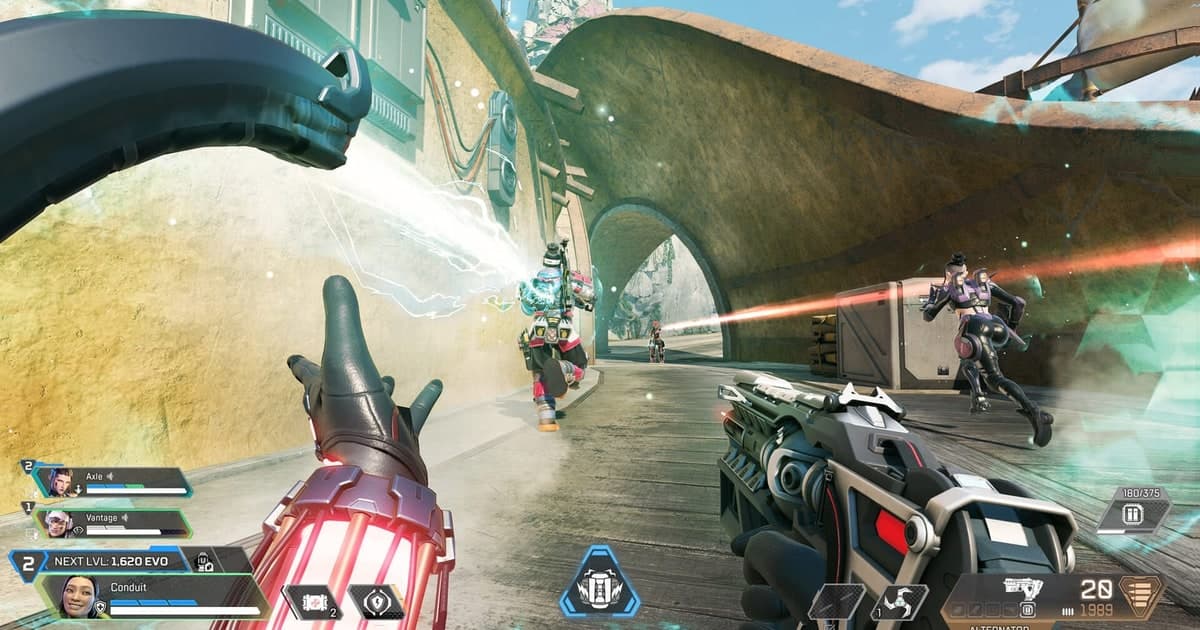
GuideHow to Boost FPS in Apex: A Complete Rundown of Video Settings and Launch Options
Lower your video settings and add just a few launch option lines, and your Apex frame rate climbs noticeably. We laid it out with recommended values so you can follow along exactly.
 Guide
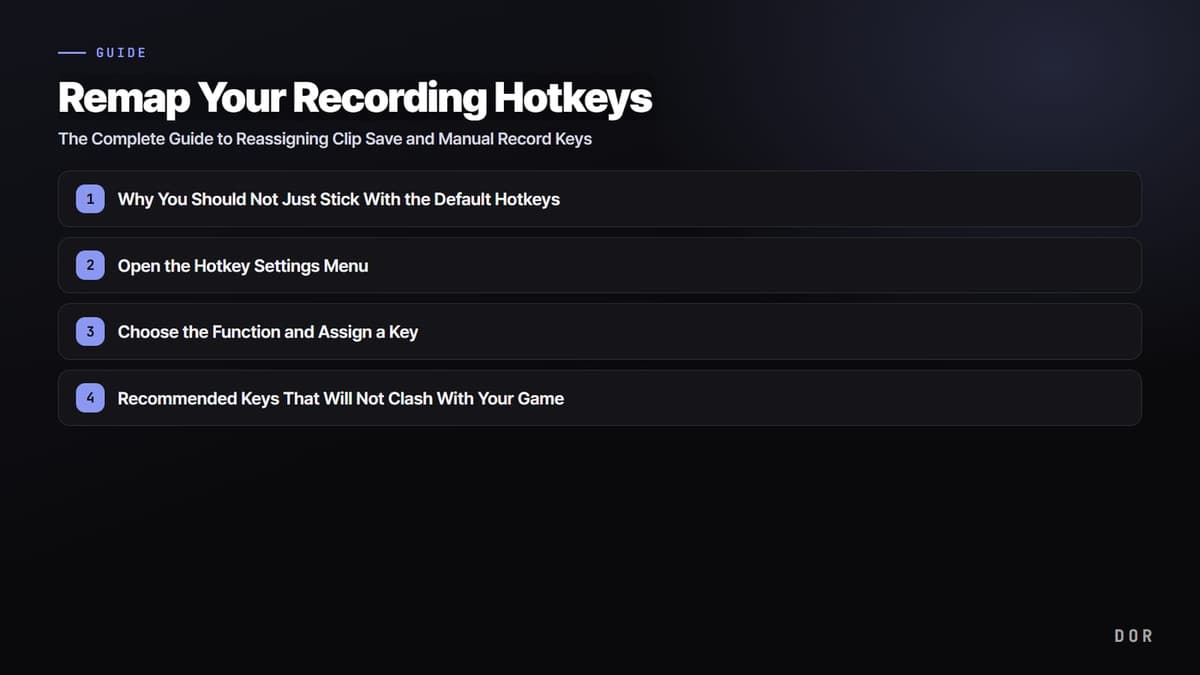
GuideRemap Your Recording Hotkeys: The Complete Guide to Reassigning Clip Save and Manual Record Keys
Switching your recording hotkeys to keys that do not clash with your game controls means you never miss a clip. Here is a step-by-step walkthrough for remapping your clip save key and manual record key.
 Guide
GuideHow to View and Edit PC-Recorded Game Clips on Your Phone (2026 Mobile Sync Guide)
We organized the full process of moving PC-recorded game clips to your phone, trimming them and adding captions in a mobile app, and uploading right away. From cable, cloud, and link transfer methods to editing apps like CapCut and VLLO, plus DOR's approach where clips sync straight to your phone by link, we walk through it step by step.
 Guide
GuideExporting Video Without Quality Loss, from Bitrate and Codec to Upload Optimization (2026)
When your edit looks fine but only the exported video comes out blurry, the cause is usually in the render settings. Export at the same resolution as the source, with a high enough bitrate, using the H.264 or H.265 codec, and match the platform's recommended values, and you can keep nearly all of the quality. We lay it out step by step.
 Guide
GuideA Checklist Before Posting Your First Game Video: From Recording to Editing and Uploading, 0 to 1 (2026)
We lay out step by step what to check right before posting your first game video to YouTube. Follow it in order, from recording settings (resolution, fps, audio), to the minimum editing principles, to title and thumbnail, to upload quality, and you'll finish 0 to 1 fast.
 Guide
GuideFix Blurry YouTube Gaming Videos: Solving It with Upload Bitrate and Processing Wait
If your gaming videos look blurry and smeared on YouTube, there are two causes: the low-quality temporary processing right after upload, and a bitrate lower than recommended. Render at the recommended bitrate, upload in 4K, and wait for processing, and the quality comes back.
 Guide
GuideFree Game Video Editors: How to Cut Clips and Add Captions Without a Watermark (2026)
If you want to polish up game clips but you're looking for a free editor with no watermark, we've put together everything from how to choose between desktop and browser-based tools to the actual editing flow. See at a glance what to use when you just want to wrap up cuts, captions, and music fast.
 Troubleshooting
When Fullscreen Game Recording Isn't Working: Black Screen Fixes by Cause
A fullscreen recording coming out as a black screen is usually due to a conflict between your capture method and your display mode. Switching to borderless windowed or changing your capture mode fixes it instantly. Since the cause varies by game, we've laid out the branches too.
 Guide
GuideA Safe Copyright Guide for Game Footage and BGM: Game Studio Policies and Music Sources at a Glance (2026)
Gameplay footage itself can be used safely in most personal content. What truly triggers copyright strikes and demonetization is the BGM laid under your video. We organized game studios' footage policies, monetization conditions, and safe music sources step by step.
 Guide
GuideMaking Game Clips Without Watermarks: How to Leave No Logo From Recording to Editing (2026)
The real reason a logo gets stamped on your game clip is that a watermark is added in one of two places, recording or editing. We check each stage where a watermark appears and lay out a realistic way to make clips with no watermark using tools that have none in both recording and editing.
 Guide
GuideThe Pattern Behind Viral Gaming Shorts: First 3-Second Hook, Big Captions, and Loops, Fully Explained
Gaming Shorts that rack up views share common traits: a first 3-second hook, captions that fill the screen, and a loop that connects the end back to the start. We have organized it so you can follow along step by step, from picking source clips to editing and uploading.
 Guide
GuideA Beginner's Guide to Gaming Video Editing: Starting with 3 Things, Cuts, Captions, and Music
If you are just starting gaming video editing, you only need to know 3 things: cuts, captions, and music. We have organized the editing order from 0 to 1, free tools for beginners, and how to start right away with no install.
 Guide
GuideHow to Write Game Video Titles and Tags Well: A Writing Guide That Captures Search Exposure and Shorts Inflow at Once (2026)
Even posting the same highlight, search exposure splits depending on how you write the title and tags. We organized, in title, tag, and description writing order, the method of putting core keywords up front in the title and filling tags with search terms and game names, step by step.
 Guide
GuideHow to Grow a Gaming YouTube Channel Fast: A 3-Step Strategy of Shorts, Consistency, and Niche
Early growth comes not from flashy editing but from Shorts exposure, upload consistency, and a narrow niche topic. Here is a practical, step-by-step method for growing a channel from zero subscribers.
 Guide
GuideTurning Clips into a Highlight Reel: A Step-by-Step Guide from AI Auto-Extraction to a Finished Reel
The key to a good game highlight video isn't flashy effects; it's picking good clips, arranging them by impact, and keeping it short. We walk through the actual order of operations, from gathering clips to cutting, background music, captions, and exporting, and show how DOR auto-builds your best moments into clips you can finish into a reel right in the editor.
GuideHow to Trim Game Clips: Keeping Only the Parts You Need, Losslessly
When you want to keep only the best moments from a long recording, selecting a section and cutting it losslessly takes just seconds with zero quality loss. DOR lets you trim and save right in your browser.