Record, edit
& find your community
Practical guides from capturing and editing gameplay to finding friends, parties, and communities.
Page 46 of 59
 Recording Guide
Freeze Frame Effect for Game Clips (2026): Freeze vs Emphasis in DOR Studio
Freezing a frame and emphasizing a moment are two different edits. This guide separates them and shows how to emphasize a kill in DOR Studio with a click.
 Recording Guide
Gaming Montage Effects (2026): Which Moment, Highlight and Transition Effect to Use Where
Shake, zoom, flash and glitch effects for a VALORANT montage, sorted by the five tabs of the DOR Studio Effect panel. Compared with where Premiere Pro and DaVinci Resolve's official docs start the same job, plus a scene checklist, as checked on October 6, 2026.
 Recording Guide
Add Effects to Game Shorts (2026): 9:16 Vertical Video With Moment Effects
How to put one or two effects on a single game clip for Shorts, using DOR Studio: pick 9 : 16, choose from the Moment tab, adjust timing, then export.
 Recording Guide
GTA 5 FPS Boost Settings on PC (2026): Official Checks and Graphics Options
Rockstar publishes no per-option FPS guide for GTA 5 on PC. This page lists its official performance checks in order, plus Enhanced and Legacy specs, as of October 6, 2026.
 Recording Guide
How to Cut and Trim an OBS Recording (2026): Keep Only the Part You Need
A step-by-step flow for keeping only the part you need from an OBS recording: check the format, remux MKV to mp4, then trim with Windows Photos, Clipchamp or DOR Studio.
 Recording Guide
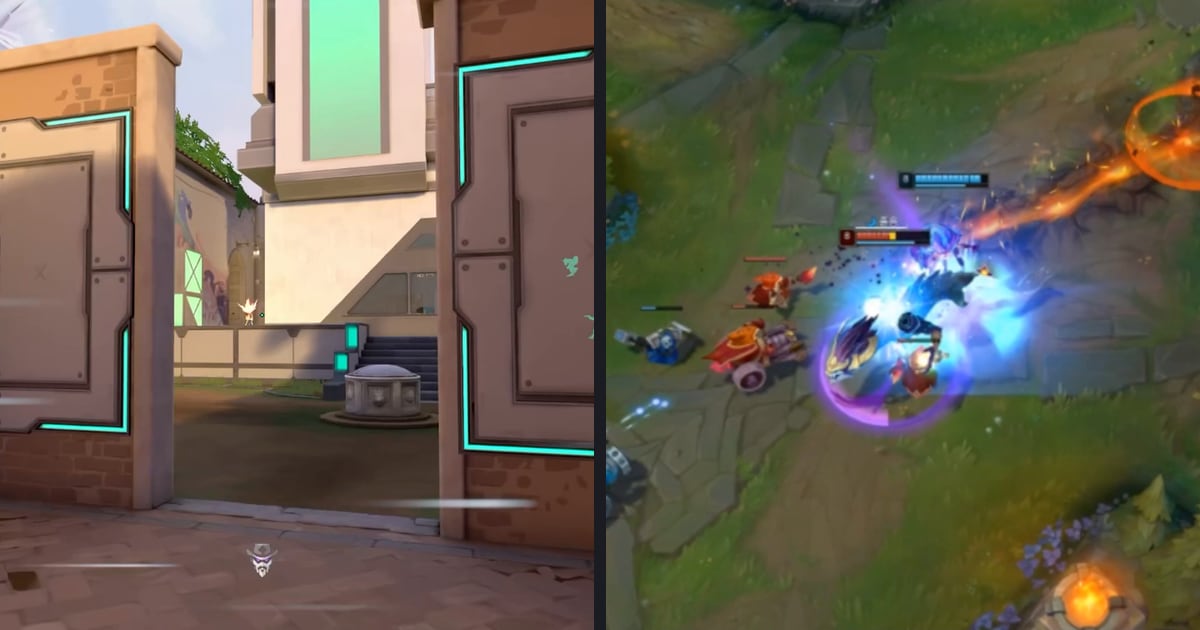
How to Make a Valorant Montage (2026): Kill Clips, Effects and Merging
A step-by-step order for building a kill montage: collect kill scenes, merge clips, add effects and transitions, and export. Compares Premiere Pro, CapCut and DOR Studio using official docs.
 Troubleshooting
League of Legends System Requirements (2026): Minimum, Recommended, and How to Check Your PC
Riot's official League of Legends PC system requirements, laid out in one table as checked on October 6, 2026, with steps to check your own PC and the official checks for lag on a PC that meets the specs.
 Troubleshooting
MapleStory Size and System Requirements on PC (2026): Why Steam Says 60 GB, Korea vs Global
How big is MapleStory? Steam asks for 60 GB of free space at both the minimum and recommended tier, while the Korean service says installation needs about 35 GB. Official values rechecked November 12, 2026, plus the official ways to free up space.
 Troubleshooting
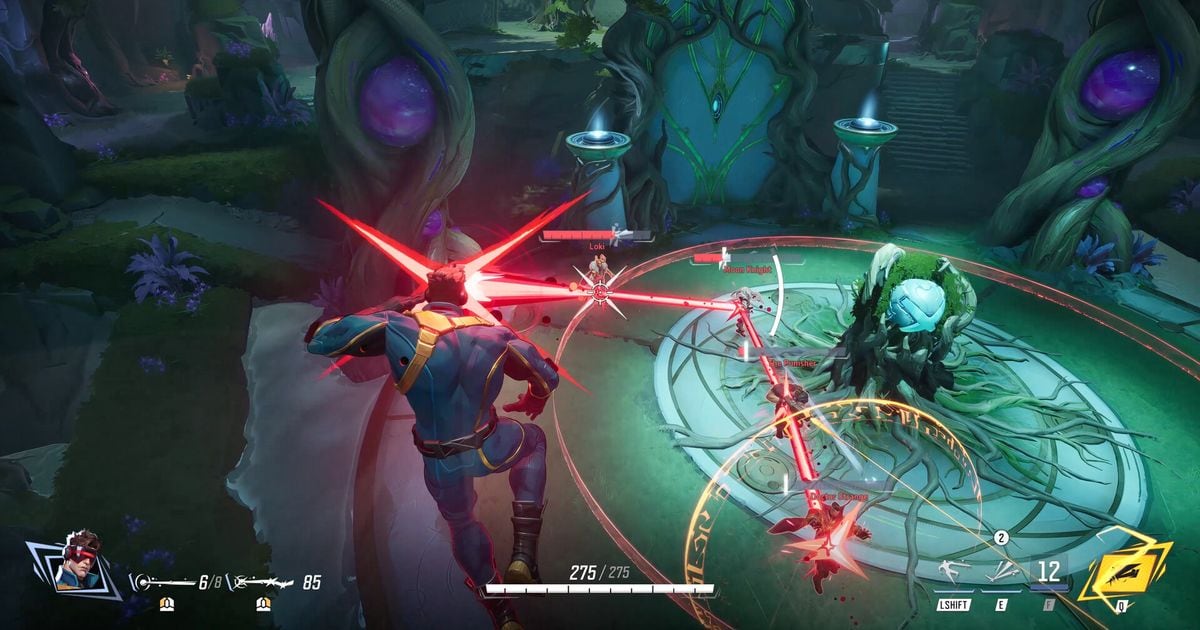
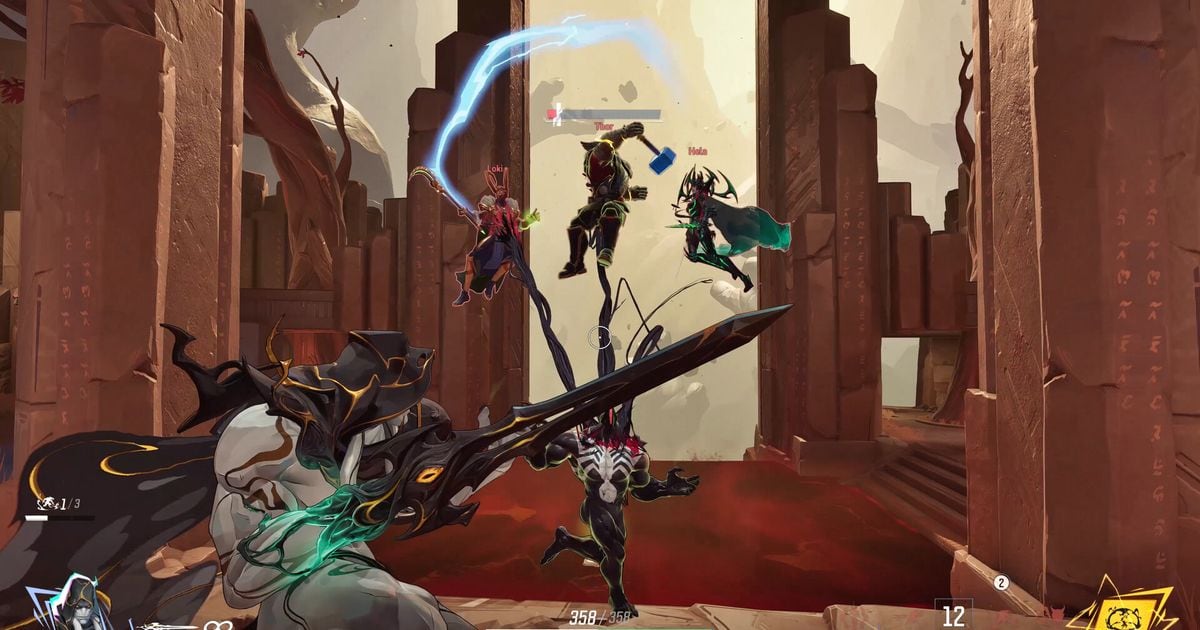
Marvel Rivals Crashing or Not Launching on PC (2026): Step-by-Step Fixes
If Marvel Rivals will not launch or keeps crashing on PC, this guide walks through the symptom-by-symptom checks and the order the official FAQ and guides give.
 Recording Guide
Marvel Rivals Sensitivity Settings (2026): How to Set Mouse Sensitivity and ADS Aim
A step-by-step order for settling your Marvel Rivals PC sensitivity, built on the mouse options that appear in official patch notes and a plain DPI x in-game sensitivity product.
 Troubleshooting
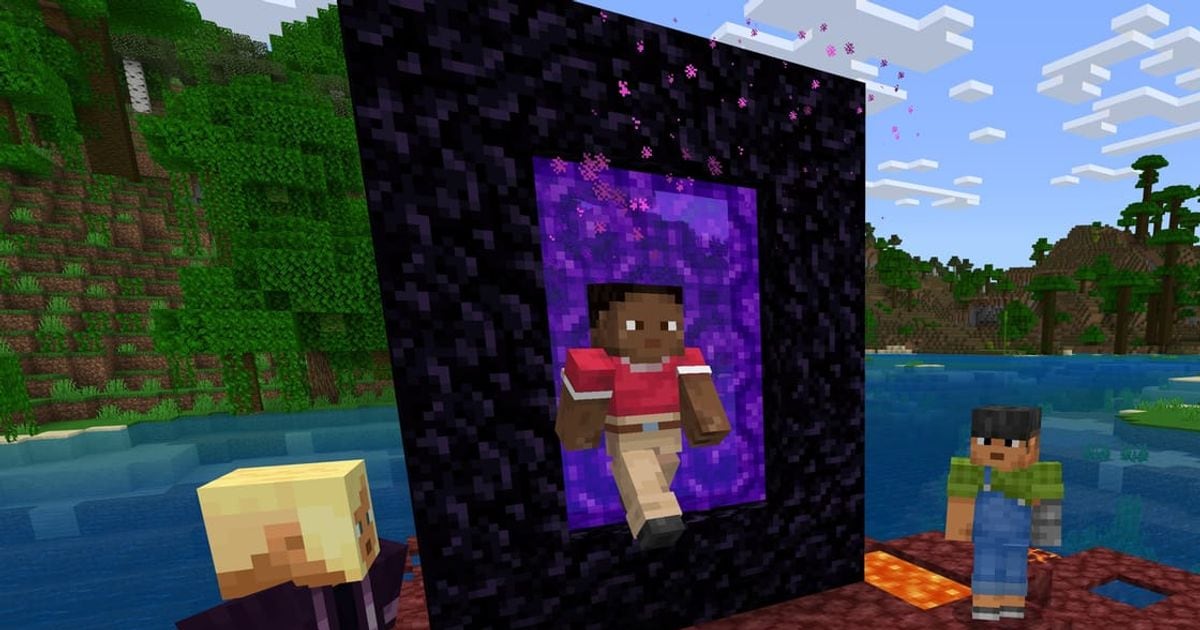
Minecraft Crashing or Lagging (2026): Java and Bedrock Fixes, Step by Step
What Minecraft's own help center tells you to try when the game crashes or lags on Windows, split into Java Edition and Bedrock Edition. A symptom table, ordered steps, a checklist and the official support route, checked on October 6, 2026.
 Recording Guide
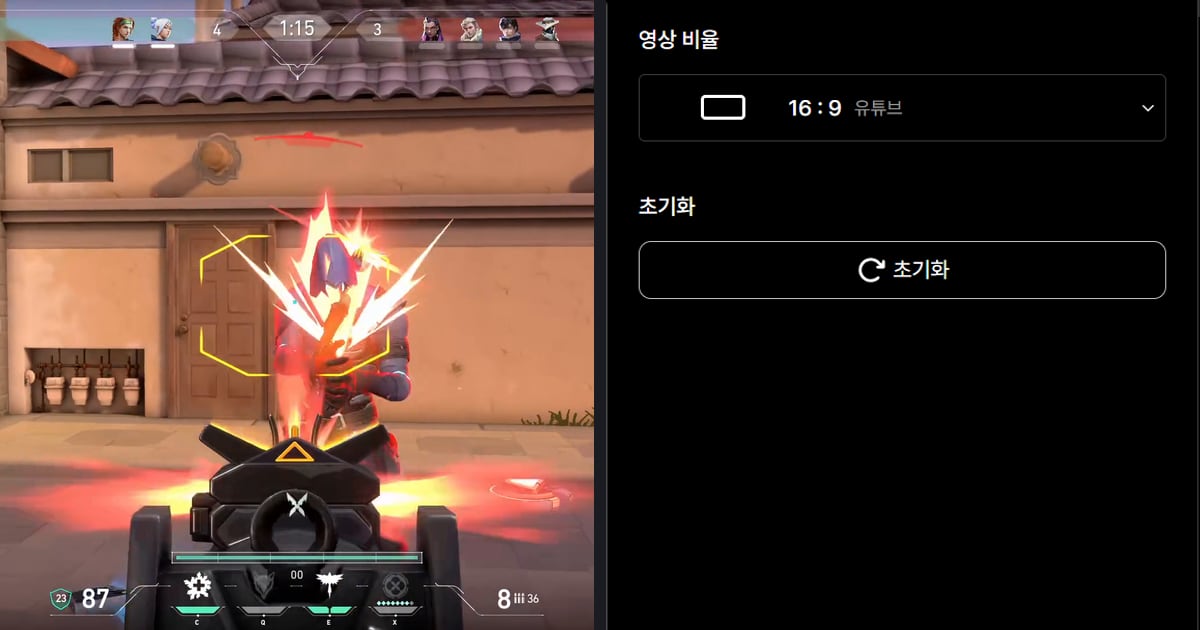
MP4 vs MKV for Game Recording (2026): Which Format Should You Choose?
What OBS and Microsoft documentation say about MP4 and MKV: crash recovery, editor compatibility, Hybrid MP4, and how to check your own recording format.
 Troubleshooting
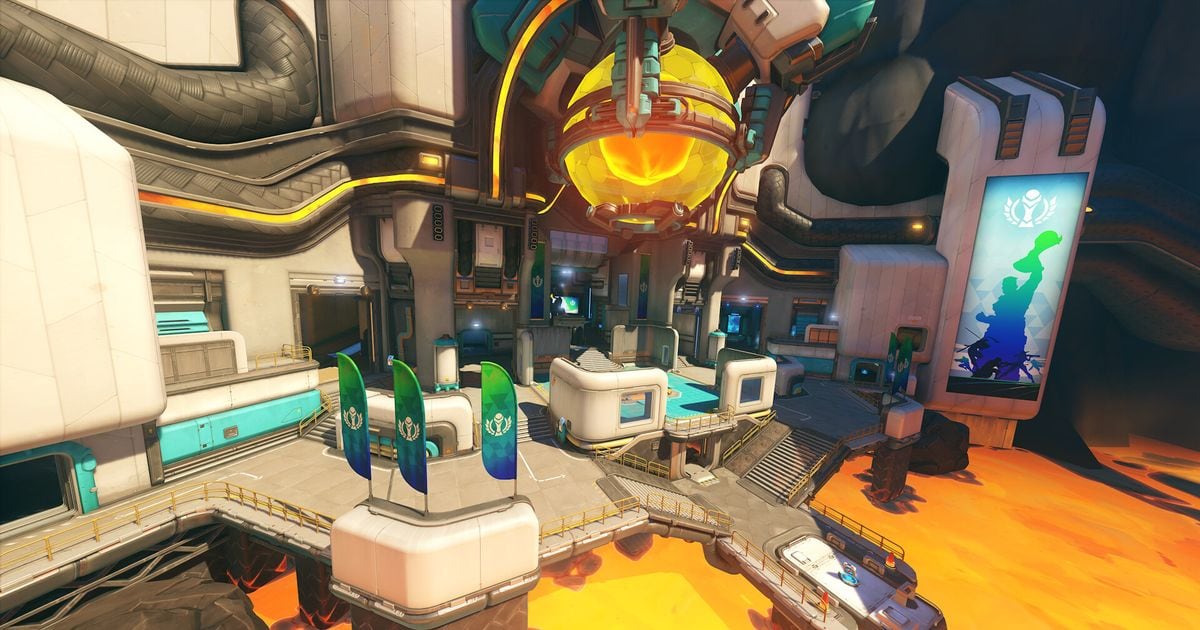
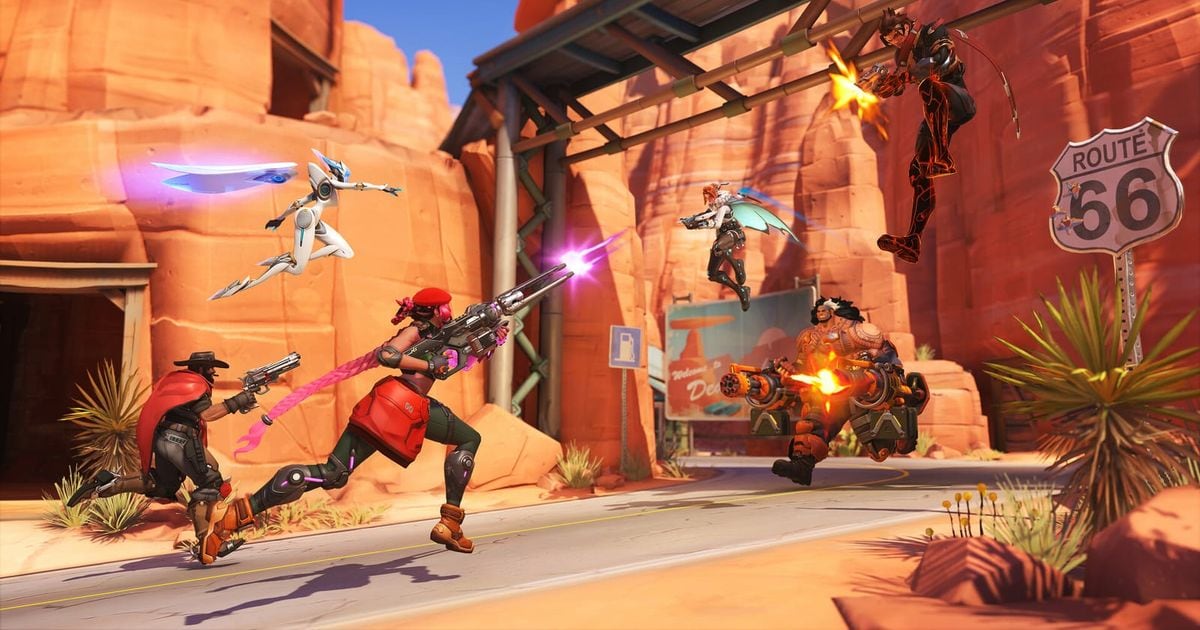
How Big Is Overwatch? Install Size on PC (2026): Official Storage Requirement and How to Check
Blizzard Support and the Steam store both list Overwatch's PC storage requirement as 50 GB of available space. Verified October 6, 2026: the official figure, why it is a requirement rather than an installed size, and what to do about disk space errors.
 Troubleshooting
How to Lower Ping in Overwatch 2 (2026): Latency and Packet Loss Checks in Order
High ping or lag in Overwatch (formerly Overwatch 2)? Follow Blizzard's official support order, from reading the Netgraph to power cycling, IP and DNS, drivers, advanced checks and who to contact.
 Troubleshooting
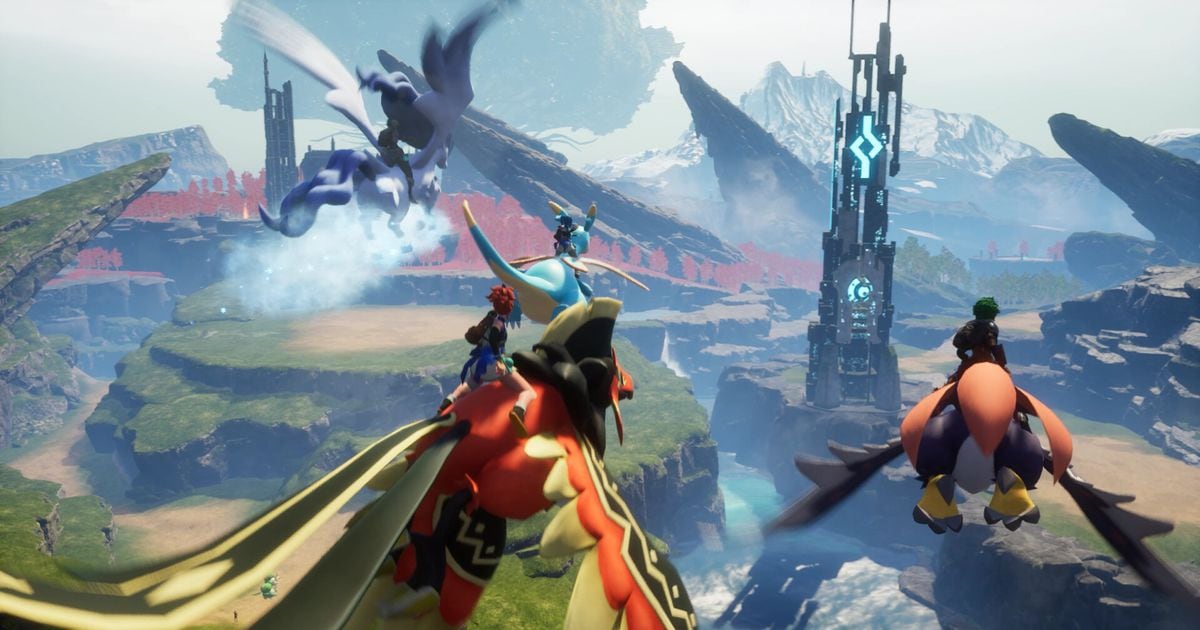
Palworld System Requirements (2026): Minimum, Recommended and Install Size
Palworld PC minimum and recommended specs plus the 40 GB storage figure, copied from the Steam store page as of October 6, 2026.
 Recording Guide
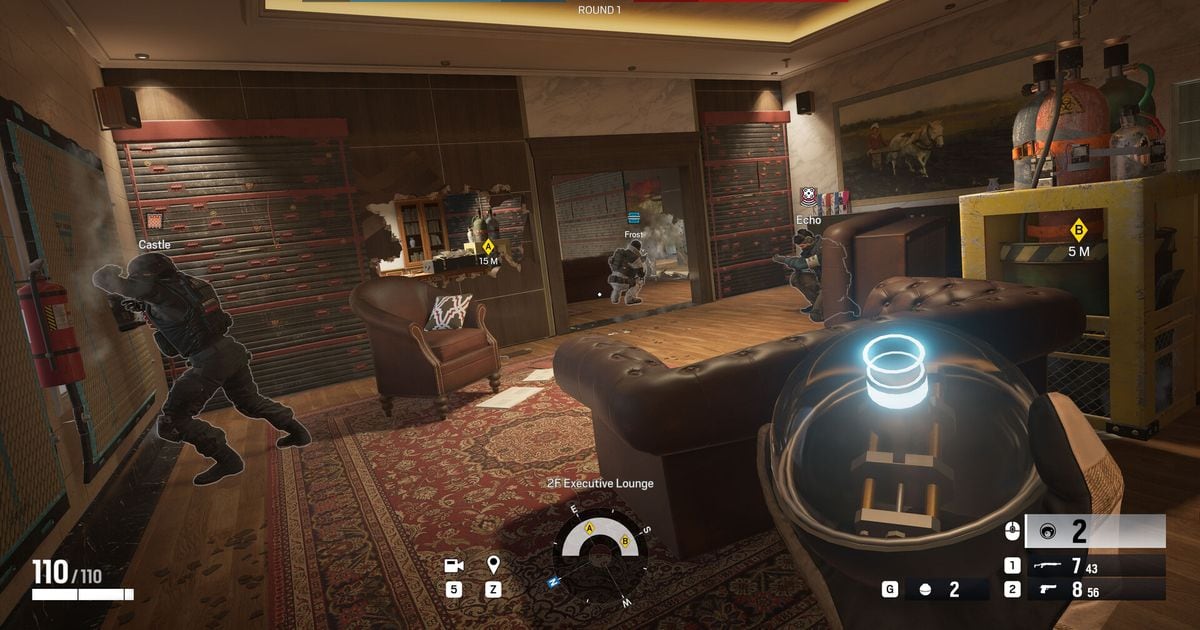
Rainbow Six Siege Sensitivity Settings (2026): How to Set Mouse and ADS Sensitivity
A PC-only order for setting Rainbow Six Siege mouse and ADS sensitivity, built from Ubisoft's official ranges, defaults and published formula.
 Recording Guide
How to Record Only Game Audio on PC (2026): System Sound Without the Screen
Pick the right OBS audio source, turn off the video encoder, or pull the sound out of a Game Bar or CapCut file, based on official docs checked on October 6, 2026.
 Recording Guide
How to Reduce Video File Size Without Losing Much Quality (2026)
The order for shrinking an already recorded video, based only on official docs: OBS output settings, Clipchamp export resolution and YouTube's recommended upload encoding settings.
 Recording Guide
Roblox FPS Boost Settings on PC (2026): Graphics Quality Slider and Lag Checklist
Split Roblox PC lag into graphics, system and network, then work through Graphics Mode, the quality slider, background apps and drivers using only official Help Center steps.
 Troubleshooting
Roblox Crashing on PC (2026): Step-by-Step Fixes for Crashes and Startup Errors
What to try when Roblox crashes or won't start on a Windows PC, following the order in Roblox's own Help Center, with a symptom table checked on October 6, 2026.
 Recording Guide
Rust Best Settings for FPS (2026): Graphics Options and the Order to Change Them
The Rust FPS steps that Facepunch's patch notes and support articles actually back, in a safe order, with no invented per-option values.
 Recording Guide
How to Speed Up a Video or Slow It Down (2026): Clipchamp, Premiere Pro and CapCut
A step-by-step guide to speeding up or slowing down a video on a Windows PC, following the official Clipchamp, Premiere Pro and CapCut documentation checked on October 6, 2026, including how to vary speed inside one clip.
 Recording Guide
How to Change Your Steam Store Region (2026): Rules, Limits, and What to Check
Steam's store country changes when you complete a purchase with a payment method from the country you live in, and only once every 3 months. Official rules and a checklist for when it fails.
 Recording Guide
How to Trim a Video on Windows 11 (2026): Keep Only the Part You Need
On Windows 11, you can trim a video with the Trim tool in the Photos app. Here are the official steps for Photos and Clipchamp, the overwrite warning, and how to cut a long game recording.