Record, edit
& find your community
Practical guides from capturing and editing gameplay to finding friends, parties, and communities.
Page 55 of 59
 Recording Troubleshooting
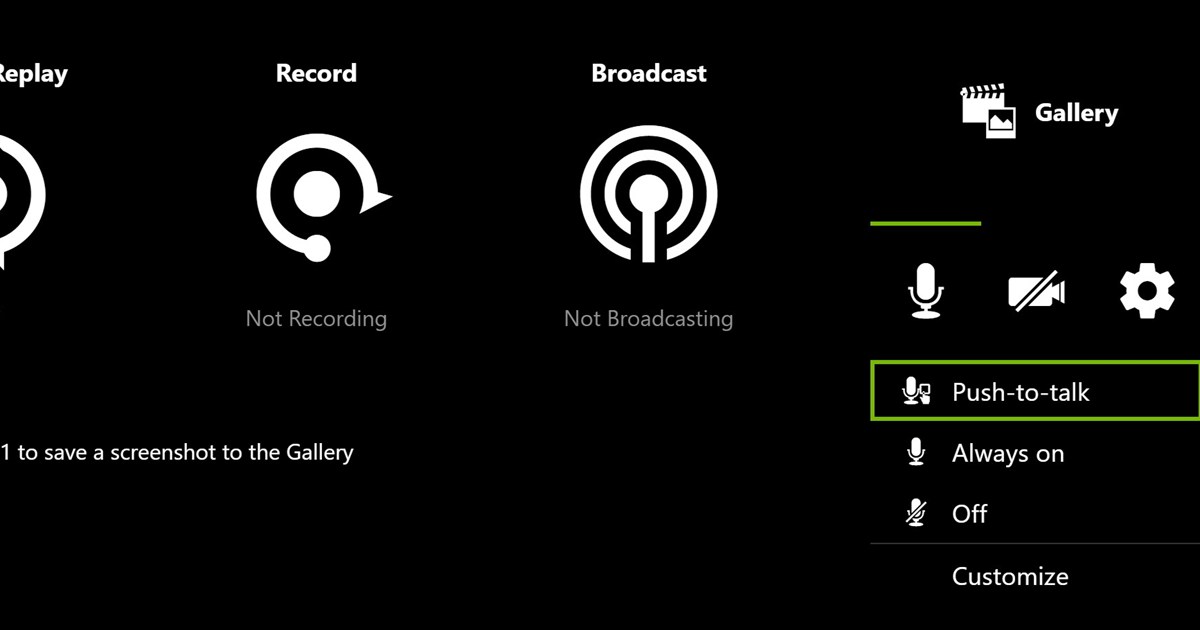
NVIDIA recording microphone not working: an ordered fix
Check the NVIDIA overlay mic state, selected input, Windows permission, competing apps, and a saved test file.
 Recording Troubleshooting
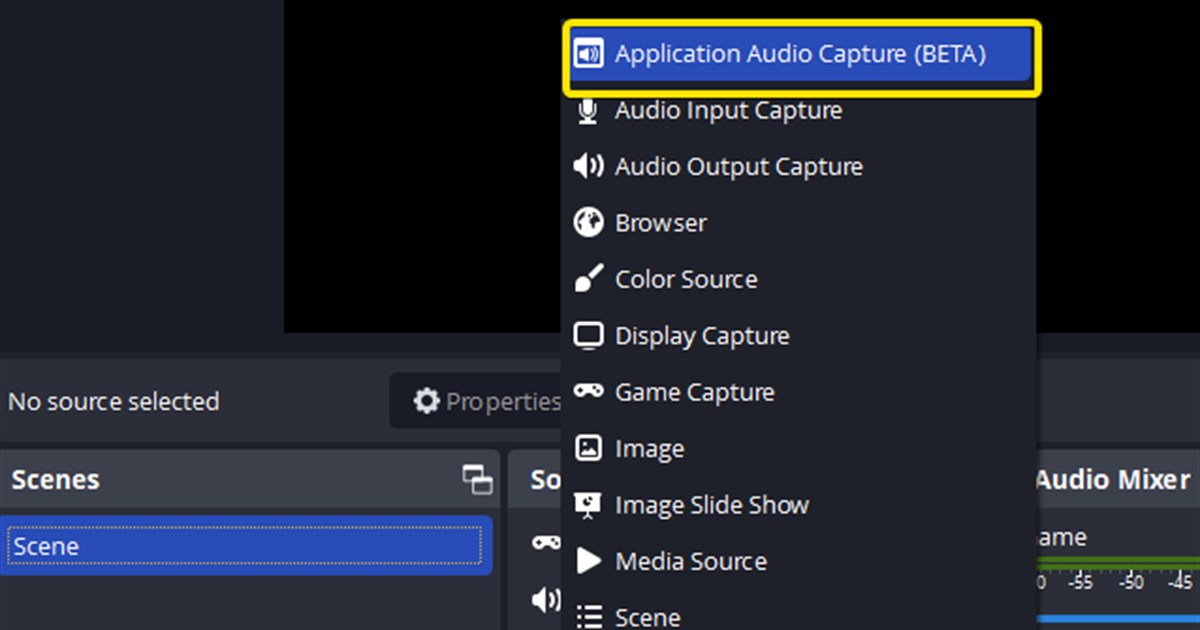
OBS desktop audio not recording: diagnose silent files in order
Trace missing OBS game audio through the mixer, Windows device, application source, recording track, and playback app.
 OBS Settings
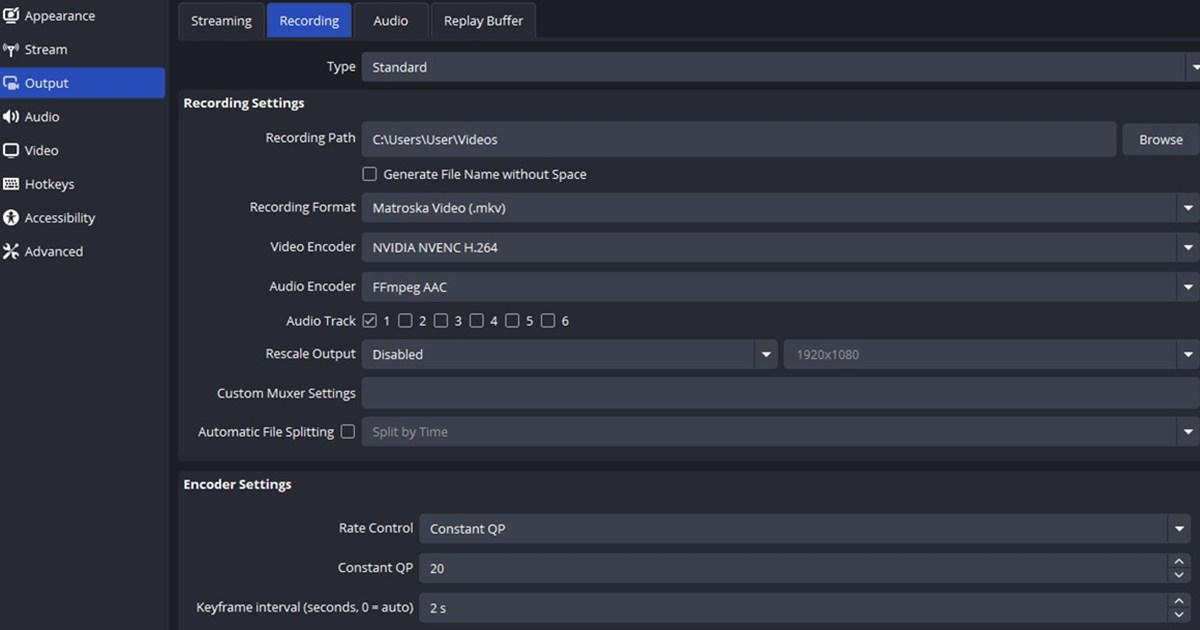
OBS NVENC recording settings for RTX: a tested starting point
Set CQP, P5, keyframes, multipass, and profile from OBS’s official NVENC baseline, then validate quality and frame time on your RTX PC.
 Recording guide
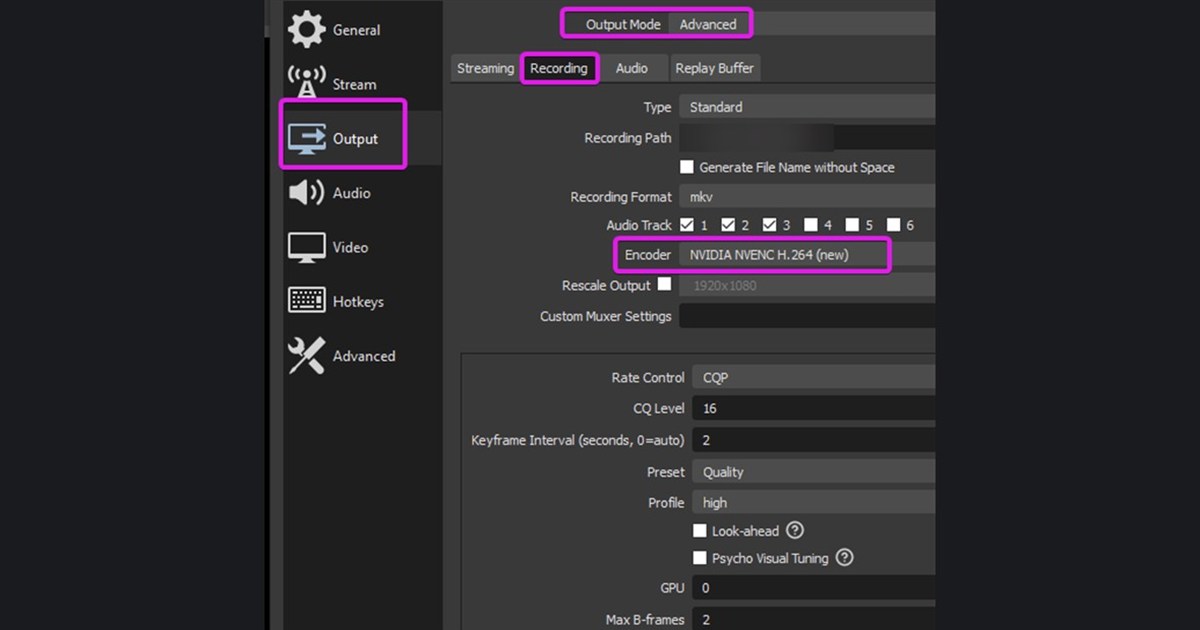
OBS vs NVIDIA ShadowPlay for Game Recording: Which Workflow Fits?
Compare production recording and instant replay by setup time, audio control, frame pacing, file size, and time to a shareable clip.
 Team & Community
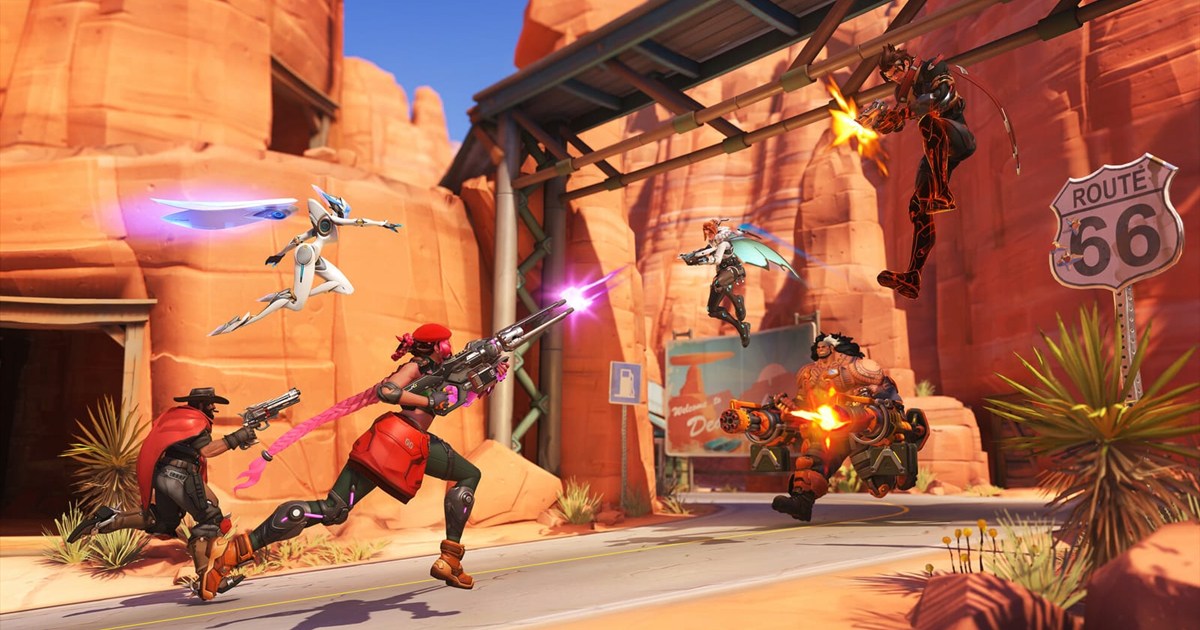
Overwatch Discord Server Finder: Safer Role Queue and Ranked LFG
Choose an Overwatch Discord by checking region and platform channels, role ranks, Wide Group expectations, moderation history, voice, privacy, and a short trial.
 Community guide
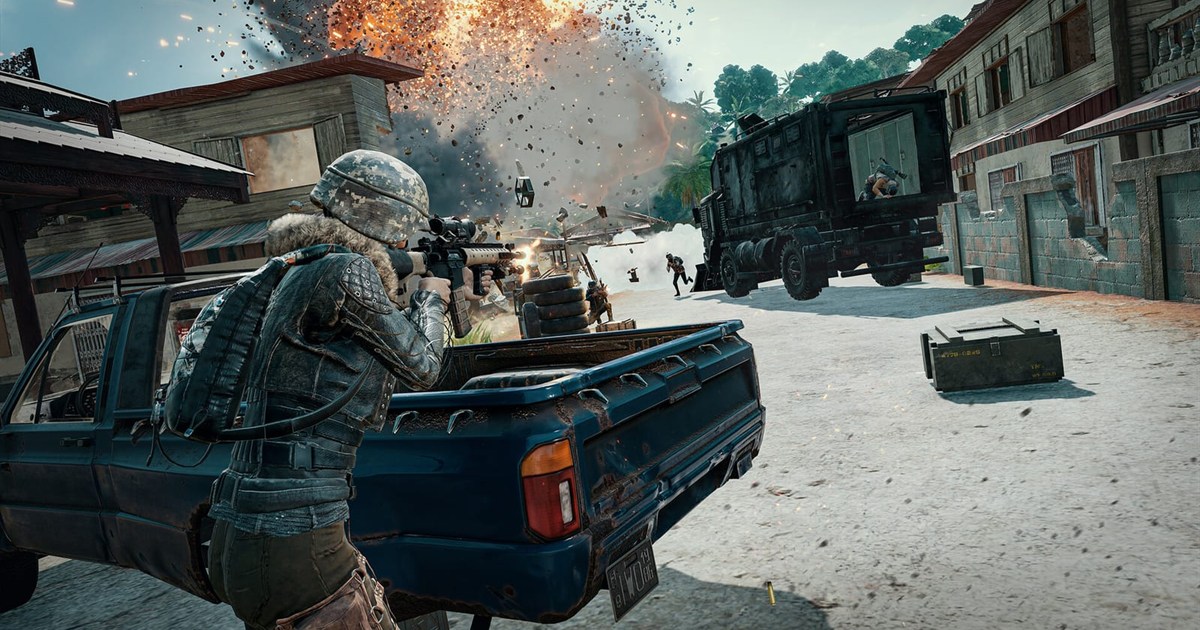
PUBG Clan Finder: Choose a Long-Term Group, Not One Squad
For a long-term clan, verify platform, region, mode, real active hours, voice culture, application path, and current administration.
 Team & Community
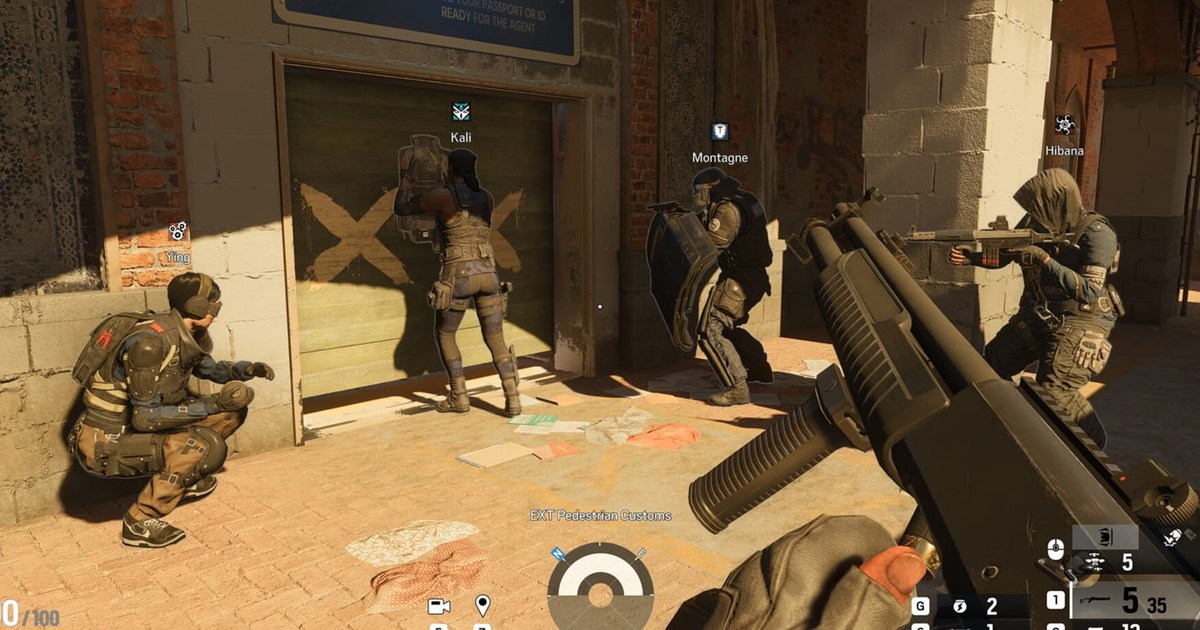
Rainbow Six Siege Ranked Squad Finder: Match Operators and Map Roles
Recruit an R6 Siege ranked squad by matching server, platform, current rank, entry, hard-breach, support, anchor or roam roles, operator pools, and map calls.
 Community guide
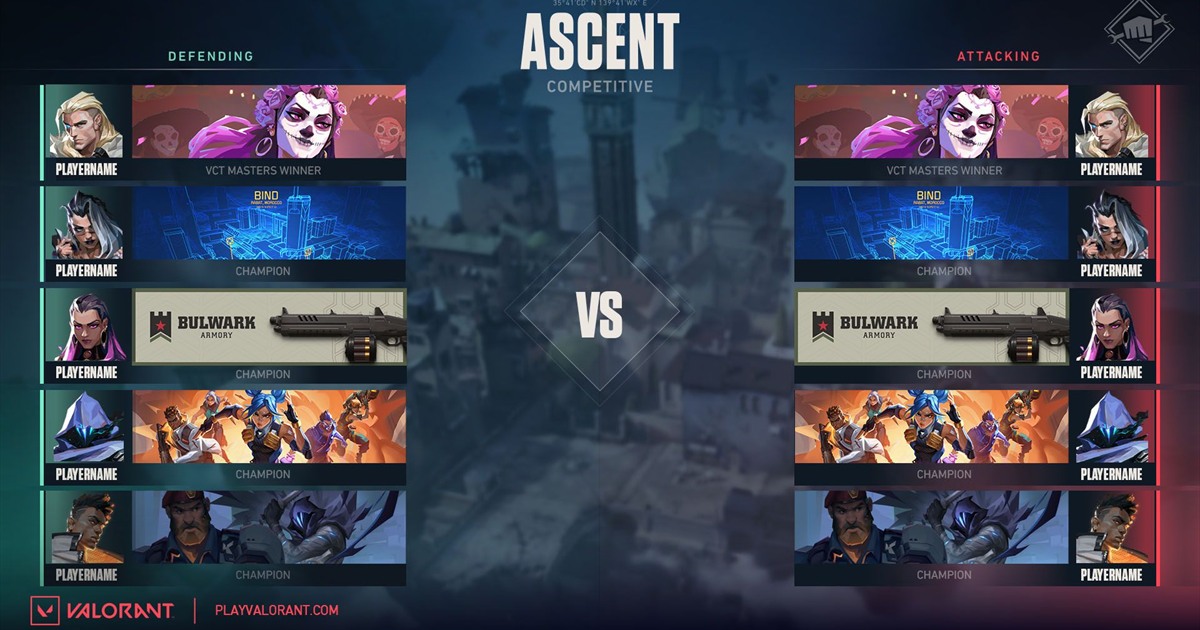
VALORANT Scrim Finder: Agree on Opponent, Rules, and Replays
Go beyond similar rank by confirming server, maps, start time, coaches, pauses, replays, and clip publication with the opposing team.
 Community
Game Guild Recruitment Template: Rules, Schedule, and Joining Process
Go beyond benefits: publish games, active hours, joining and trial steps, leaving rules, money, and privacy expectations in one recruitment post.
 Team Finder Guide
League Clash Team Finder: Roles, Schedule and Tryout Template
A stable Clash roster needs clear role gaps, check-in availability, calls, and practice expectations. Use this roster table and recruitment template.
 Discord Guide
League Discord Server Finder: Activity and Safety Checklist
The biggest League Discord is not automatically the best fit. Compare live LFG structure, moderation rules, active hours, and privacy before joining.
 Troubleshooting
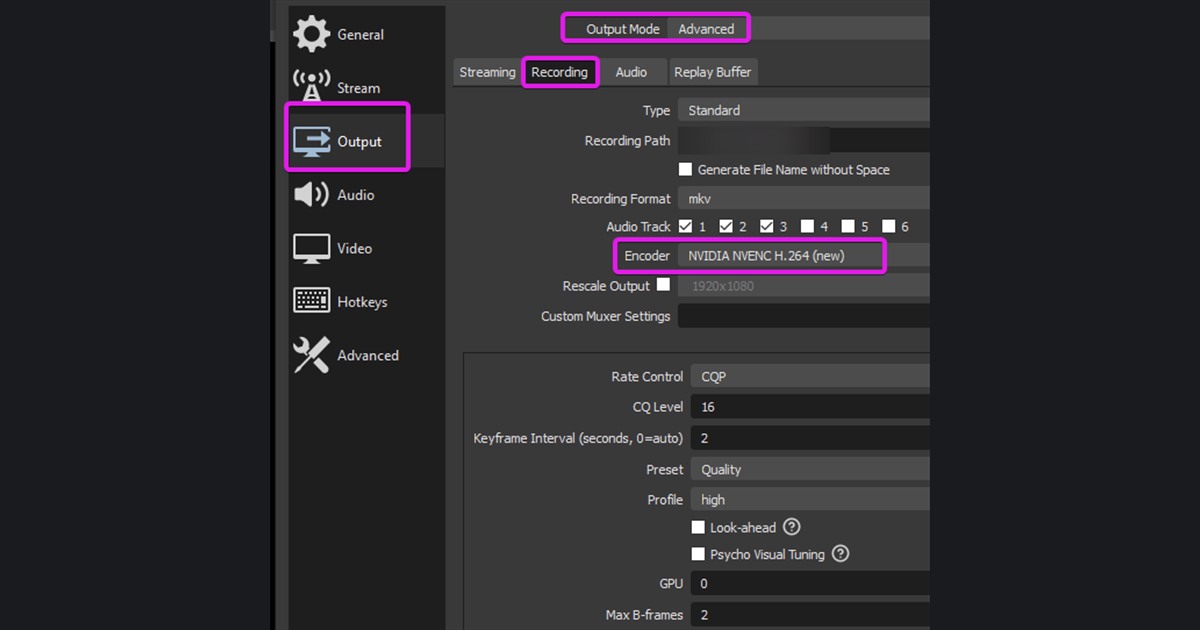
OBS Encoding Overloaded: Diagnose and Fix Encoder Lag
Separate rendering lag from encoding lag, then reduce game, GPU, and output load in a controlled order when OBS reports Encoding overloaded.
 Community
Overwatch Party Finder: Recruit for Role, Rank, Voice, and Fit
State tank, damage, or support needs, competitive or quick play, schedule, and voice expectations, then test comms and atmosphere in a short session.
 Troubleshooting
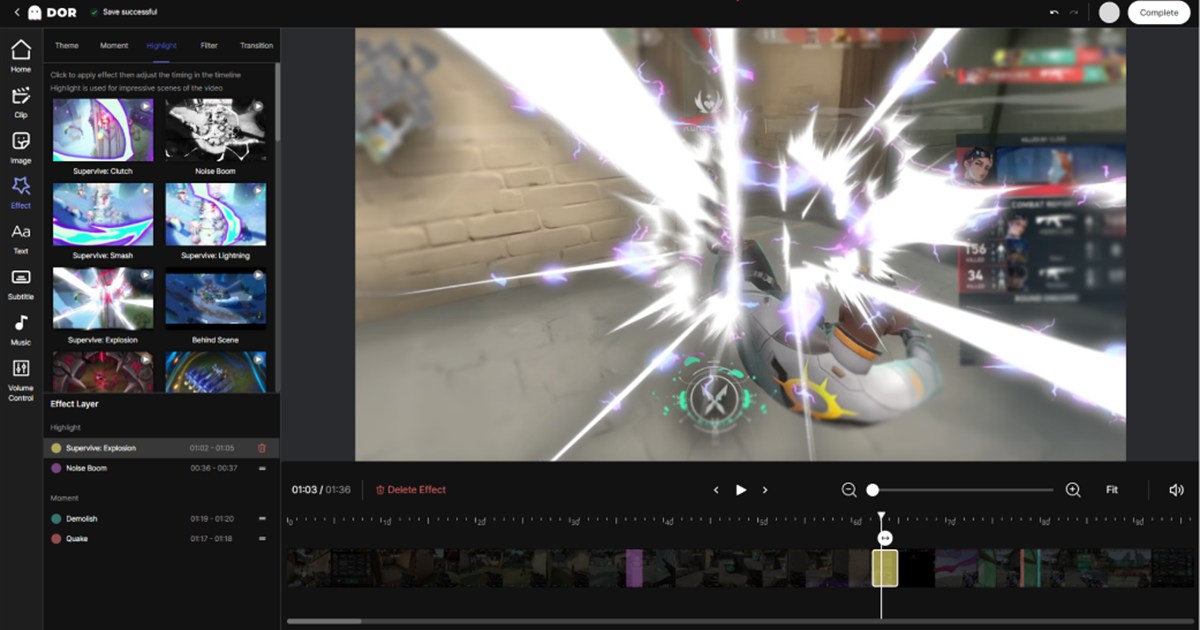
Recording Audio Out of Sync: Fix Constant Delay and Drift
Determine whether game-recording audio starts late or drifts over time, then address device latency, sample rates, and encoding load.
 Recording Guide
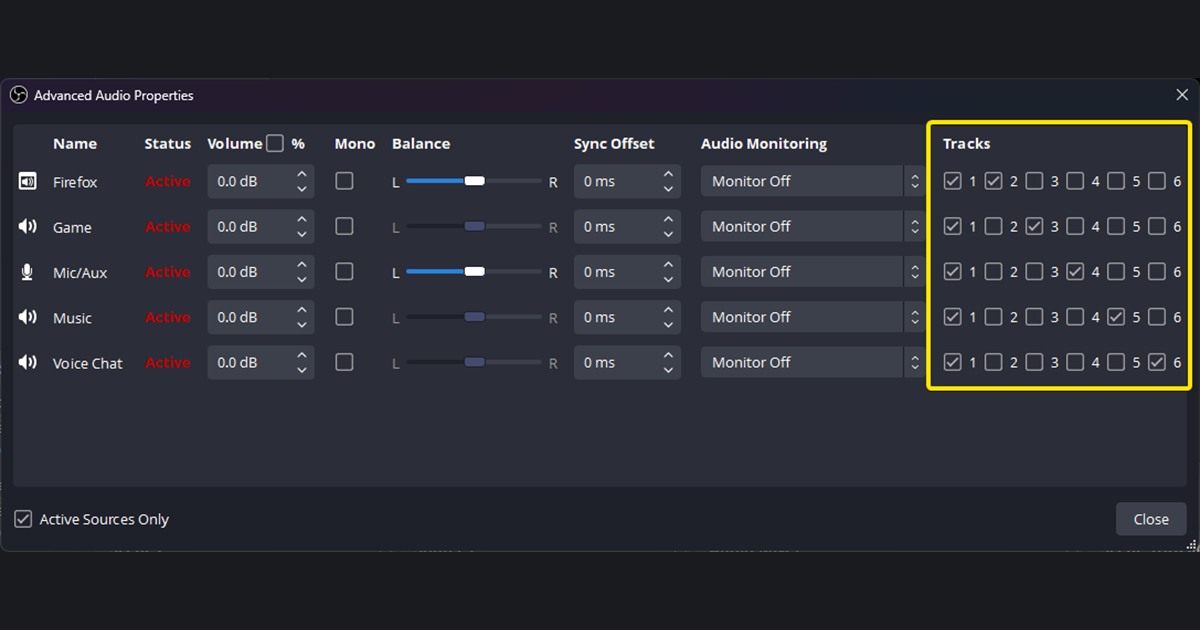
Separate Game Audio and Mic Tracks in OBS for Editing
Record game, microphone, and Discord audio to separate OBS tracks so each can be mixed, muted, or cleaned independently during editing.
 Guide
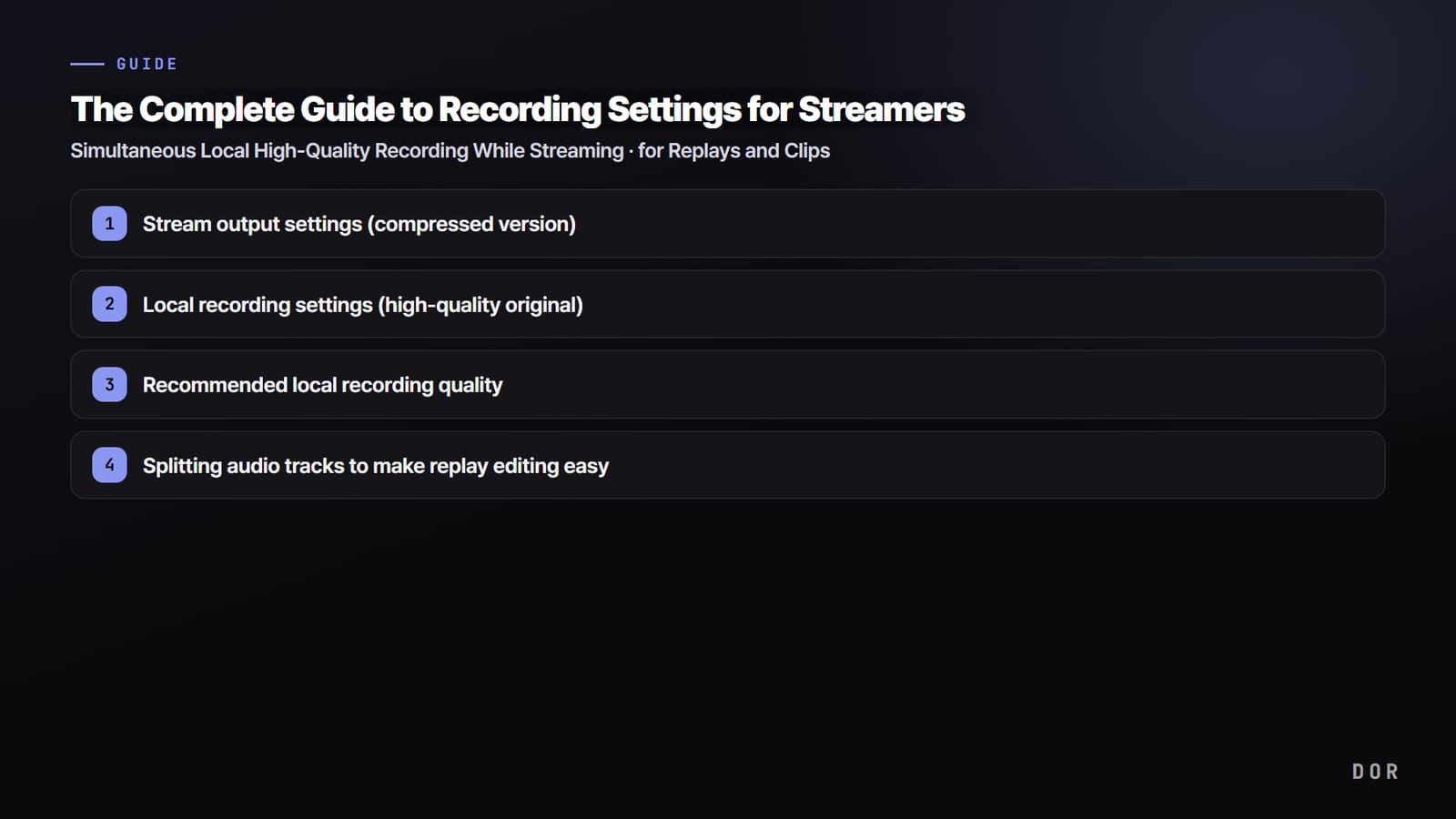
The Complete Guide to Recording Settings for Streamers: Simultaneous Local High-Quality Recording While Streaming, for Replays and Clips (2026)
We organized OBS settings for recording high-quality video locally to your PC while streaming to Twitch or YouTube, step by step. Secure clean originals for replays and editing clips instead of a compressed stream, and learn how DOR even leaves highlight moments as auto-clips.
 Troubleshooting
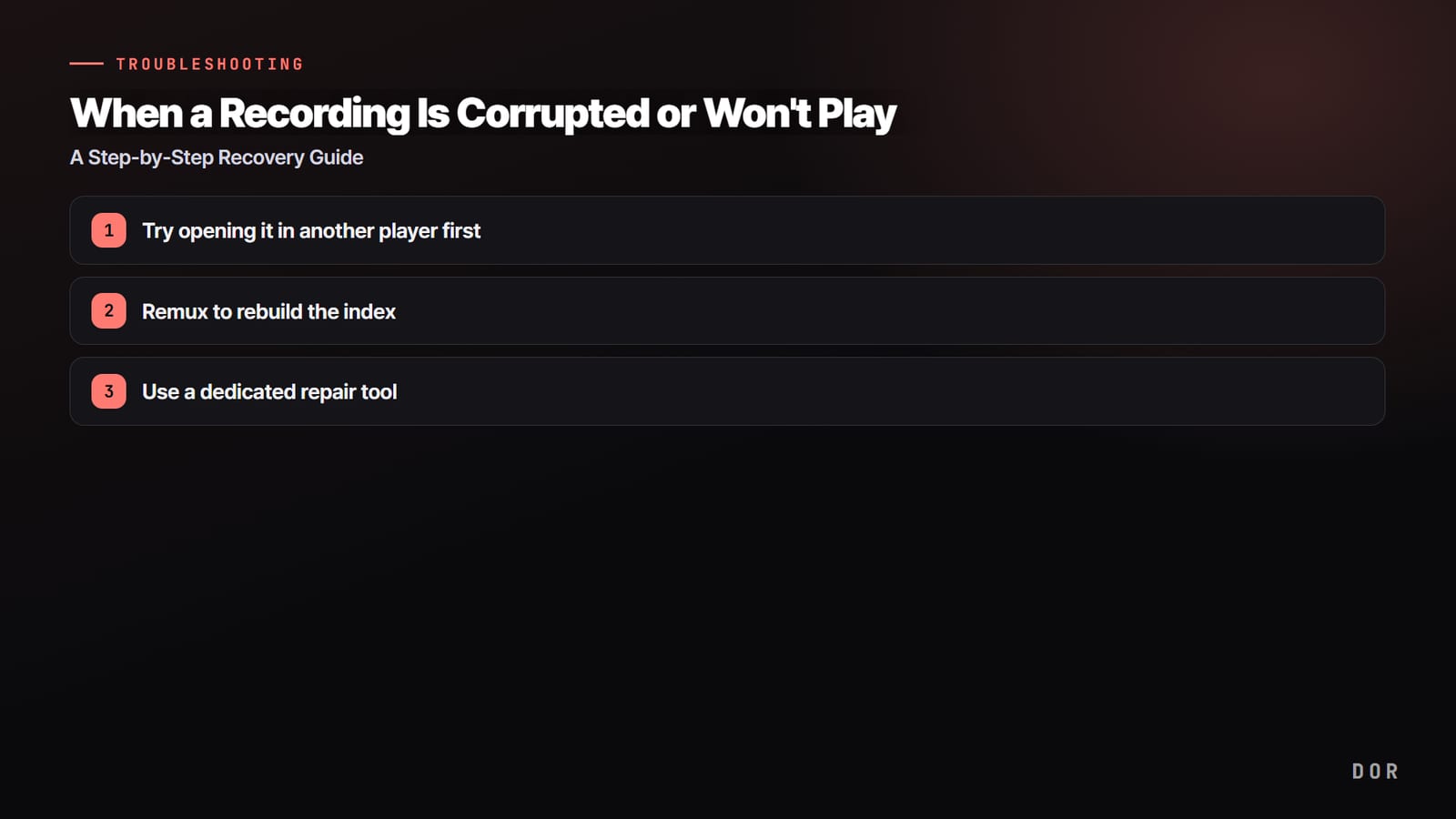
When a Recording Is Corrupted or Won't Play: A Step-by-Step Recovery Guide
If a recording suddenly turns corrupted or won't play, in most cases a forced shutdown mid-recording left the file unfinished. We lay out how to salvage it with remuxing and repair tools, and how to set up your recording to prevent corruption in the first place, all in order.
 Troubleshooting
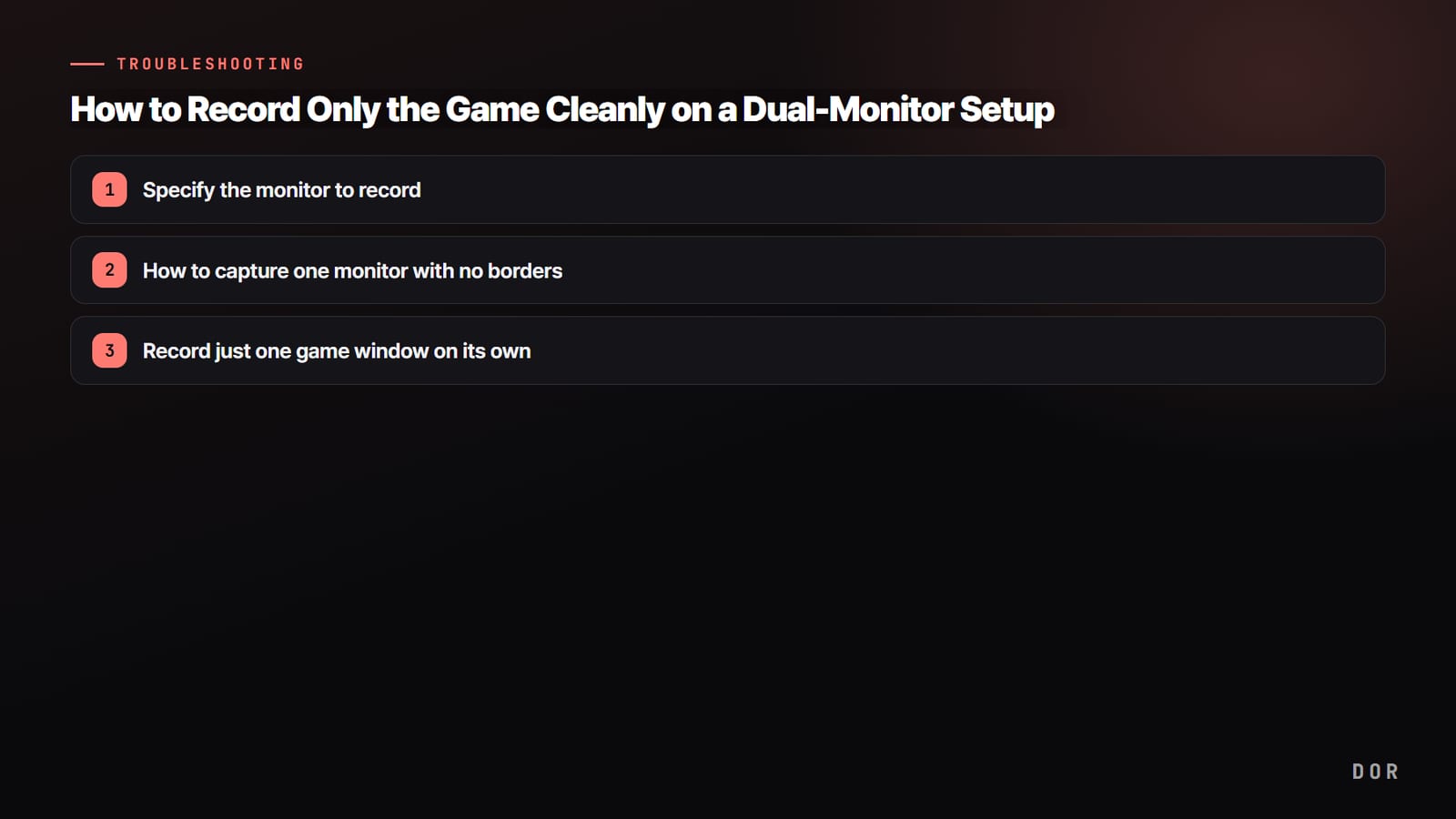
How to Record Only the Game Cleanly on a Dual-Monitor Setup
When you use two monitors, the wrong screen easily gets caught in the recording. Here is a step-by-step guide to specifying the monitor and window to record so you capture only the game screen cleanly.
 Troubleshooting
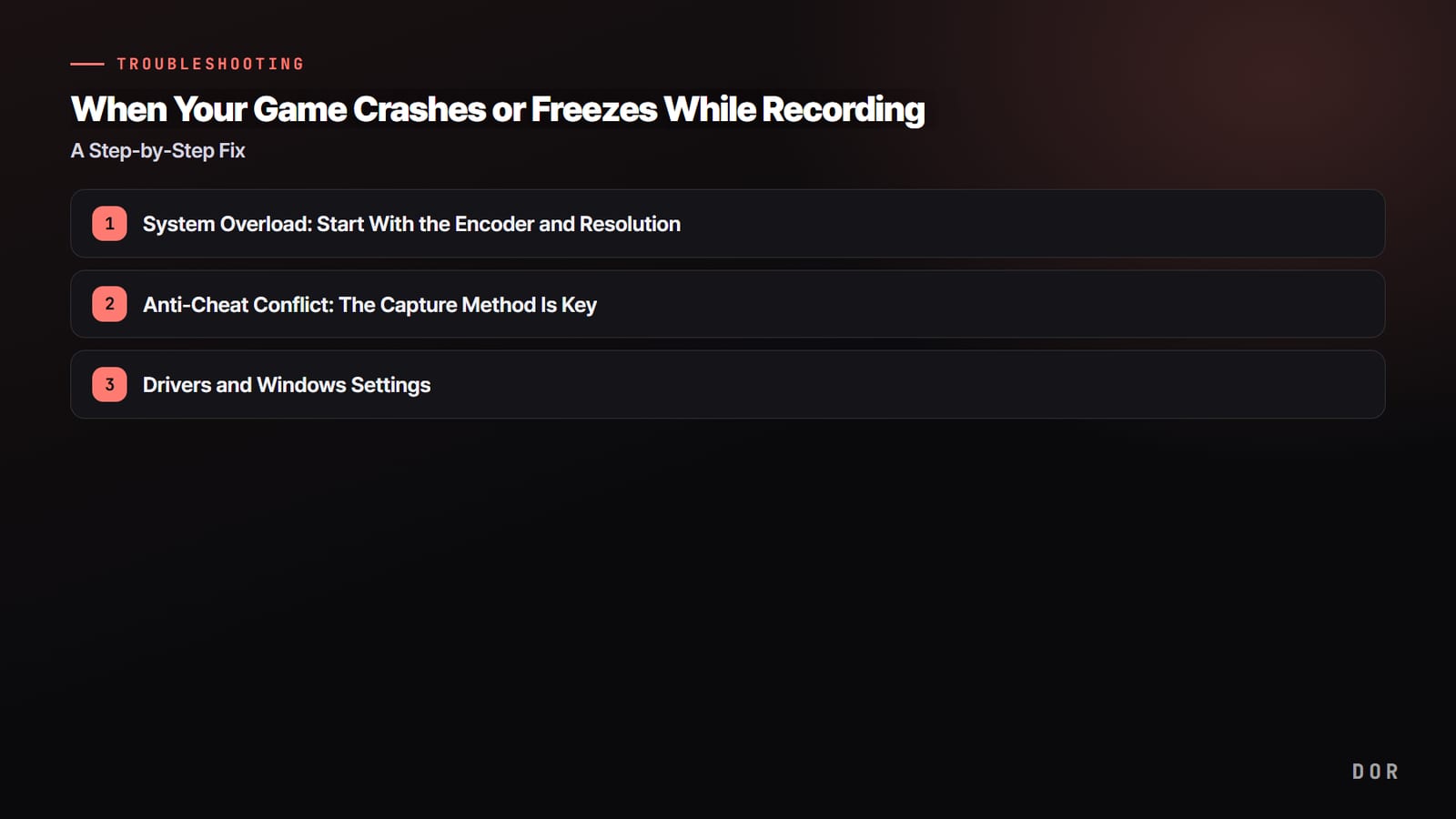
When Your Game Crashes or Freezes While Recording: A Step-by-Step Fix
If your game crashes or freezes the moment you turn on recording, the causes fall into three groups: system overload, anti-cheat conflicts, and driver issues. Work through them in order with hardware encoding, lower resolution, and a different capture method.
 Troubleshooting
FPS Drops When Recording? The Real Cause Is the Encoder (Fix It in 5 Minutes by Switching from x264 to NVENC)
Losing 20-30 frames the moment you turn on recording usually isn't a lack of specs but the CPU encoder (x264). Switching to a GPU encoder (NVENC) recovers it to a single-digit loss. We've laid out the fix order by cause, with numbers.
 Troubleshooting
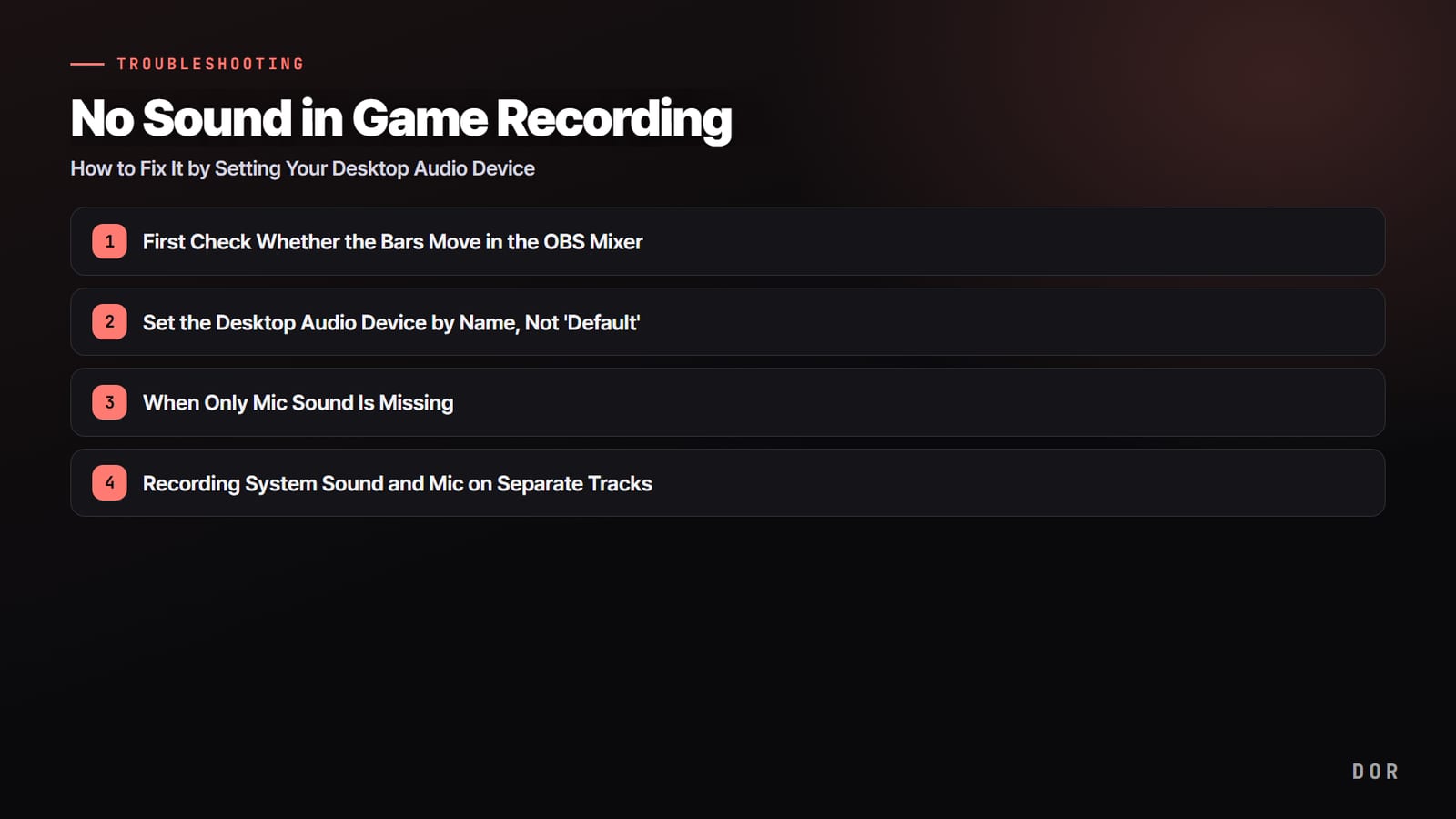
No Sound in Game Recording: How to Fix It by Setting Your Desktop Audio Device
If the recording worked but only the game sound is missing, nine times out of ten it's a desktop audio device setting issue. We'll walk you through it button by button, from setting the device, to splitting system sound and mic into separate tracks, to monitoring.
 Troubleshooting
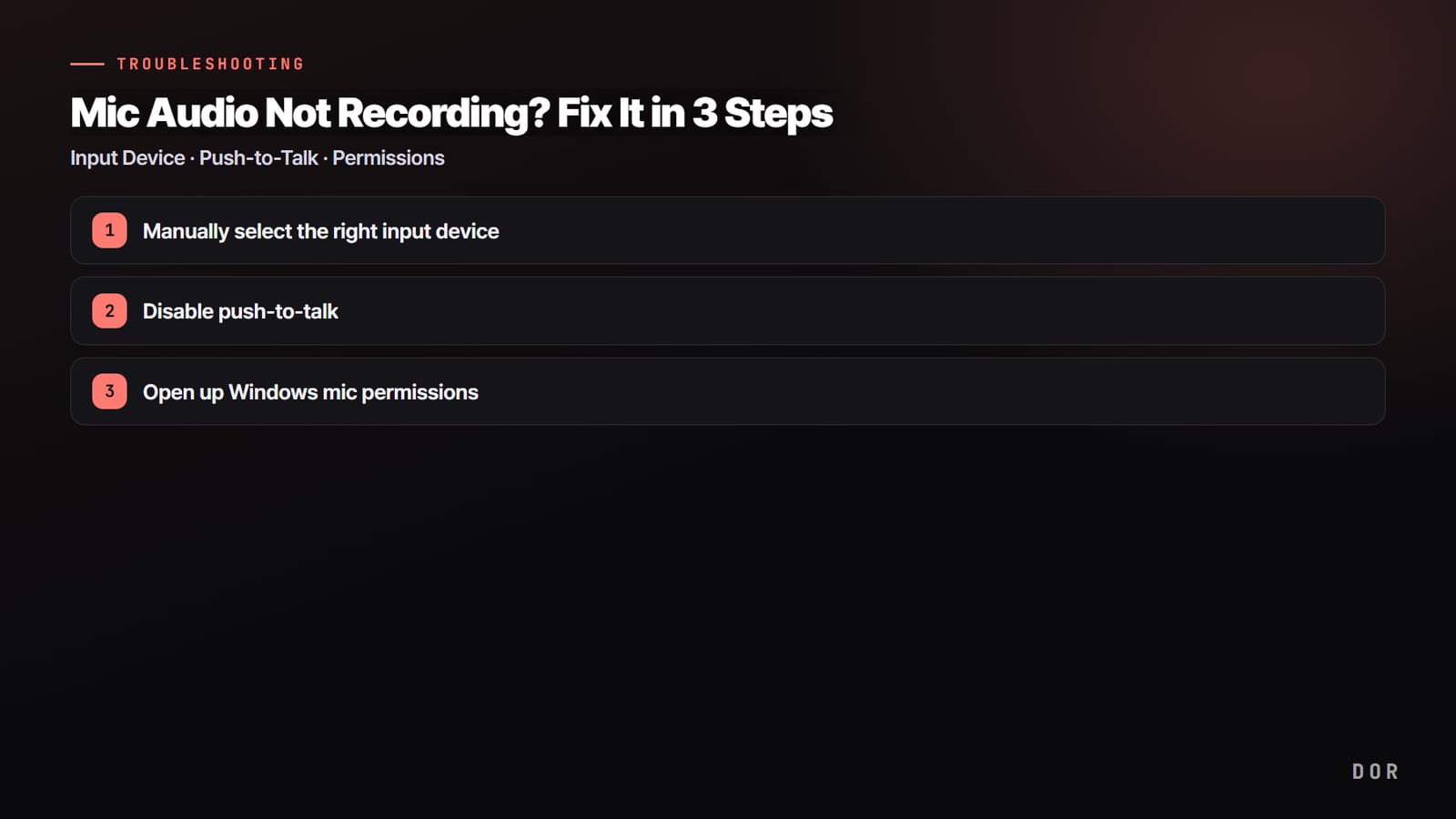
Mic Audio Not Recording? Fix It in 3 Steps: Input Device, Push-to-Talk, Permissions
If your game footage is fine but only your voice is missing, the cause is almost always one of a few things. Check your input device selection, disable push-to-talk, and verify your Windows mic permissions in that order, and you'll usually fix it on the spot.
 Guide
How to Record Long Gameplay Sessions From Start to Finish Without Stutter
When you record a two- or three-hour game session in one piece, the video stutters partway through. The cause is usually a slow disk and a huge file that has ballooned into a single chunk. Move it to an SSD and split the file, and it records smoothly to the end.
 Guide
How to Record Two Games or Multiple Windows at Once
The fastest way to capture multiple windows at once is to grab the entire display in one go, or to arrange several sources within a single scene. Here is a step-by-step on the settings, layout options, and even simpler alternatives.