Record, edit
& find your community
Practical guides from capturing and editing gameplay to finding friends, parties, and communities.
Page 8 of 14
 Recording Guide
How to Save a Rainbow Six Siege Replay as Video or MP4
Treat the Match Replay source as game data, render it in the game, and capture a verified standard video without renaming extensions.
 Team & Community
Roblox Group Finder: Search and Join Communities Safely
Compare a Roblox Community by experience, purpose, approval, activity, moderation, age settings, and permissions before joining.
 Troubleshooting
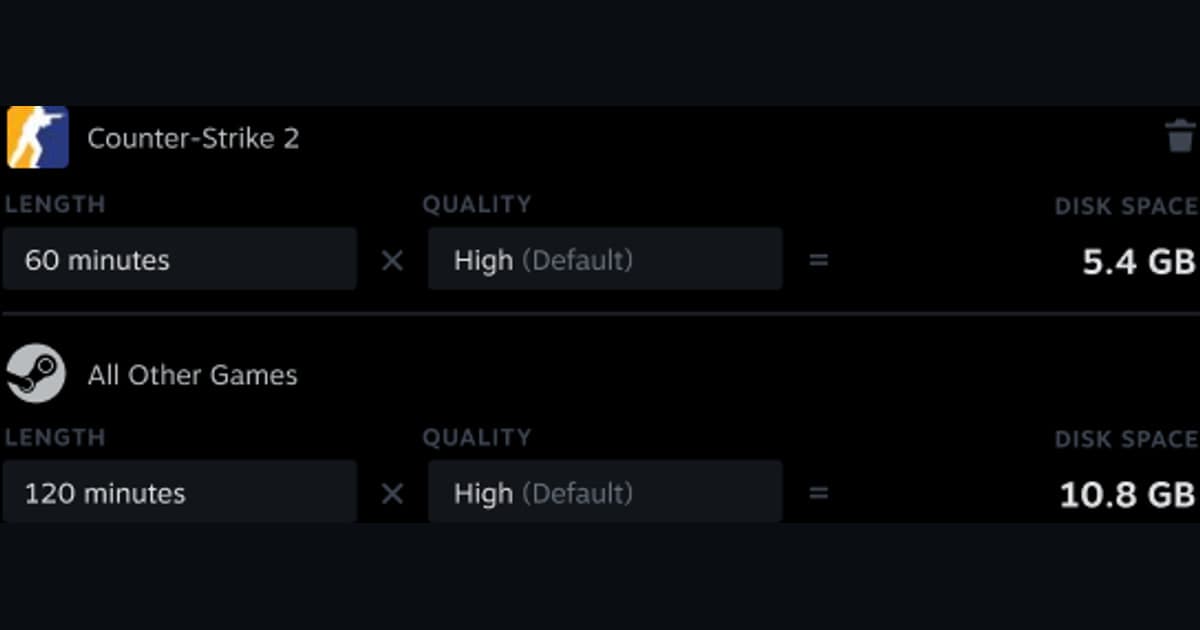
Steam Game Recording Low Disk Space Fix
Separate temporary background footage from permanent clips, then adjust the budget, destination, and MP4 export without deleting sources blindly.
 Comparison
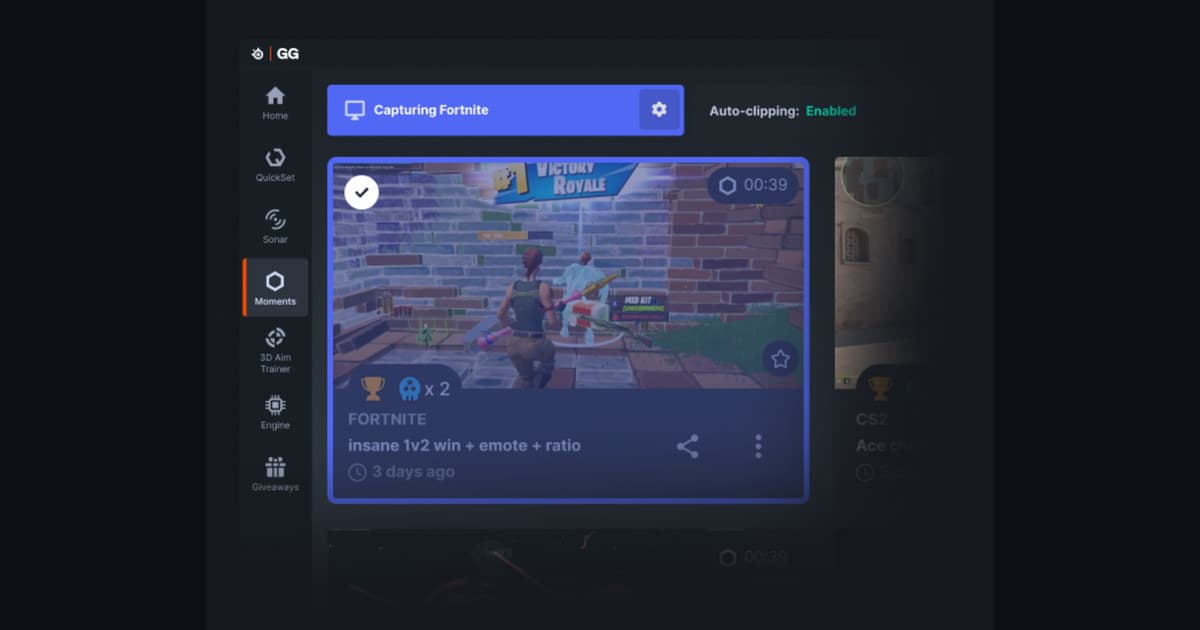
SteelSeries Moments alternatives for automatic and manual game clips
Compare SteelSeries Moments alternatives by automatic events, manual capture, audio, game support, storage, performance, and review time.
 Troubleshooting
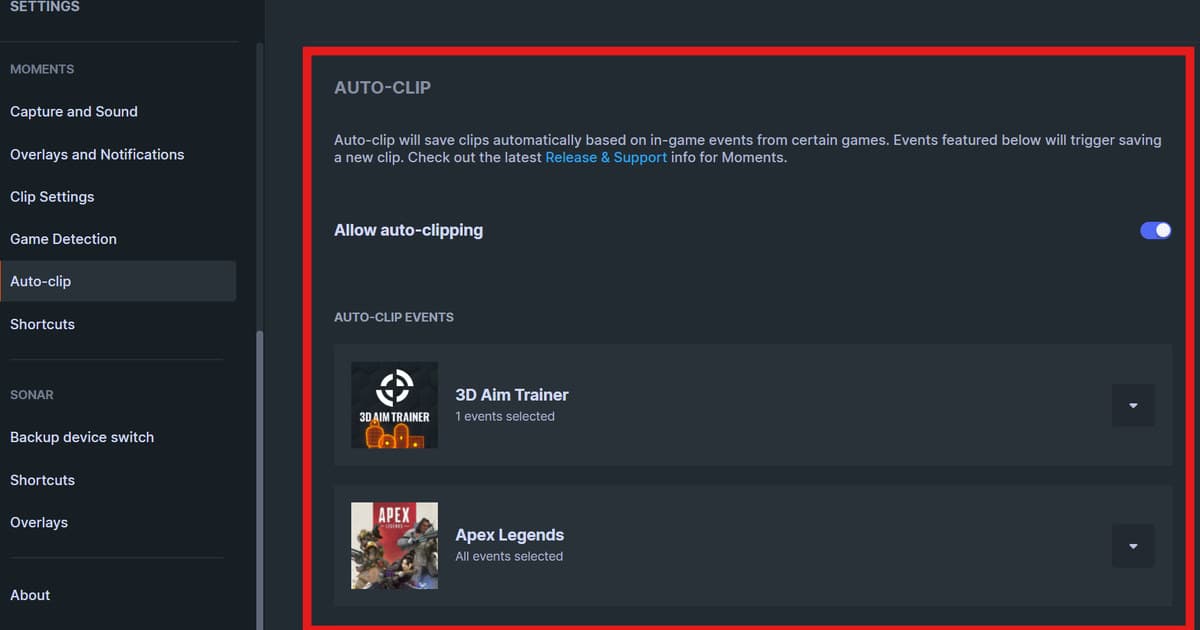
Fix missing automatic or manual clips in SteelSeries Moments: a safe troubleshooting order
Diagnose missing automatic or manual clips in SteelSeries Moments by separating detection, permissions, hotkeys, storage, capture, and audio playback.
 Team & Community
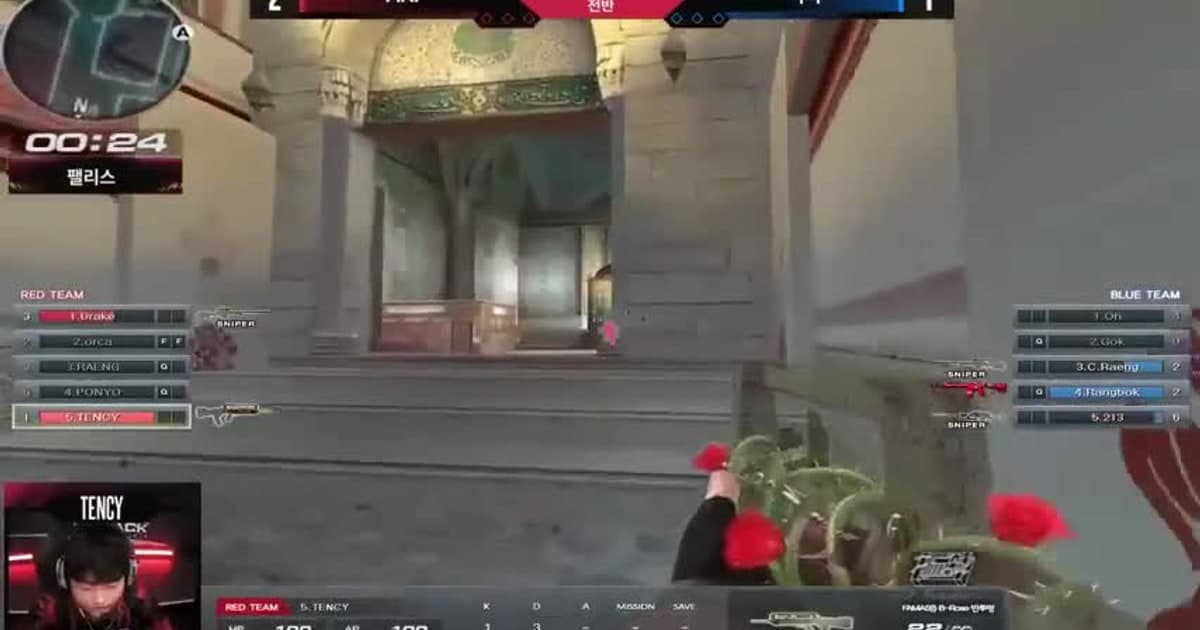
Sudden Attack Clan Finder: Find Teammates by Region, Rank, and Role
Write a useful Sudden Attack profile with region, rank, role, voice, and schedule, then use a short, bounded trial before joining a long-term team.
 Recording guide
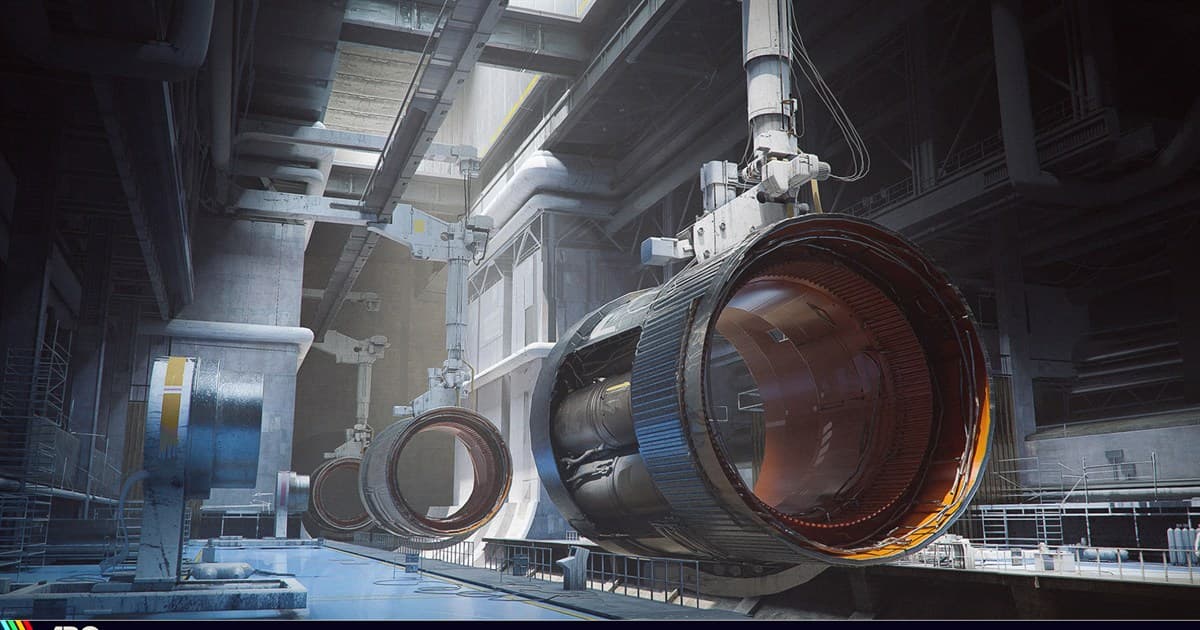
ARC Raiders Clipping Software: Save Fights and Extractions
Compare background replay and focused clips so sudden fights and extractions survive across Solo, Duo, and Trio play.
 Team & Community
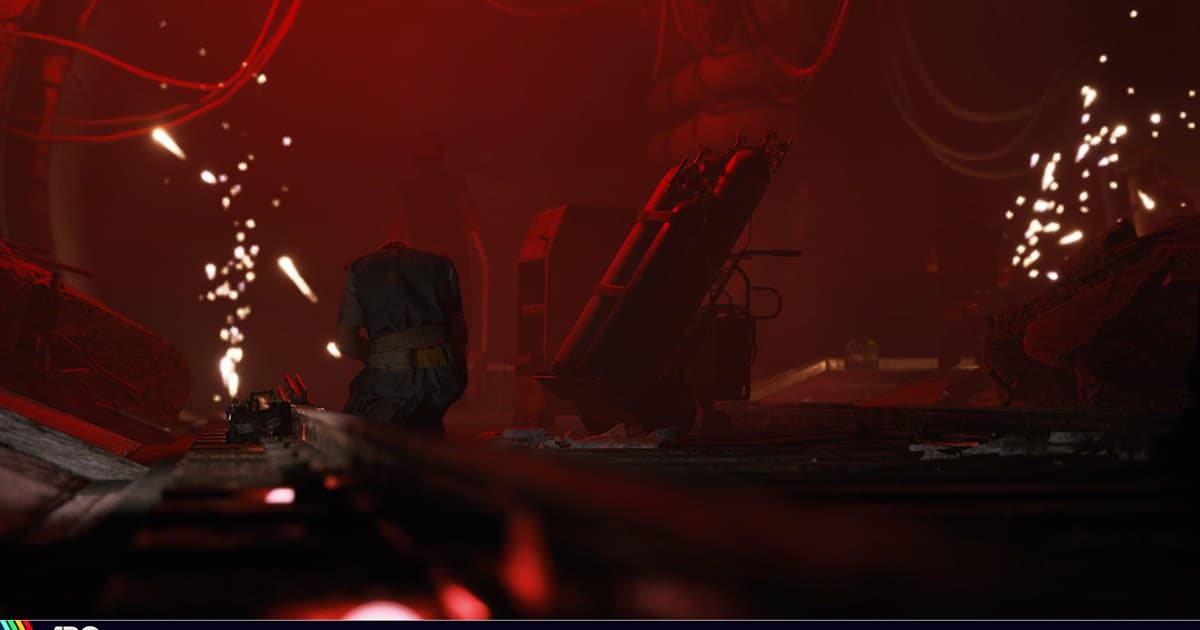
ARC Raiders Discord Server Finder: Choose a Safer LFG Community
Evaluate ARC Raiders Discord servers by region and squad-size channels, moderation history, invite permissions, privacy, voice rules, and a low-risk first run.
 Team & Community
ARC Raiders Duo and Trio Finder: Recruit for Playstyle, Risk, and Comms
Find an ARC Raiders duo or trio by aligning quest versus PvP intent, gear risk, region, platform, extraction calls, voice, and a low-stakes first run.
 Recording guide
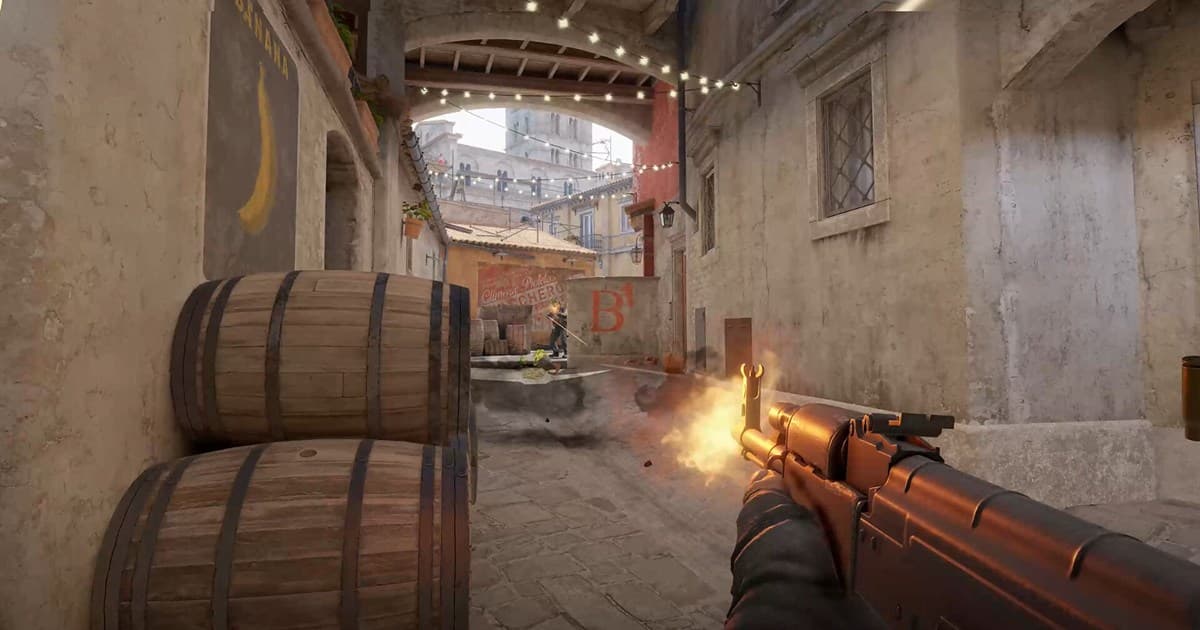
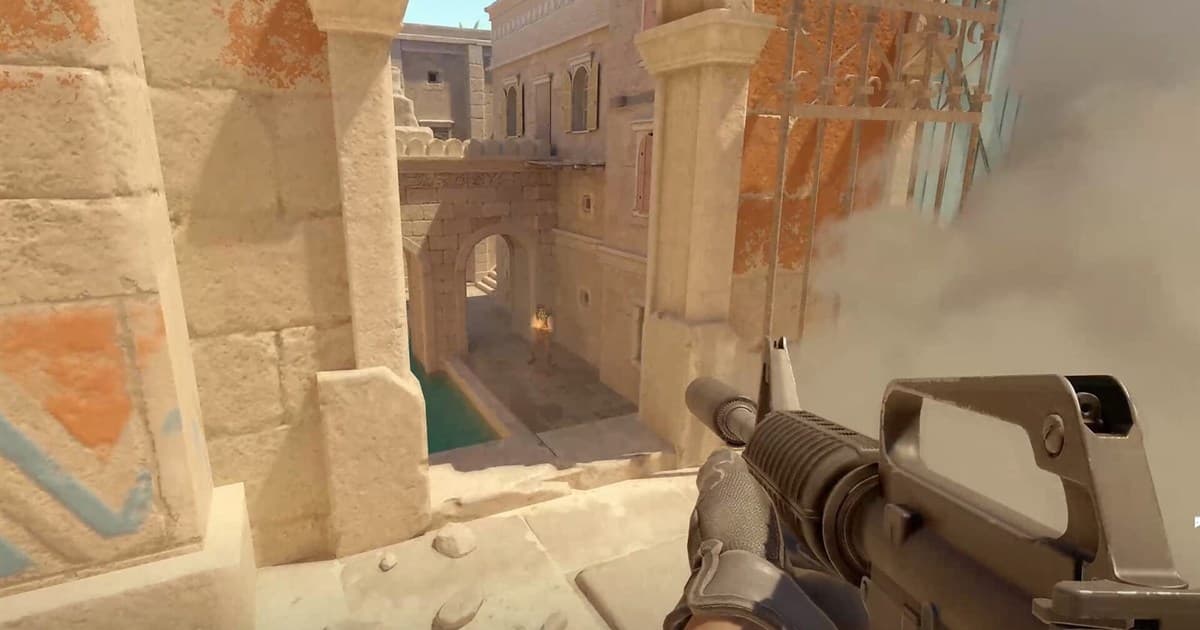
Best CS2 Clipping Software: Compare Kills, Demos, and Performance
Compare instant replay, full recording, and demo playback capture by frame pacing, voice control, file size, and time to share.
 Game Recording
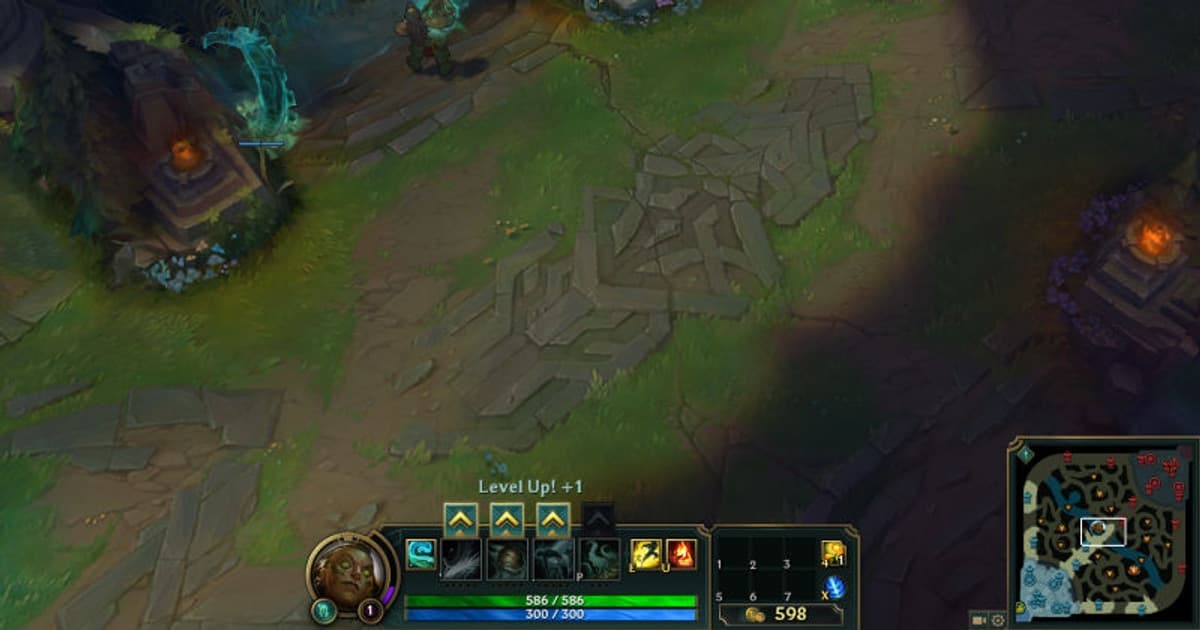
Best League of Legends clipping software: OBS, NVIDIA, and DOR compared
Choose a League of Legends clip recorder by testing frame time, instant replay, audio control, and editing needs—not a single bitrate claim.
 Game Recording
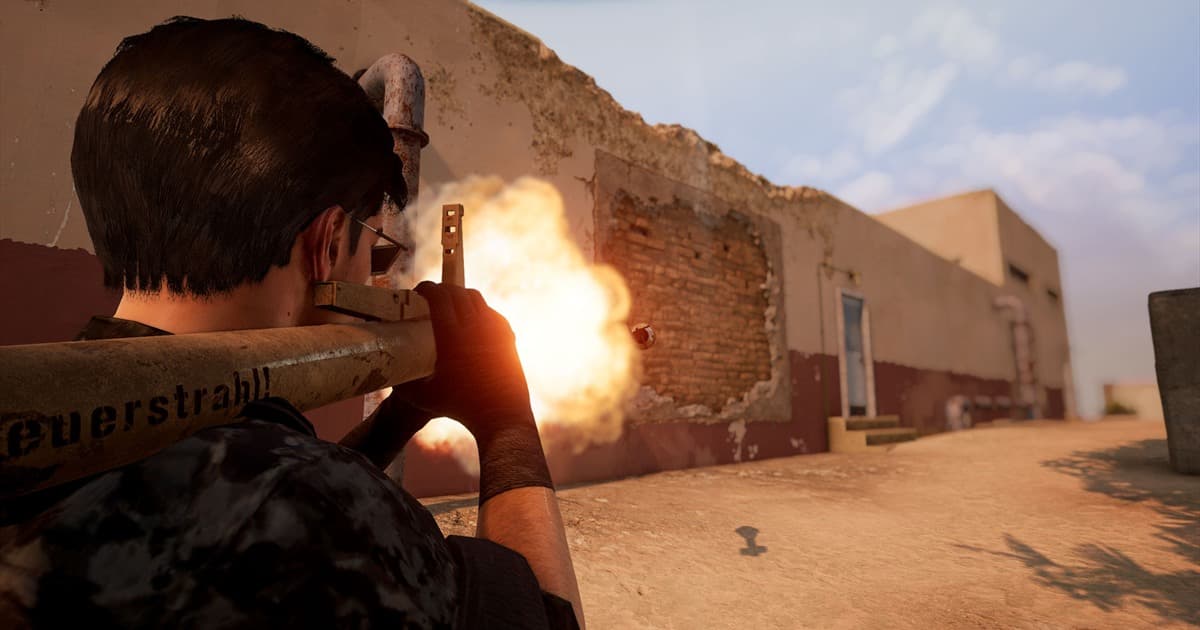
Best PUBG: BATTLEGROUNDS clipping software: OBS, NVIDIA, and DOR compared
Choose a PUBG: BATTLEGROUNDS clip recorder by testing frame time, instant replay, audio control, and editing needs—not a single bitrate claim.
 Game Recording
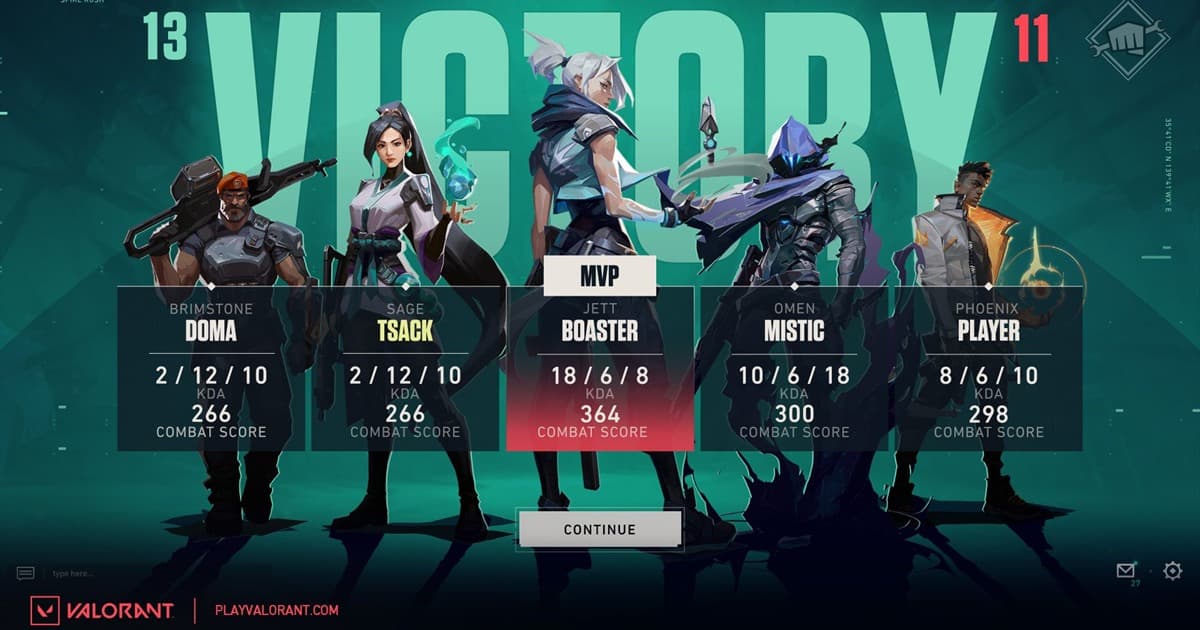
Best VALORANT clipping software: OBS, NVIDIA, and DOR compared
Choose a VALORANT clip recorder by testing frame time, instant replay, audio control, and editing needs—not a single bitrate claim.
 Team & Community
CS2 Premier Team Finder: Recruit a Five-Stack by Role and Map Pool
Build a durable CS2 Premier stack by matching region, ping, schedule, maps, roles, and voice instead of filtering on Rating alone.
 Team & Community
Eternal Return Ranked Team Finder: Match Characters, Routes, and Calls
Recruit an Eternal Return ranked squad by aligning server, tier, character pool, frontline, damage and utility jobs, routes, voice, and a normal-game trial.
 Team & Community
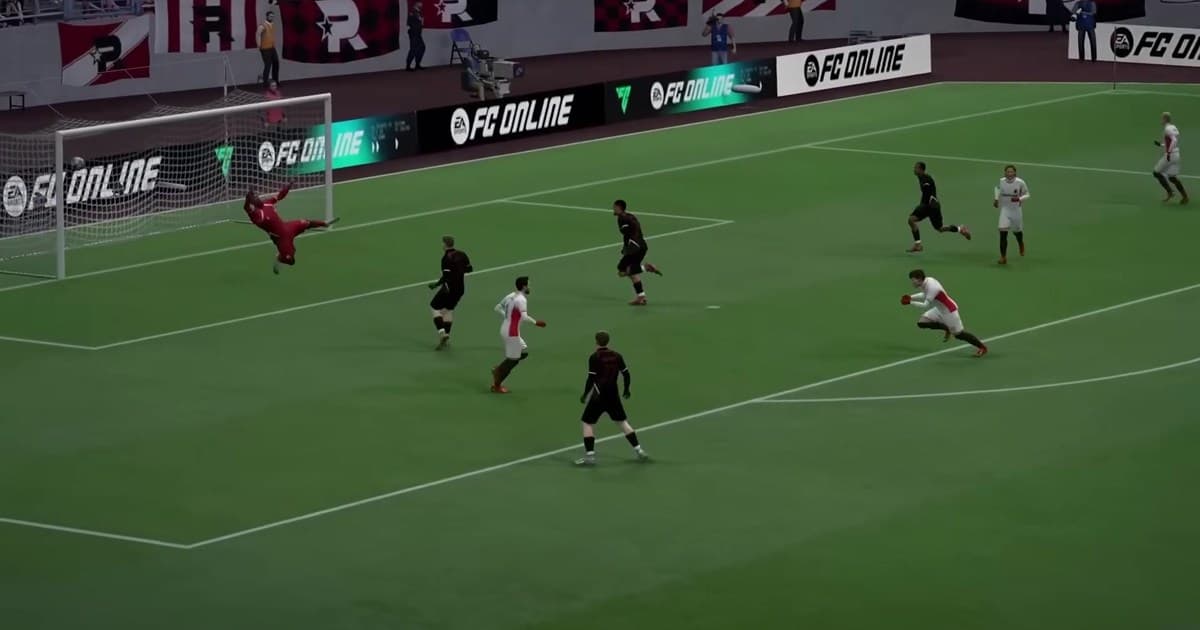
FC Online Club Finder: Match Ranked Level, Activity, and Club Goals
Choose an FC Online club by comparing service region, ranked division, preferred modes, mission participation, login frequency, friendly or tournament goals, and communication rules.
 Team & Community
Fortnite Duo and Squad Finder: Match Build Mode, Roles, and Region
Find Fortnite teammates by aligning Battle Royale, Zero Build or Reload, region, platform, rank, IGL/fragger/support roles, voice, and a short trial.
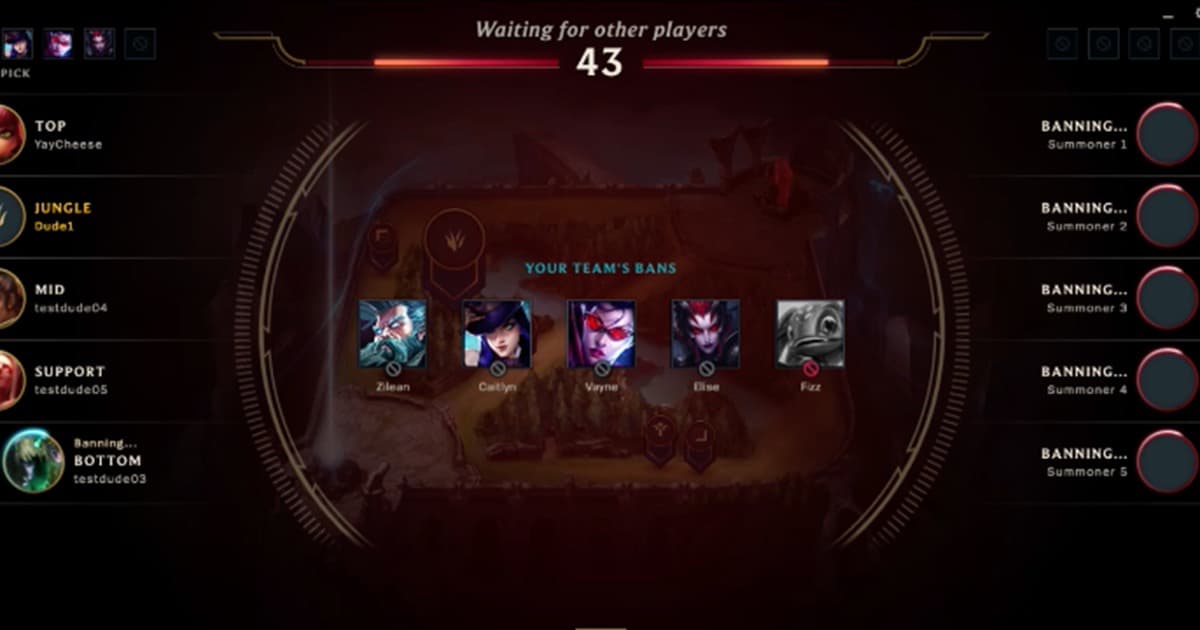 Community guide
League Custom Game Finder: Recruit Ten and Set Fair Lobby Rules
Recruiting ten is only the start: define team balance, late-player replacement, spectators, remakes, voice, and clip consent before the lobby.
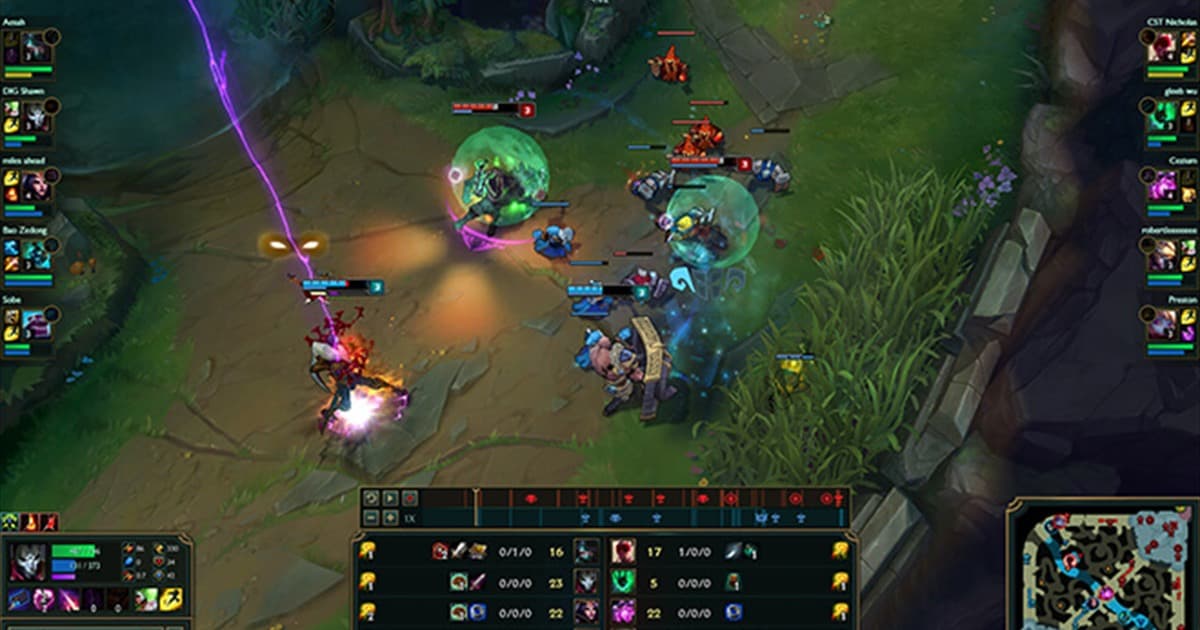 Community guide
League Ranked Fives Team Finder: Build Around Roles, Time, and Comms
Prepare for the returning Ranked 5s by aligning role coverage, real availability, comms, review rules, and a two-game trial.
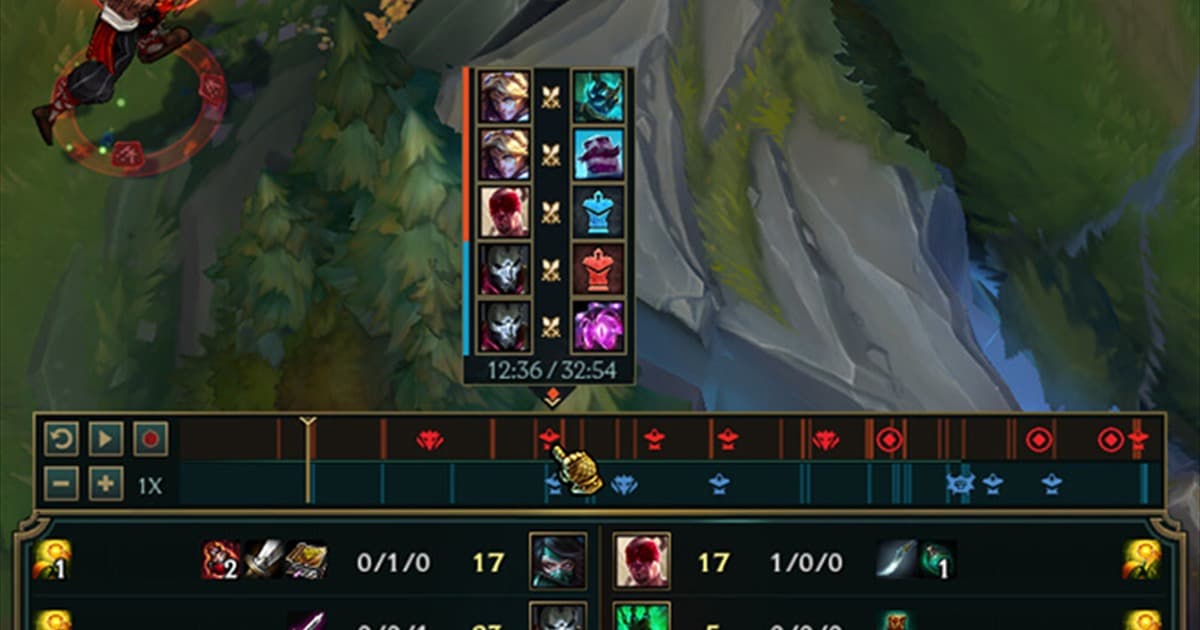 Replays & Recording
How to save a LoL ROFL replay as an MP4 video
.rofl data is not a normal video file. Open it in a compatible game client and record playback to create a shareable MP4.
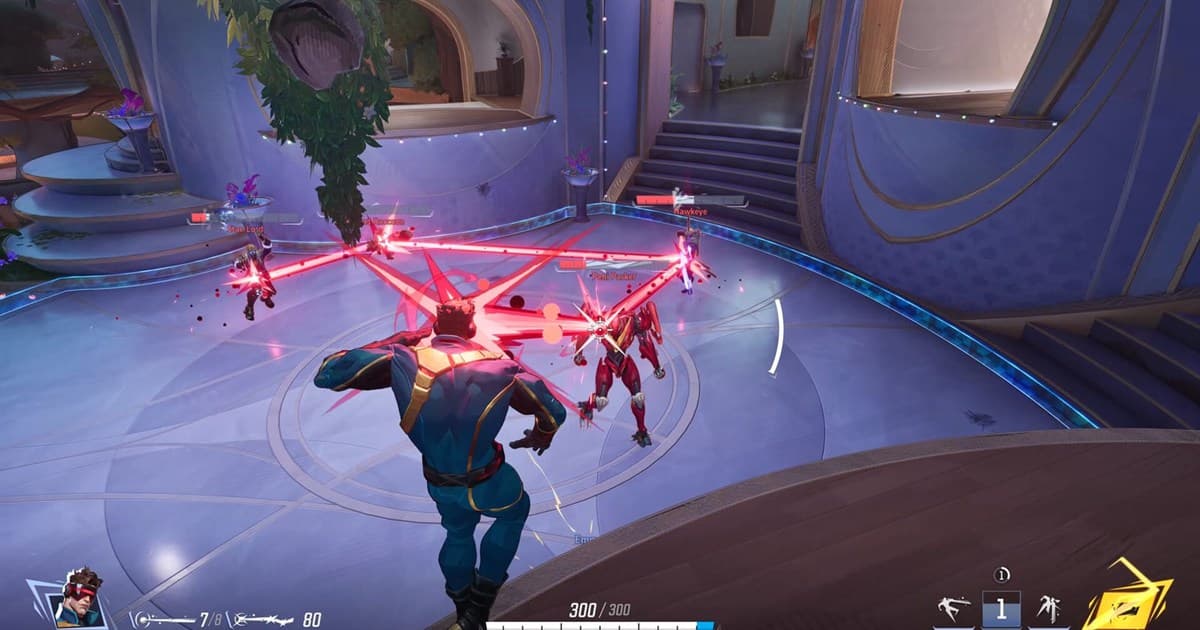 Team & Community
Marvel Rivals Ranked Party Finder: Match Roles, Hero Pools, and Comms
Recruit a Marvel Rivals ranked party by aligning region, platform, rank, Vanguard, Duelist and Strategist coverage, hero pools, voice, and a short trial.
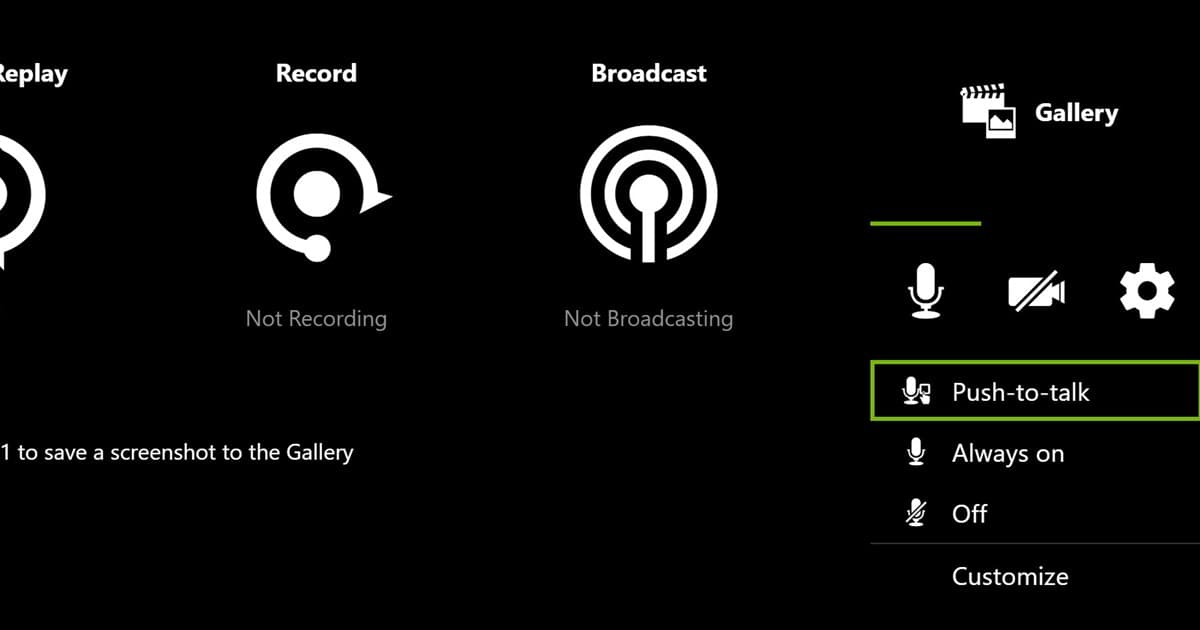 Recording Troubleshooting
NVIDIA recording microphone not working: an ordered fix
Check the NVIDIA overlay mic state, selected input, Windows permission, competing apps, and a saved test file.
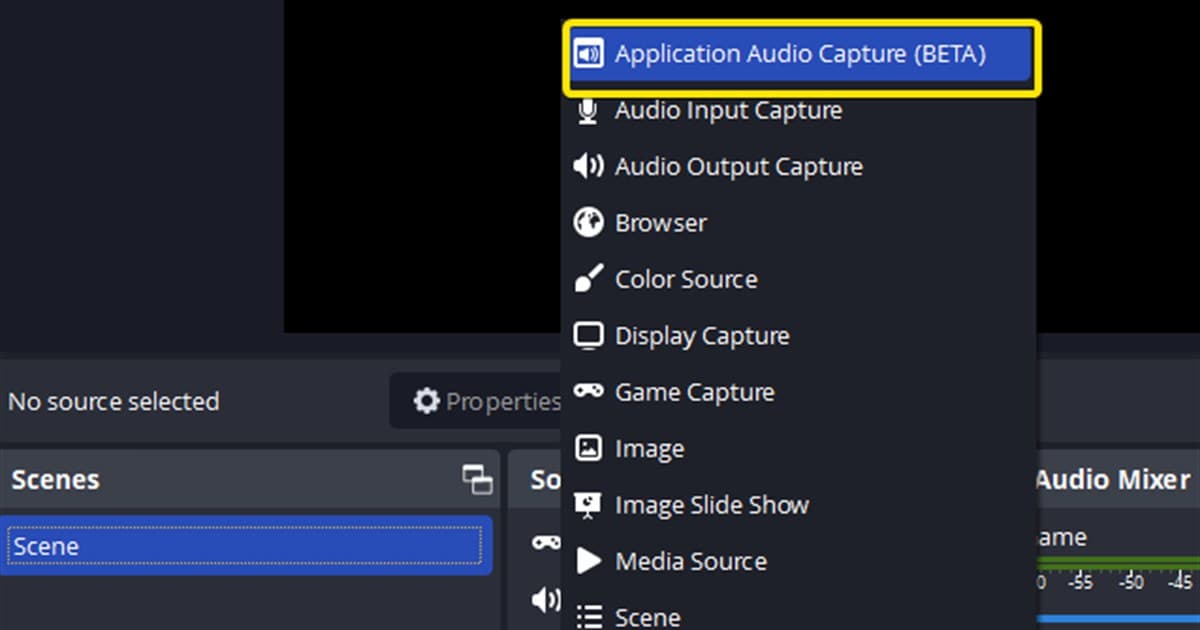 Recording Troubleshooting
OBS desktop audio not recording: diagnose silent files in order
Trace missing OBS game audio through the mixer, Windows device, application source, recording track, and playback app.
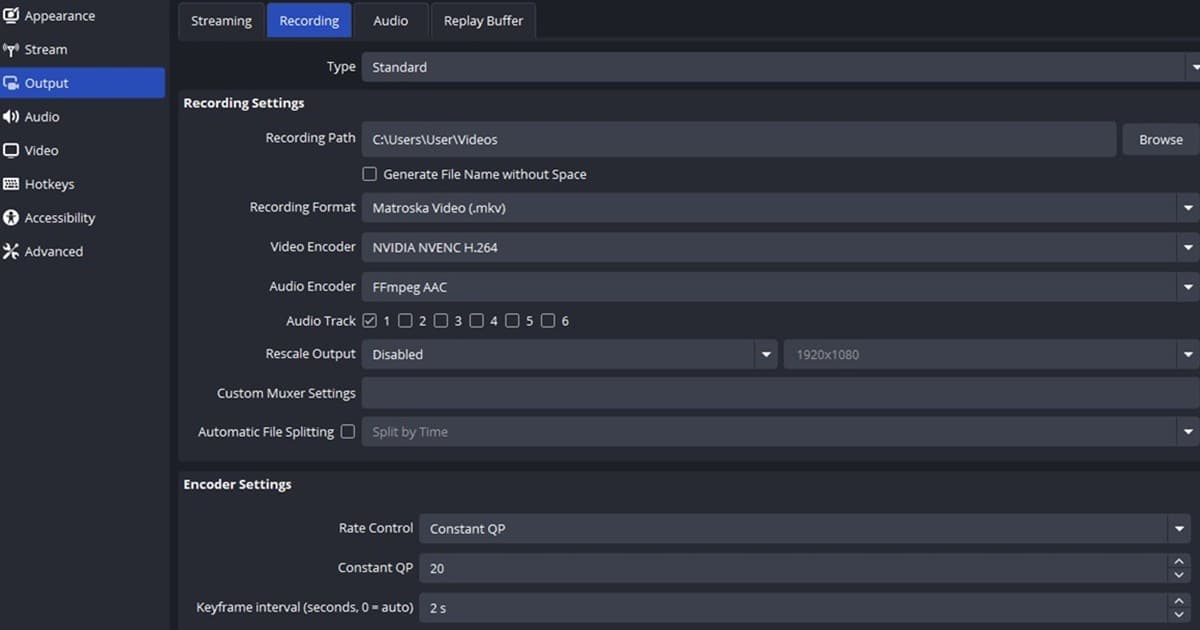 OBS Settings
OBS NVENC recording settings for RTX: a tested starting point
Set CQP, P5, keyframes, multipass, and profile from OBS’s official NVENC baseline, then validate quality and frame time on your RTX PC.