Record, edit
& find your community
Practical guides from capturing and editing gameplay to finding friends, parties, and communities.
Page 23 of 45
 Recording Guide
How to Record Roblox on Mobile (2026): iPhone, iPad and Android Screen Recording vs Built-In Captures
There are two ways to record Roblox on a phone or tablet: Roblox's built-in Captures tool and your device's own screen recorder. Here is how each one works, what audio it keeps, where the files go, how to prepare for long recordings, and what to do if you also play on a PC.
 Recording Guide
How to Record Roblox on OBS (2026): Window Capture Instead of Game Capture, Plus Black Screen and Audio Fixes
Why OBS Game Capture shows a black screen or never hooks in Roblox, and the setup Roblox's own help center points to instead: Window or Display Capture, game audio and mic, 1080p60 encoder values, and Replay Buffer clips.
 Troubleshooting
When Your Recorder Won't Detect the Game: Fixes by Cause
Is OBS Game Capture failing to grab your game and showing only a black screen? We break it down by hook failure, anti-cheat conflict, and permission problems and solve each step by step, and we've also laid out screen-capture fallback and automatic-detection alternatives.
 Recording Guide
Roblox Age Verification (2026): How to Do the Selfie or ID Age Check, What to Do When It Fails, and How It Changes Chat
A step-by-step guide to Roblox age verification (Roblox calls it an age check) from Settings > Account info, the difference between facial age estimation and ID verification, how to fix a wrong age group, and what changes for chat, voice chat and restricted games, based on the official Help Center checked on October 14, 2026.
 Recording Guide
Roblox Black Screen Fix (2026): When Joining, When Tabbed In, and on Windows 11
Roblox going black right after you join, after you alt-tab, or only on Windows 11? First tell a game-side black screen apart from a black recording, then work through Roblox's official graphics checks and the Windows settings, as of October 14, 2026.
 Recording Guide
Roblox Error Code 267 (2026): What It Means and How to Fix an Experience Ban
Roblox error code 267 is not an account suspension: the creator of that experience banned your account from it. Based on Roblox's official help pages checked on October 14, 2026, here is what it means, how it relates to error 600, who can lift it, and what to send when you appeal.
 Recording Guide
Roblox Error Code 279 (ID 17) Fix (2026): Failed to Connect vs. Error 277 Lost Connection
Roblox error code 279 (ID 17) means "Failed to connect to the Game." Here is how it differs from error 277, which drops you mid-game, and the order to check the status page, your connection, firewall, antivirus, ports and a clean reinstall, based on the official Roblox Help Center.
 Recording Guide
Roblox Error Code 529 (2026): No Official Explanation, So Check It in This Order
Roblox error code 529 has no article in the official Roblox Help Center as of October 14, 2026. Instead of guessing at a cause, this guide builds a checking order around what the Help Center does document, from the status page to contacting Support.
 Recording Guide
Roblox Error Codes List (2026): What 267, 277, 279 and 524 Mean and How to Handle 529 and 262
Every Roblox error code points to a different fix, and some can only be solved by the experience creator. Based on Roblox's official Help Center as checked on October 14, 2026, here is what each documented code means and a safe checking order for undocumented codes like 529 and 262.
 Recording Guide
Is Roblox Capped at 60 FPS? How to Unlock the Max Frame Rate and FPS Unlocker Risks (2026)
Roblox stops at 60 FPS because the Maximum Frame Rate setting defaults to 60, not because of your PC. Here is where to raise it to 120, 144 or 240 on Windows, how to show FPS with Shift+F5, and where FPS unlockers stand as of October 14, 2026.
 Recording Guide
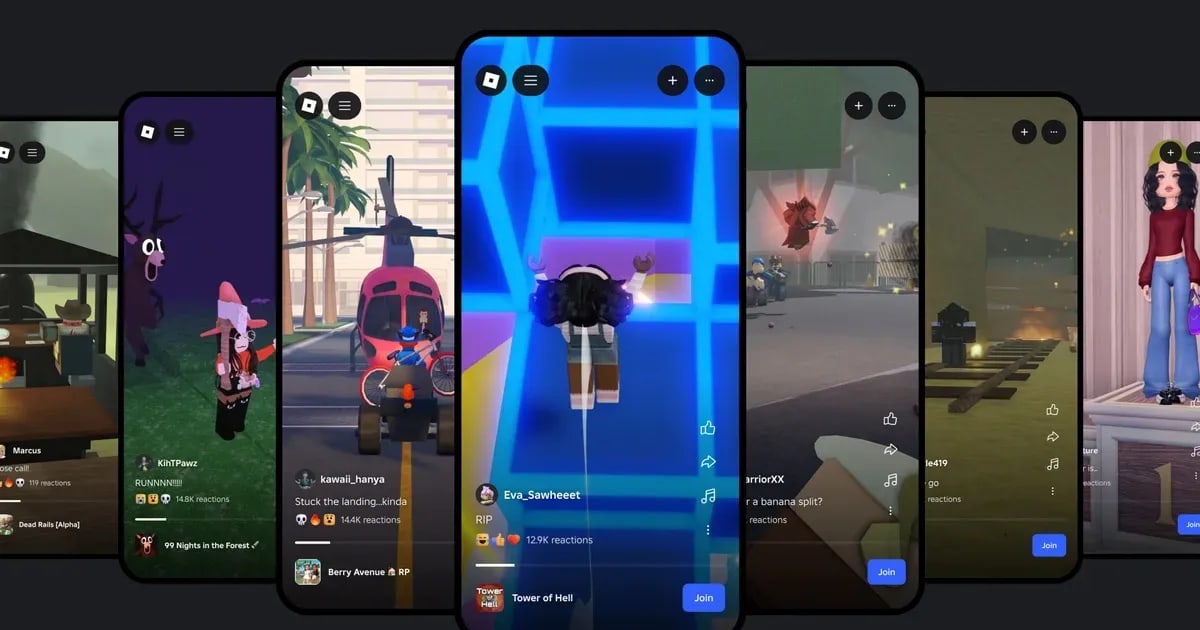
Roblox High Ping Fix (2026): Check Your Ping, Find a Better Server and Track Down Lag Spikes
How to see your Roblox ping, tell network lag from graphics lag, get onto a better server, and check Wi-Fi, firewall and port settings, based on Roblox's official help pages and the Creator Hub docs.
 Recording Guide
Roblox Moments (2026): How to Record and Post a Moment, and What to Check When It Won't Upload
Roblox Moments is a beta experience where you post Captures clips of up to 30 seconds after trimming them and adding music and a description. Based on the official Help Center as checked on October 14, 2026, here is how to record a clip, how to post it, the 10-per-day and 13+ rules, and what to check when it won't upload.
 Recording Guide
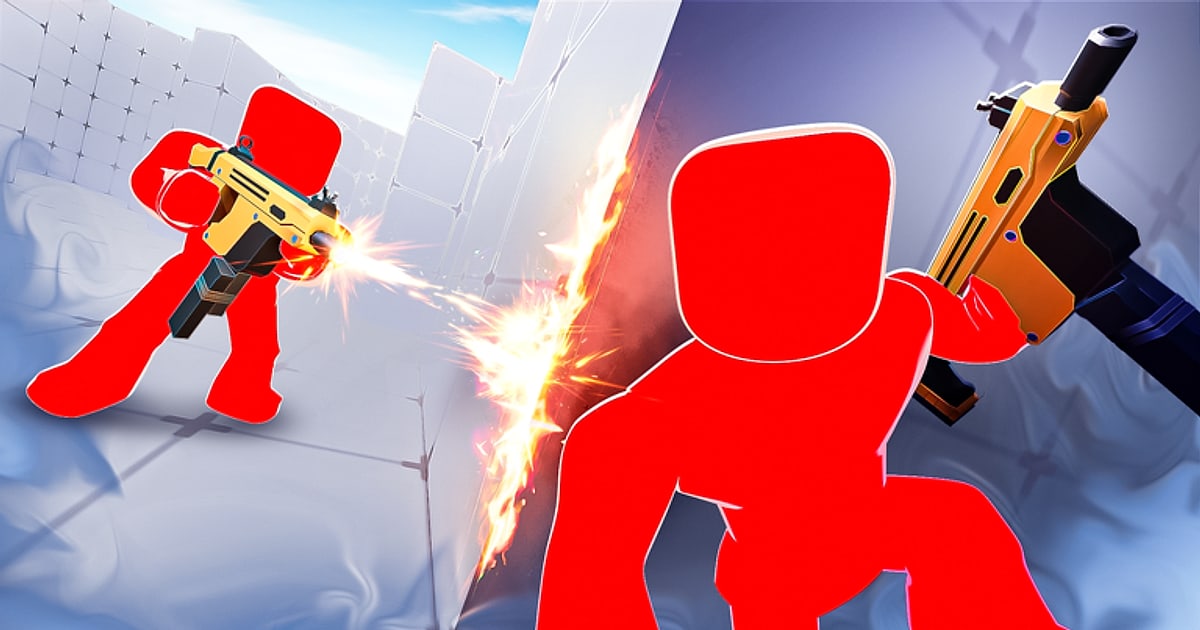
Roblox RIVALS Settings (2026): Max Frame Rate, Graphics, Sensitivity and Saving Kill Clips
The official Roblox frame rate and graphics settings that make RIVALS smoother, where sensitivity and FOV live, and how to save kills and clutches as clips and montages. Checked October 14, 2026.
 Recording Guide
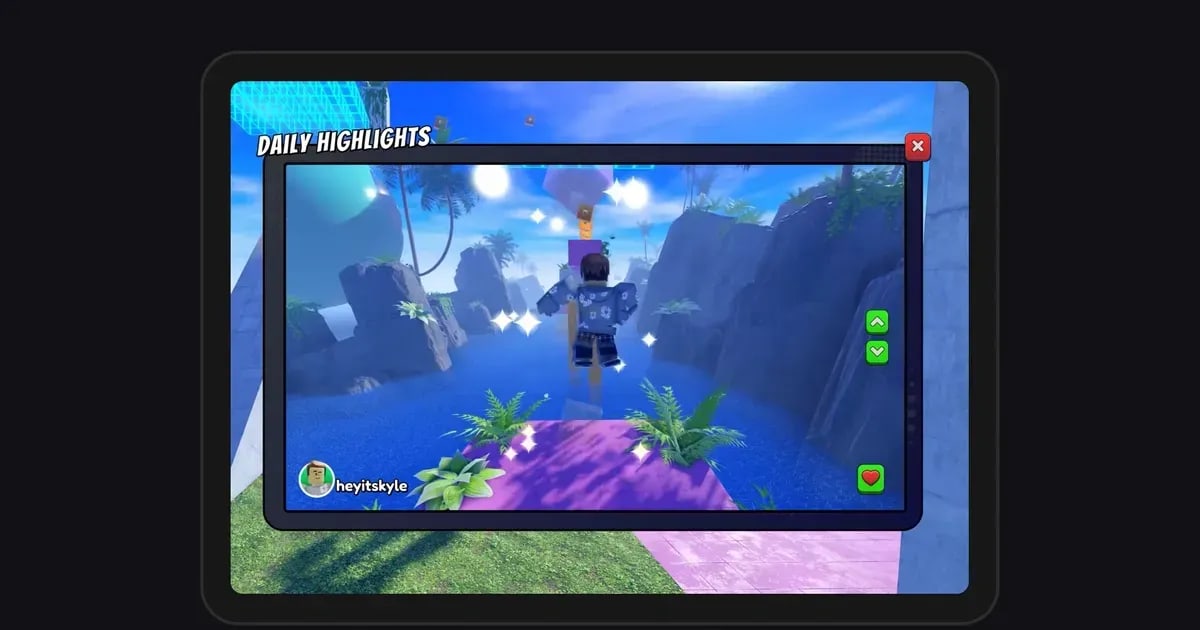
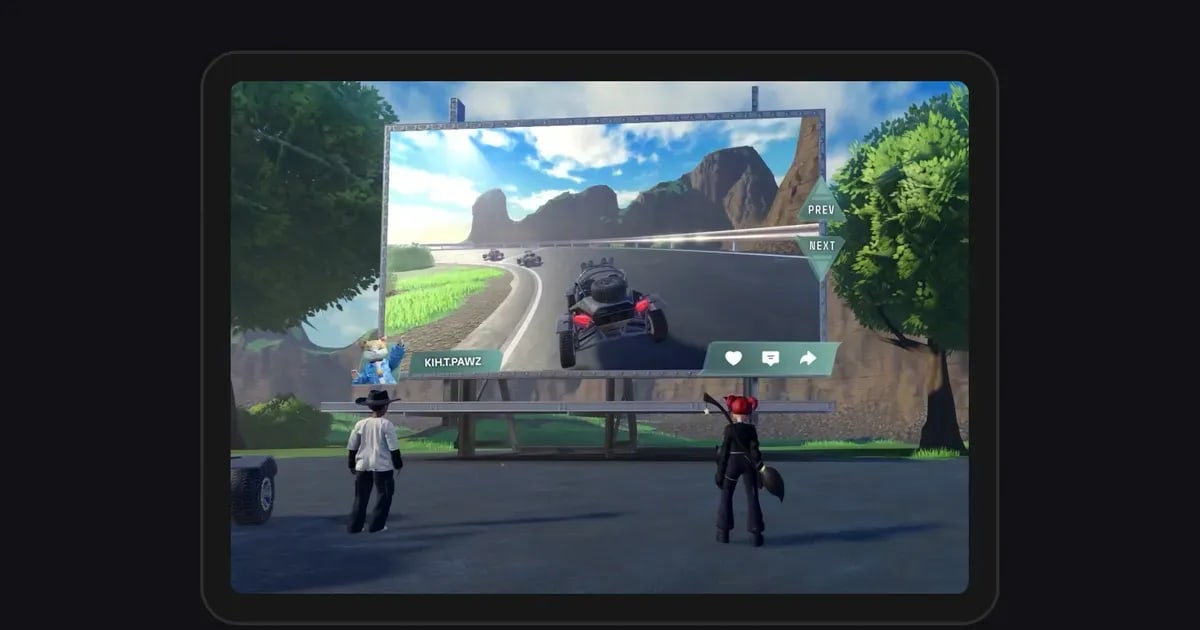
Roblox Screenshot Folder: Where Captures Go on PC and Mobile (2026)
Roblox Captures screenshots land in Roblox app storage first. They only reach your PC’s Pictures folder or your phone’s camera roll after you tap the save icon. Here is how to take, view, export, and find them, checked against Roblox Help on October 14, 2026.
 Recording Guide
Roblox Captures Not Working or Not Saving? (2026) Missing Button, Videos Folder, 30-Second Limit, No Sound
When the Roblox video capture button is missing, your clip isn't in any folder, or it plays with no sound, this guide sorts out whether something is broken or working as designed, based on Roblox's official help pages checked on October 14, 2026.
 Recording Guide
Can You Monetize Roblox Videos? Roblox Music Copyright on YouTube Explained (2026)
Can you upload Roblox gameplay to YouTube and earn from it, and what do you do when in-game music triggers a copyright claim? We sorted it out using Roblox's official Help Center as checked on October 14, 2026, including ripping music, logo thumbnails, and friends' voices.
 Recording Guide
Roblox Voice Chat Not Working? How to Turn It On (2026): 13+, Age Check and Mic Fixes
Roblox voice chat only turns on for users 13 and older who have completed an age check, and only in experiences that support it. Here is how to turn it on and what to check when the icon is missing or nobody can hear you, based on the official Help Center as checked on October 14, 2026.
 Recording Guide
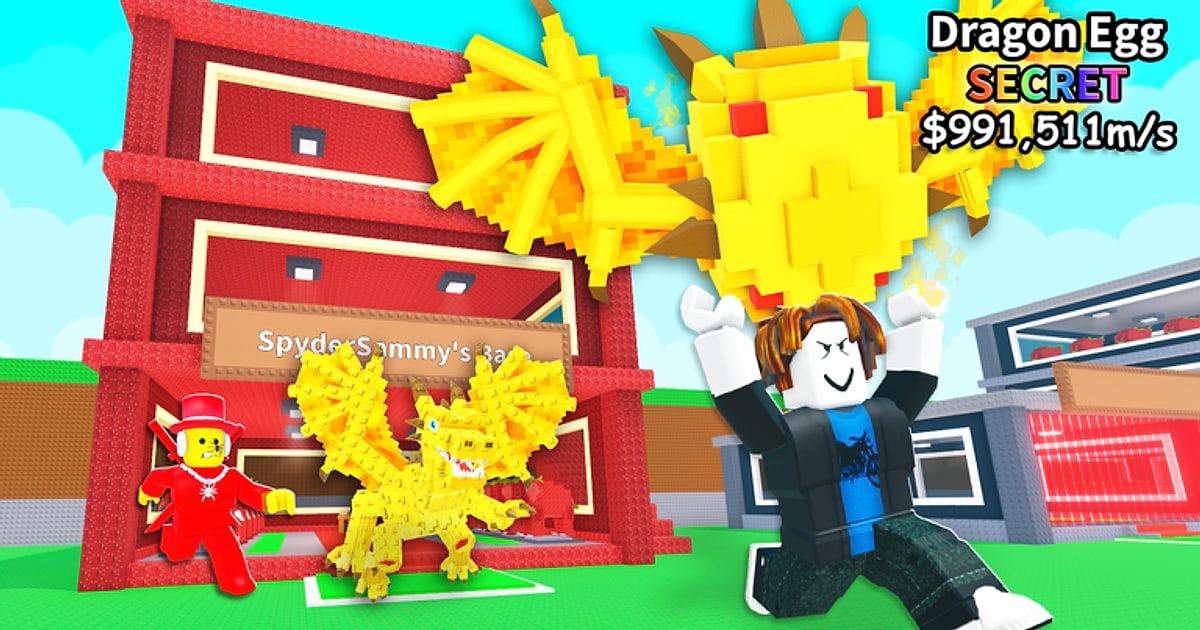
Steal a Brainrot Clips (2026): Record Rare Pickups, Last-Second Steals and Base Defense Comebacks for Shorts
How to record the Steal a Brainrot moments worth keeping, from grabbing a rare brainrot to a last-second steal or a base defense comeback, with sound, and turn them into 9:16 Shorts. The basics of the experience are covered only as far as the creator's official description confirms.
 Recording Guide
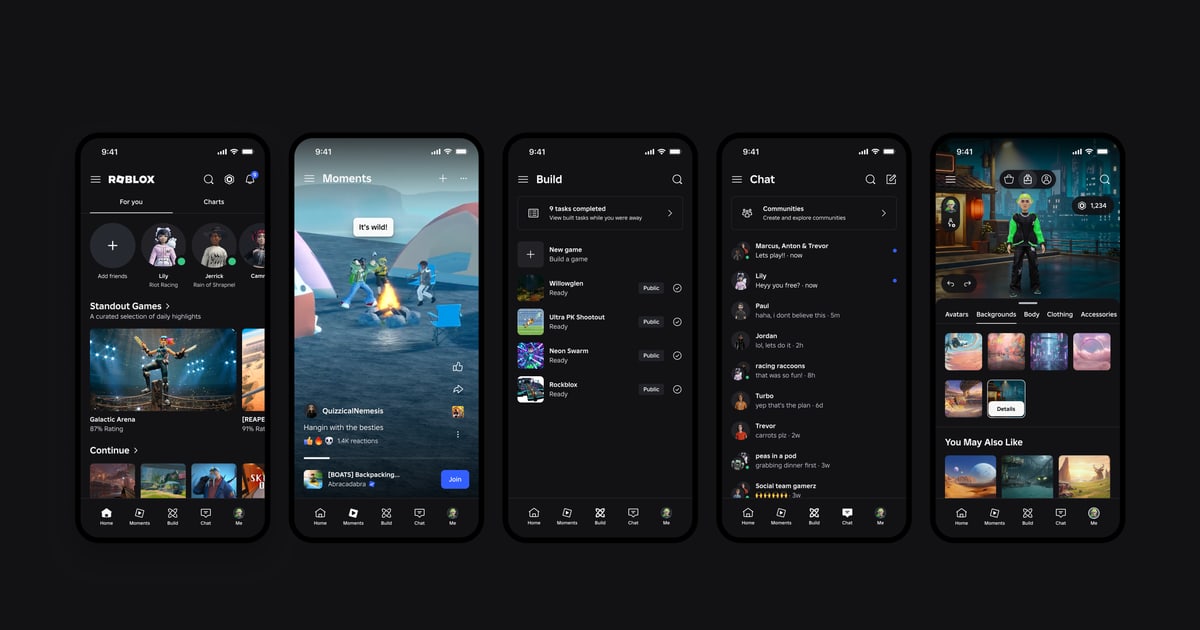
How to Turn Off the Roblox Capture Button (2026): Hide the Right-Side Icon and Stop Screenshots and Video Captures
The capture icon on the right side of a Roblox experience disappears when you select Capture in the top-left menu. Here is how to hide it, stop a recording, delete captures you already took, and what to check on a child's device, based on Roblox's official help articles as of October 14, 2026.
 Guide
The Complete Valorant Crosshair Guide: How to Apply Pro Crosshairs with a Code (2026)
We break down the Valorant crosshair settings menu item by item, then cover recommended default settings, how to apply pro crosshair codes via import/export, and how to pick aim-friendly colors and a dot vs. crosshair, all in one place.
 Recording Guide
Valorant 5-Stack Highlights (2026): How to Put All Five POVs in One Video
What a 5-stack means in Valorant, the Competitive party rules in brief, and how five friends who played a match together can turn their own POVs into one highlight video, with structure ideas plus 9:16 and music settings.
GuideHow to Lower Your Ping in Valorant: A Complete Rundown of Routing, Server, and Network Settings
Here is the surest order for pulling your Valorant ping down into the 30ms range. Just follow it step by step, from a wired connection to clearing the background, router QoS, and locking your regional server.
 Recording Guide
How to Watch Your Friends' VALORANT Replays (2026): What 12.10 Replay Sharing Can and Can't Do
Since VALORANT patch 12.10, you can watch a friend's replays from their Career page. Here is what friend replays can and can't do, how long they last, the Custom game rule, and how to keep your friends' POVs as video.
 Recording Guide
What Is APM in Gaming? Meaning, What a Good APM Is and How to Check It (2026)
APM (actions per minute) is how many inputs you make in a minute, the number people mean by hand speed. Here is where StarCraft: Remastered and StarCraft II show it, published figures with their sources, and how to check APM in games like League of Legends that never show it, as of October 14, 2026.